Design Systems Explained: Shared Styles, Components and Guidance
How do many website pages stay consistent? A design system brings reusable design choices and guidance together.
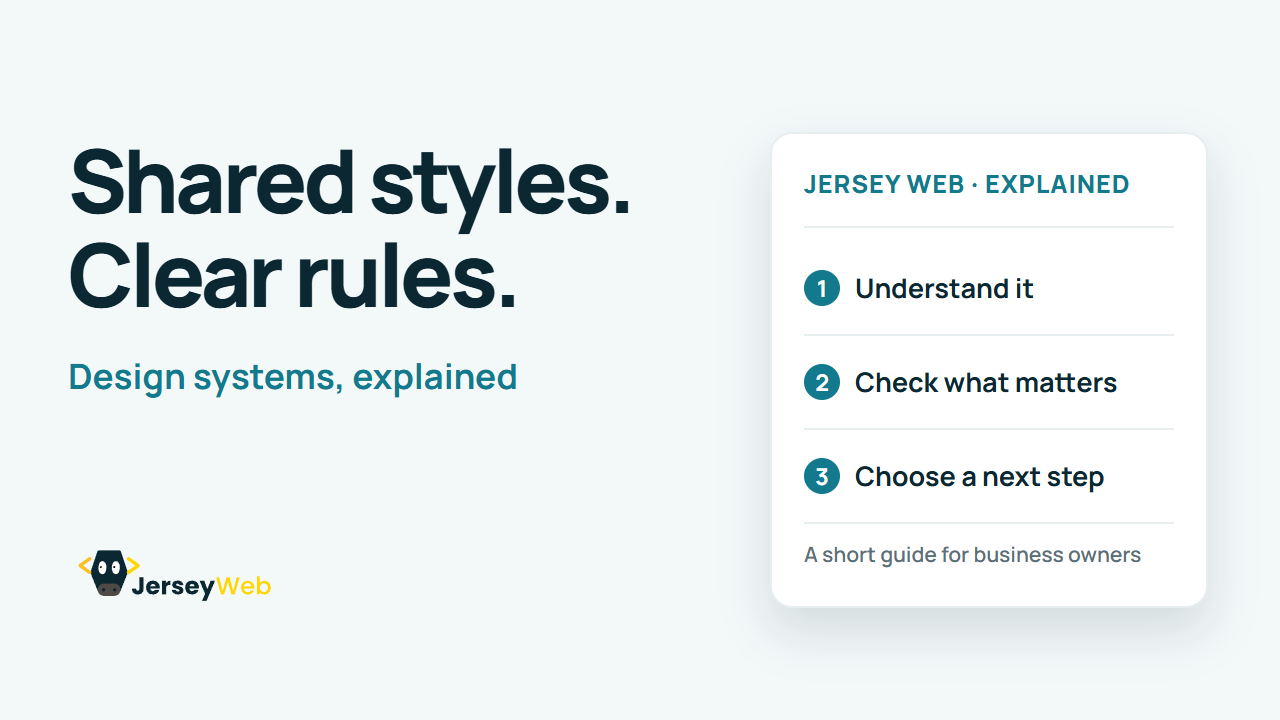
1:47 · No narration: the video shows each step as text on screen, and every step is written out below, with buttons that jump the video to it.
Prefer YouTube? Watch this video on our YouTube channel (opens in a new tab).
The six points in the video
This is a silent video. The headings, explanations and labels below reproduce the information on screen.
-
Step 1: Start with shared styles
Colour, typography and spacing provide a common visual foundation.
On-screen labels: Colour choices; Type styles; Spacing rules.
-
Step 2: Reuse suitable components
Common controls can share implementation and interaction behaviour.
On-screen labels: Buttons and inputs; Reusable controls; Consistent behaviour.
-
Step 3: Use patterns for tasks
Guidance can show how components work together in common situations.
On-screen labels: Related controls; Common task; Documented pattern.
-
Step 4: Read the usage guidance
A component needs context about when and how to use it.
On-screen labels: Purpose; Usage conditions; Implementation notes.
-
Step 5: Test your actual service
A shared component does not remove the need to test your content and journey.
On-screen labels: Real content; Actual user task; Service-level checks.
-
Step 6: Agree who maintains it
Record changes and ownership so shared decisions remain dependable.
On-screen labels: Named owner; Reviewed changes; Current documentation.
A practical check for your business
Identify the shared styles and components the website will maintain. Agree how changes are reviewed and carried into real pages so the system remains useful after the initial design.
Sources and further detail
See it in a diagram
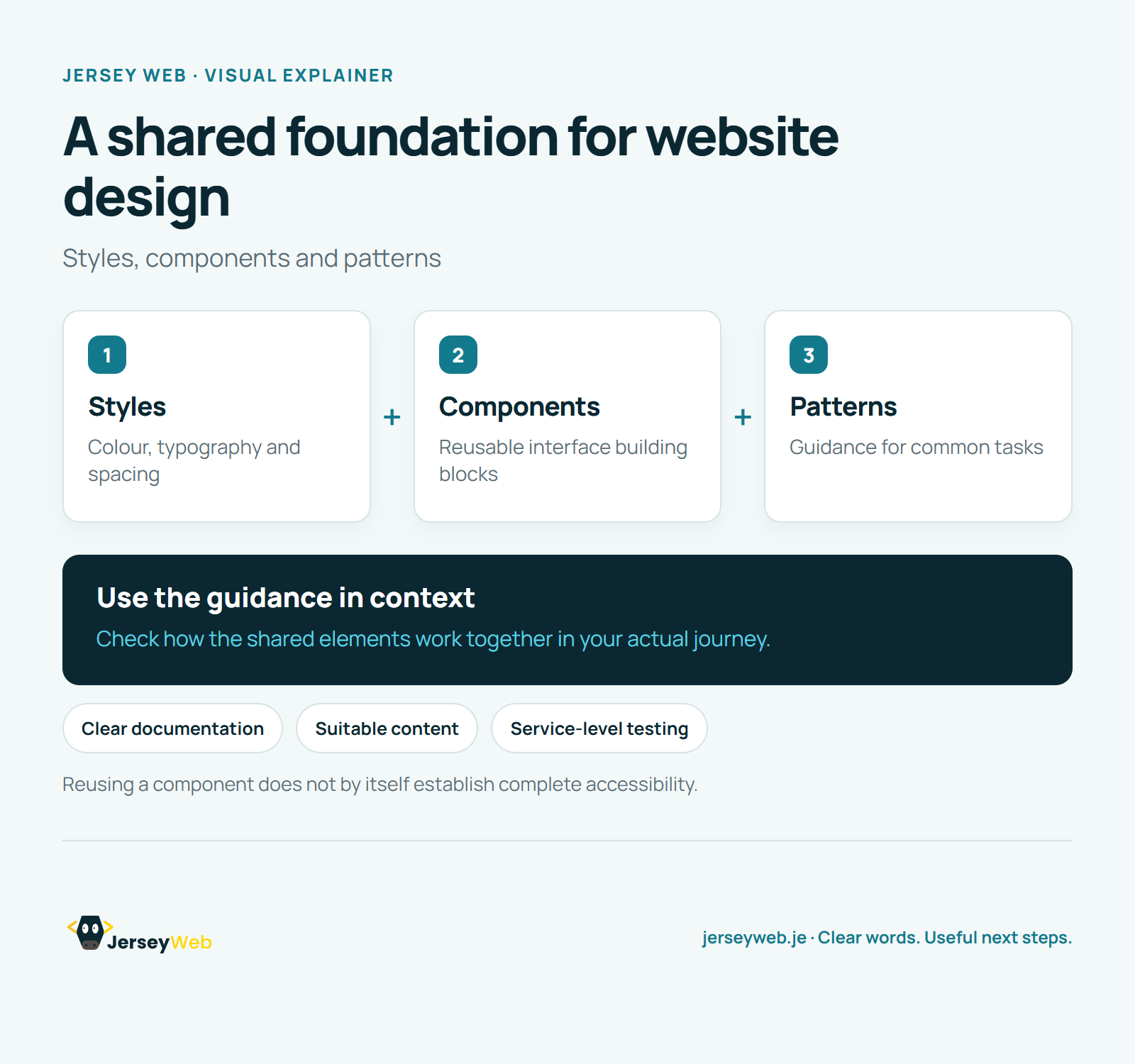
Read the diagram as text
- Styles: Colour, typography and spacing
- Components: Reusable interface building blocks
- Patterns: Guidance for common tasks
Use the guidance in context. Check how the shared elements work together in your actual journey.
Reusing a component does not by itself establish complete accessibility.
Diagram by Jersey Web. Open full size · Source and further detail (opens in a new tab)
Common questions
How do many website pages stay consistent?
A design system brings reusable design choices and guidance together. Keep the system useful, maintained and tested in real journeys.
Go further
More video tips
All 205 videos →
Design Tokens Explained: Named Values That Keep Website Styles Consistent
Design tokens, explained.
UI Components Explained: Reusable Website Controls and Their States
UI components, explained.