Videos for Jersey businesses
205 short videos, each under two minutes. 10 tips on getting found and chosen online, 9 that go with our guides, and 186 practical website checks and jargon explainers.
Many are also on our YouTube channel, @JerseyWebs (opens in a new tab), where a new one goes up most days.
The videos have no narration. Each one shows its steps as text on screen, and every step is written out on the video's page, with extra notes for Jersey.
Tips: get found and chosen
Google Maps, reviews, local search, your homepage, speed, email and photos.
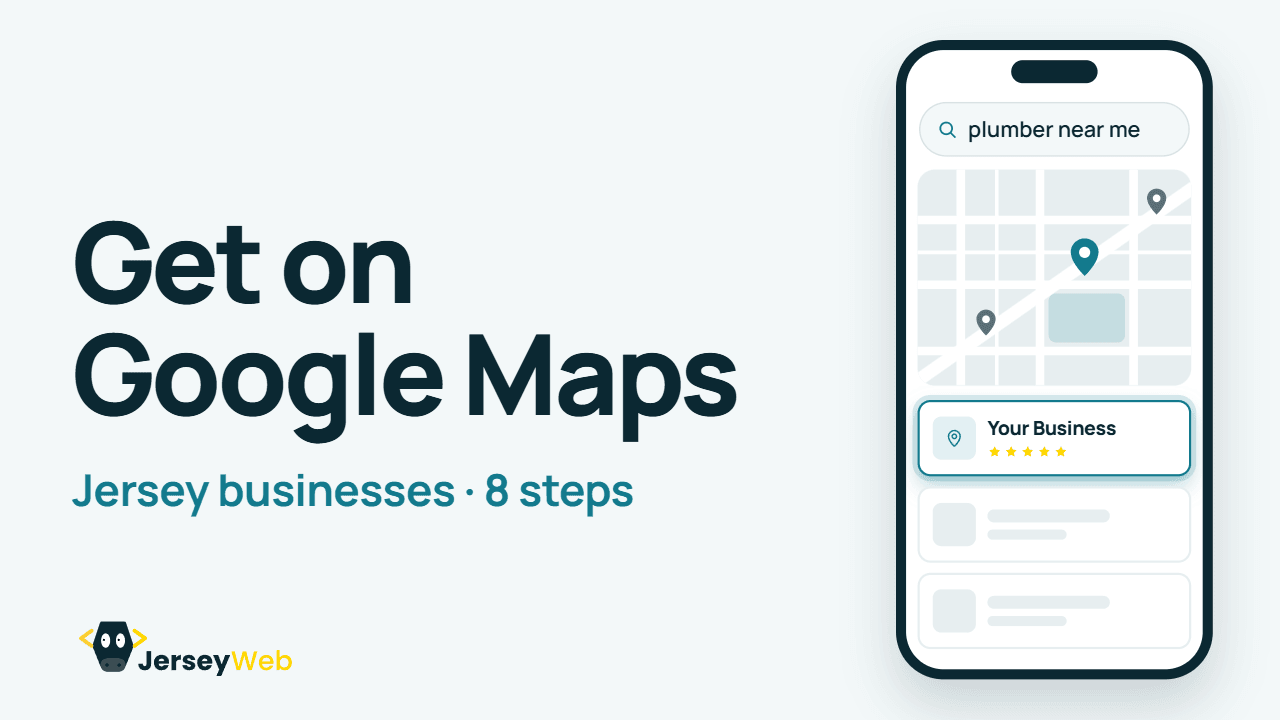
How to get your Jersey business on Google Maps
Set up a free Google Business Profile, so you appear on the map when people nearby search.
Google’s business.site websites have closed: what to do now
Had a free website from Google? Six steps to replace your business.site address with your own.
How to get more Google reviews for your business
Six honest habits that bring in more Google reviews, and how to reply to them.
Why your website needs to work on mobile: 6 quick checks
Six quick checks to make sure your website works for customers on their phones.
What makes a good homepage for a small business
Six things your homepage needs, so visitors know what you do and how to reach you.
How to speed up a slow small business website
Six fixes for a slow website, from smaller photos to better hosting.
Local SEO basics for Jersey businesses, in six steps
Six basics that help you show up when people in Jersey search for what you do.
How to set up a professional business email address
Six steps to an email address at your own domain, like hello@yourbusiness.je.
How to write a good About page for your business
Six tips for an About page that tells people who you are and why to trust you.
Photos that sell your business: 6 tips for better photos
Six habits for better photos of your work, taken on the phone in your pocket.Website checks and jargon explained
Domains, DNS, HTTPS, backups, account security, contact forms, accessibility, calls to action, measurement and website planning.
Domain Name vs Website Hosting: 6 Things to Know
Know what you are paying for.
What Is DNS? A Plain-English Guide for Business Owners
Your website and email routes.
What Does HTTPS Protect? 6 Website Security Basics
Connection security, explained.
Website Backups: 6 Checks Before You Need a Restore
6 website backup checks.
Two-Factor Authentication: 6 Steps for Business Accounts
Protect your business accounts.
How to Test a Website Contact Form: 6 Practical Checks
Follow the whole enquiry.
Website Accessibility: 6 First Checks for Small Businesses
6 useful starting checks.
What Is a Call to Action? 6 Ways to Make the Next Step Clear
Make the next step obvious.
Google Search Console vs Analytics: What Does Each Tell You?
Two tools, different questions.
Website Redirects Explained: 6 Checks When Page URLs Change
Help people reach the right page.
Alt Text Explained: 6 Checks for Useful Image Descriptions
Describe the image’s purpose.
One-Page or Multi-Page Website? 6 Questions for Your Business
Choose the right starting size.
Website Caching Explained: Why You Might See an Old Page
Saved copies, made clear.
What Is a CDN? Website Content Delivery Explained
A shorter delivery route.
JPEG, PNG, WebP or AVIF? Choosing Website Image Formats
Choose for the image.
Responsive Images Explained: Better Photos on Small Screens
Send a suitable image size.
What Is Lazy Loading? Faster Starts Without Missing Images
Lazy loading, explained.
Core Web Vitals Explained: LCP, INP and CLS in Plain English
Loading, response and stability.
Website Page Titles: 6 Checks for Clearer Search Results
Clear titles for useful pages.
Meta Descriptions Explained: Writing a Useful Search Summary
Search snippets, explained.
Canonical URLs Explained: Choosing the Main Version of a Page
Canonical links, explained.
Robots.txt Explained: Crawling Rules and Common Mistakes
Crawling rules, explained.
XML Sitemaps Explained: Helping Search Engines Find Pages
Help important pages be found.
What Does Noindex Mean? Search Visibility Controls Explained
Noindex, made clear.
Structured Data Explained: Helping Search Engines Understand a Page
Extra meaning in the markup.
Duplicate Content Explained: A Practical Website Review
Make the main version clear.
Internal Links Explained: Help Visitors Find the Next Useful Page
Useful links within your site.
404 Errors and Broken Links: 6 Practical Website Checks
Help visitors recover.
What Is a Staging Website? Testing Changes Before Launch
Staging sites, explained.
Website Handover Checklist: Accounts, Access and Maintenance
6 things to collect at handover.
UTM Links Explained: Understand Where Campaign Visits Come From
Campaign labels, explained.
Search Intent Explained: Write Pages That Answer the Real Question
Start with the searcher.
Website FAQ Content: 6 Ways to Give Customers Better Answers
Build a better FAQ section.
Domain Renewal Checklist: Keep Your Business Address in Your Control
Protect your business address.
Password Managers Explained: Stronger Passwords for Business Accounts
Give each account its own.
Passkeys Explained: A Simpler Way to Sign In to Supported Services
A different way to sign in.
What Is an API? How Website Services Connect
APIs, made clear.
Webhooks Explained: When One Service Notifies Another
Webhooks send the update.
What Is a CMS? Editing Your Website Content Explained
Content management, explained.
Static vs Dynamic Websites: What the Terms Actually Mean
Two ways to deliver pages.
HTML Explained: The Structure Behind Your Website
The structure of a web page.
CSS Explained: Colours, Layout and Responsive Website Design
CSS, made clear.
JavaScript Explained: The Behaviour Behind Interactive Websites
JavaScript, made clear.
Frontend vs Backend: Which Part of a Website Does What?
Frontend and backend, explained.
Website Databases Explained: Content, Records and Recovery
Website databases, explained.
Website Cookies Explained: Sessions, Preferences and Tracking
Small pieces of browser data.
Browser Storage Explained: Local Storage and Session Storage
Local and session storage.
Website Software Updates: 6 Checks for a Sensible Maintenance Plan
6 website maintenance checks.
Keyboard Navigation: 6 Practical Website Checks
Try the customer journey.
Visible Focus Explained: Help Keyboard Users See Where They Are
Help keyboard users find it.
Website Colour Contrast: 6 Checks for More Readable Text
Check the actual colour pair.
Website Headings Explained: Give Your Page a Clear Structure
Headings, made useful.
Form Labels Explained: Help People Enter the Right Information
Give form fields useful labels.
Form Error Messages: 6 Ways to Help Visitors Recover
Help people finish the form.
Buttons vs Links: Choose the Right Website Control
Match the control to the job.
Reduced Motion Explained: Make Website Animation More Comfortable
Respect the visitor preference.
Browser Zoom: 6 Checks for a More Readable Website
Check the enlarged page.
Mobile Website Menus: 6 Practical Navigation Checks
Check the small-screen route.
Website Breadcrumbs Explained: Show Where a Page Belongs
Breadcrumb navigation, explained.
Website Download Links: 6 Checks Before Sharing a File
Make file links clear.
SVG Images Explained: Sharp Logos and Icons at Different Sizes
SVG graphics, explained.
What Is a Favicon? A Small Website Branding Detail Explained
The favicon in the browser tab.
HTTP Status Codes Explained: What 200, 301, 404 and 500 Mean
The server response, explained.
Website Uptime Monitoring: 6 Questions Before You Need an Alert
Website availability checks.
Latency vs Bandwidth: Two Reasons a Website Can Feel Slow
Two different speed factors.
HTTP Compression Explained: Sending Website Text in Fewer Bytes
Website compression, explained.
What Is Minification? Smaller Website Code Explained
Minification, made clear.
Image Aspect Ratios and Cropping: Keep the Important Subject Visible
Match the image to the space.
Bits and Bytes Explained: MB, Mb and Download Speeds
File sizes and transfer rates.
What Is a Viewport? The Browser Space Your Website Can Use
Viewport, explained.
Responsive Breakpoints Explained: When a Website Layout Changes
Breakpoints, explained.
Third-Party Website Widgets: 6 Checks Before Adding Another One
Review the services you embed.
SPF Explained: Which Servers Can Send Email for Your Domain?
SPF email authentication.
DKIM Explained: The Digital Signature Behind Business Email
DKIM, made clear.
DMARC Explained: Email Alignment, Reports and Domain Policy
DMARC, explained.
Why Did My Business Email Bounce? 6 Useful Checks
Make sense of delivery failures.
Business Email Going to Spam? 6 Things to Review
Business email delivery checks.
Email Forwarding vs a Mailbox: 6 Questions for Your Business
Know what your email includes.
Authentication vs Authorisation: Identity and Permissions Explained
Two different access checks.
Least Privilege Explained: Give Website Users the Access They Need
Least privilege, explained.
Business Account Recovery: 6 Checks Before You Lose Access
Protect business account access.
Website Access Offboarding: 6 Checks When Someone Leaves a Project
A practical website access review.
A Website Change Log: 6 Details Worth Recording After an Update
Make website maintenance clearer.
How to Report a Website Problem: 6 Details That Help Support
Help support reproduce the issue.
Git vs GitHub: Version Control and Collaboration Explained
Version control and collaboration.
What Is a Code Repository? A Website Handover Term Explained
A repository, explained.
What Is a Git Commit? A Saved Point in Your Website Code History
Git commits, explained.
Git Branches Explained: A Separate Line of Website Development
Keep proposed code changes clear.
What Is a Pull Request? How Website Code Changes Get Reviewed
Pull requests, explained.
Website Deployment Explained: From Project Files to a Running Site
Publishing website code changes.
Website Rollbacks Explained: Returning to an Earlier Deployed Version
Understand the rollback plan.
Environment Variables Explained: Settings Outside Your Website Code
Environment variables, explained.
API Keys Explained: Scope, Restrictions and Safer Website Integration
A service credential, explained.
Software Dependencies Explained: The Other Code Your Website Uses
Dependencies, explained.
What Is a Package Manager? Installing and Tracking Website Dependencies
Package managers, explained.
Semantic Versioning Explained: Major, Minor and Patch Releases
Read the software version.
Crawling vs Indexing: How a Page Can Reach Google Search Results
The stages of Google Search.
What Is a SERP? Search Engine Results Pages Explained
Search results, explained.
Search Impressions, Clicks and CTR Explained with a Simple Example
Search impressions and CTR.
Average Search Position Explained: Why One Ranking Number Needs Context
Read search rankings in context.
Organic vs Paid Search: Two Ways a Business Can Appear in Search
Know the search traffic source.
Website Users vs Sessions: Why the Analytics Counts Are Different
Read the analytics measure.
Analytics Events Explained: Measuring Actions on a Website
Analytics events, explained.
GA4 Key Events Explained: Marking the Actions That Matter to Your Business
GA4 key events, explained.
Referral Traffic Explained: Website Visits from Other Websites
Referral traffic, explained.
GA4 Engagement Rate and Bounce Rate Explained
Read GA4 session measures.
Website Conversion Rates Explained: Define the Action and the Total
A rate needs a clear denominator.
Direct Traffic in Analytics: Why It Does Not Always Mean a Typed Address
The source may be unknown.
Website Subdomains Explained: Names Such as Shop, Blog and WWW
Subdomains, explained.
DNS Nameservers Explained: Who Holds the Authoritative Records?
Nameservers, explained.
DNS A and AAAA Records Explained: IPv4 and IPv6 Website Addresses
Connect a name to an IP address.
DNS CNAME Records Explained: An Alias for Another Hostname
CNAME aliases, explained.
DNS MX Records Explained: Routing Incoming Business Email
MX records, explained.
DNS TXT Records Explained: Verification and Email Authentication
TXT records, explained.
DNS TTL Explained: How Long a DNS Answer Can Be Cached
Time to live, explained.
DNS Propagation Explained: Why Different Lookups Can Show Different Answers
Understand the update journey.
IP Addresses Explained: Network Addresses Behind Website Names
IP addresses, explained.
Localhost Explained: Why a Website Preview May Only Work on Your Computer
Localhost previews, explained.
Network Ports Explained: The Number After a Website Hostname
Network ports, explained.
Parts of a Website URL Explained: Scheme, Host, Path, Query and Fragment
URL parts, explained.
Screen Readers Explained: How Website Structure Helps People Navigate
Screen readers, explained.
Semantic HTML Explained: Give Website Content the Right Meaning
Semantic HTML, explained.
Accessible Names Explained: Help Software Identify Website Controls
Accessible names, explained.
Skip Links Explained: Help Keyboard Users Reach the Main Content
A shortcut through repeated blocks.
Website Touch Targets: Size and Spacing Checks for Easier Tapping
Check the actual target area.
Descriptive Website Link Text: Help Visitors Choose the Right Destination
Give the link a useful purpose.
Website Accordions Explained: Expandable Sections That Visitors Can Use
Accordions, explained.
Website Tabs Explained: Switching Between Related Content Panels
Tabbed interfaces, explained.
Modal Dialogs Explained: Focus, Closing and Returning to the Page
Modal dialogs, explained.
Website Tooltips Explained: Helpful Hints Without Hidden Instructions
Tooltips and hover content.
Website Pagination Explained: Help Visitors and Crawlers Reach More Pages
Pagination, explained.
Website Status Messages Explained: Loading, Success and Result Feedback
Useful feedback after an action.
Website Wireframes Explained: Plan the Content Before the Visual Design
Wireframes, explained.
Website Prototypes Explained: Test an Idea Before Building the Service
Prototypes, explained.
Design Systems Explained: Shared Styles, Components and Guidance
Design systems, explained.
Design Tokens Explained: Named Values That Keep Website Styles Consistent
Design tokens, explained.
UI Components Explained: Reusable Website Controls and Their States
UI components, explained.
Customer Journey Maps: Understand the Steps Around a Website Visit
Map the whole customer journey.
Website Usability Testing: Learn by Watching People Attempt Real Tasks
Watch the website in use.
Information Architecture Explained: Organise Website Content Around Real Needs
Information architecture, explained.
Website Content Audit: Decide What to Keep, Improve or Remove
A practical content-audit checklist.
UI and UX Explained: How the Interface Fits into the Customer Experience
UI and UX, explained.
User Stories Explained: Connect Website Work to a Real User Goal
User stories, explained.
Acceptance Criteria Explained: Agree How to Check Website Work Is Done
Acceptance criteria, explained.
HTTP Requests and Responses Explained: What Happens When a Website Loads
HTTP requests and responses.
GET and POST Explained: Two Common HTTP Request Methods
GET and POST, explained.
JSON Explained: A Common Format for Exchanging Website Data
JSON, explained.
HTTP Headers Explained: Information Sent Alongside Website Requests and Responses
HTTP headers, explained.
CORS Explained: Browser Rules for Reading Responses from Another Origin
CORS, explained.
URL Percent Encoding Explained: Why Website Addresses Can Contain %20
URL encoding, explained.
Restaurant Website Checklist: Help Guests Choose, Find and Book You
Restaurant and café website checks.
Charity and Club Website Checklist: Help People Join In and Find Support
Charity and club website checks.
Landing Pages Explained: Six Checks for a Focused Business Offer
Landing pages, explained.
Estate Agent Website Checklist: Help Visitors Find and Enquire About Property
Estate agent website checks.
Fitness Website Checklist: Help New Visitors Choose a Class or Trainer
Gym and trainer website checks.
Holiday Let Website Checklist: Help Guests Plan and Enquire About a Stay
Holiday let website checks.
Website Brand Refresh Checklist: Keep the Details Consistent After a Redesign
Brand refresh website checks.
A/B Testing Explained: Compare Website Variations Against a Clear Goal
A/B testing, explained.
CRM Explained: Organise Customer Records, Enquiries and Follow-Up Tasks
CRM, explained.
API Endpoints Explained: Where a Software Request Is Sent
API endpoints, explained.
API Rate Limiting Explained: What a 429 Response Means
Rate limiting, explained.
Website Input Validation Explained: Browser Checks and Server Checks
Input validation, explained.
Shopping Carts Explained: Items, Quantities and the Route to Checkout
Shopping carts, explained.
Online Checkout Explained: Review the Complete Customer Order Journey
Online checkout, explained.
Payment Gateways Explained: The Connection Between Checkout and Payment Processing
Payment gateways, explained.
Product SKUs Explained: Internal Codes for Stock and Product Variants
SKUs, explained.
Product Variants Explained: Sizes, Colours and the Exact Item Ordered
Product variants, explained.
Online Shop Inventory Explained: Available, Committed and Incoming Stock
Inventory tracking, explained.
Order Fulfilment Explained: From an Online Order to the Customer Delivery
Order fulfilment, explained.
Shipping Profiles Explained: Product Groups, Locations and Delivery Rates
Shipping profiles, explained.
Guest Checkout Explained: Buying Without Creating a Store Account
Guest checkout, explained.
Product Data Feeds Explained: Keep Shopping Listings and Website Details Consistent
Product feeds, explained.
Google Business Profile Ownership: Check Who Controls Your Business Listing
Google Business Profile ownership.
Google Business Profile Categories: Describe What Your Business Actually Does
Google Business categories.
CSV Files Explained: Rows, Fields and a Reliable Import
CSV files, explained.
XML Explained: Tagged Information and Agreed Data Formats
XML files, explained.
Markdown Explained: Headings, Lists and Links in Plain Text
Markdown, explained.
MIME Types Explained: How a Website Identifies the Content It Sends
MIME types, explained.
File Archives Explained: Packaging, Compression and the Files Inside
File archives, explained.
Character Encoding Explained: Why Text Can Display Incorrectly
Character encoding, explained.
Unicode Explained: A Shared Character Set for Names, Languages and Symbols
Unicode, explained.
UTF-8 Explained: Unicode Text, Bytes and Consistent Encoding
UTF-8, explained.
Video Codecs Explained: The Encoded Picture Inside a Media File
Video codecs, explained.
Video Bitrate Explained: Data Rate, Picture Quality and Playback
Video bitrate, explained.
WebVTT Explained: Timed Text Tracks for Website Video
WebVTT captions, explained.
Audio Description Explained: Making Important Visual Information Available in Audio
Audio description, explained.Guides: plan, price and set up
Each of these goes with one of our guides: costs, pricing, legal basics, selling online, starting up, grants, choosing a designer and regulated firms.
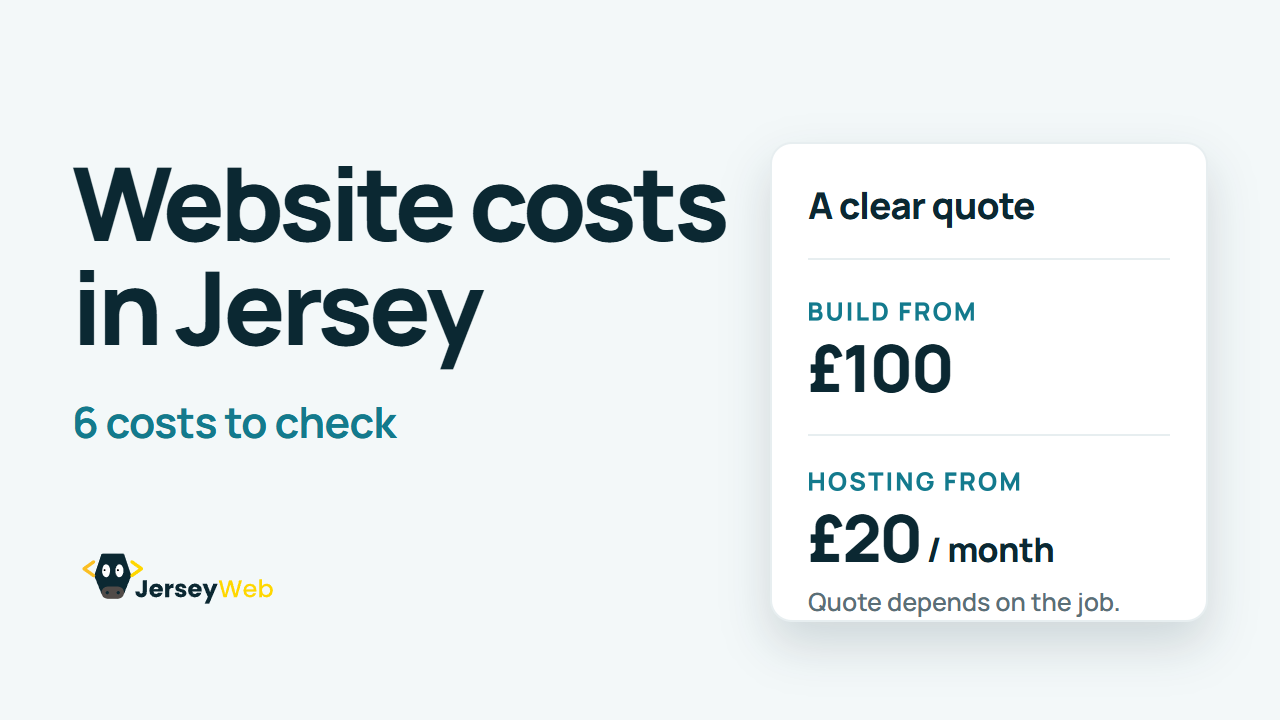
What does a website cost in Jersey? 6 costs to check
Six costs to check before you pay for a website, from the build to the domain.
Does your Jersey business need a website? 6 signs to check
Six signs that tell you whether your business needs a website yet, or can wait.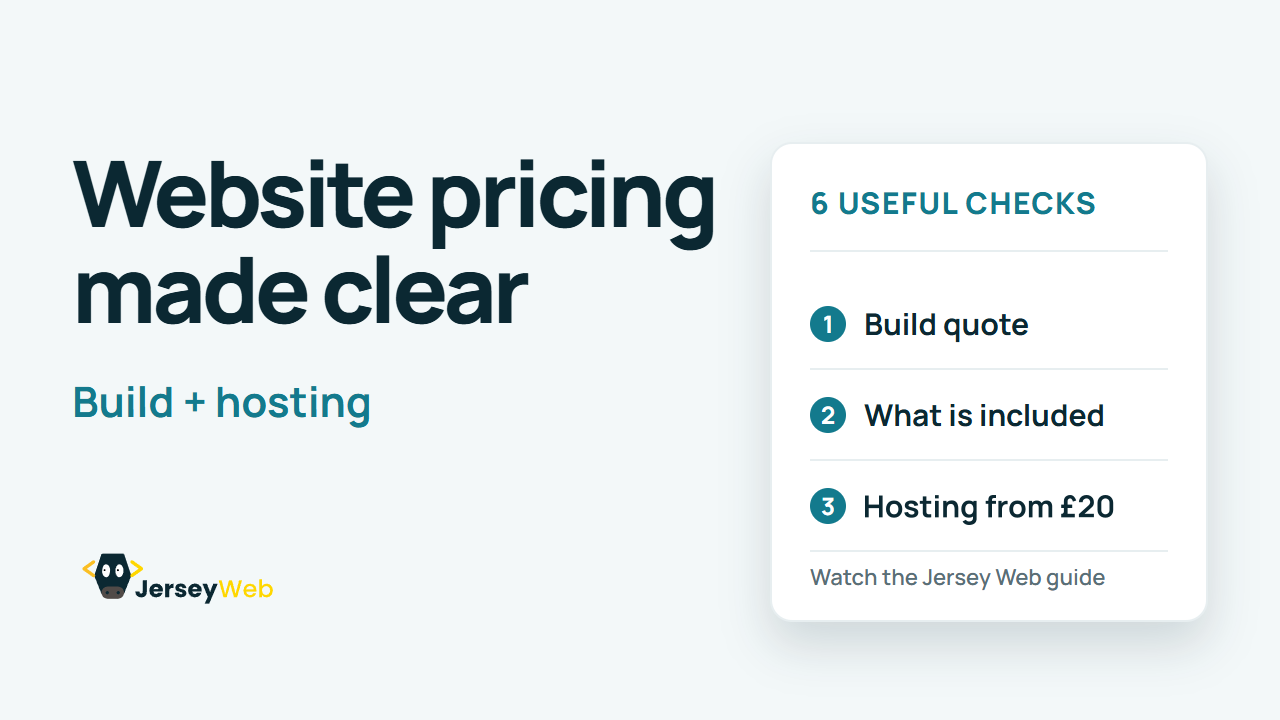
How Jersey Web pricing works: build, hosting and what you own
Our two prices explained: the build, hosting from £20 a month, and what you own.
Website legal basics for Jersey businesses: six checks
Six checks so your website gives visitors the information Jersey law expects.
Selling online from Jersey: six checks before your shop goes live
Six checks for a Jersey online shop that sells to islanders and to the UK.
Starting a business in Jersey: from registration to website
Six stages from business idea to first website, in the order Jersey needs them.
Website grants in Jersey: 6 checks before you apply
Hoping a grant will pay for your website? Six things to check before you budget for it.
How to choose a web designer in Jersey: 6 questions
Six questions to ask any web designer before you sign, so you can compare quotes like for like.