Why your website needs to work on mobile: 6 quick checks
Most people will find your business on their phone, and if your site is hard to use there, they’ll go elsewhere. These six checks take a few minutes with the phone in your pocket.
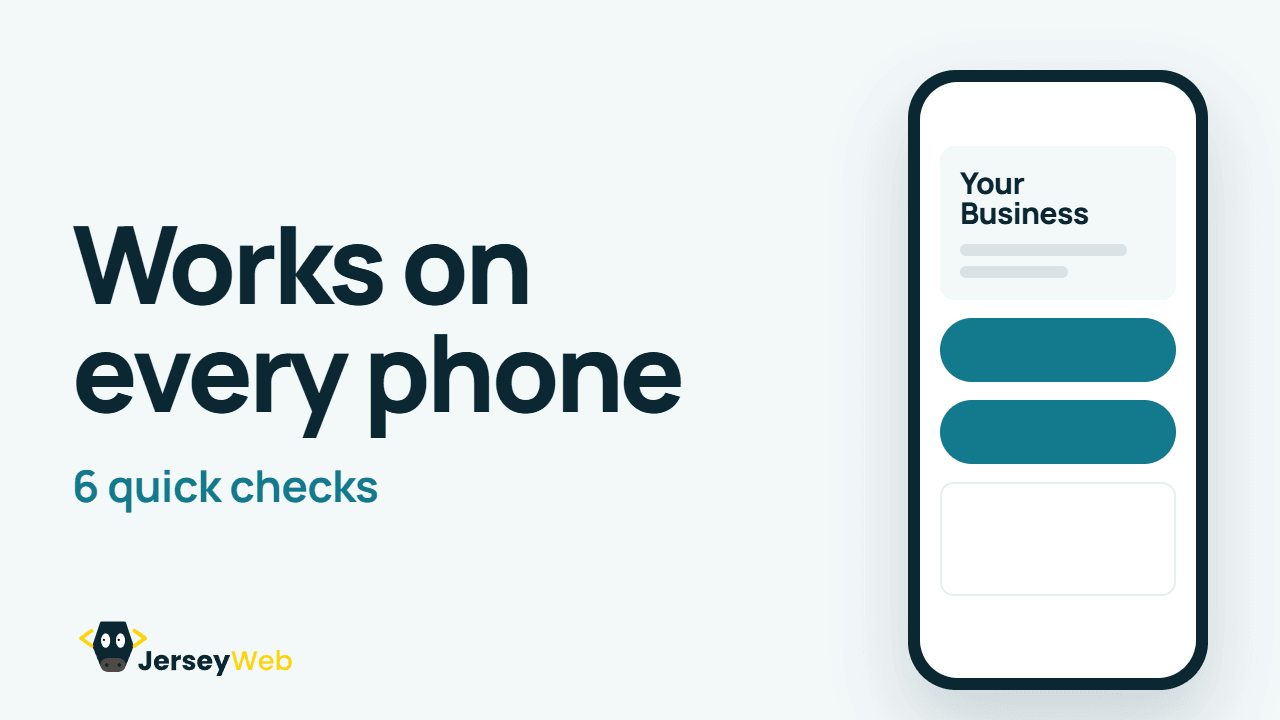
1:47 · No narration: the video shows each step as text on screen, and every step is written out below, with buttons that jump the video to it.
Prefer YouTube? Watch this video on our YouTube channel (opens in a new tab).
The 6 checks in the video
The video opens with the point behind every check: most people will find your business on their phone, and if your site is hard to use there, they’ll go elsewhere.
-
Step 1: Text you can read
If people have to pinch and zoom, the text is too small.
Body text of about 16 pixels, dark on a light background, reads comfortably on most phones. That’s a common convention rather than a rule, so judge it on your own screen.
The page also needs a viewport tag in its code, which tells phones to fit the page to the screen instead of showing a shrunken desktop layout. Don’t switch off pinch-to-zoom: some visitors rely on it.
-
Step 2: Buttons big enough to tap
Leave space around links and buttons, so thumbs hit the right one.
Aim for buttons about 44 to 48 pixels tall, with a little space between them. The accessibility standard WCAG 2.2 sets 24 by 24 pixels (opens in a new tab) as the minimum, and Apple’s design guidelines suggest 44 points.
-
Step 3: Tap to call
Make your phone number a button that rings you straight away.
A phone number set up as a call link opens the dialler with one tap. Write it in international form, +44 1534 for a Jersey landline, so it works from any phone, and show the number as text too, because computers handle call links in different ways.
-
Step 4: Pages that load quickly
Shrink big photos and remove anything you don’t need.
Phones are often on mobile data, so heavy pages hurt most there. Our video on speeding up a slow website has six fixes.
-
Step 5: No annoying pop-ups
Pop-ups that cover the page make people leave.
A newsletter box or offer that fills the screen as the page opens hides what the visitor came for. Google’s guidance on intrusive pop-ups (opens in a new tab) says they frustrate people and can hurt how a page does in search, and suggests a small banner instead.
-
Step 6: Test it on a real phone
Check every page yourself, and ask a friend to try it too.
Go through every page on your own phone: read it, tap each button and send yourself a message through the form. Then ask someone with a different phone to do the same.
For an outside view, run your homepage through Google’s free PageSpeed Insights (opens in a new tab), which tests the mobile version by default. Google retired its old Mobile-Friendly Test in December 2023.
Why Google looks at the mobile version
Google now indexes the web using the mobile version of each page (opens in a new tab). If something only appears on your desktop layout, or needs a tap to show, Google may never see it. Google recommends a responsive design, one site that adapts to every screen, as the easiest to keep right.
Mobile and accessibility go together
Readable text, big buttons and strong contrast help every visitor, including people with poor eyesight or unsteady hands. Our guide to website accessibility for Jersey businesses explains what the Discrimination (Jersey) Law means for your site.
Common questions
How do I check if my website is mobile friendly?
Go through every page on your own phone: read it, tap each button and send yourself a message through the form. Ask someone with a different phone to do the same, then run your homepage through Google’s free PageSpeed Insights, which tests the mobile version by default.
Does Google still have a Mobile-Friendly Test?
No. Google retired its Mobile-Friendly Test in December 2023. PageSpeed Insights is the free tool to use now.
Does a mobile-friendly website help with Google?
Yes. Google indexes the web using the mobile version of each page, so anything that only appears on your desktop layout may never be seen. Google also says pop-ups that cover the page can hurt how it does in search.
How big should text be on a mobile website?
Body text of about 16 pixels, dark on a light background, reads comfortably on most phones. That’s a common convention rather than a rule, so judge it on your own screen, and don’t switch off pinch-to-zoom.
How big should buttons be on a phone?
Aim for about 44 to 48 pixels tall, with a little space between them. The accessibility standard WCAG 2.2 sets 24 by 24 pixels as the minimum, and Apple’s design guidelines suggest 44 points.
How should I show my phone number on a mobile website?
As a tap-to-call link in international form, starting +44 1534 for a Jersey landline, so it works from any phone. Show the number as text too, because computers handle call links in different ways.
Go further
More video tips
All 205 videos →
What makes a good homepage for a small business
Six things your homepage needs, so visitors know what you do and how to reach you.
How to speed up a slow small business website
Six fixes for a slow website, from smaller photos to better hosting.