Shipping Profiles Explained: Product Groups, Locations and Delivery Rates
Why can two products need different delivery rules? A shipping profile groups shipping rules for particular products and fulfilment locations.
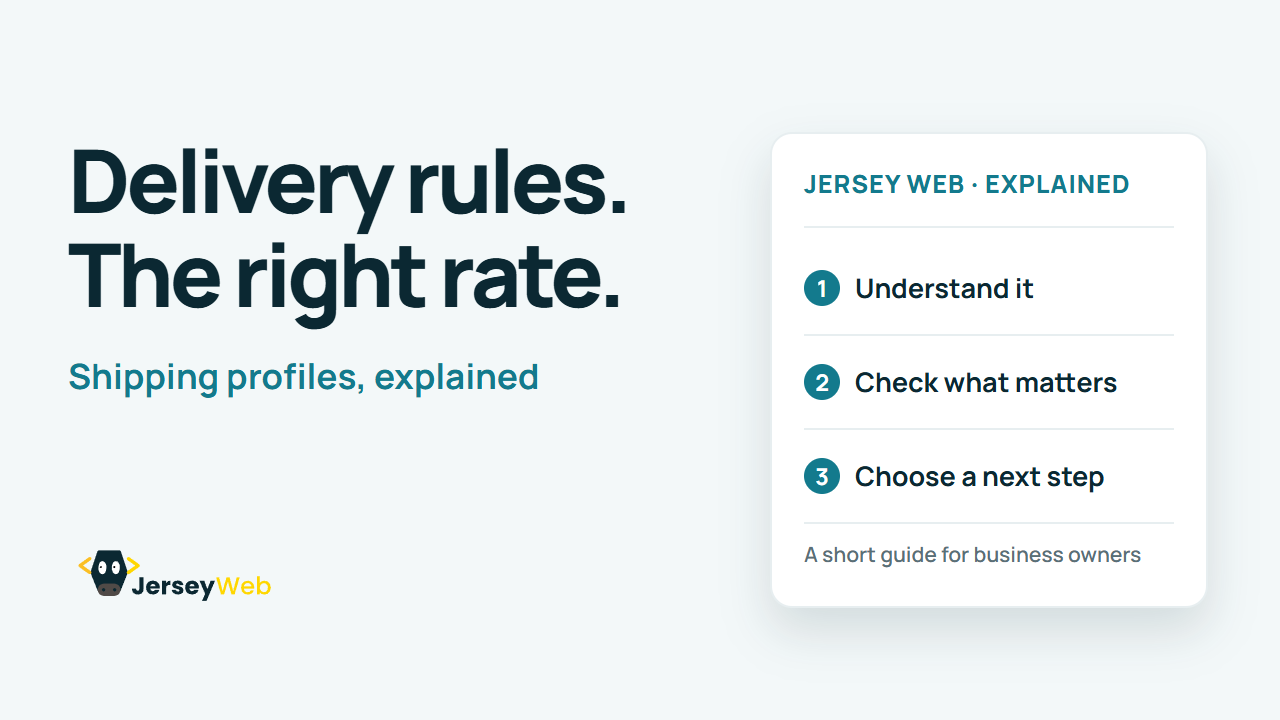
1:47 · No narration: the video shows each step as text on screen, and every step is written out below, with buttons that jump the video to it.
Prefer YouTube? Watch this video on our YouTube channel (opens in a new tab).
The six points in the video
This is a silent video. The headings, explanations and labels below reproduce the information on screen.
-
Step 1: Identify the product group
Check which products the intended rules apply to.
On-screen labels: Relevant products; Assigned group; Correct profile.
-
Step 2: Review the fulfilment location
The place supplying an item can affect the applicable rules.
On-screen labels: Supplying location; Relevant stock; Dispatch origin.
-
Step 3: Check the destination
A delivery zone or market can determine which options apply.
On-screen labels: Customer destination; Supported area; Applicable options.
-
Step 4: Review the delivery rate
Make sure the configured rate represents the intended option.
On-screen labels: Relevant rate; Defined conditions; Clear checkout amount.
-
Step 5: Try a mixed basket
Items with different rules can affect the resulting delivery options or total.
On-screen labels: Different product groups; Combined basket; Resulting options.
-
Step 6: Confirm the current platform setup
Names and behaviour can change as the store platform updates.
On-screen labels: Current settings; Provider guidance; Real checkout test.
A practical check for your business
Try a representative product, a mixed basket and the destinations the store supports. Review the current platform configuration and the delivery choices actually shown at checkout before changing live rules.
Sources and further detail
Common questions
Why can two products need different delivery rules?
A shipping profile groups shipping rules for particular products and fulfilment locations. Test representative baskets and destinations in the actual store configuration.
Go further
More video tips
All 205 videos →
Guest Checkout Explained: Buying Without Creating a Store Account
Guest checkout, explained.
Product Data Feeds Explained: Keep Shopping Listings and Website Details Consistent
Product feeds, explained.