Guest Checkout Explained: Buying Without Creating a Store Account
Must every online customer create a store account? Guest checkout lets a customer complete an order without a required account sign-in.
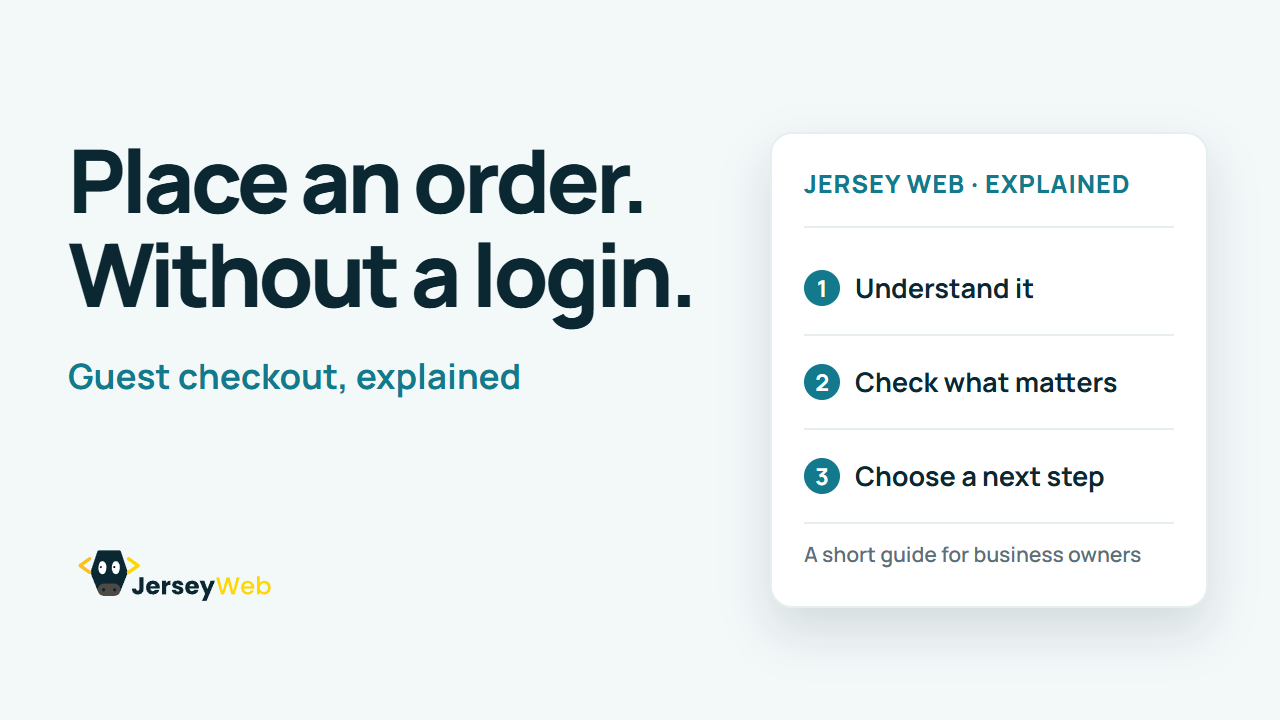
1:47 · No narration: the video shows each step as text on screen, and every step is written out below, with buttons that jump the video to it.
Prefer YouTube? Watch this video on our YouTube channel (opens in a new tab).
The six points in the video
This is a silent video. The headings, explanations and labels below reproduce the information on screen.
-
Step 1: Find the guest route
A new customer should understand the choices the store offers.
On-screen labels: New customer; Clear choice; Recognisable route.
-
Step 2: Check the sign-in requirement
Confirm whether creating or using an account is actually required.
On-screen labels: Account option; Guest option; Actual requirement.
-
Step 3: Collect the order details
The business still needs the information required to supply the order.
On-screen labels: Contact details; Delivery information; Relevant order data.
-
Step 4: Explain optional account features
Distinguish optional saved details from the action needed to buy.
On-screen labels: Optional account; Saved information; Clear choice.
-
Step 5: Review the confirmation
A customer without a login still needs a useful record of the order.
On-screen labels: Order reference; Customer confirmation; Contact route.
-
Step 6: Test later support
Check how the guest can ask about an order or receive an update.
On-screen labels: Order identification; Useful help route; Relevant update.
A practical check for your business
Complete the order as a customer without an existing login. Review the required details, optional account choices and the later route for finding the order or asking for support.
Sources and further detail
Common questions
Must every online customer create a store account?
Guest checkout lets a customer complete an order without a required account sign-in. Test the full order and follow-up route without using an existing store login.
Go further
More video tips
All 205 videos →
Product Data Feeds Explained: Keep Shopping Listings and Website Details Consistent
Product feeds, explained.
Google Business Profile Ownership: Check Who Controls Your Business Listing
Google Business Profile ownership.