Google Business Profile Ownership: Check Who Controls Your Business Listing
Can your business access the Google profile customers rely on? Profile ownership and management access need to remain available to the business.
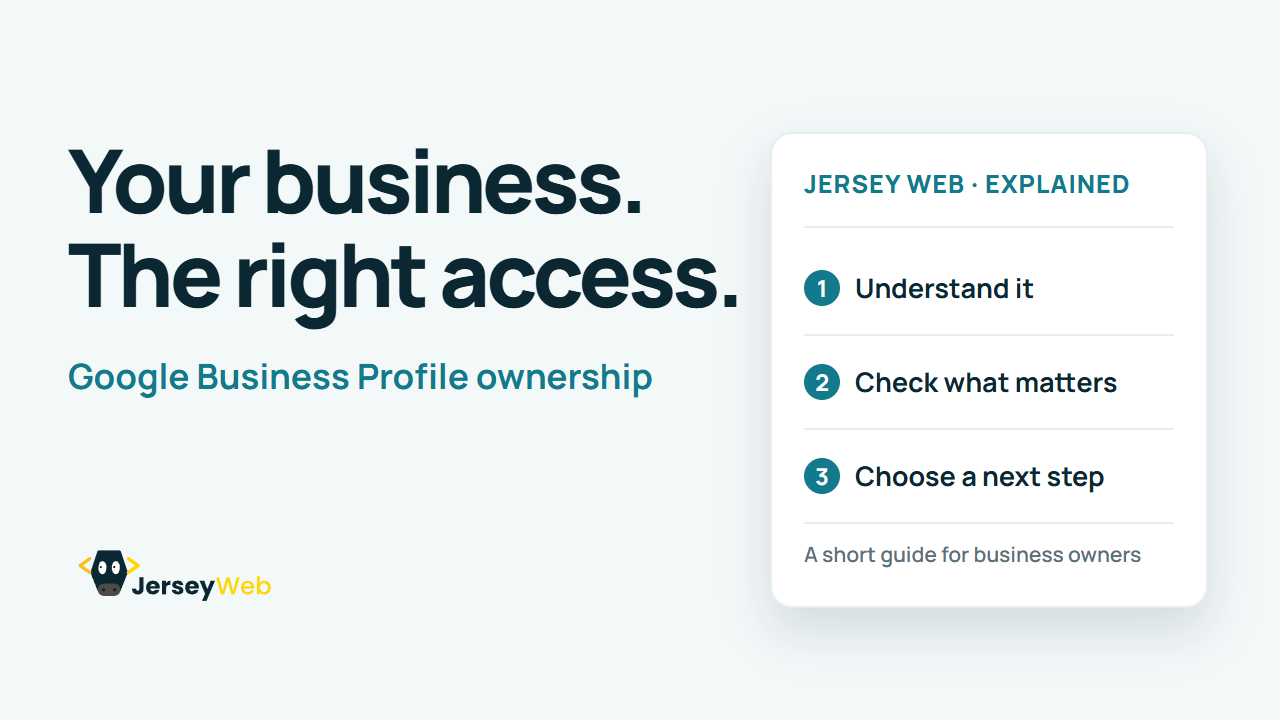
1:47 · No narration: the video shows each step as text on screen, and every step is written out below, with buttons that jump the video to it.
Prefer YouTube? Watch this video on our YouTube channel (opens in a new tab).
The six points in the video
This is a silent video. The headings, explanations and labels below reproduce the information on screen.
-
Step 1: Find the existing profile
Start with the listing that actually represents the business.
On-screen labels: Business name; Correct location; Existing profile.
-
Step 2: Check current access
Review which business account can manage that profile.
On-screen labels: Business account; Management access; Correct profile.
-
Step 3: Identify the responsible owner
The business should know who currently controls the profile.
On-screen labels: Current owner; Business responsibility; Appropriate access.
-
Step 4: Use the ownership request route
If someone else owns the verified profile, follow the official process.
On-screen labels: Ownership request; Provider instructions; Accurate details.
-
Step 5: Avoid a duplicate workaround
Review access to the real profile before creating another listing.
On-screen labels: Existing listing; Access problem; Official recovery route.
-
Step 6: Keep recovery information useful
Record the responsible account and maintain an appropriate recovery route.
On-screen labels: Business-controlled account; Recovery route; Maintained access.
A practical check for your business
Identify the real business listing and the account that can manage it. Keep ownership and recovery arrangements available to the business, and use the official access process when the current owner is someone else.
Sources and further detail
Common questions
Can your business access the Google profile customers rely on?
Profile ownership and management access need to remain available to the business. Use the official ownership or support process and keep the business recovery route current.
Go further
More video tips
All 205 videos →
Google Business Profile Categories: Describe What Your Business Actually Does
Google Business categories.
CSV Files Explained: Rows, Fields and a Reliable Import
CSV files, explained.