Watch a related explainer
In plain English
Checkout is the part of an online shop where a customer turns selected items into an order. It handles the information and decisions needed to proceed: contact details, relevant delivery arrangements, payment and confirmation. A physical parcel and a downloadable product may need different information. The actual shop determines the sequence and available choices.
Shopify’s checkout introduction illustrates this responsibility in one platform. The concept is broader than a particular provider. A basket button, contact form or payment link may contribute to an ordering journey, but the business still needs a coherent process connecting the customer’s selection with the order staff receive.
A successful journey is understandable at each stage. The customer should know which version of an item they chose, the quantity, the total and the available supply arrangement. When a decision cannot be accepted, useful feedback should explain how to continue. Review the actual wording and results with realistic scenarios.
Why it matters for a Jersey business
A local retailer may offer collection, island delivery and shipping to selected overseas destinations. Those arrangements need clear eligibility and accurate instructions. The shipping-rate guidance shows how destination and configured conditions can affect the offered choices. Generic settings do not establish the business’s actual postage, customs or tax arrangement.
Checkout also determines what staff can act on. An unclear product selection, missing delivery instruction or misleading payment message can create extra work. Identify which information is necessary for supplying the order and explain why relevant fields are needed. Account creation and marketing preferences deserve clear treatment within the business’s actual customer and data arrangements.
A realistic Jersey example
Imagine a Jersey gift shop selling a mug in two colours and offering collection. This is a hypothetical example. A customer chooses the navy mug, confirms one item and selects collection. The checkout explains the collection location and what happens after ordering. The received order identifies the selected version so staff can prepare the right item.
The shop checks an unsuccessful payment attempt as well as a completed one. It reviews the resulting customer message, order state and staff instructions. An initial acknowledgement is worded differently from a ready-for-collection notice. These checks establish the intended journey for this example without claiming that every payment method follows the same sequence.
Practical checkout checks
Start with representative baskets. Include a single item, multiple items and the product variants the shop actually sells. Review any quantity limits or unavailable combinations. Confirm that the selected items remain recognisable when moving between product page, basket, checkout and the received order. A correct grand total cannot compensate for supplying the wrong version.
Review required and optional fields. Checkout form options illustrate how contact, address and account requirements vary. Give fields clear labels and appropriate instructions. Test correcting a mistake, returning to an earlier choice and completing the task on relevant devices and with the keyboard. Keep the review focused on the working interface.
Check delivery eligibility using representative addresses. Include each intended service area and a destination that should be excluded. Review mixed baskets if products have different shipping requirements. Verify the displayed method, charge and instructions against the business’s agreed rules. Obtain suitable advice where the order involves jurisdiction-specific terms or charges.
Use the provider’s appropriate testing process for payment outcomes. Distinguish the customer returning from a payment service from the shop receiving its relevant payment result. Review how abandoned, pending and unsuccessful attempts are handled. Avoid creating unnecessary real charges simply to investigate the interface, and agree who reconciles cases that need attention.
Finally, inspect the staff side. Check item identifiers, contact information, payment state, fulfilment instructions and applicable stock changes. The order-status documentation distinguishes several operational states. Record enough evidence to show which scenario was checked and its outcome, then repeat the relevant checks when a connected configuration changes.
Common myths
Checkout is more than a payment box. It connects the customer’s choices with an actionable order. Conversely, a confirmation page does not prove that goods have been dispatched or delivered. Review each message against the event it represents. Guest checkout also does not remove the need to explain the shop’s handling of relevant customer information.
Our take
Treat checkout as a complete customer and staff task. Make the selections, charges and next steps understandable, then verify the corresponding order outcome. Start with the products and delivery arrangements the business actually intends to offer, and retain a concise set of representative checks for later maintenance.
See it in a diagram
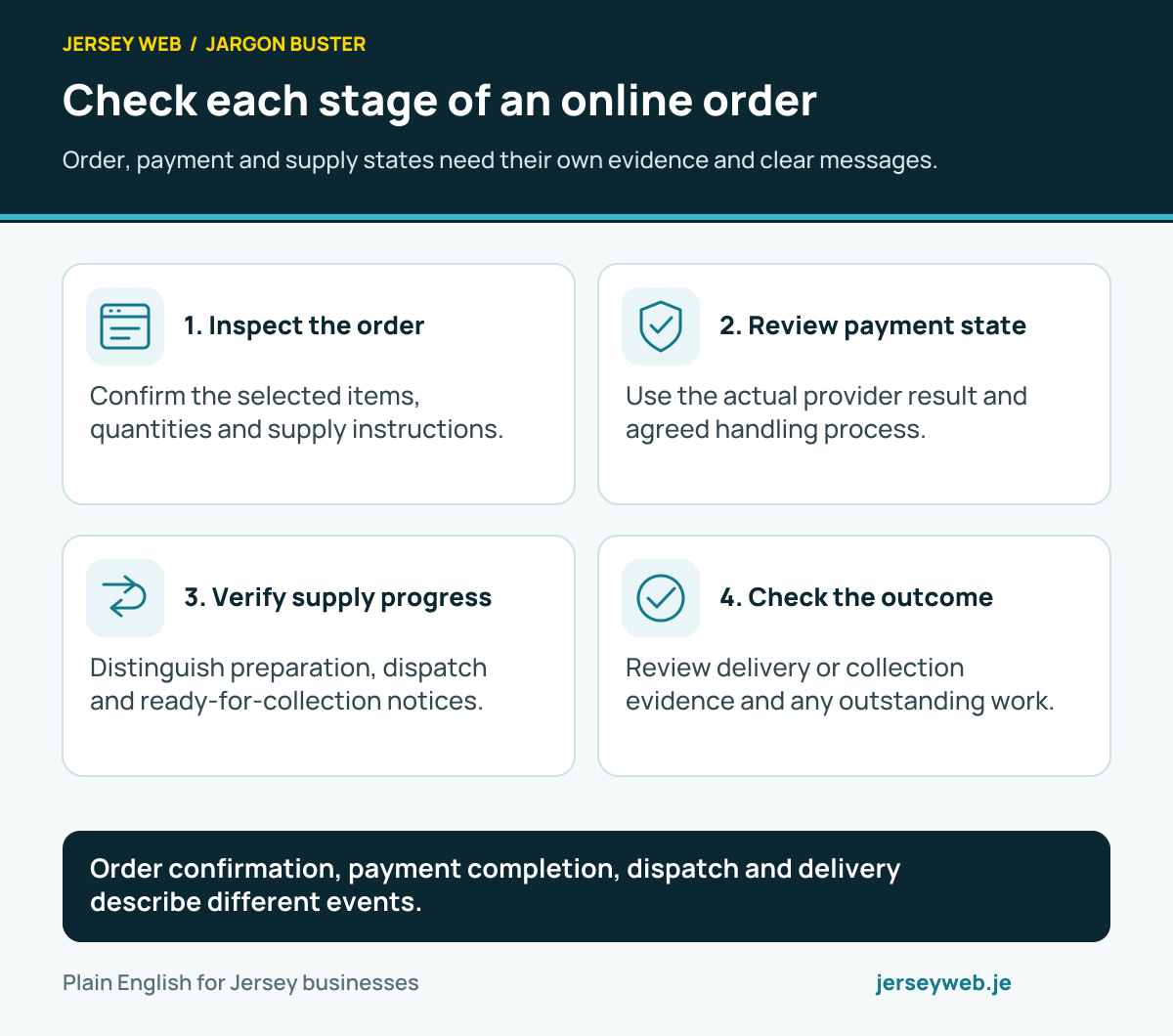
Order confirmation, payment completion, dispatch and delivery describe different events.
Read the diagram in text
- Inspect the order. Confirm the selected items, quantities and supply instructions.
- Review payment state. Use the actual provider result and agreed handling process.
- Verify supply progress. Distinguish preparation, dispatch and ready-for-collection notices.
- Check the outcome. Review delivery or collection evidence and any outstanding work.
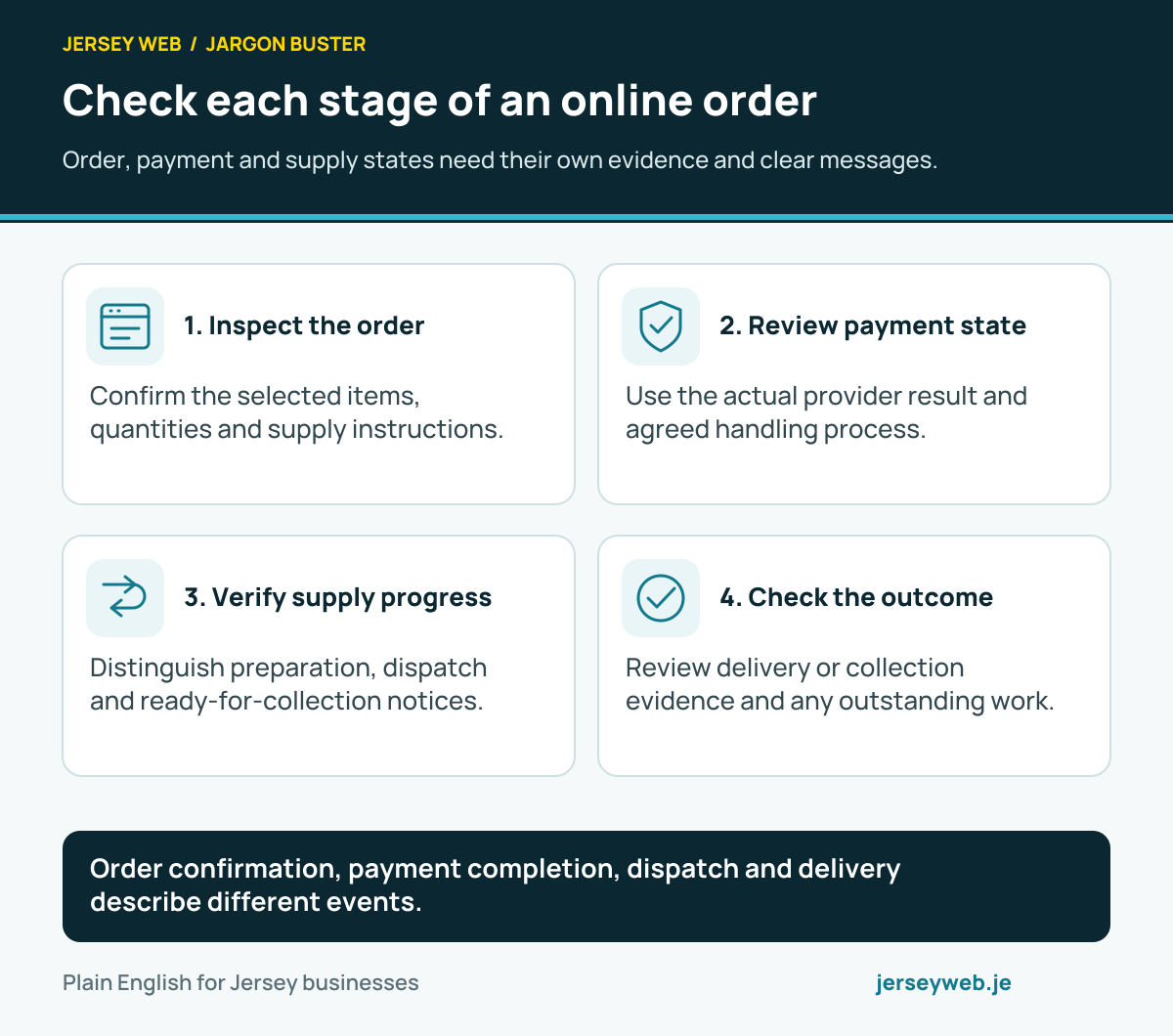
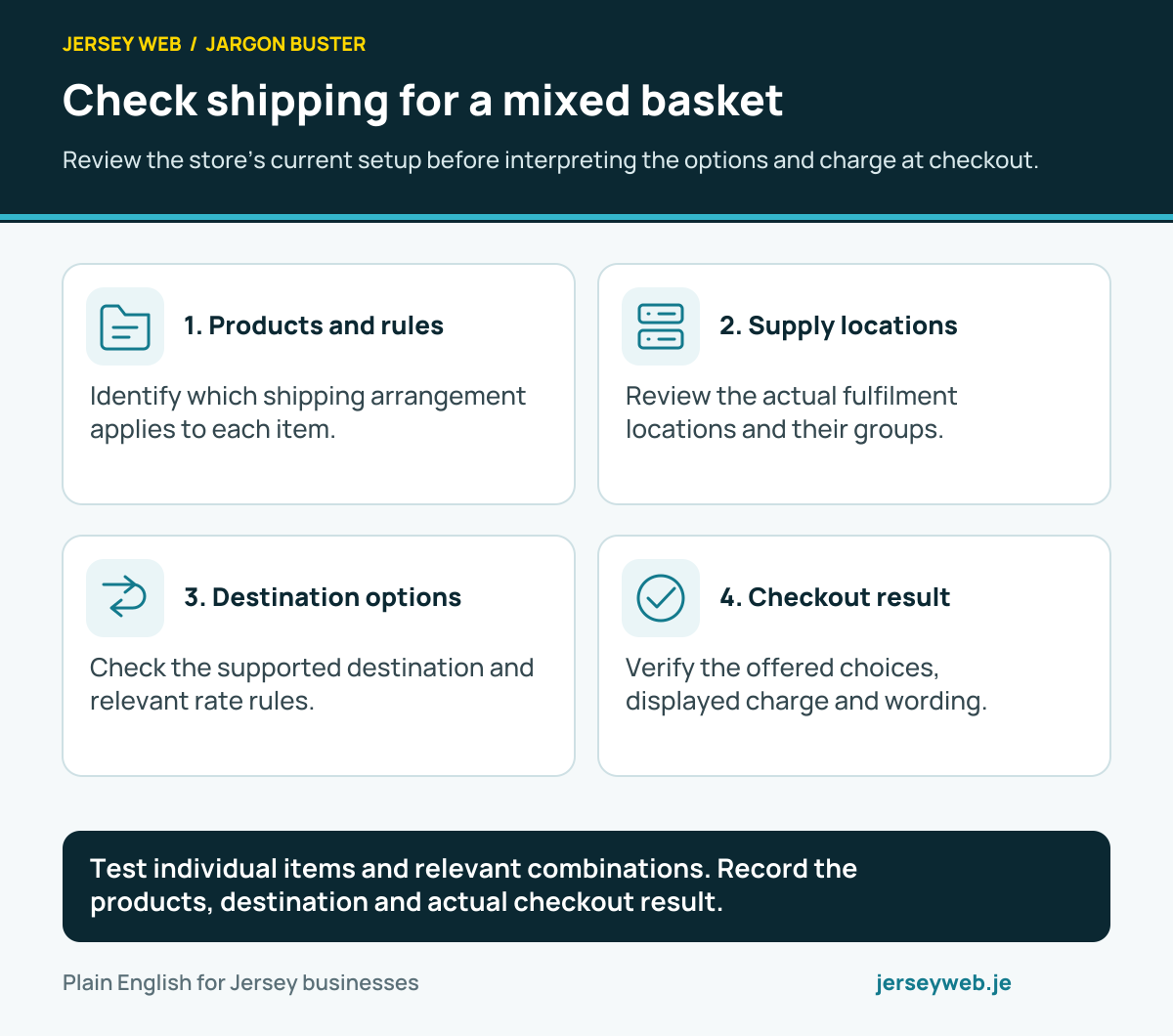
Test individual items and relevant combinations. Record the products, destination and actual checkout result.
Read the diagram in text
- Products and rules. Identify which shipping arrangement applies to each item.
- Supply locations. Review the actual fulfilment locations and their groups.
- Destination options. Check the supported destination and relevant rate rules.
- Checkout result. Verify the offered choices, displayed charge and wording.
Related terms
Learn more
Common questions
- Is checkout the same as the shopping cart?
- No. The cart holds the selected items. Checkout collects and processes the relevant information to create an order. Platforms can combine screens, but the responsibilities remain useful to distinguish.
- Does an order confirmation prove the payment is complete?
- No. Payment methods and shop configurations have different states. Staff should review the actual payment status and agreed handling process rather than infer payment completion from an order being created.
- Does guest checkout mean no information is saved?
- No. It means the customer is not required to sign in to an account to order. The shop still processes information needed for the order; review the actual data arrangement and customer explanation.
- What should a Jersey shop check before launching checkout?
- Review representative products, quantities, destination addresses, delivery choices, payment outcomes and confirmations. Then check the order received by staff and the relevant stock changes using the provider’s appropriate testing process.
Written by Jersey Web. Last reviewed 3 October 2026. Back to the Jargon Buster.