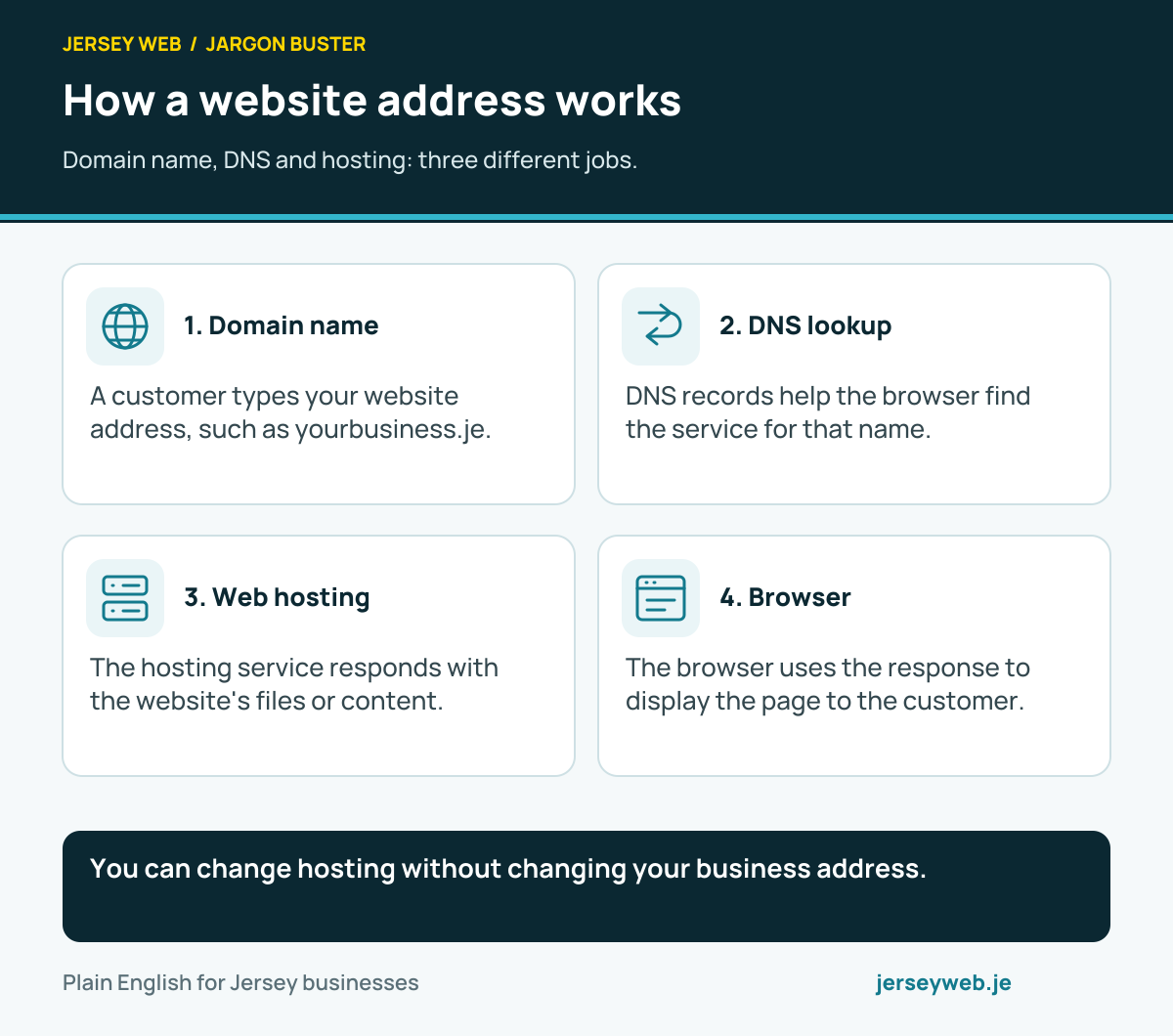
How a website address works
Domain name, DNS and hosting: three different jobs.
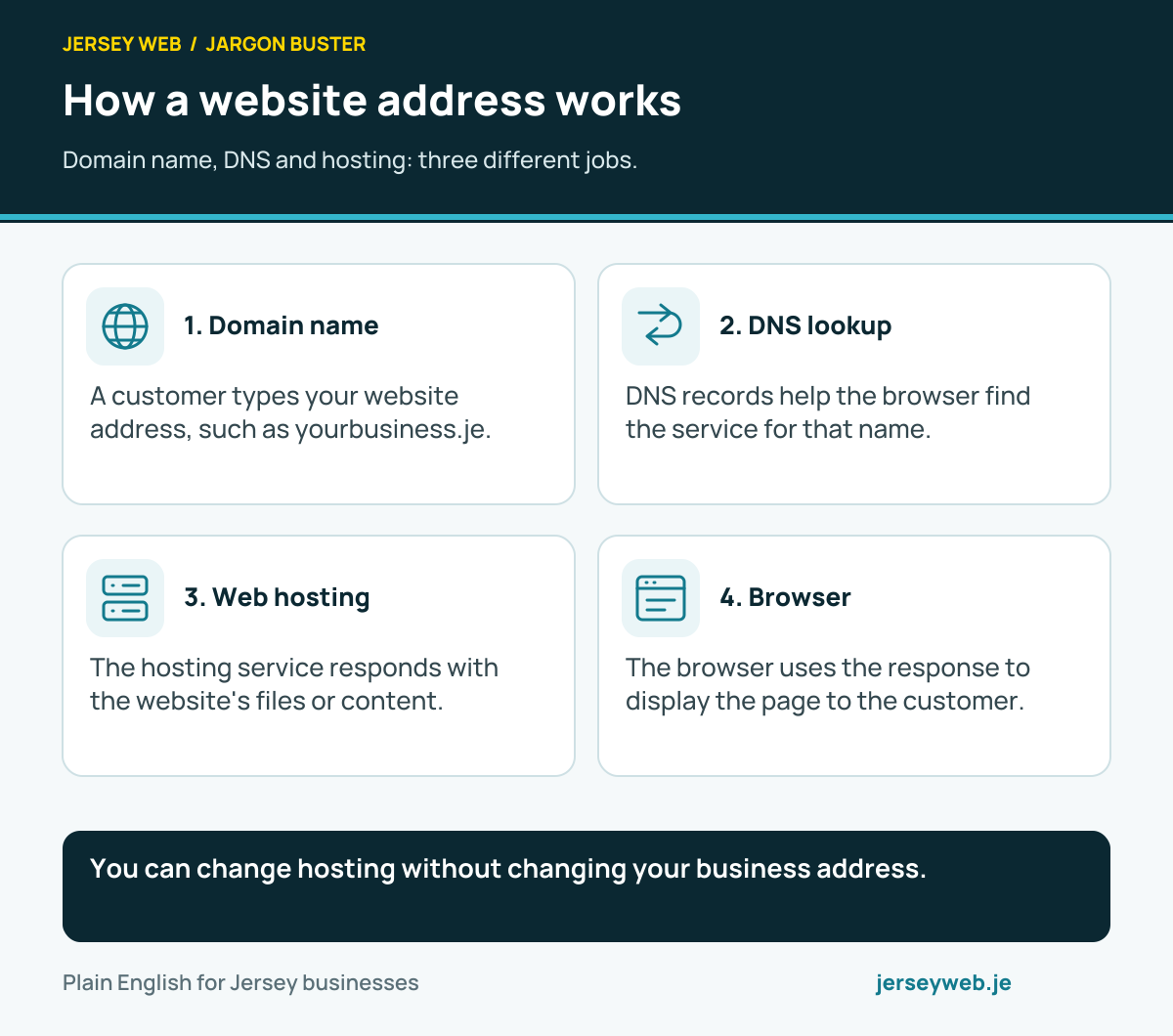
You can change hosting without changing your business address.
Read the diagram in text
- Domain name. A customer types your website address, such as yourbusiness.je.
- DNS lookup. DNS records help the browser find the service for that name.
- Web hosting. The hosting service responds with the website's files or content.
- Browser. The browser uses the response to display the page to the customer.
Read the definitions: Domain name · DNS · Web hosting · .je domain
The three layers of a webpage
Structure, presentation and behaviour in plain English.

A useful page starts with clear content and working controls.
Read the diagram in text
- HTML: structure. Headings, paragraphs, links and form controls give the page meaning.
- CSS: presentation. Colours, spacing, fonts and layouts shape how the page looks.
- JavaScript: behaviour. Scripts can filter results, update content and respond to actions.
- Test the whole page. Check the result on a phone, with a keyboard and on a slow connection.

Read the definitions: HTML · CSS · JavaScript · Responsive design
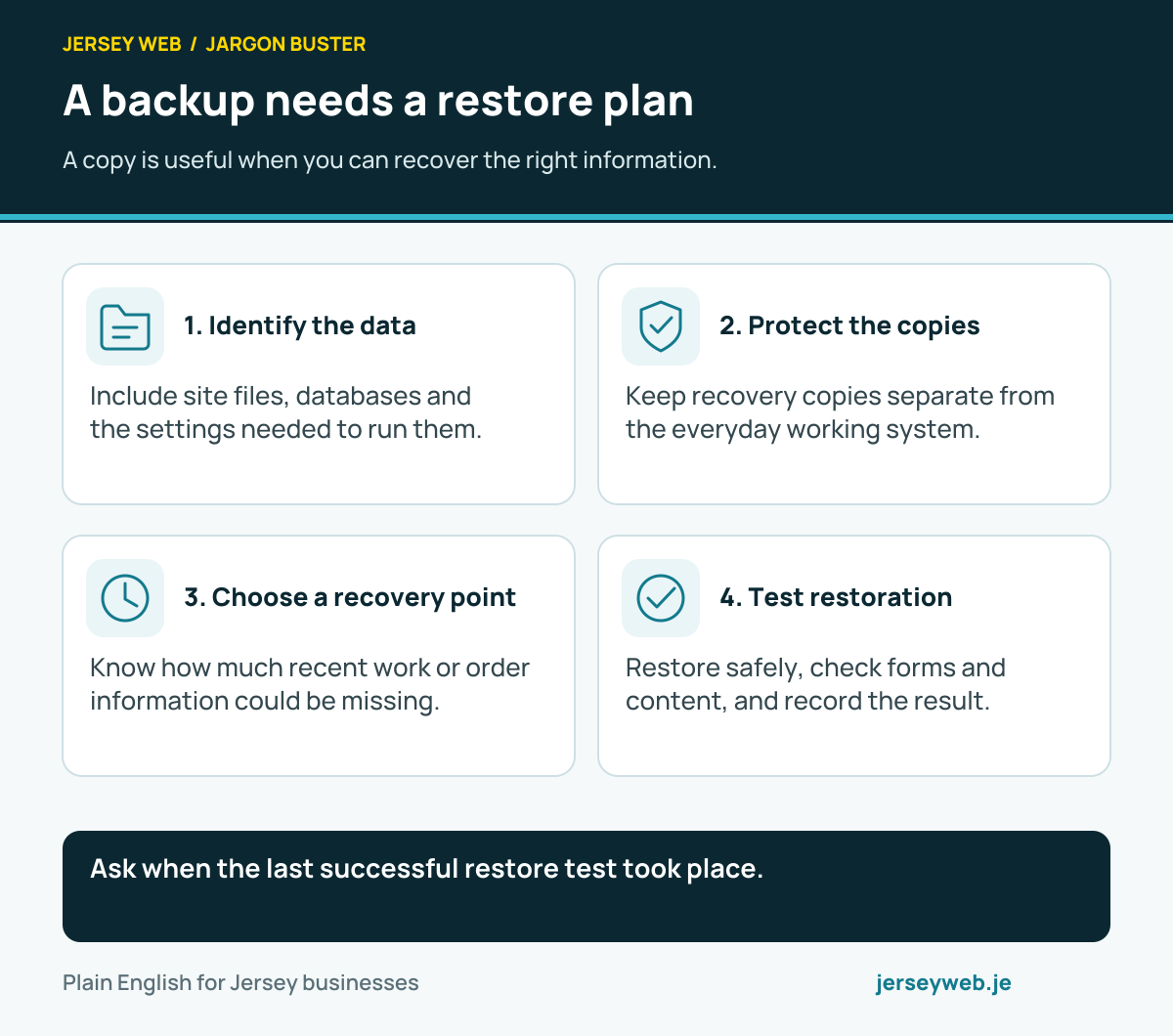
A backup needs a restore plan
A copy is useful when you can recover the right information.
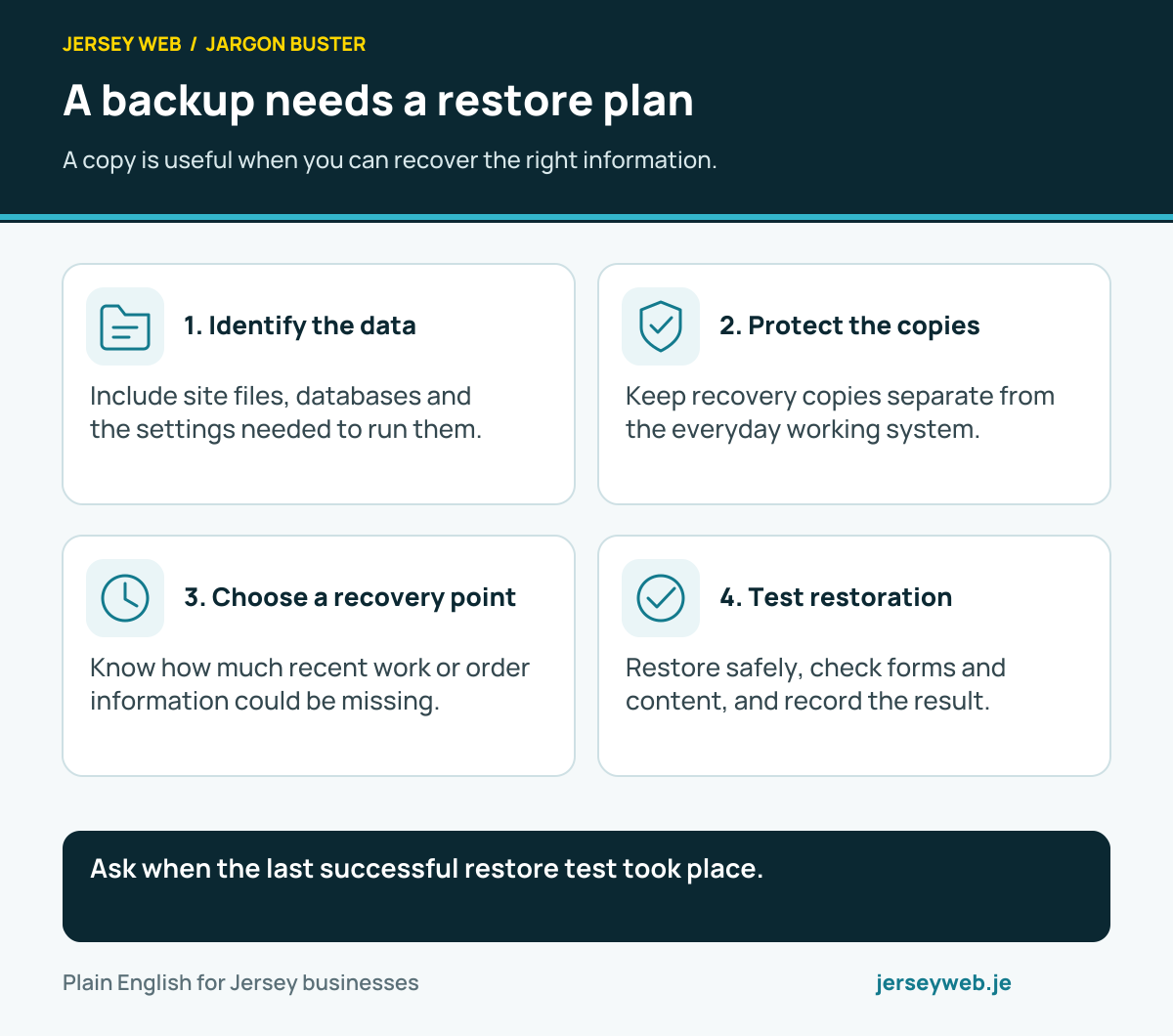
Ask when the last successful restore test took place.
Read the diagram in text
- Identify the data. Include site files, databases and the settings needed to run them.
- Protect the copies. Keep recovery copies separate from the everyday working system.
- Choose a recovery point. Know how much recent work or order information could be missing.
- Test restoration. Restore safely, check forms and content, and record the result.
Read the definitions: Backups · Staging site · WordPress · Web hosting
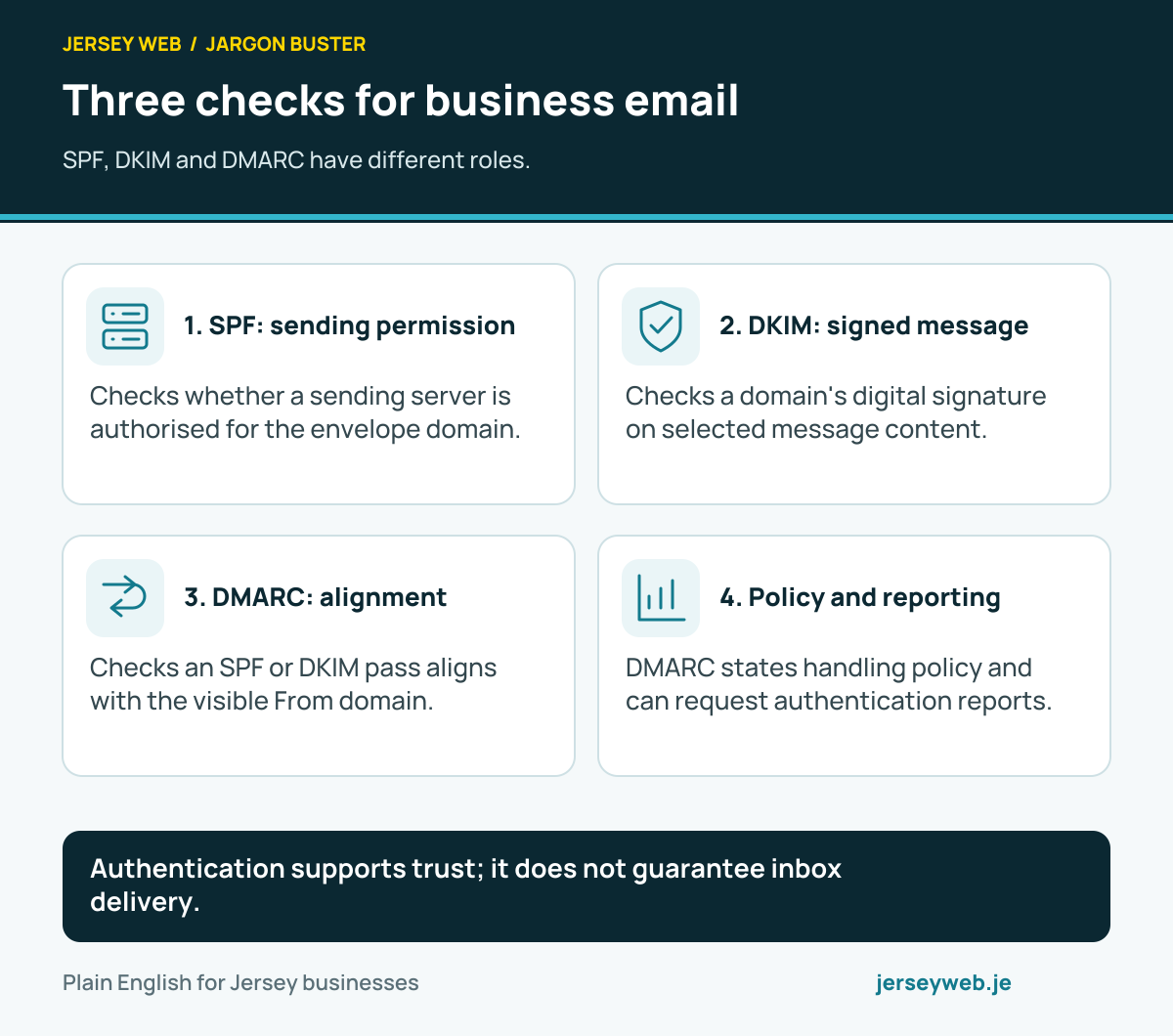
Three checks for business email
SPF, DKIM and DMARC have different roles.
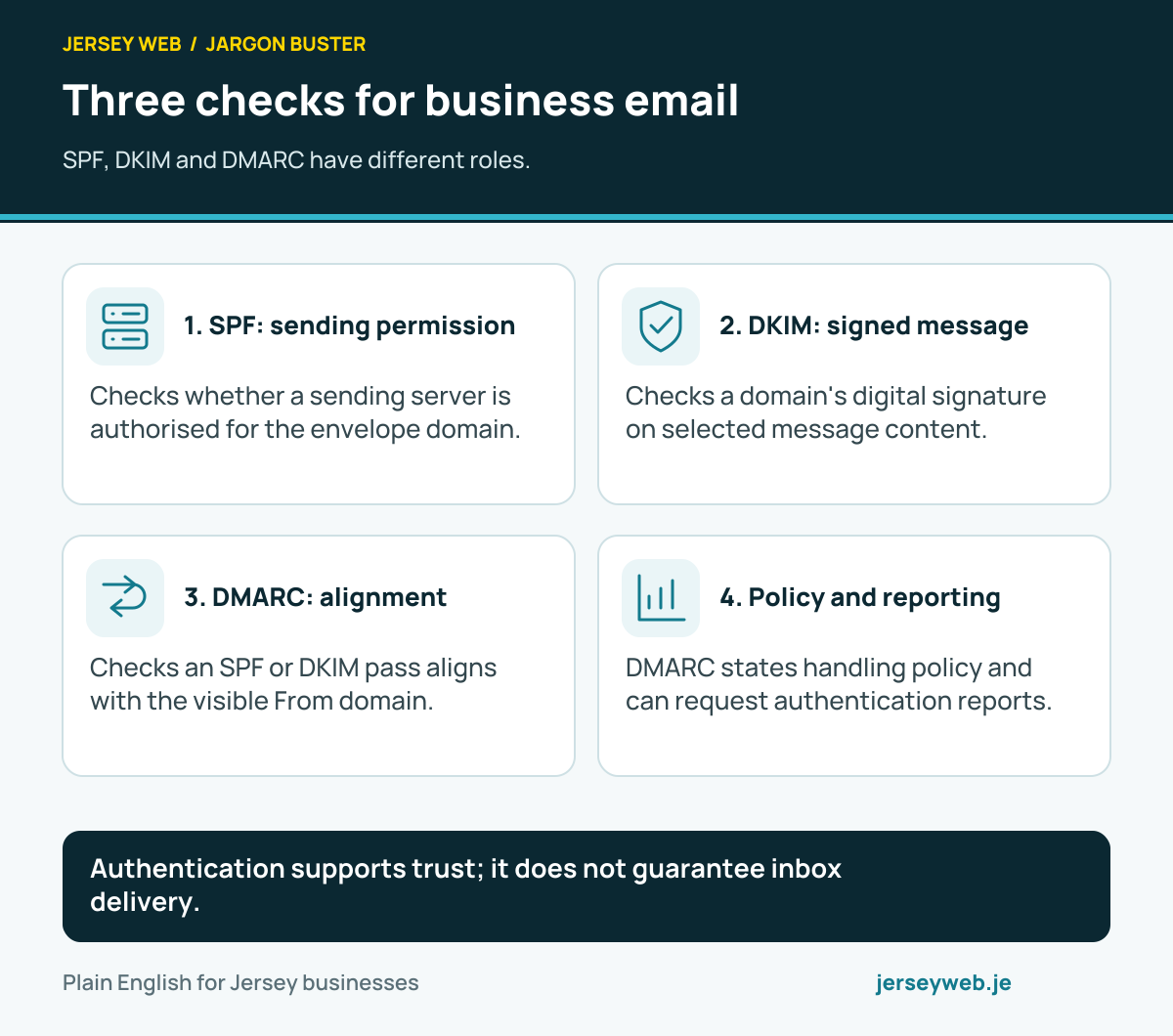
Authentication supports trust; it does not guarantee inbox delivery.
Read the diagram in text
- SPF: sending permission. Checks whether a sending server is authorised for the envelope domain.
- DKIM: signed message. Checks a domain's digital signature on selected message content.
- DMARC: alignment. Checks an SPF or DKIM pass aligns with the visible From domain.
- Policy and reporting. DMARC states handling policy and can request authentication reports.
Read the definitions: SPF, DKIM and DMARC · Business email · DNS · MX records
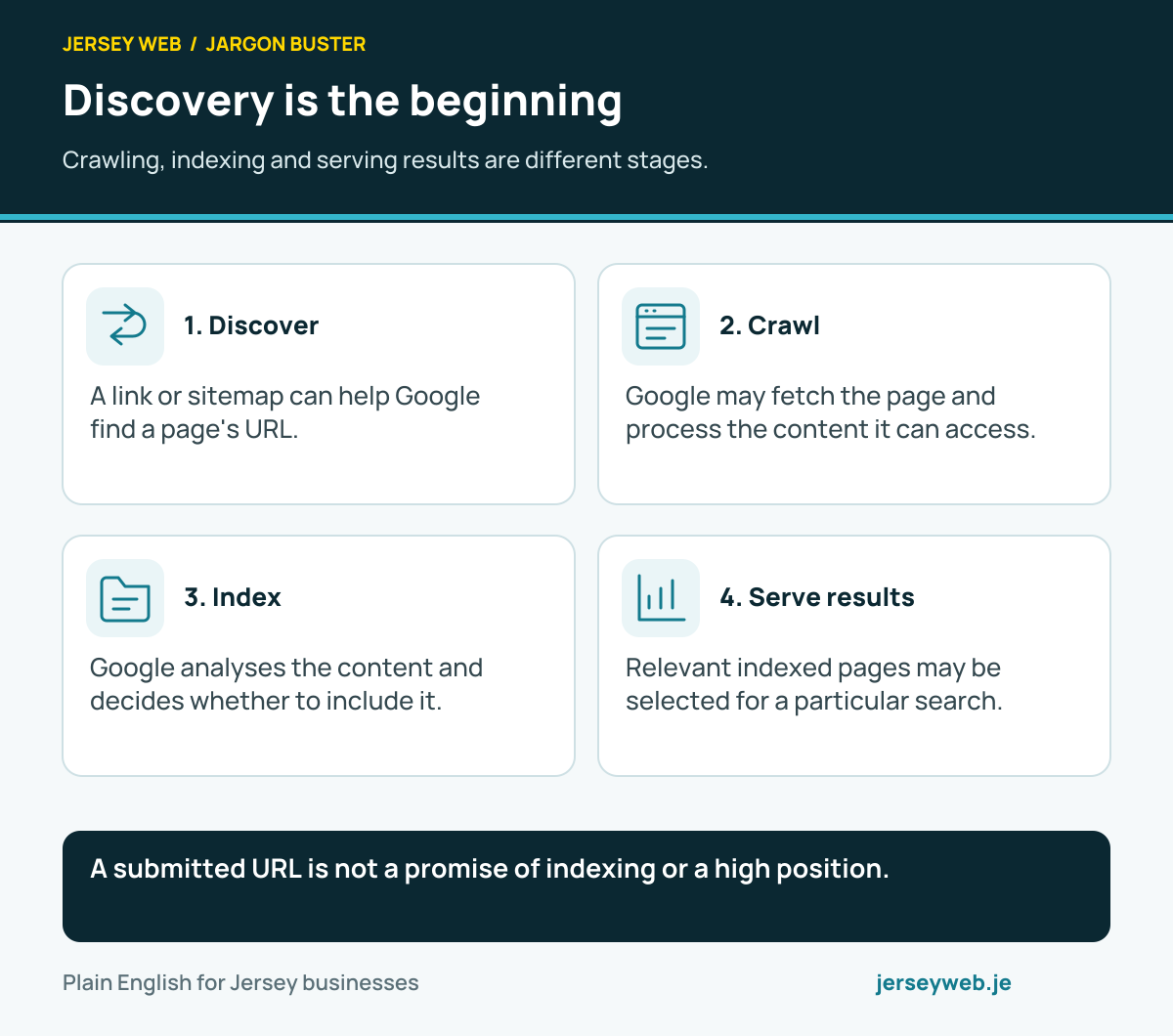
Discovery is the beginning
Crawling, indexing and serving results are different stages.
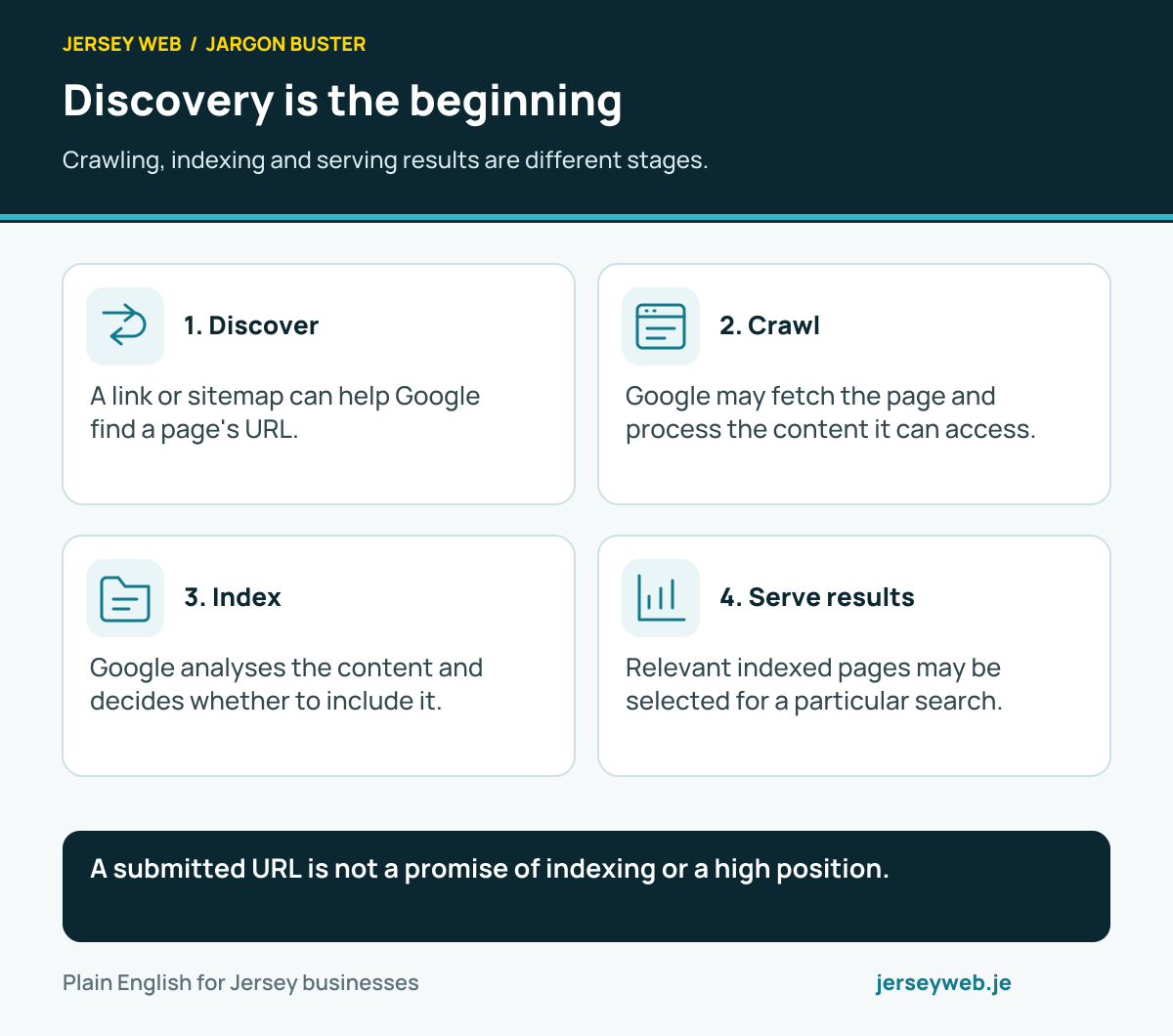
A submitted URL is not a promise of indexing or a high position.
Read the diagram in text
- Discover. A link or sitemap can help Google find a page's URL.
- Crawl. Google may fetch the page and process the content it can access.
- Index. Google analyses the content and decides whether to include it.
- Serve results. Relevant indexed pages may be selected for a particular search.
Read the definitions: Crawling · Indexing · Sitemap · SEO · Google Search Console
Protect the accounts that matter
Email, domains and website administration deserve attention.
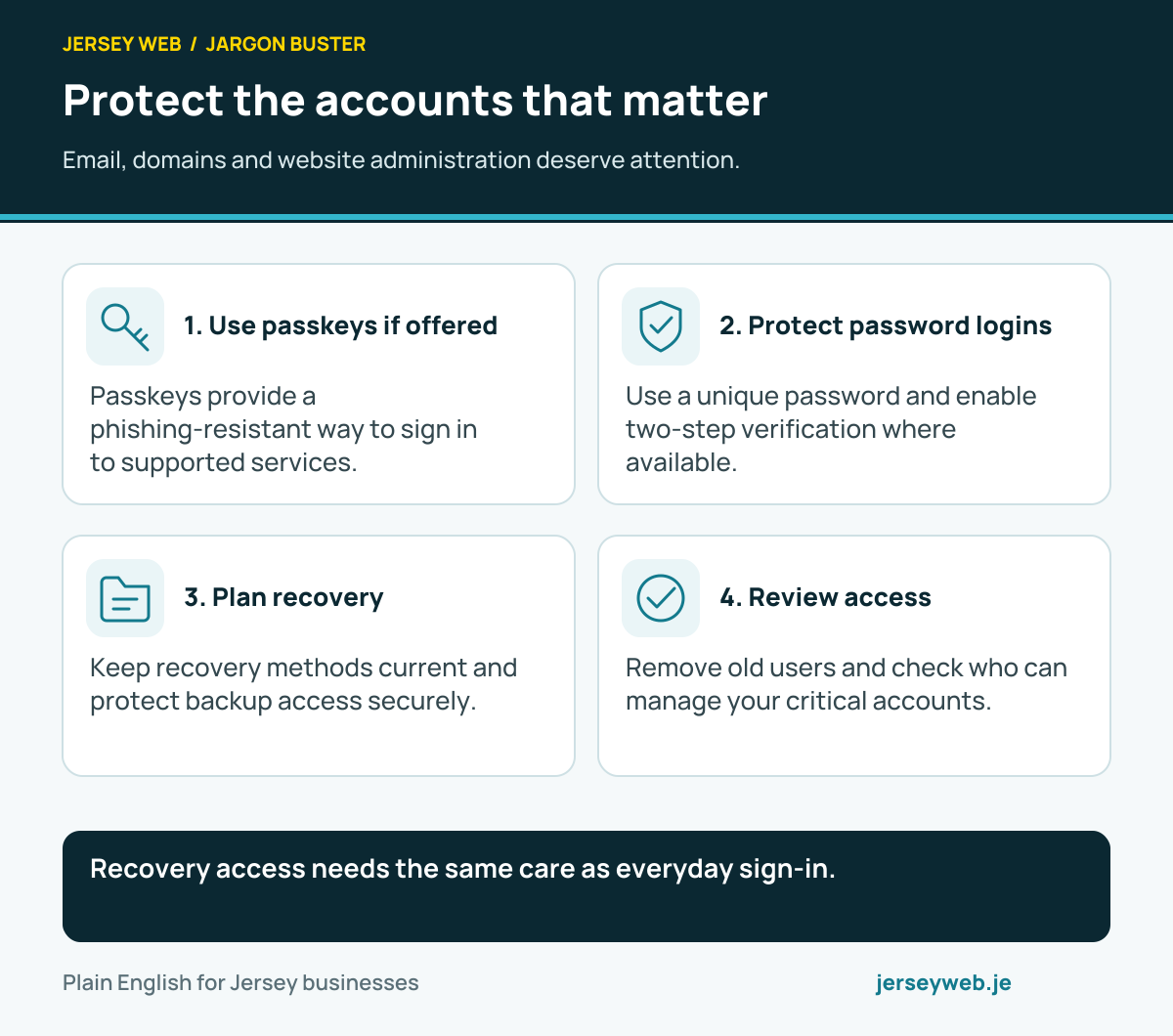
Recovery access needs the same care as everyday sign-in.
Read the diagram in text
- Use passkeys if offered. Passkeys provide a phishing-resistant way to sign in to supported services.
- Protect password logins. Use a unique password and enable two-step verification where available.
- Plan recovery. Keep recovery methods current and protect backup access securely.
- Review access. Remove old users and check who can manage your critical accounts.
Diagram sources
Read the definitions: Passkeys · Password manager · Two-factor authentication · Phishing
API requests and webhook events
Two common ways software systems exchange information.
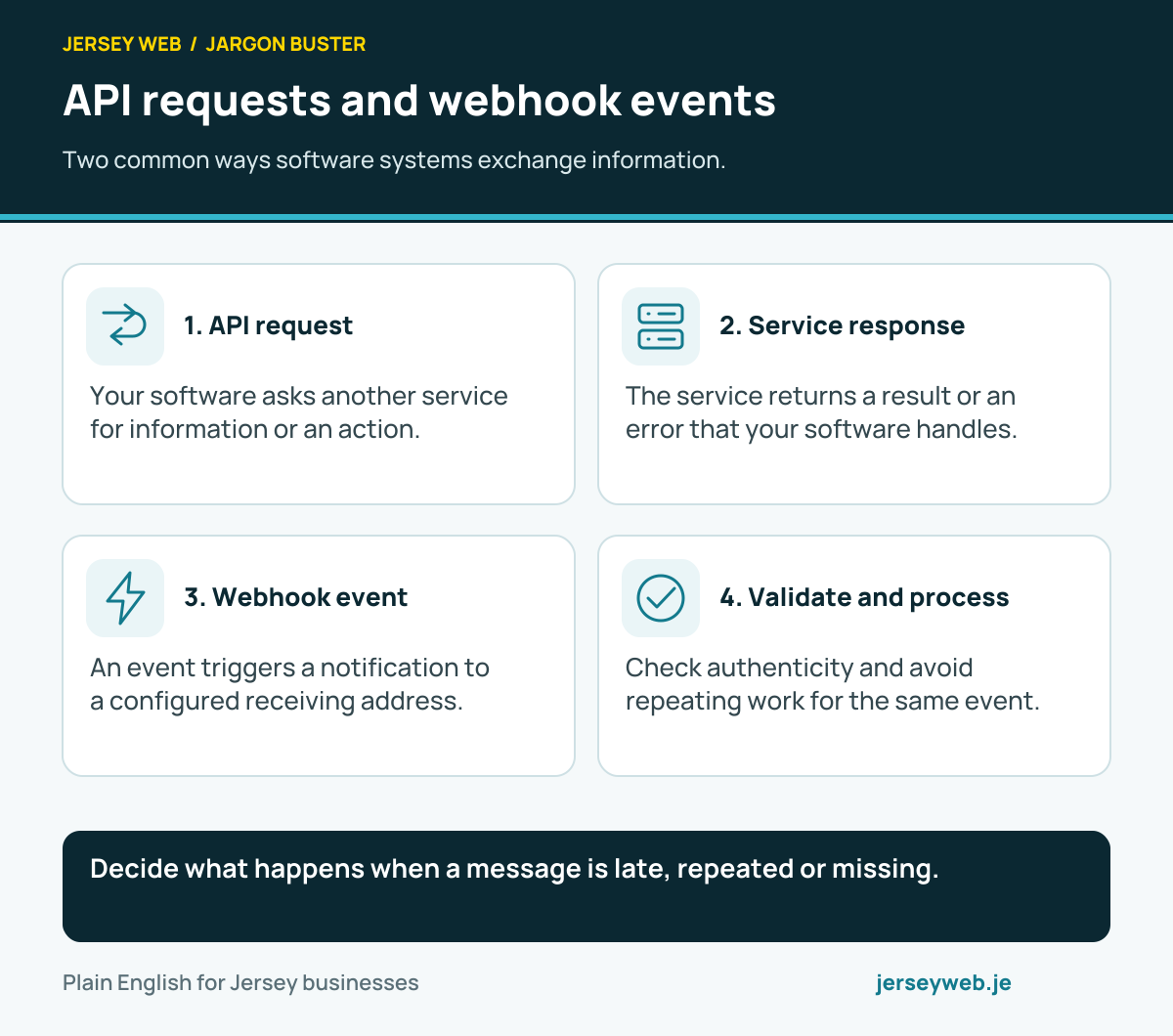
Decide what happens when a message is late, repeated or missing.
Read the diagram in text
- API request. Your software asks another service for information or an action.
- Service response. The service returns a result or an error that your software handles.
- Webhook event. An event triggers a notification to a configured receiving address.
- Validate and process. Check authenticity and avoid repeating work for the same event.
Read the definitions: API · Webhook · Payment gateway · Ecommerce
An AI answer still needs checking
A practical review before using generated business copy.
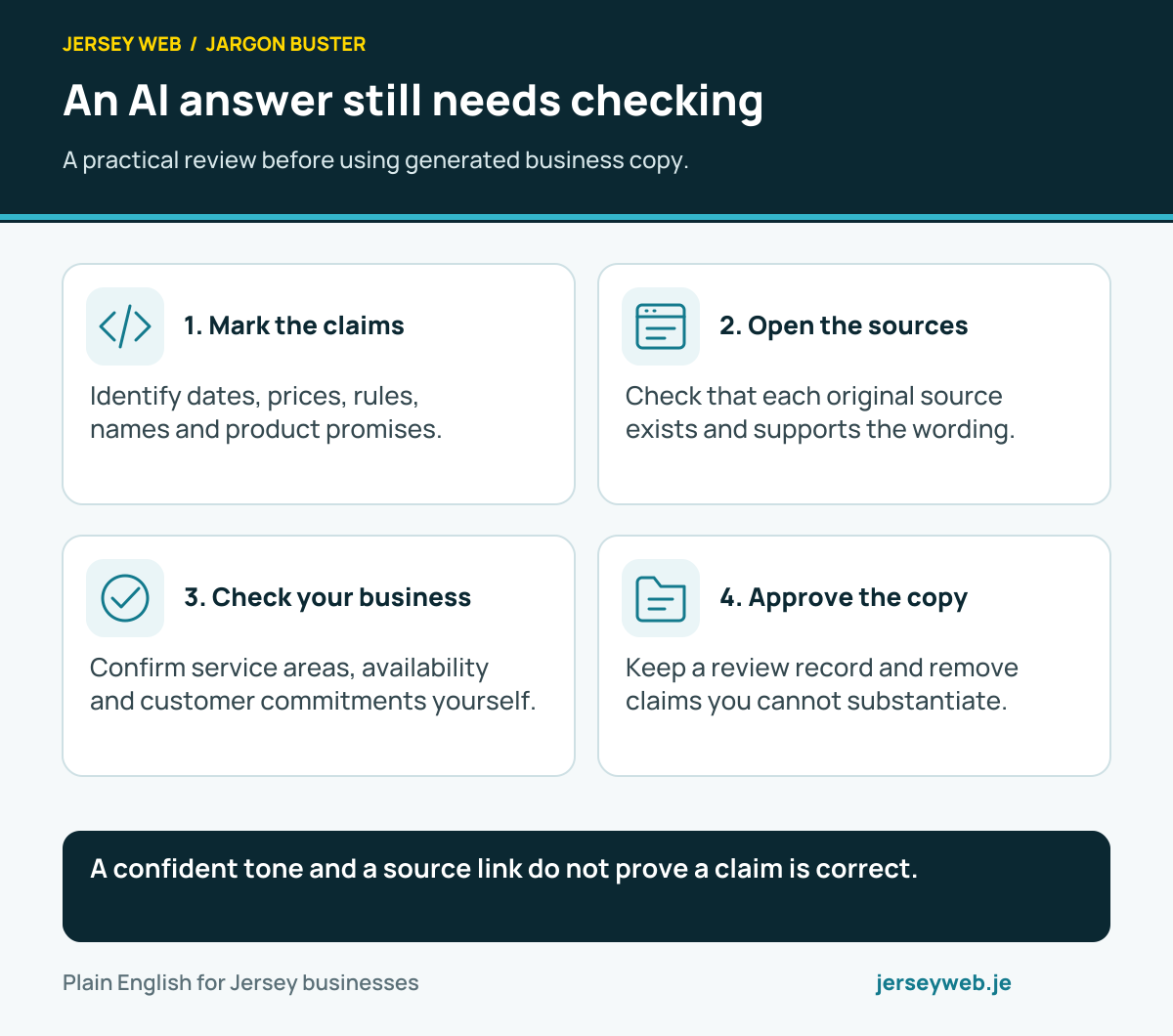
A confident tone and a source link do not prove a claim is correct.
Read the diagram in text
- Mark the claims. Identify dates, prices, rules, names and product promises.
- Open the sources. Check that each original source exists and supports the wording.
- Check your business. Confirm service areas, availability and customer commitments yourself.
- Approve the copy. Keep a review record and remove claims you cannot substantiate.
Read the definitions: AI hallucination · Artificial intelligence · ChatGPT · Prompt
Measure what you actually observe
Visits, clicks, submissions and business outcomes are different.
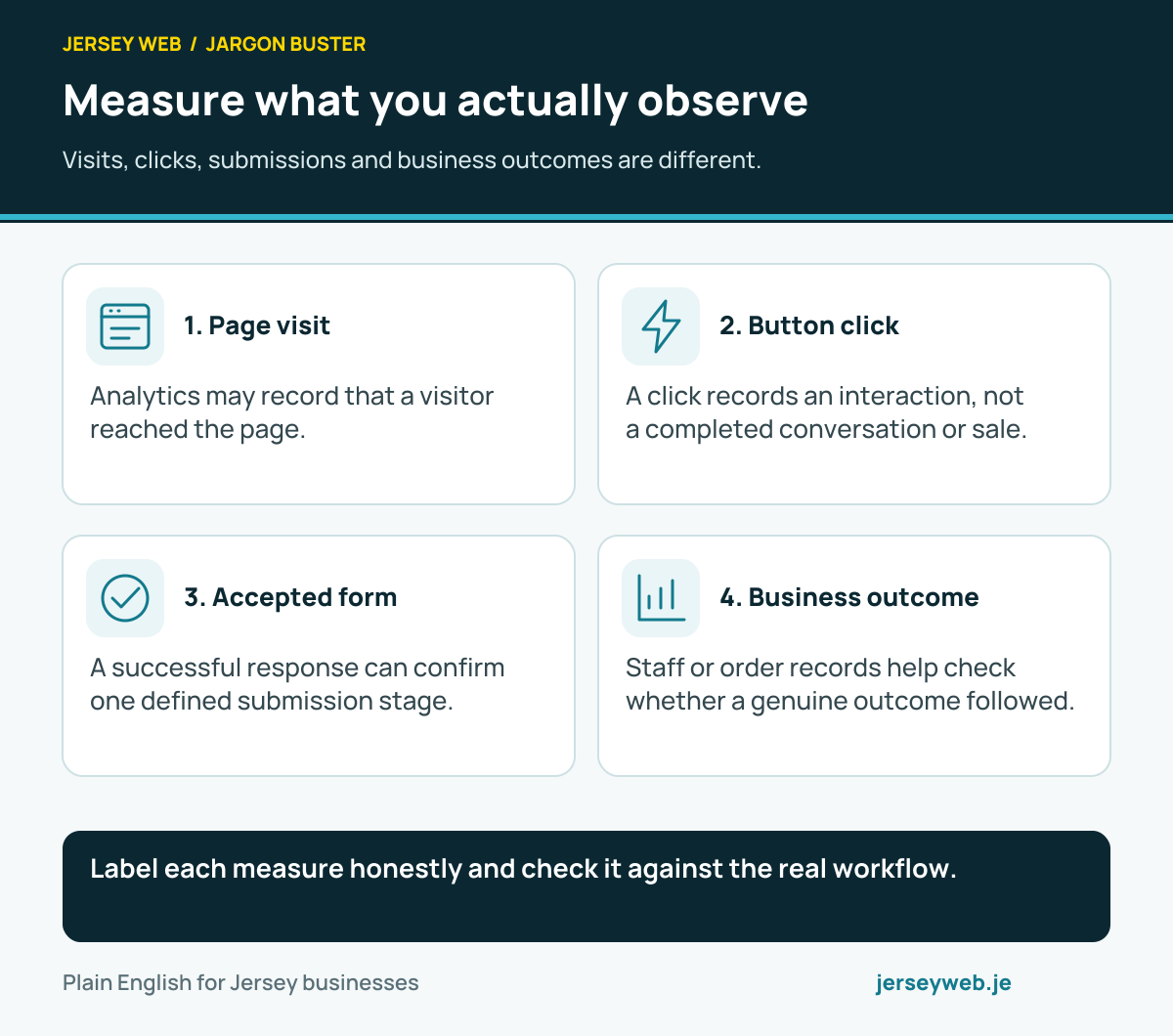
Label each measure honestly and check it against the real workflow.
Read the diagram in text
- Page visit. Analytics may record that a visitor reached the page.
- Button click. A click records an interaction, not a completed conversation or sale.
- Accepted form. A successful response can confirm one defined submission stage.
- Business outcome. Staff or order records help check whether a genuine outcome followed.
Read the definitions: Conversion tracking · Conversion rate · A/B testing · Attribution · Google Analytics
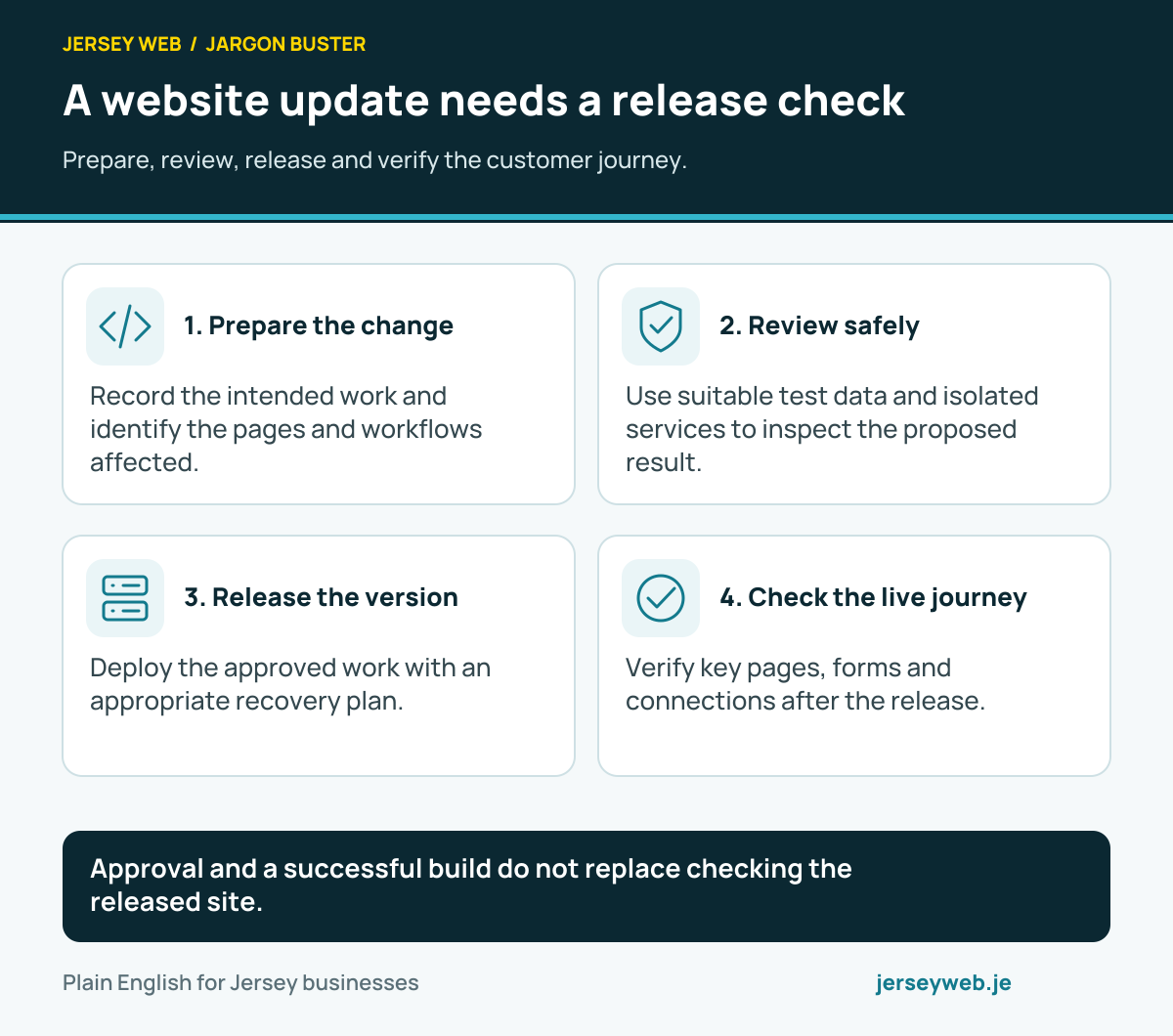
A website update needs a release check
Prepare, review, release and verify the customer journey.
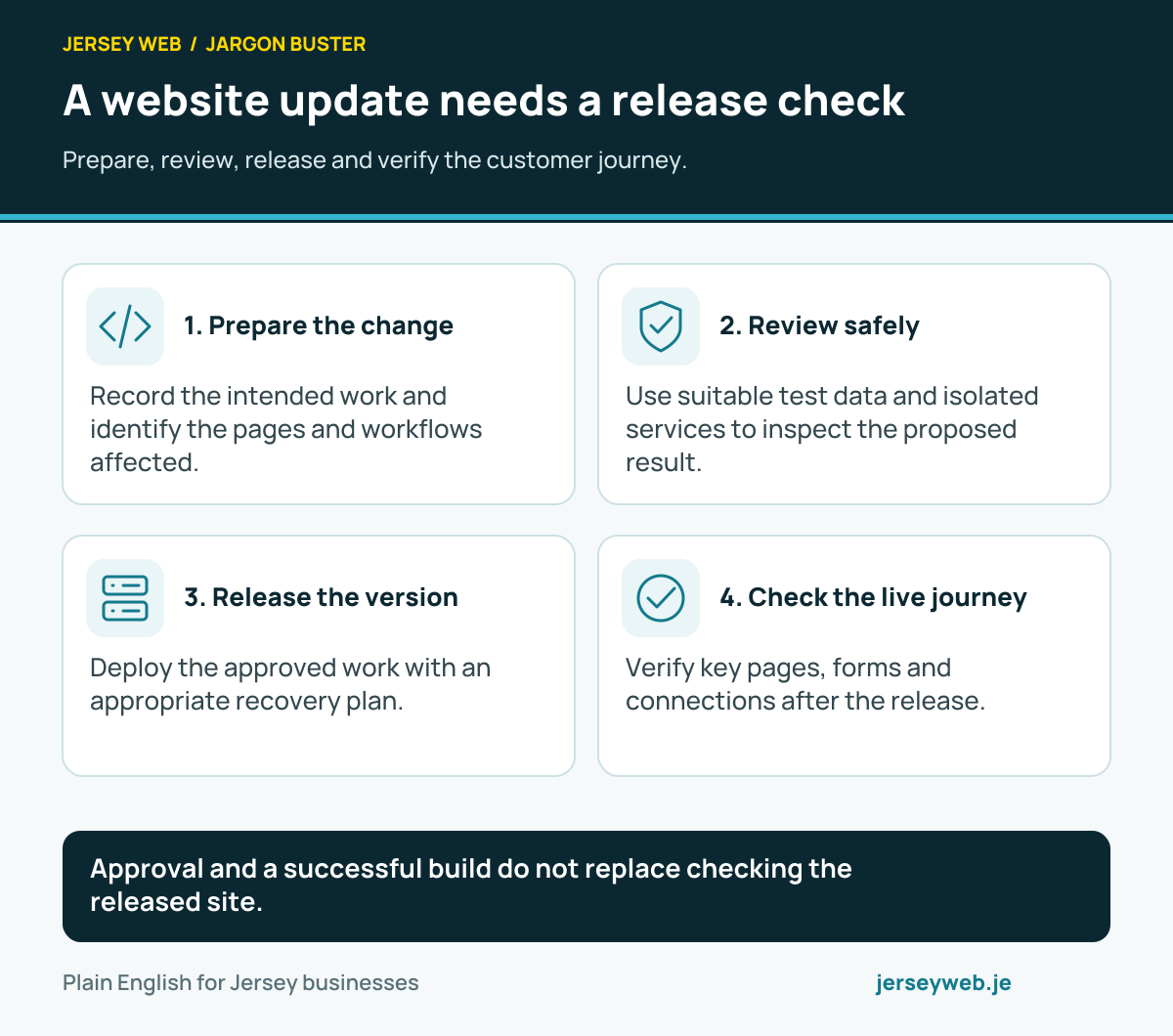
Approval and a successful build do not replace checking the released site.
Read the diagram in text
- Prepare the change. Record the intended work and identify the pages and workflows affected.
- Review safely. Use suitable test data and isolated services to inspect the proposed result.
- Release the version. Deploy the approved work with an appropriate recovery plan.
- Check the live journey. Verify key pages, forms and connections after the release.
Read the definitions: Staging site · Version control · Deployment · Rollback · Backups
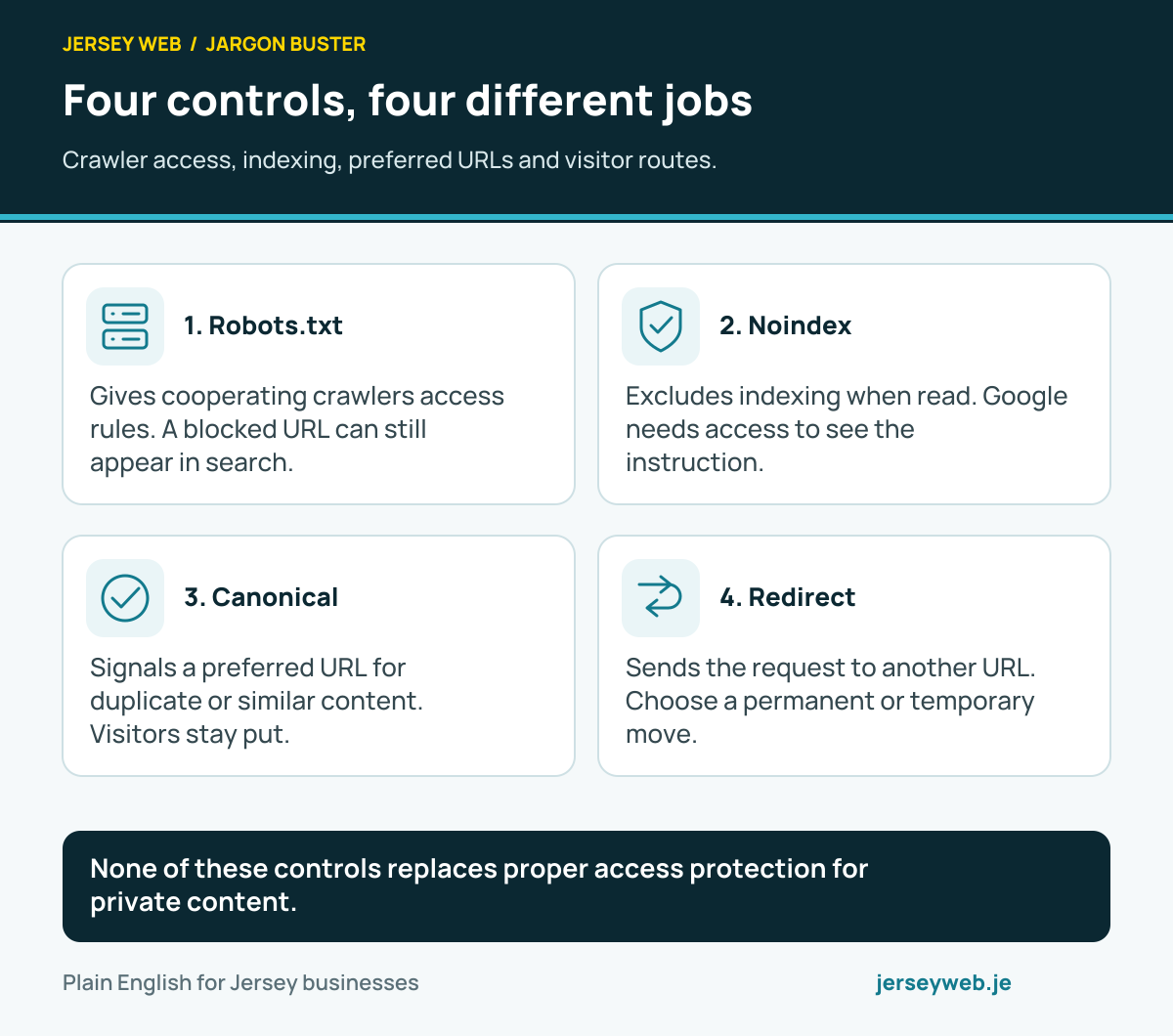
Four controls, four different jobs
Crawler access, indexing, preferred URLs and visitor routes.
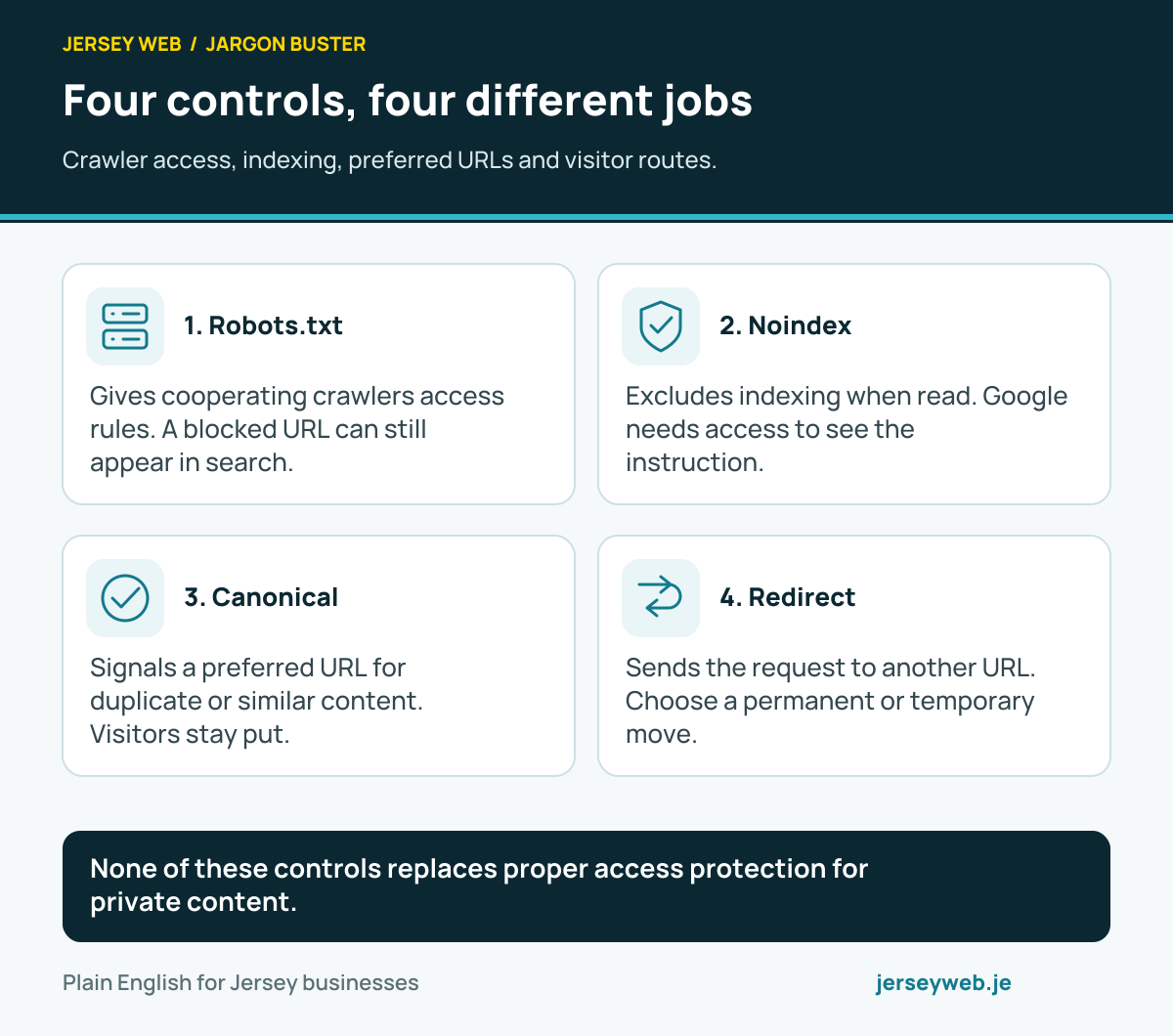
None of these controls replaces proper access protection for private content.
Read the diagram in text
- Robots.txt. Gives cooperating crawlers access rules. A blocked URL can still appear in search.
- Noindex. Excludes indexing when read. Google needs access to see the instruction.
- Canonical. Signals a preferred URL for duplicate or similar content. Visitors stay put.
- Redirect. Sends the request to another URL. Choose a permanent or temporary move.
Read the definitions: Robots.txt · Noindex · Canonical URL · Redirect · Sitemap
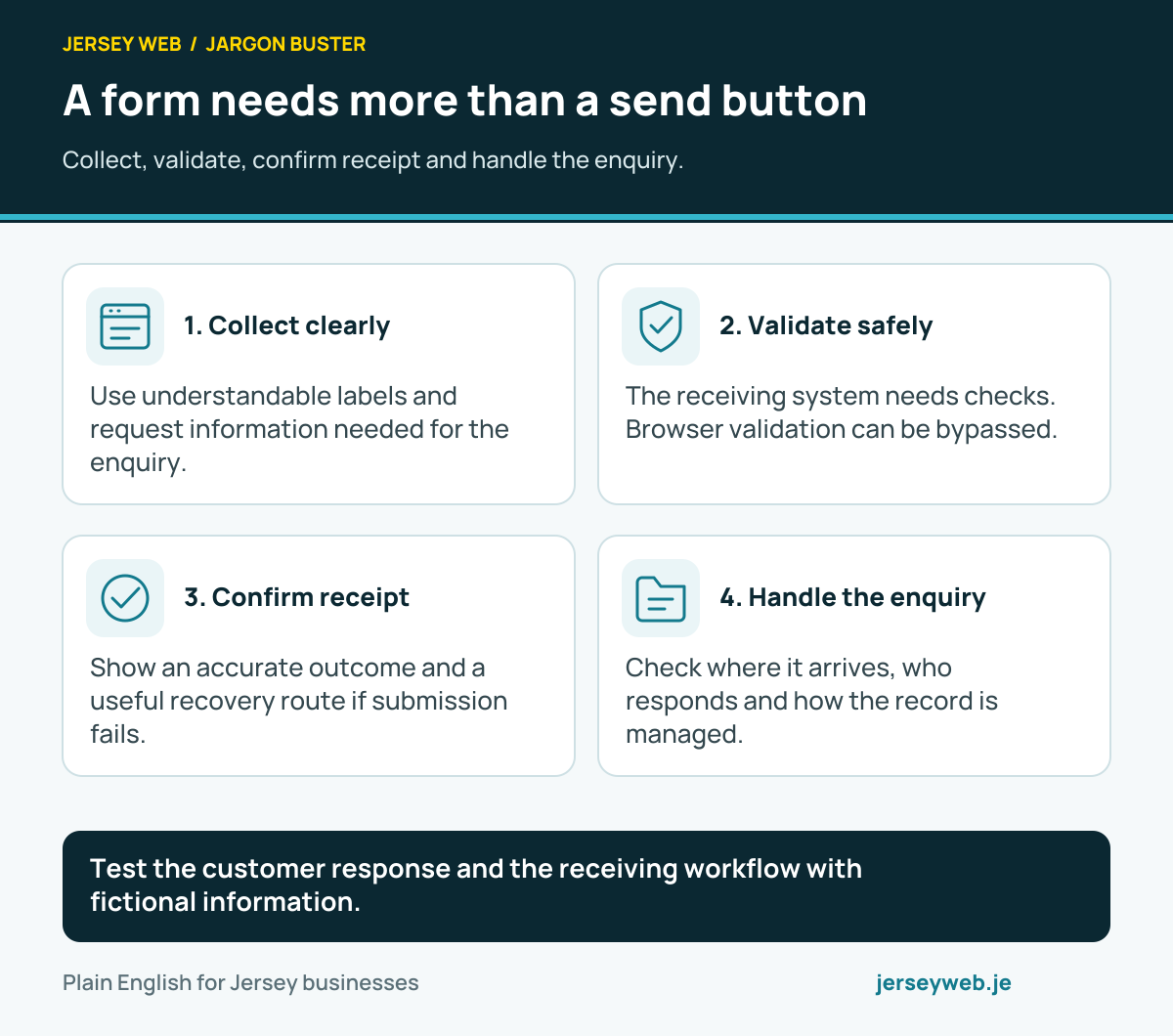
A form needs more than a send button
Collect, validate, confirm receipt and handle the enquiry.
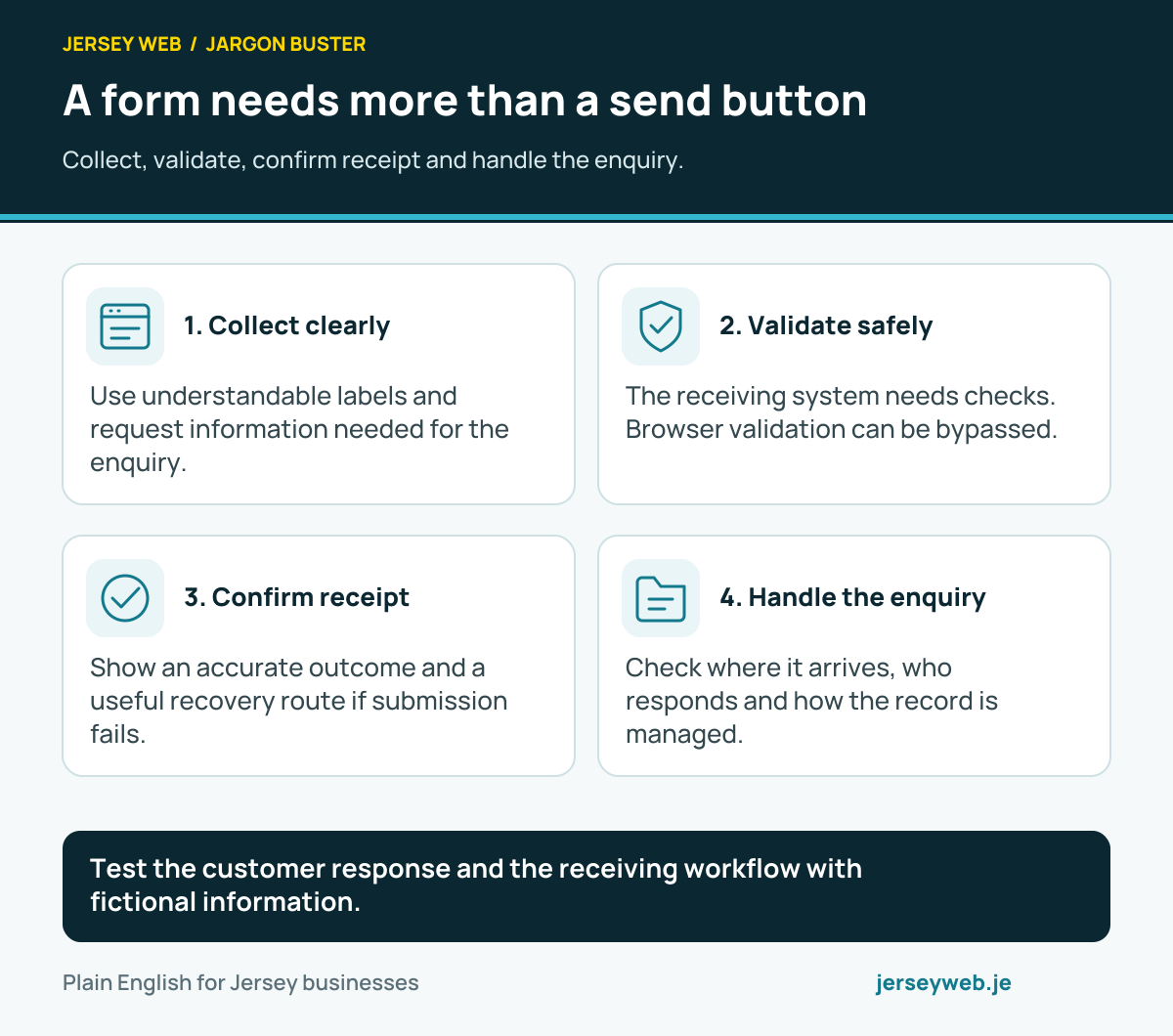
Test the customer response and the receiving workflow with fictional information.
Read the diagram in text
- Collect clearly. Use understandable labels and request information needed for the enquiry.
- Validate safely. The receiving system needs checks. Browser validation can be bypassed.
- Confirm receipt. Show an accurate outcome and a useful recovery route if submission fails.
- Handle the enquiry. Check where it arrives, who responds and how the record is managed.
Read the definitions: Contact form · Input validation · CRM · Conversion tracking · Privacy policy
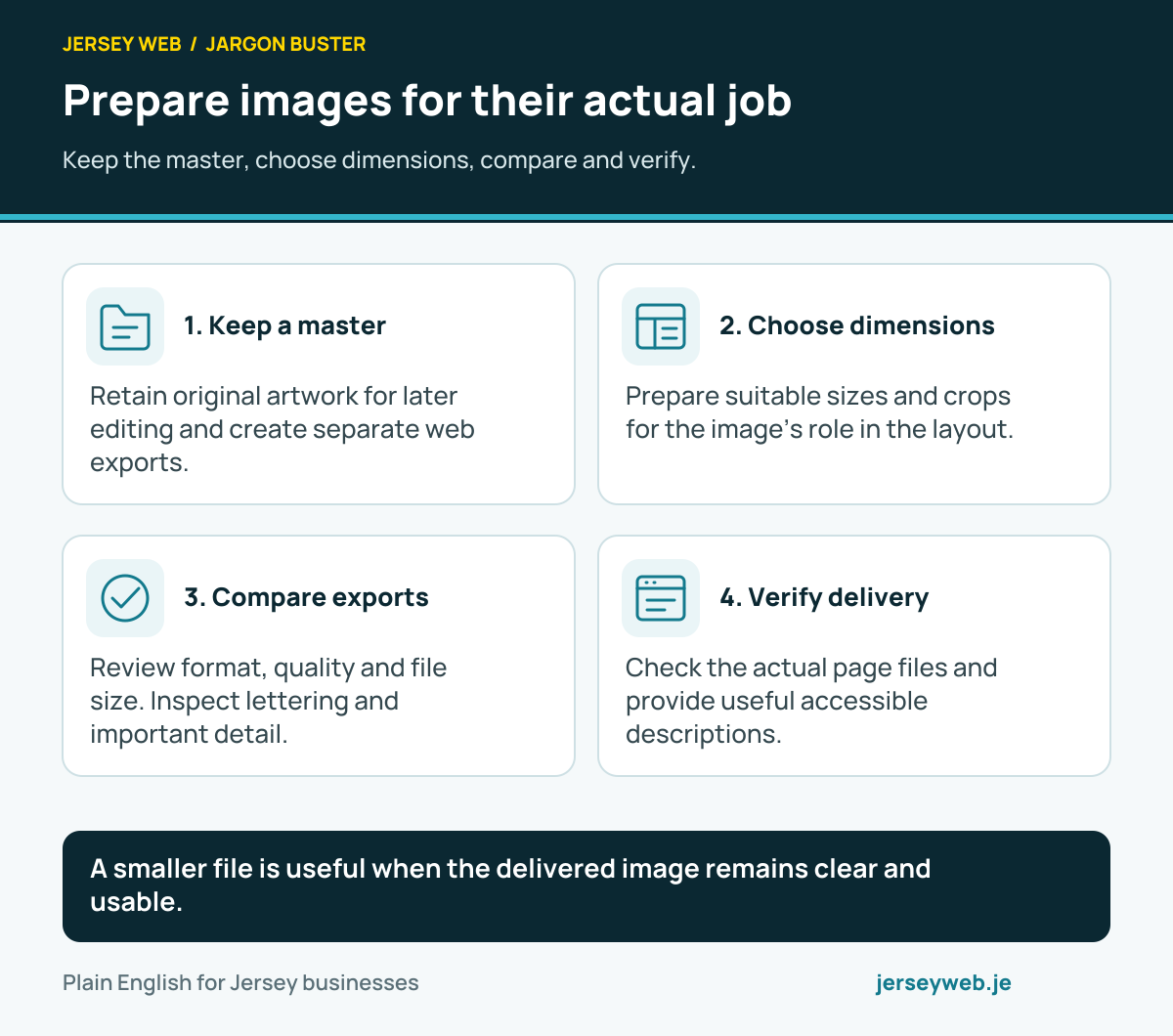
Prepare images for their actual job
Keep the master, choose dimensions, compare and verify.
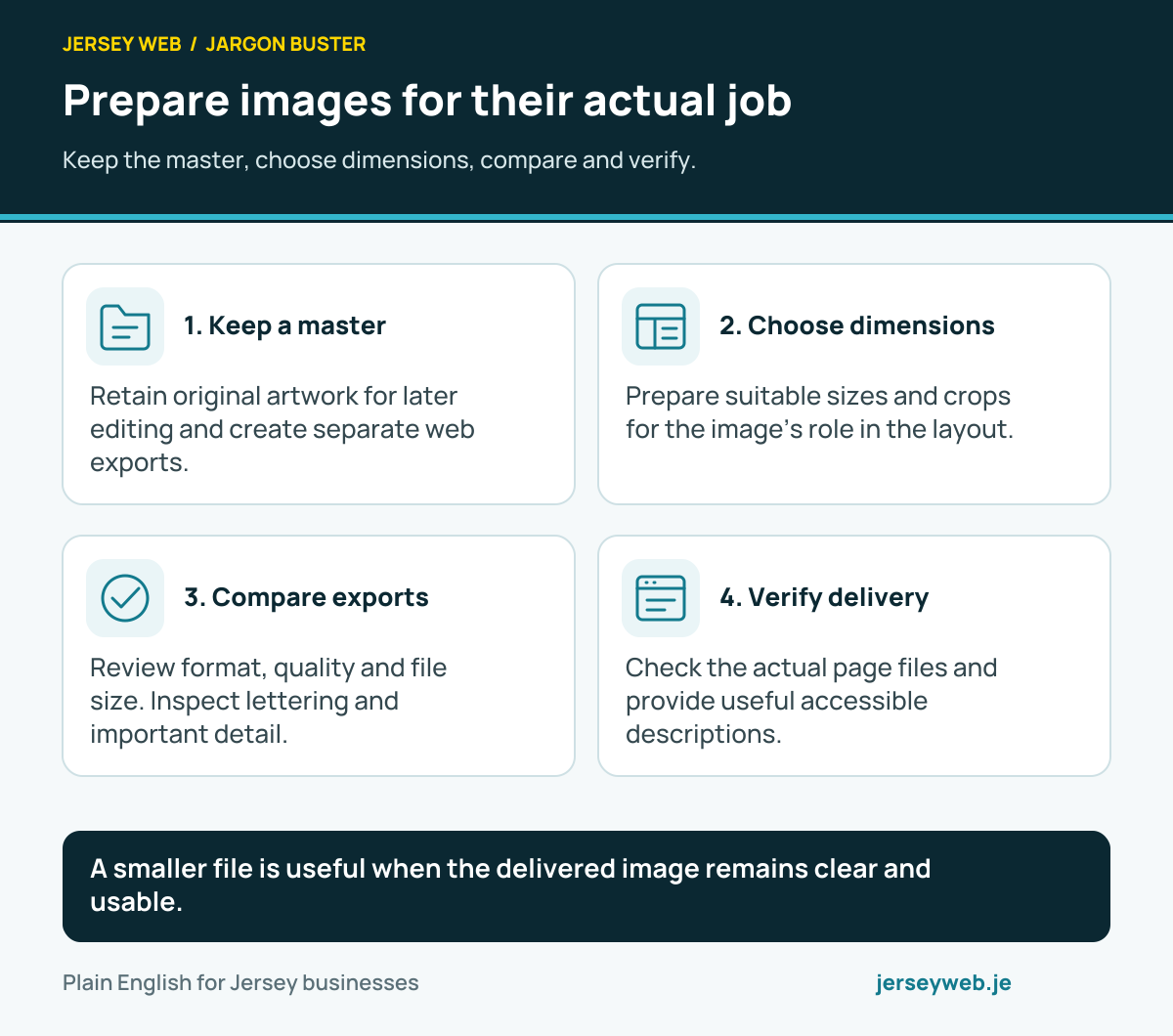
A smaller file is useful when the delivered image remains clear and usable.
Read the diagram in text
- Keep a master. Retain original artwork for later editing and create separate web exports.
- Choose dimensions. Prepare suitable sizes and crops for the image’s role in the layout.
- Compare exports. Review format, quality and file size. Inspect lettering and important detail.
- Verify delivery. Check the actual page files and provide useful accessible descriptions.
Read the definitions: Image compression · Responsive image sources · Lossy compression · Lossless compression · Page speed
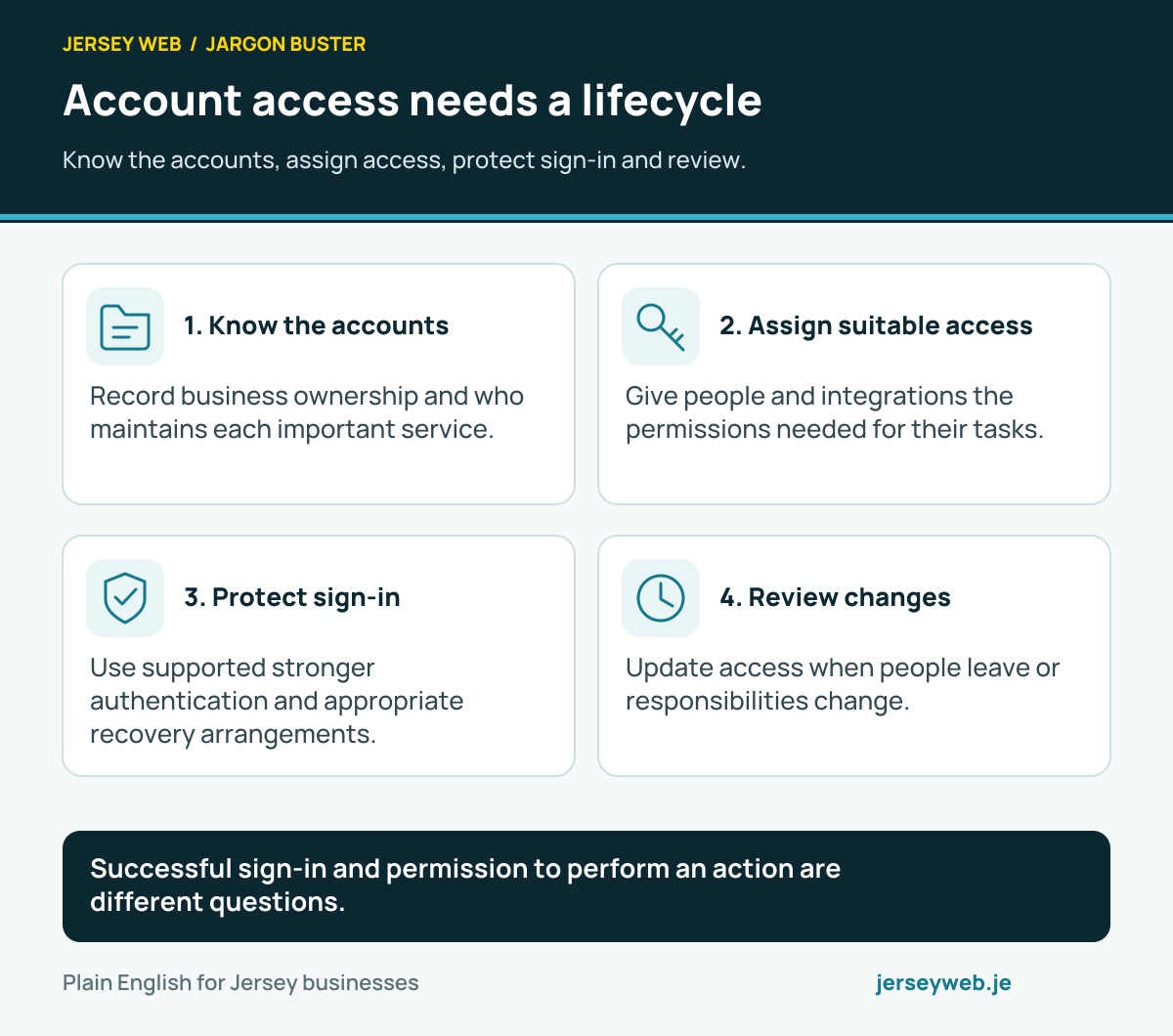
Account access needs a lifecycle
Know the accounts, assign access, protect sign-in and review.
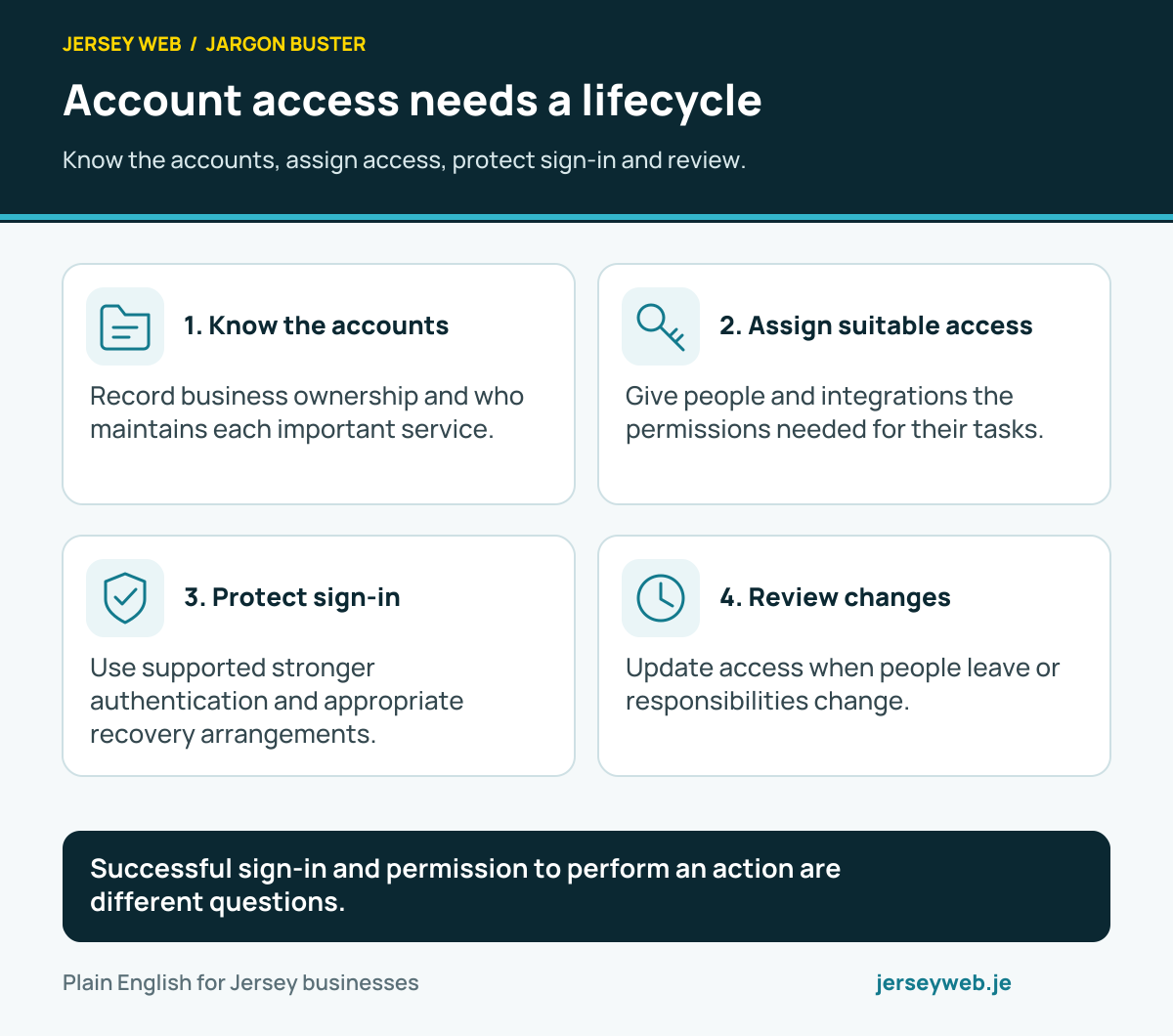
Successful sign-in and permission to perform an action are different questions.
Read the diagram in text
- Know the accounts. Record business ownership and who maintains each important service.
- Assign suitable access. Give people and integrations the permissions needed for their tasks.
- Protect sign-in. Use supported stronger authentication and appropriate recovery arrangements.
- Review changes. Update access when people leave or responsibilities change.
Read the definitions: Authentication · Authorisation · Least privilege · Role-based access control · Two-factor authentication · Password manager
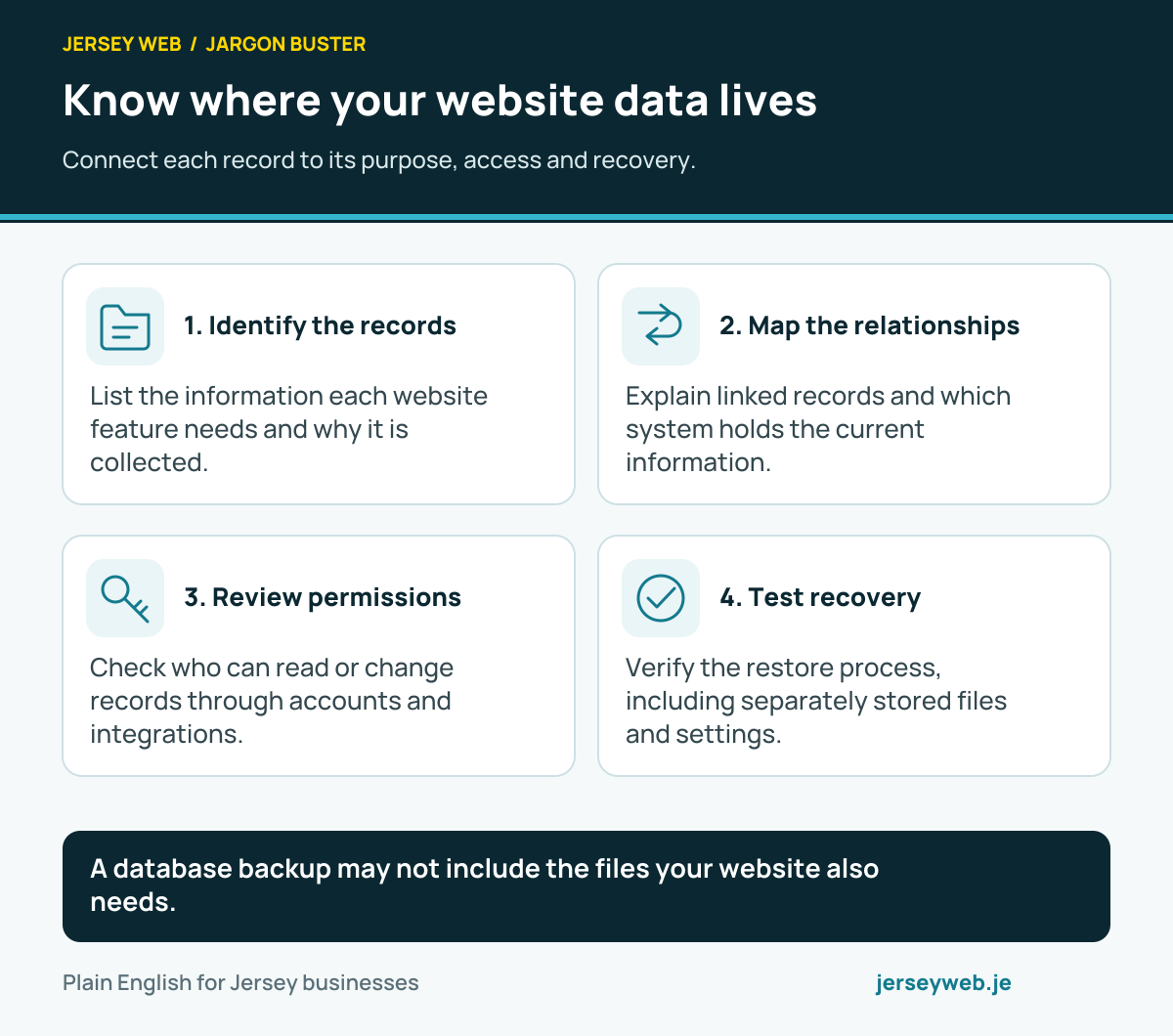
Know where your website data lives
Connect each record to its purpose, access and recovery.
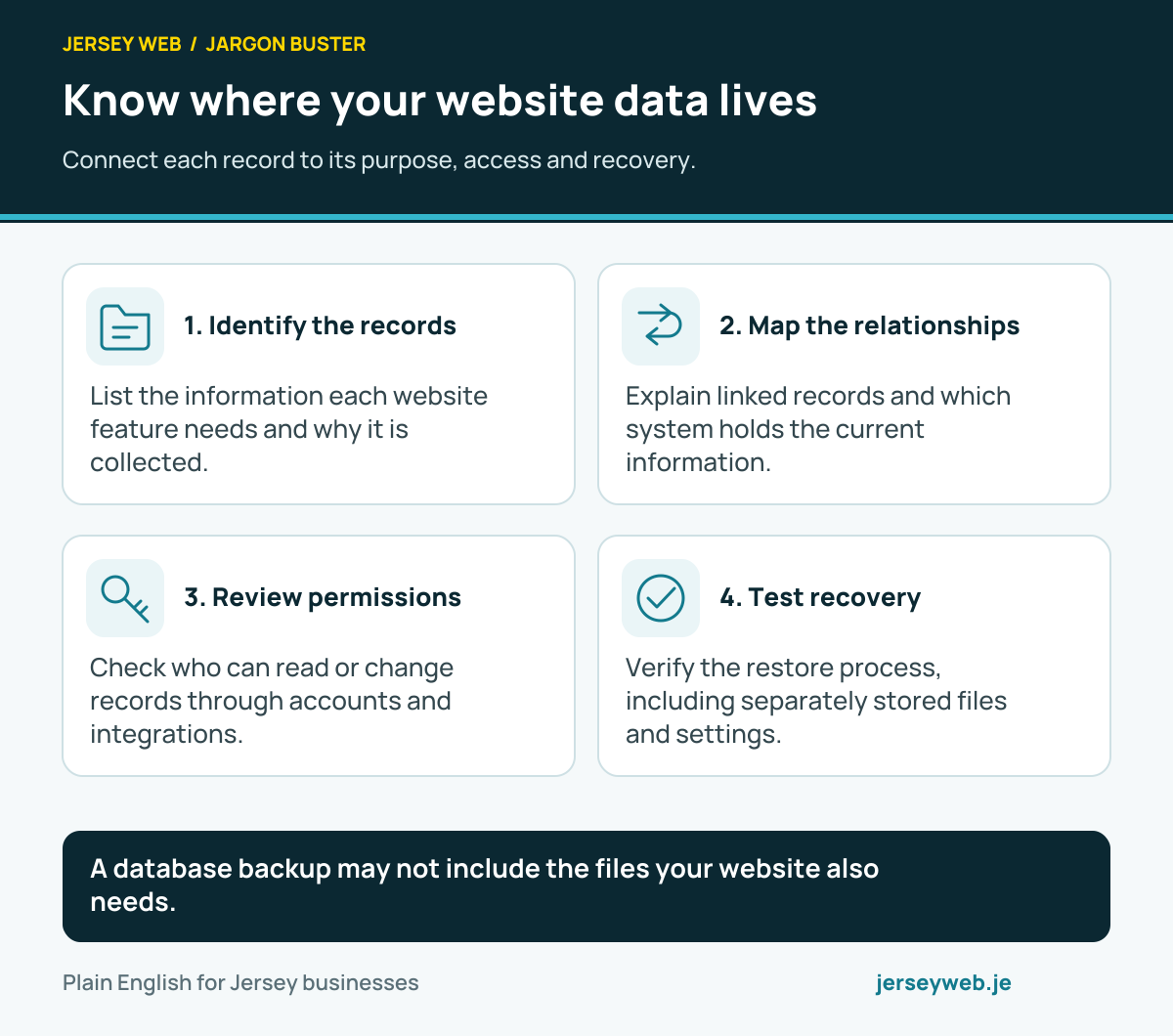
A database backup may not include the files your website also needs.
Read the diagram in text
- Identify the records. List the information each website feature needs and why it is collected.
- Map the relationships. Explain linked records and which system holds the current information.
- Review permissions. Check who can read or change records through accounts and integrations.
- Test recovery. Verify the restore process, including separately stored files and settings.
Read the definitions: Database · Relational database · Primary key · Foreign key · Backups
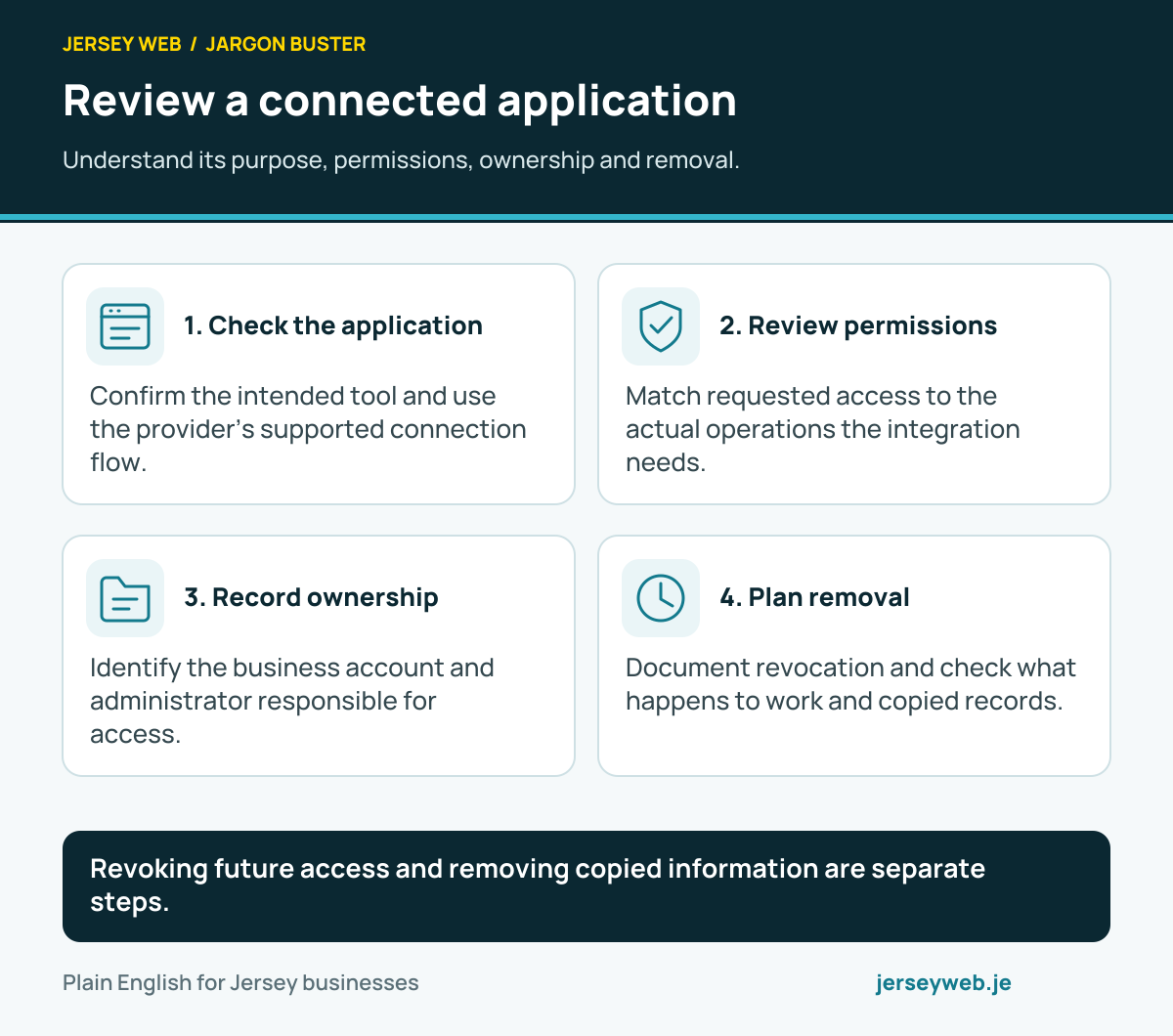
Review a connected application
Understand its purpose, permissions, ownership and removal.
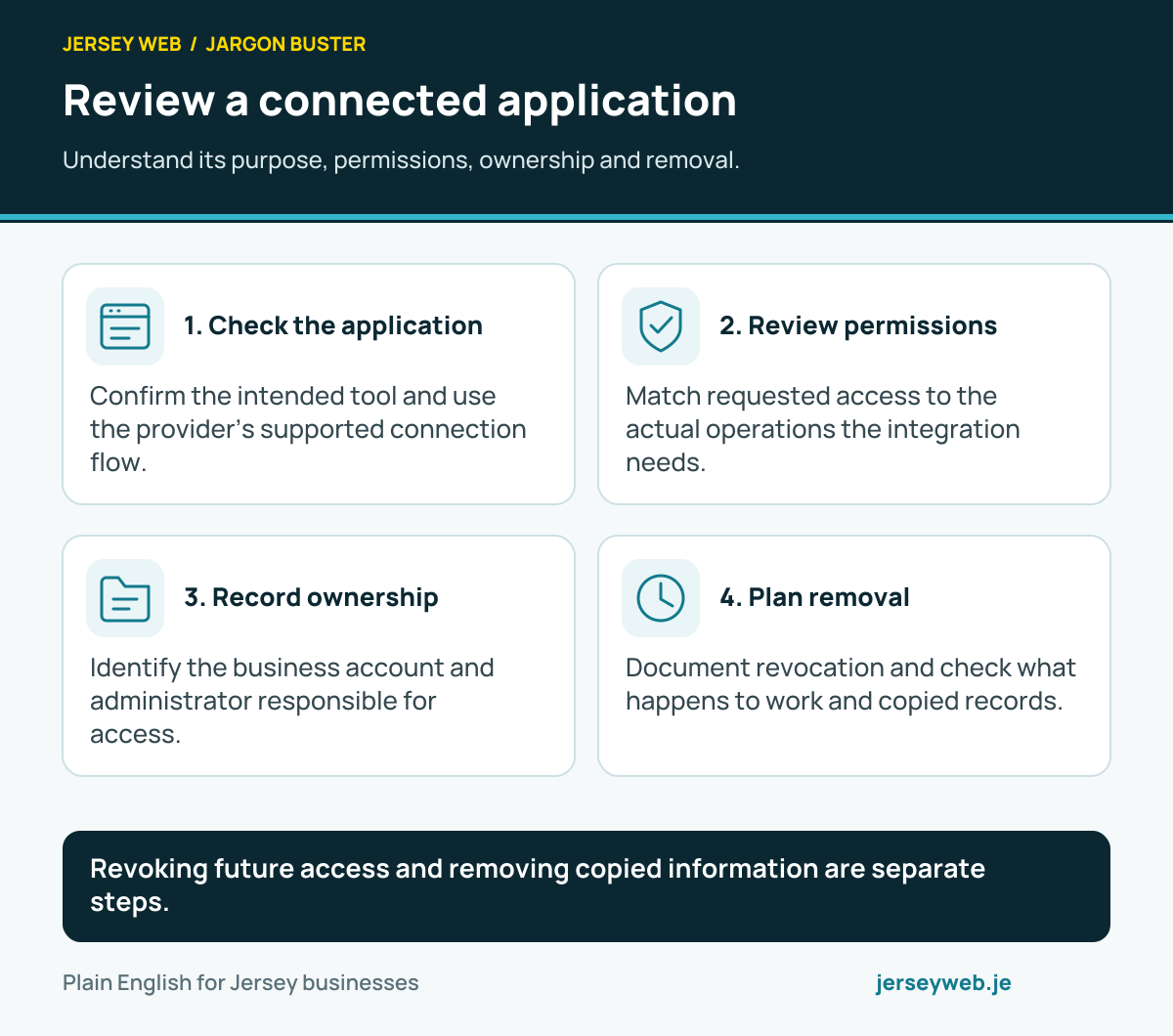
Revoking future access and removing copied information are separate steps.
Read the diagram in text
- Check the application. Confirm the intended tool and use the provider’s supported connection flow.
- Review permissions. Match requested access to the actual operations the integration needs.
- Record ownership. Identify the business account and administrator responsible for access.
- Plan removal. Document revocation and check what happens to work and copied records.
Read the definitions: OAuth · OAuth scope · Access token · Refresh token · Least privilege
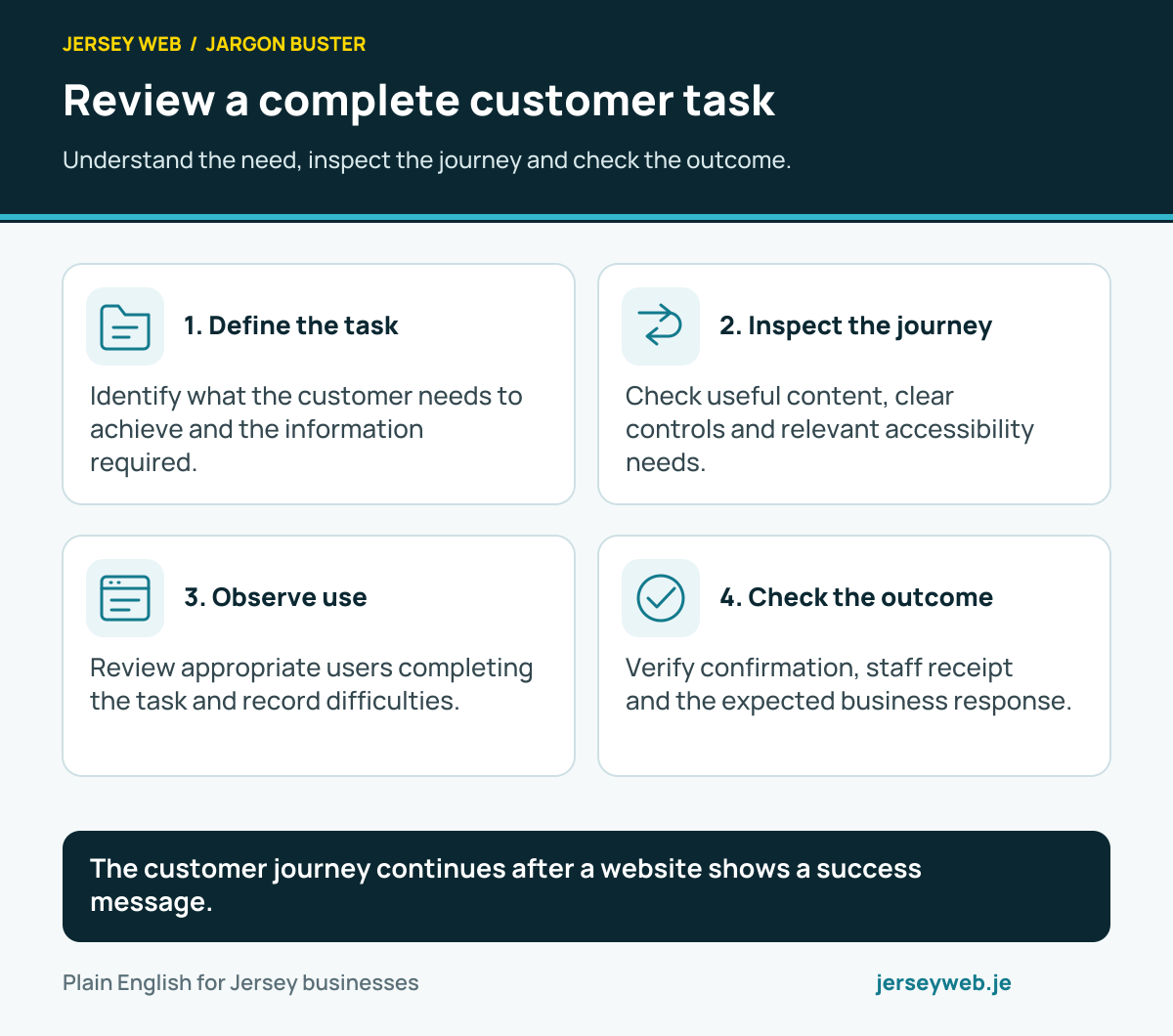
Review a complete customer task
Understand the need, inspect the journey and check the outcome.
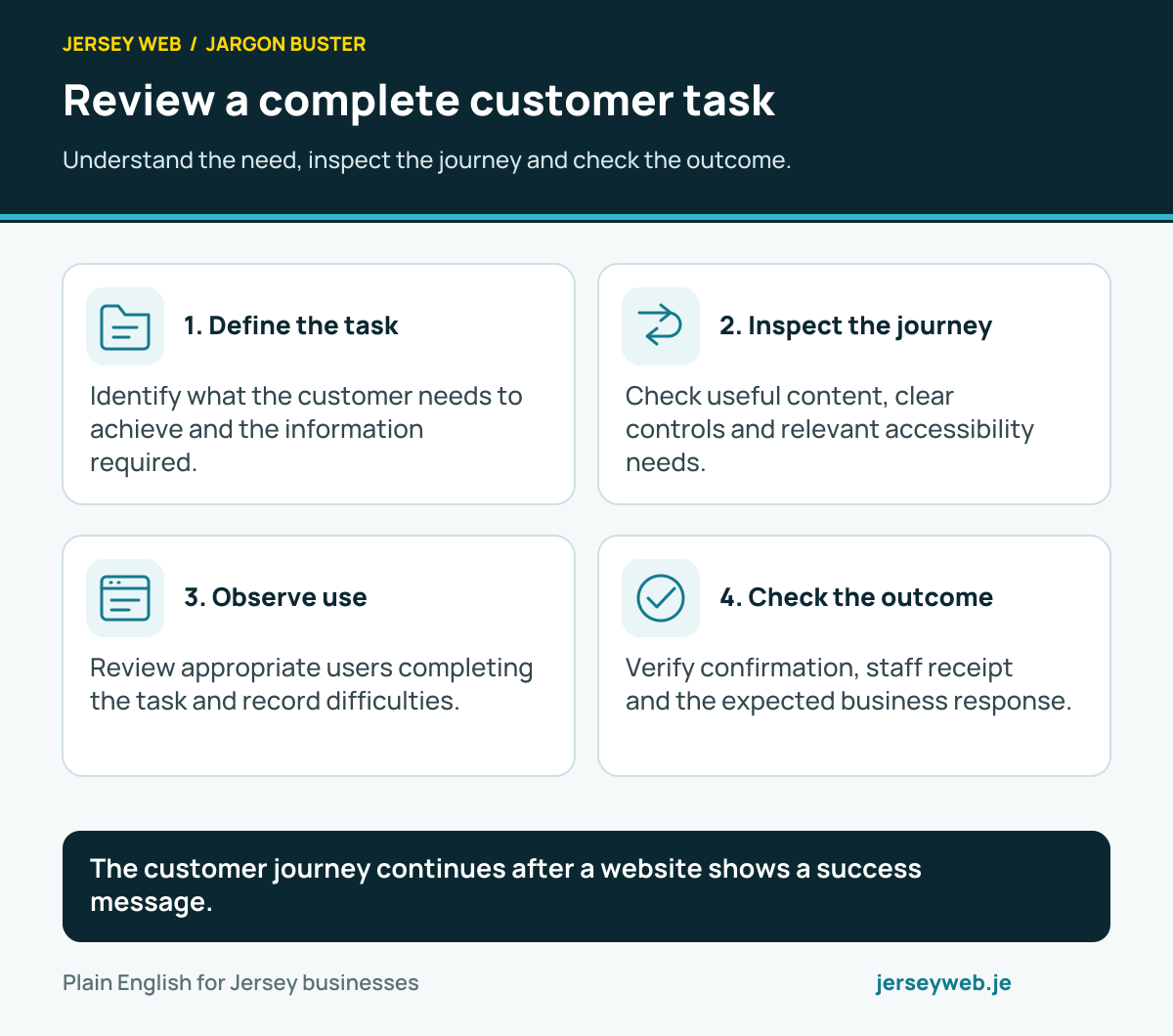
The customer journey continues after a website shows a success message.
Read the diagram in text
- Define the task. Identify what the customer needs to achieve and the information required.
- Inspect the journey. Check useful content, clear controls and relevant accessibility needs.
- Observe use. Review appropriate users completing the task and record difficulties.
- Check the outcome. Verify confirmation, staff receipt and the expected business response.
Read the definitions: User experience · Usability · Usability testing · Customer journey · Contact form
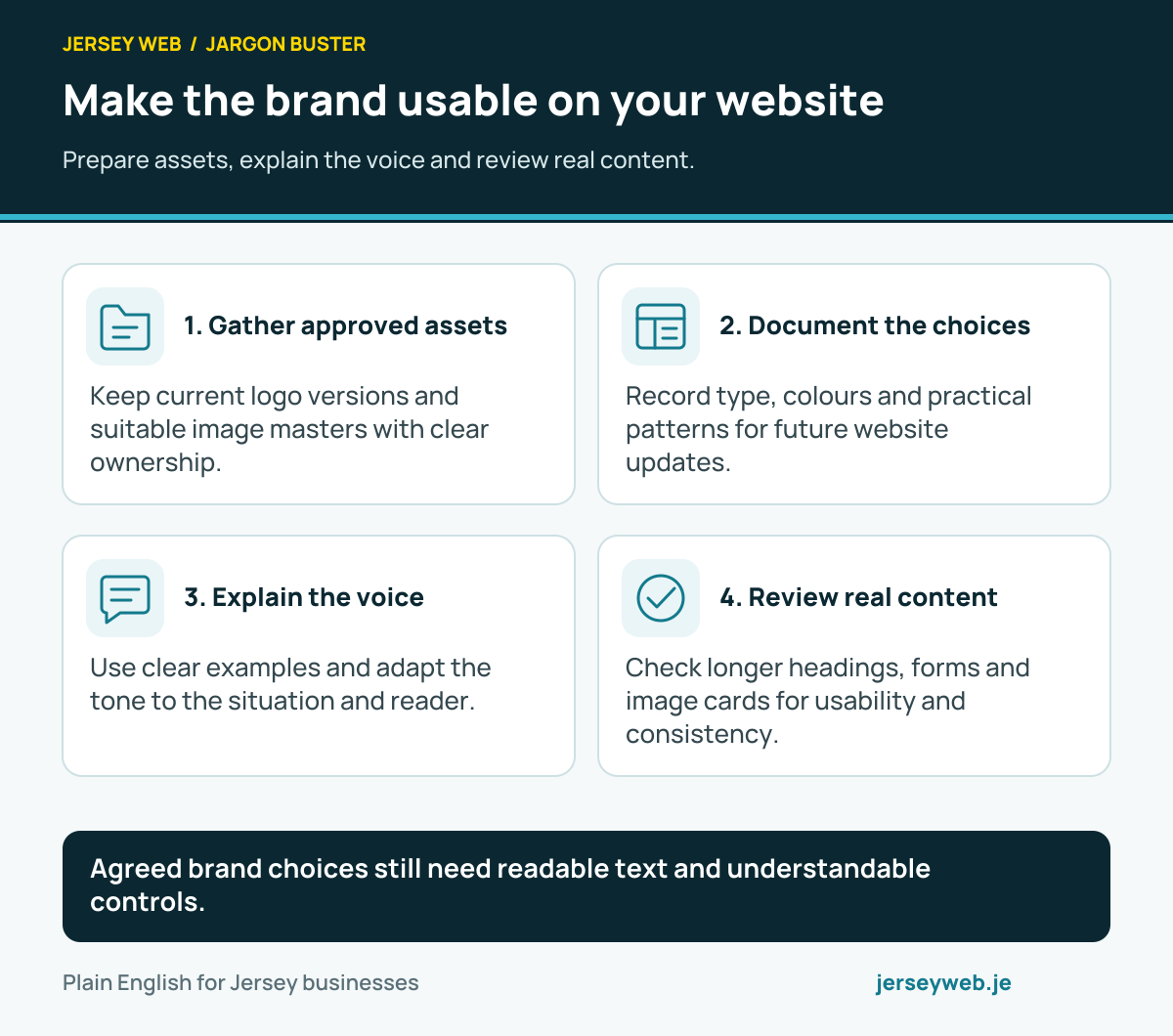
Make the brand usable on your website
Prepare assets, explain the voice and review real content.
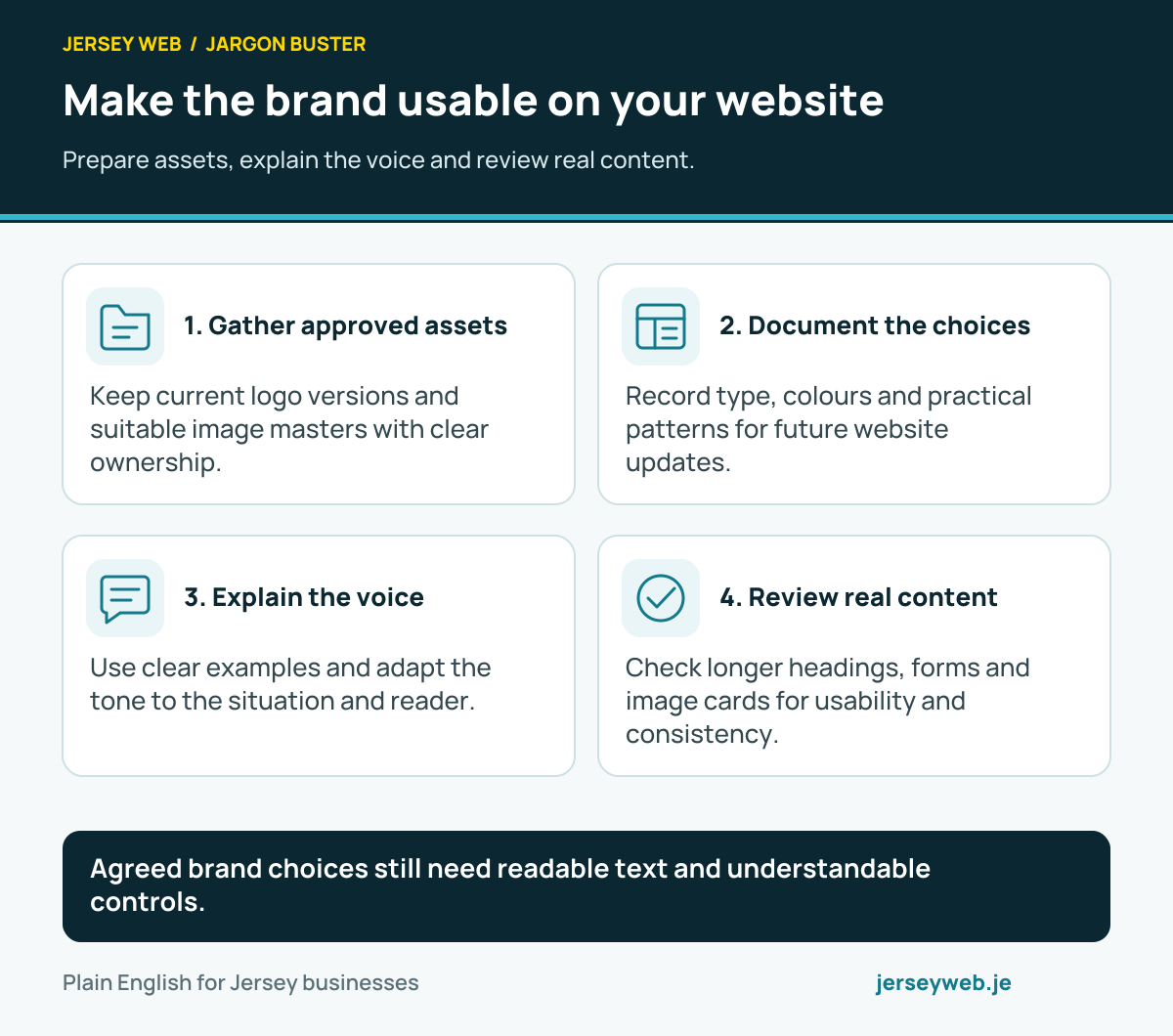
Agreed brand choices still need readable text and understandable controls.
Read the diagram in text
- Gather approved assets. Keep current logo versions and suitable image masters with clear ownership.
- Document the choices. Record type, colours and practical patterns for future website updates.
- Explain the voice. Use clear examples and adapt the tone to the situation and reader.
- Review real content. Check longer headings, forms and image cards for usability and consistency.
Read the definitions: Brand identity · Copywriting · Style guide · Design system · Colour contrast
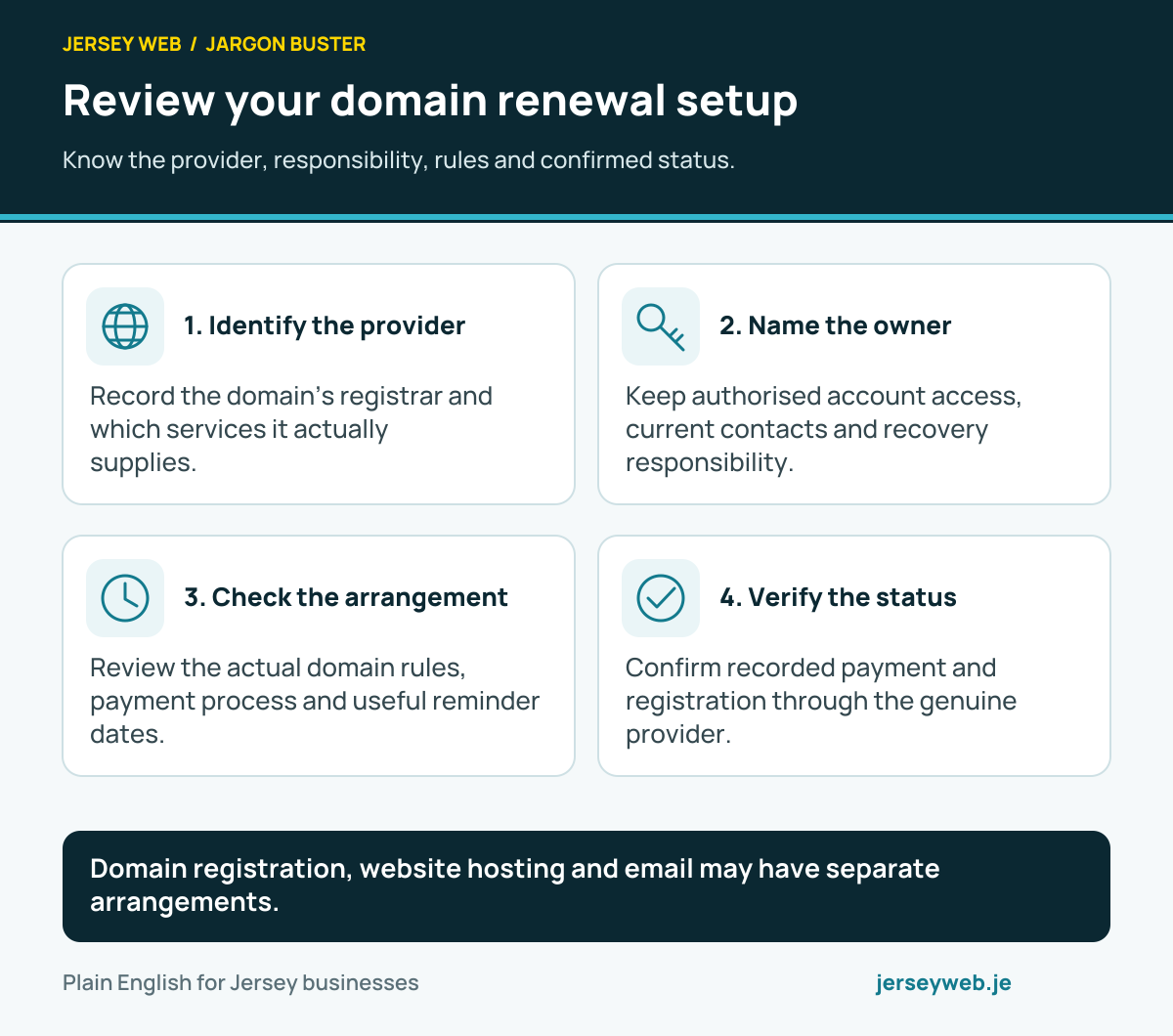
Review your domain renewal setup
Know the provider, responsibility, rules and confirmed status.
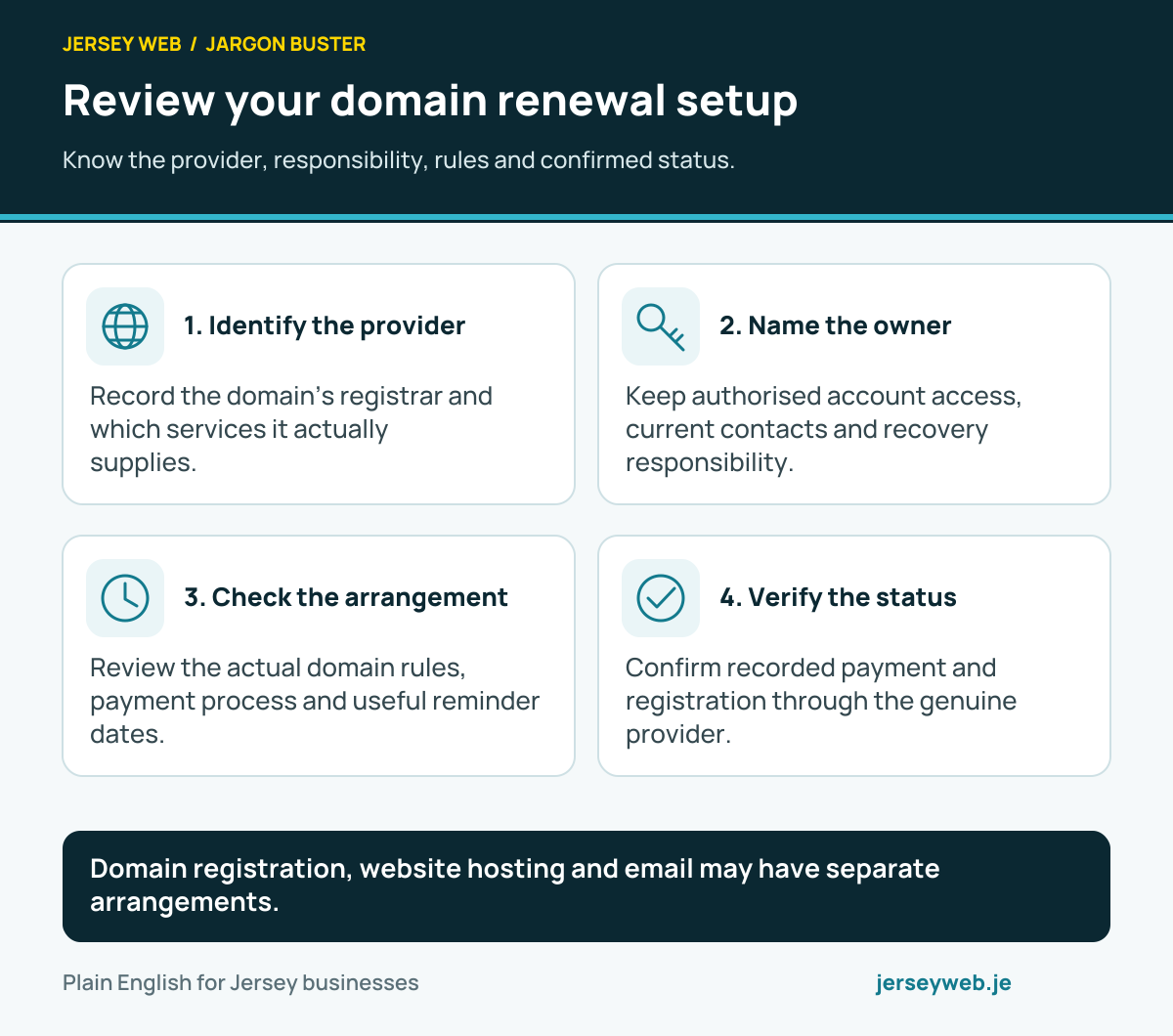
Domain registration, website hosting and email may have separate arrangements.
Read the diagram in text
- Identify the provider. Record the domain’s registrar and which services it actually supplies.
- Name the owner. Keep authorised account access, current contacts and recovery responsibility.
- Check the arrangement. Review the actual domain rules, payment process and useful reminder dates.
- Verify the status. Confirm recorded payment and registration through the genuine provider.
Read the definitions: Domain renewal · Domain name · Domain registrar · .je domain · Business email
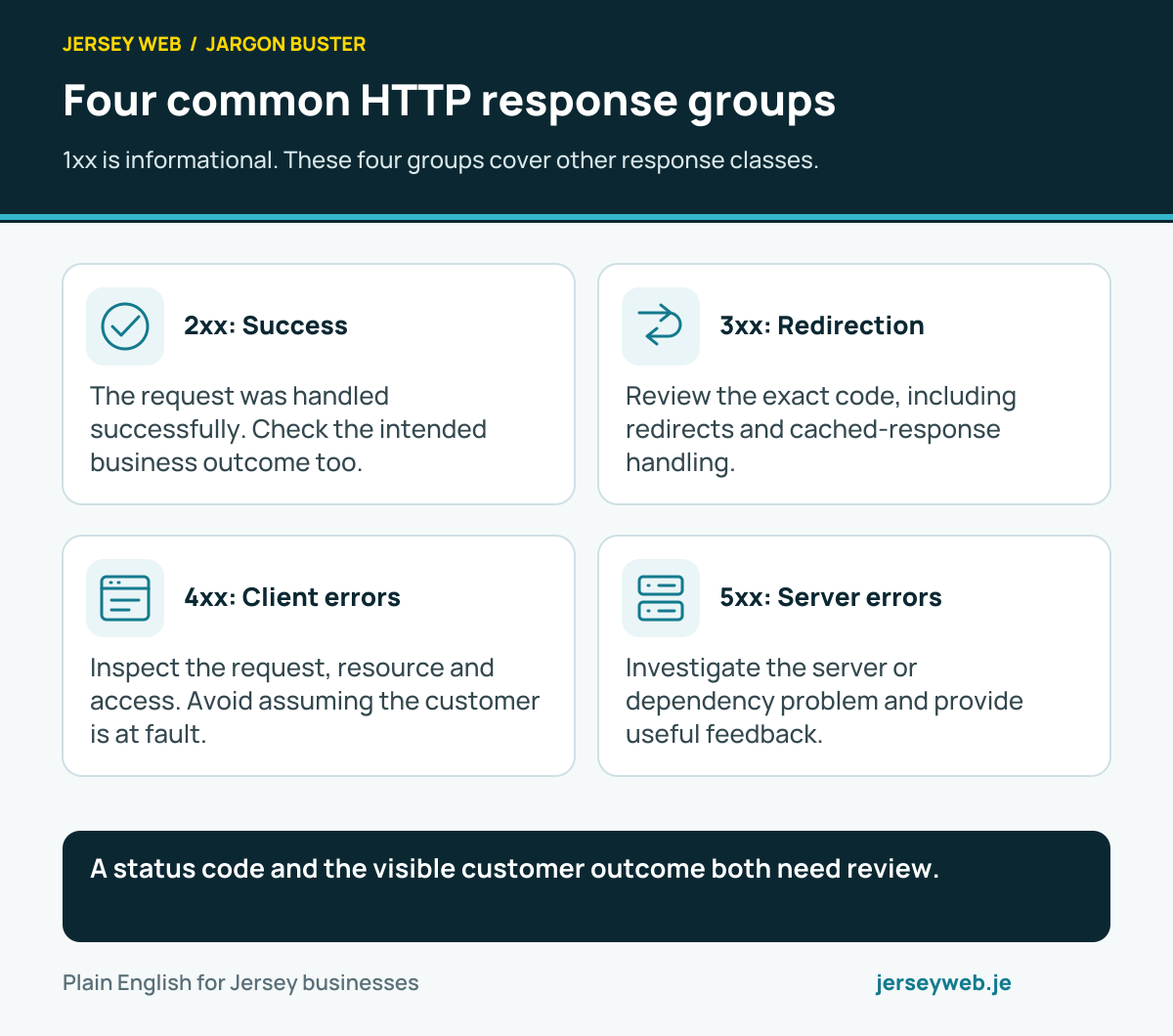
Four common HTTP response groups
1xx is informational. These four groups cover other response classes.
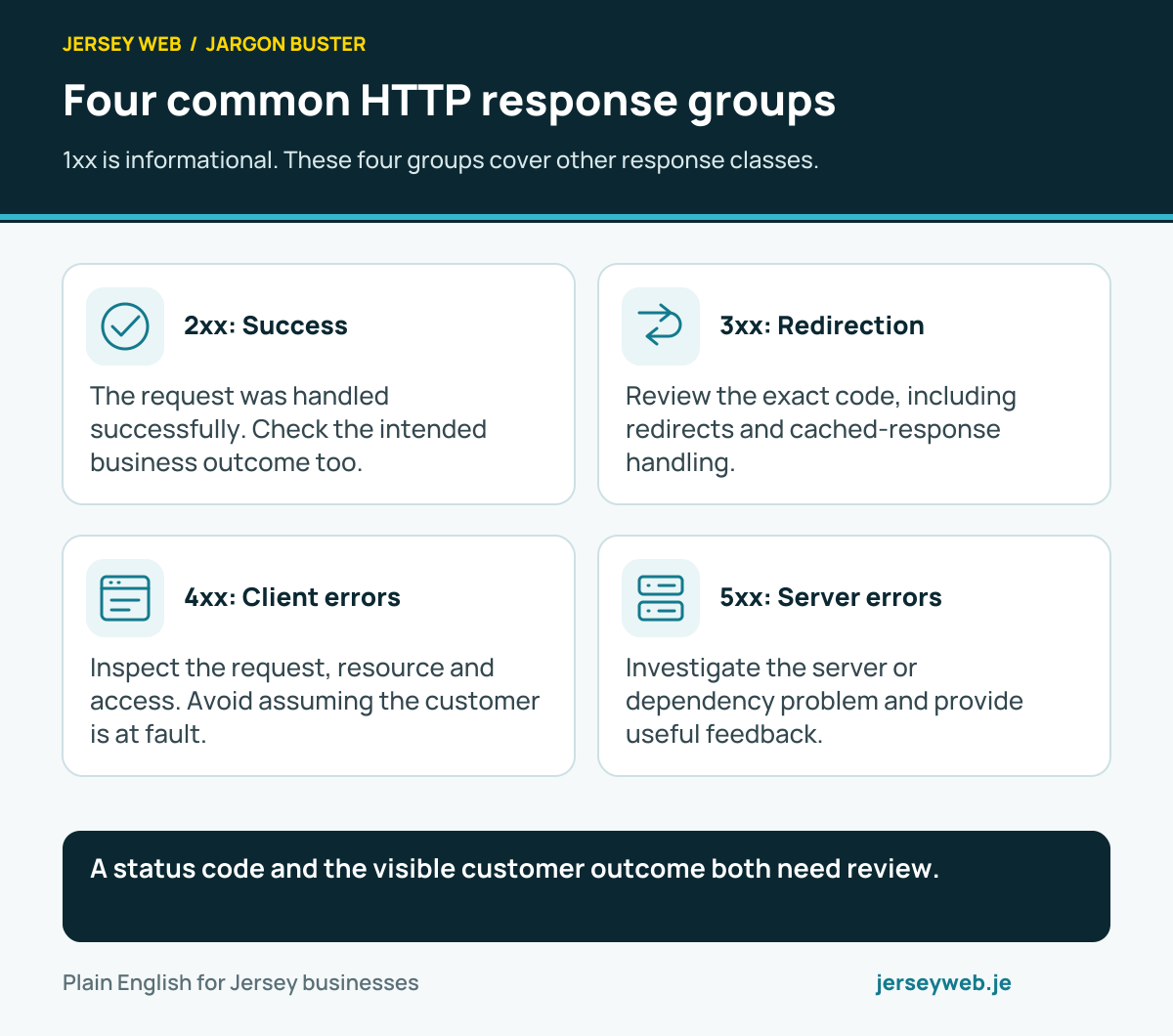
A status code and the visible customer outcome both need review.
Read the diagram in text
- 2xx: Success. The request was handled successfully. Check the intended business outcome too.
- 3xx: Redirection. Review the exact code, including redirects and cached-response handling.
- 4xx: Client errors. Inspect the request, resource and access. Avoid assuming the customer is at fault.
- 5xx: Server errors. Investigate the server or dependency problem and provide useful feedback.
Read the definitions: HTTP status code · HTTP response · Redirect · 404 error · 500 error · 503 error
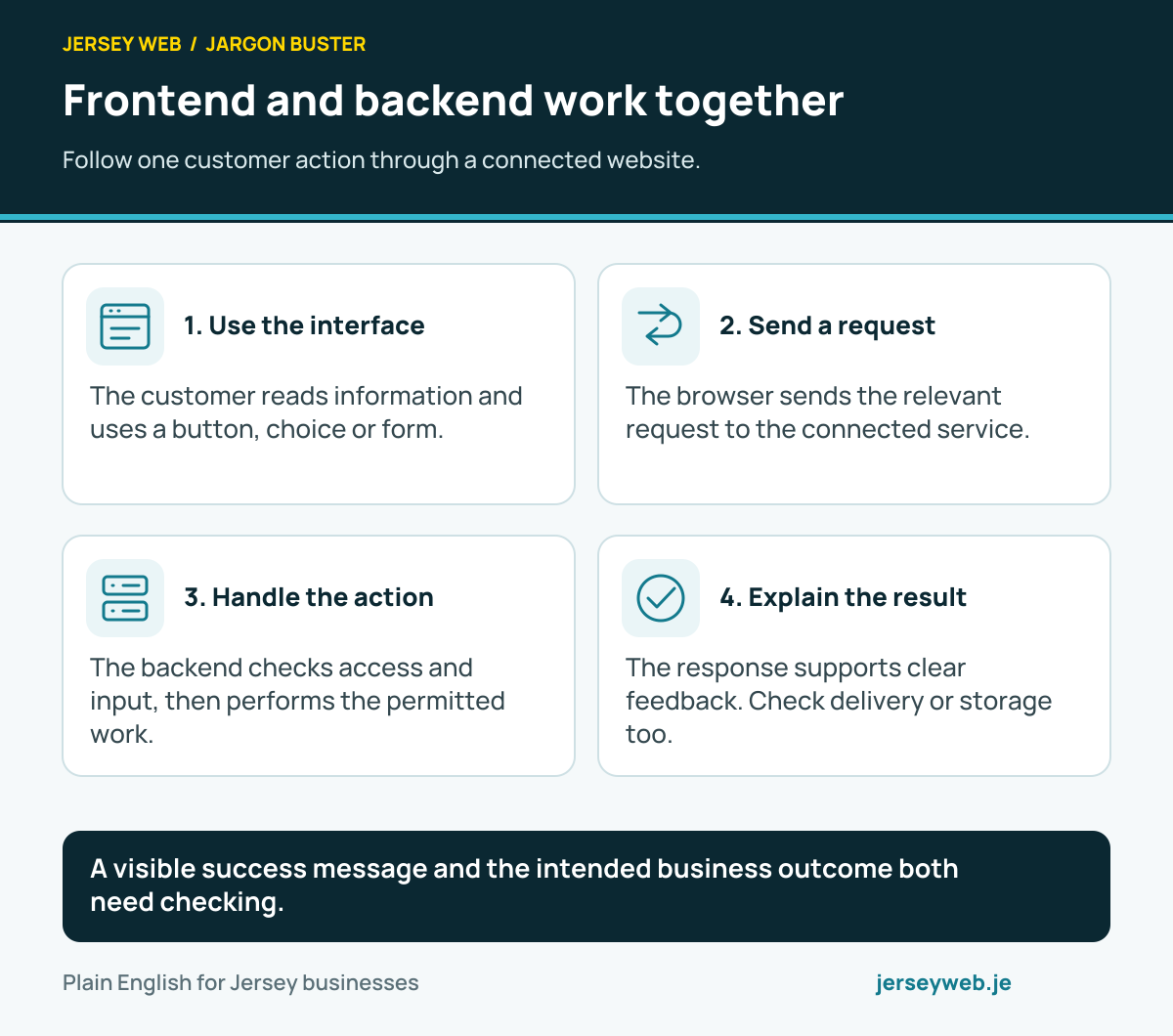
Frontend and backend work together
Follow one customer action through a connected website.
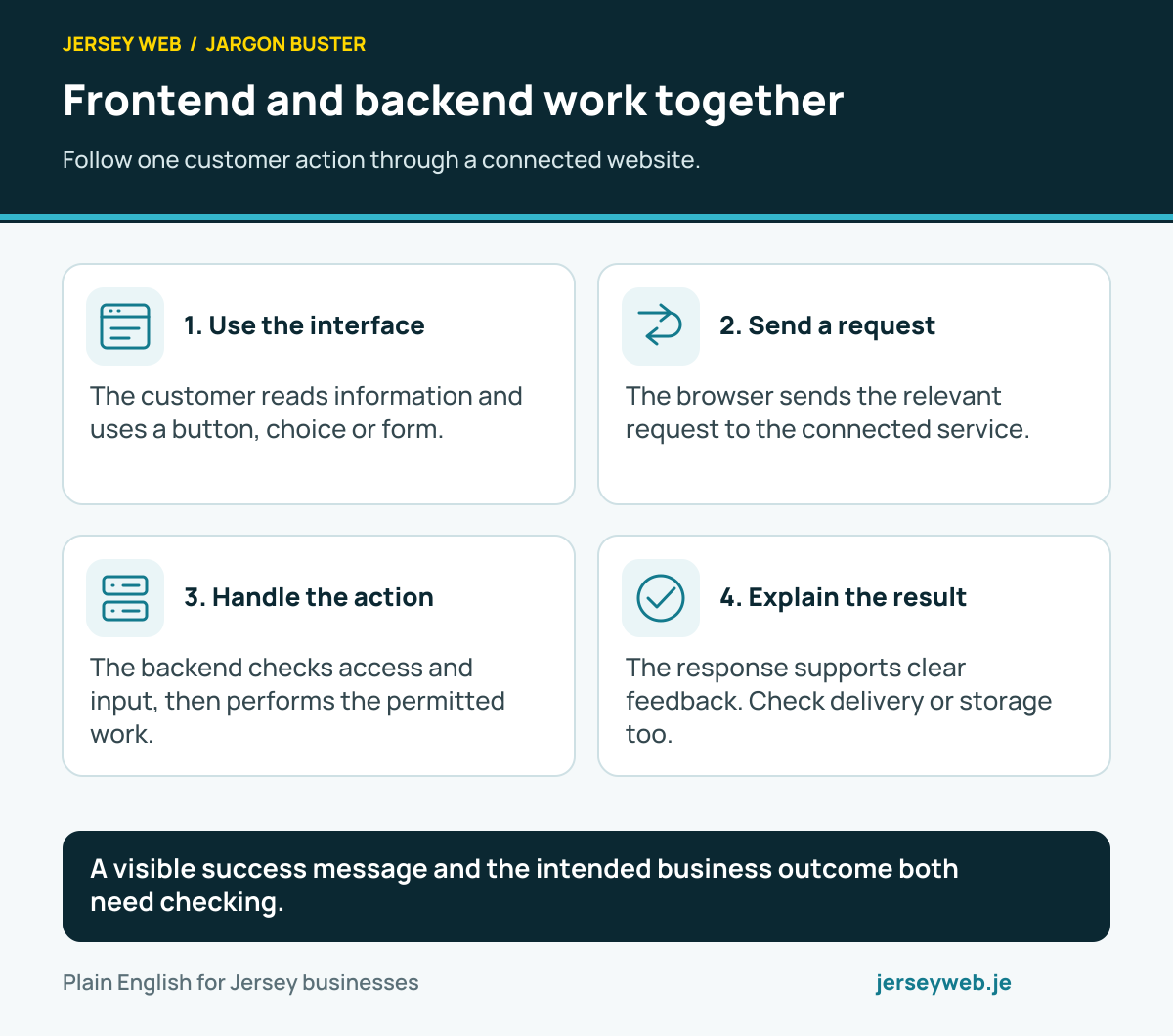
A visible success message and the intended business outcome both need checking.
Read the diagram in text
- Use the interface. The customer reads information and uses a button, choice or form.
- Send a request. The browser sends the relevant request to the connected service.
- Handle the action. The backend checks access and input, then performs the permitted work.
- Explain the result. The response supports clear feedback. Check delivery or storage too.
Read the definitions: Frontend · Backend · HTTP request · HTTP response · API · Contact form
Review a website prototype clearly
Agree the idea, its limits and the work still required.
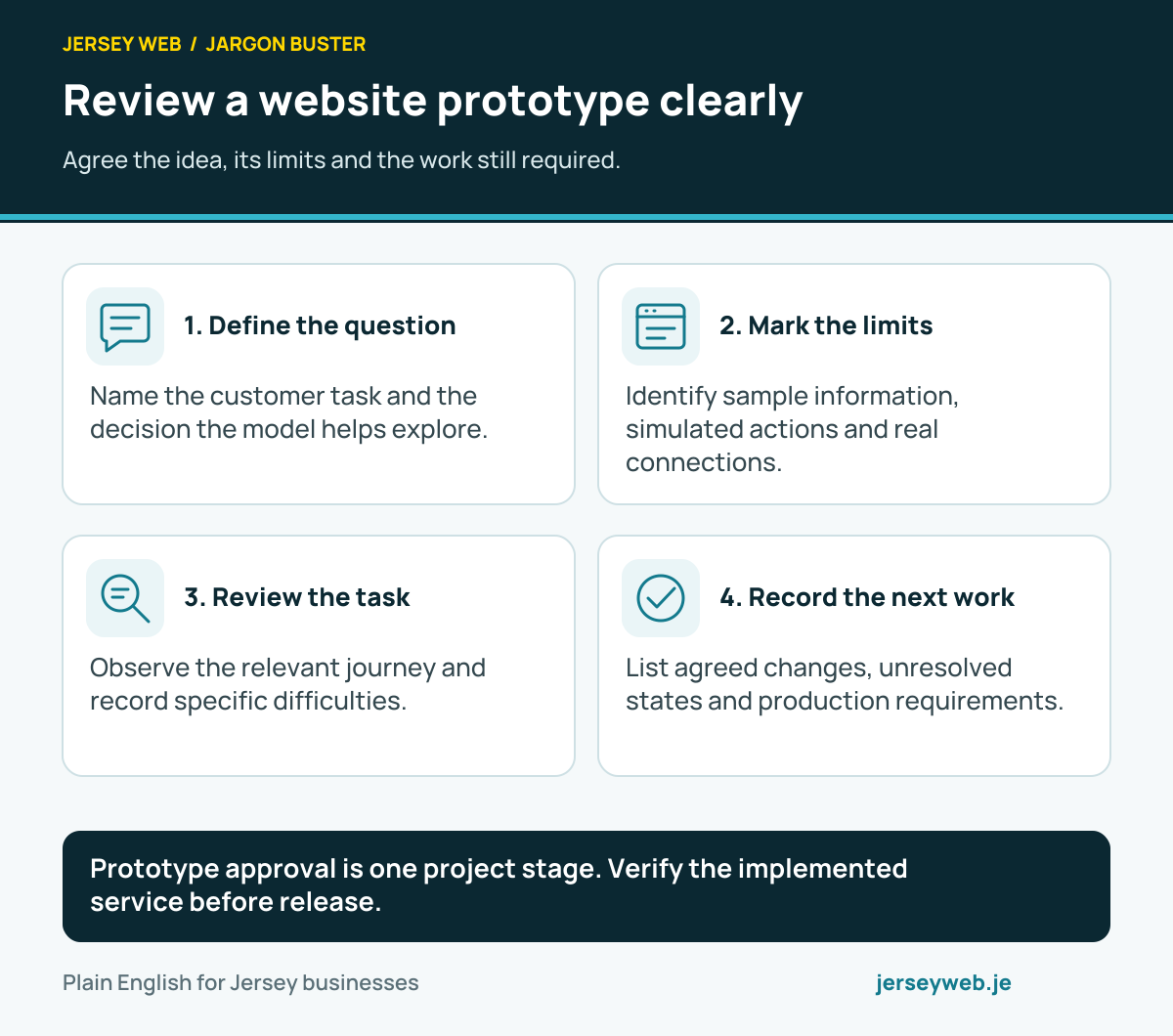
Prototype approval is one project stage. Verify the implemented service before release.
Read the diagram in text
- Define the question. Name the customer task and the decision the model helps explore.
- Mark the limits. Identify sample information, simulated actions and real connections.
- Review the task. Observe the relevant journey and record specific difficulties.
- Record the next work. List agreed changes, unresolved states and production requirements.
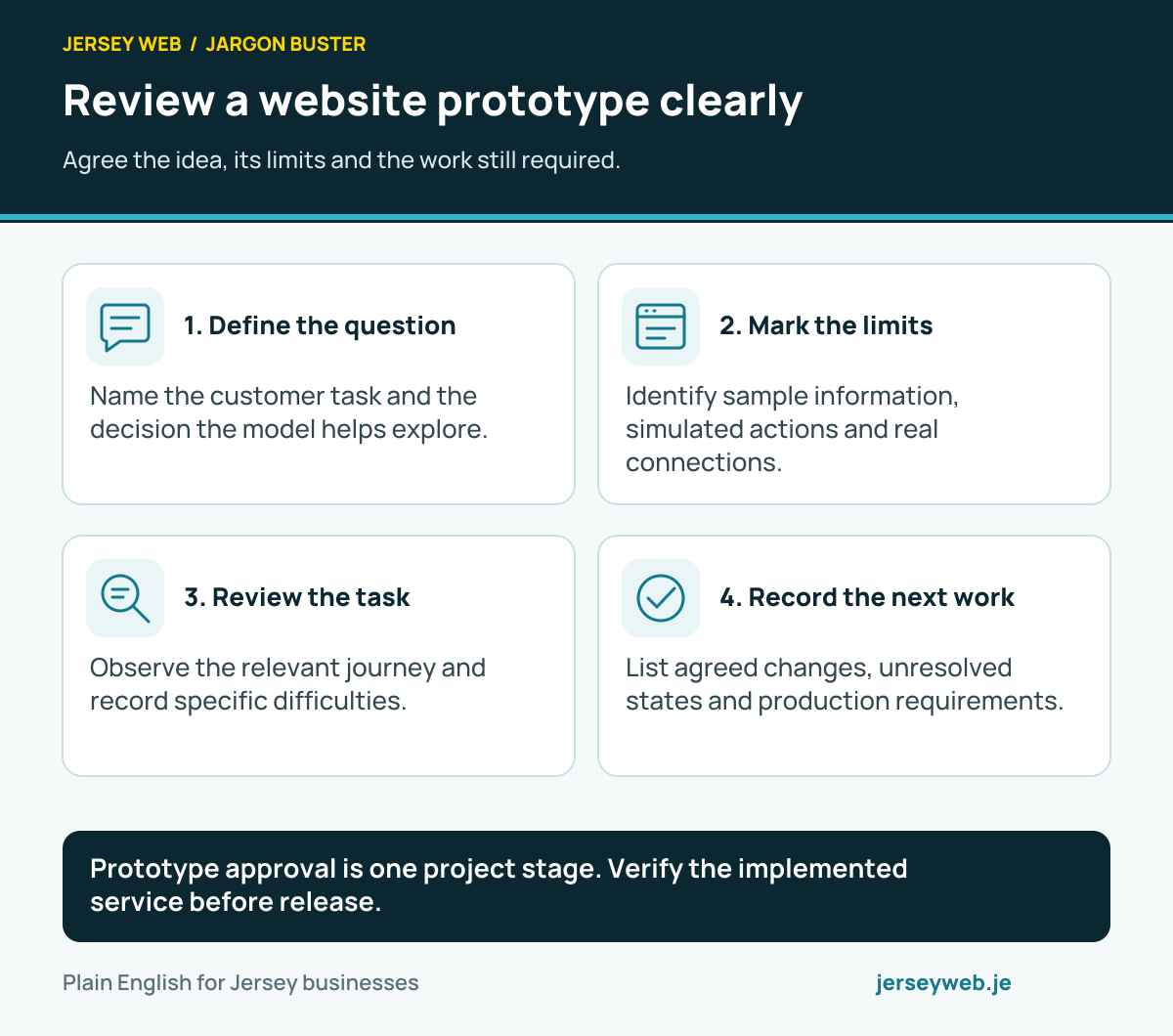
Diagram sources
Read the definitions: Prototype · Wireframe · Usability testing · User experience · Frontend · Backend
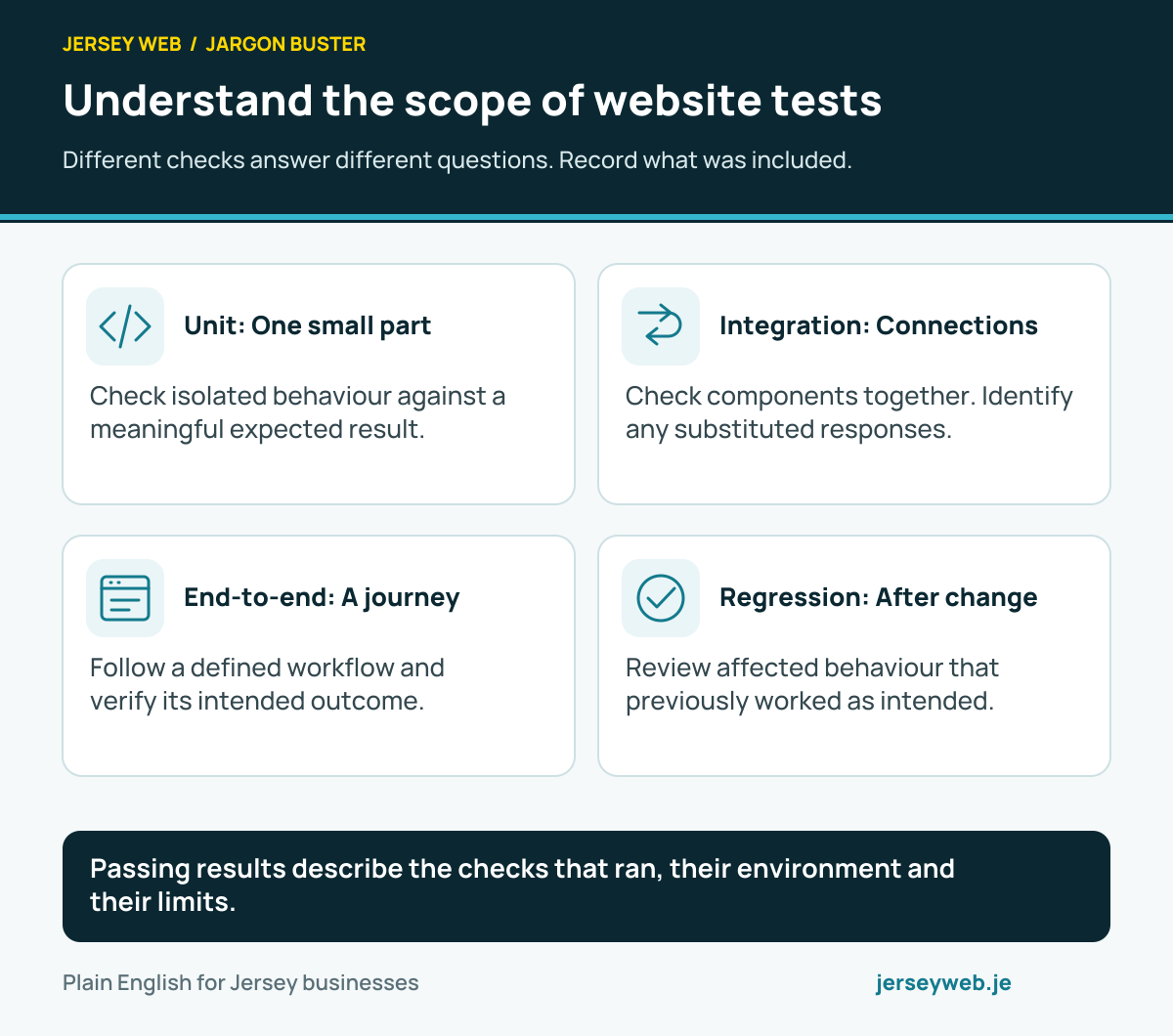
Understand the scope of website tests
Different checks answer different questions. Record what was included.
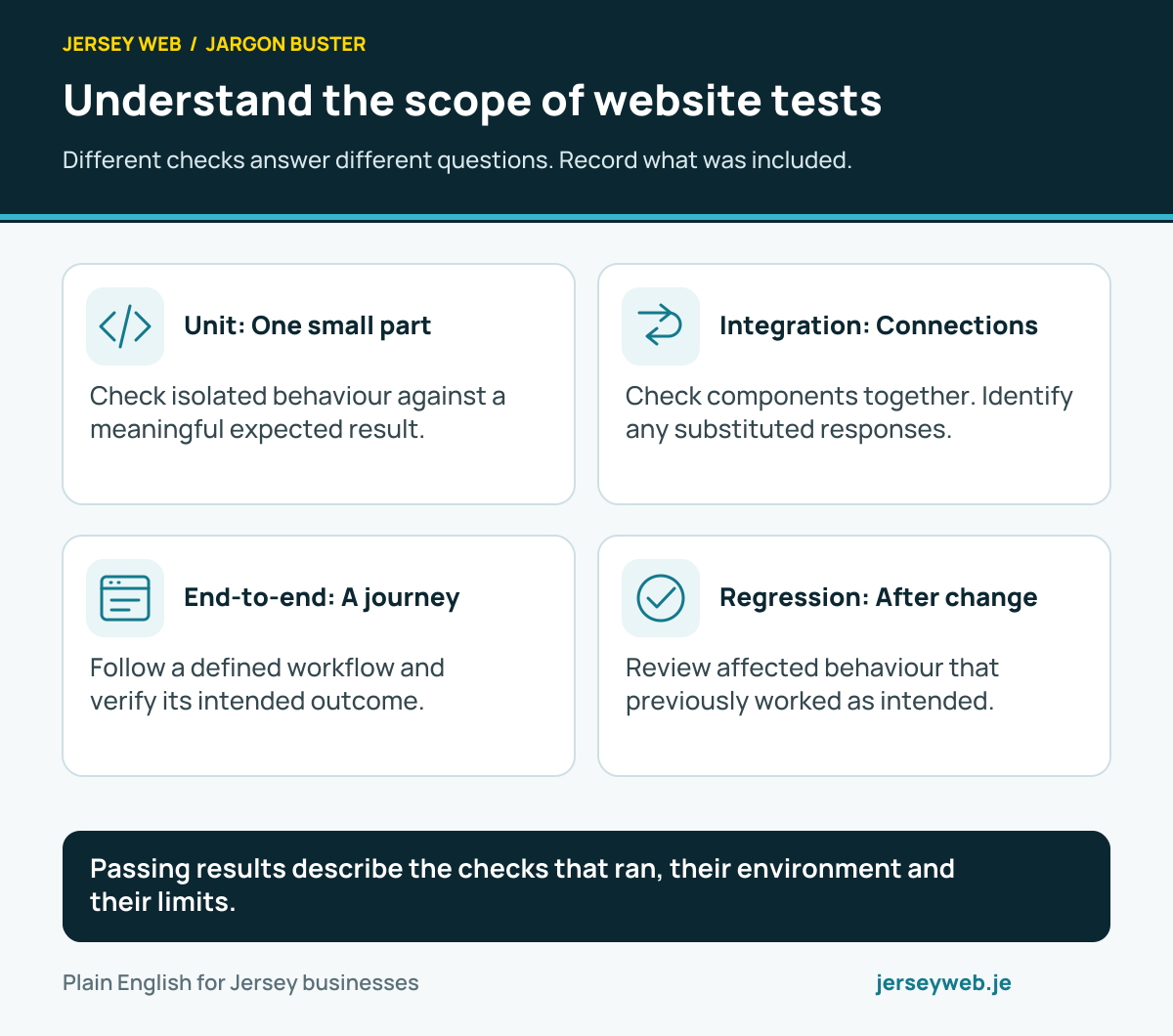
Passing results describe the checks that ran, their environment and their limits.
Read the diagram in text
- Unit: One small part. Check isolated behaviour against a meaningful expected result.
- Integration: Connections. Check components together. Identify any substituted responses.
- End-to-end: A journey. Follow a defined workflow and verify its intended outcome.
- Regression: After change. Review affected behaviour that previously worked as intended.
Read the definitions: Unit testing · Integration testing · End-to-end testing · Regression testing · Test coverage
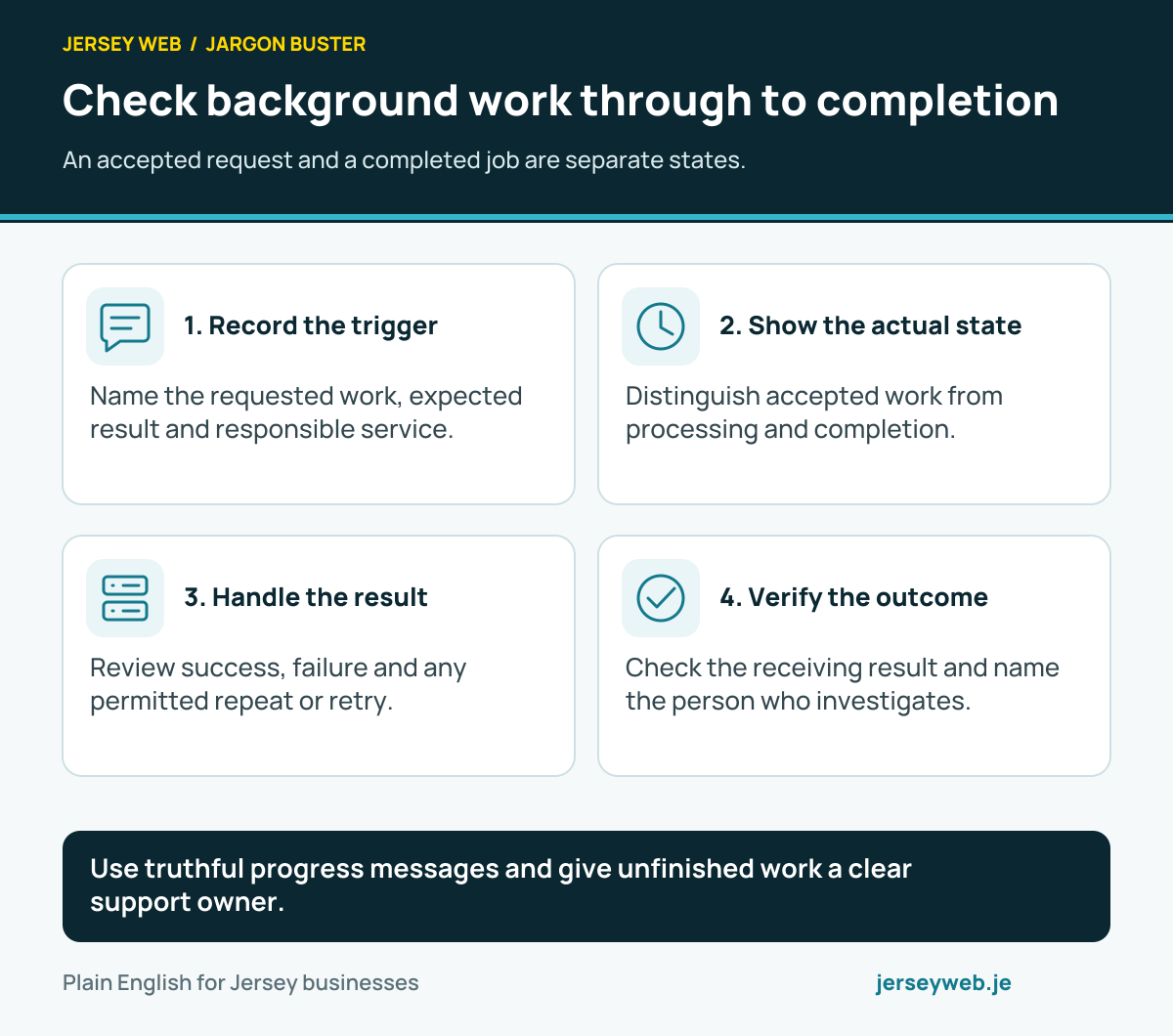
Check background work through to completion
An accepted request and a completed job are separate states.
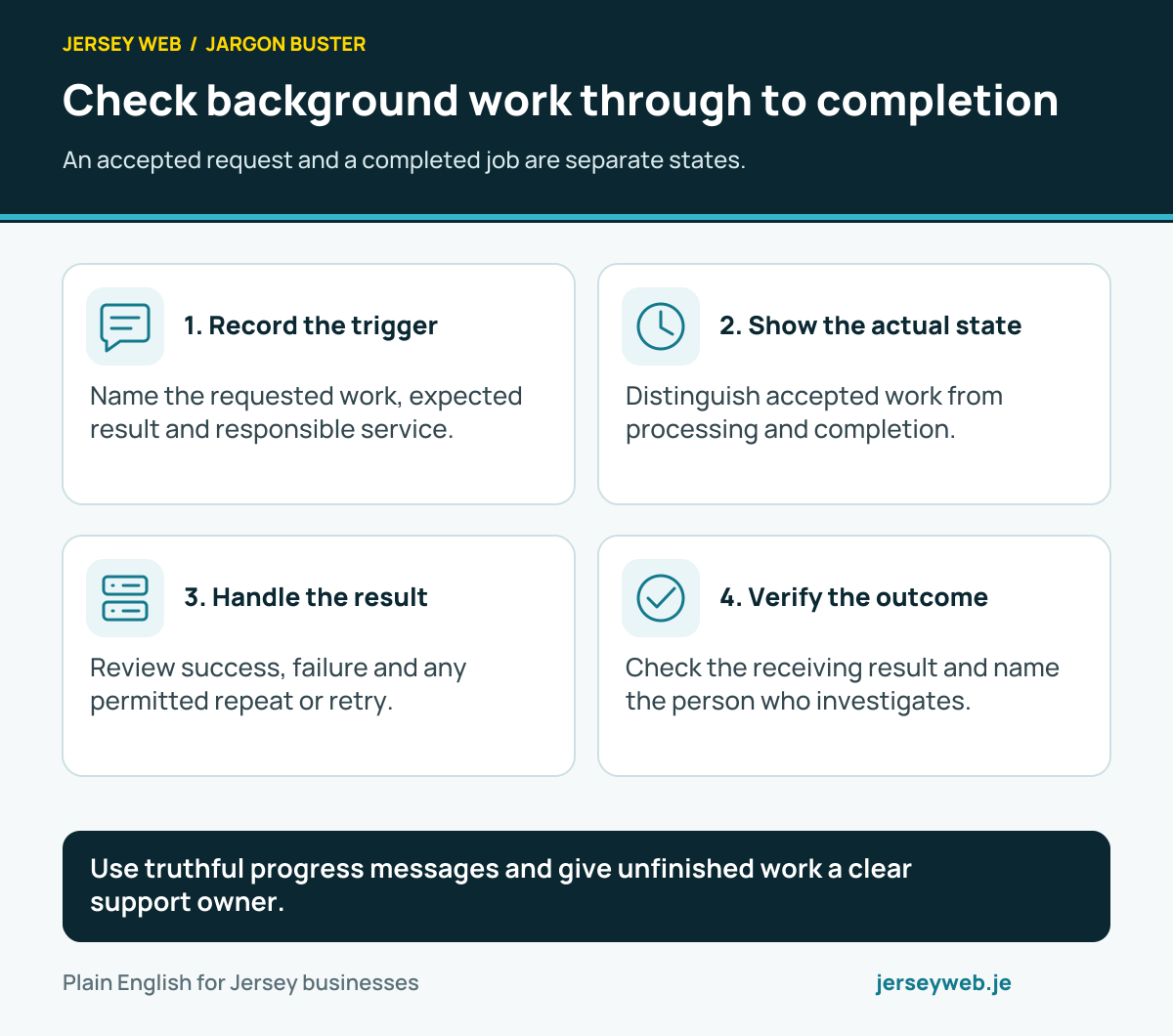
Use truthful progress messages and give unfinished work a clear support owner.
Read the diagram in text
- Record the trigger. Name the requested work, expected result and responsible service.
- Show the actual state. Distinguish accepted work from processing and completion.
- Handle the result. Review success, failure and any permitted repeat or retry.
- Verify the outcome. Check the receiving result and name the person who investigates.
Read the definitions: Background job · Message queue · Dead-letter queue · Cron job · Monitoring
Choose alt text for the image’s purpose
Review the image where it appears, alongside its surrounding content.
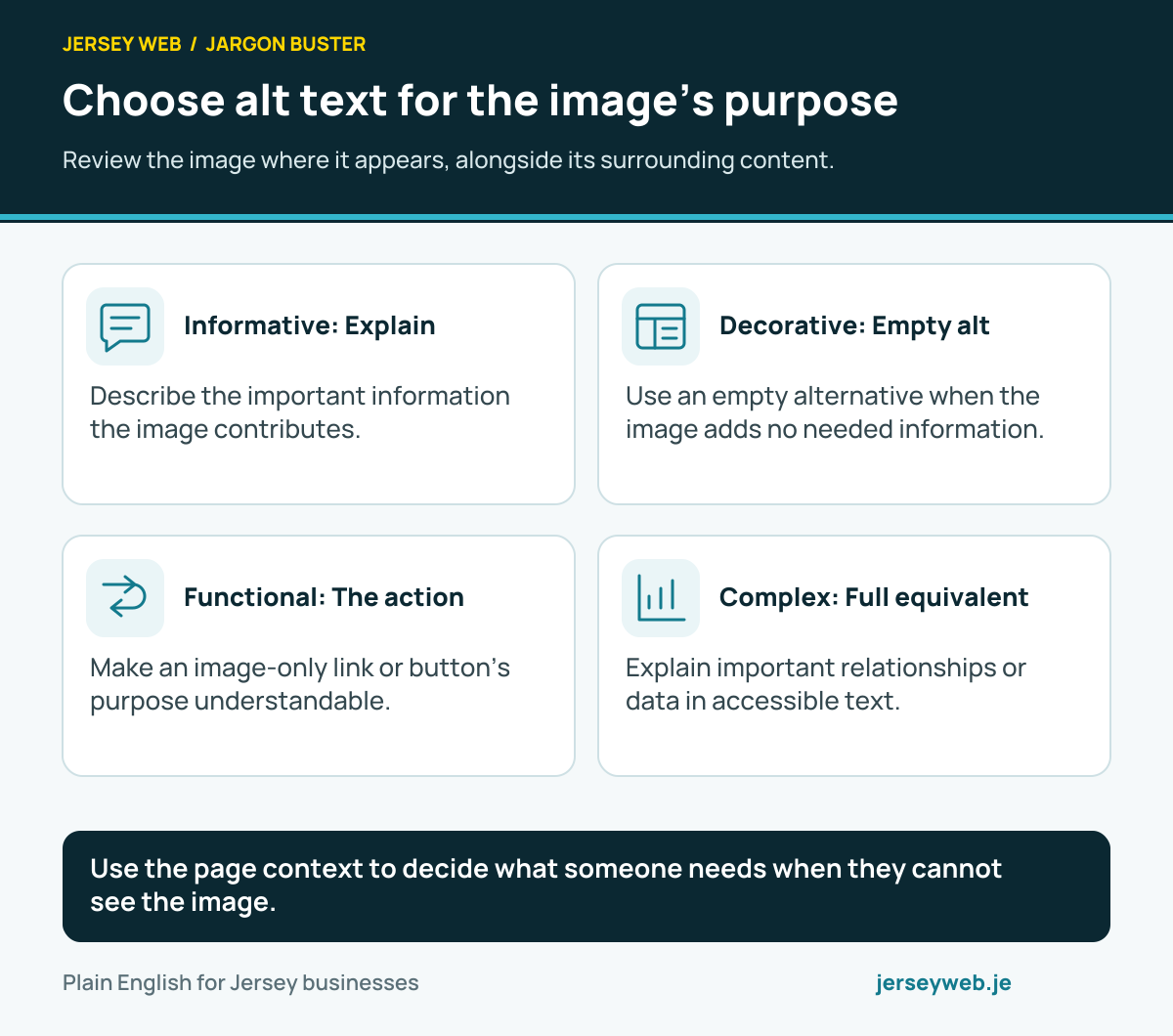
Use the page context to decide what someone needs when they cannot see the image.
Read the diagram in text
- Informative: Explain. Describe the important information the image contributes.
- Decorative: Empty alt. Use an empty alternative when the image adds no needed information.
- Functional: The action. Make an image-only link or button’s purpose understandable.
- Complex: Full equivalent. Explain important relationships or data in accessible text.
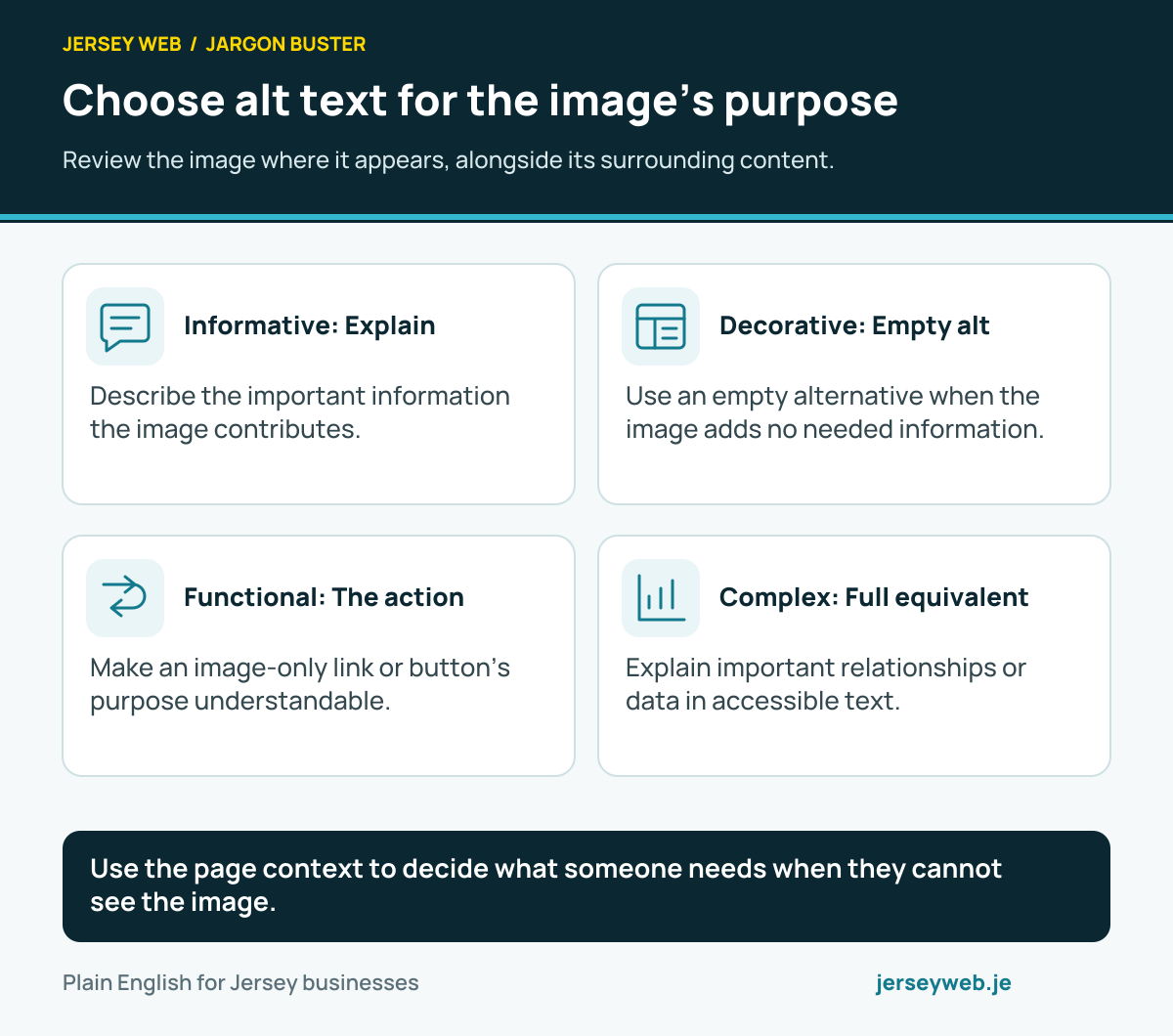
Diagram sources
Read the definitions: Alt text · Screen reader · Website accessibility · Raster image
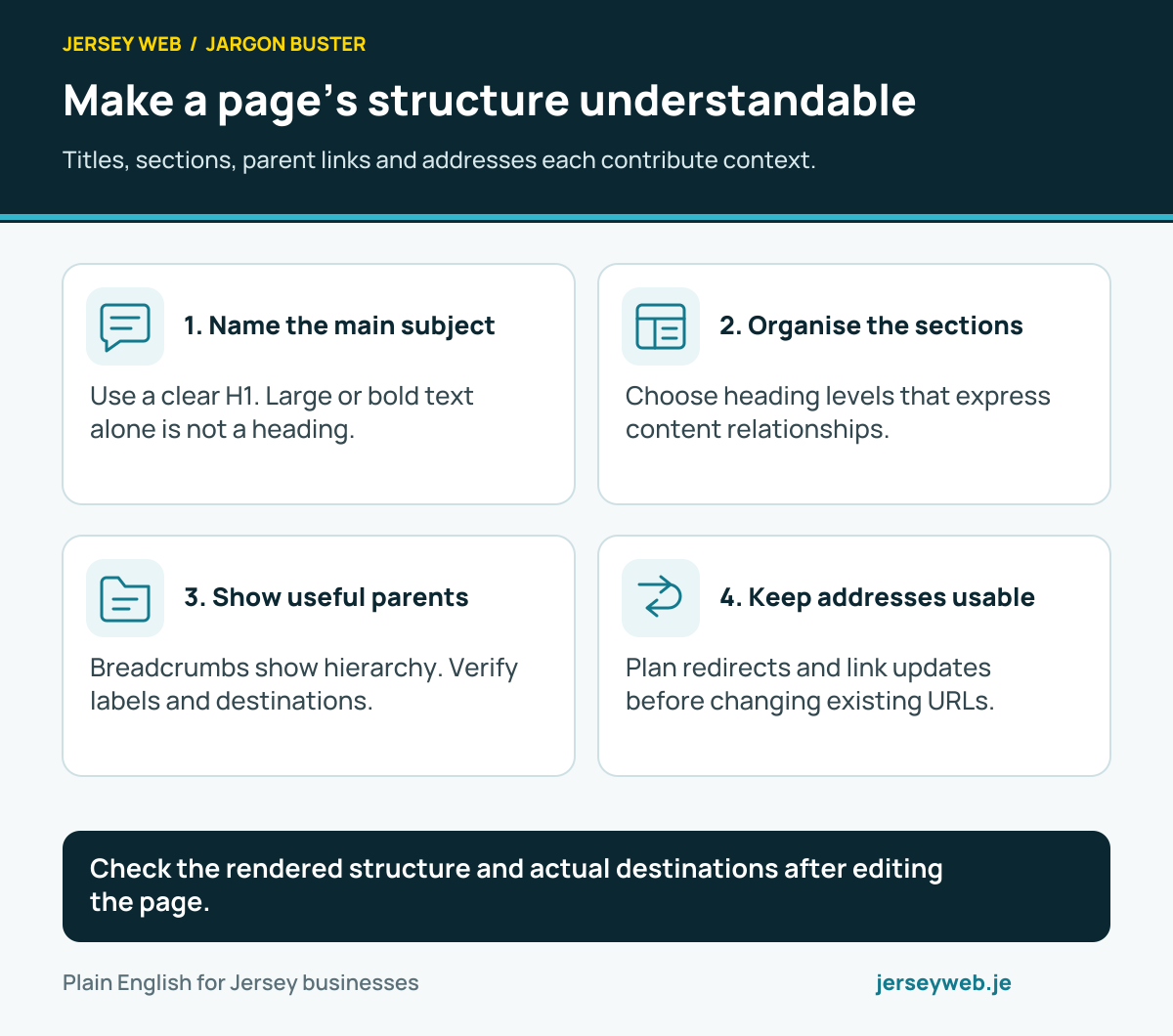
Make a page’s structure understandable
Titles, sections, parent links and addresses each contribute context.
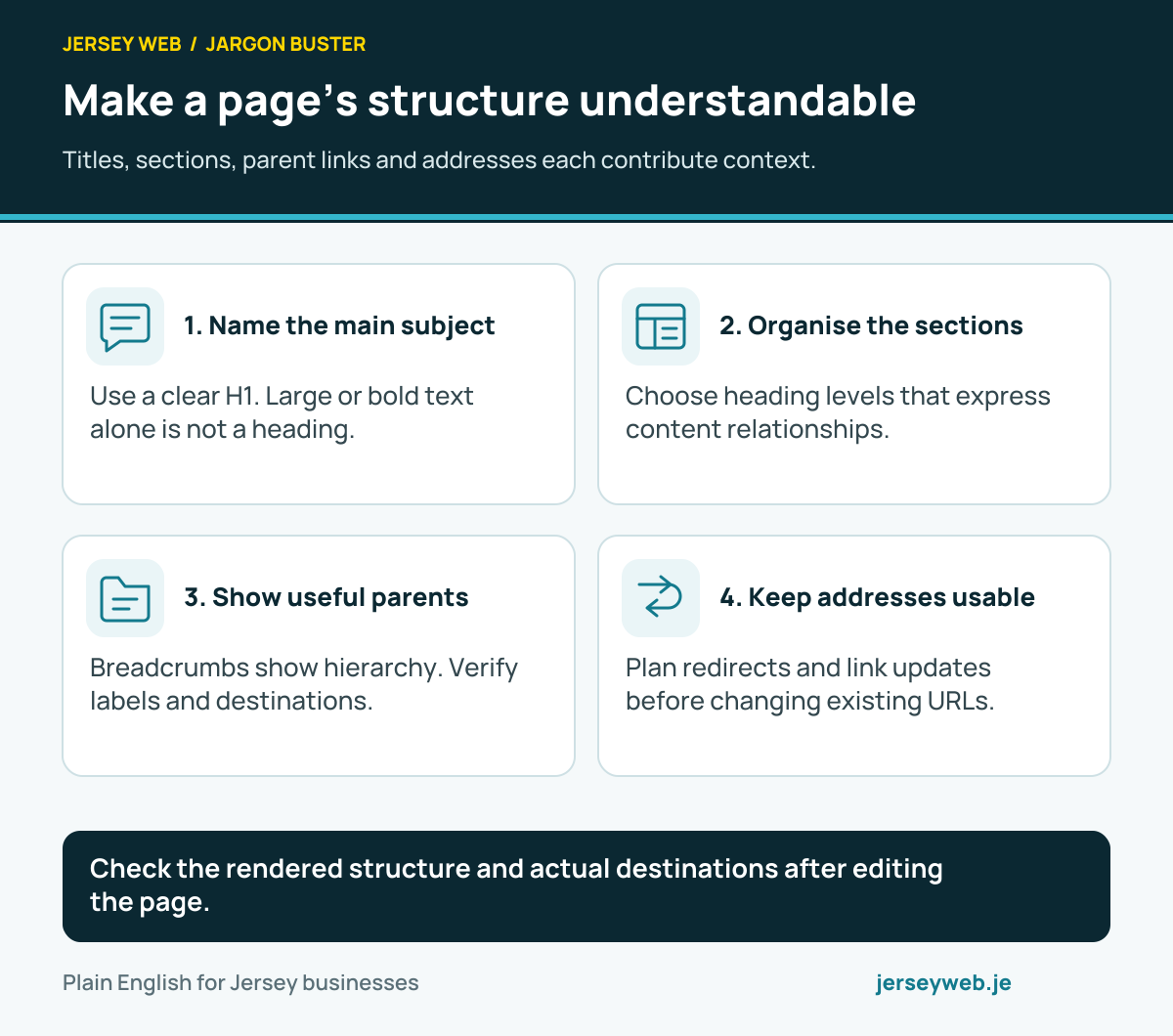
Check the rendered structure and actual destinations after editing the page.
Read the diagram in text
- Name the main subject. Use a clear H1. Large or bold text alone is not a heading.
- Organise the sections. Choose heading levels that express content relationships.
- Show useful parents. Breadcrumbs show hierarchy. Verify labels and destinations.
- Keep addresses usable. Plan redirects and link updates before changing existing URLs.
Read the definitions: H1 heading · Breadcrumbs · URL slug · Information architecture · Content design
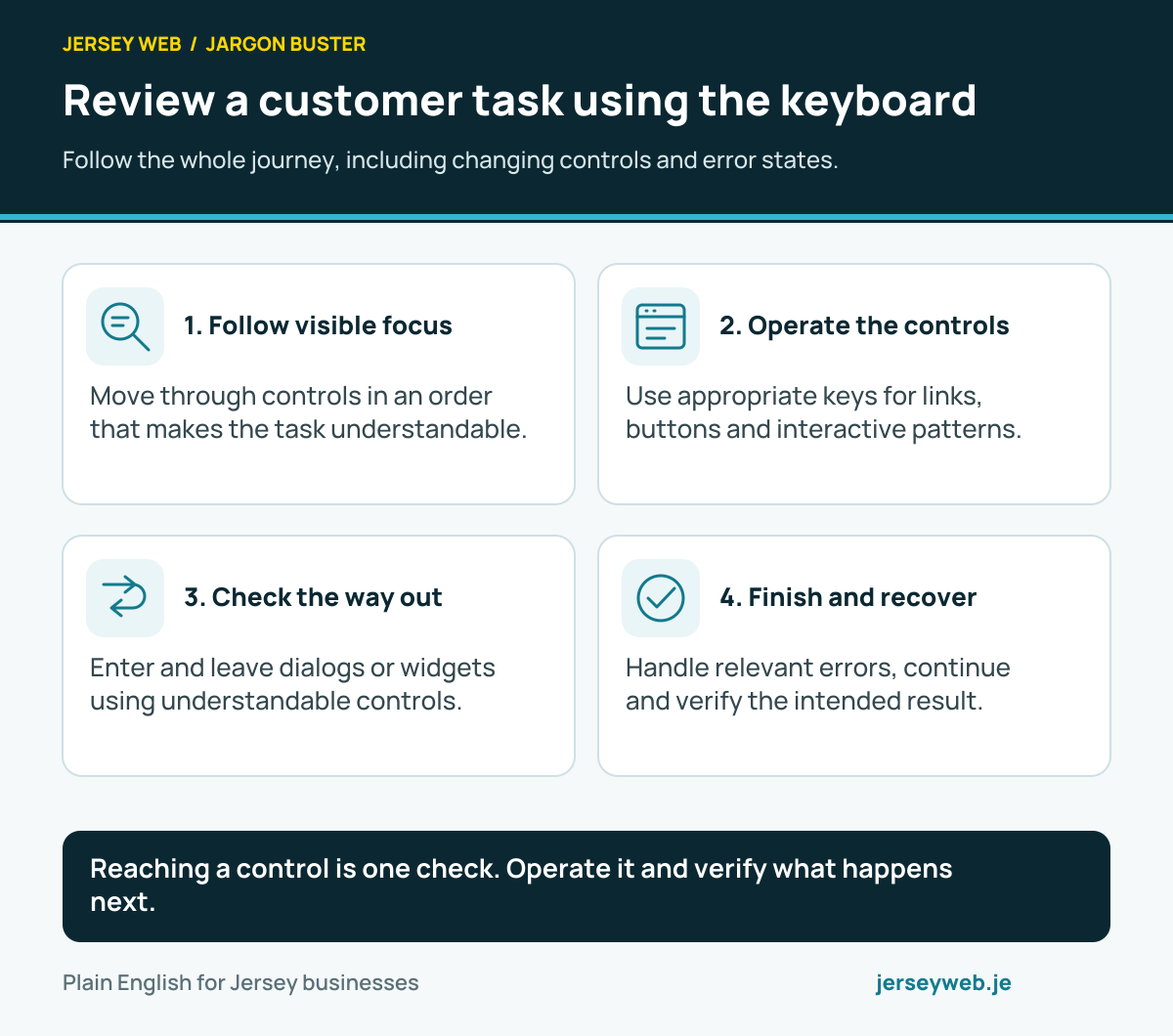
Review a customer task using the keyboard
Follow the whole journey, including changing controls and error states.
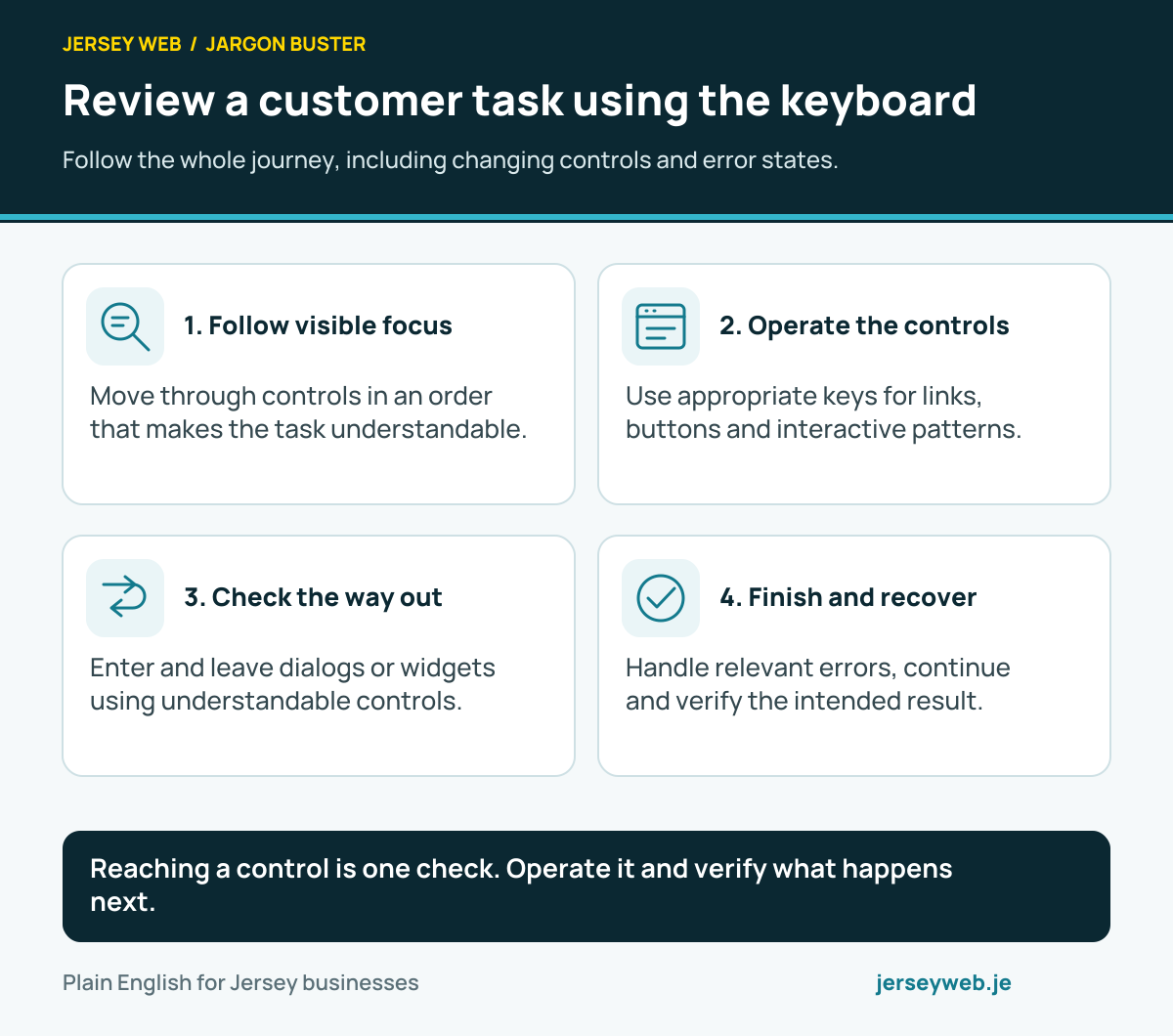
Reaching a control is one check. Operate it and verify what happens next.
Read the diagram in text
- Follow visible focus. Move through controls in an order that makes the task understandable.
- Operate the controls. Use appropriate keys for links, buttons and interactive patterns.
- Check the way out. Enter and leave dialogs or widgets using understandable controls.
- Finish and recover. Handle relevant errors, continue and verify the intended result.
Read the definitions: Keyboard navigation · Focus order · Focus indicator · Keyboard trap · WCAG
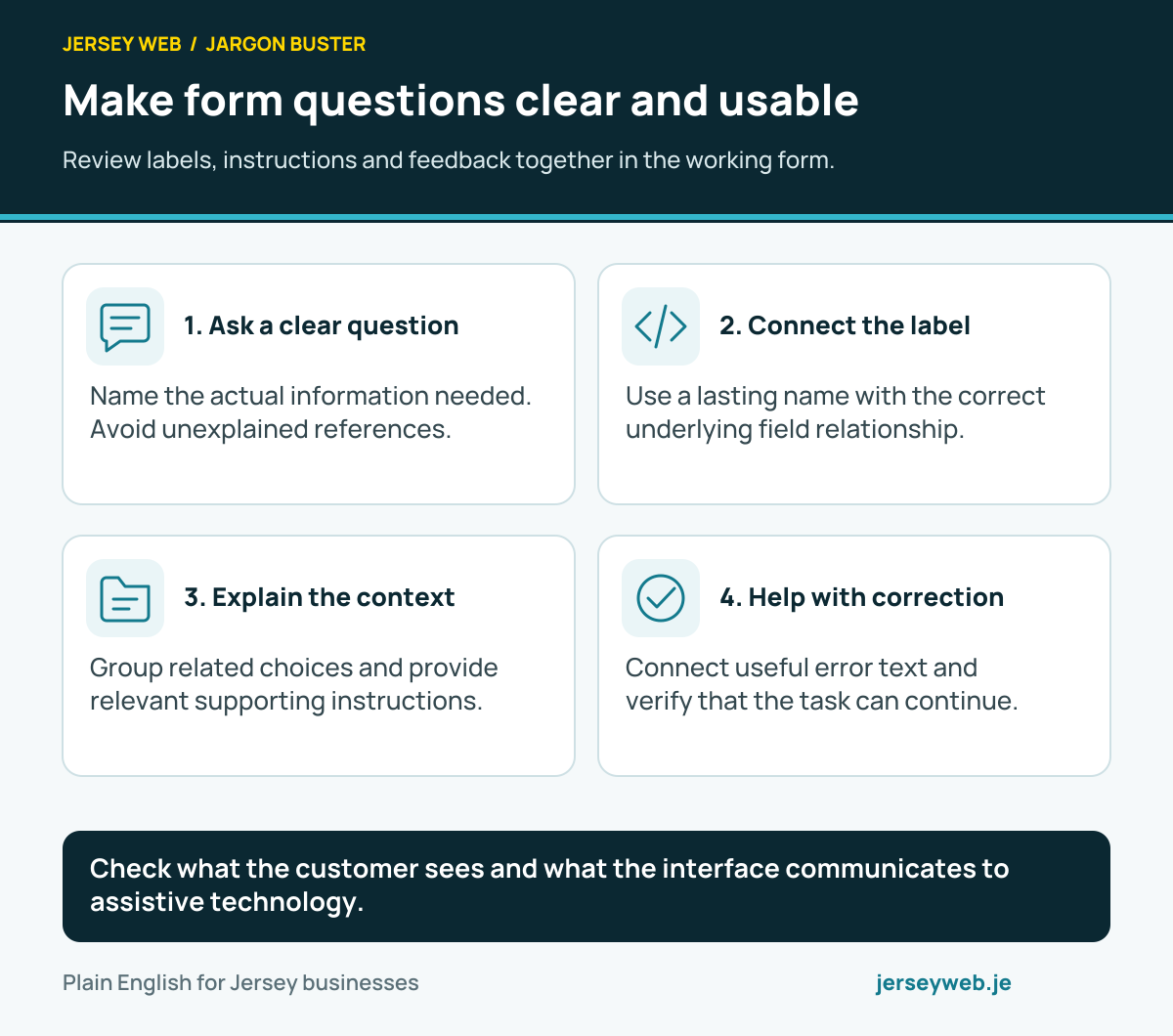
Make form questions clear and usable
Review labels, instructions and feedback together in the working form.
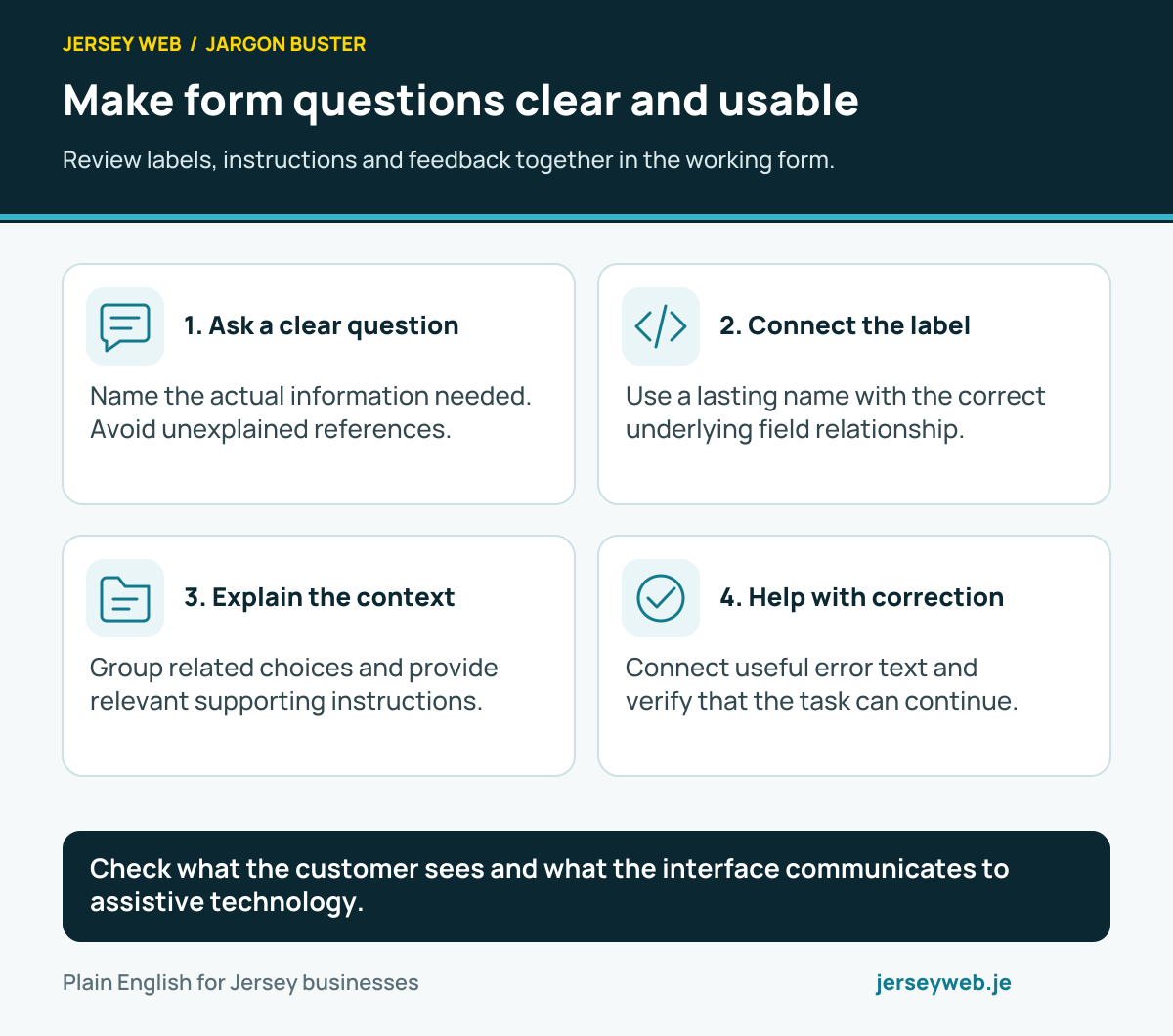
Check what the customer sees and what the interface communicates to assistive technology.
Read the diagram in text
- Ask a clear question. Name the actual information needed. Avoid unexplained references.
- Connect the label. Use a lasting name with the correct underlying field relationship.
- Explain the context. Group related choices and provide relevant supporting instructions.
- Help with correction. Connect useful error text and verify that the task can continue.
Read the definitions: Form label · Accessible name · Fieldset · Aria-describedby · Error message
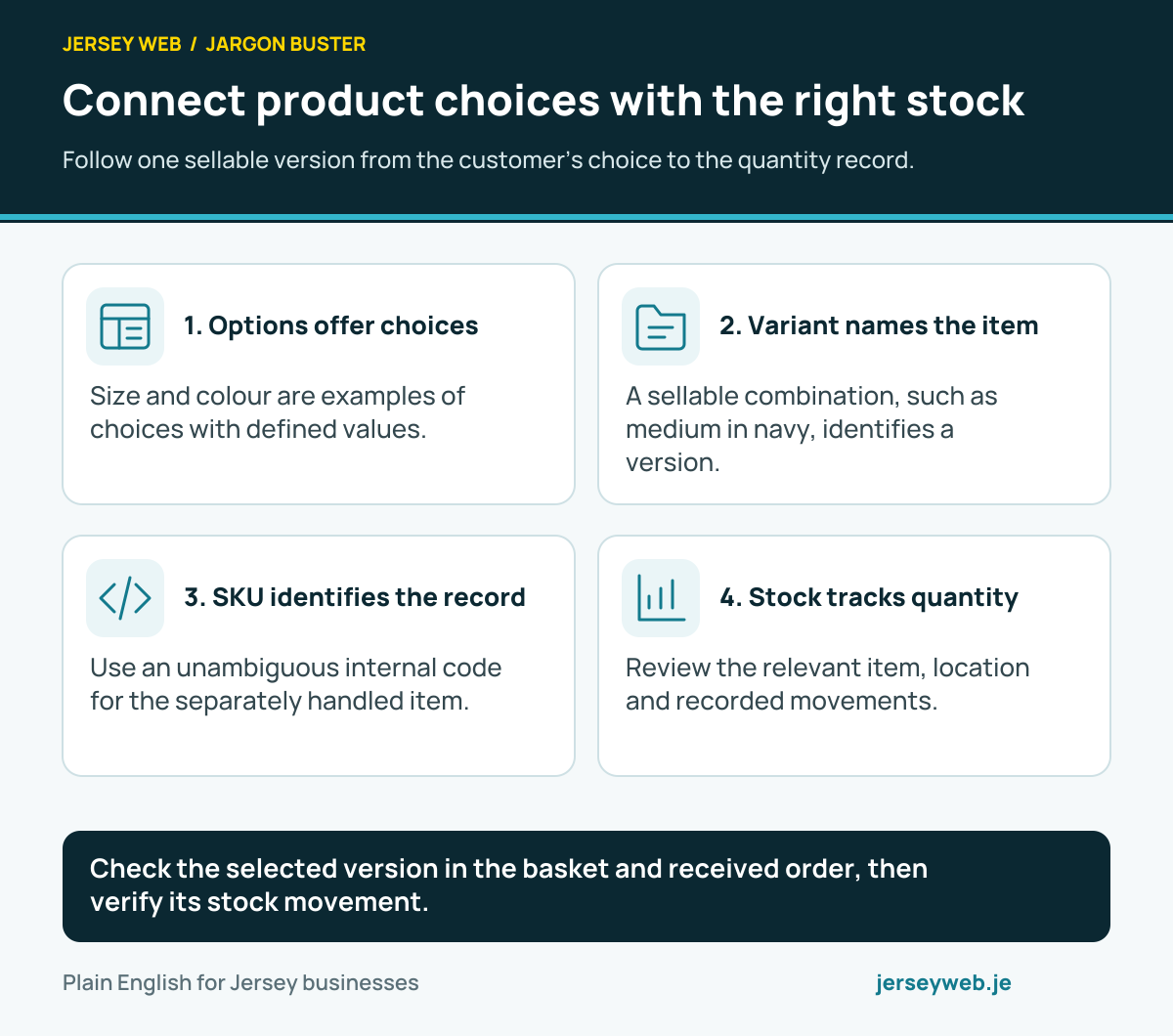
Connect product choices with the right stock
Follow one sellable version from the customer’s choice to the quantity record.
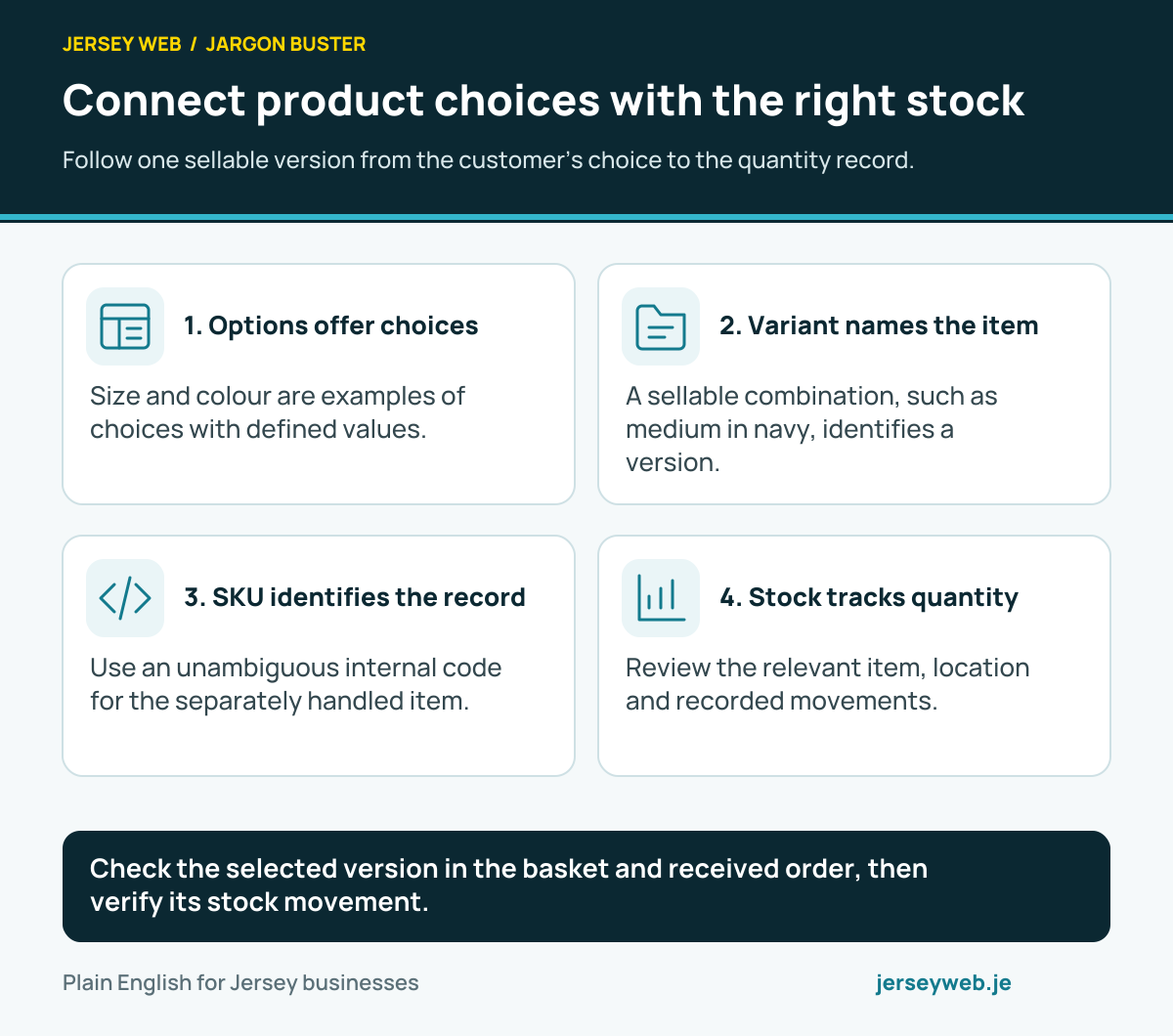
Check the selected version in the basket and received order, then verify its stock movement.
Read the diagram in text
- Options offer choices. Size and colour are examples of choices with defined values.
- Variant names the item. A sellable combination, such as medium in navy, identifies a version.
- SKU identifies the record. Use an unambiguous internal code for the separately handled item.
- Stock tracks quantity. Review the relevant item, location and recorded movements.
Read the definitions: Product variant · Product option · SKU · Inventory tracking · Stock level
Check each stage of an online order
Order, payment and supply states need their own evidence and clear messages.
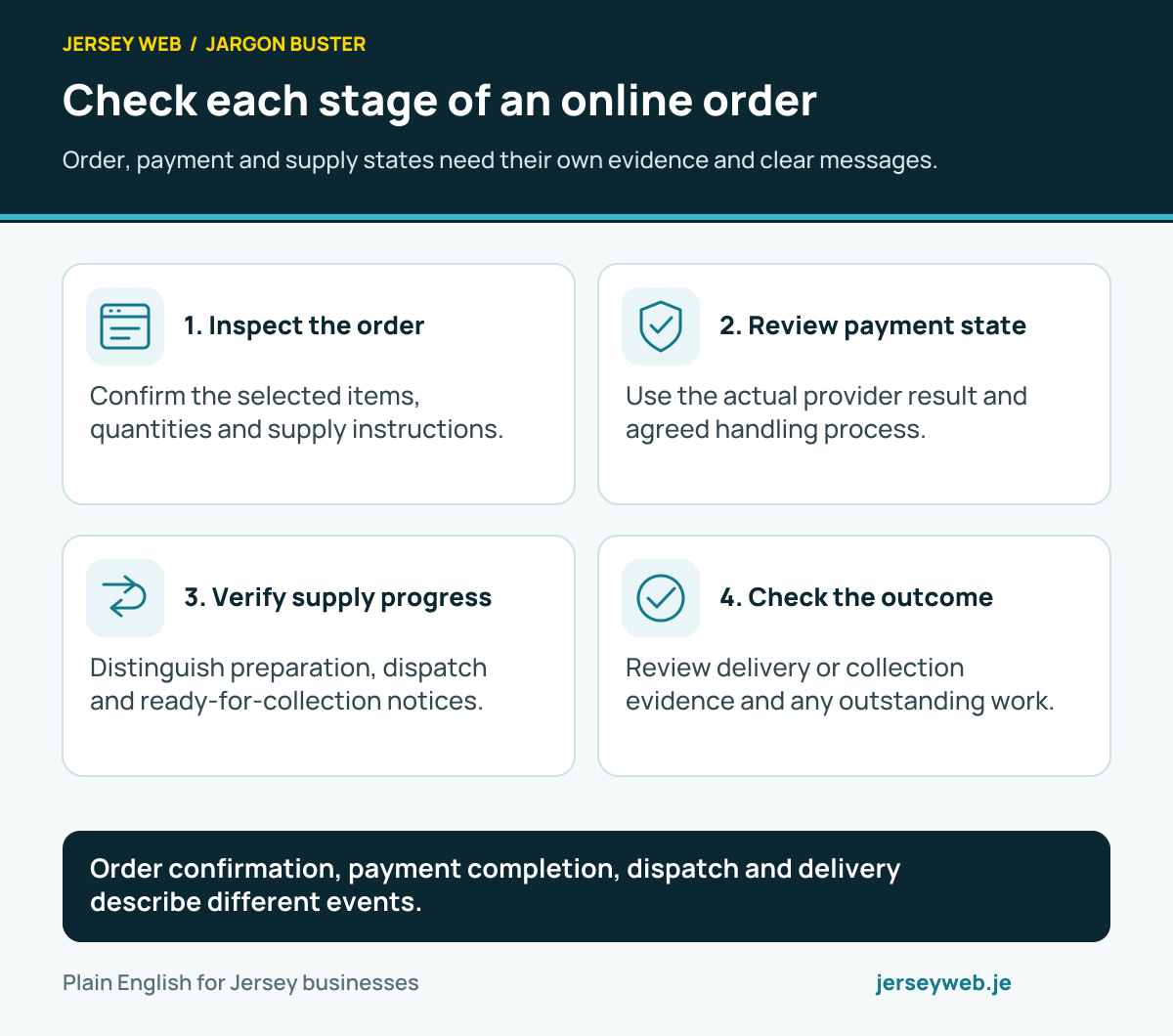
Order confirmation, payment completion, dispatch and delivery describe different events.
Read the diagram in text
- Inspect the order. Confirm the selected items, quantities and supply instructions.
- Review payment state. Use the actual provider result and agreed handling process.
- Verify supply progress. Distinguish preparation, dispatch and ready-for-collection notices.
- Check the outcome. Review delivery or collection evidence and any outstanding work.
Read the definitions: Checkout · Order status · Order fulfilment · Tracking number · Click and collect
Find the layer serving an outdated response
Check the actual delivery arrangement when a published change seems absent.
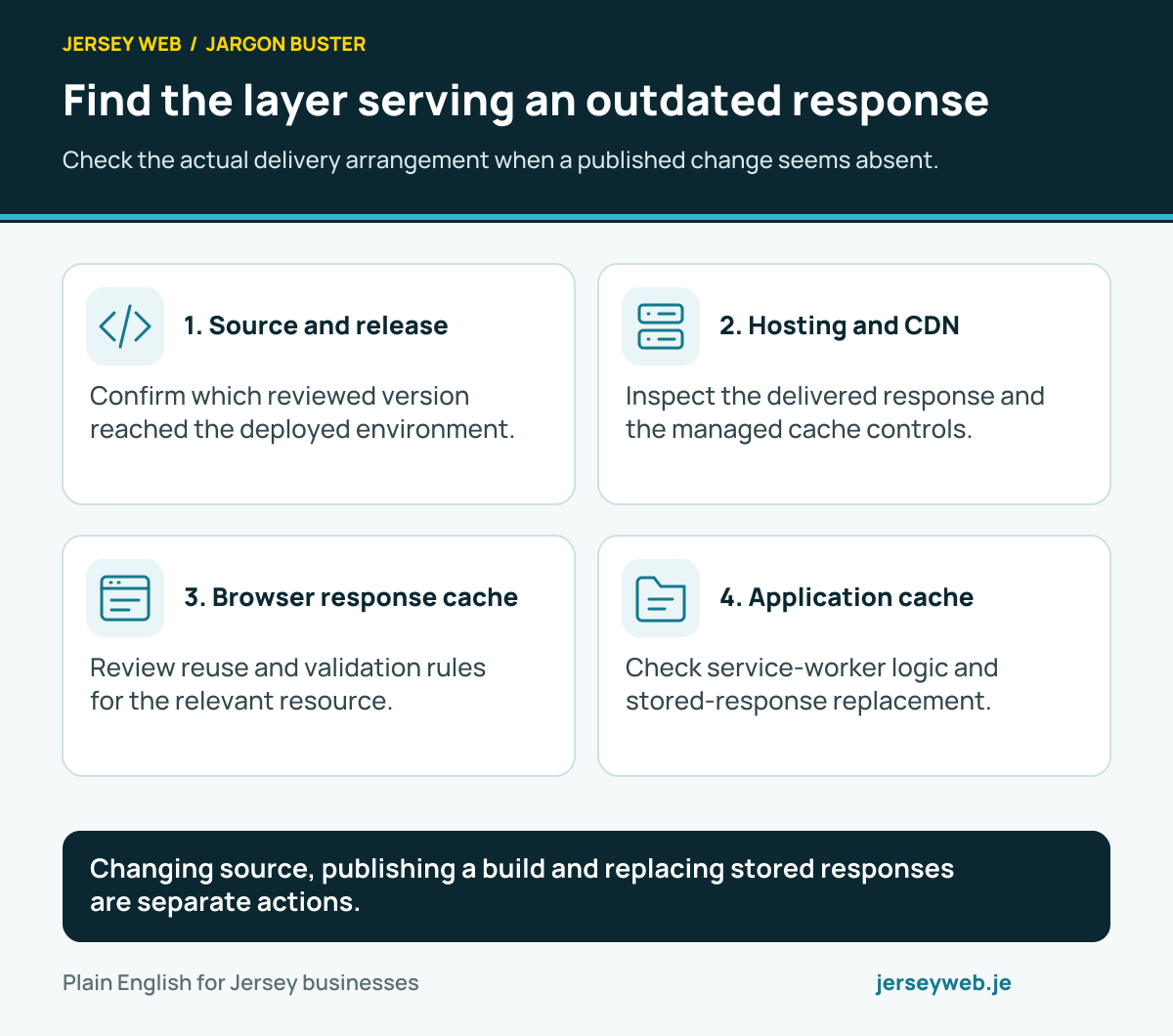
Changing source, publishing a build and replacing stored responses are separate actions.
Read the diagram in text
- Source and release. Confirm which reviewed version reached the deployed environment.
- Hosting and CDN. Inspect the delivered response and the managed cache controls.
- Browser response cache. Review reuse and validation rules for the relevant resource.
- Application cache. Check service-worker logic and stored-response replacement.
Read the definitions: Cache · Cache-Control · CDN · Service worker · Cache API · Deployment
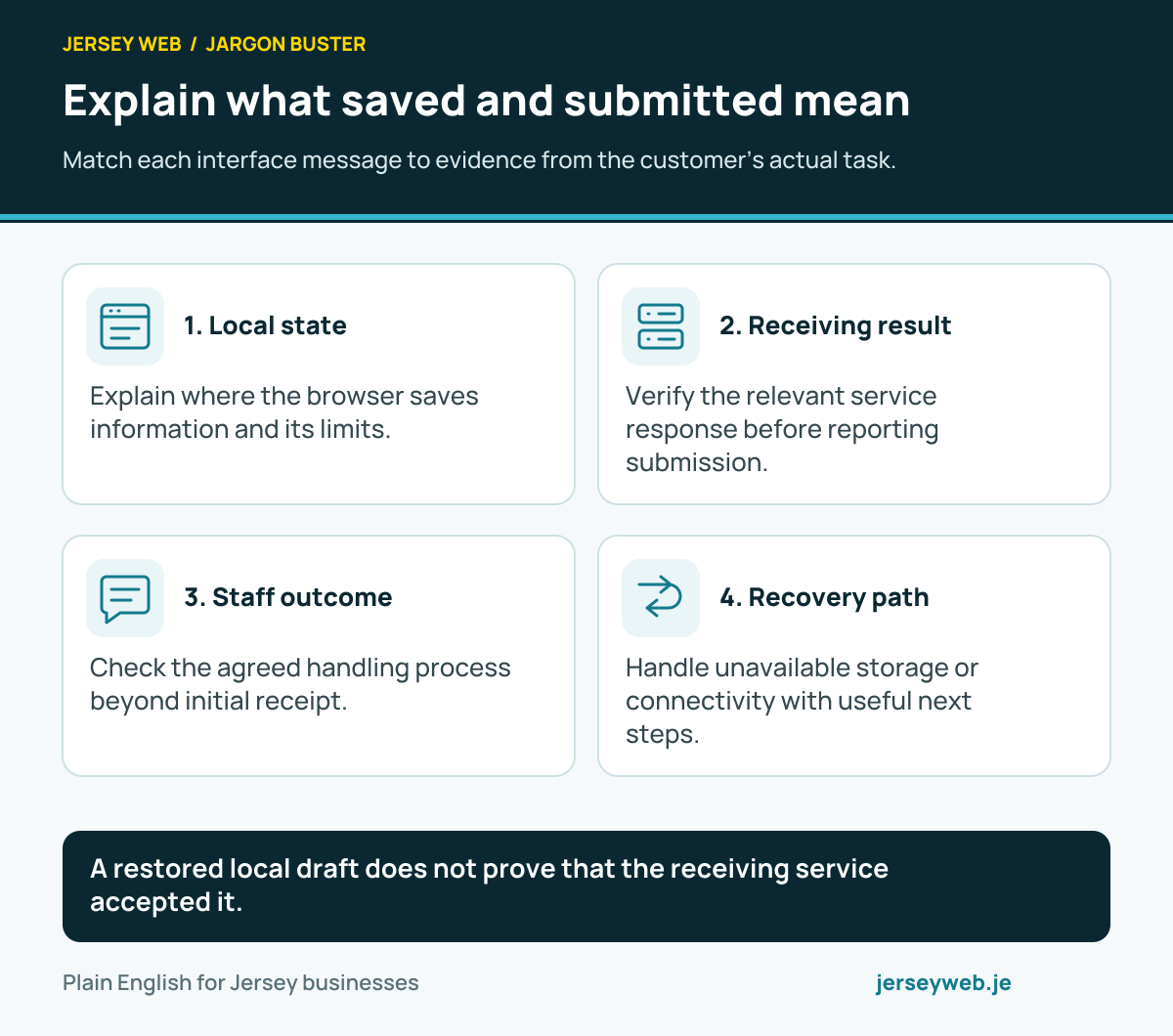
Explain what saved and submitted mean
Match each interface message to evidence from the customer’s actual task.
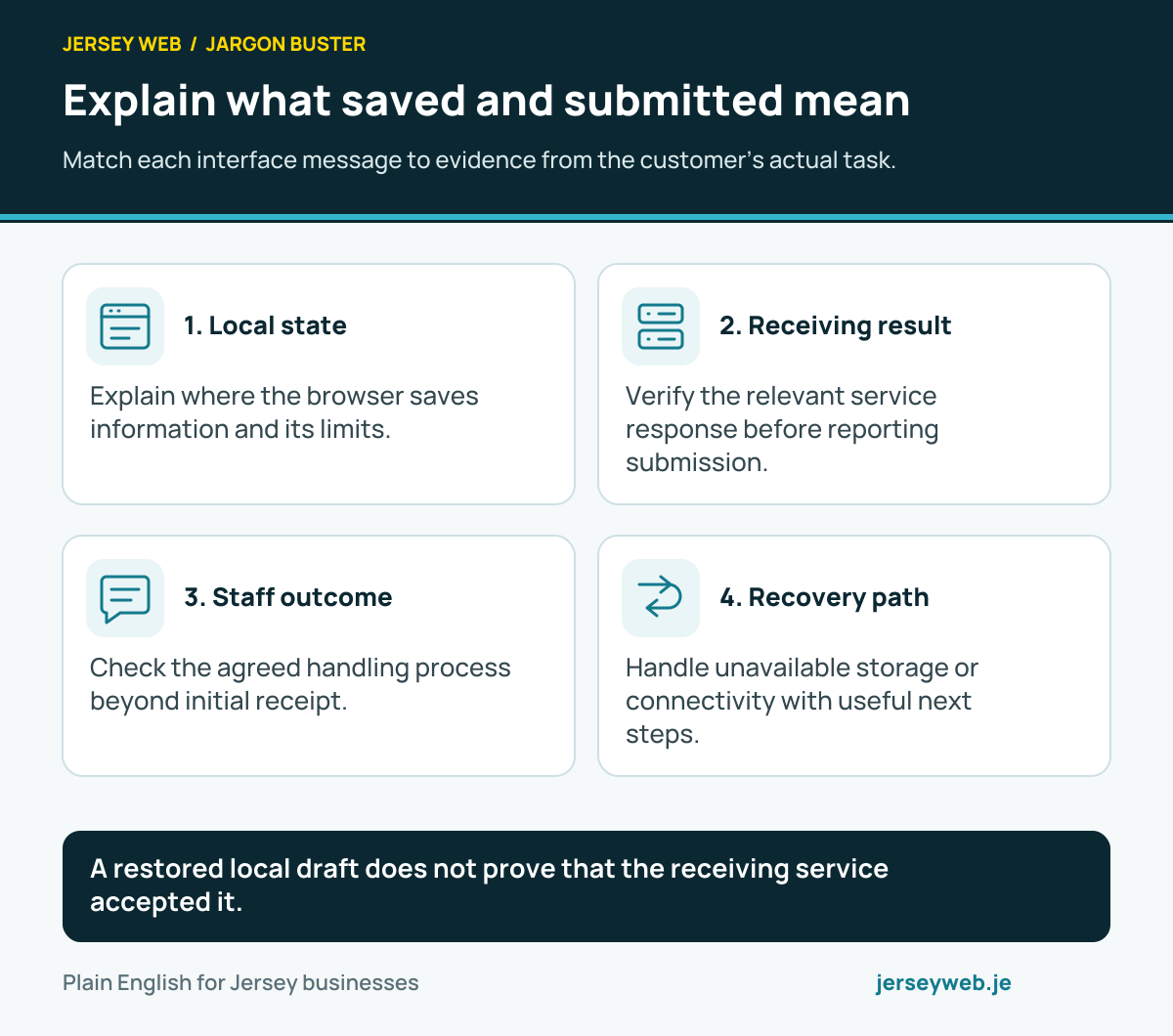
A restored local draft does not prove that the receiving service accepted it.
Read the diagram in text
- Local state. Explain where the browser saves information and its limits.
- Receiving result. Verify the relevant service response before reporting submission.
- Staff outcome. Check the agreed handling process beyond initial receipt.
- Recovery path. Handle unavailable storage or connectivity with useful next steps.
Read the definitions: Web Storage · localStorage · sessionStorage · Service worker · HTTP response · Contact form
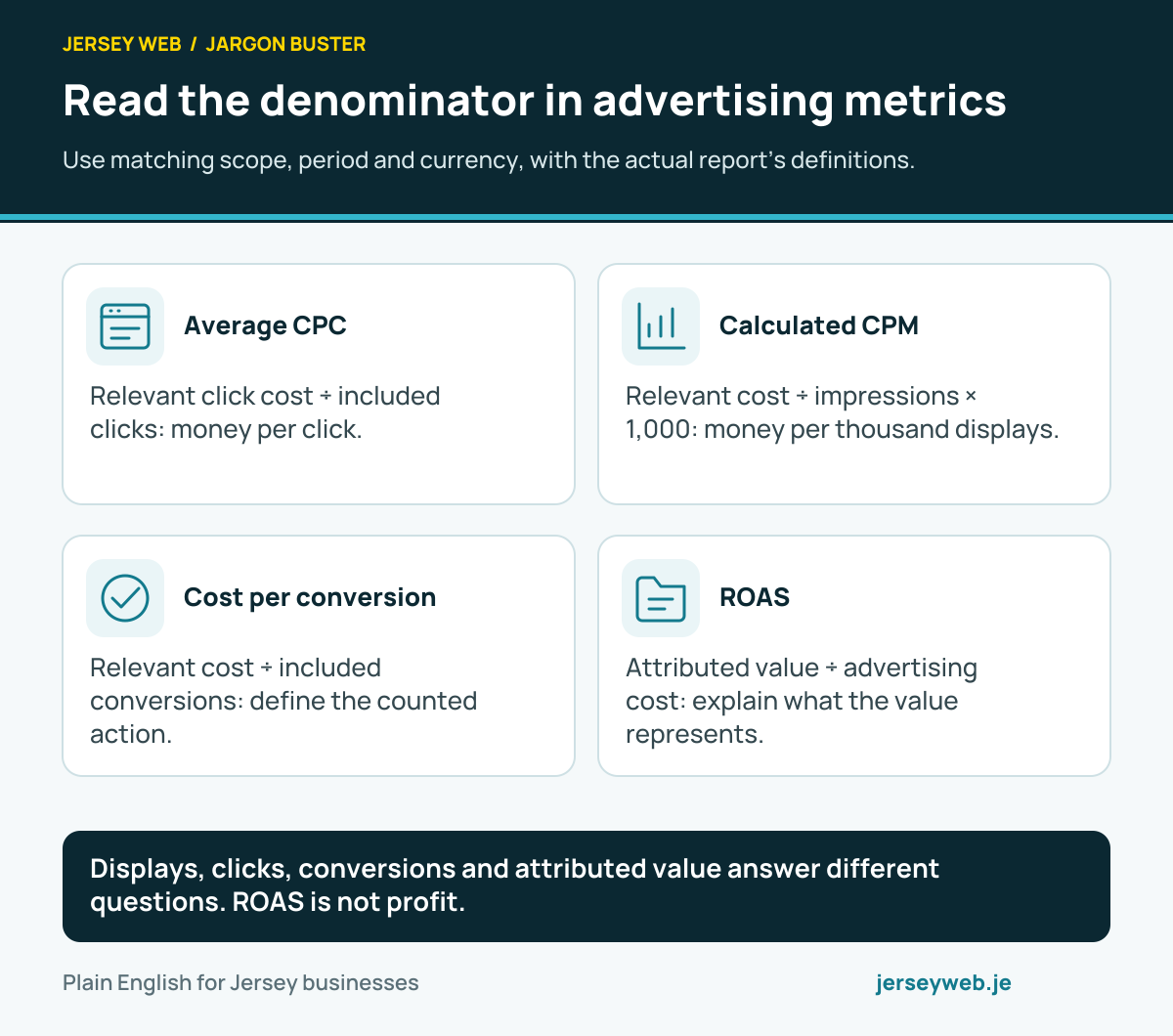
Read the denominator in advertising metrics
Use matching scope, period and currency, with the actual report’s definitions.
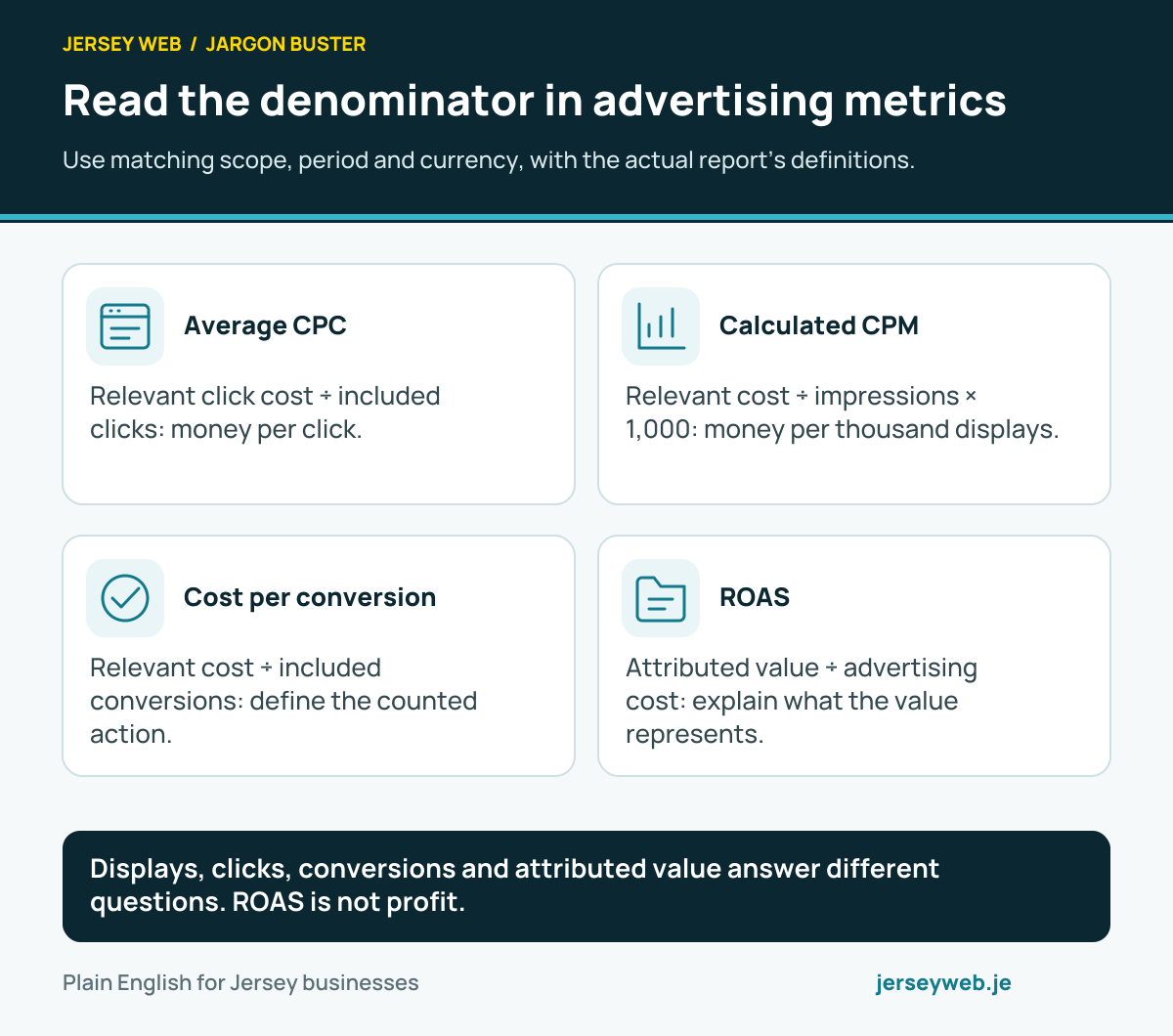
Displays, clicks, conversions and attributed value answer different questions. ROAS is not profit.
Read the diagram in text
- Average CPC. Relevant click cost ÷ included clicks: money per click.
- Calculated CPM. Relevant cost ÷ impressions × 1,000: money per thousand displays.
- Cost per conversion. Relevant cost ÷ included conversions: define the counted action.
- ROAS. Attributed value ÷ advertising cost: explain what the value represents.
Read the definitions: CPC · CPM · Cost per conversion · ROAS · Conversion value
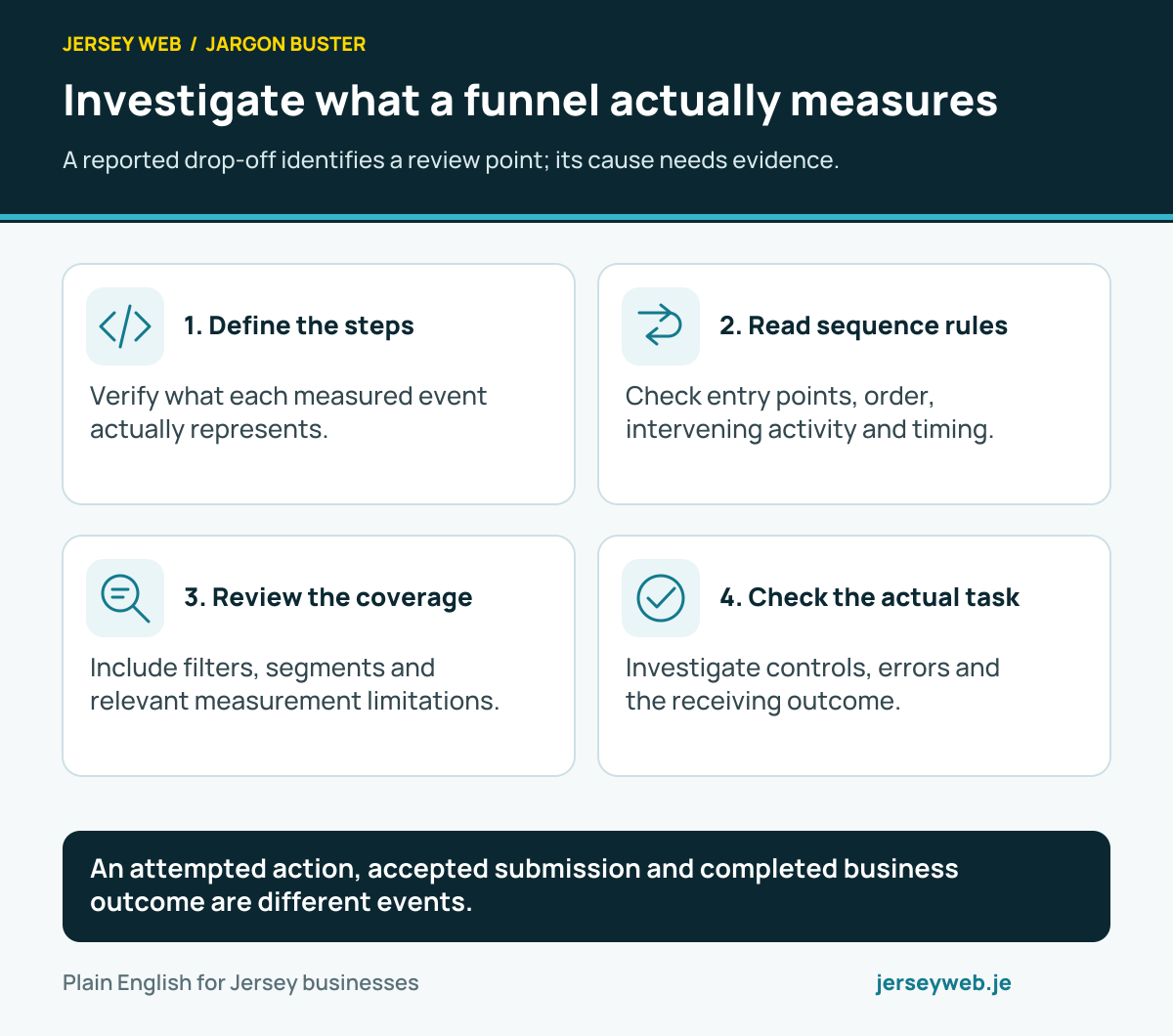
Investigate what a funnel actually measures
A reported drop-off identifies a review point; its cause needs evidence.
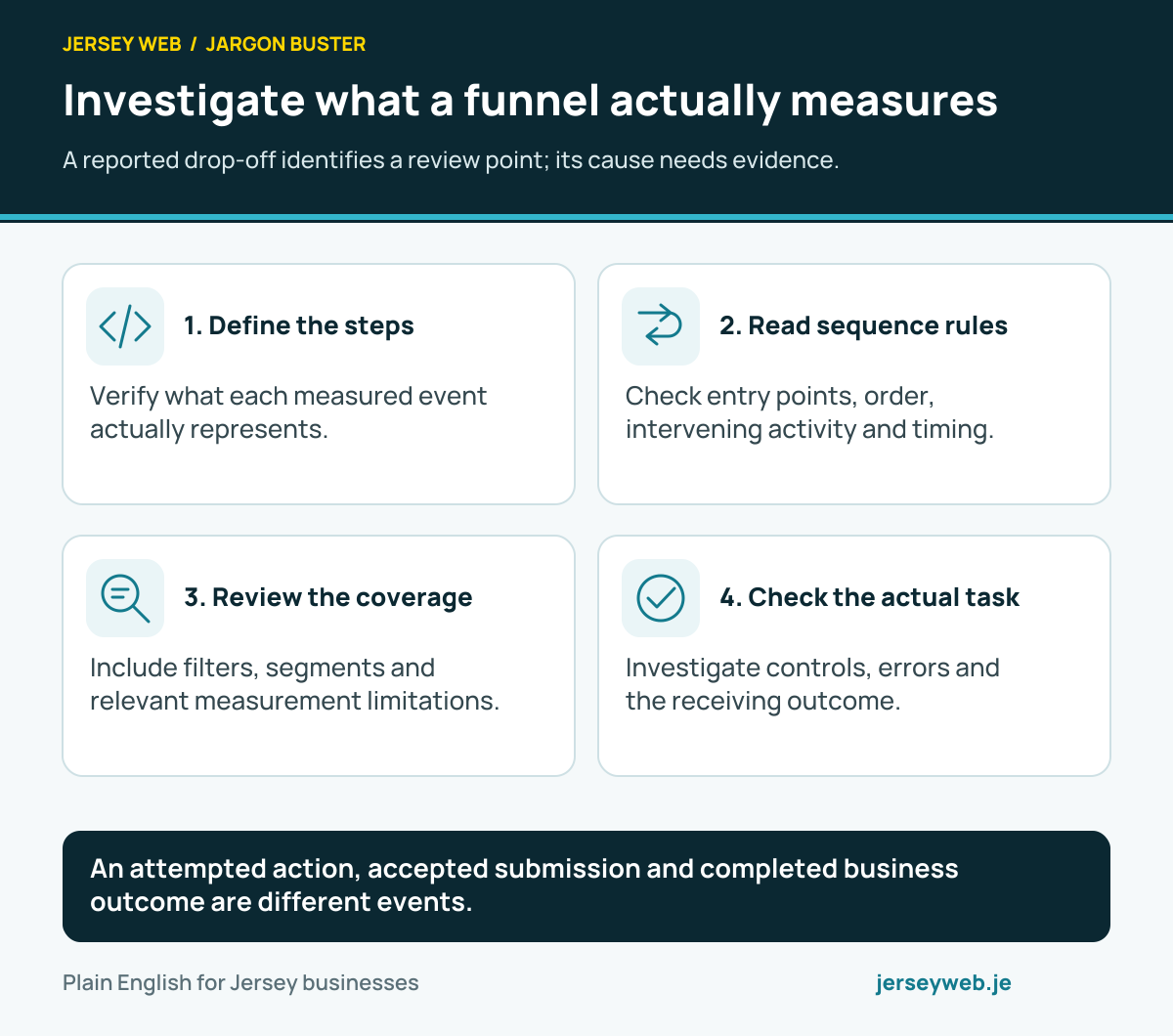
An attempted action, accepted submission and completed business outcome are different events.
Read the diagram in text
- Define the steps. Verify what each measured event actually represents.
- Read sequence rules. Check entry points, order, intervening activity and timing.
- Review the coverage. Include filters, segments and relevant measurement limitations.
- Check the actual task. Investigate controls, errors and the receiving outcome.
Read the definitions: Funnel exploration · Event · Event parameter · Analytics segment · Path exploration
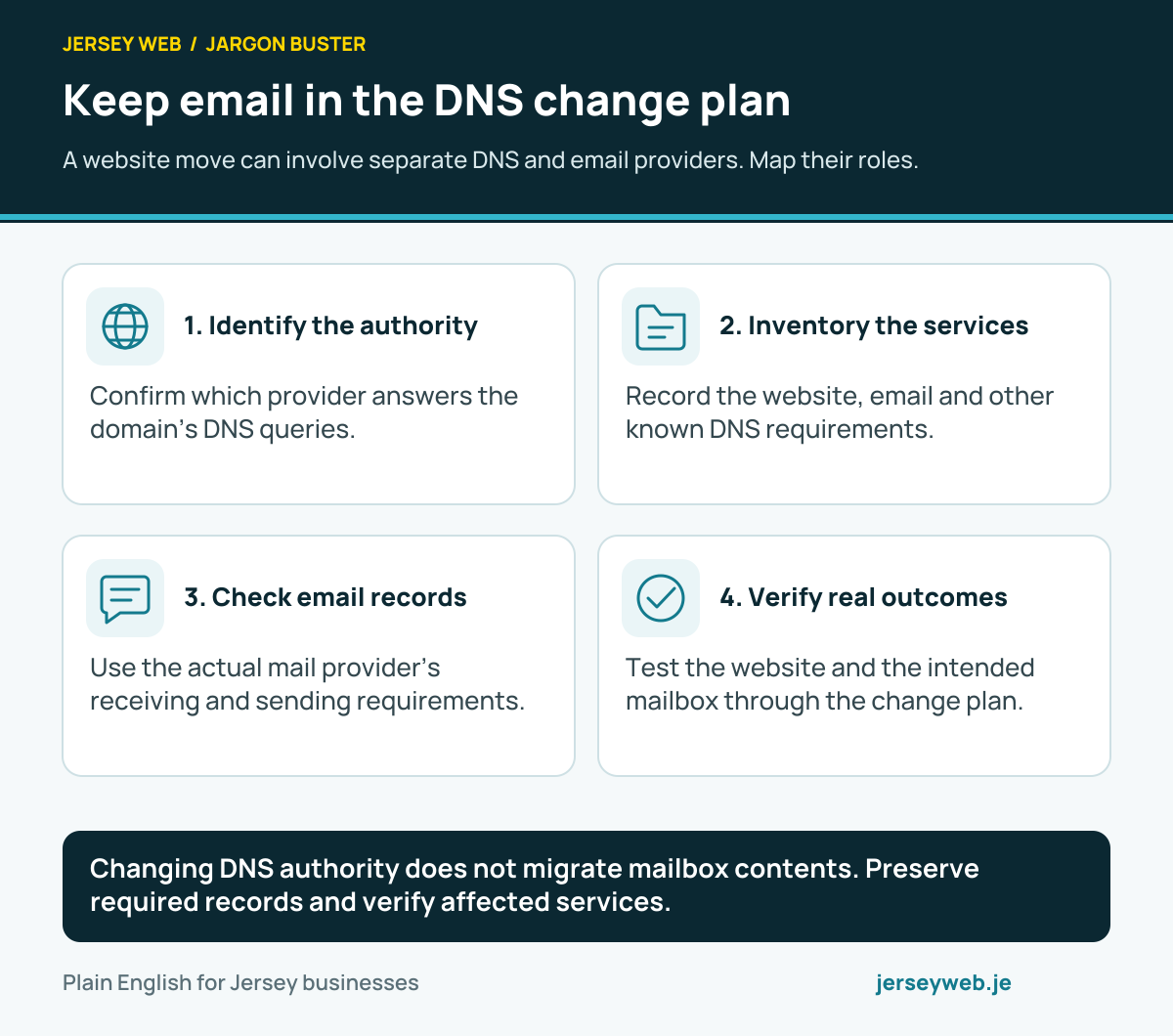
Keep email in the DNS change plan
A website move can involve separate DNS and email providers. Map their roles.
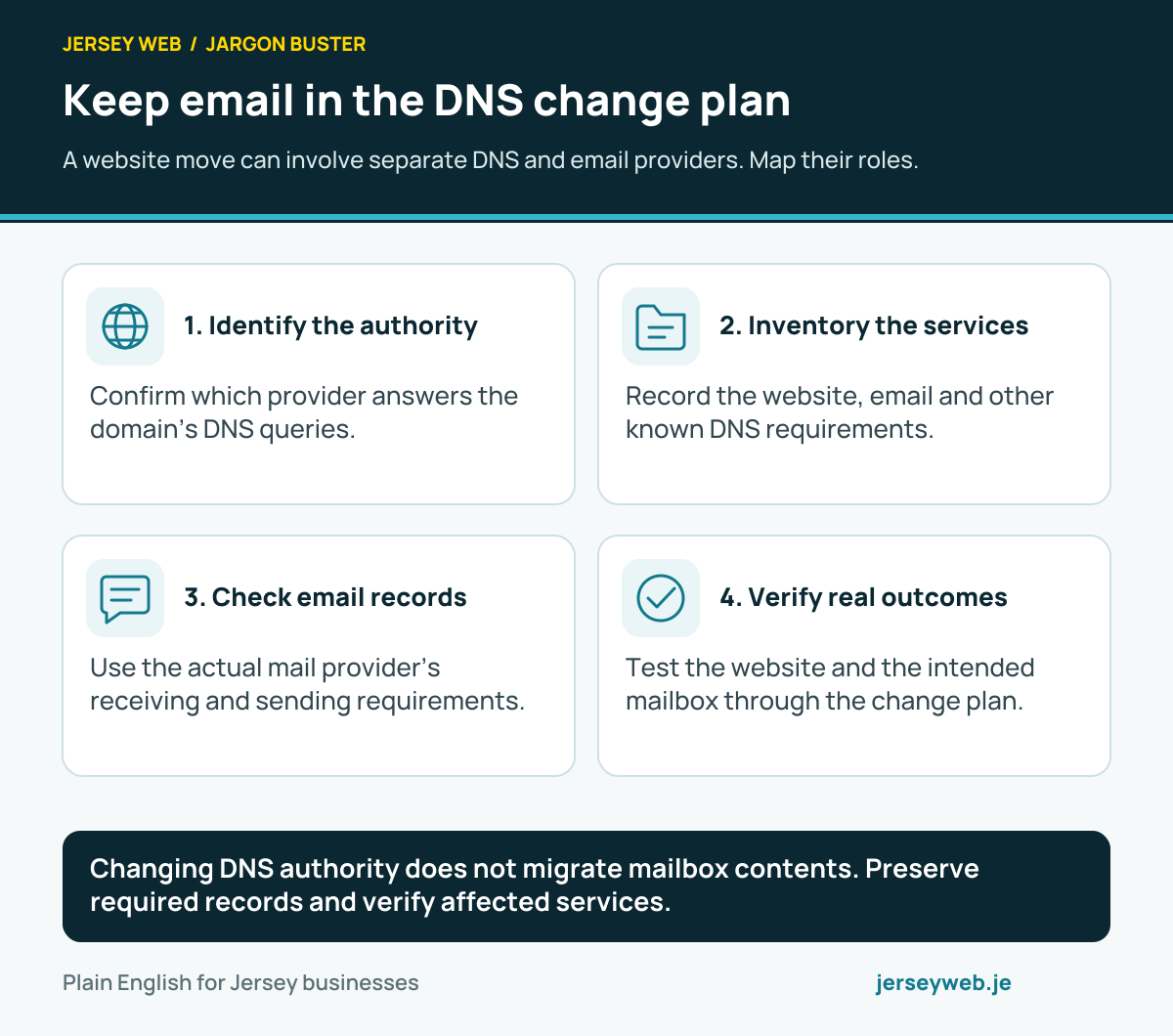
Changing DNS authority does not migrate mailbox contents. Preserve required records and verify affected services.
Read the diagram in text
- Identify the authority. Confirm which provider answers the domain’s DNS queries.
- Inventory the services. Record the website, email and other known DNS requirements.
- Check email records. Use the actual mail provider’s receiving and sending requirements.
- Verify real outcomes. Test the website and the intended mailbox through the change plan.
Read the definitions: Nameservers · MX records · Domain registrar · Business email · DNS
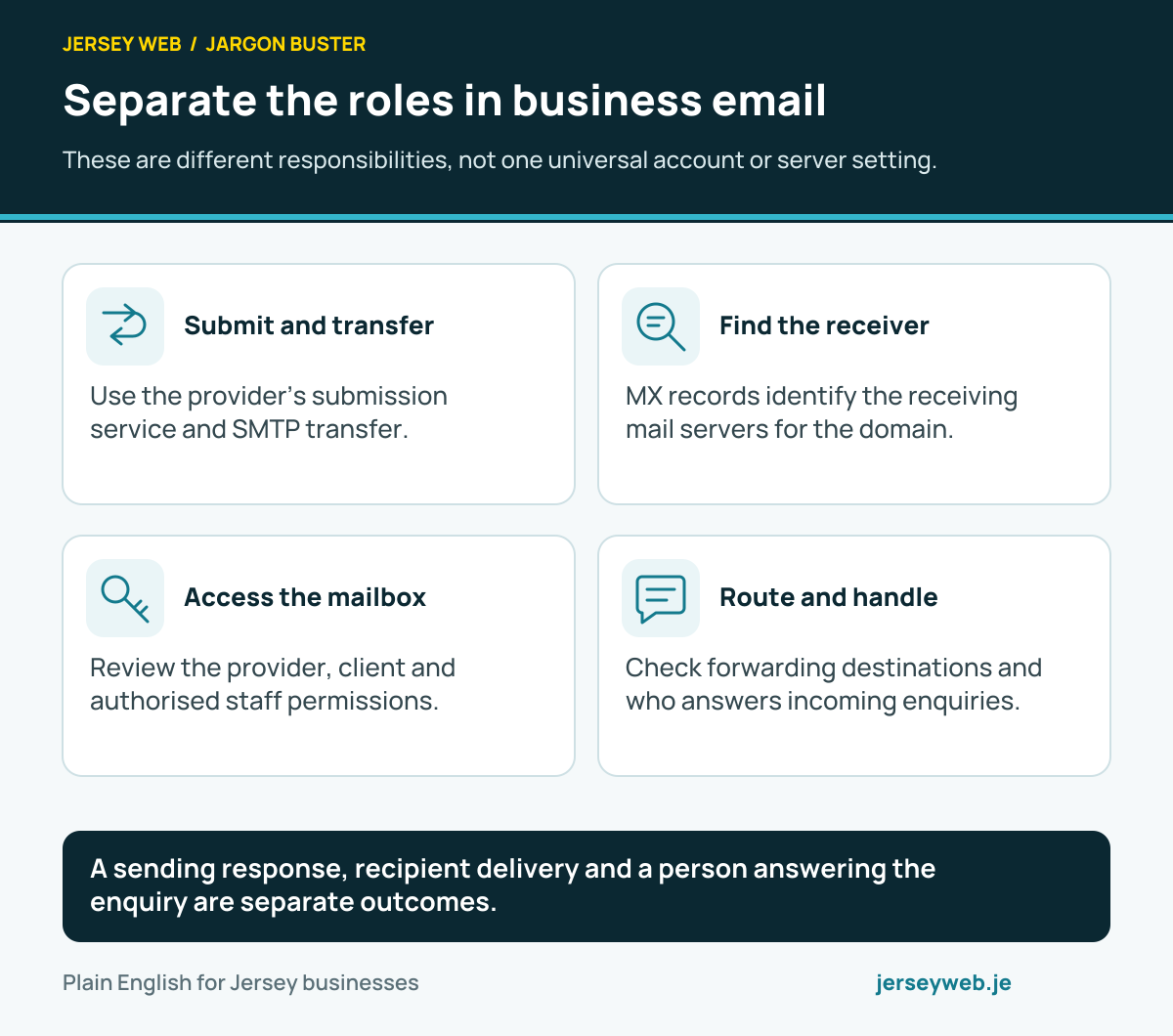
Separate the roles in business email
These are different responsibilities, not one universal account or server setting.
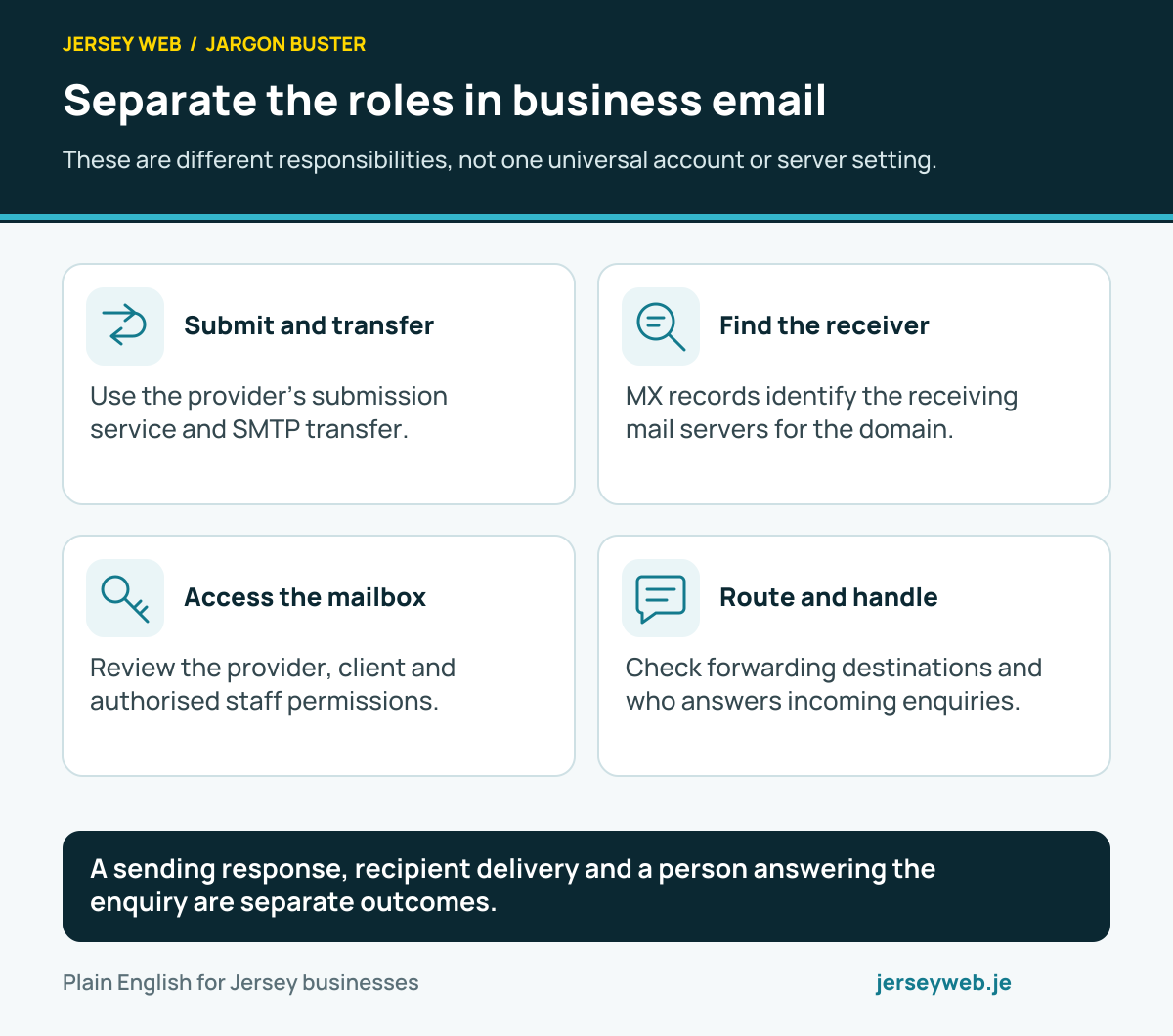
A sending response, recipient delivery and a person answering the enquiry are separate outcomes.
Read the diagram in text
- Submit and transfer. Use the provider’s submission service and SMTP transfer.
- Find the receiver. MX records identify the receiving mail servers for the domain.
- Access the mailbox. Review the provider, client and authorised staff permissions.
- Route and handle. Check forwarding destinations and who answers incoming enquiries.
Read the definitions: SMTP · MX records · IMAP · Email forwarding · Shared mailbox
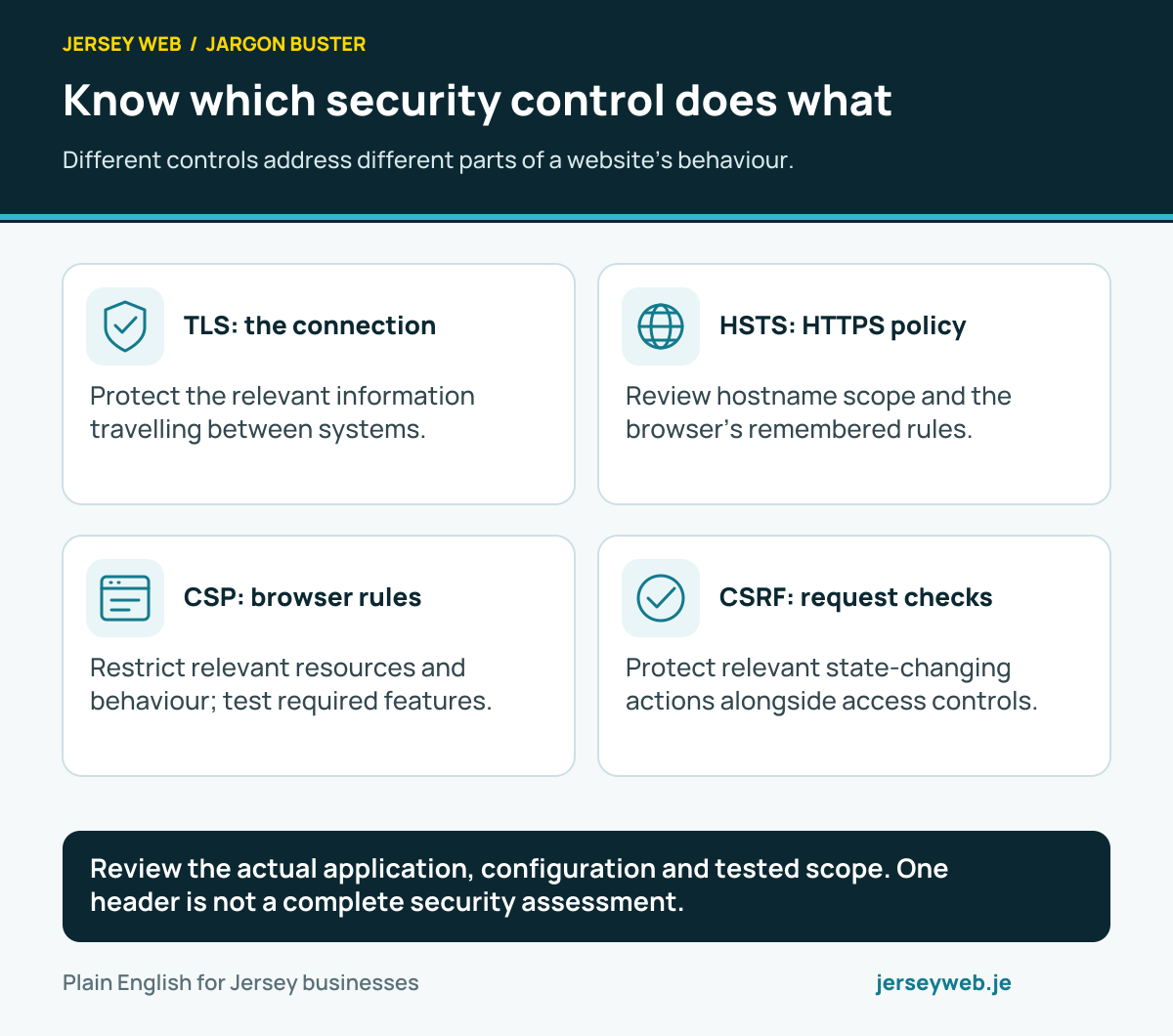
Know which security control does what
Different controls address different parts of a website’s behaviour.
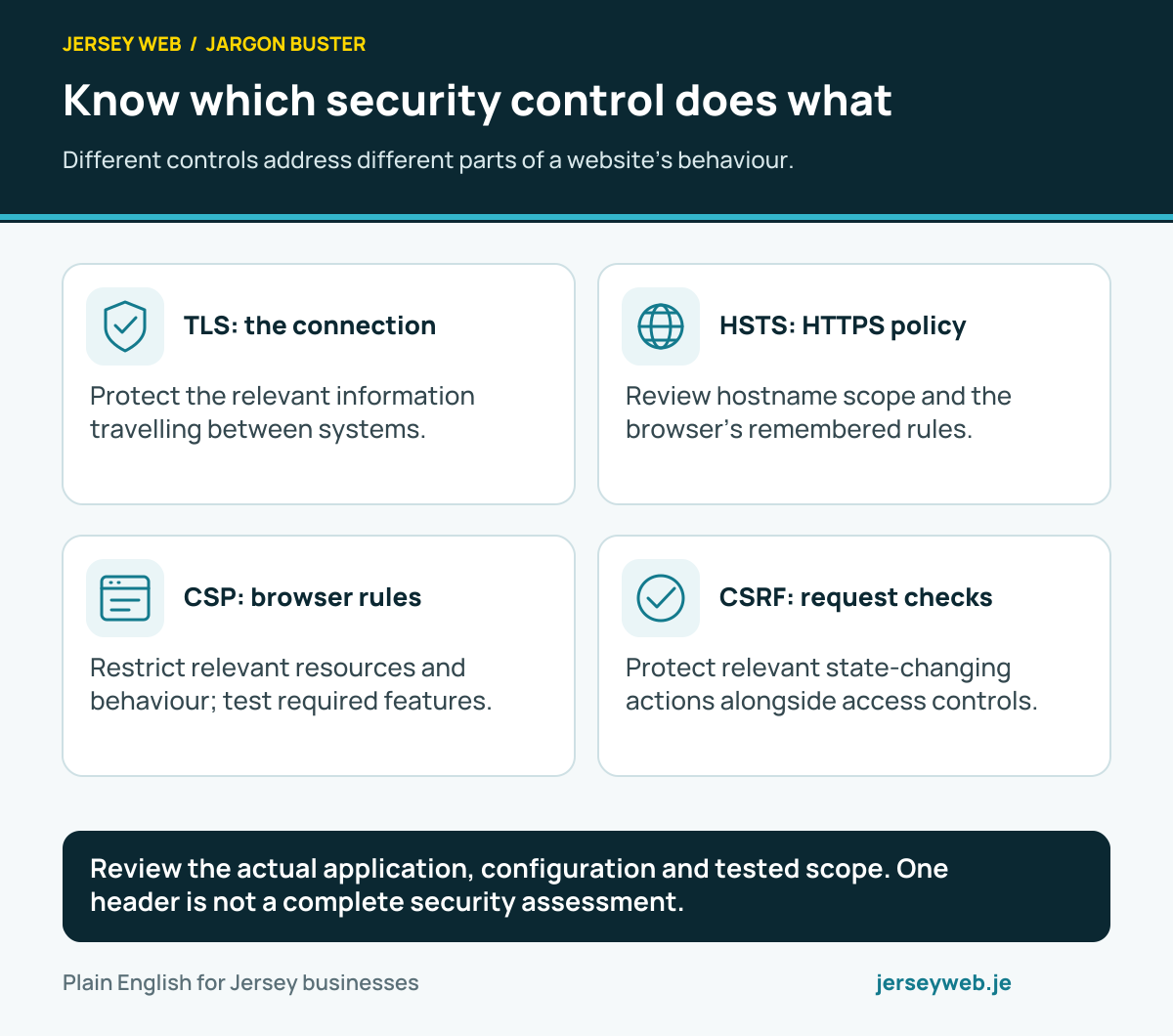
Review the actual application, configuration and tested scope. One header is not a complete security assessment.
Read the diagram in text
- TLS: the connection. Protect the relevant information travelling between systems.
- HSTS: HTTPS policy. Review hostname scope and the browser’s remembered rules.
- CSP: browser rules. Restrict relevant resources and behaviour; test required features.
- CSRF: request checks. Protect relevant state-changing actions alongside access controls.
Read the definitions: TLS · HSTS · Content Security Policy · Cross-site request forgery · Authentication
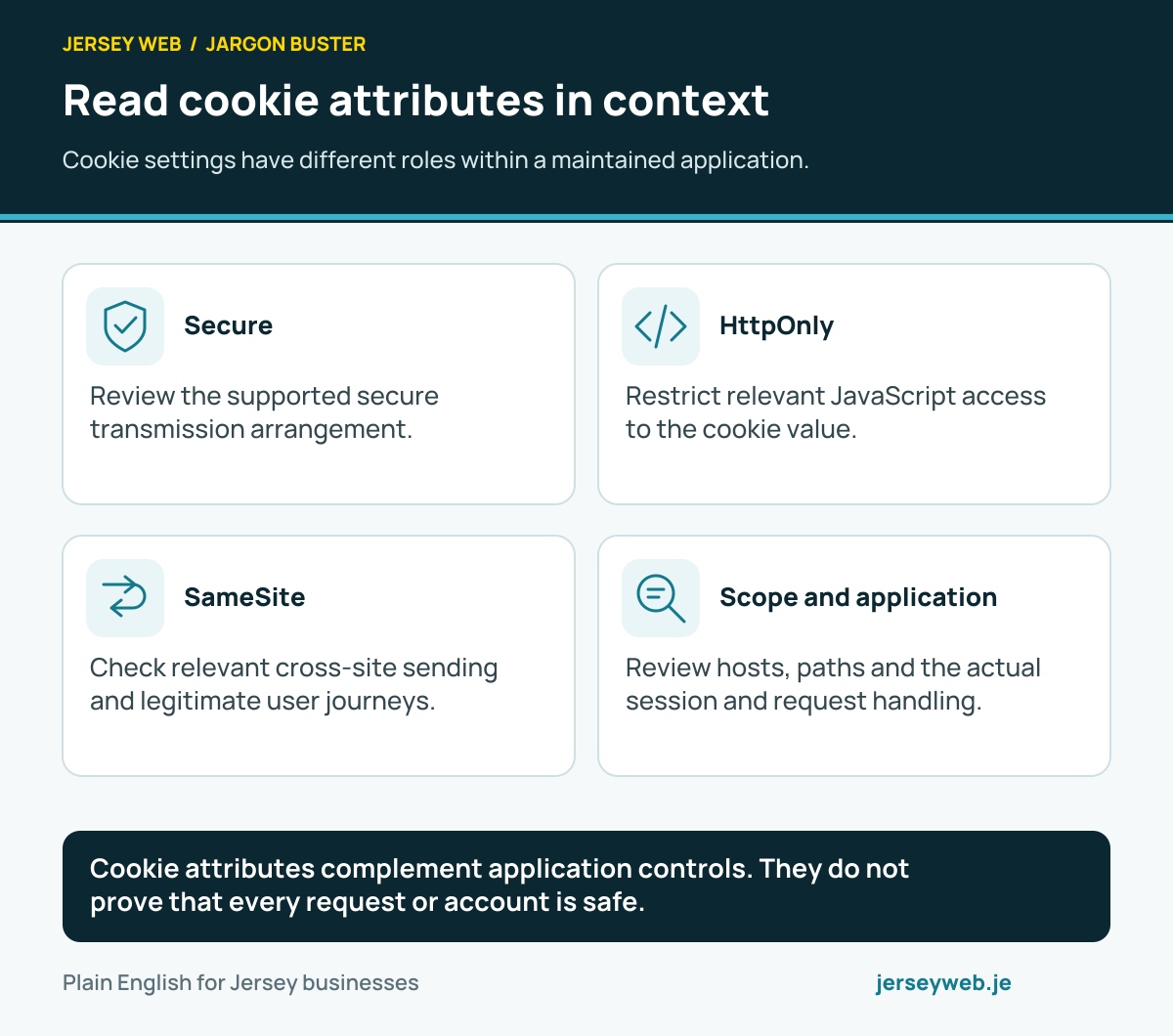
Read cookie attributes in context
Cookie settings have different roles within a maintained application.
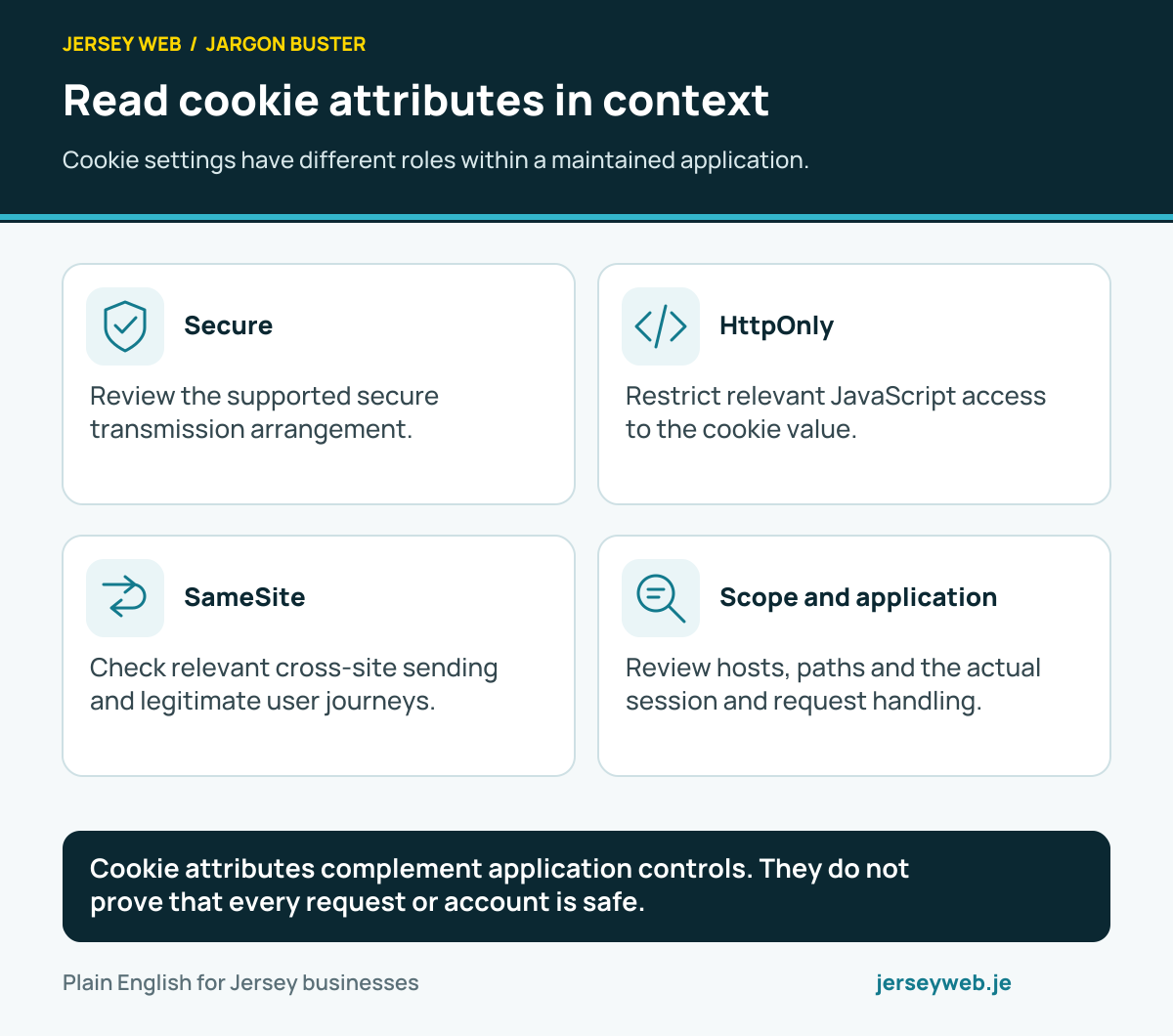
Cookie attributes complement application controls. They do not prove that every request or account is safe.
Read the diagram in text
- Secure. Review the supported secure transmission arrangement.
- HttpOnly. Restrict relevant JavaScript access to the cookie value.
- SameSite. Check relevant cross-site sending and legitimate user journeys.
- Scope and application. Review hosts, paths and the actual session and request handling.
Read the definitions: Secure cookie · HttpOnly cookie · SameSite cookie · Cookies · Cross-site request forgery
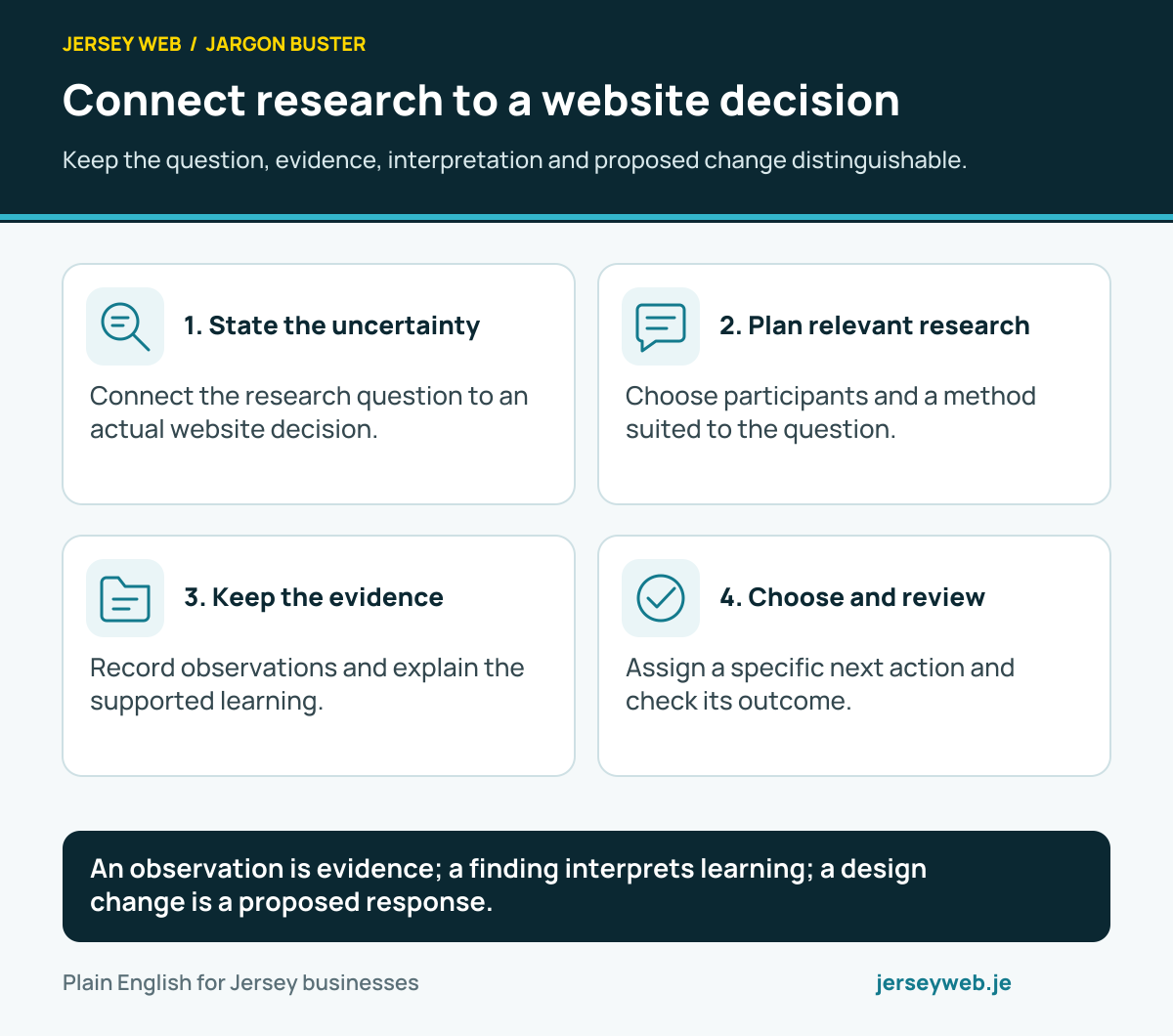
Connect research to a website decision
Keep the question, evidence, interpretation and proposed change distinguishable.
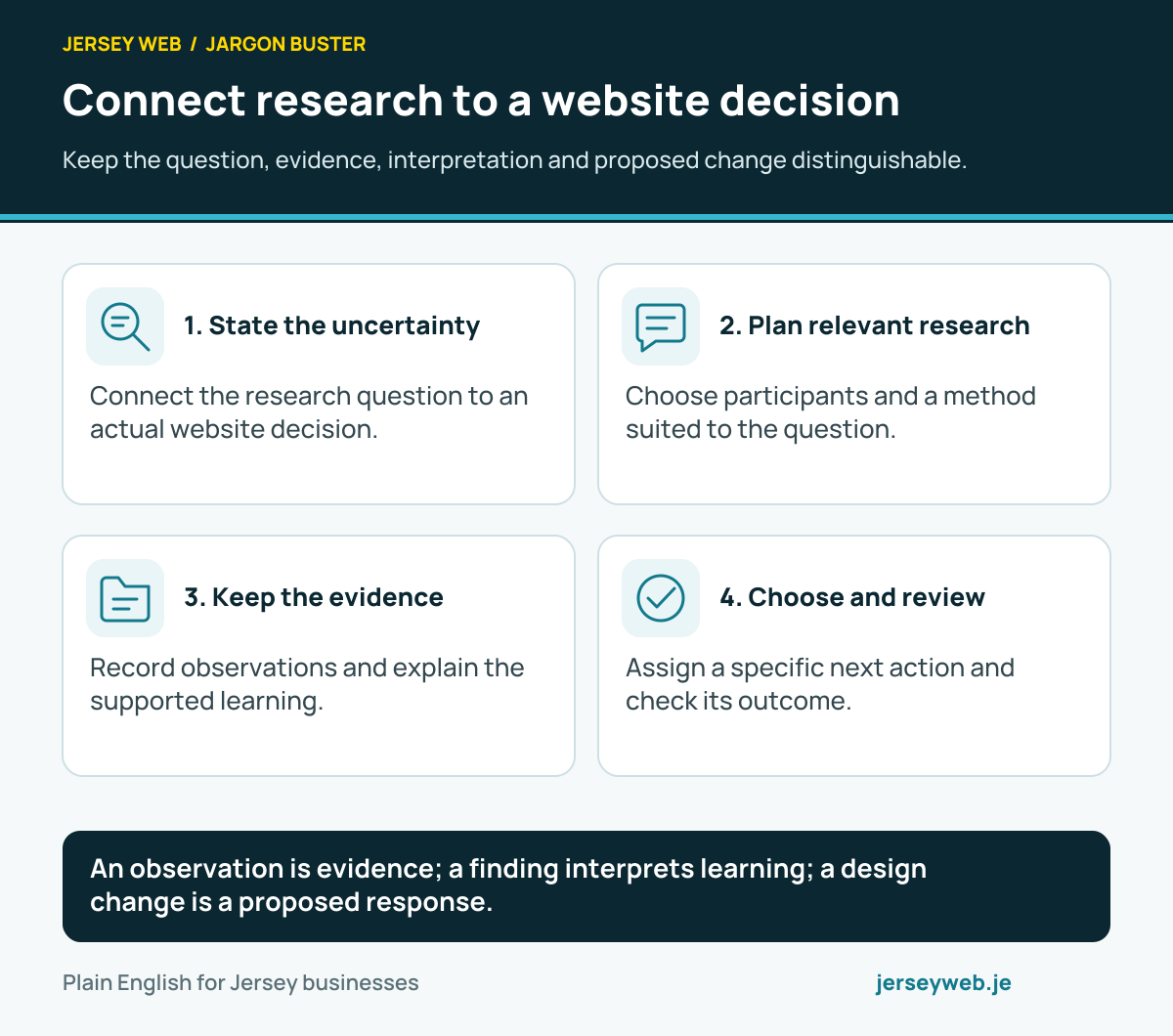
An observation is evidence; a finding interprets learning; a design change is a proposed response.
Read the diagram in text
- State the uncertainty. Connect the research question to an actual website decision.
- Plan relevant research. Choose participants and a method suited to the question.
- Keep the evidence. Record observations and explain the supported learning.
- Choose and review. Assign a specific next action and check its outcome.
Read the definitions: User research · Research question · Observation note · Research finding · Research plan
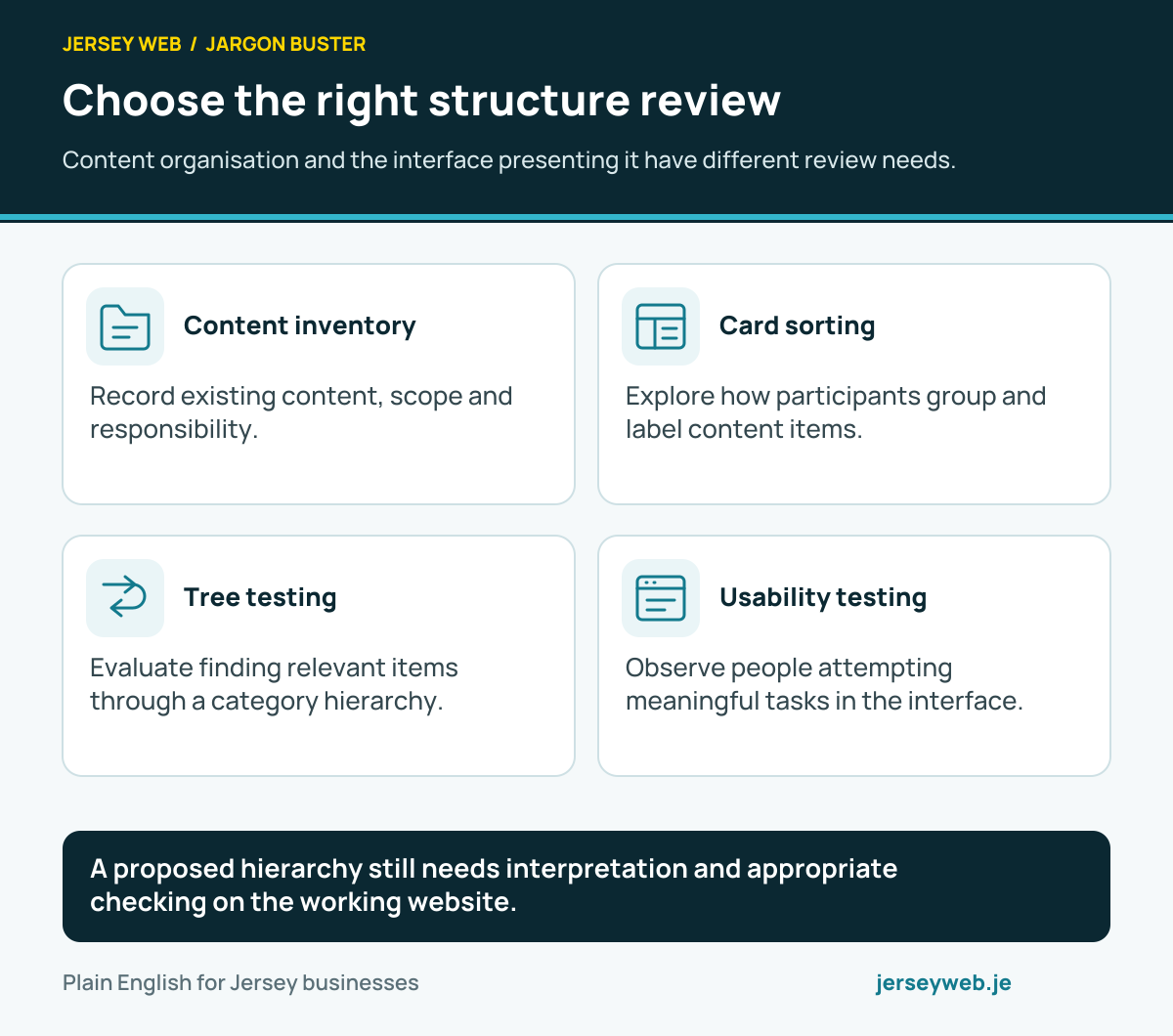
Choose the right structure review
Content organisation and the interface presenting it have different review needs.
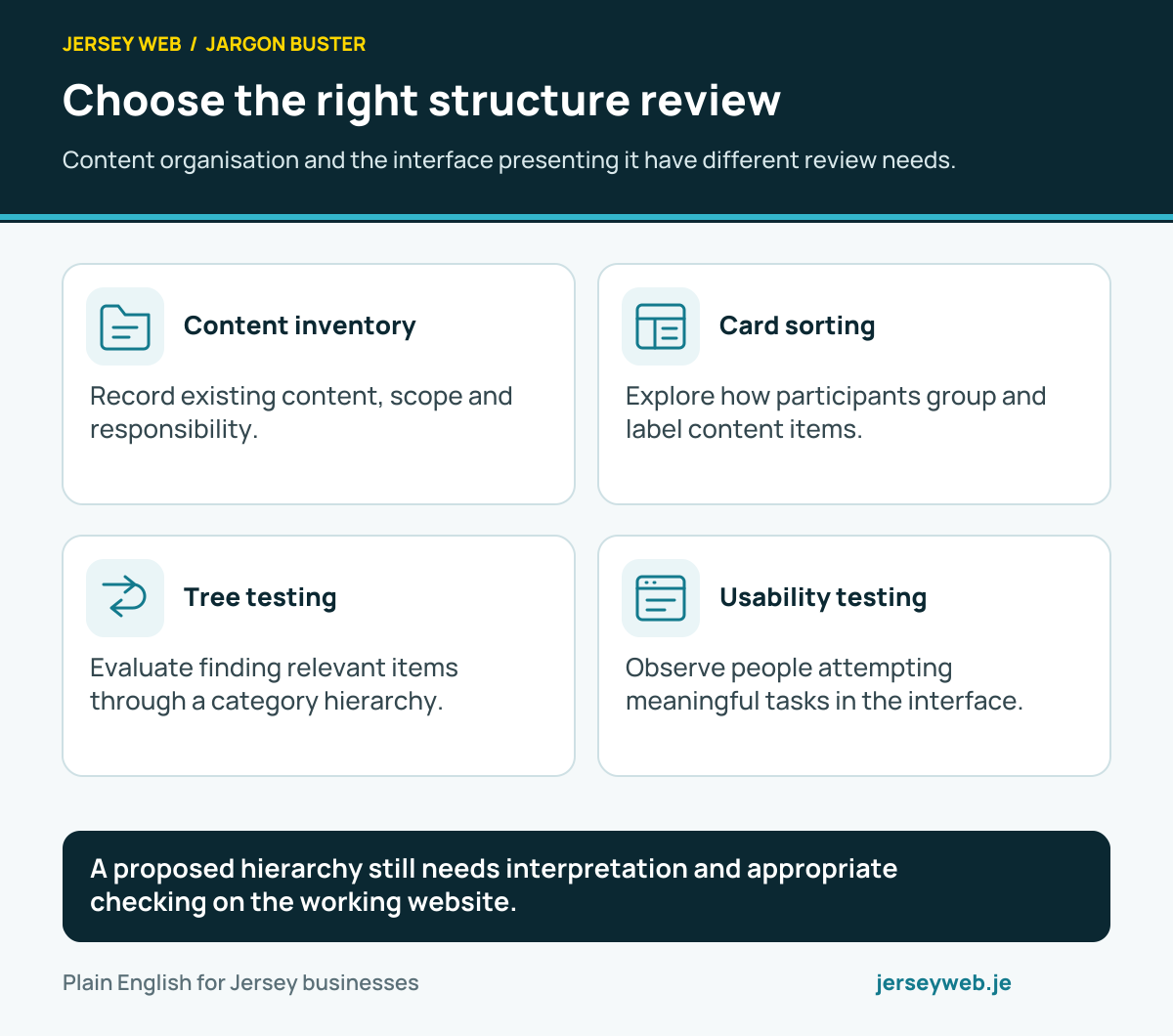
A proposed hierarchy still needs interpretation and appropriate checking on the working website.
Read the diagram in text
- Content inventory. Record existing content, scope and responsibility.
- Card sorting. Explore how participants group and label content items.
- Tree testing. Evaluate finding relevant items through a category hierarchy.
- Usability testing. Observe people attempting meaningful tasks in the interface.
Read the definitions: Information architecture · Content inventory · Card sorting · Tree testing · Usability testing
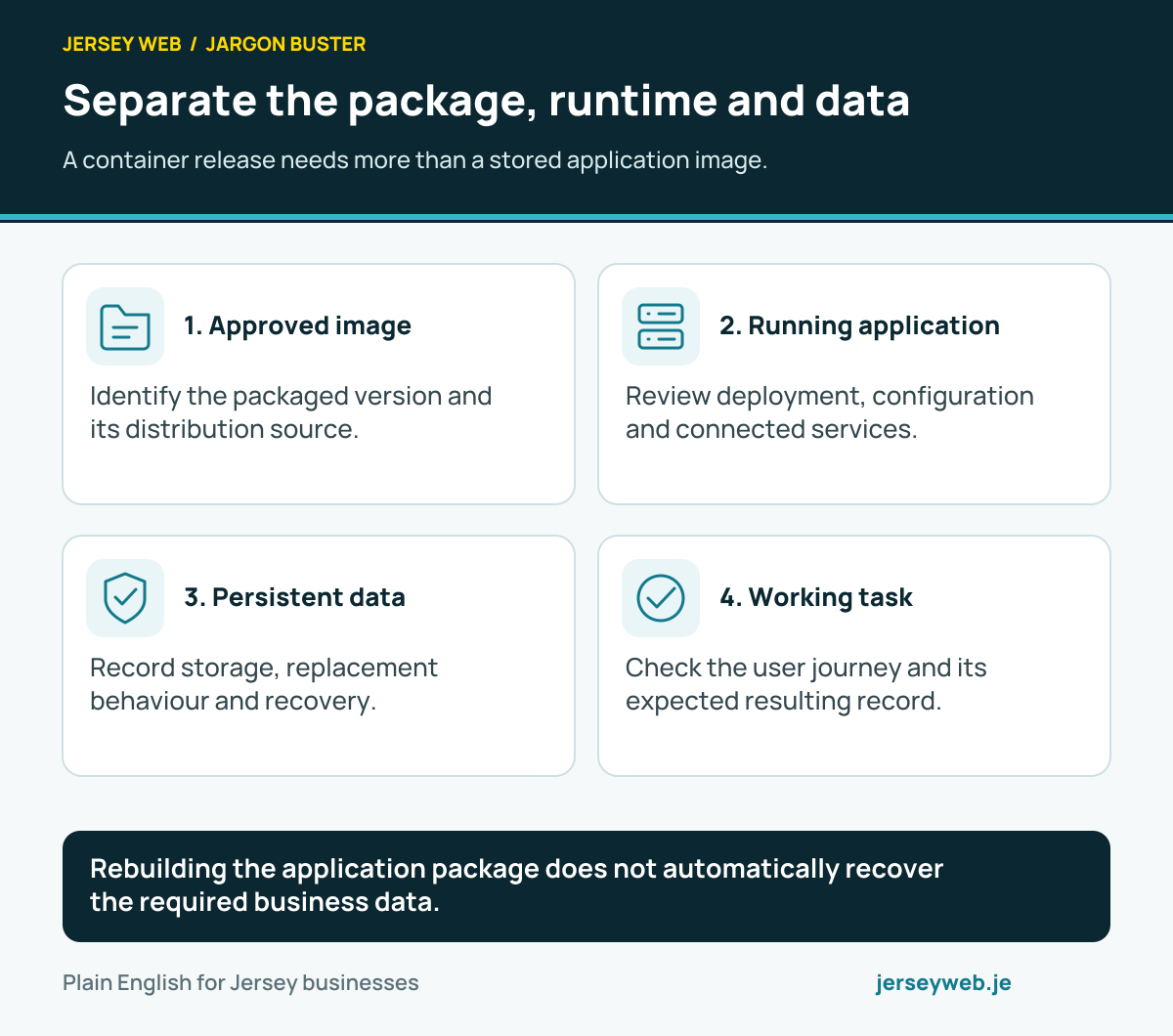
Separate the package, runtime and data
A container release needs more than a stored application image.
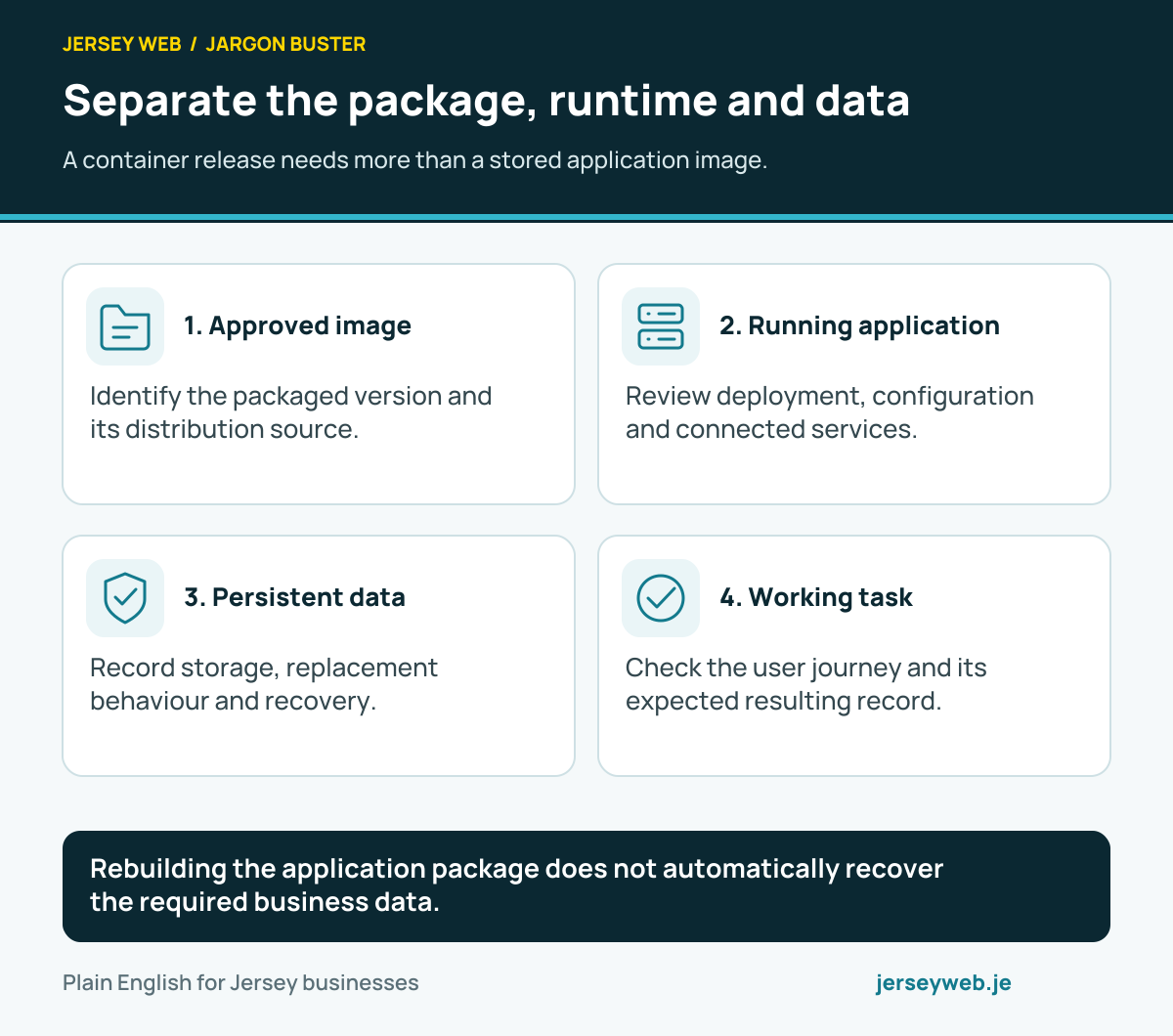
Rebuilding the application package does not automatically recover the required business data.
Read the diagram in text
- Approved image. Identify the packaged version and its distribution source.
- Running application. Review deployment, configuration and connected services.
- Persistent data. Record storage, replacement behaviour and recovery.
- Working task. Check the user journey and its expected resulting record.
Read the definitions: Container · Container image · Container registry · Persistent volume · Deployment
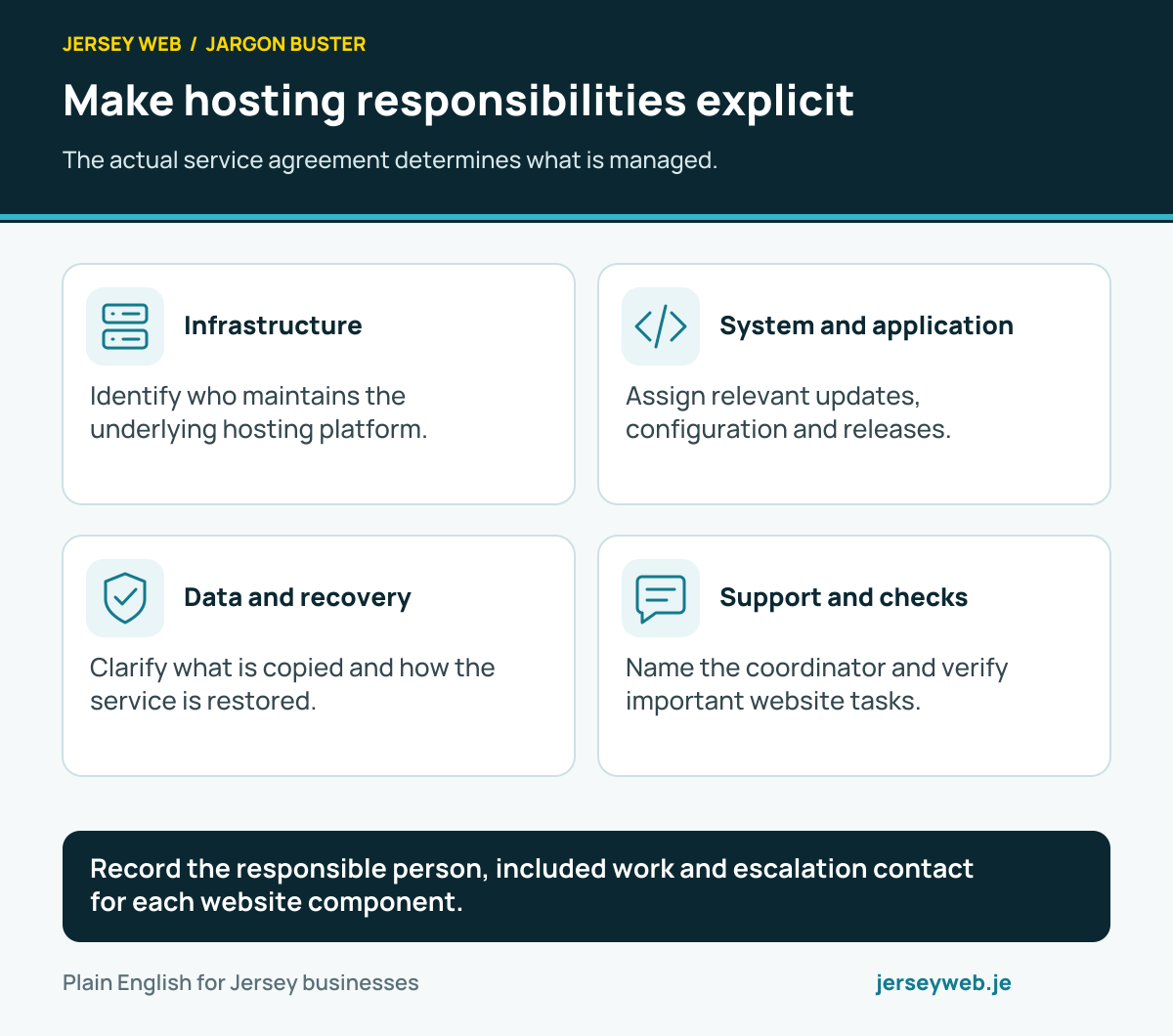
Make hosting responsibilities explicit
The actual service agreement determines what is managed.
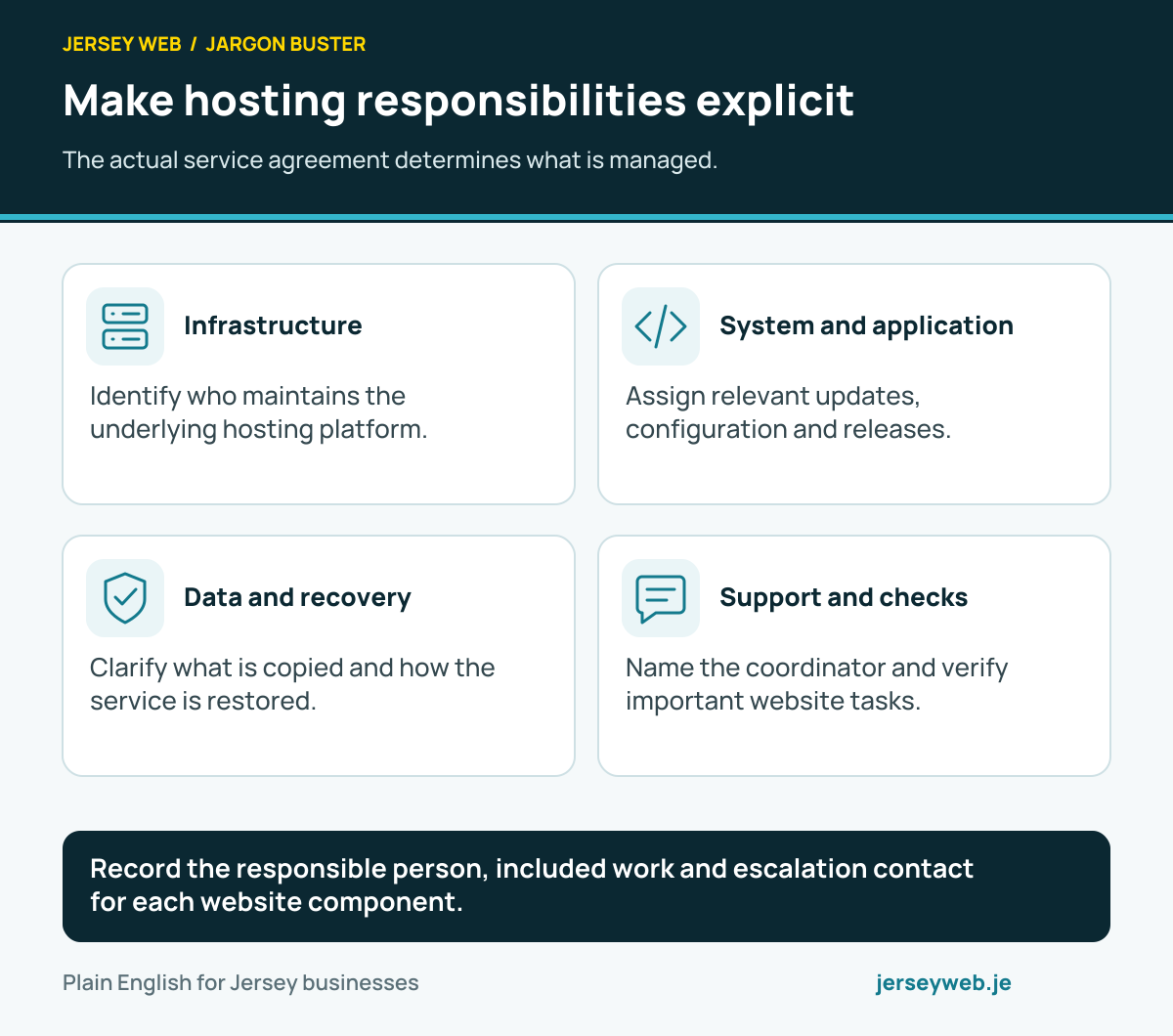
Record the responsible person, included work and escalation contact for each website component.
Read the diagram in text
- Infrastructure. Identify who maintains the underlying hosting platform.
- System and application. Assign relevant updates, configuration and releases.
- Data and recovery. Clarify what is copied and how the service is restored.
- Support and checks. Name the coordinator and verify important website tasks.
Read the definitions: Managed hosting · Web hosting · Virtual machine · Backups · Monitoring
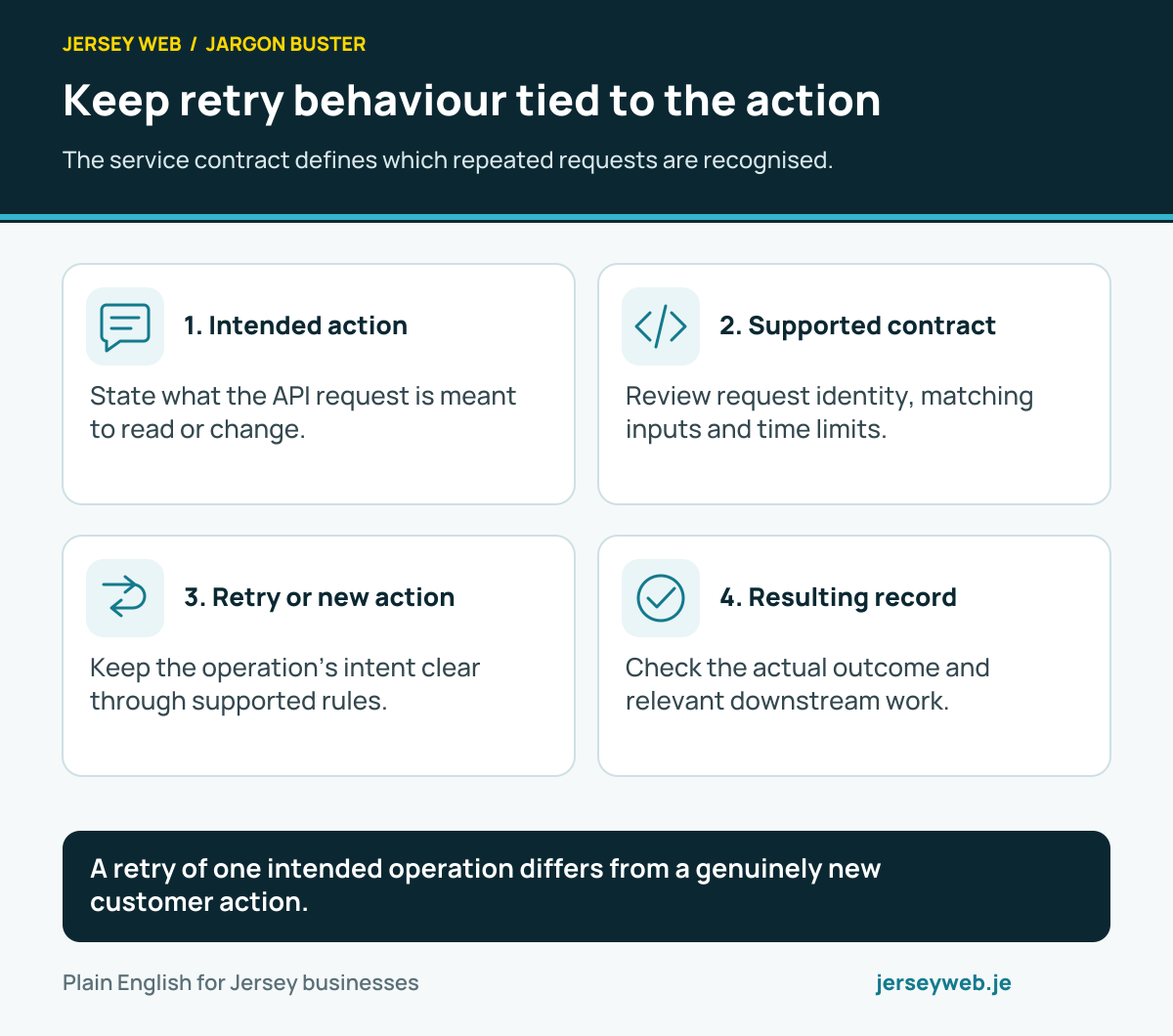
Keep retry behaviour tied to the action
The service contract defines which repeated requests are recognised.
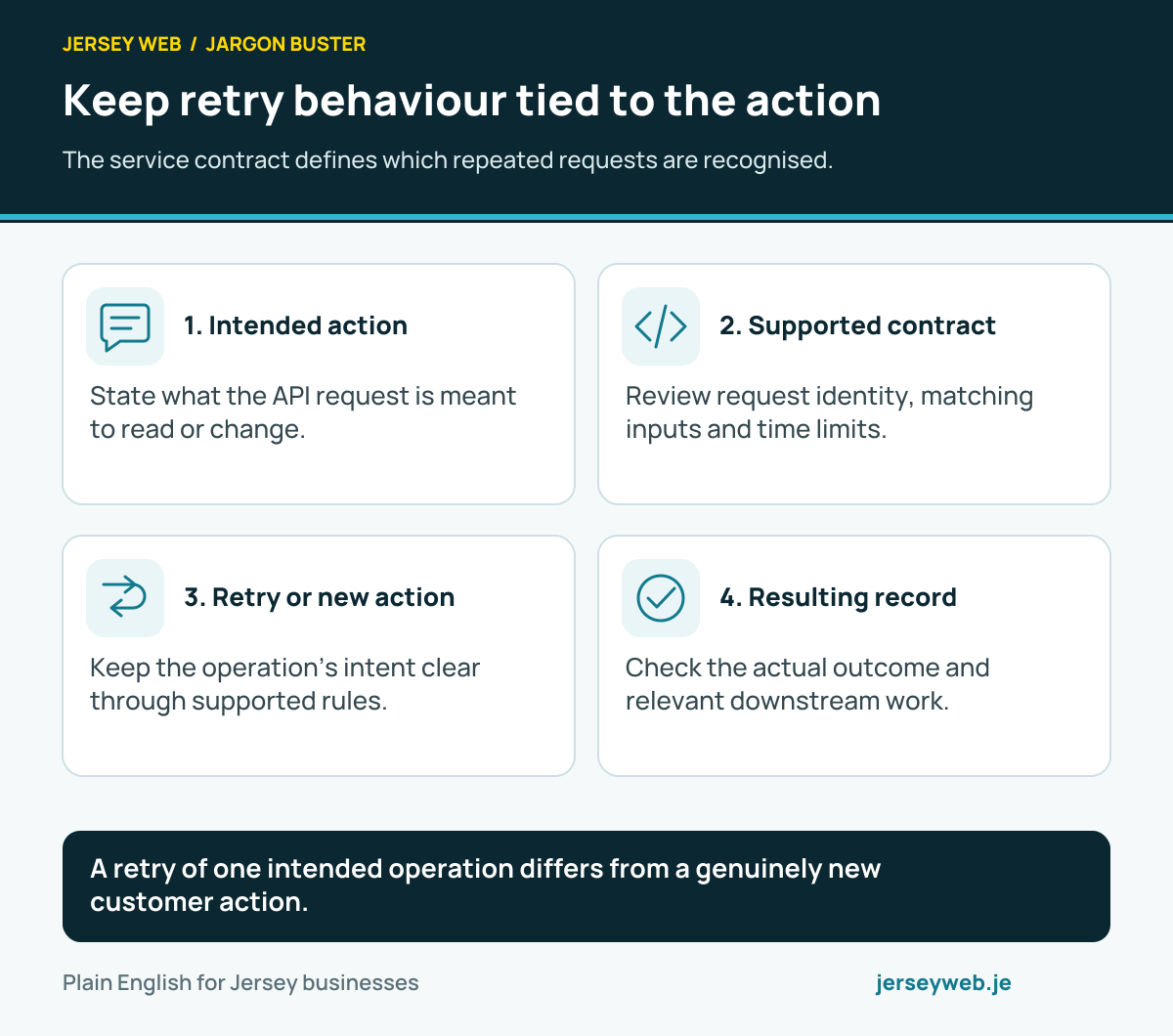
A retry of one intended operation differs from a genuinely new customer action.
Read the diagram in text
- Intended action. State what the API request is meant to read or change.
- Supported contract. Review request identity, matching inputs and time limits.
- Retry or new action. Keep the operation’s intent clear through supported rules.
- Resulting record. Check the actual outcome and relevant downstream work.
Read the definitions: Idempotency · API · HTTP method · Retry · Webhook
Review the API key’s role and lifecycle
The provider and key type determine permissions and confidentiality.
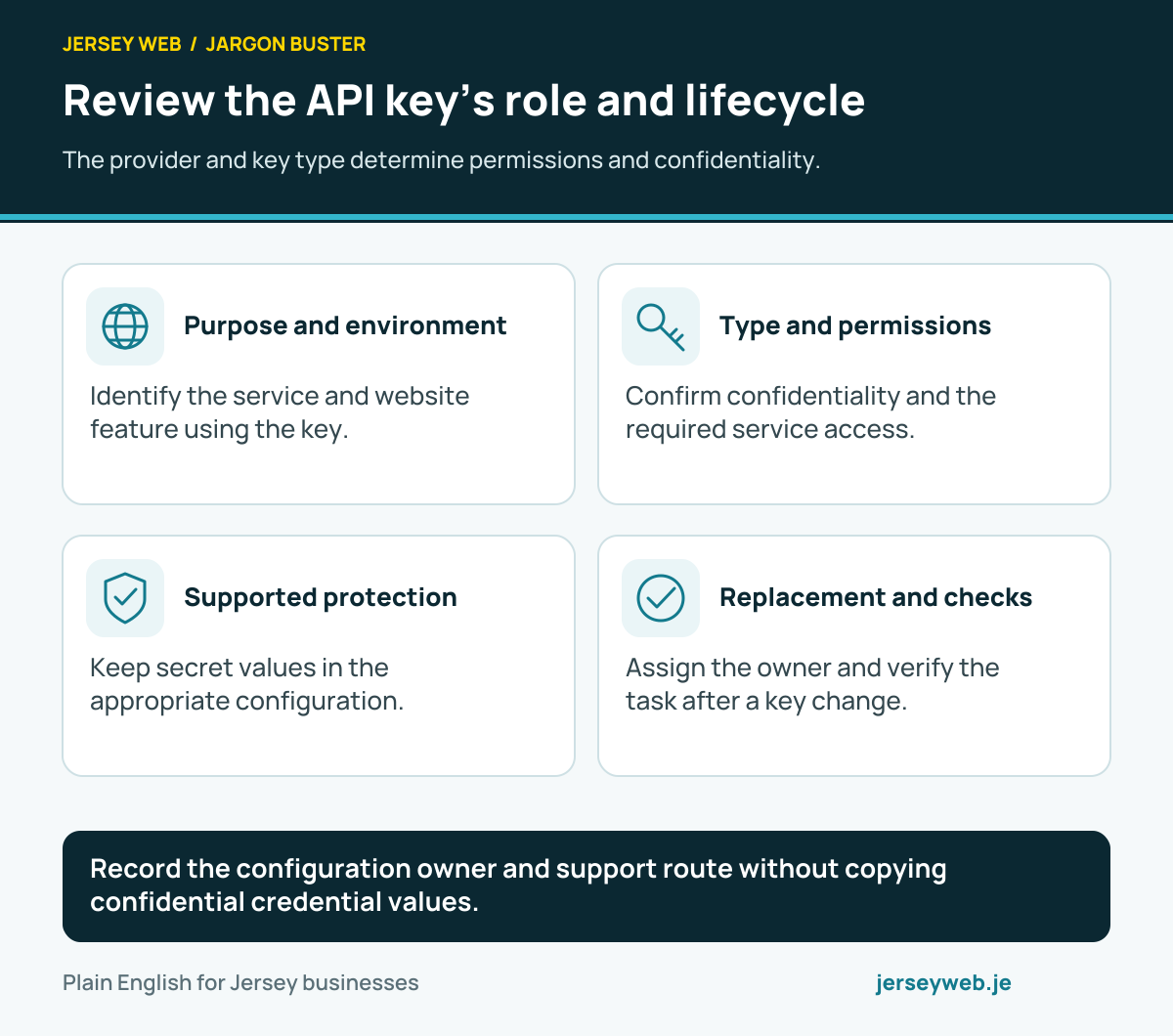
Record the configuration owner and support route without copying confidential credential values.
Read the diagram in text
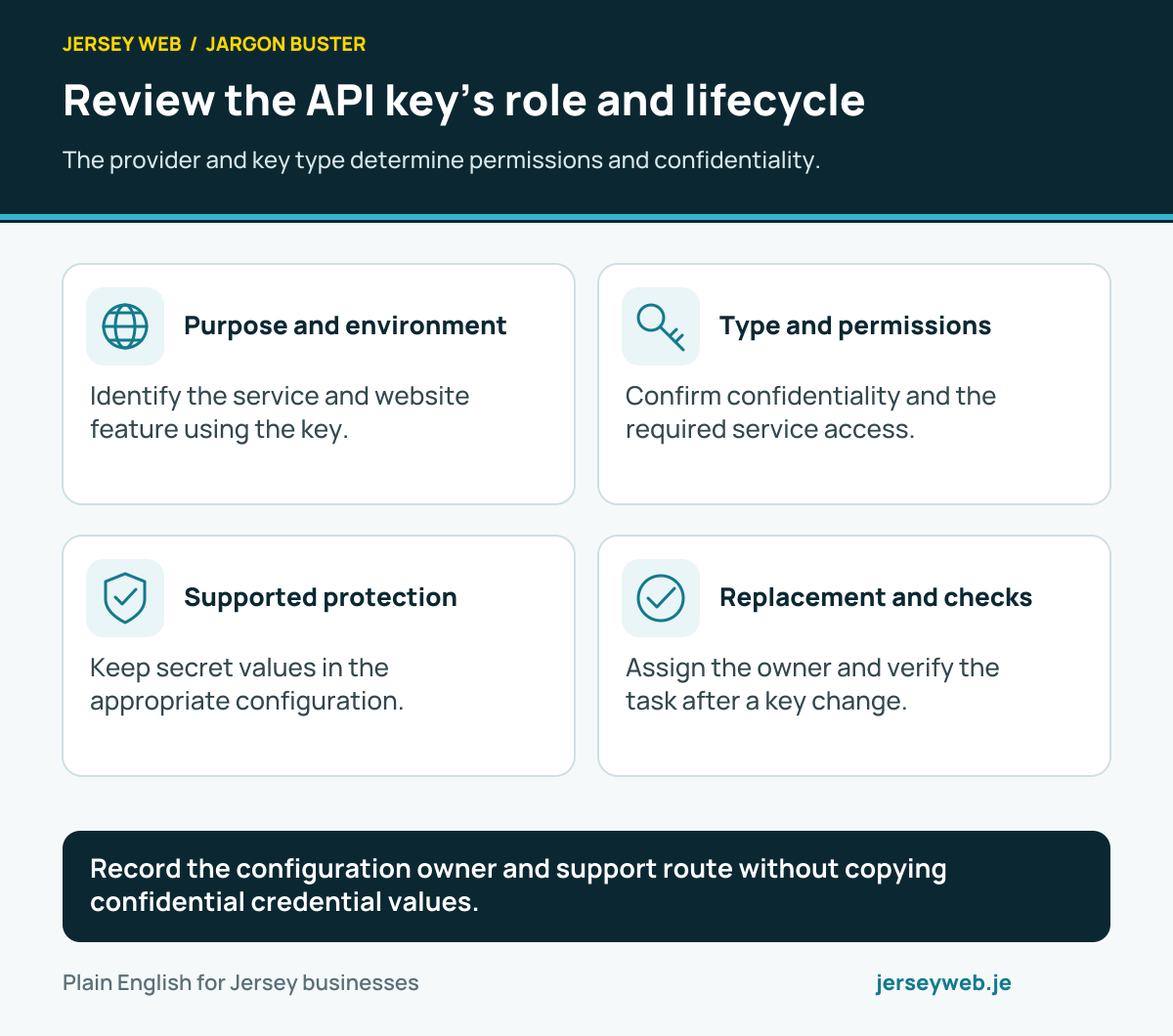
- Purpose and environment. Identify the service and website feature using the key.
- Type and permissions. Confirm confidentiality and the required service access.
- Supported protection. Keep secret values in the appropriate configuration.
- Replacement and checks. Assign the owner and verify the task after a key change.
Read the definitions: API key · API · Least privilege · Environment variable · Webhook signature
Read network measurements in context
Capacity, achieved transfer, delay and missing packets describe different things.
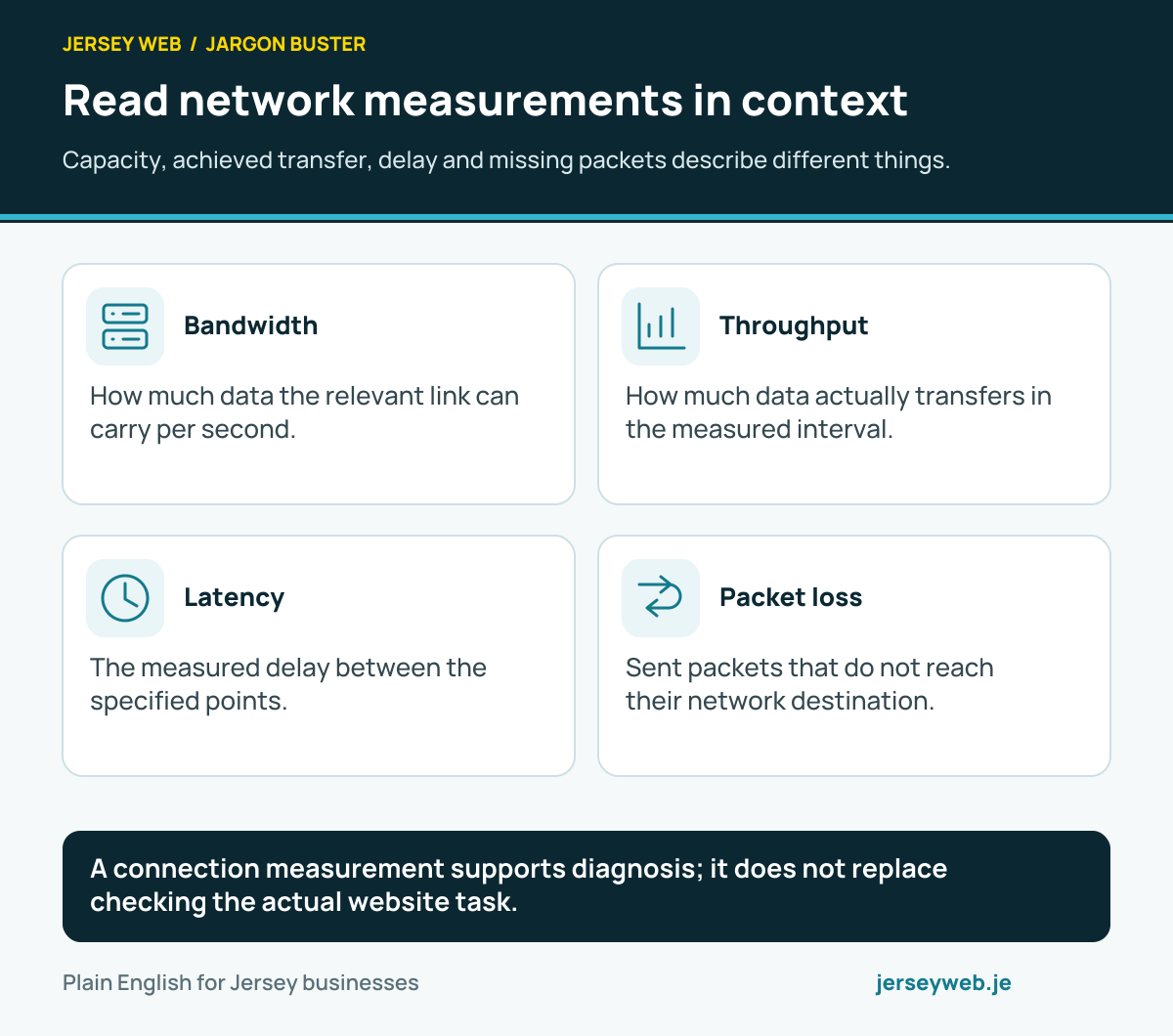
A connection measurement supports diagnosis; it does not replace checking the actual website task.
Read the diagram in text
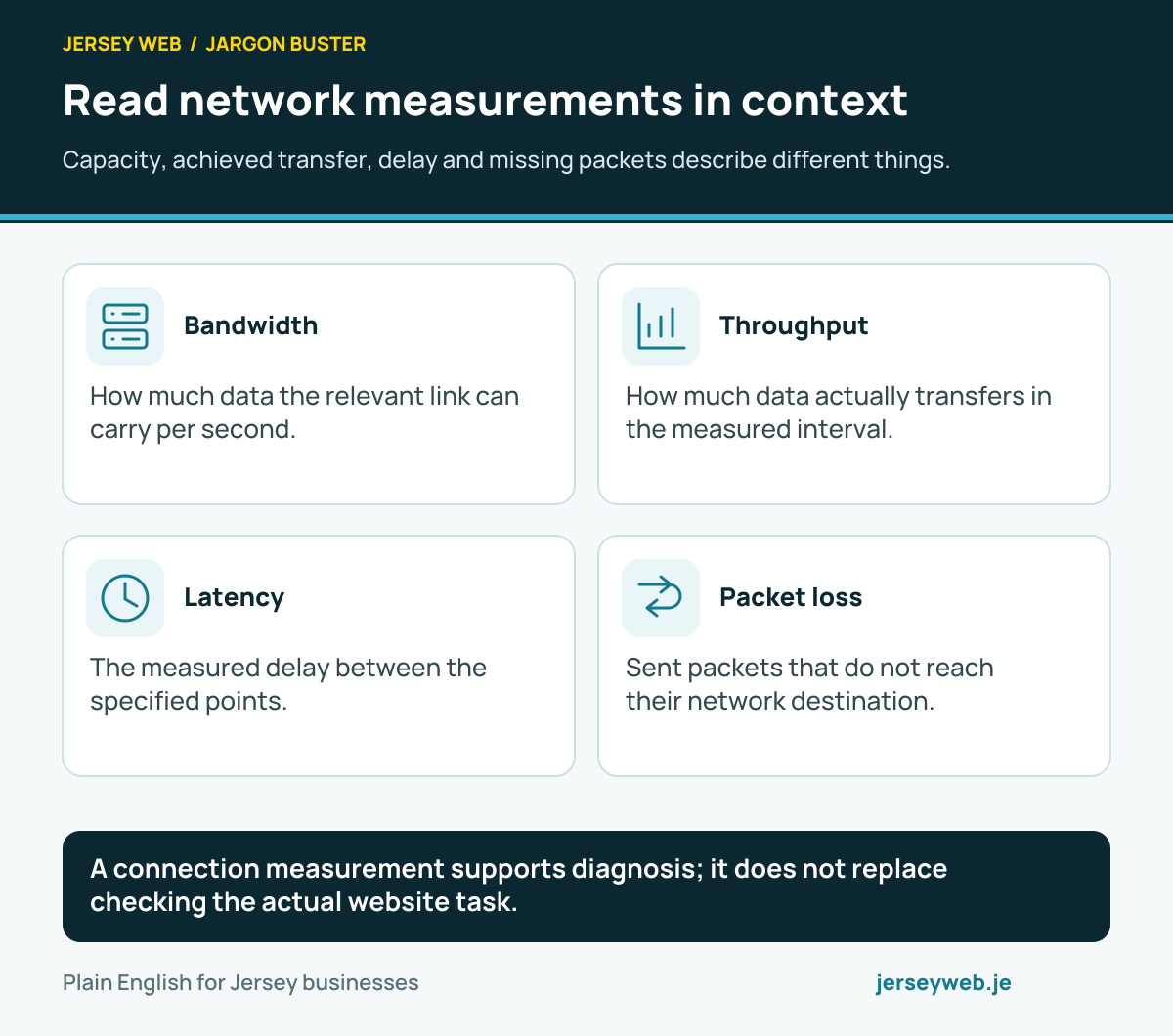
- Bandwidth. How much data the relevant link can carry per second.
- Throughput. How much data actually transfers in the measured interval.
- Latency. The measured delay between the specified points.
- Packet loss. Sent packets that do not reach their network destination.
Read the definitions: Bandwidth · Throughput · Latency · Packet loss · Jitter
Define the business VPN’s actual scope
Remote connectivity needs clear routing, access and maintenance.
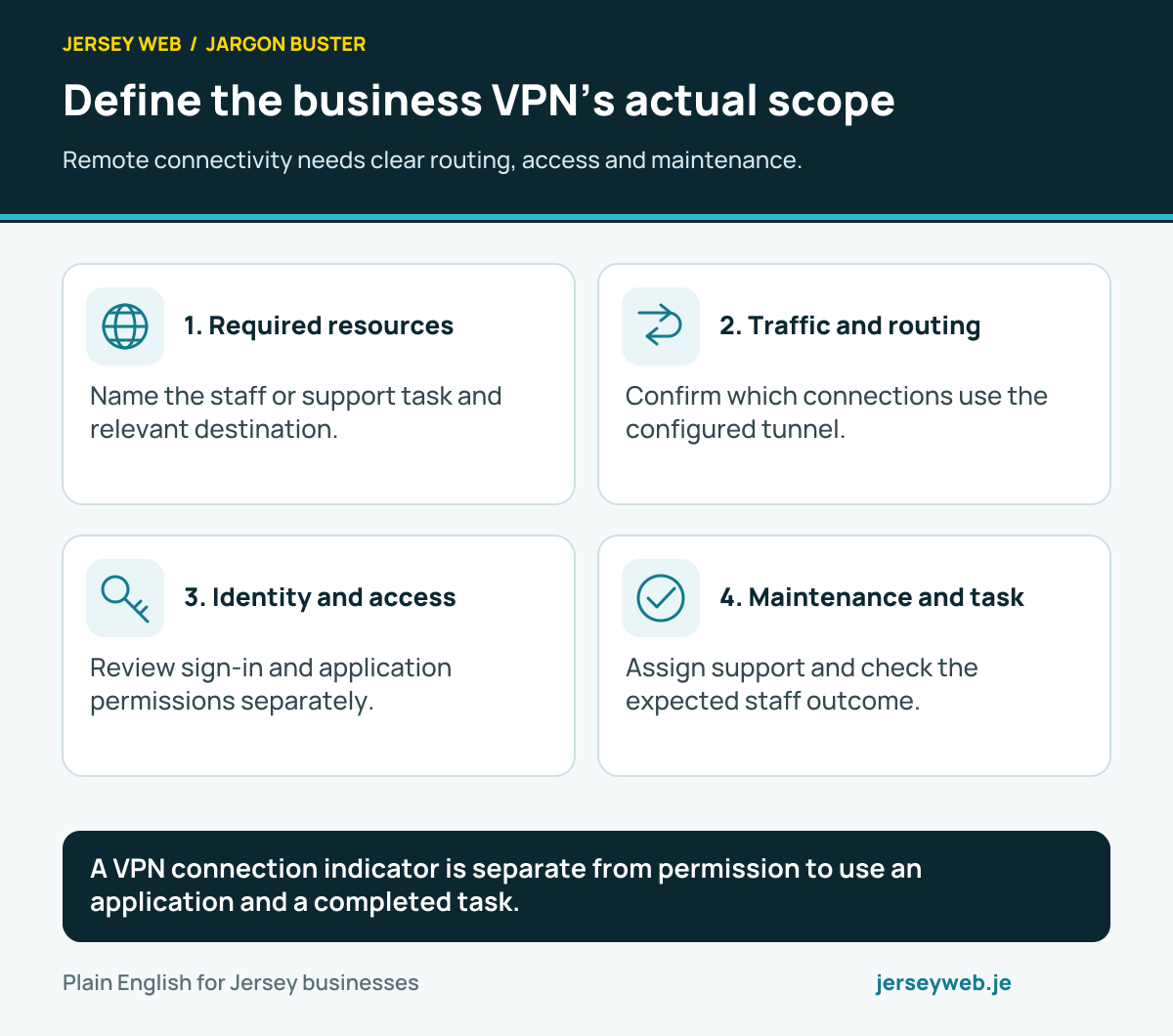
A VPN connection indicator is separate from permission to use an application and a completed task.
Read the diagram in text
- Required resources. Name the staff or support task and relevant destination.
- Traffic and routing. Confirm which connections use the configured tunnel.
- Identity and access. Review sign-in and application permissions separately.
- Maintenance and task. Assign support and check the expected staff outcome.
Read the definitions: VPN · Network tunnel · Least privilege · Firewall · Private IP address
Four protections, four different jobs
Name the protected connection, data or permission when discussing website security.
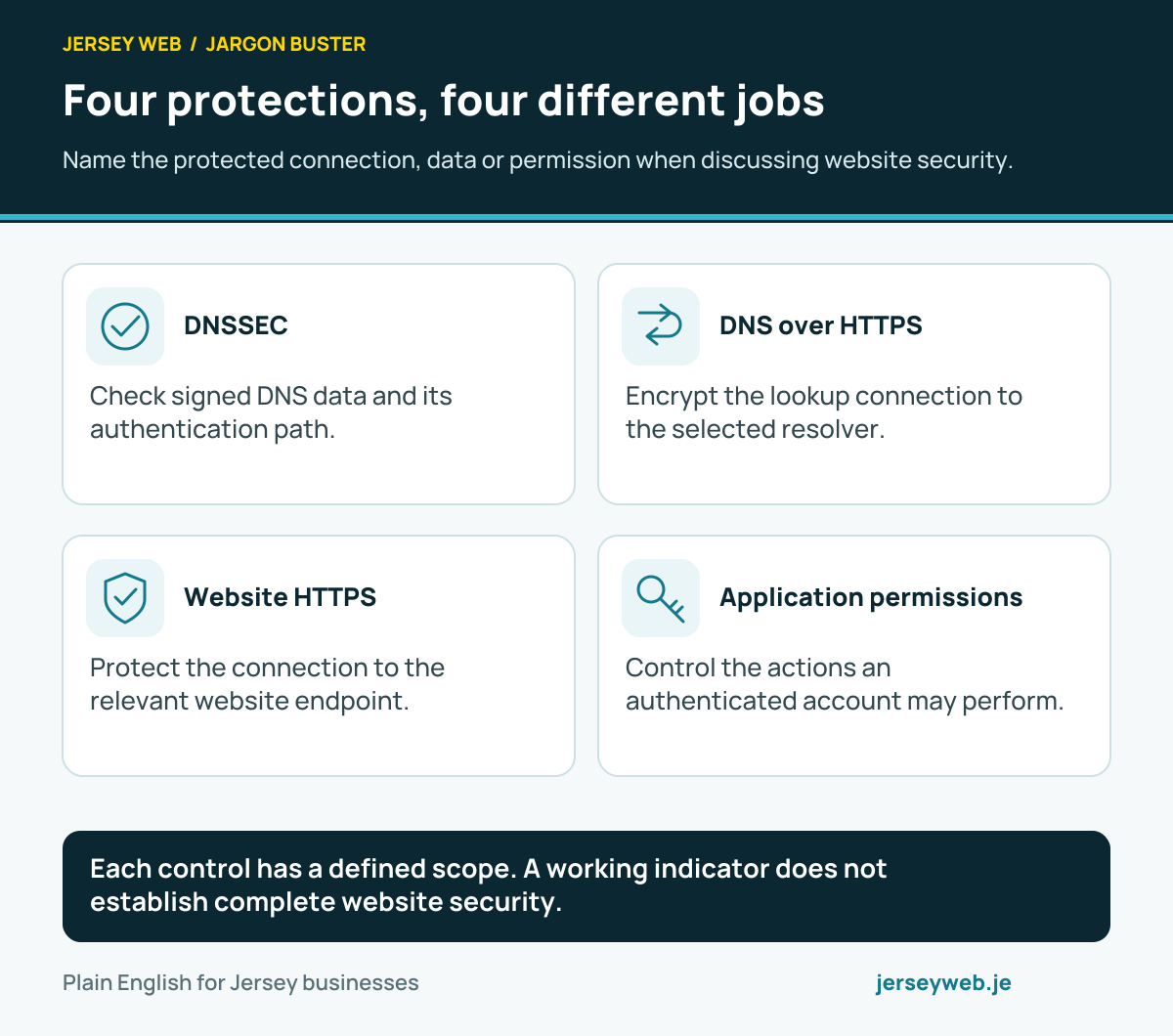
Each control has a defined scope. A working indicator does not establish complete website security.
Read the diagram in text
- DNSSEC. Check signed DNS data and its authentication path.
- DNS over HTTPS. Encrypt the lookup connection to the selected resolver.
- Website HTTPS. Protect the connection to the relevant website endpoint.
- Application permissions. Control the actions an authenticated account may perform.
Read the definitions: DNSSEC · DNS over HTTPS · HTTPS · Least privilege
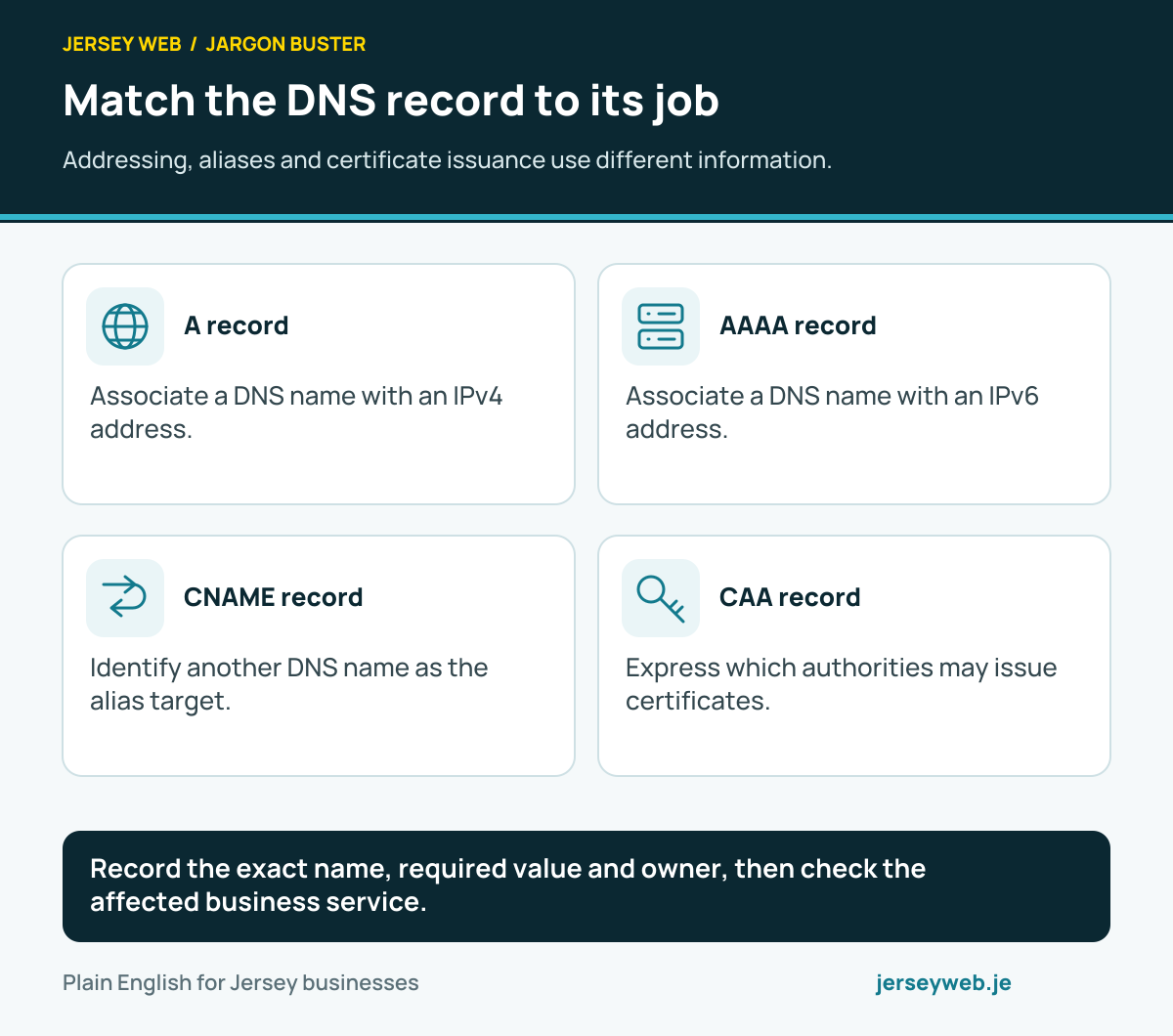
Match the DNS record to its job
Addressing, aliases and certificate issuance use different information.
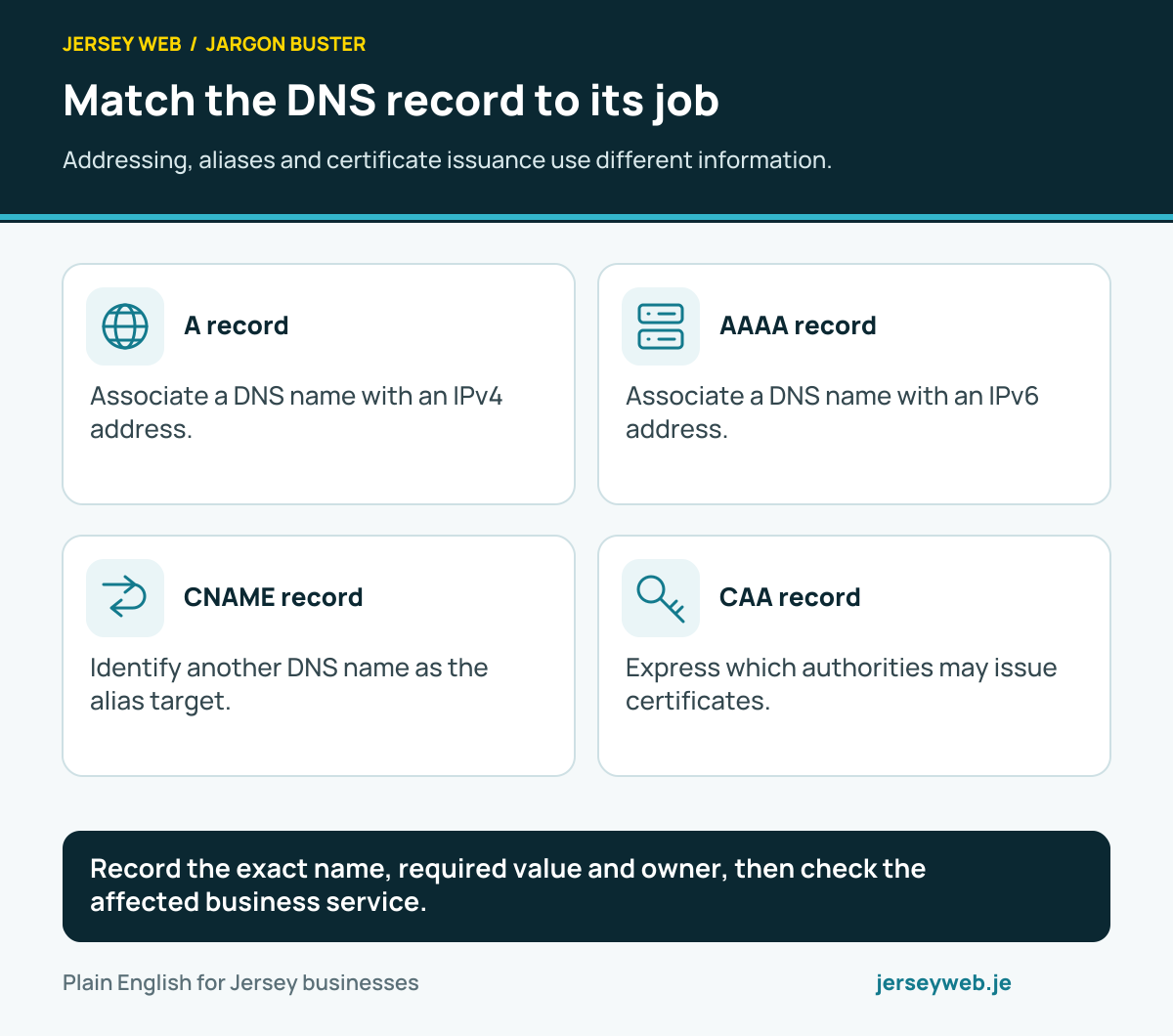
Record the exact name, required value and owner, then check the affected business service.
Read the diagram in text
- A record. Associate a DNS name with an IPv4 address.
- AAAA record. Associate a DNS name with an IPv6 address.
- CNAME record. Identify another DNS name as the alias target.
- CAA record. Express which authorities may issue certificates.
Read the definitions: A record · AAAA record · CNAME record · CAA record · DNS record
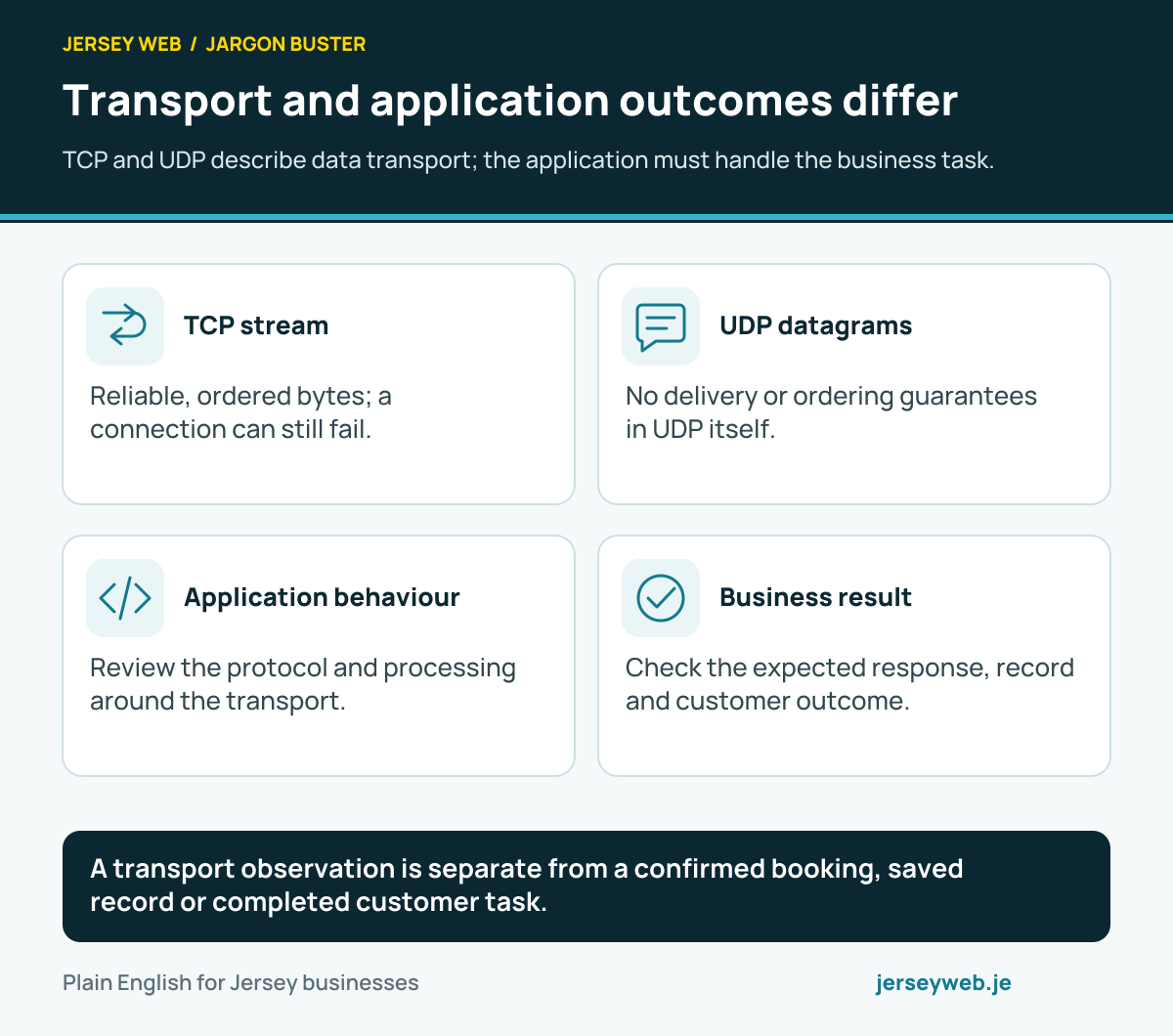
Transport and application outcomes differ
TCP and UDP describe data transport; the application must handle the business task.
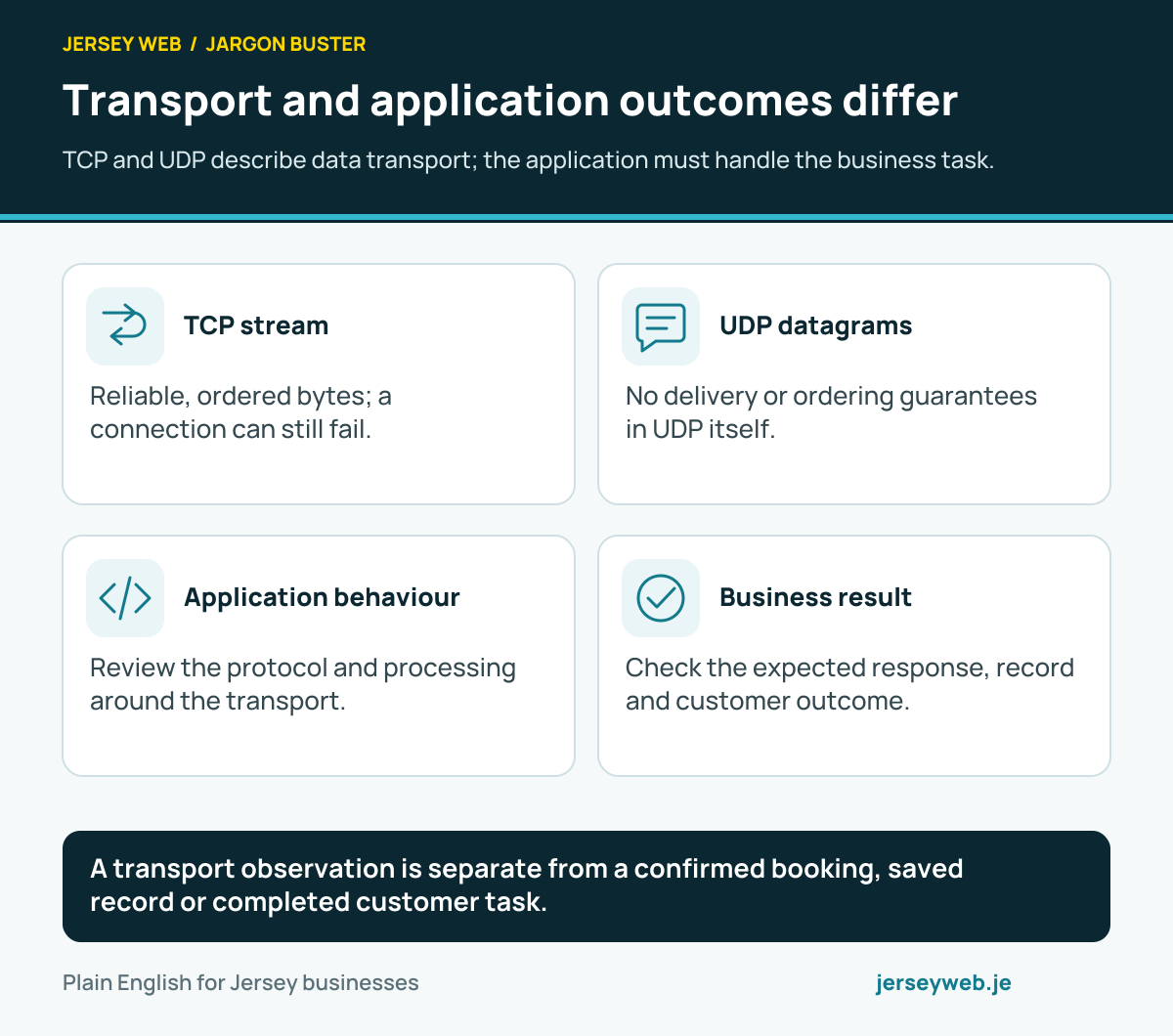
A transport observation is separate from a confirmed booking, saved record or completed customer task.
Read the diagram in text
- TCP stream. Reliable, ordered bytes; a connection can still fail.
- UDP datagrams. No delivery or ordering guarantees in UDP itself.
- Application behaviour. Review the protocol and processing around the transport.
- Business result. Check the expected response, record and customer outcome.
Read the definitions: TCP · UDP · Datagram · TCP retransmission · Idempotency
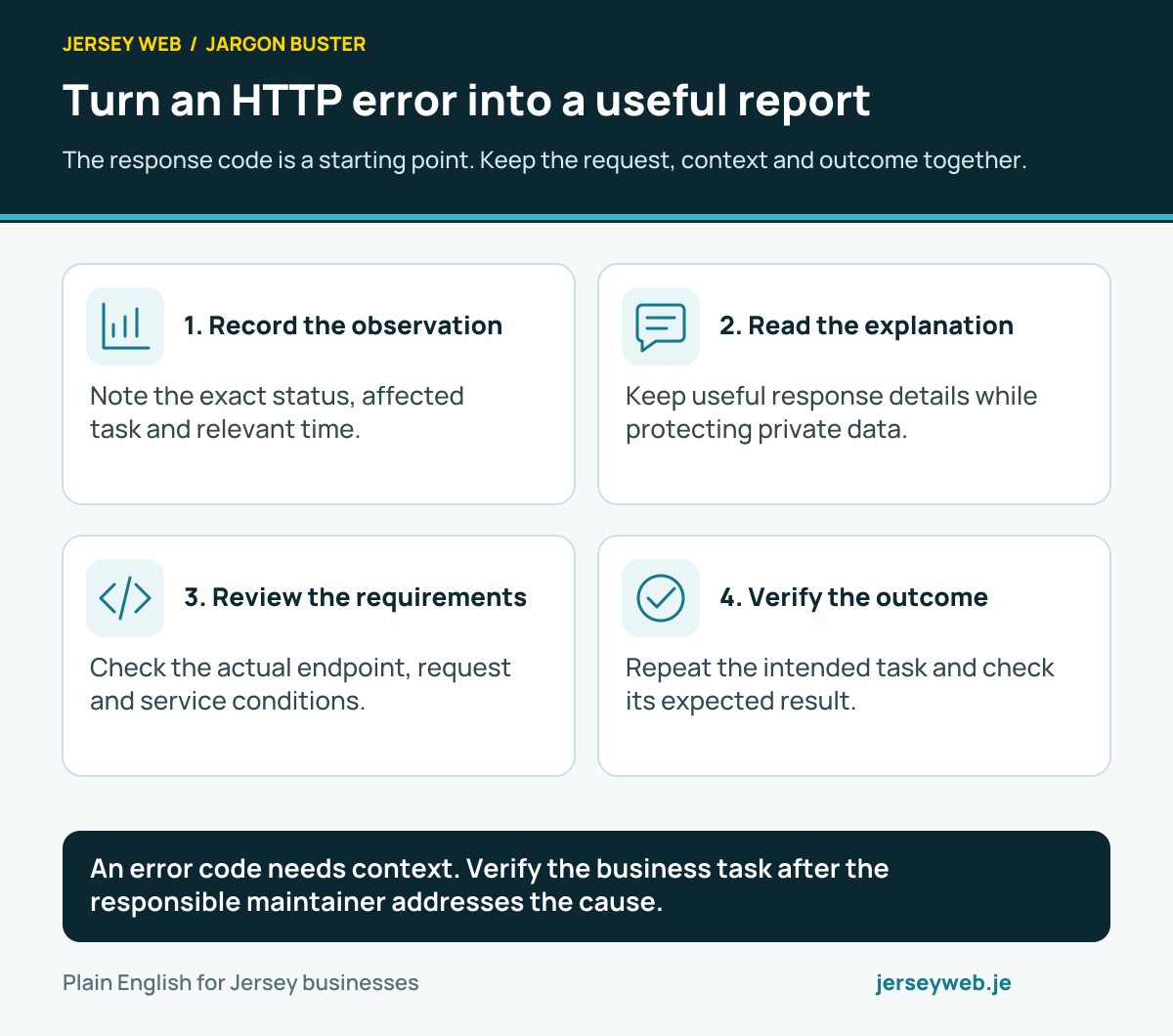
Turn an HTTP error into a useful report
The response code is a starting point. Keep the request, context and outcome together.
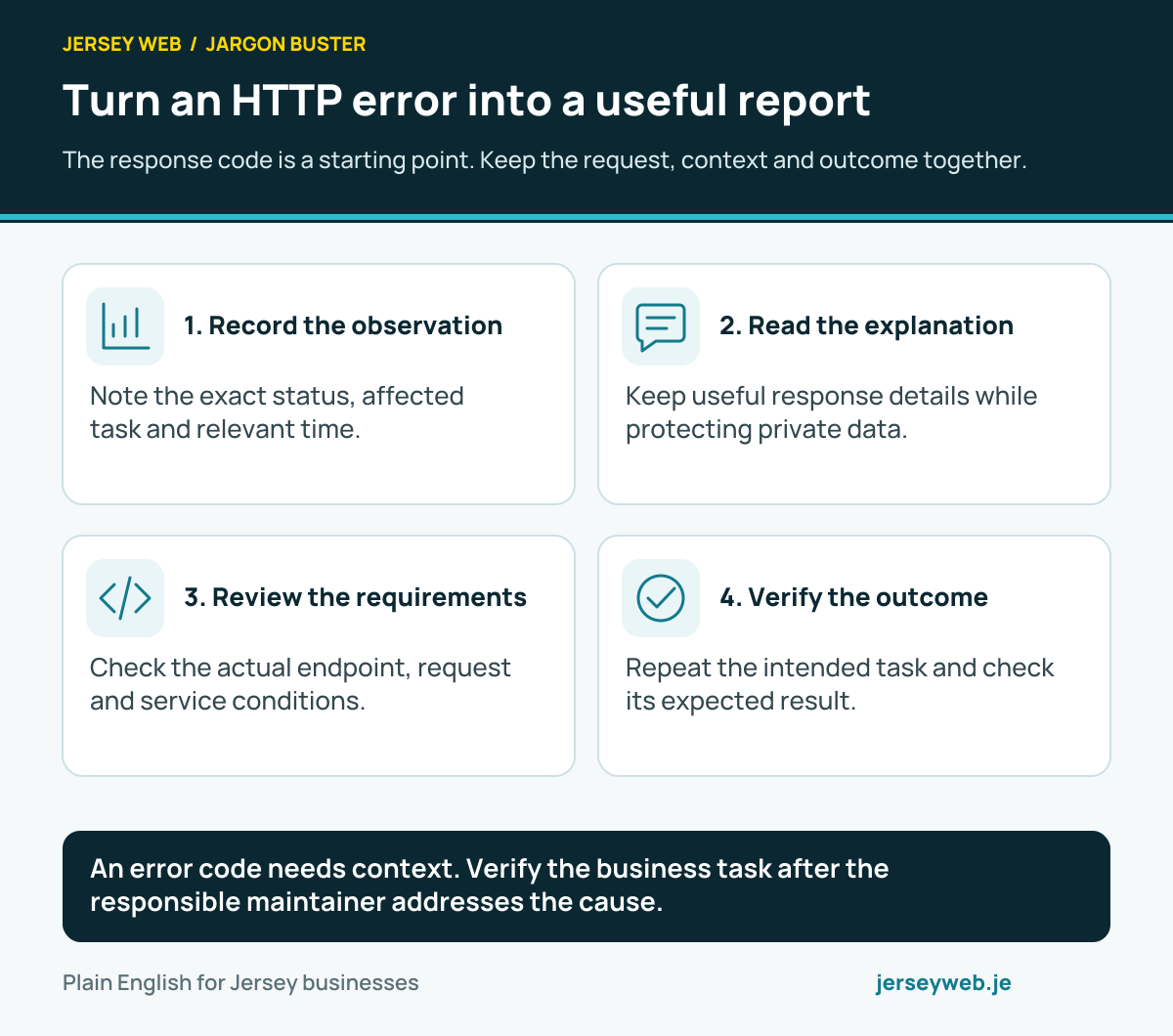
An error code needs context. Verify the business task after the responsible maintainer addresses the cause.
Read the diagram in text
- Record the observation. Note the exact status, affected task and relevant time.
- Read the explanation. Keep useful response details while protecting private data.
- Review the requirements. Check the actual endpoint, request and service conditions.
- Verify the outcome. Repeat the intended task and check its expected result.
Read the definitions: HTTP response · 408 response · 415 response · 422 response · 431 response · 507 response
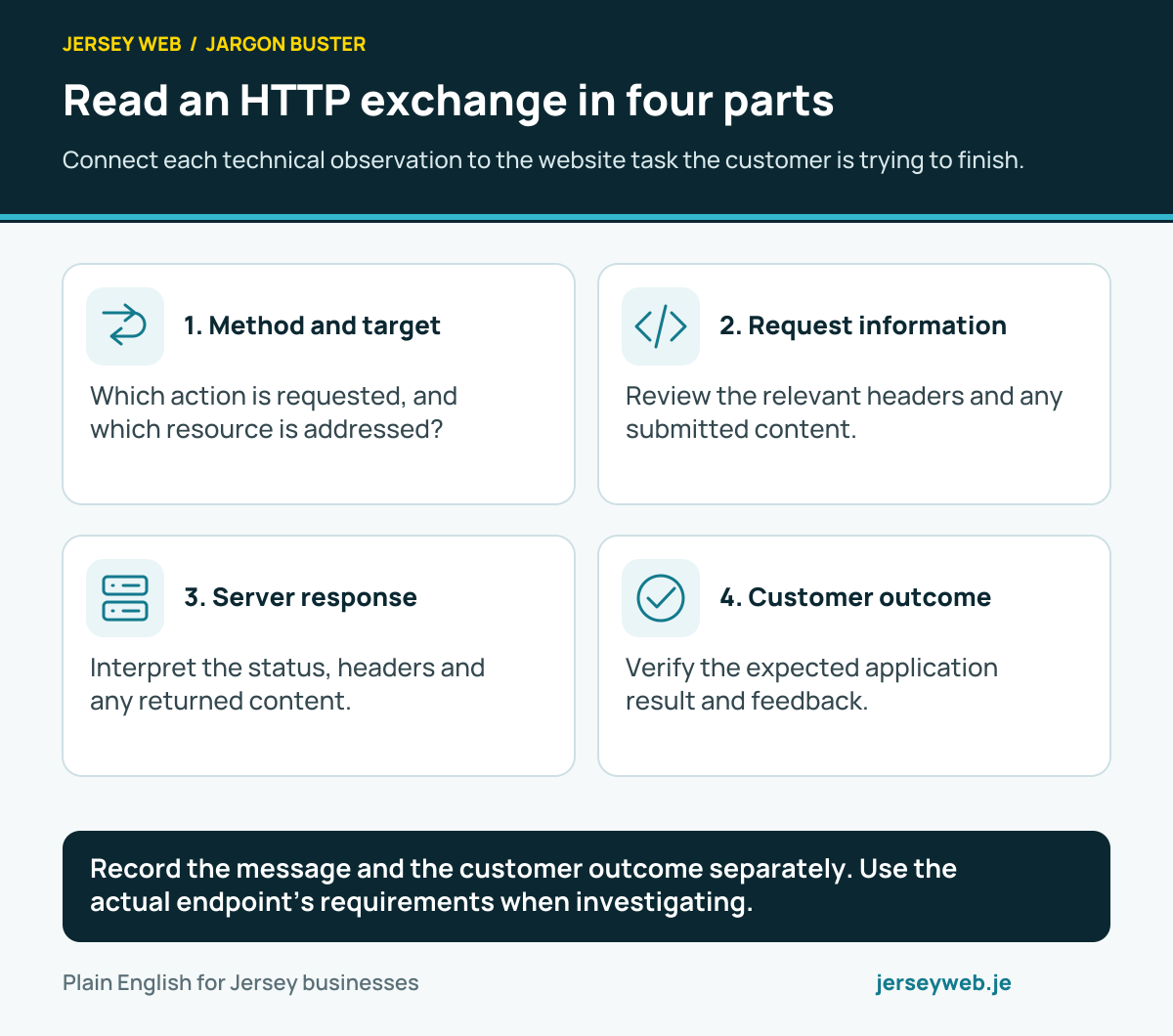
Read an HTTP exchange in four parts
Connect each technical observation to the website task the customer is trying to finish.
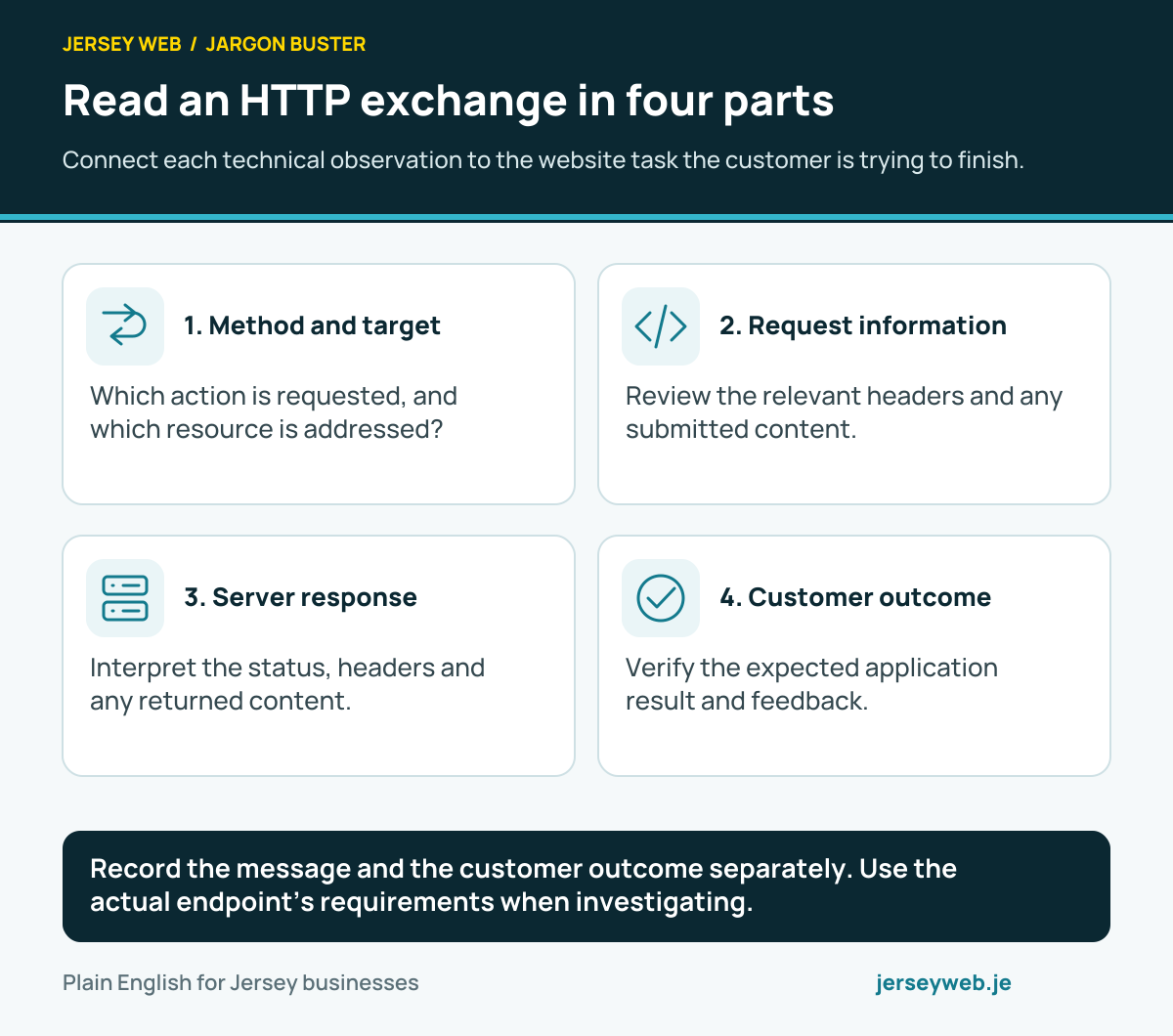
Record the message and the customer outcome separately. Use the actual endpoint’s requirements when investigating.
Read the diagram in text
- Method and target. Which action is requested, and which resource is addressed?
- Request information. Review the relevant headers and any submitted content.
- Server response. Interpret the status, headers and any returned content.
- Customer outcome. Verify the expected application result and feedback.
Read the definitions: HTTP request · HTTP response · Request target · HTTP method · Content-Type header · Request body
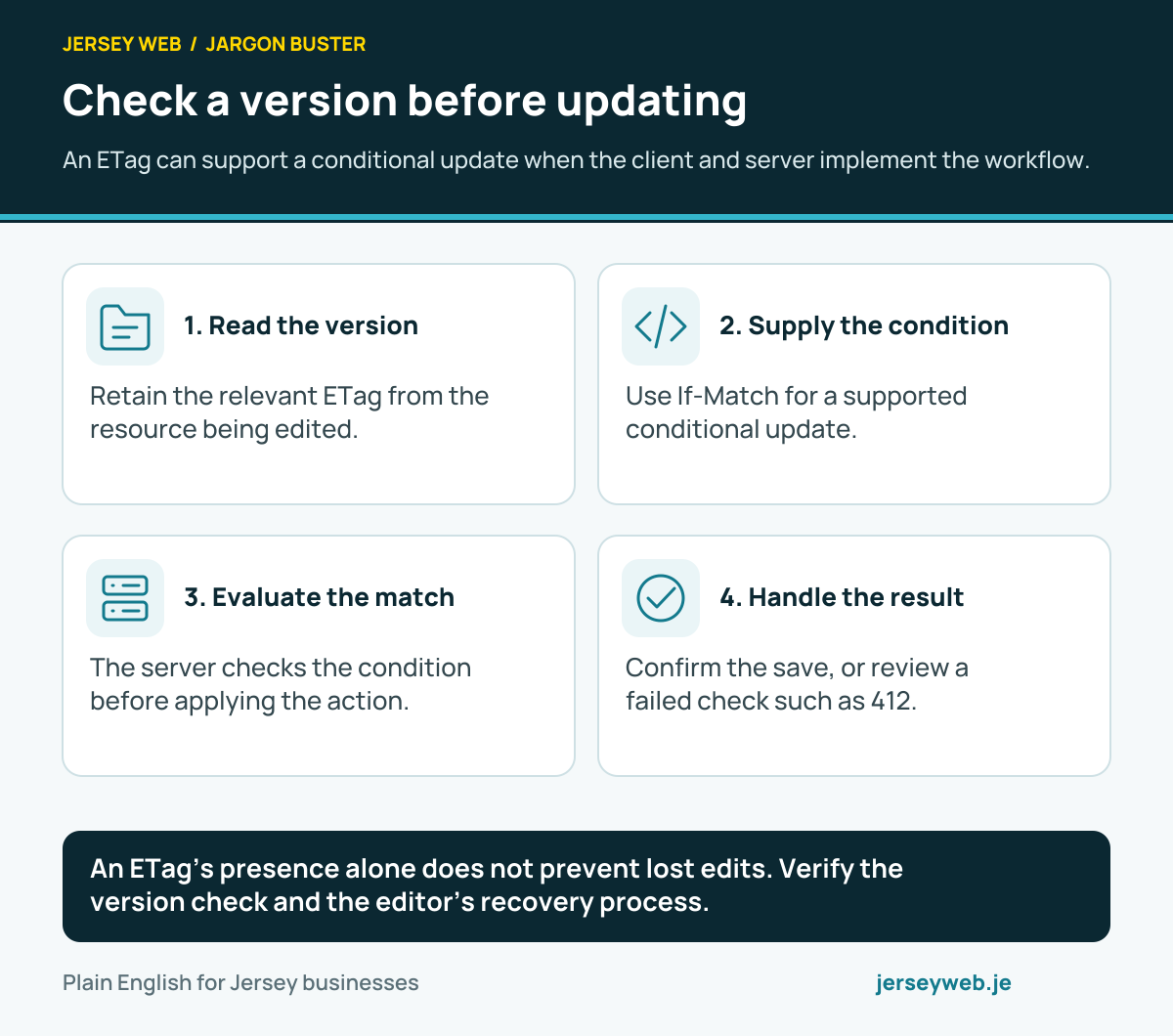
Check a version before updating
An ETag can support a conditional update when the client and server implement the workflow.
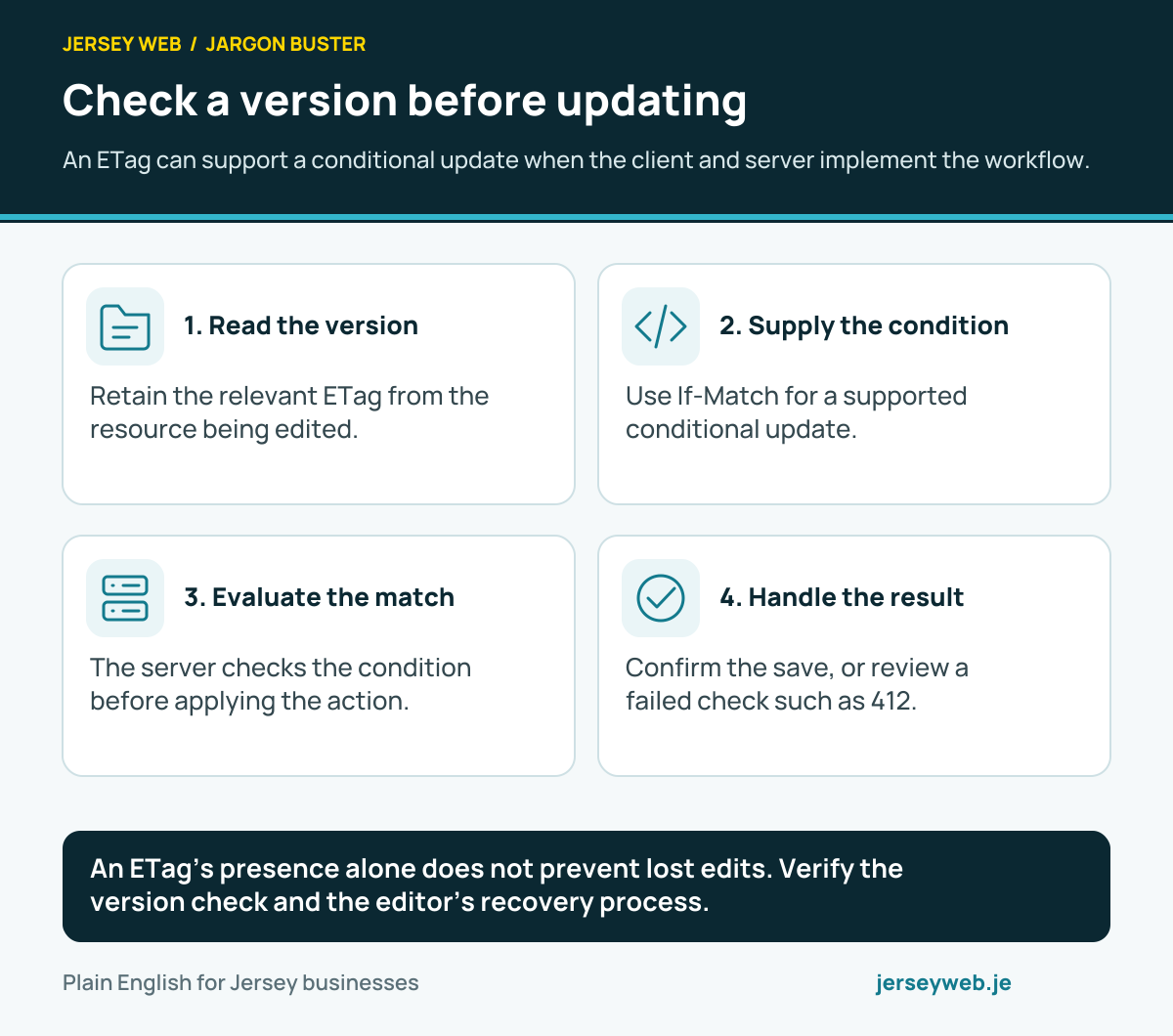
An ETag’s presence alone does not prevent lost edits. Verify the version check and the editor’s recovery process.
Read the diagram in text
- Read the version. Retain the relevant ETag from the resource being edited.
- Supply the condition. Use If-Match for a supported conditional update.
- Evaluate the match. The server checks the condition before applying the action.
- Handle the result. Confirm the save, or review a failed check such as 412.
Read the definitions: ETag · Conditional request · If-Match header · 412 response · HTTP request · HTTP response
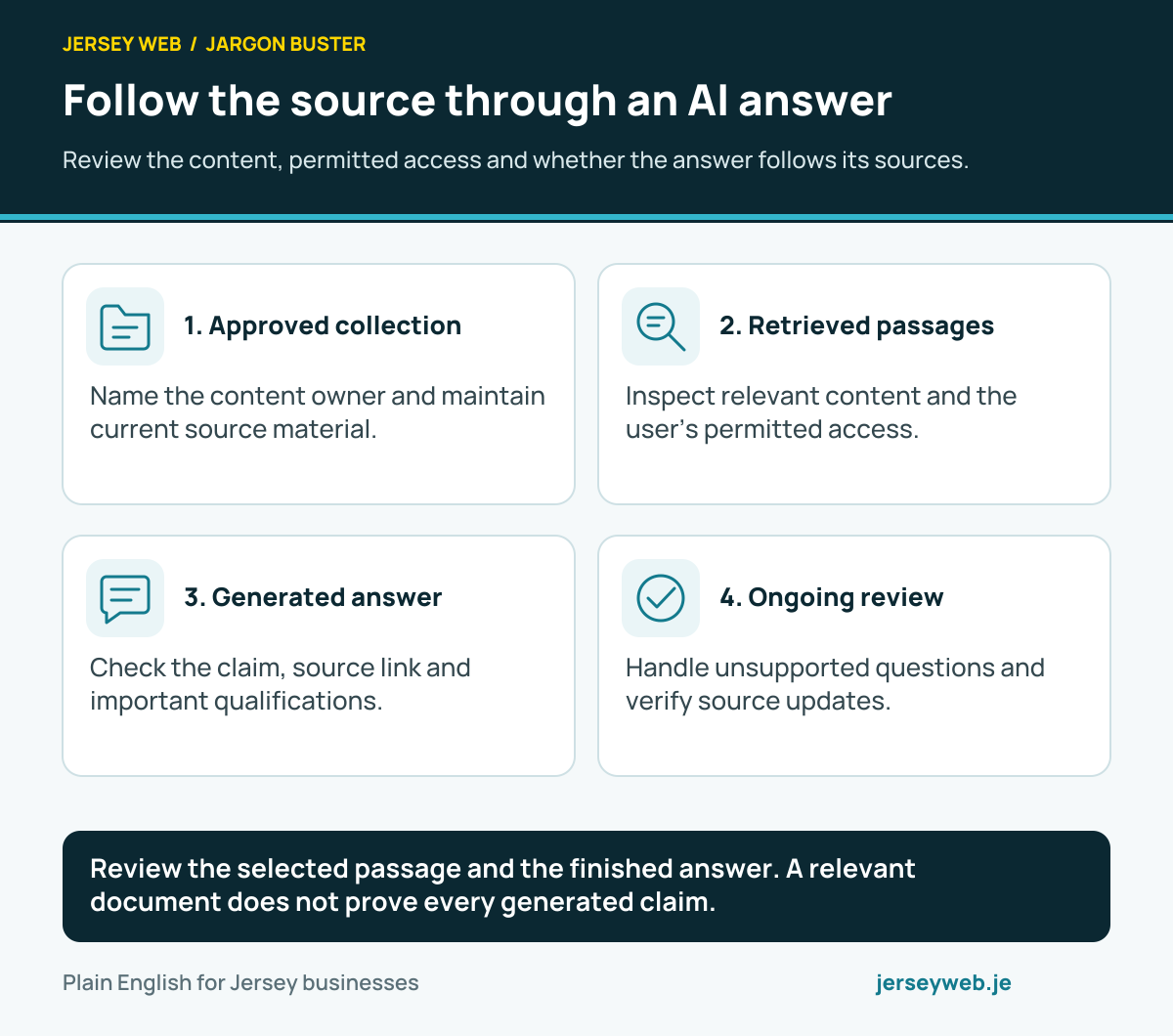
Follow the source through an AI answer
Review the content, permitted access and whether the answer follows its sources.
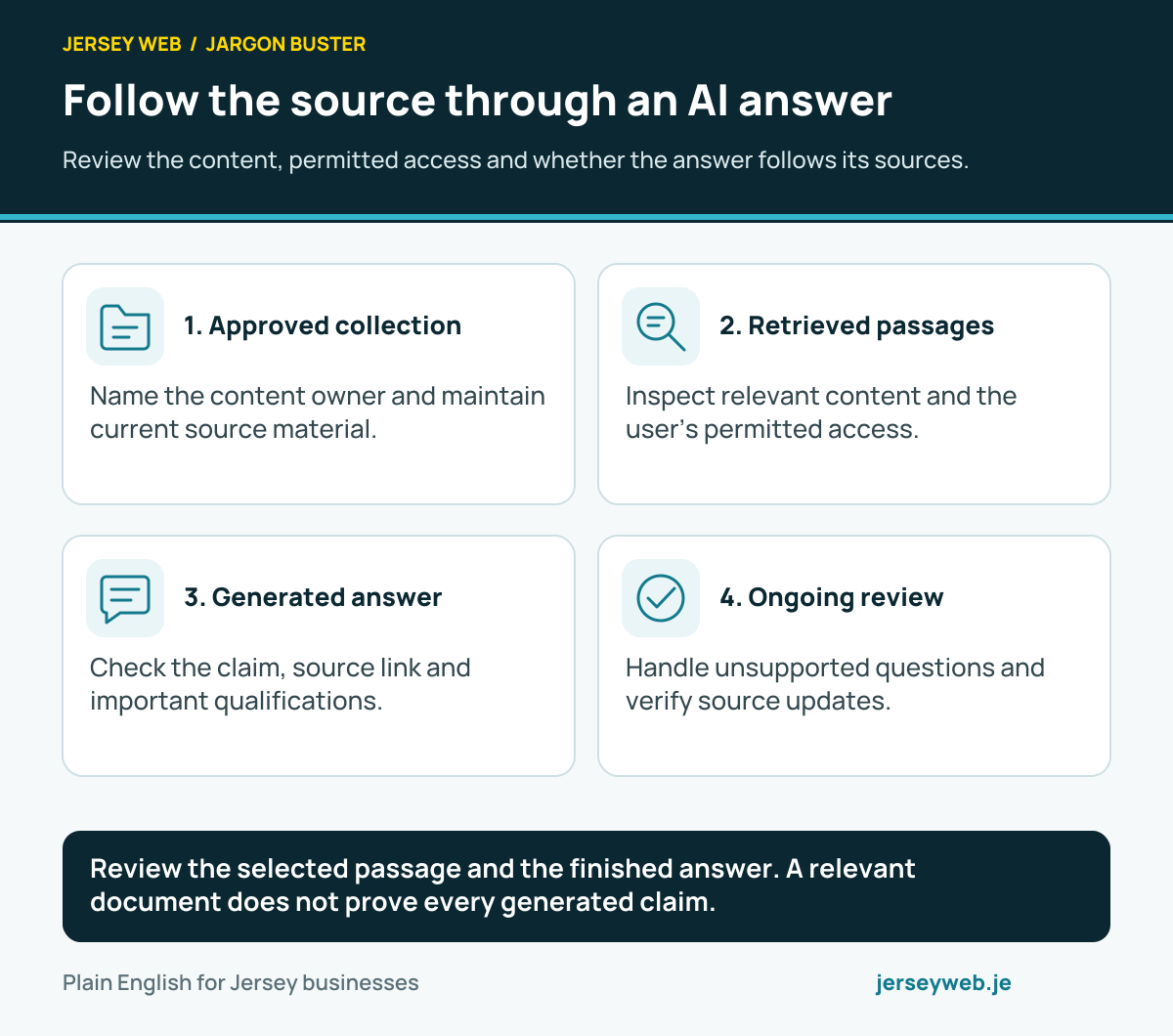
Review the selected passage and the finished answer. A relevant document does not prove every generated claim.
Read the diagram in text
- Approved collection. Name the content owner and maintain current source material.
- Retrieved passages. Inspect relevant content and the user’s permitted access.
- Generated answer. Check the claim, source link and important qualifications.
- Ongoing review. Handle unsupported questions and verify source updates.
Read the definitions: Retrieval-augmented generation · AI grounding · Document chunking · Vector search · AI embedding · AI evaluation
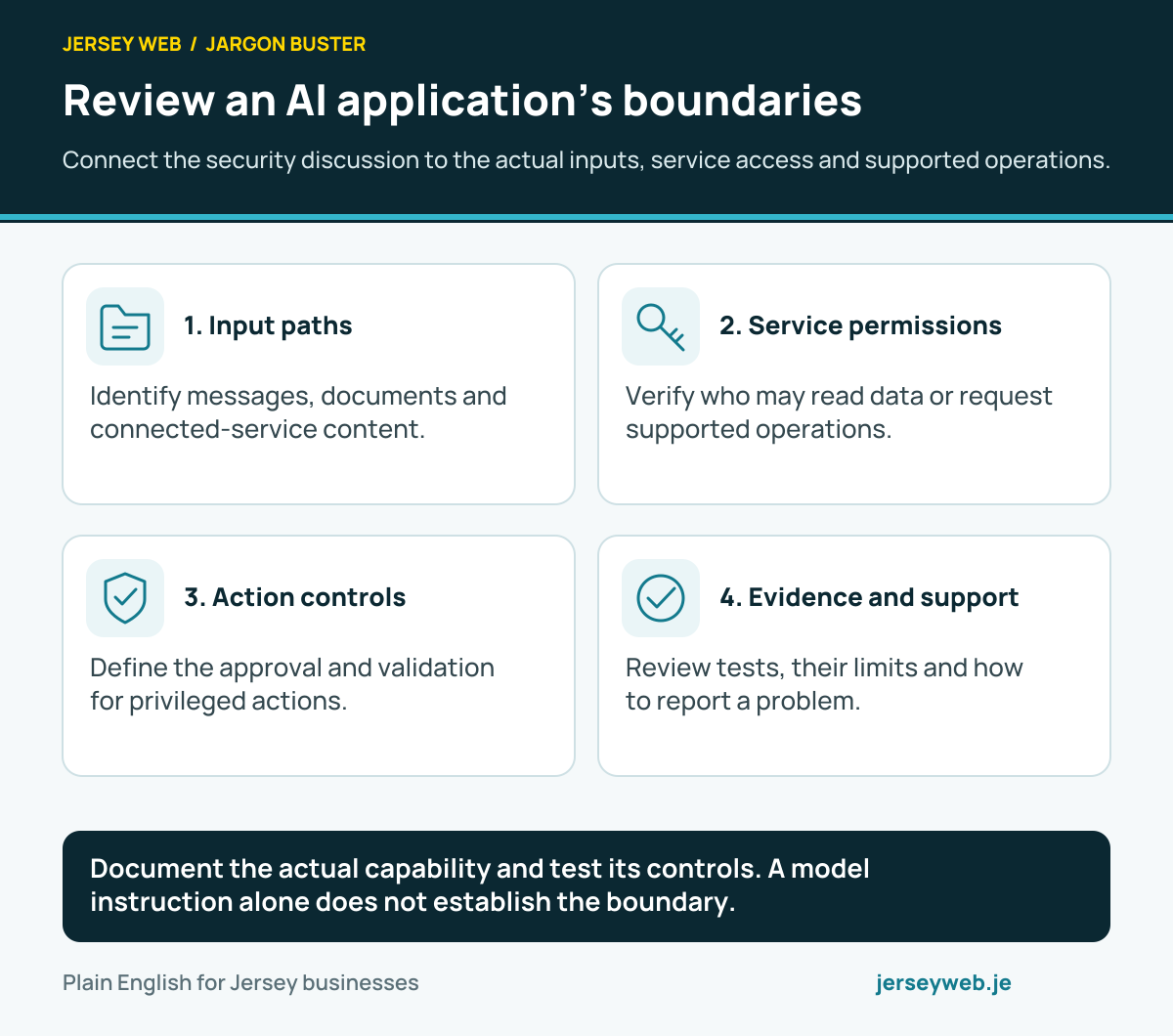
Review an AI application’s boundaries
Connect the security discussion to the actual inputs, service access and supported operations.
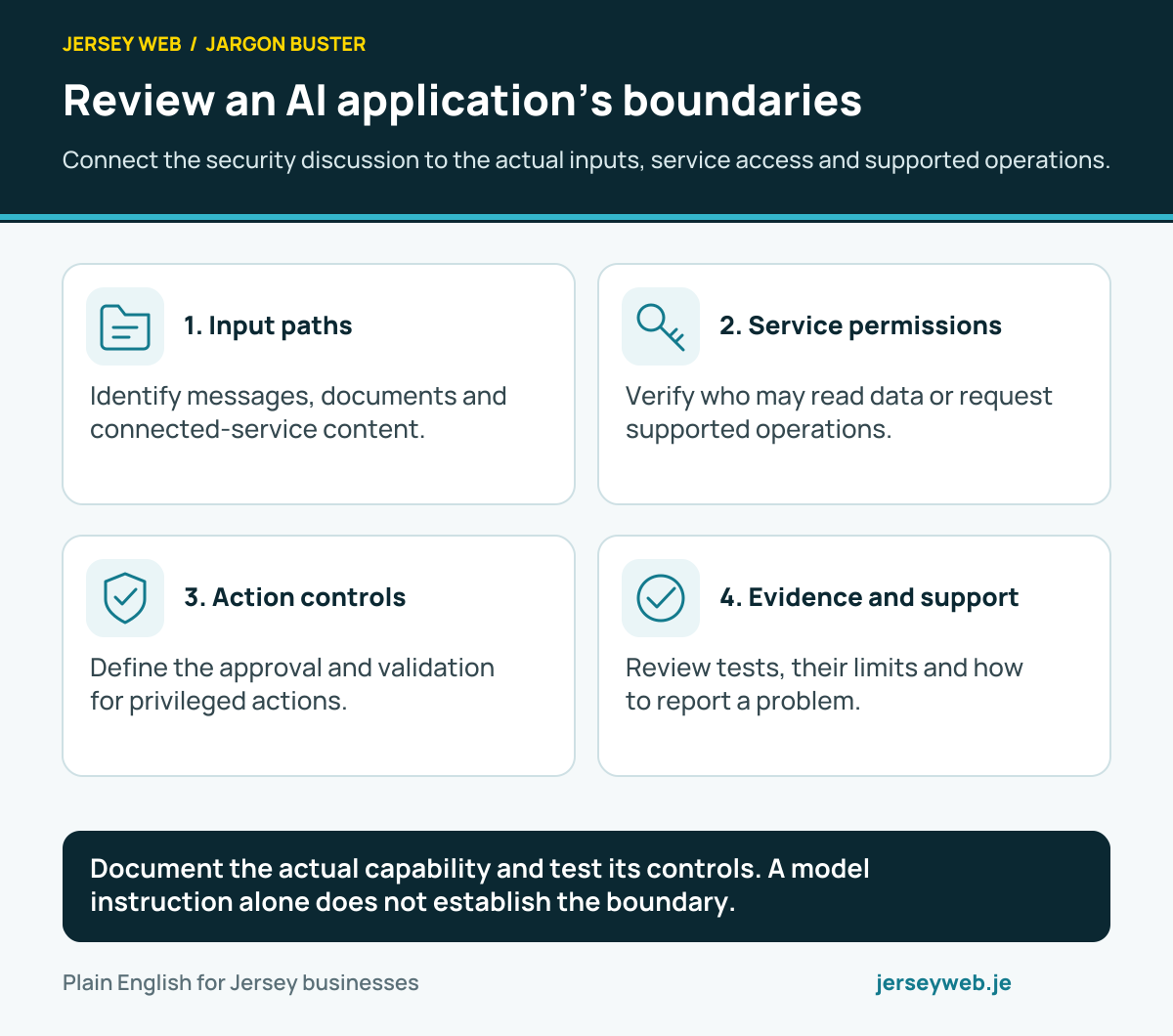
Document the actual capability and test its controls. A model instruction alone does not establish the boundary.
Read the diagram in text
- Input paths. Identify messages, documents and connected-service content.
- Service permissions. Verify who may read data or request supported operations.
- Action controls. Define the approval and validation for privileged actions.
- Evidence and support. Review tests, their limits and how to report a problem.
Read the definitions: Prompt injection · Least privilege · Retrieval-augmented generation · Input validation · AI evaluation · API key
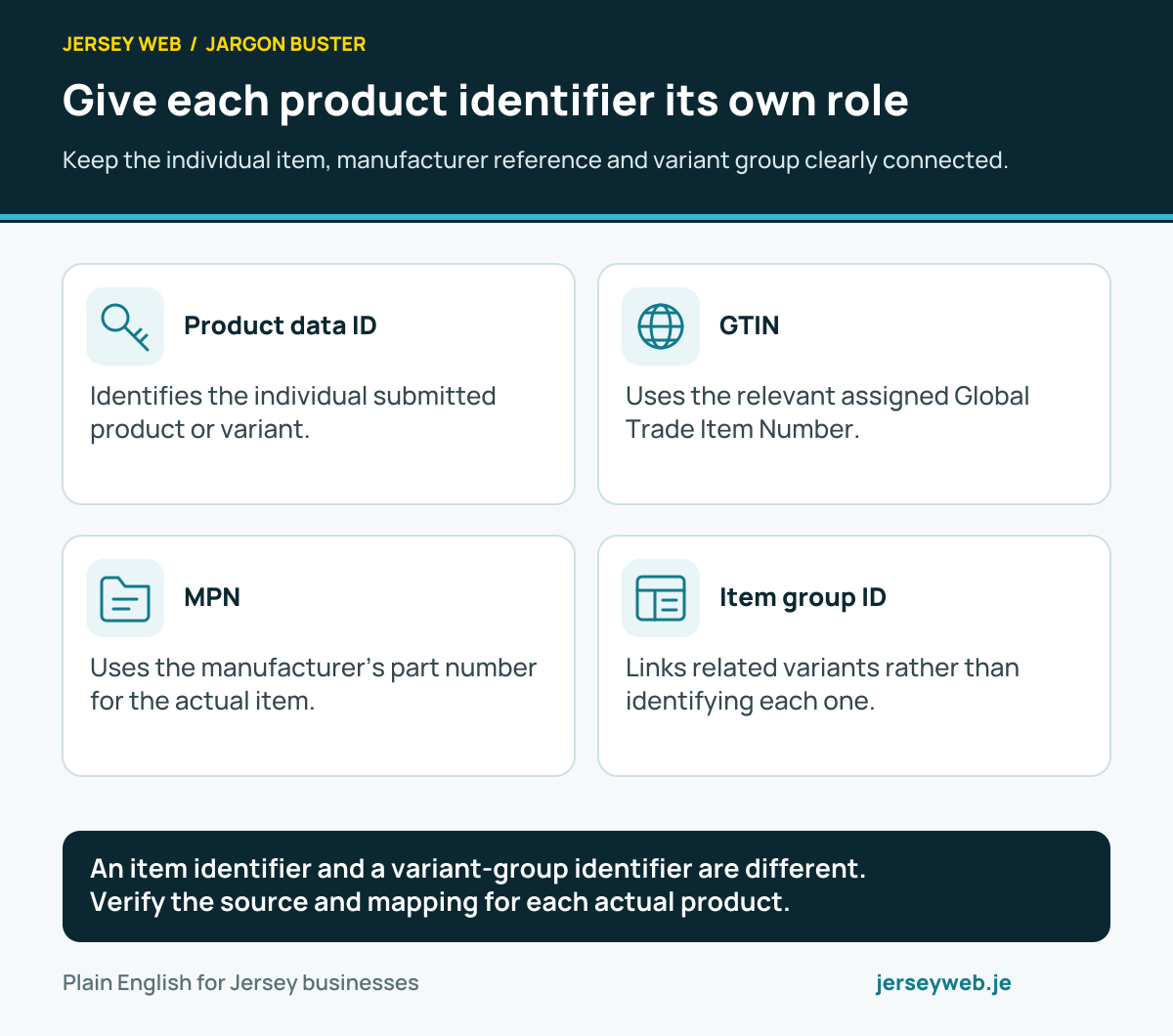
Give each product identifier its own role
Keep the individual item, manufacturer reference and variant group clearly connected.
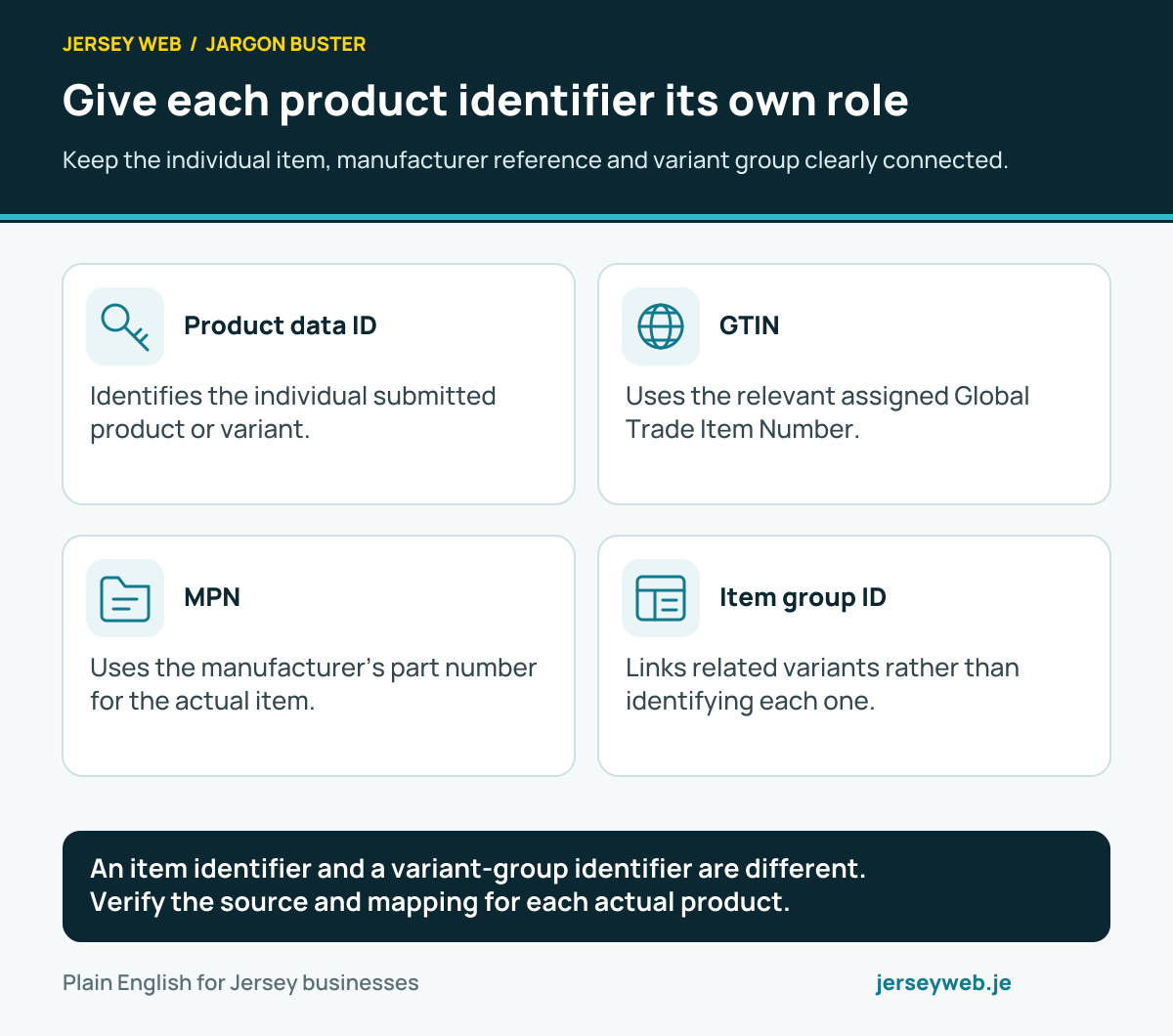
An item identifier and a variant-group identifier are different. Verify the source and mapping for each actual product.
Read the diagram in text
- Product data ID. Identifies the individual submitted product or variant.
- GTIN. Uses the relevant assigned Global Trade Item Number.
- MPN. Uses the manufacturer’s part number for the actual item.
- Item group ID. Links related variants rather than identifying each one.
Read the definitions: Product data ID · GTIN · MPN · Item group ID · SKU · Product feed
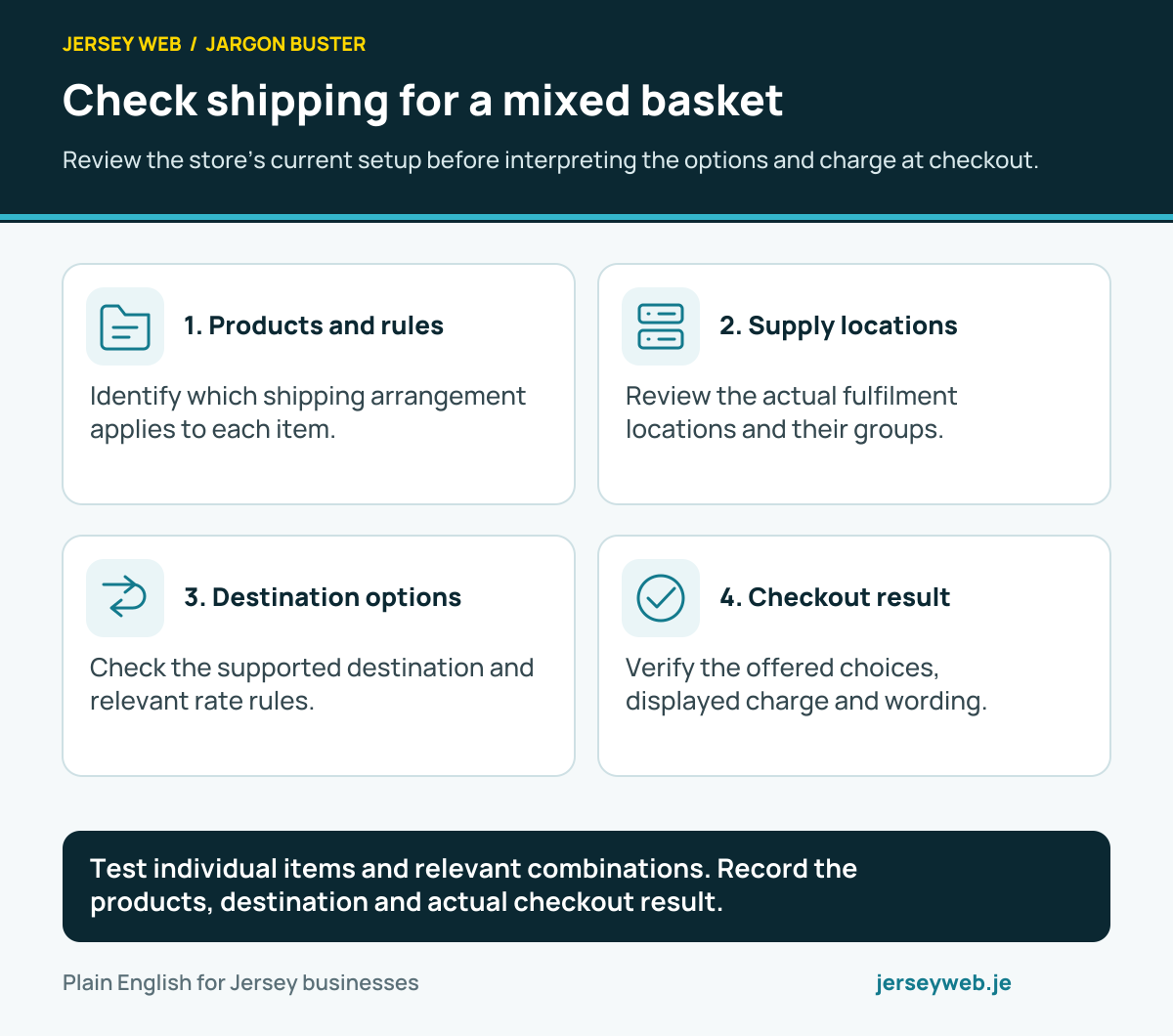
Check shipping for a mixed basket
Review the store’s current setup before interpreting the options and charge at checkout.
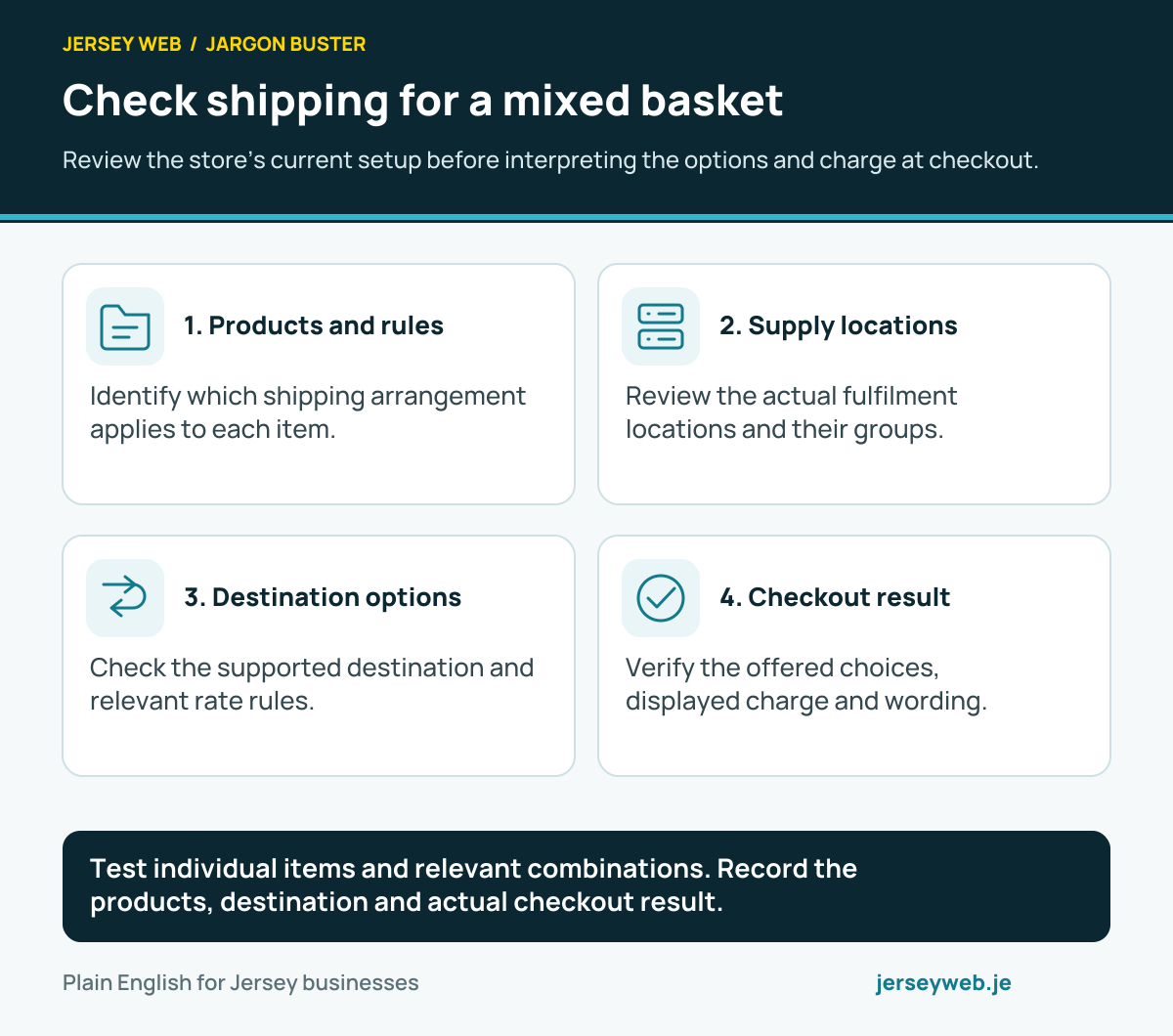
Test individual items and relevant combinations. Record the products, destination and actual checkout result.
Read the diagram in text
- Products and rules. Identify which shipping arrangement applies to each item.
- Supply locations. Review the actual fulfilment locations and their groups.
- Destination options. Check the supported destination and relevant rate rules.
- Checkout result. Verify the offered choices, displayed charge and wording.
Read the definitions: Shipping profile · Shipping rate · Shipping zone · Shipping location group · Fulfilment location · Checkout
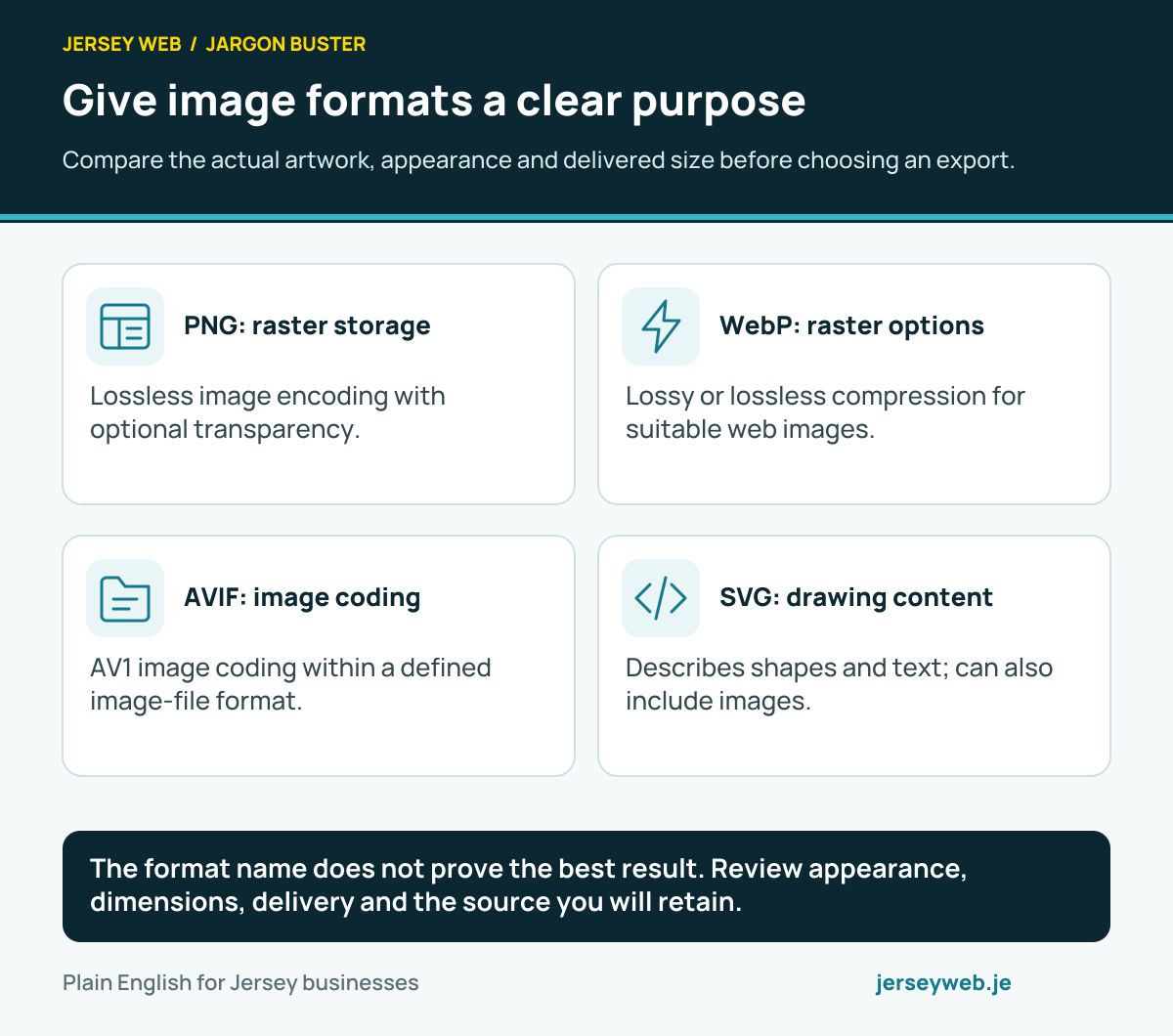
Give image formats a clear purpose
Compare the actual artwork, appearance and delivered size before choosing an export.
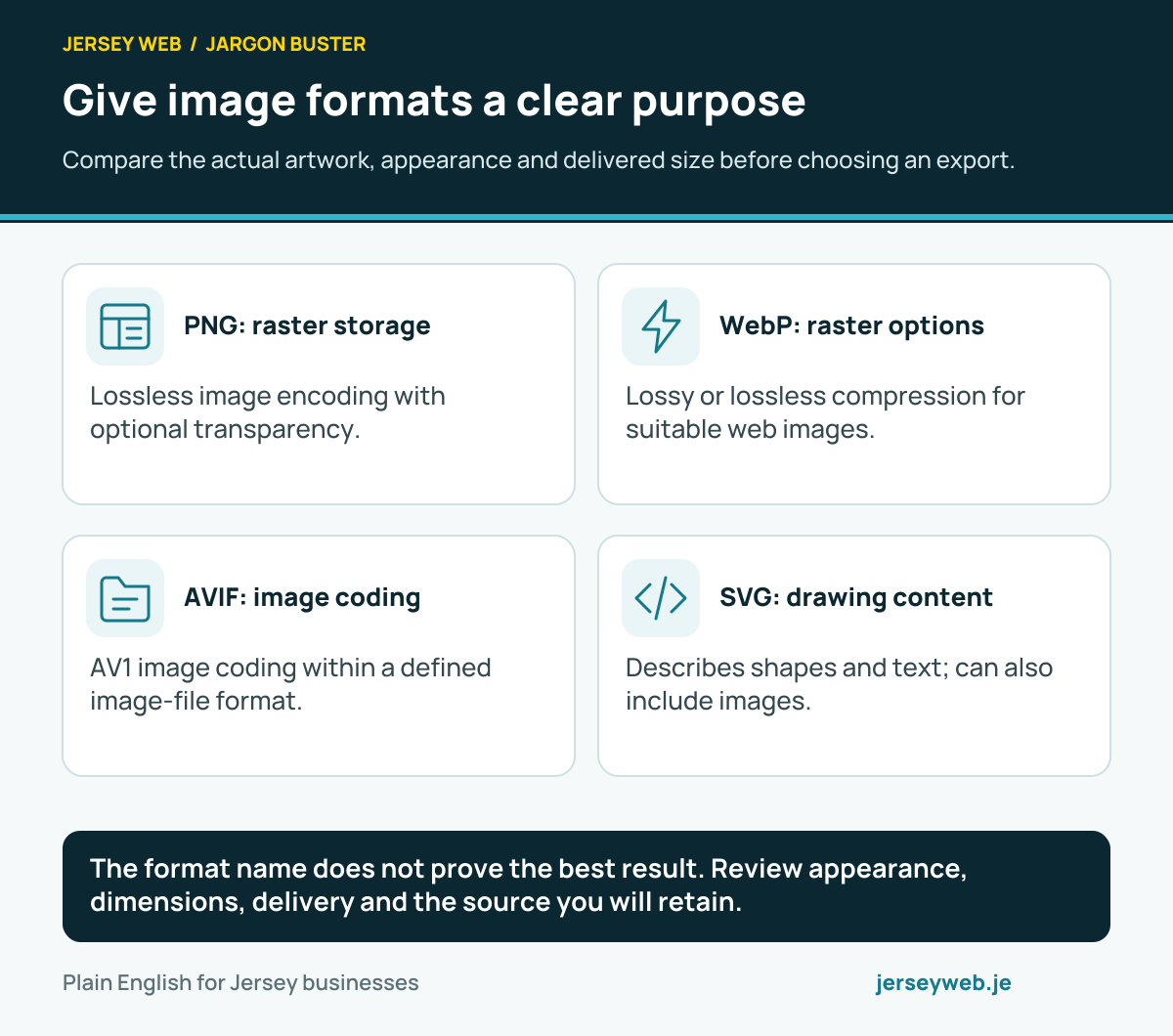
The format name does not prove the best result. Review appearance, dimensions, delivery and the source you will retain.
Read the diagram in text
- PNG: raster storage. Lossless image encoding with optional transparency.
- WebP: raster options. Lossy or lossless compression for suitable web images.
- AVIF: image coding. AV1 image coding within a defined image-file format.
- SVG: drawing content. Describes shapes and text; can also include images.
Read the definitions: WebP · AVIF · SVG · PNG · Raster image · Vector image
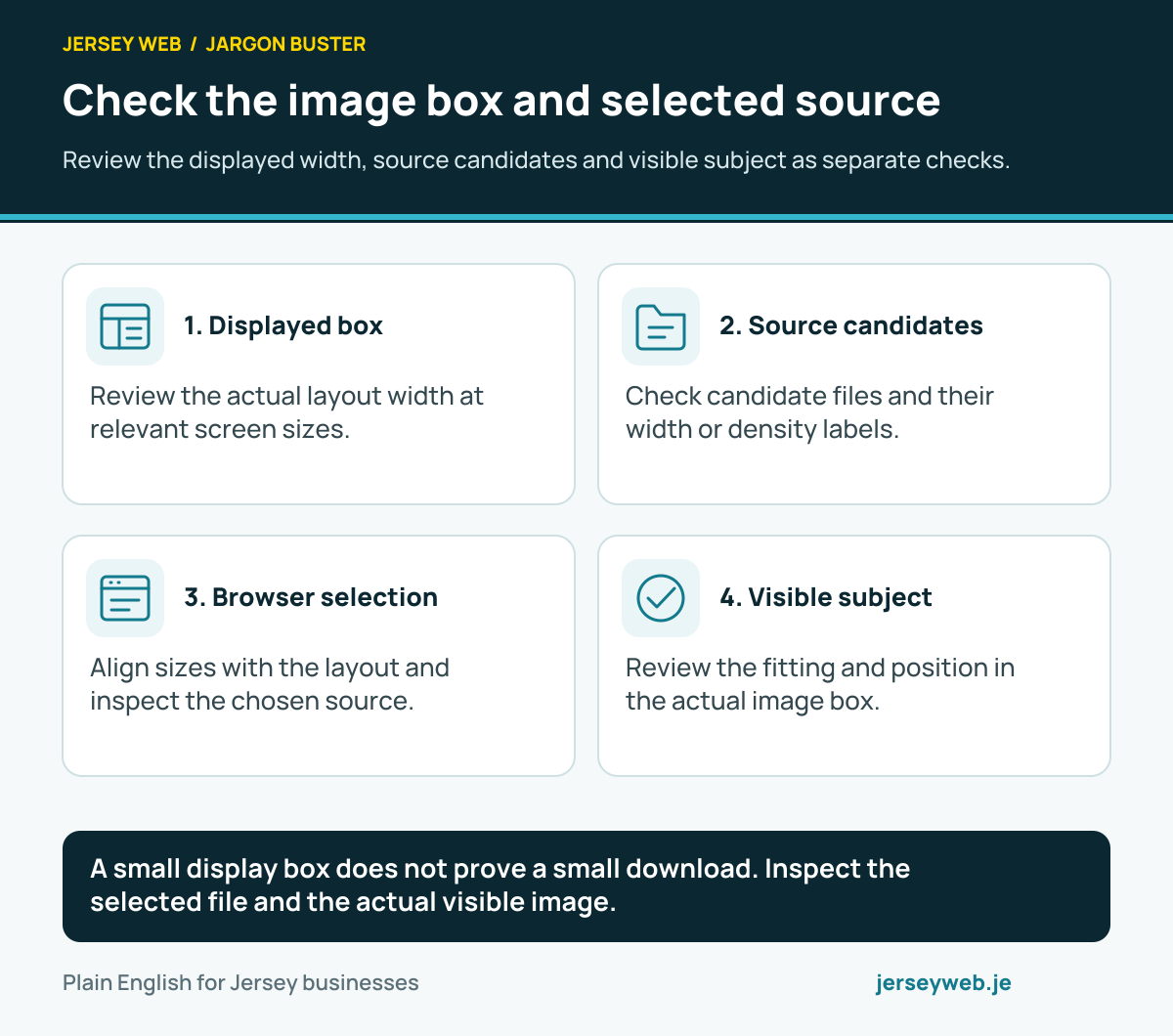
Check the image box and selected source
Review the displayed width, source candidates and visible subject as separate checks.
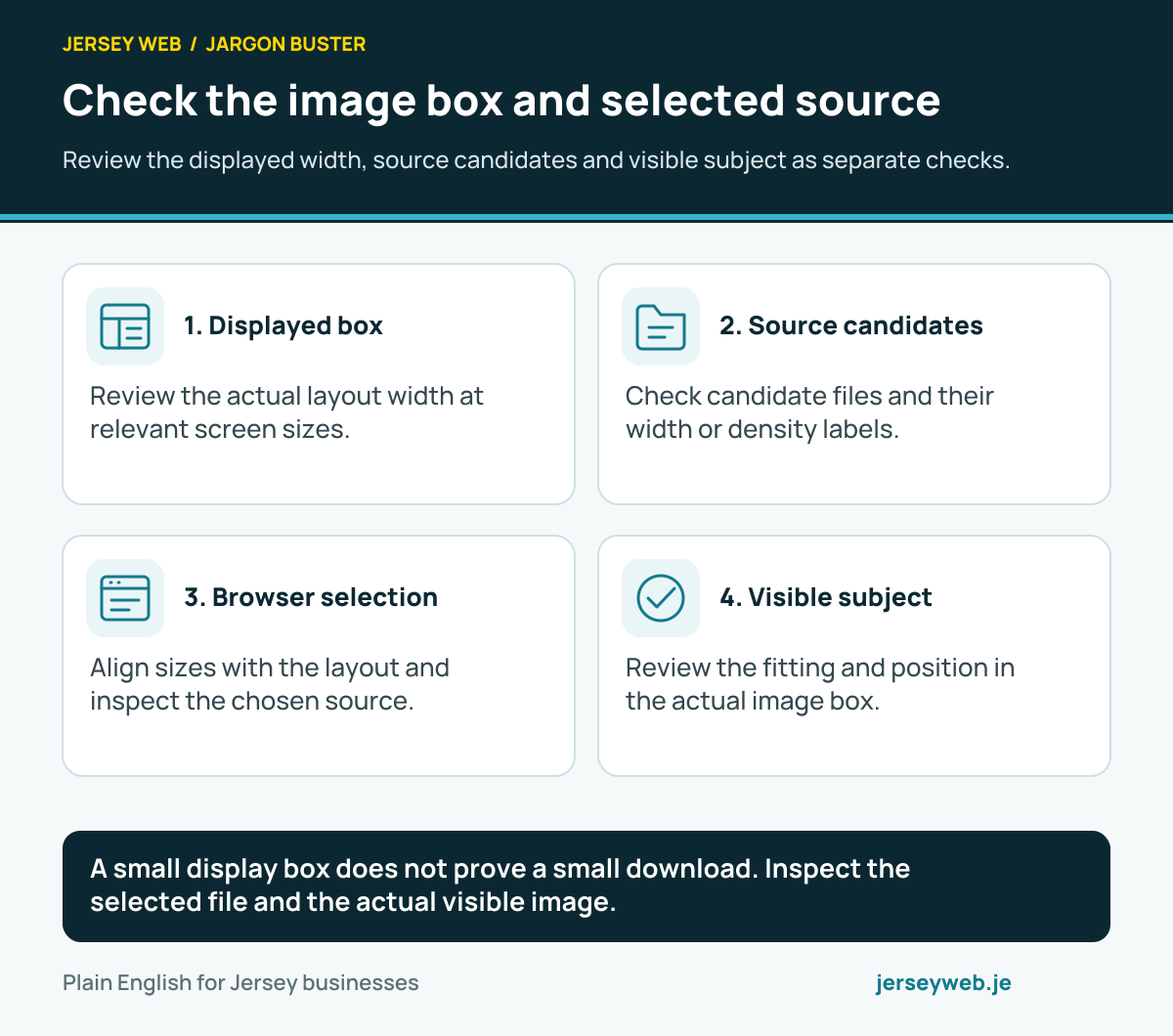
A small display box does not prove a small download. Inspect the selected file and the actual visible image.
Read the diagram in text
- Displayed box. Review the actual layout width at relevant screen sizes.
- Source candidates. Check candidate files and their width or density labels.
- Browser selection. Align sizes with the layout and inspect the chosen source.
- Visible subject. Review the fitting and position in the actual image box.
Read the definitions: Image srcset attribute · Image sizes attribute · Rendered image width · Device pixel ratio · CSS object-fit · CSS object-position · WebP · AVIF · PNG
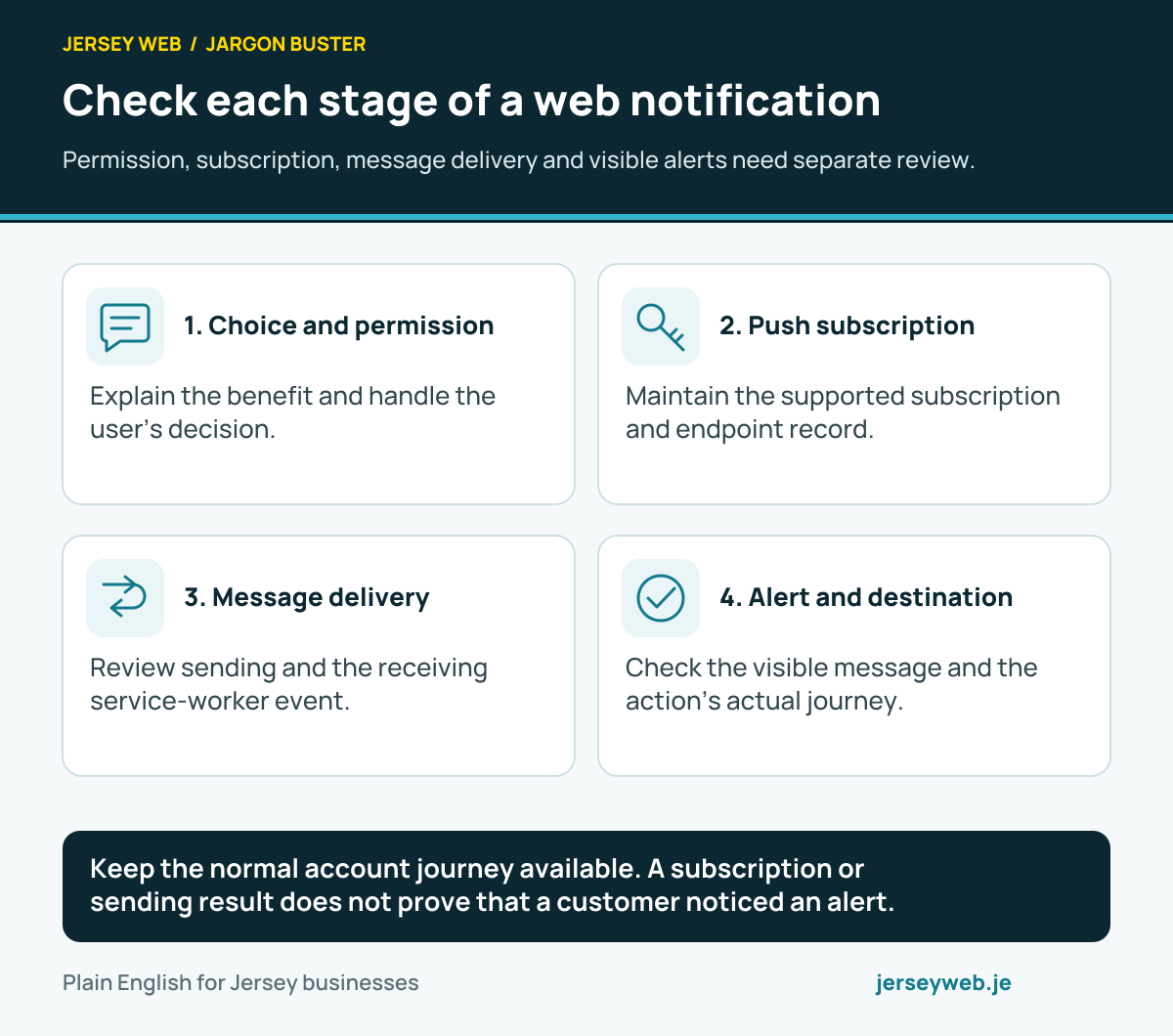
Check each stage of a web notification
Permission, subscription, message delivery and visible alerts need separate review.
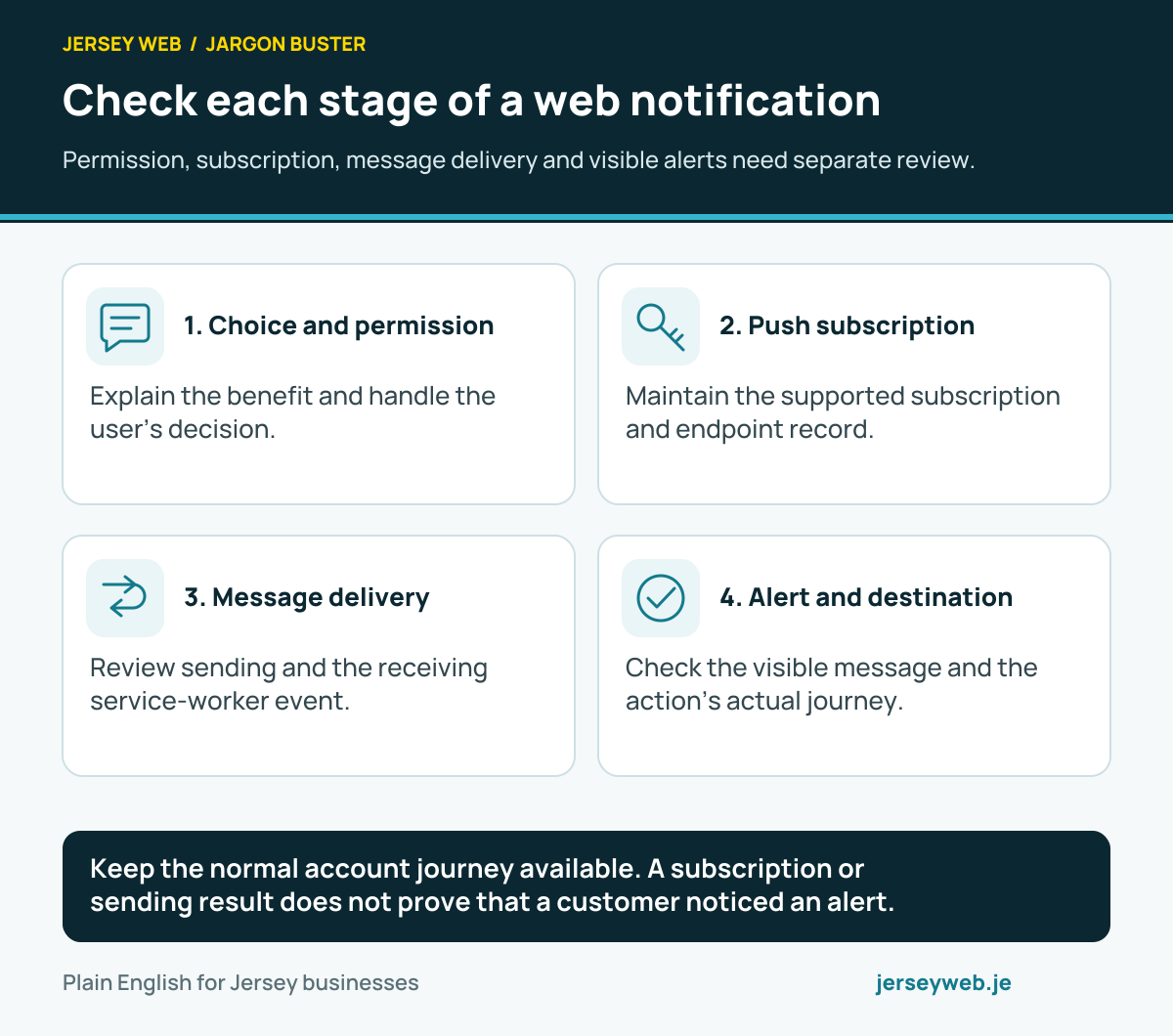
Keep the normal account journey available. A subscription or sending result does not prove that a customer noticed an alert.
Read the diagram in text
- Choice and permission. Explain the benefit and handle the user’s decision.
- Push subscription. Maintain the supported subscription and endpoint record.
- Message delivery. Review sending and the receiving service-worker event.
- Alert and destination. Check the visible message and the action’s actual journey.
Read the definitions: Push API · Notifications API · Push subscription · Push endpoint · Notification permission · Service worker
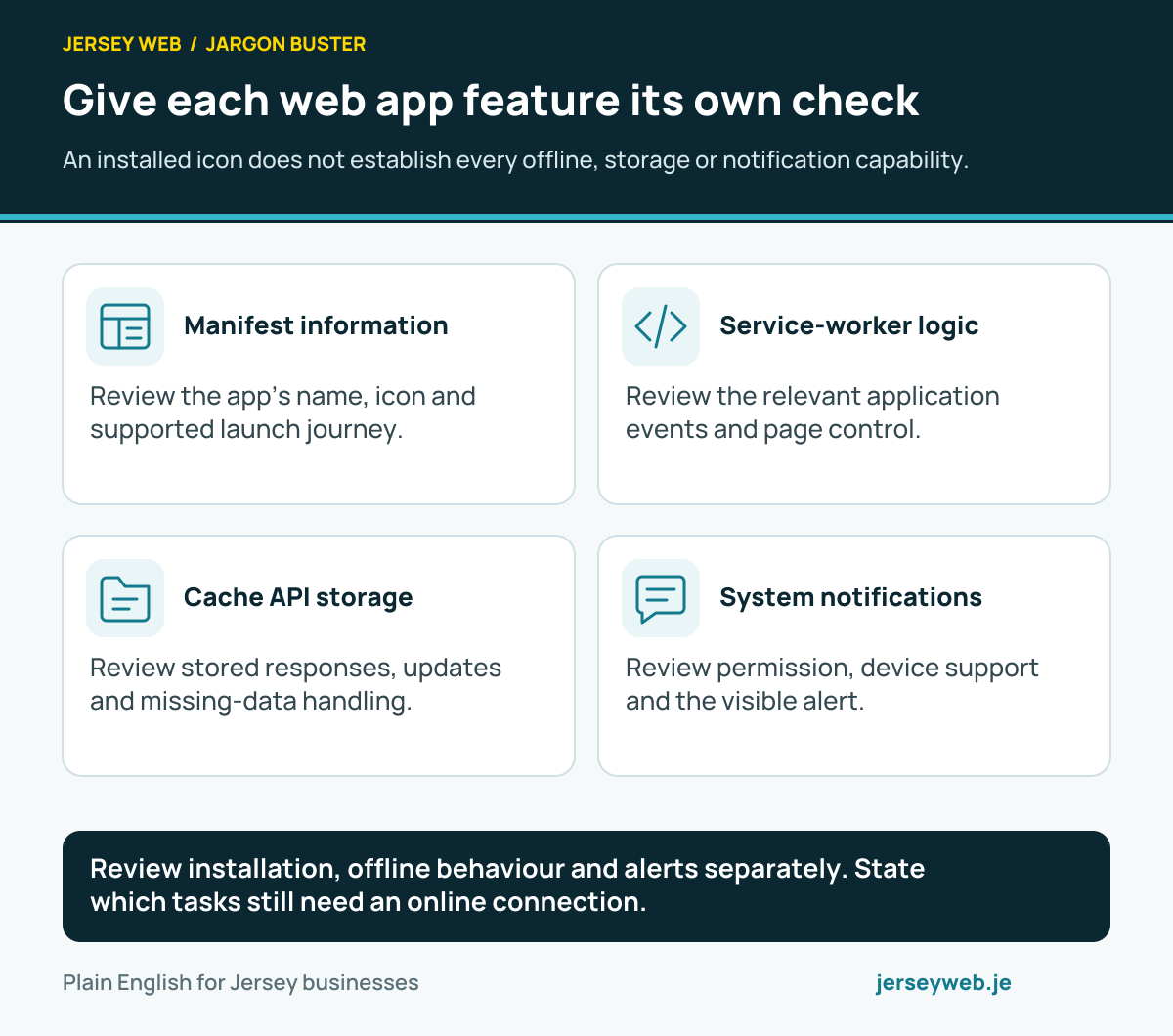
Give each web app feature its own check
An installed icon does not establish every offline, storage or notification capability.
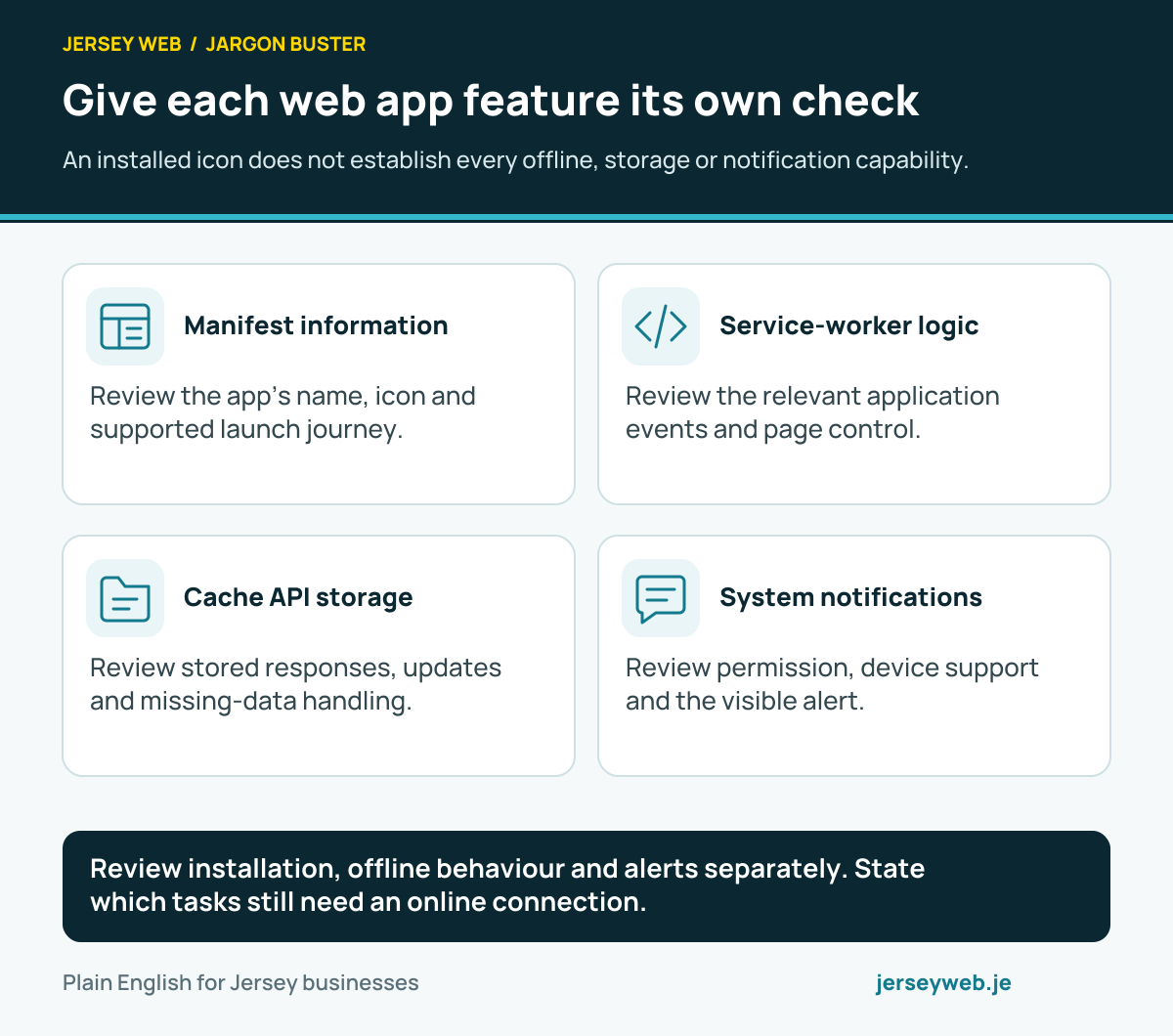
Review installation, offline behaviour and alerts separately. State which tasks still need an online connection.
Read the diagram in text
- Manifest information. Review the app’s name, icon and supported launch journey.
- Service-worker logic. Review the relevant application events and page control.
- Cache API storage. Review stored responses, updates and missing-data handling.
- System notifications. Review permission, device support and the visible alert.
Read the definitions: Web app manifest · Cache API · Service worker · Notifications API · Push API · Offline fallback · Progressive web app
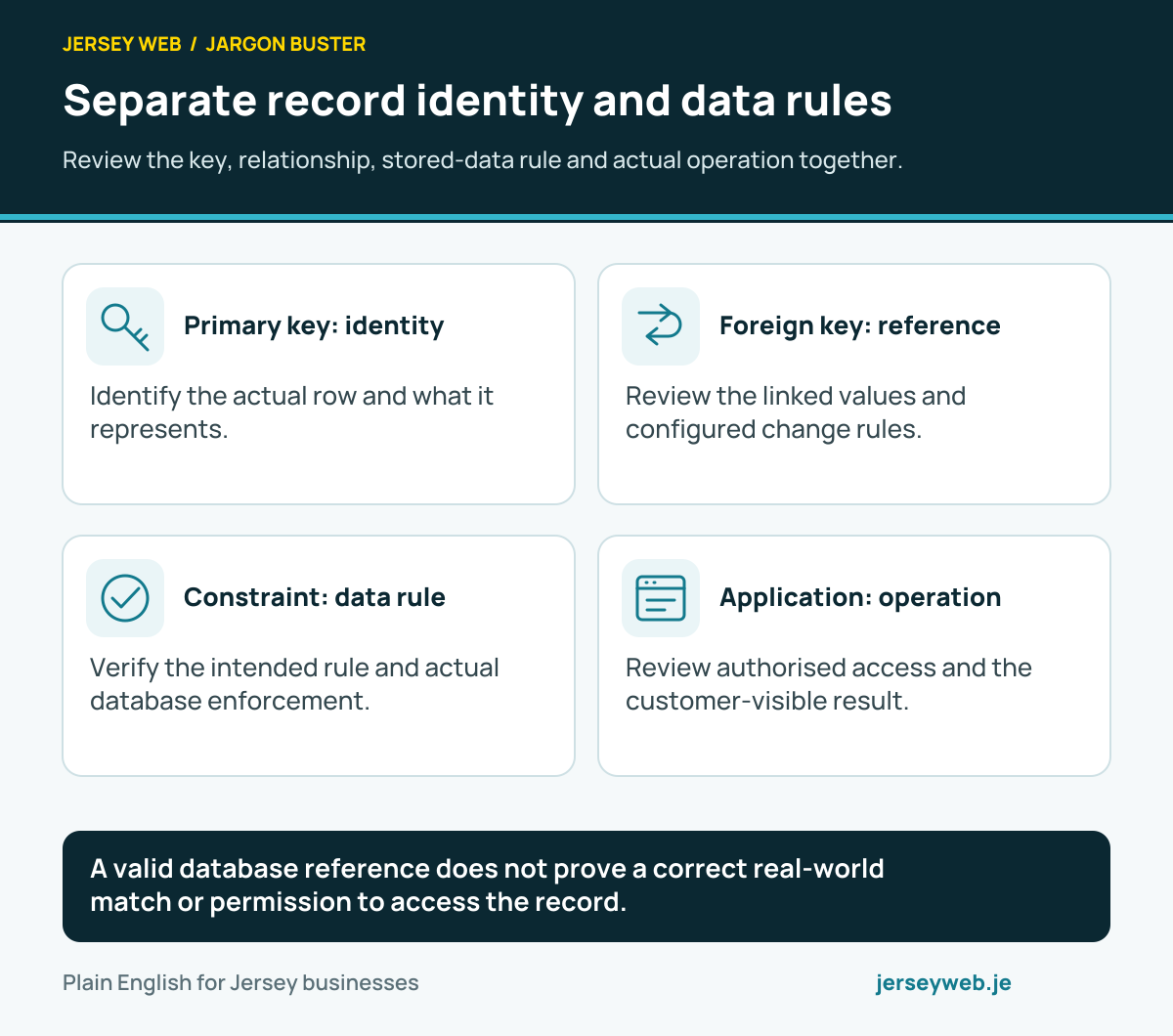
Separate record identity and data rules
Review the key, relationship, stored-data rule and actual operation together.
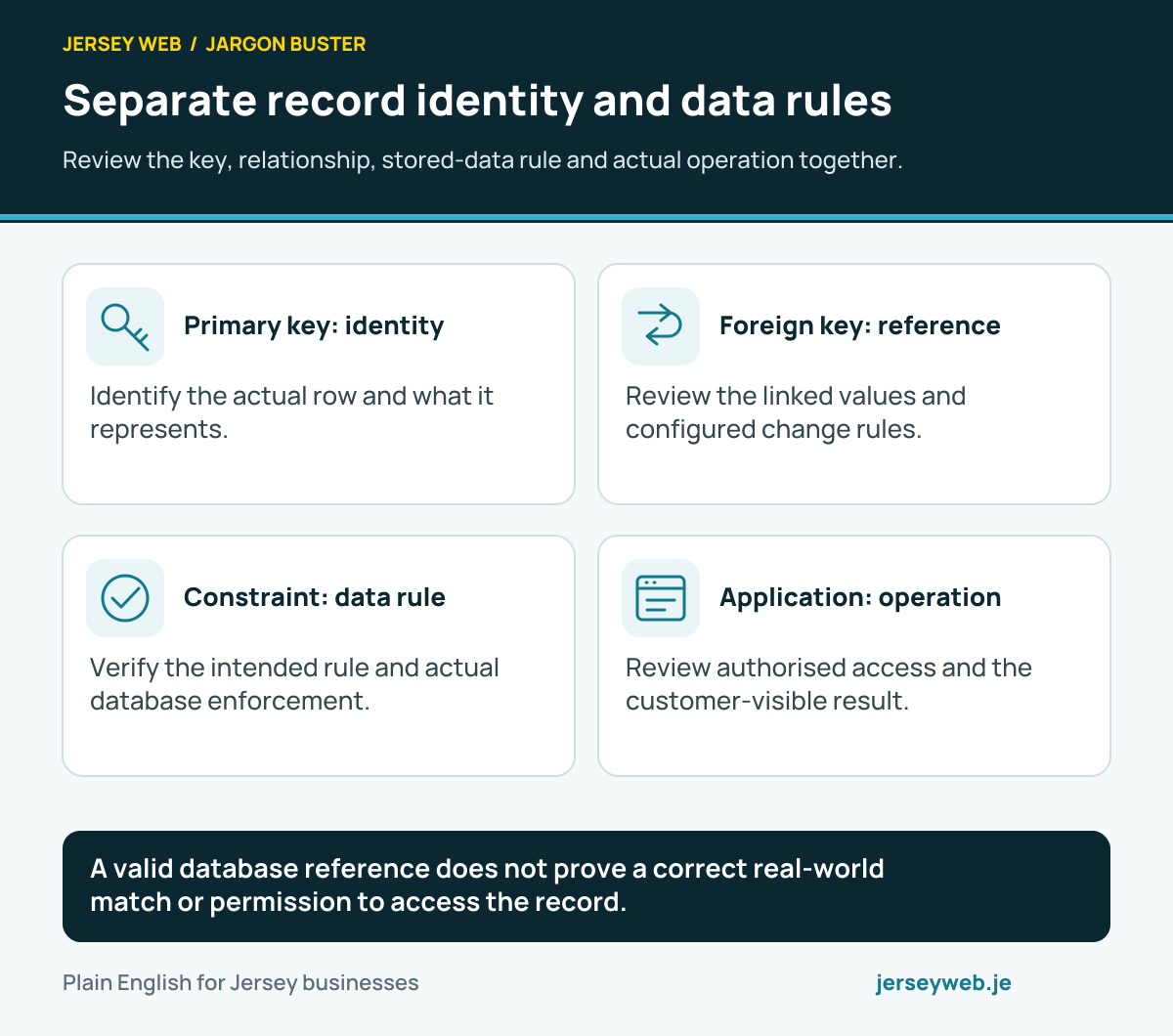
A valid database reference does not prove a correct real-world match or permission to access the record.
Read the diagram in text
- Primary key: identity. Identify the actual row and what it represents.
- Foreign key: reference. Review the linked values and configured change rules.
- Constraint: data rule. Verify the intended rule and actual database enforcement.
- Application: operation. Review authorised access and the customer-visible result.
Read the definitions: Primary key · Foreign key · Database constraint · Database schema · Database join
Define the database transaction boundary
Group the intended database work and review external operations separately.
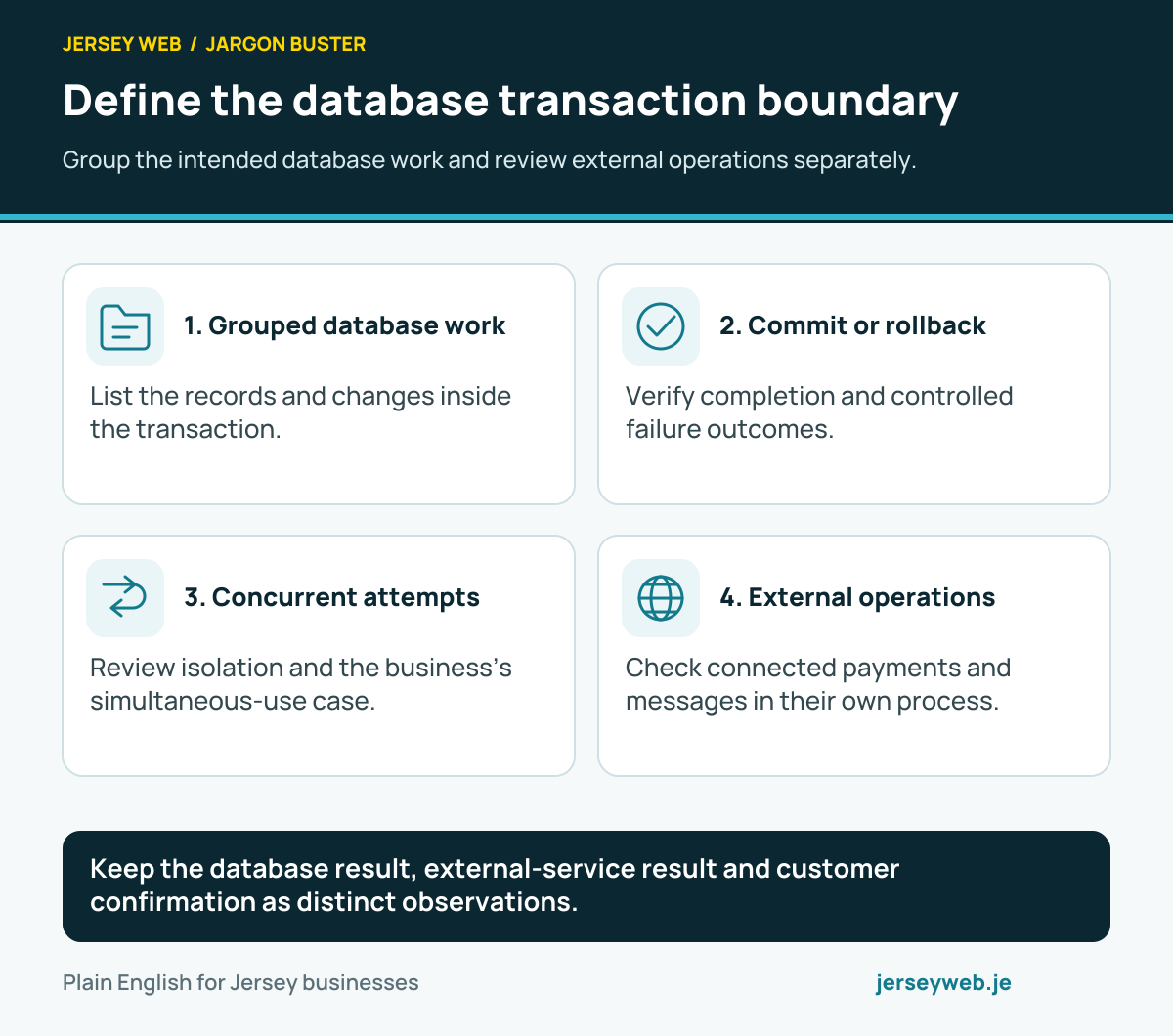
Keep the database result, external-service result and customer confirmation as distinct observations.
Read the diagram in text
- Grouped database work. List the records and changes inside the transaction.
- Commit or rollback. Verify completion and controlled failure outcomes.
- Concurrent attempts. Review isolation and the business’s simultaneous-use case.
- External operations. Check connected payments and messages in their own process.
Read the definitions: Database transaction · Database commit · Database rollback · Transaction isolation · Database savepoint · Payment gateway · Webhook
Know what is inside your media file
Identify the packaging, picture encoding, sound encoding and intended player.
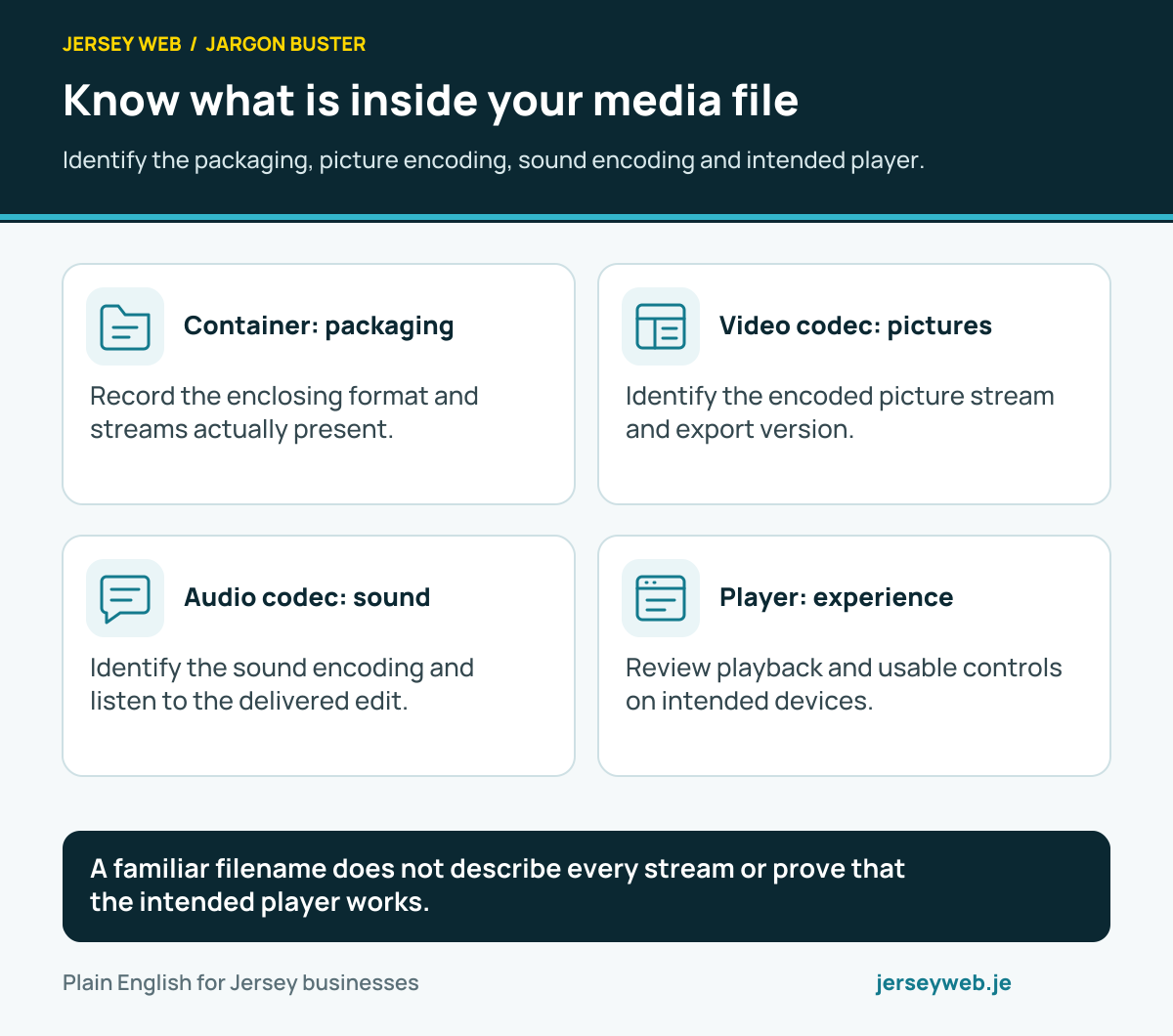
A familiar filename does not describe every stream or prove that the intended player works.
Read the diagram in text
- Container: packaging. Record the enclosing format and streams actually present.
- Video codec: pictures. Identify the encoded picture stream and export version.
- Audio codec: sound. Identify the sound encoding and listen to the delivered edit.
- Player: experience. Review playback and usable controls on intended devices.
Read the definitions: Media container · Video codec · Audio codec · MP4 · WebM · Ogg
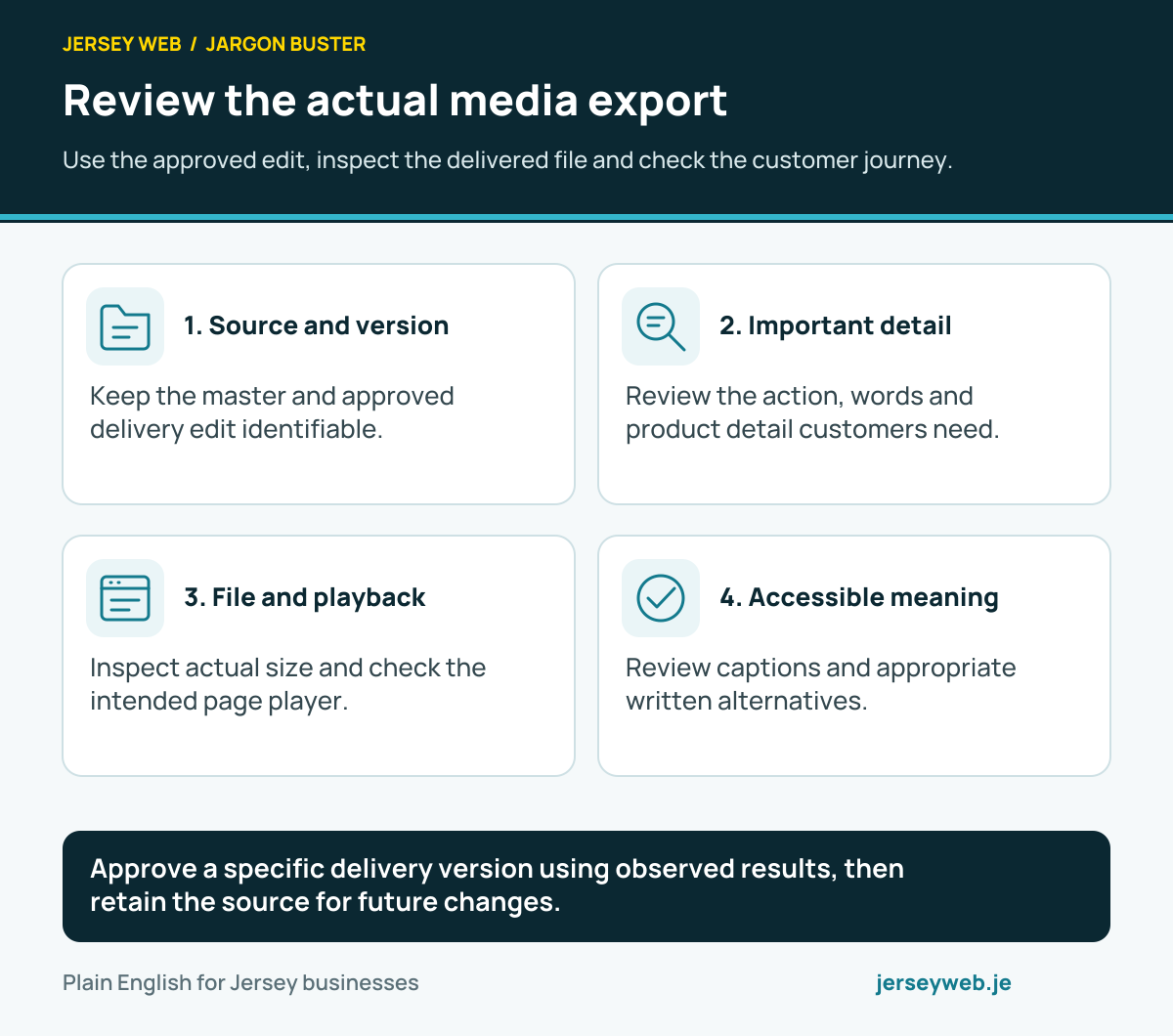
Review the actual media export
Use the approved edit, inspect the delivered file and check the customer journey.
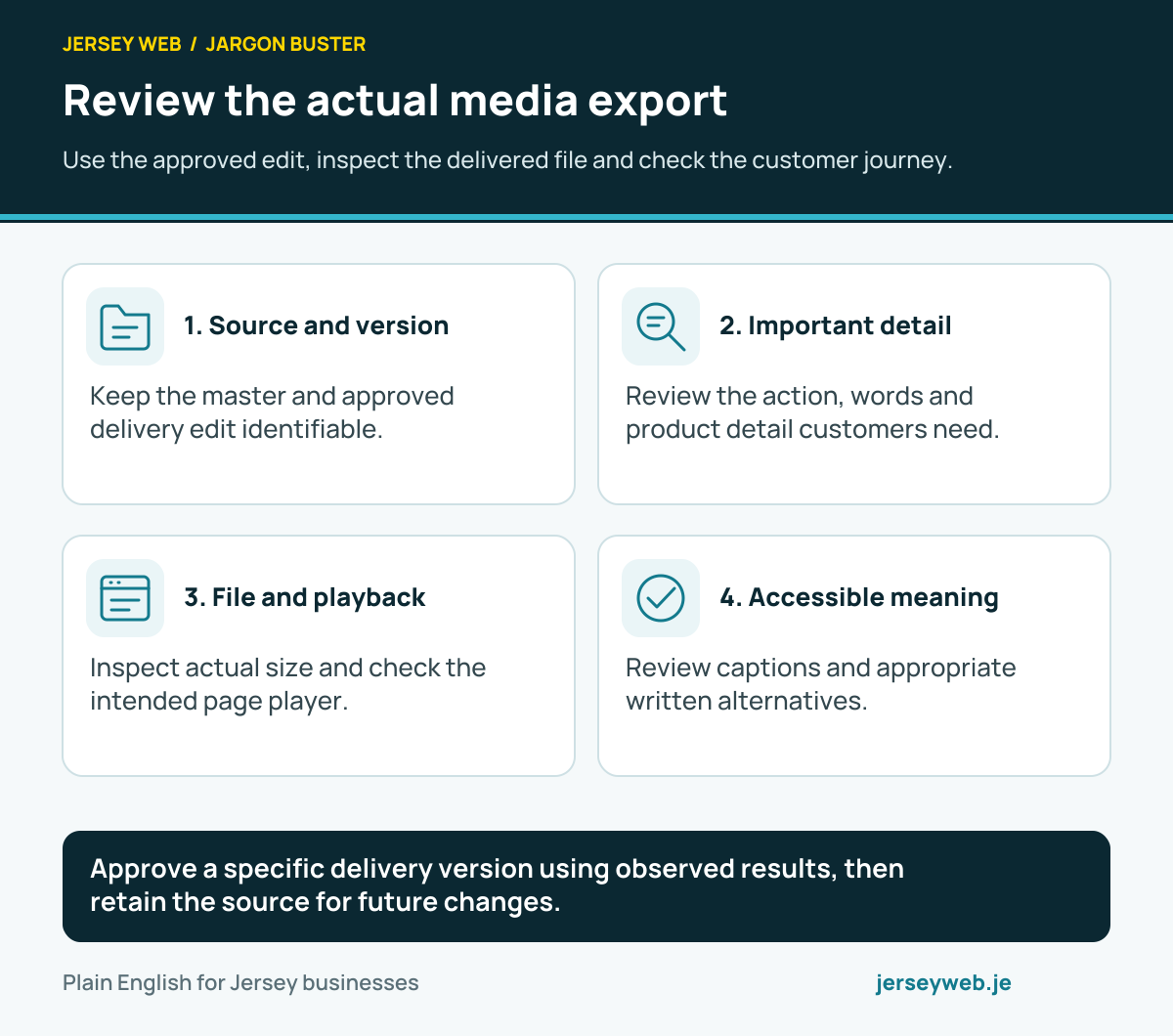
Approve a specific delivery version using observed results, then retain the source for future changes.
Read the diagram in text
- Source and version. Keep the master and approved delivery edit identifiable.
- Important detail. Review the action, words and product detail customers need.
- File and playback. Inspect actual size and check the intended page player.
- Accessible meaning. Review captions and appropriate written alternatives.
Read the definitions: Video bitrate · Video frame rate · Media transcoding · Video captions · Audio description · Video poster image
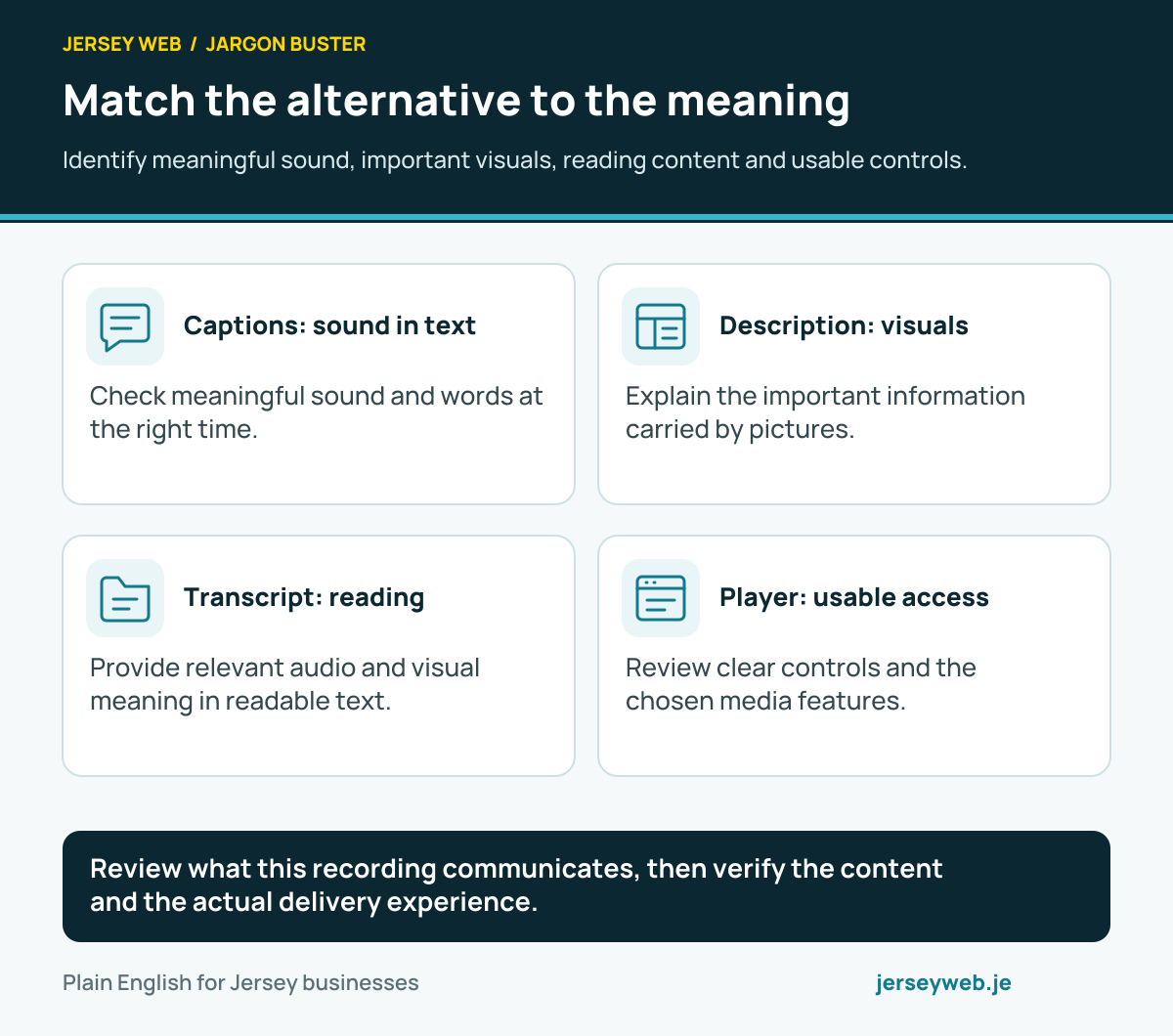
Match the alternative to the meaning
Identify meaningful sound, important visuals, reading content and usable controls.
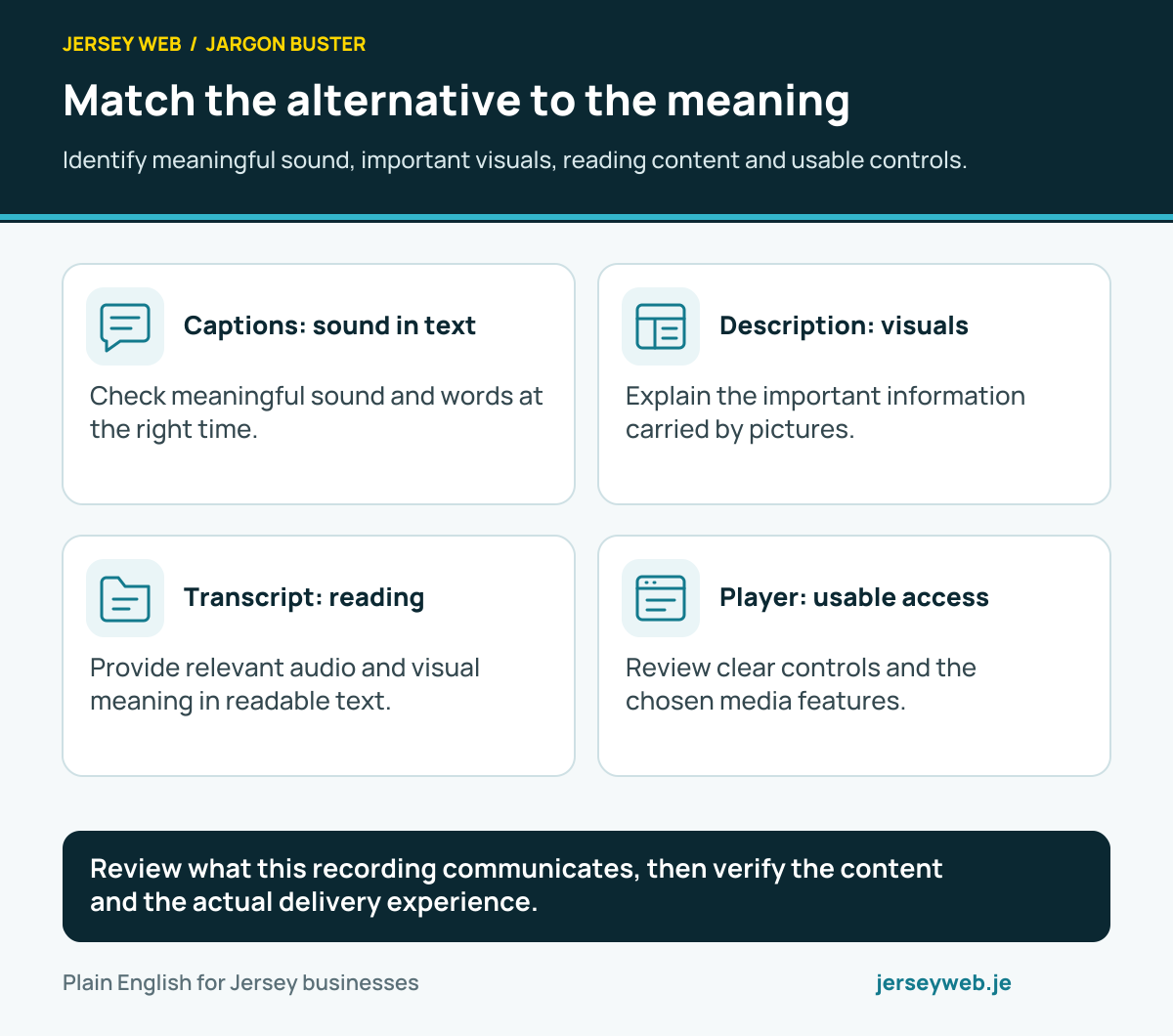
Review what this recording communicates, then verify the content and the actual delivery experience.
Read the diagram in text
- Captions: sound in text. Check meaningful sound and words at the right time.
- Description: visuals. Explain the important information carried by pictures.
- Transcript: reading. Provide relevant audio and visual meaning in readable text.
- Player: usable access. Review clear controls and the chosen media features.
Read the definitions: Video captions · Audio description · Media transcript · Website accessibility · WebVTT
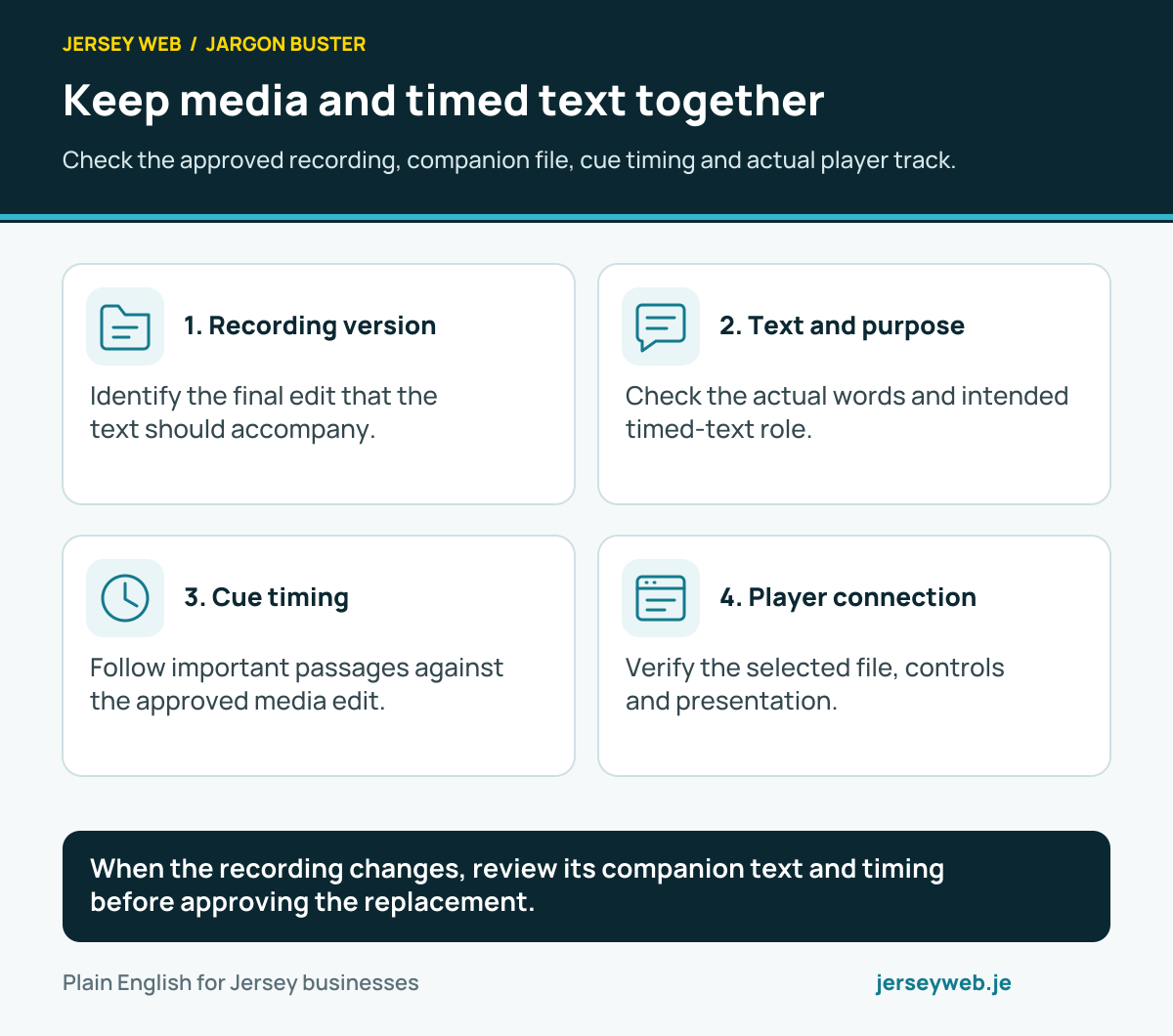
Keep media and timed text together
Check the approved recording, companion file, cue timing and actual player track.
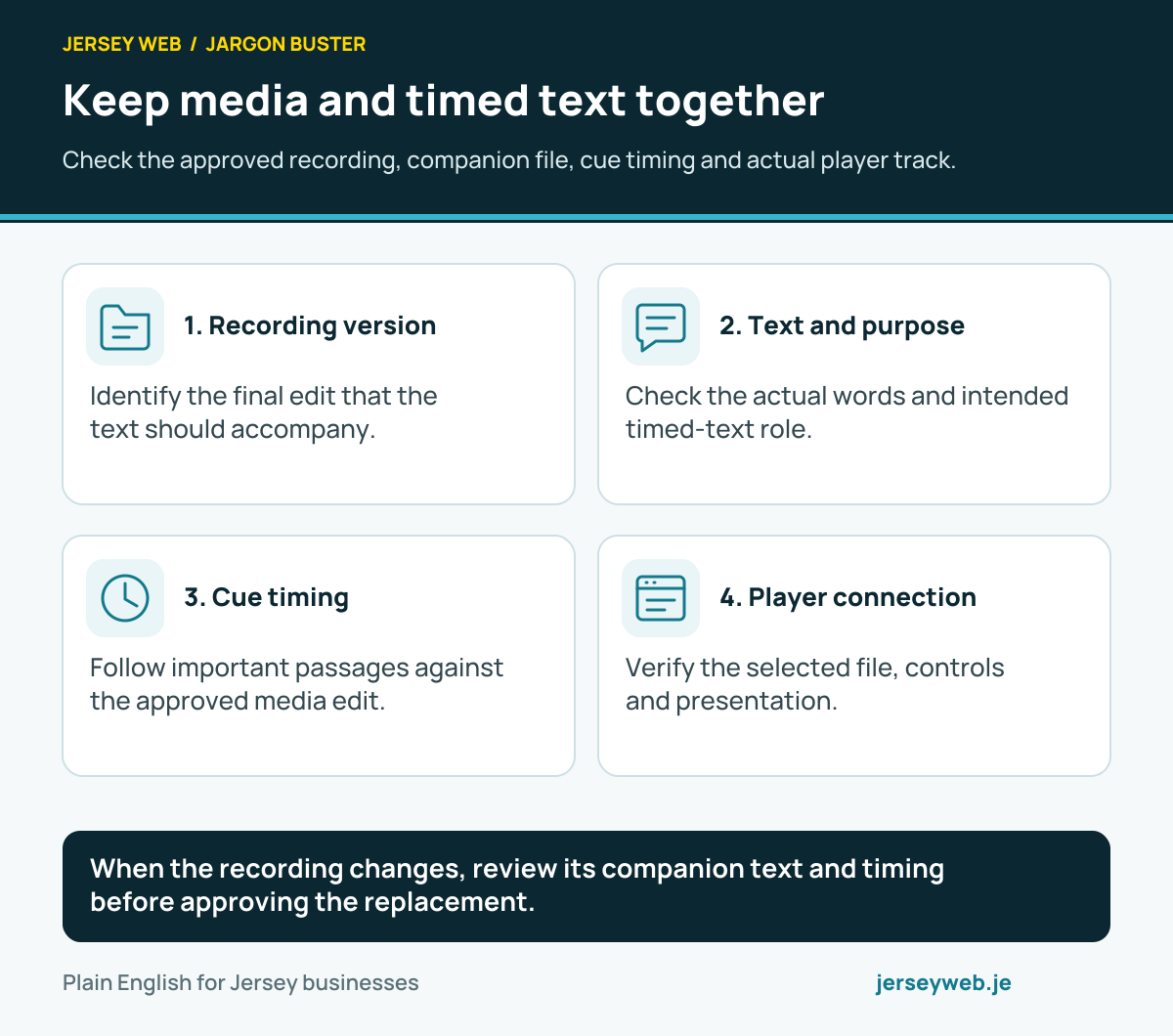
When the recording changes, review its companion text and timing before approving the replacement.
Read the diagram in text
- Recording version. Identify the final edit that the text should accompany.
- Text and purpose. Check the actual words and intended timed-text role.
- Cue timing. Follow important passages against the approved media edit.
- Player connection. Verify the selected file, controls and presentation.
Read the definitions: WebVTT · Timed text cue · Text track kind · Text track language · Text track mode · Active text cues
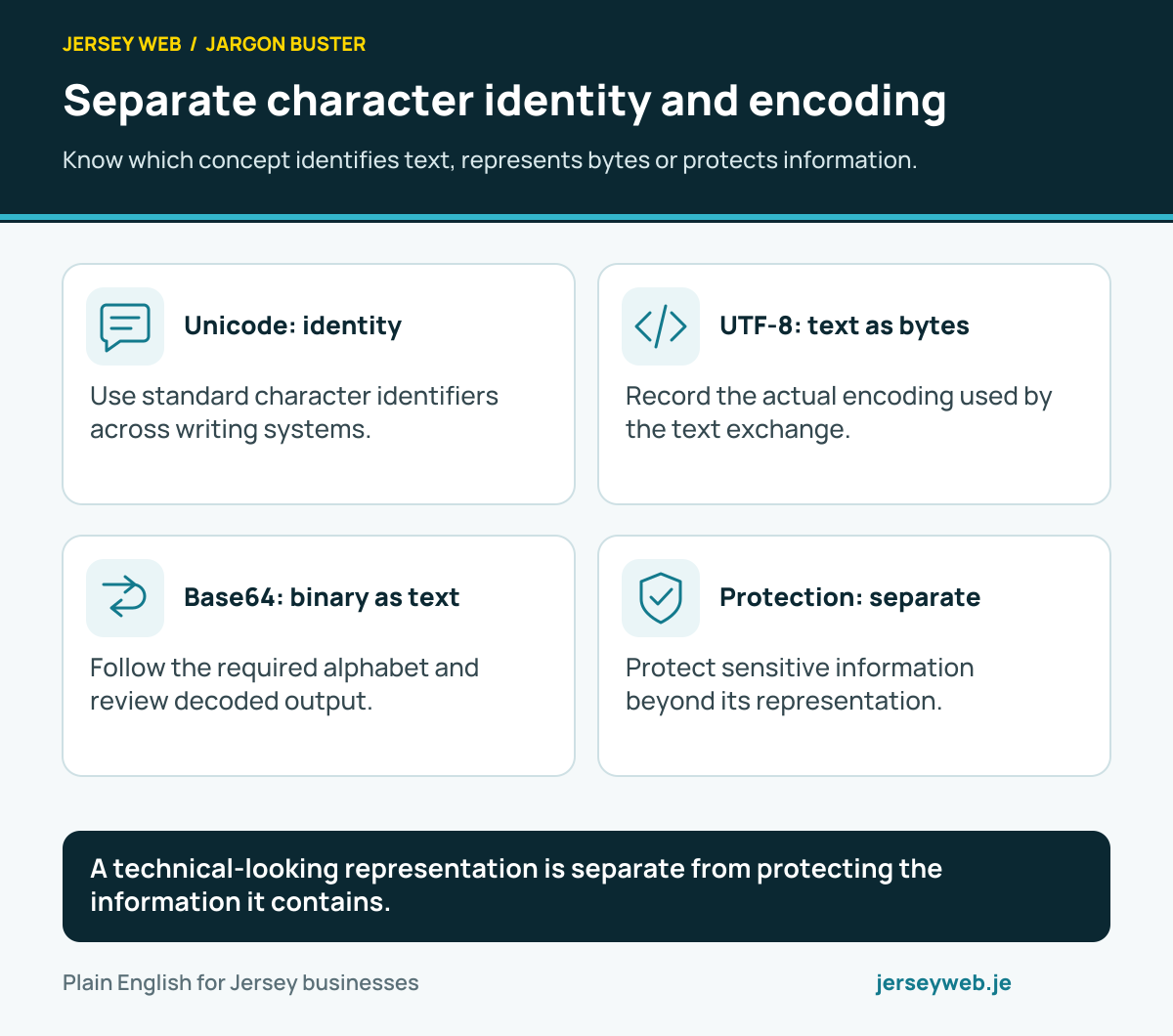
Separate character identity and encoding
Know which concept identifies text, represents bytes or protects information.
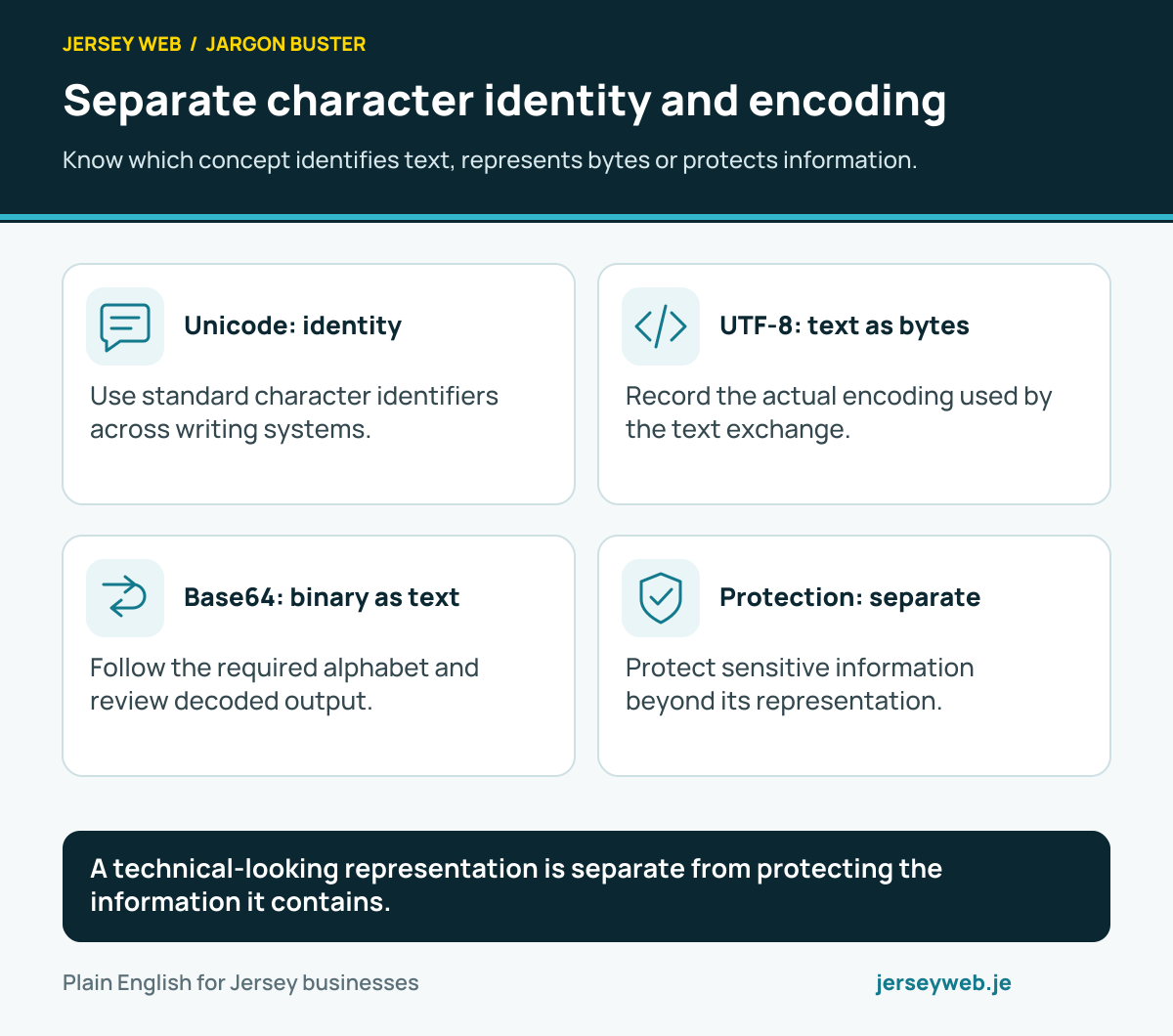
A technical-looking representation is separate from protecting the information it contains.
Read the diagram in text
- Unicode: identity. Use standard character identifiers across writing systems.
- UTF-8: text as bytes. Record the actual encoding used by the text exchange.
- Base64: binary as text. Follow the required alphabet and review decoded output.
- Protection: separate. Protect sensitive information beyond its representation.
Read the definitions: Unicode · UTF-8 · Character encoding · Base64 · Encryption · Code point
Follow the text through the exchange
Keep the source, verify interpretation and compare the important output.
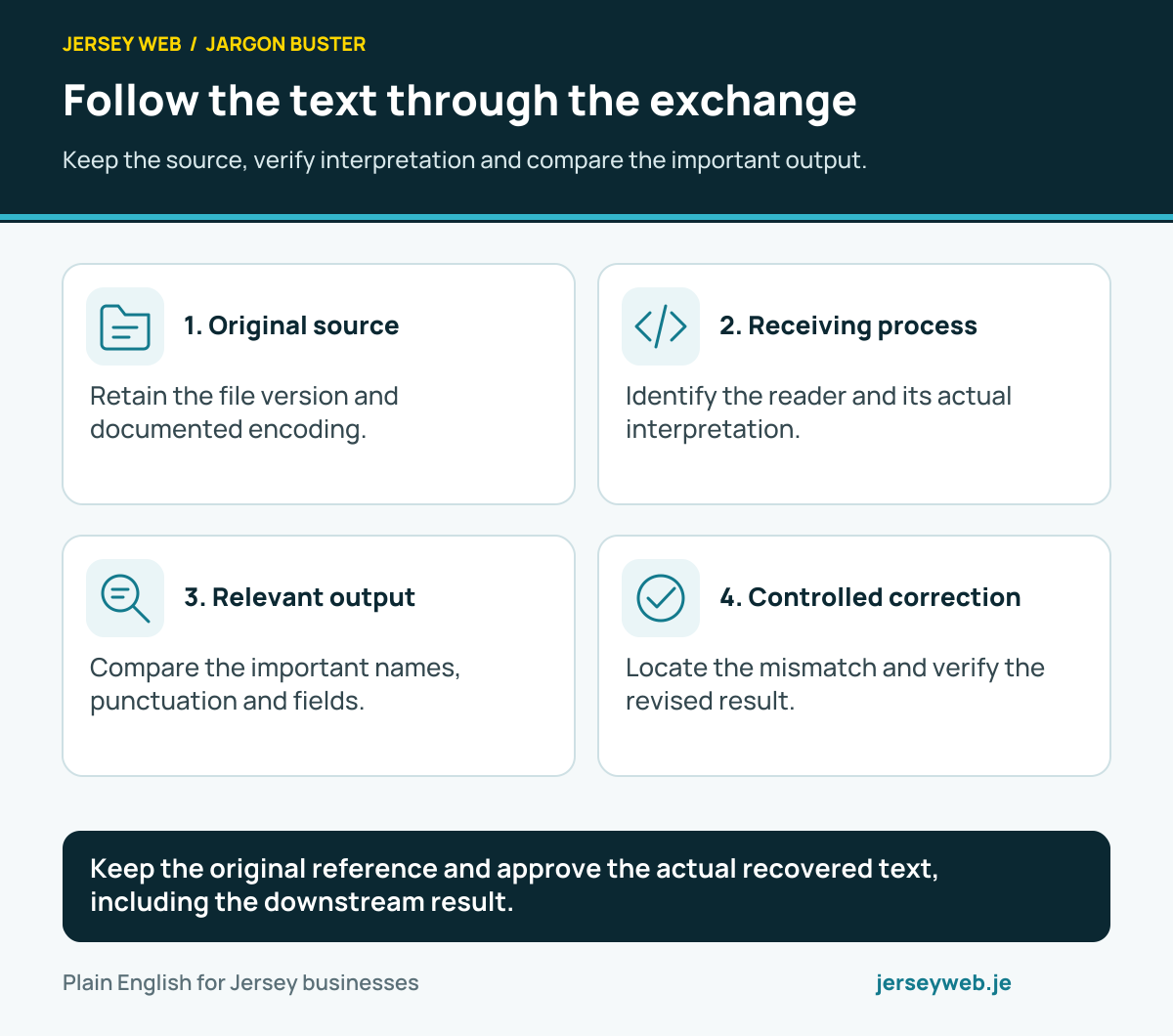
Keep the original reference and approve the actual recovered text, including the downstream result.
Read the diagram in text
- Original source. Retain the file version and documented encoding.
- Receiving process. Identify the reader and its actual interpretation.
- Relevant output. Compare the important names, punctuation and fields.
- Controlled correction. Locate the mismatch and verify the revised result.
Read the definitions: Character encoding · UTF-8 · TextDecoder · Replacement character · CSV · Unicode
Check the compressed web response
Compare the delivered response and the correct resource-size fields.
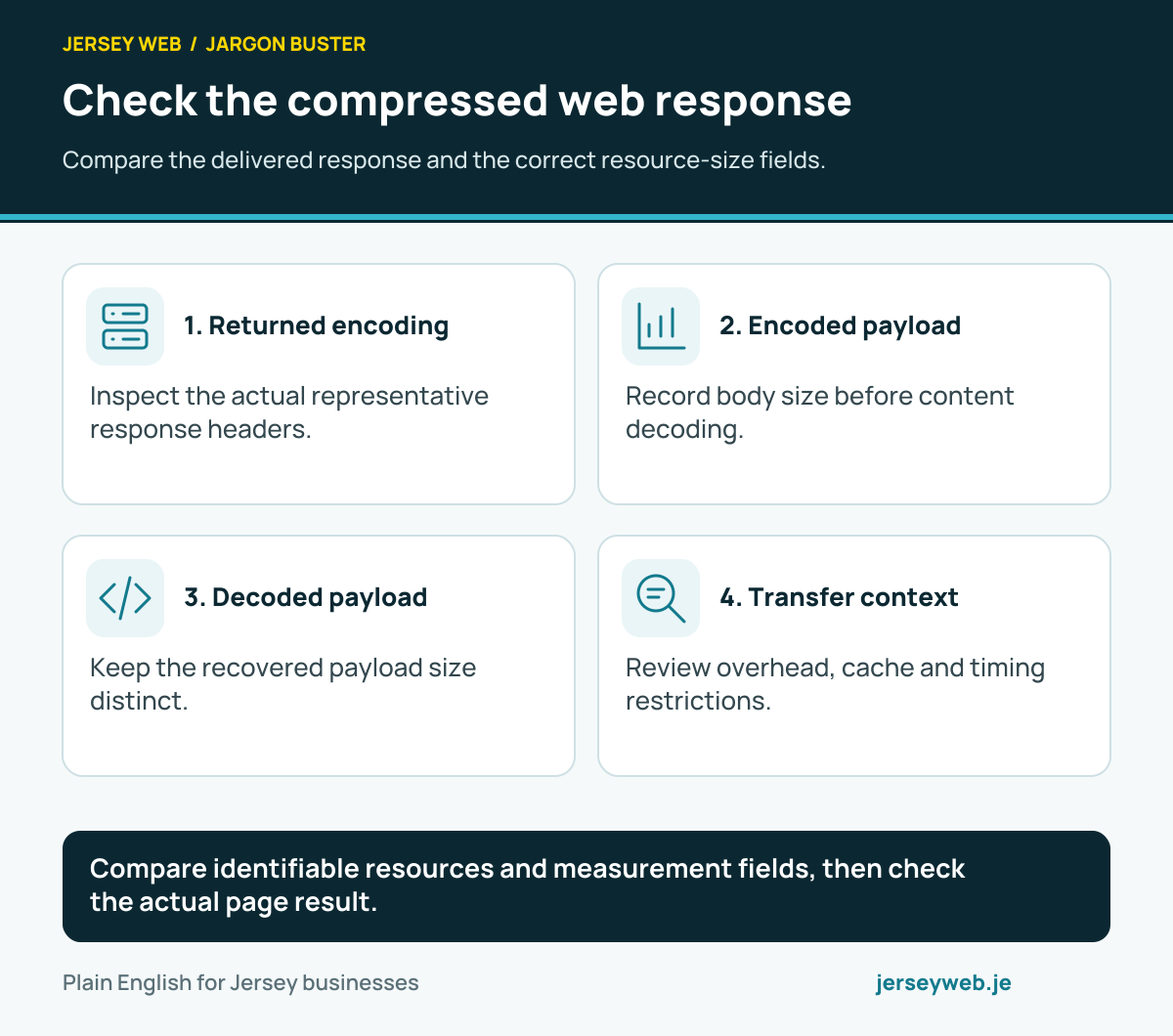
Compare identifiable resources and measurement fields, then check the actual page result.
Read the diagram in text
- Returned encoding. Inspect the actual representative response headers.
- Encoded payload. Record body size before content decoding.
- Decoded payload. Keep the recovered payload size distinct.
- Transfer context. Review overhead, cache and timing restrictions.
Read the definitions: Gzip · Brotli · Zstandard · Encoded body size · Decoded body size · Transfer size
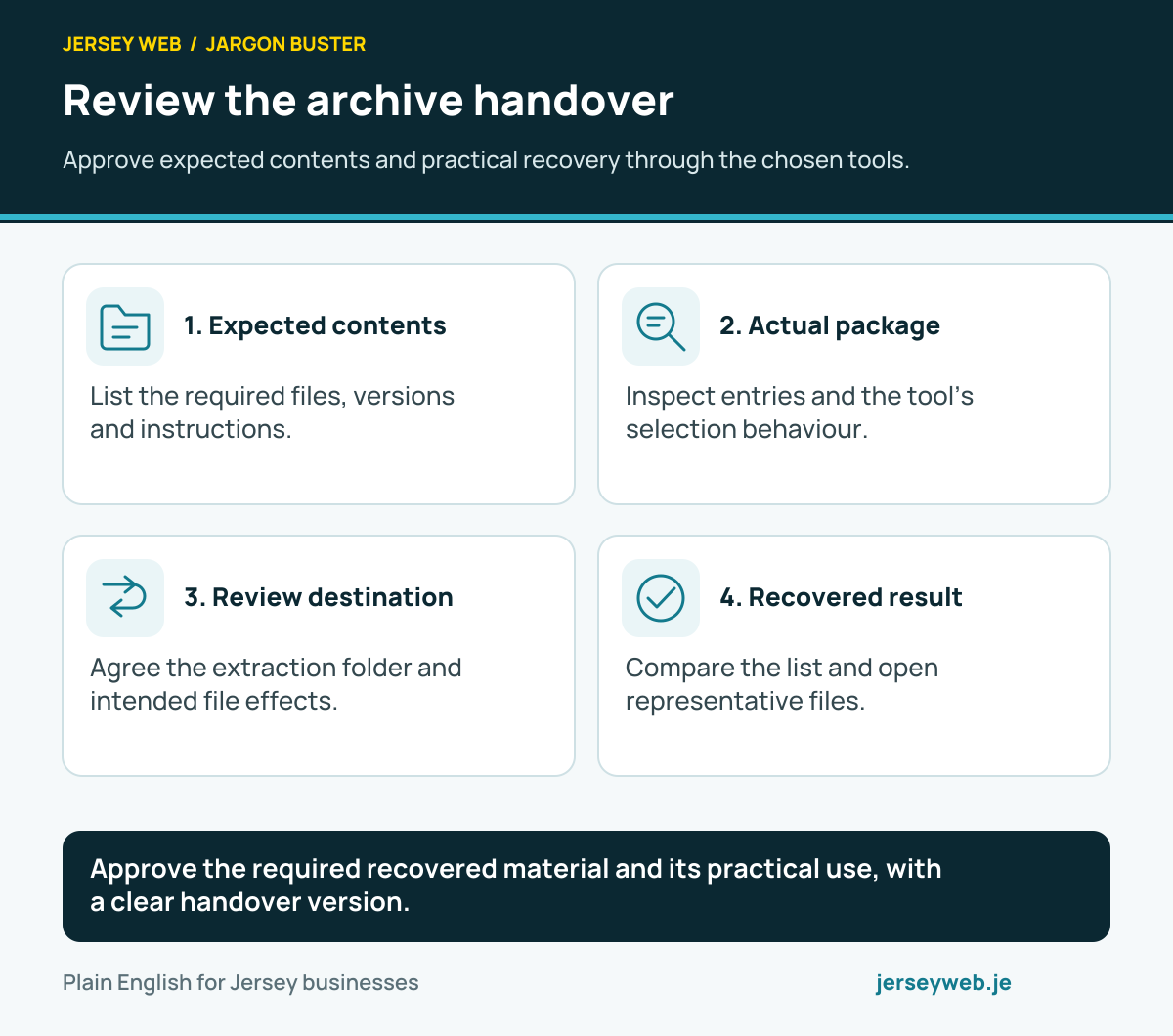
Review the archive handover
Approve expected contents and practical recovery through the chosen tools.
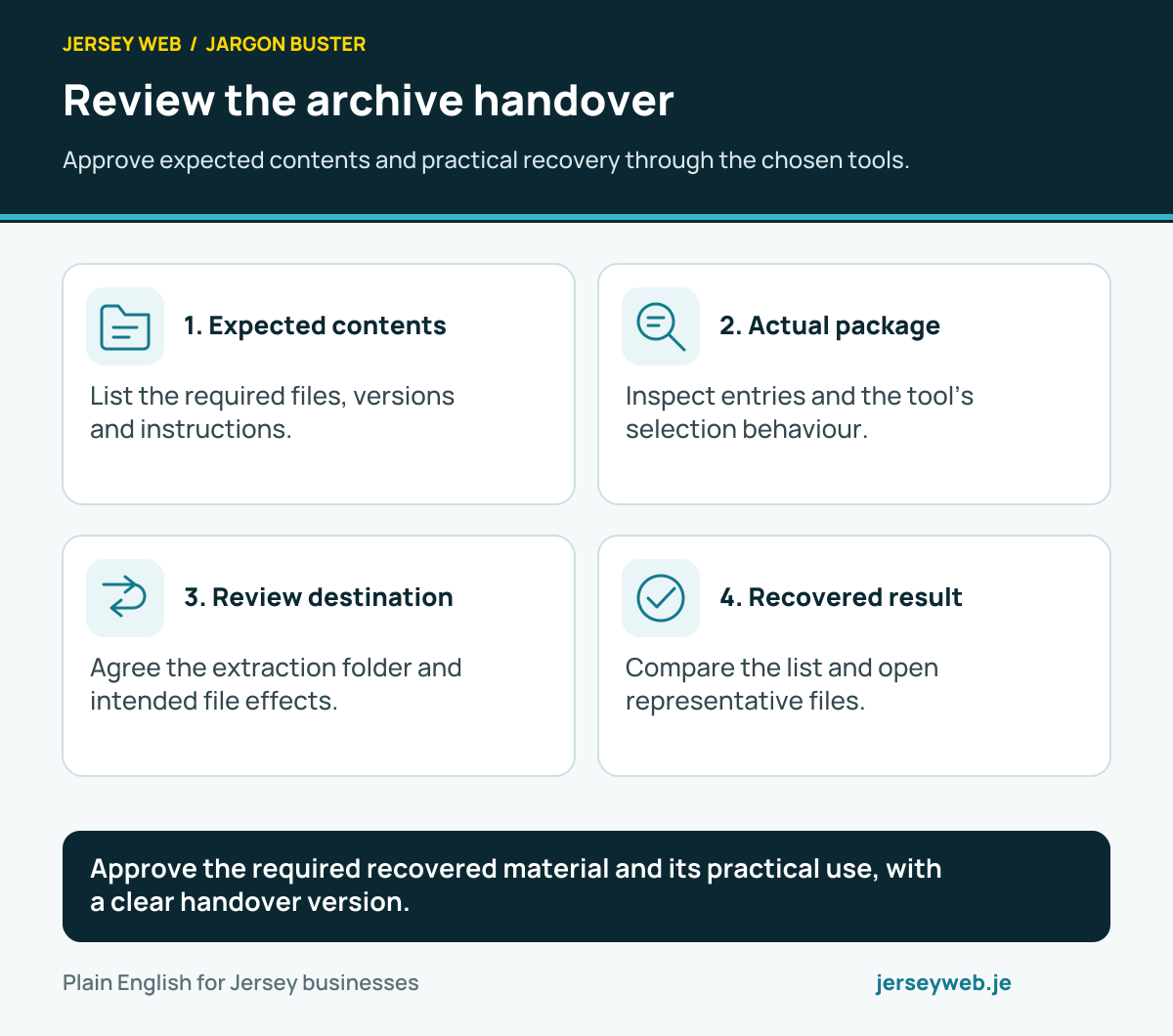
Approve the required recovered material and its practical use, with a clear handover version.
Read the diagram in text
- Expected contents. List the required files, versions and instructions.
- Actual package. Inspect entries and the tool’s selection behaviour.
- Review destination. Agree the extraction folder and intended file effects.
- Recovered result. Compare the list and open representative files.
Read the definitions: File archive · ZIP archive · Archive member · Archive extraction · File checksum · File extension
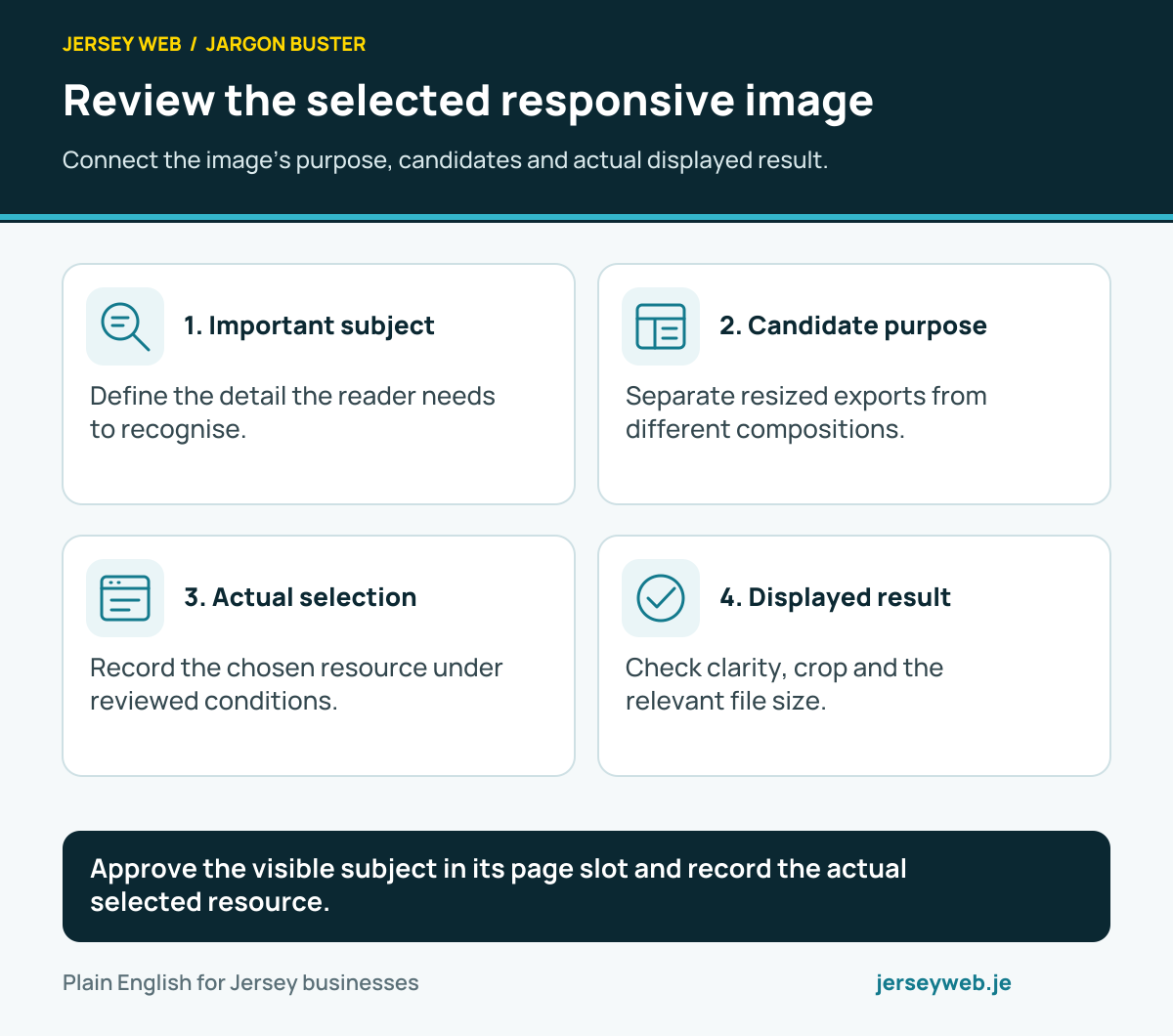
Review the selected responsive image
Connect the image’s purpose, candidates and actual displayed result.
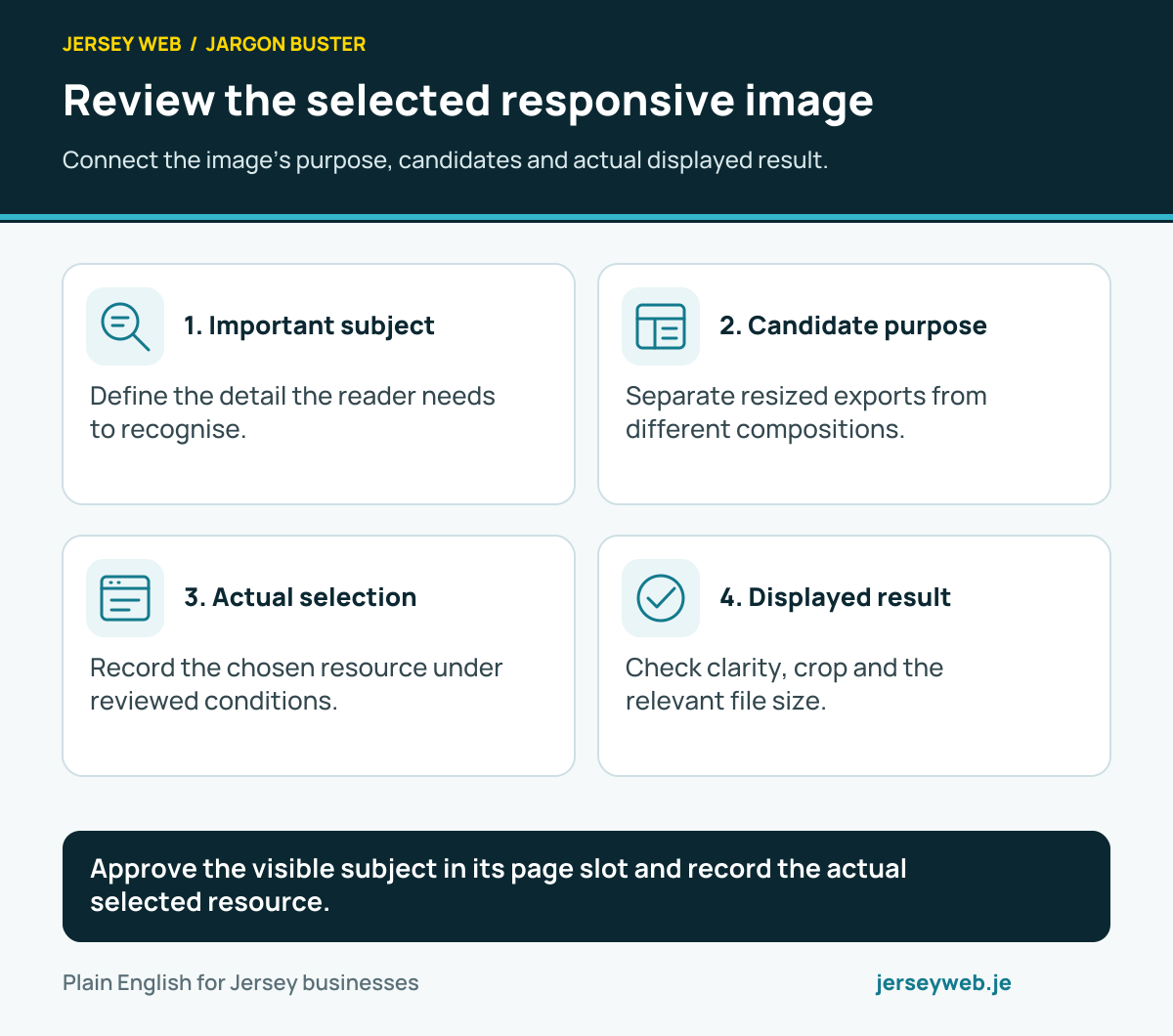
Approve the visible subject in its page slot and record the actual selected resource.
Read the diagram in text
- Important subject. Define the detail the reader needs to recognise.
- Candidate purpose. Separate resized exports from different compositions.
- Actual selection. Record the chosen resource under reviewed conditions.
- Displayed result. Check clarity, crop and the relevant file size.
Read the definitions: Responsive image sources · Image srcset attribute · Image sizes attribute · Picture element · Intrinsic image width · CSS object-fit
Review the complete printed document
Check the actual output, including continuation pages and important content.
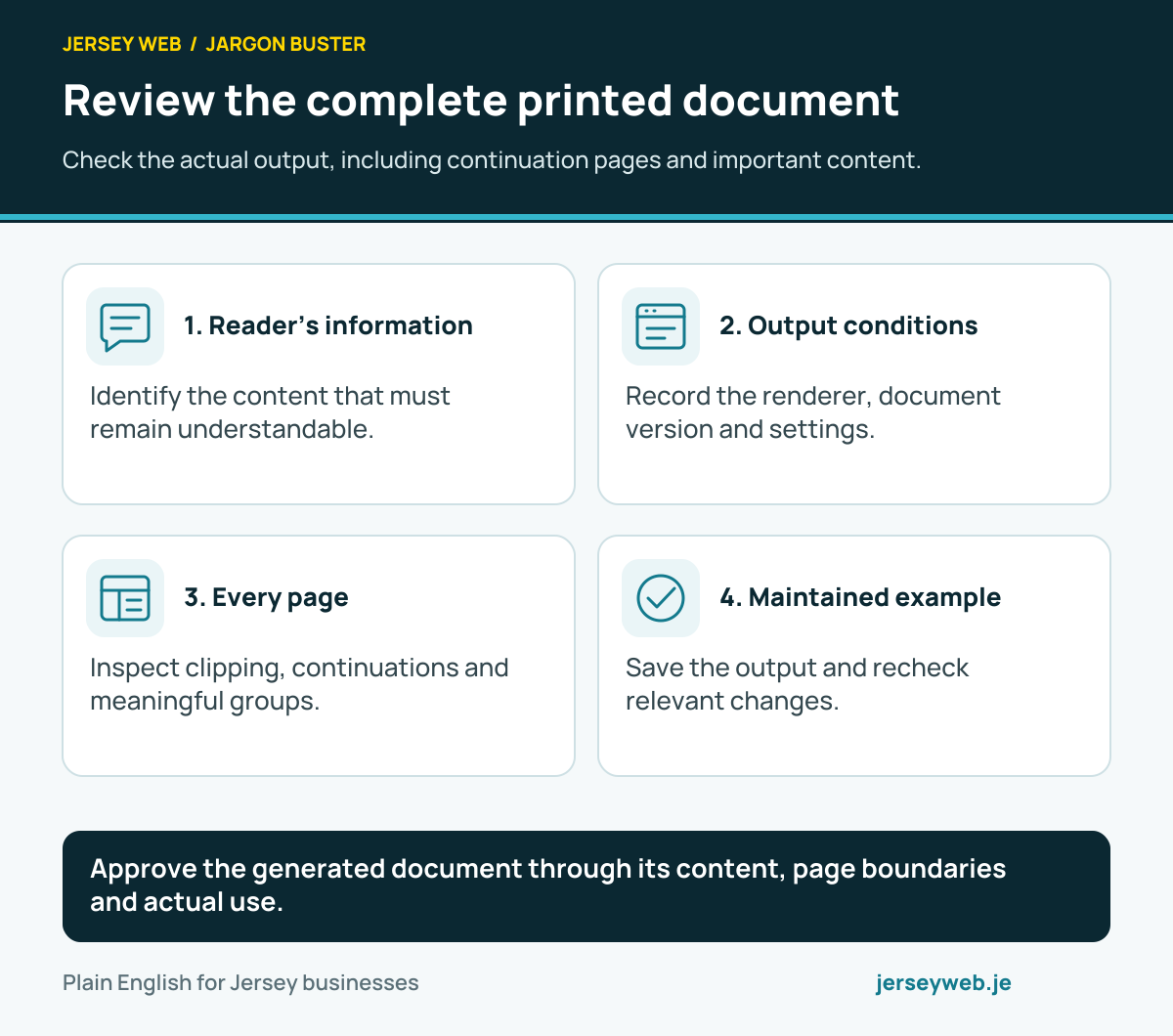
Approve the generated document through its content, page boundaries and actual use.
Read the diagram in text
- Reader’s information. Identify the content that must remain understandable.
- Output conditions. Record the renderer, document version and settings.
- Every page. Inspect clipping, continuations and meaningful groups.
- Maintained example. Save the output and recheck relevant changes.
Read the definitions: Print stylesheet · CSS paged media · CSS fragmentation · CSS page size · CSS break-inside · Print colour adjustment
Locate the intended website material
Keep environment, path interpretation and actual file contents connected.
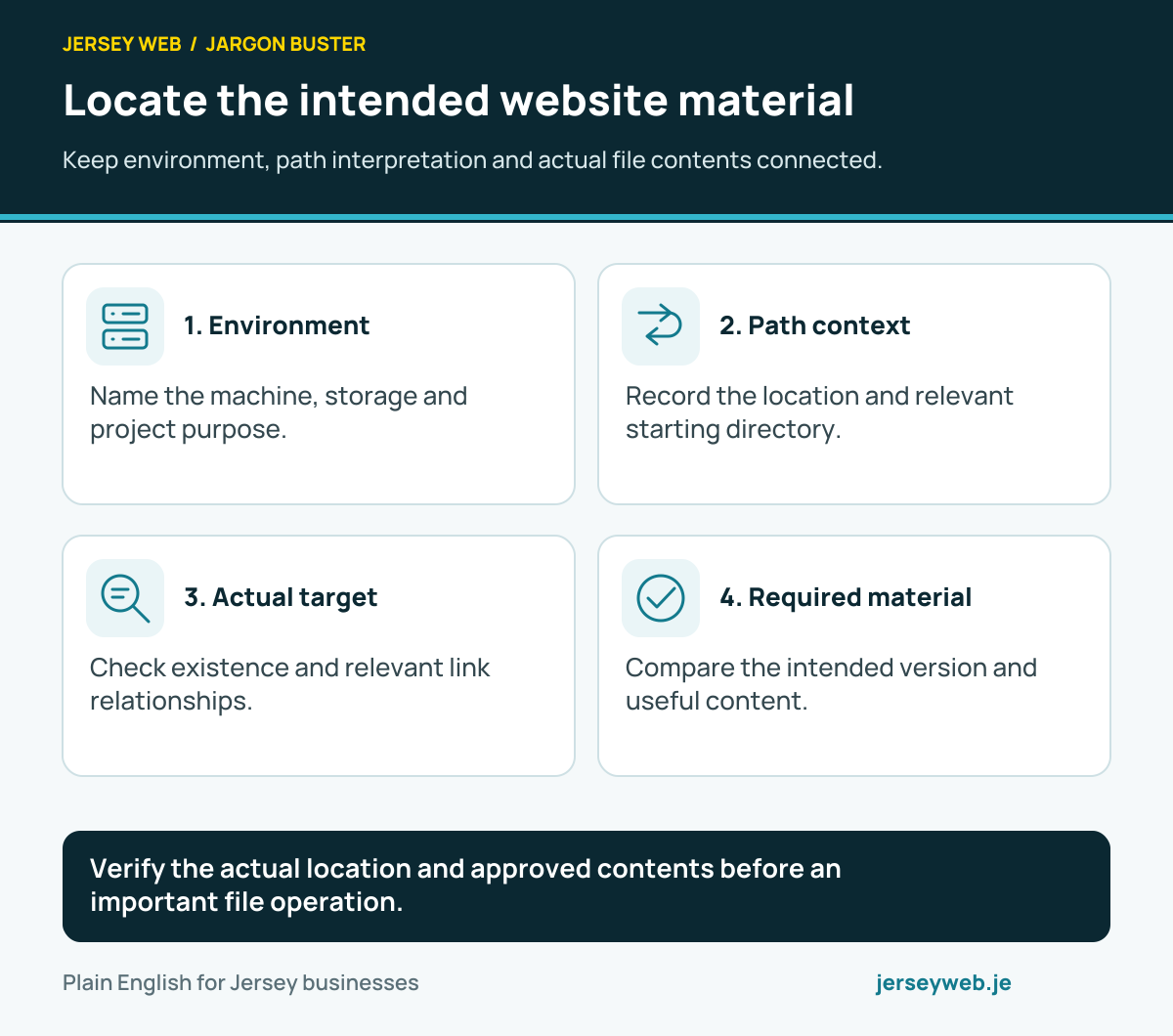
Verify the actual location and approved contents before an important file operation.
Read the diagram in text
- Environment. Name the machine, storage and project purpose.
- Path context. Record the location and relevant starting directory.
- Actual target. Check existence and relevant link relationships.
- Required material. Compare the intended version and useful content.
Read the definitions: File path · File system · Absolute file path · Relative file path · Current working directory · Symbolic link
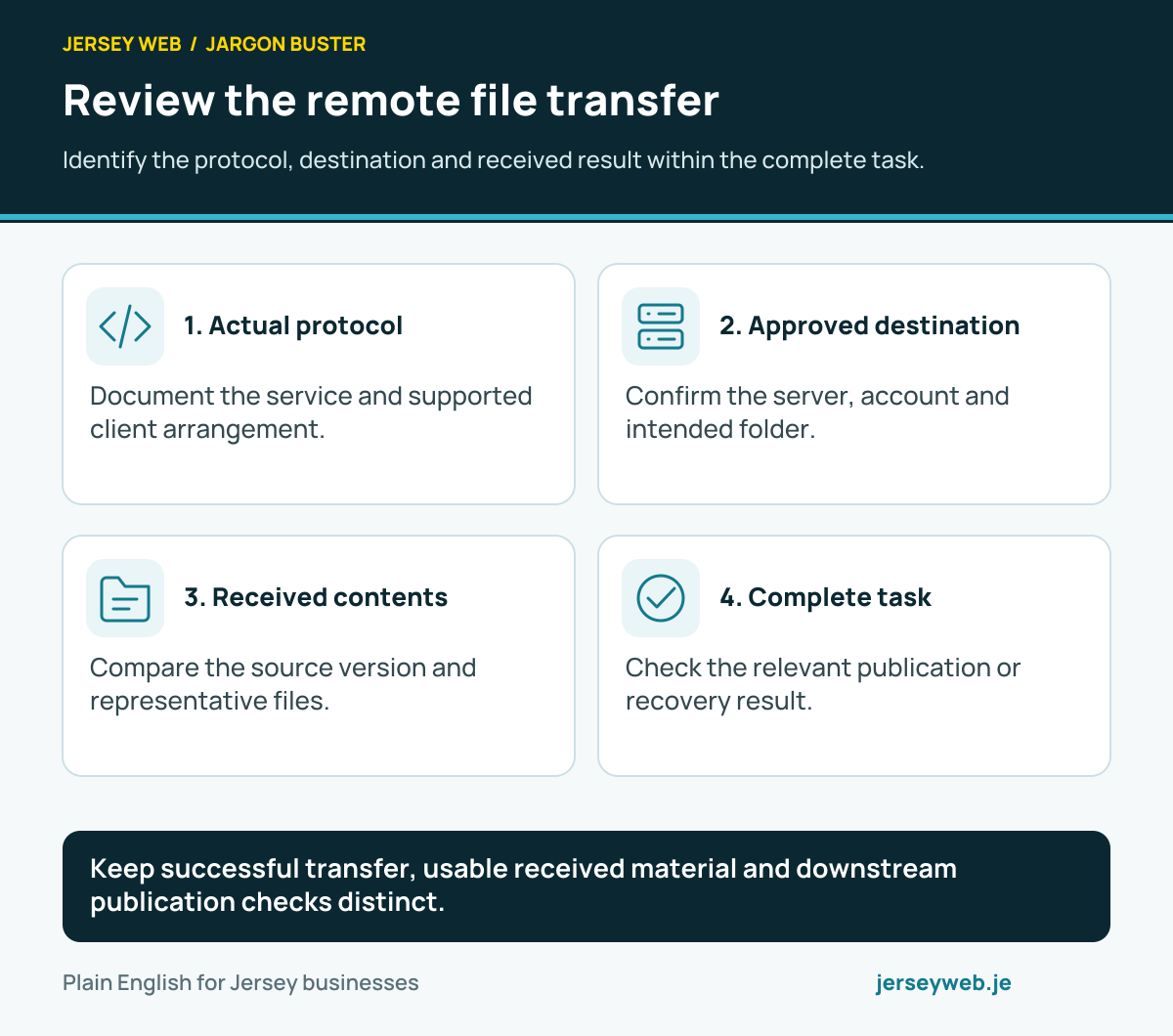
Review the remote file transfer
Identify the protocol, destination and received result within the complete task.
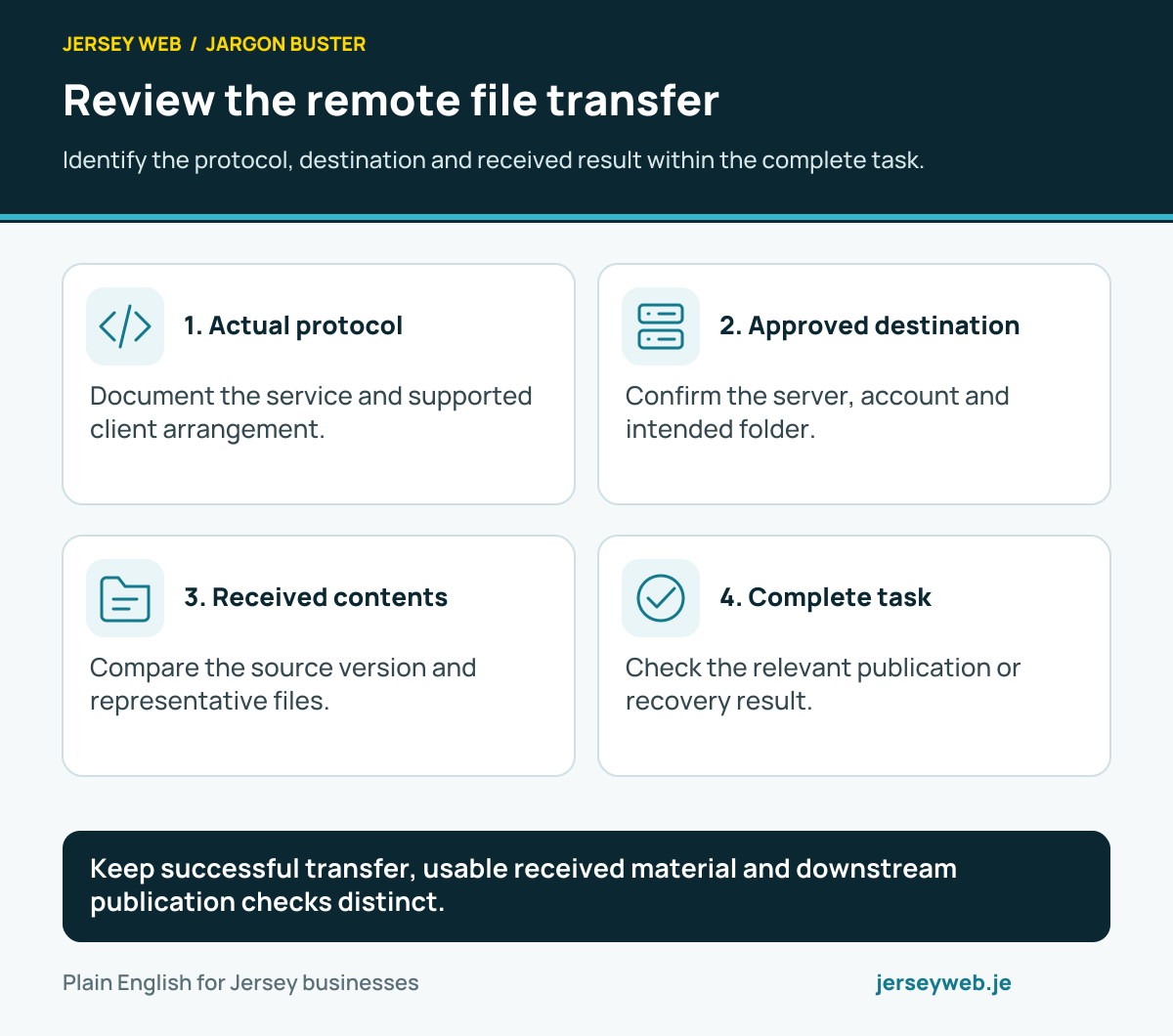
Keep successful transfer, usable received material and downstream publication checks distinct.
Read the diagram in text
- Actual protocol. Document the service and supported client arrangement.
- Approved destination. Confirm the server, account and intended folder.
- Received contents. Compare the source version and representative files.
- Complete task. Check the relevant publication or recovery result.
Read the definitions: SFTP · SSH · FTPS · File path · File checksum · Deployment
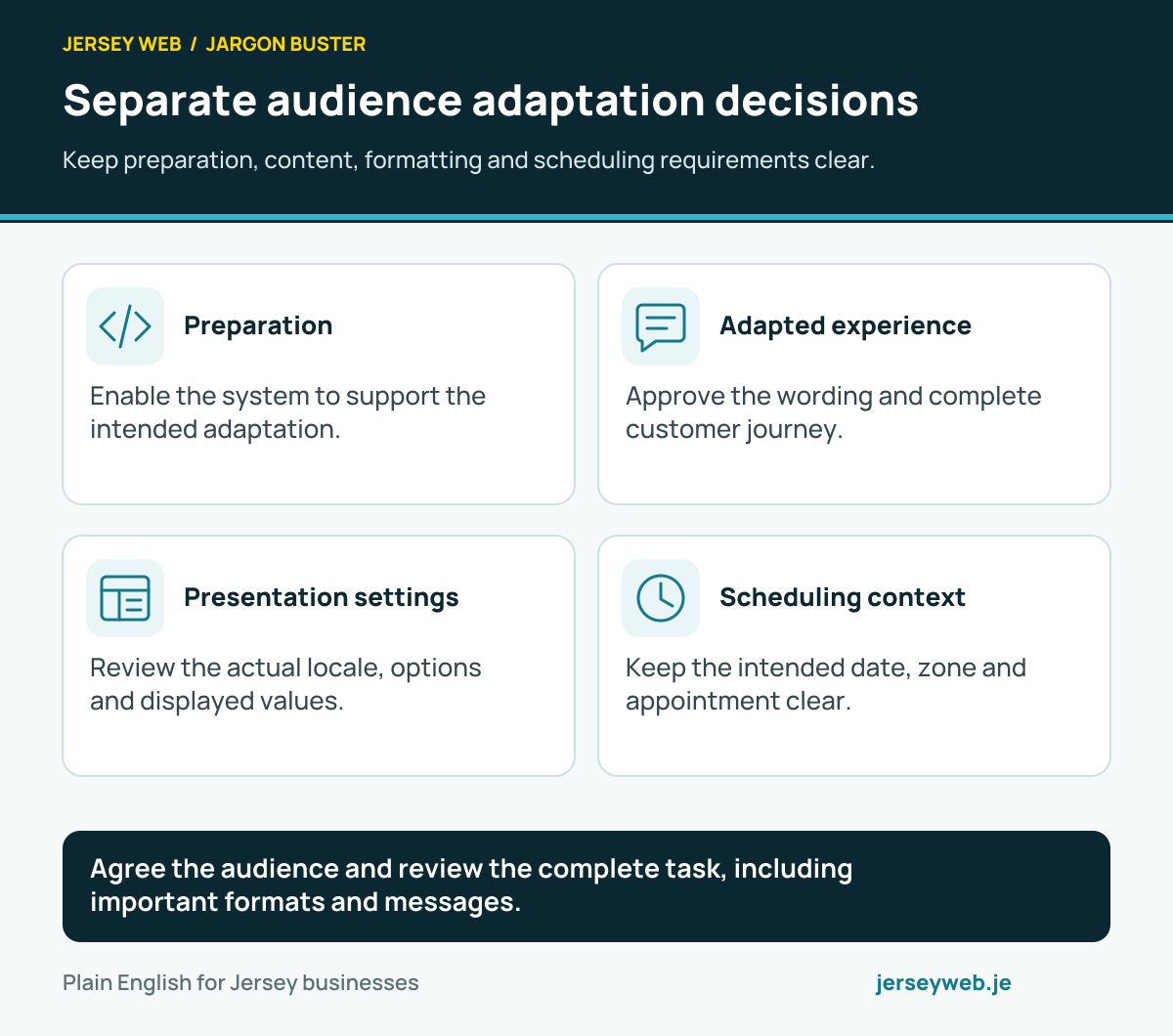
Separate audience adaptation decisions
Keep preparation, content, formatting and scheduling requirements clear.
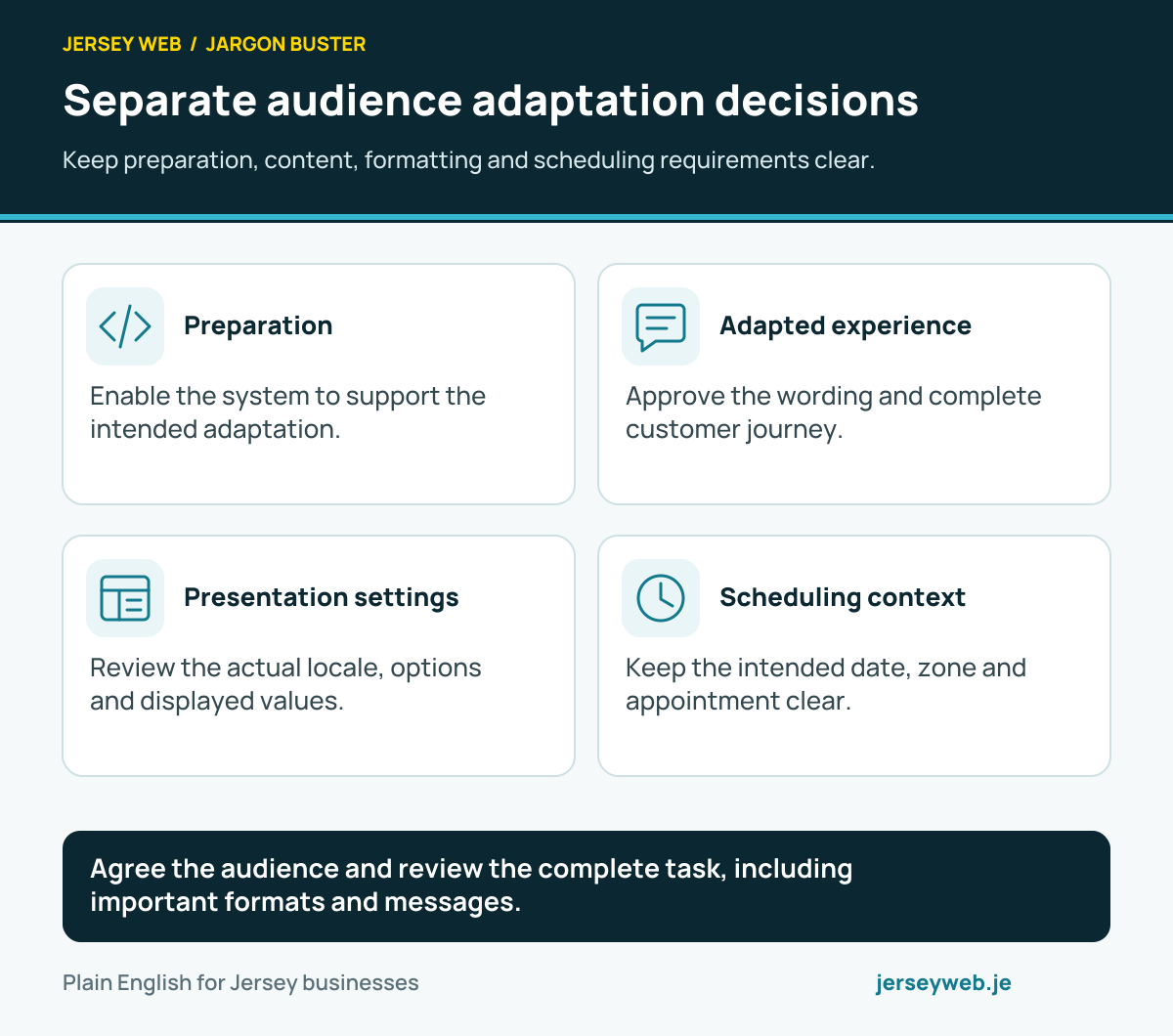
Agree the audience and review the complete task, including important formats and messages.
Read the diagram in text
- Preparation. Enable the system to support the intended adaptation.
- Adapted experience. Approve the wording and complete customer journey.
- Presentation settings. Review the actual locale, options and displayed values.
- Scheduling context. Keep the intended date, zone and appointment clear.
Read the definitions: Internationalisation · Localisation · Locale · Time zone · Language tag · Intl.NumberFormat
Follow the appointment through booking
Compare the intended schedule, stored record and customer confirmation.
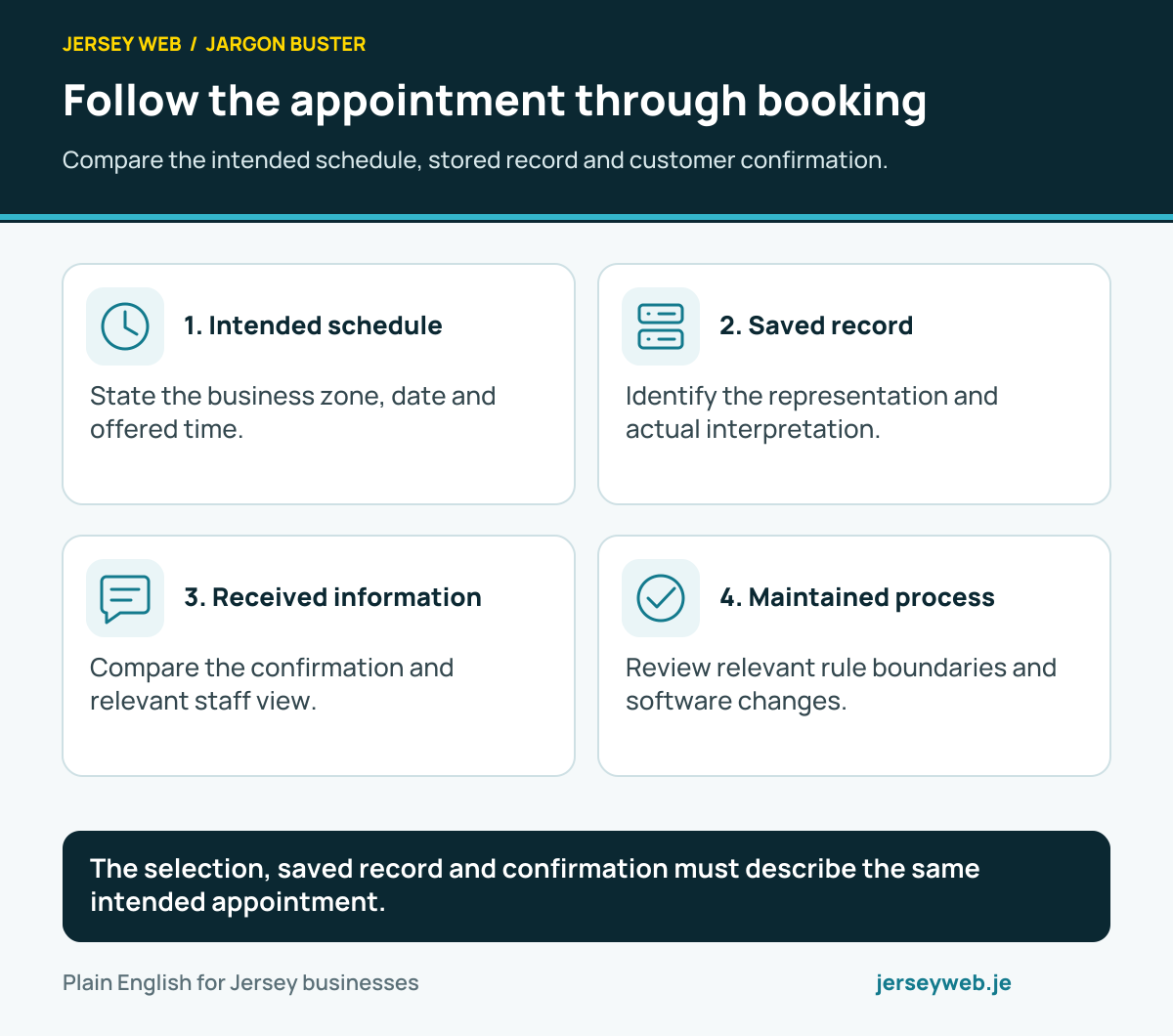
The selection, saved record and confirmation must describe the same intended appointment.
Read the diagram in text
- Intended schedule. State the business zone, date and offered time.
- Saved record. Identify the representation and actual interpretation.
- Received information. Compare the confirmation and relevant staff view.
- Maintained process. Review relevant rule boundaries and software changes.
Read the definitions: Time zone · UTC offset · IANA time zone database · RFC 3339 · Intl.DateTimeFormat · Date-only value
Separate the map’s information sources
Know what requests a position, finds an address or supplies the display.
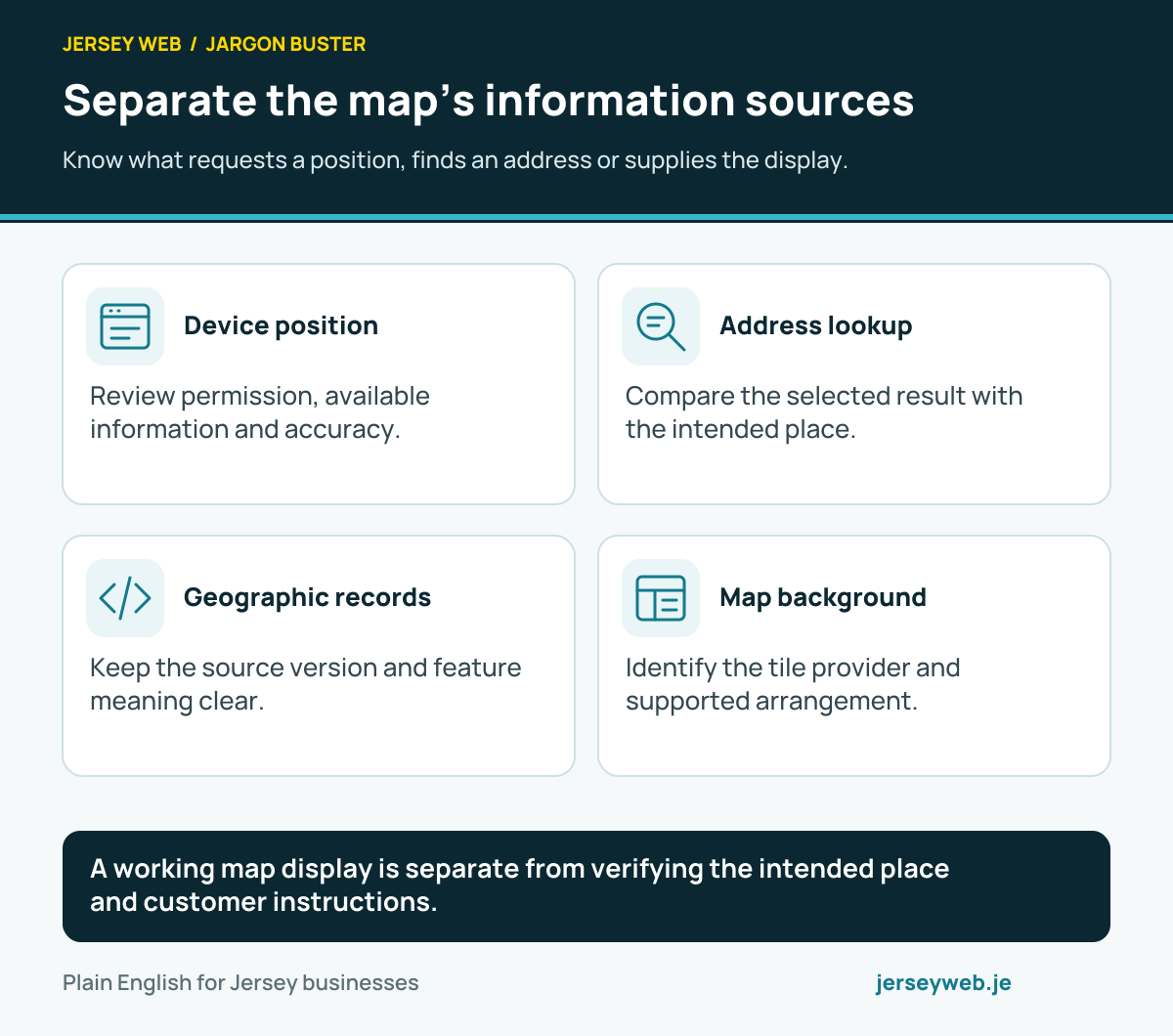
A working map display is separate from verifying the intended place and customer instructions.
Read the diagram in text
- Device position. Review permission, available information and accuracy.
- Address lookup. Compare the selected result with the intended place.
- Geographic records. Keep the source version and feature meaning clear.
- Map background. Identify the tile provider and supported arrangement.
Read the definitions: Geolocation API · Geocoding · GeoJSON · Map tile · Reverse geocoding · Geolocation accuracy
Review the useful location result
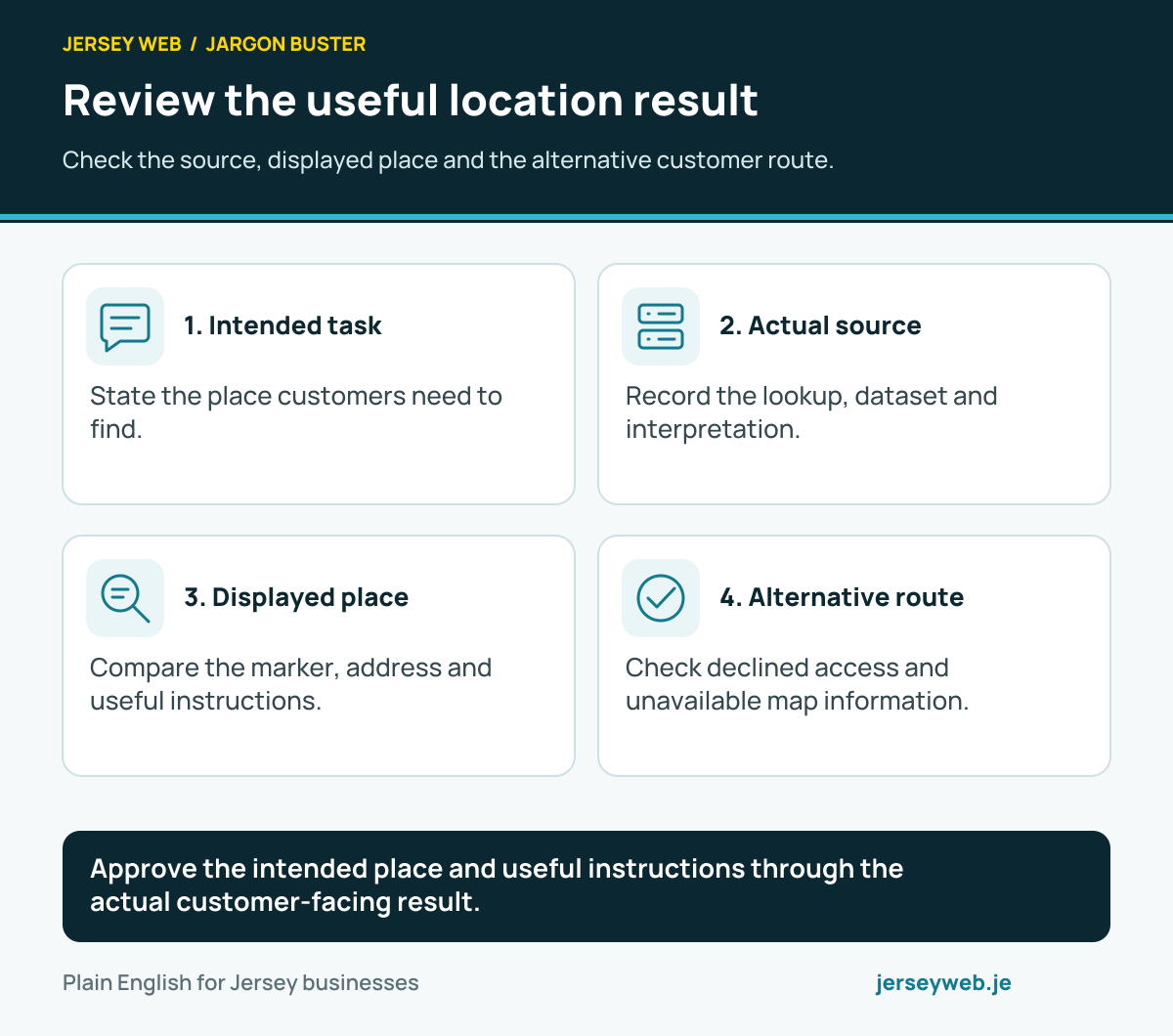
Check the source, displayed place and the alternative customer route.
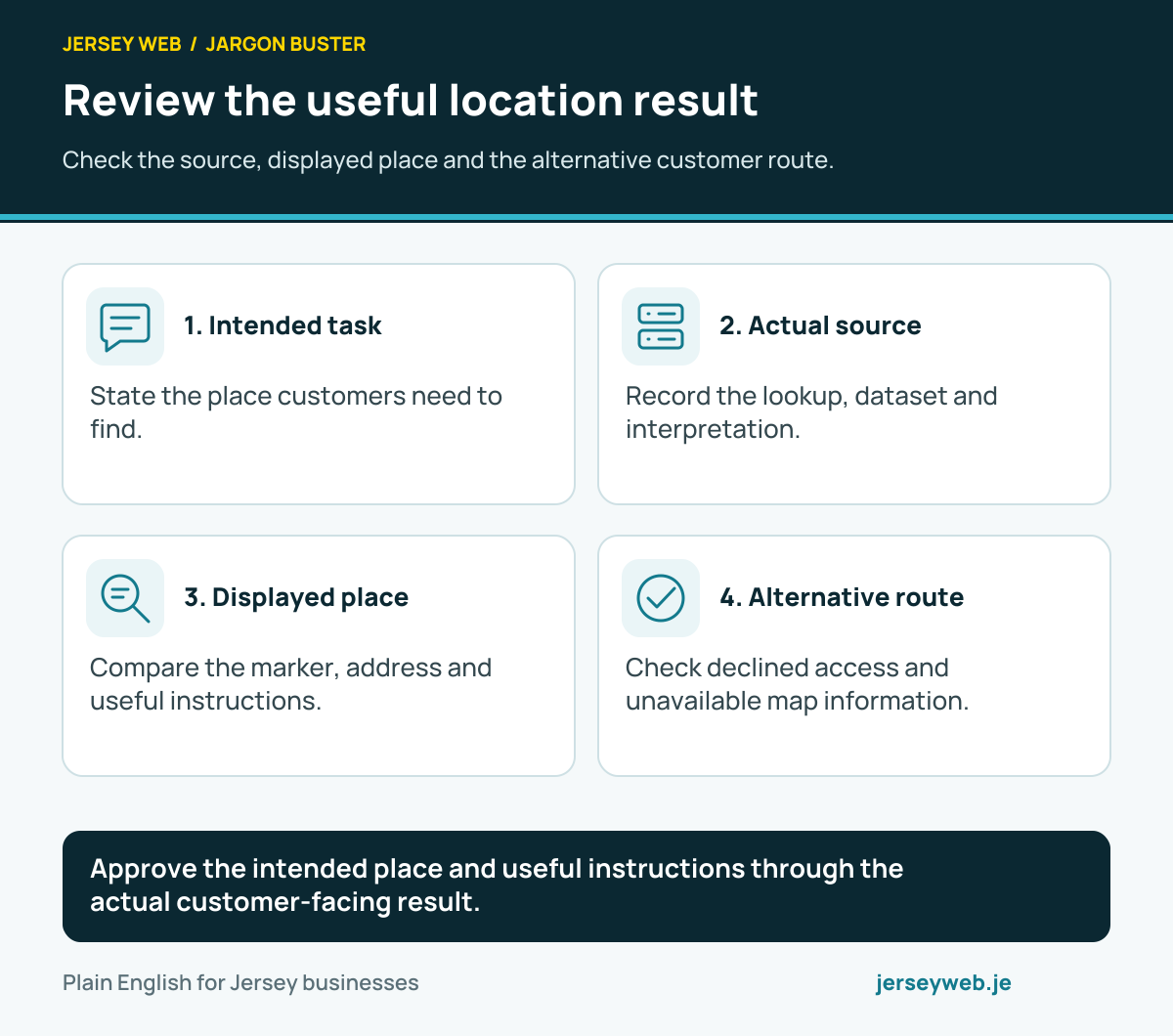
Approve the intended place and useful instructions through the actual customer-facing result.
Read the diagram in text
- Intended task. State the place customers need to find.
- Actual source. Record the lookup, dataset and interpretation.
- Displayed place. Compare the marker, address and useful instructions.
- Alternative route. Check declined access and unavailable map information.
Read the definitions: Geocoding · Geolocation API · GeoJSON · Map tile · Latitude · Longitude
Understand the component’s building blocks
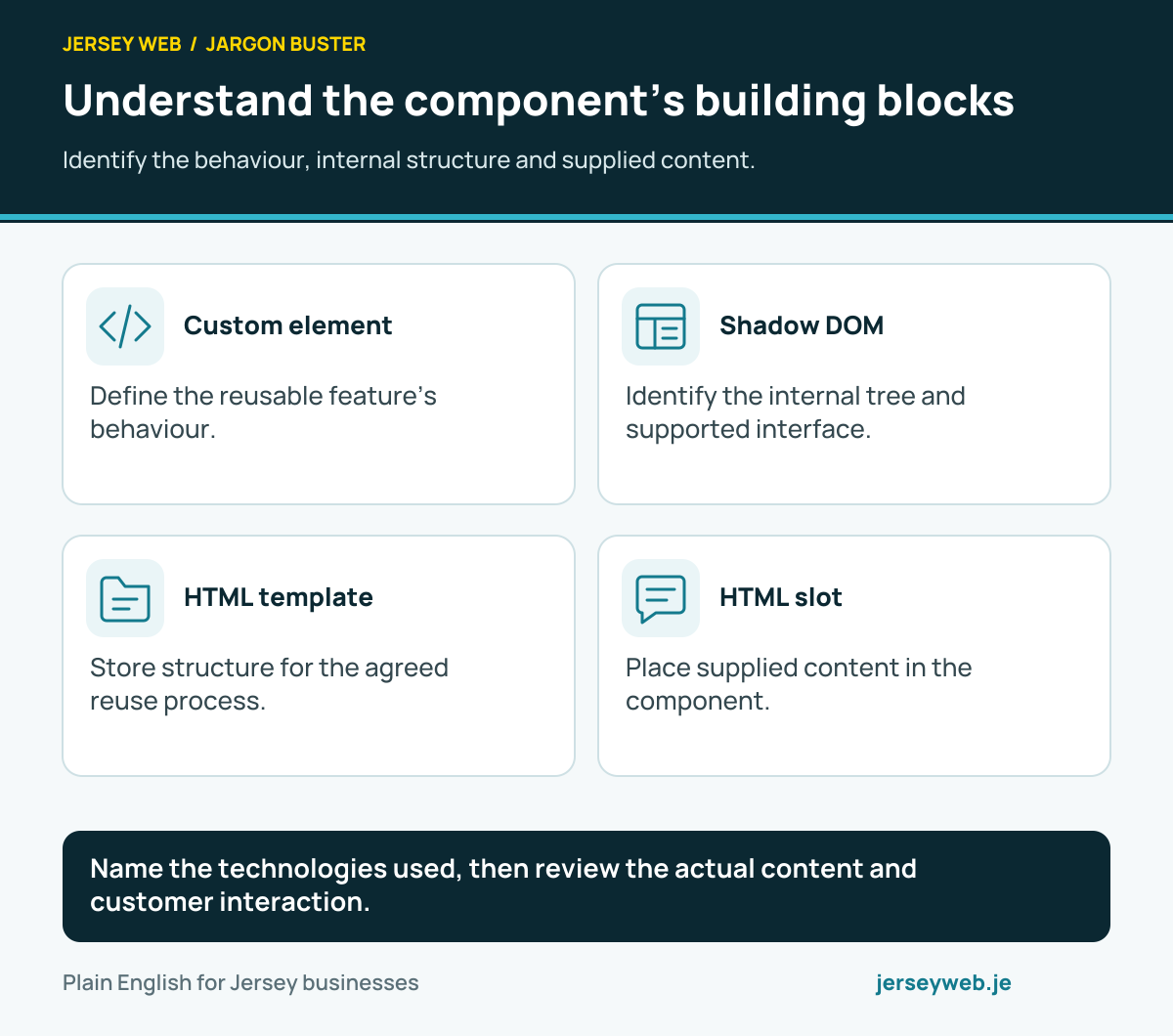
Identify the behaviour, internal structure and supplied content.
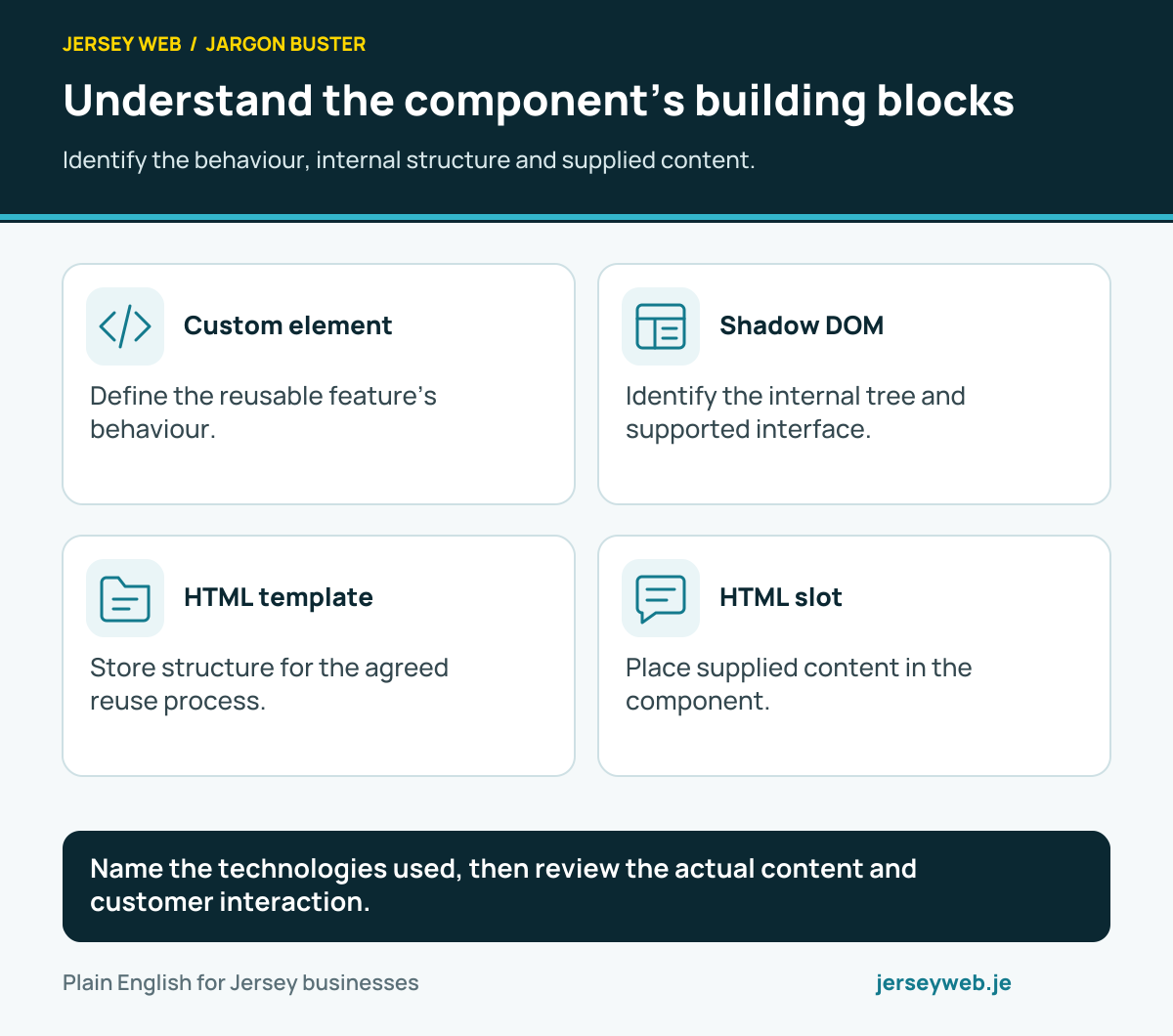
Name the technologies used, then review the actual content and customer interaction.
Read the diagram in text
- Custom element. Define the reusable feature’s behaviour.
- Shadow DOM. Identify the internal tree and supported interface.
- HTML template. Store structure for the agreed reuse process.
- HTML slot. Place supplied content in the component.
Read the definitions: Web Components · Custom element · Shadow DOM · HTML template · HTML slot
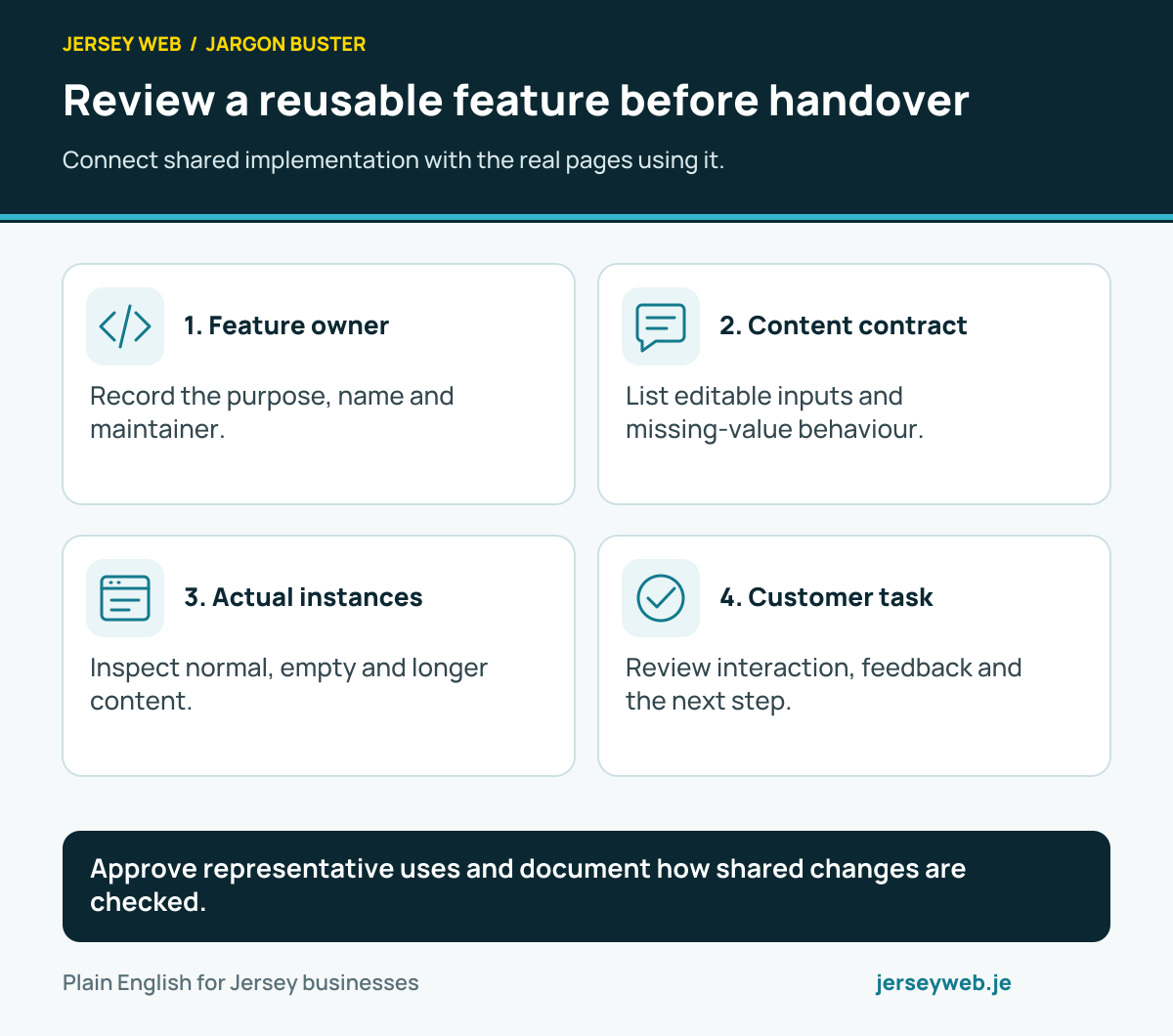
Review a reusable feature before handover
Connect shared implementation with the real pages using it.
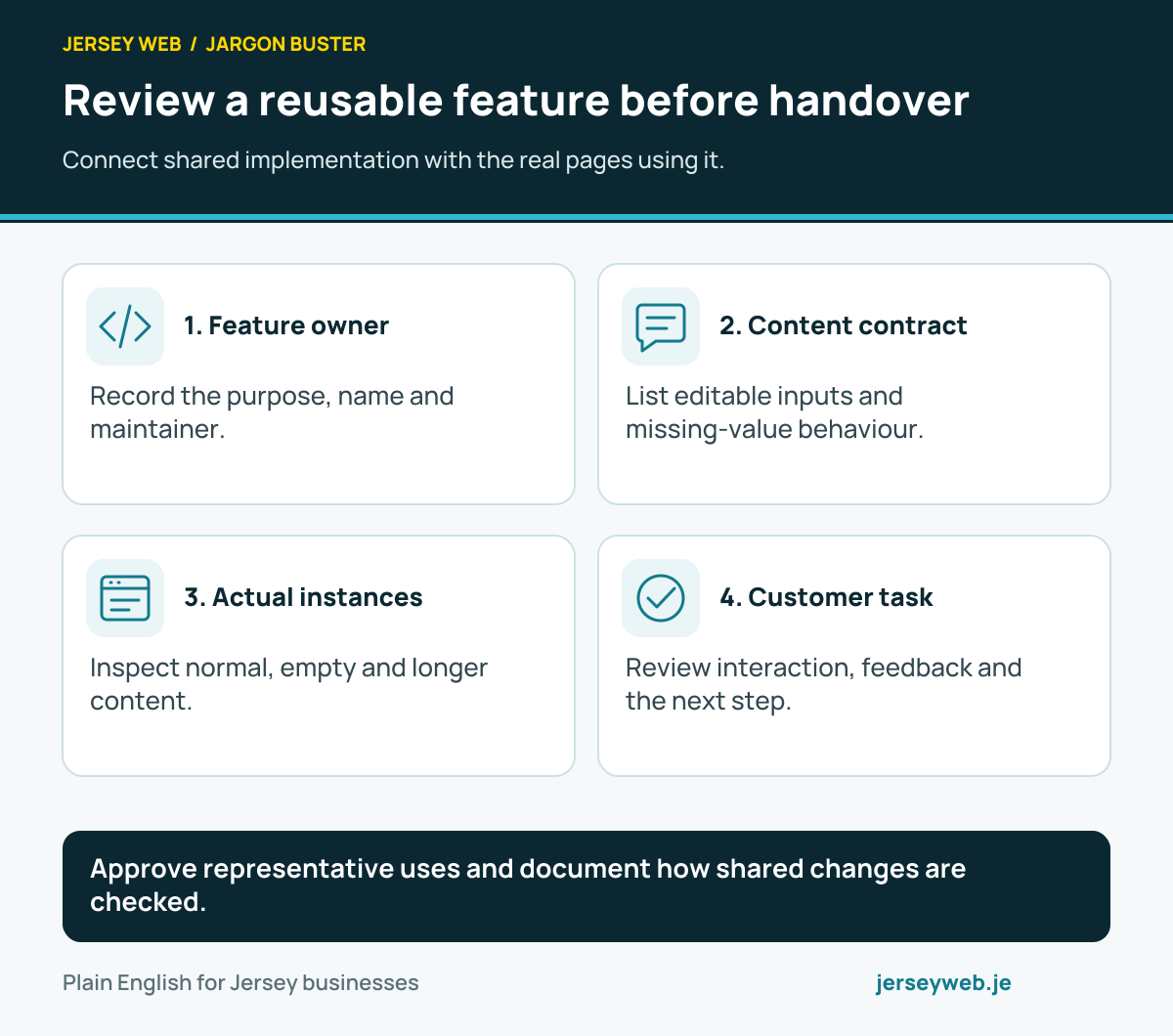
Approve representative uses and document how shared changes are checked.
Read the diagram in text
- Feature owner. Record the purpose, name and maintainer.
- Content contract. List editable inputs and missing-value behaviour.
- Actual instances. Inspect normal, empty and longer content.
- Customer task. Review interaction, feedback and the next step.
Read the definitions: Web Components · Custom element · Shadow DOM · HTML template · Component · Design system
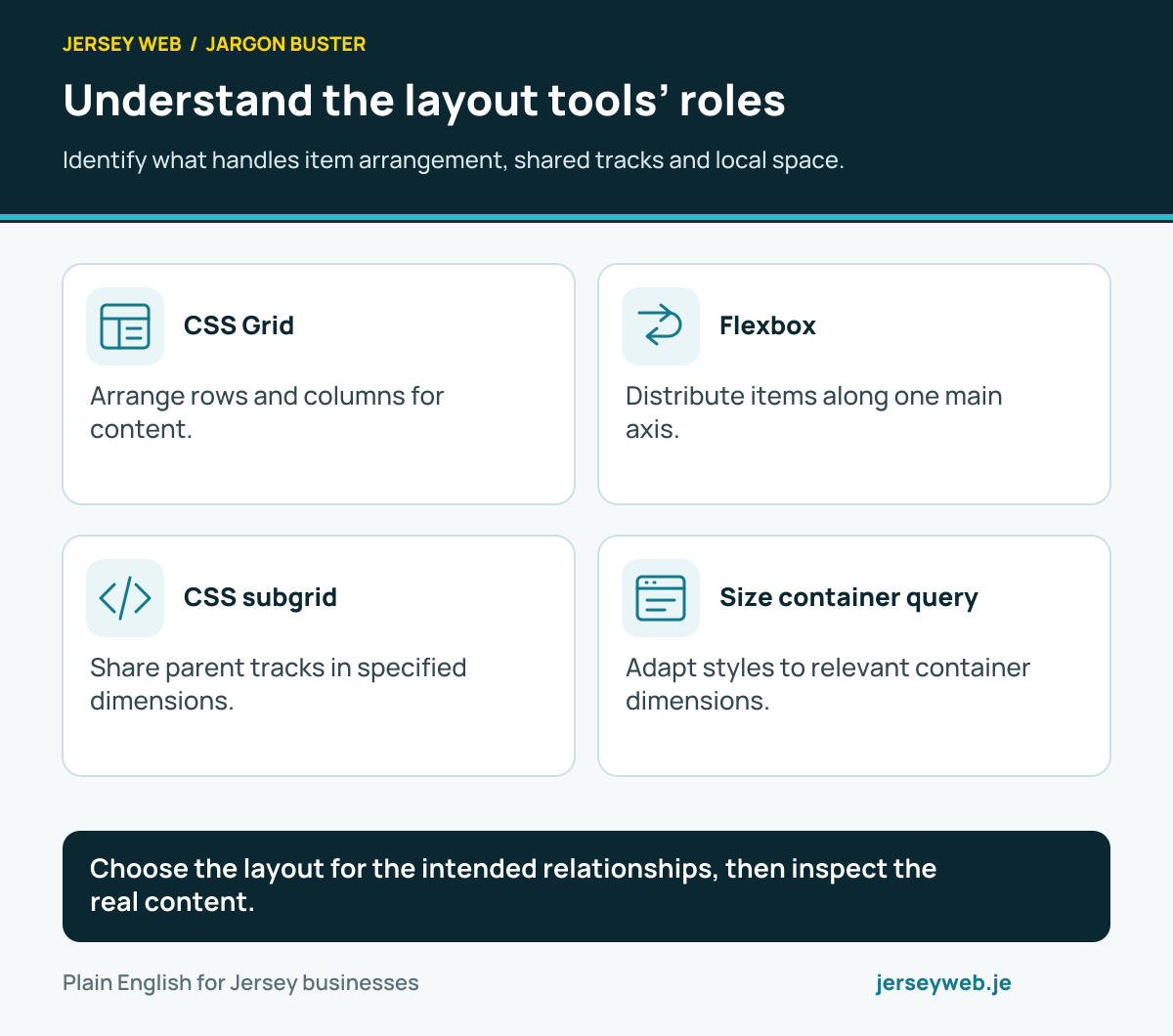
Understand the layout tools’ roles
Identify what handles item arrangement, shared tracks and local space.
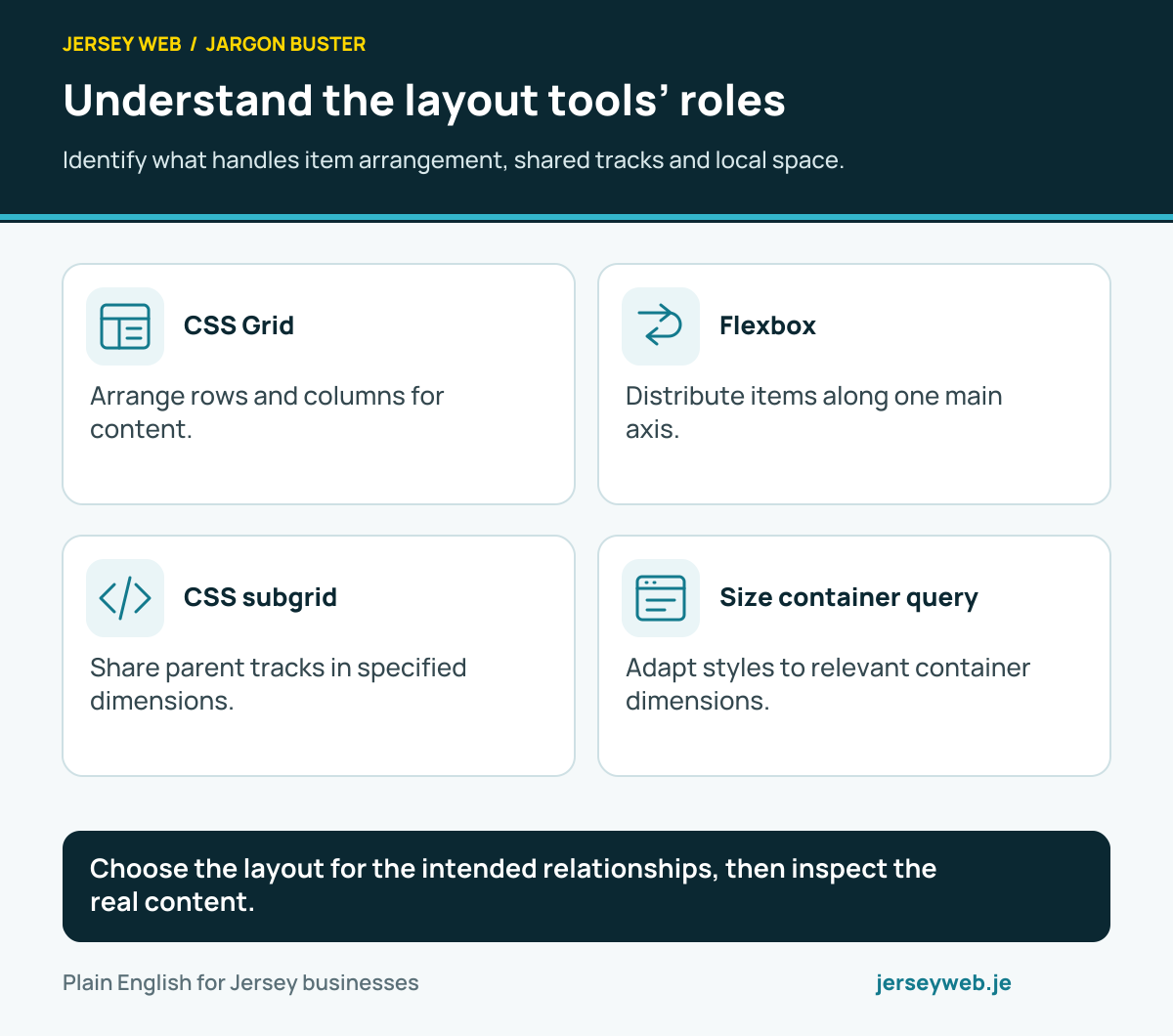
Choose the layout for the intended relationships, then inspect the real content.
Read the diagram in text
- CSS Grid. Arrange rows and columns for content.
- Flexbox. Distribute items along one main axis.
- CSS subgrid. Share parent tracks in specified dimensions.
- Size container query. Adapt styles to relevant container dimensions.
Read the definitions: CSS Grid · Flexbox · CSS subgrid · Container query · Grid track · CSS gap
Review the layout with real content
Check meaning, available space and the customer’s next step.
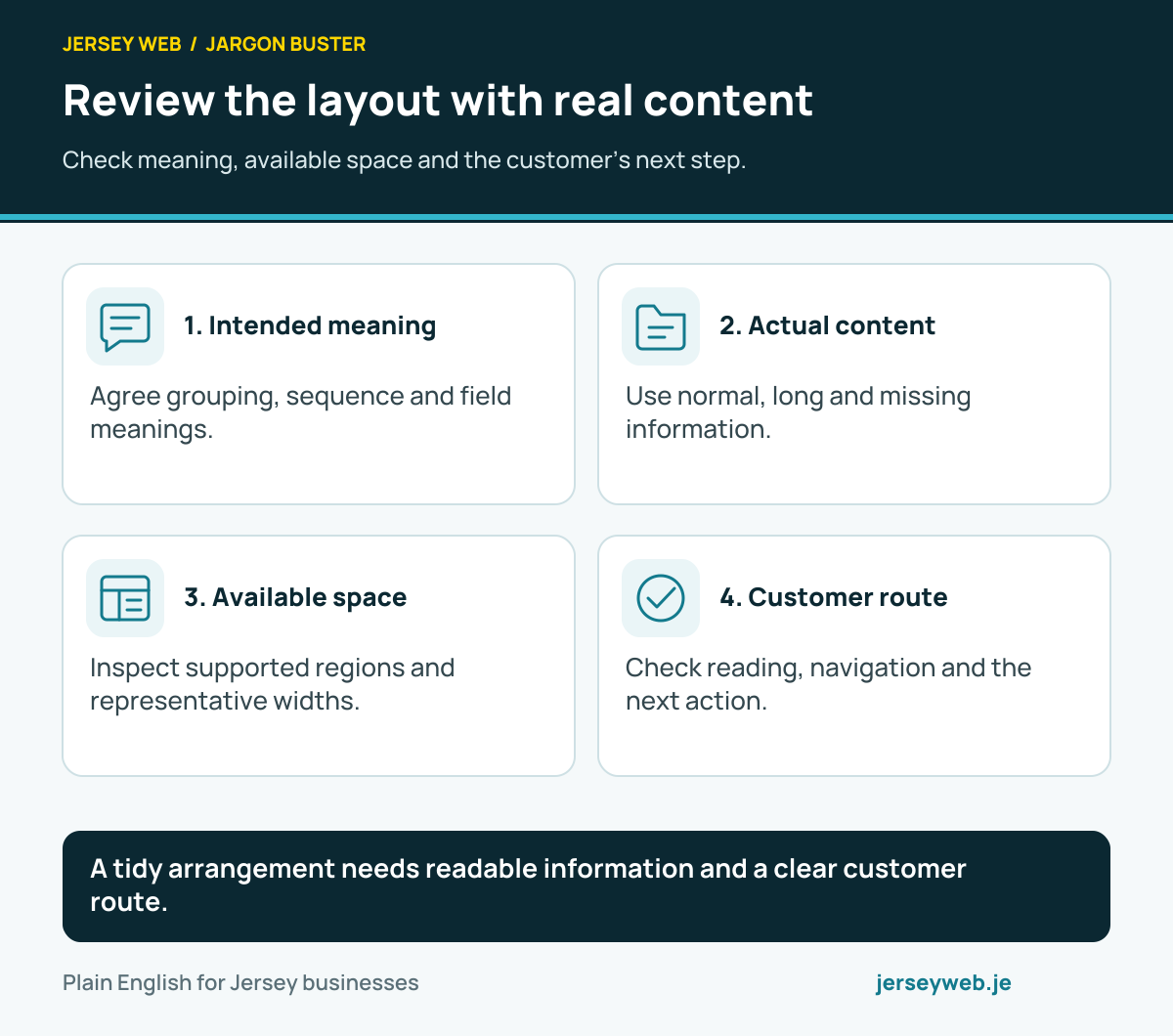
A tidy arrangement needs readable information and a clear customer route.
Read the diagram in text
- Intended meaning. Agree grouping, sequence and field meanings.
- Actual content. Use normal, long and missing information.
- Available space. Inspect supported regions and representative widths.
- Customer route. Check reading, navigation and the next action.
Read the definitions: CSS Grid · Flexbox · CSS subgrid · Container query · Responsive design · Grid auto flow
Follow the form’s information journey
Entry, browser checks, preparation and receipt have different meanings.
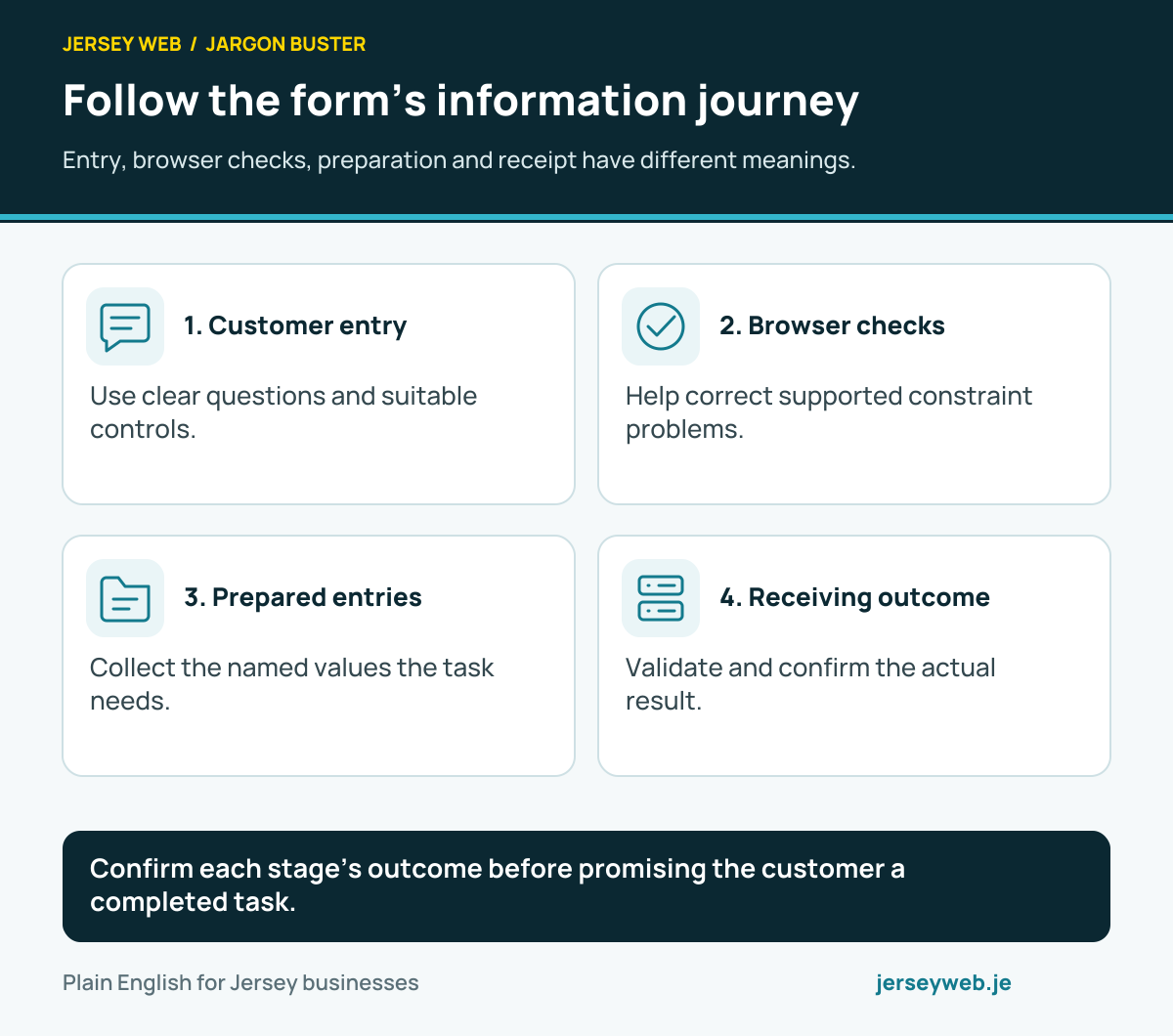
Confirm each stage’s outcome before promising the customer a completed task.
Read the diagram in text
- Customer entry. Use clear questions and suitable controls.
- Browser checks. Help correct supported constraint problems.
- Prepared entries. Collect the named values the task needs.
- Receiving outcome. Validate and confirm the actual result.
Read the definitions: FormData · Constraint validation · HTML input · Contact form · FormData get all
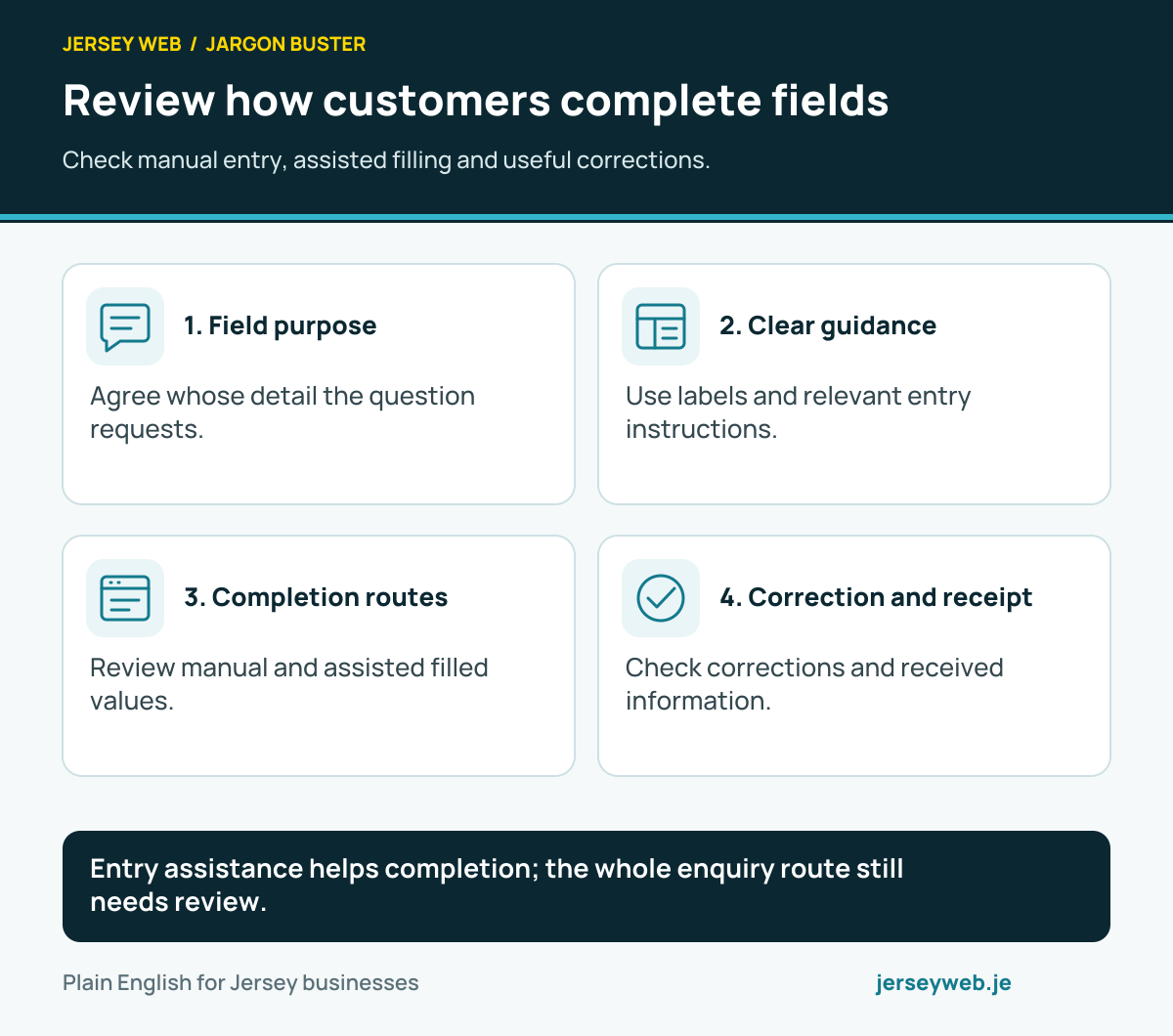
Review how customers complete fields
Check manual entry, assisted filling and useful corrections.
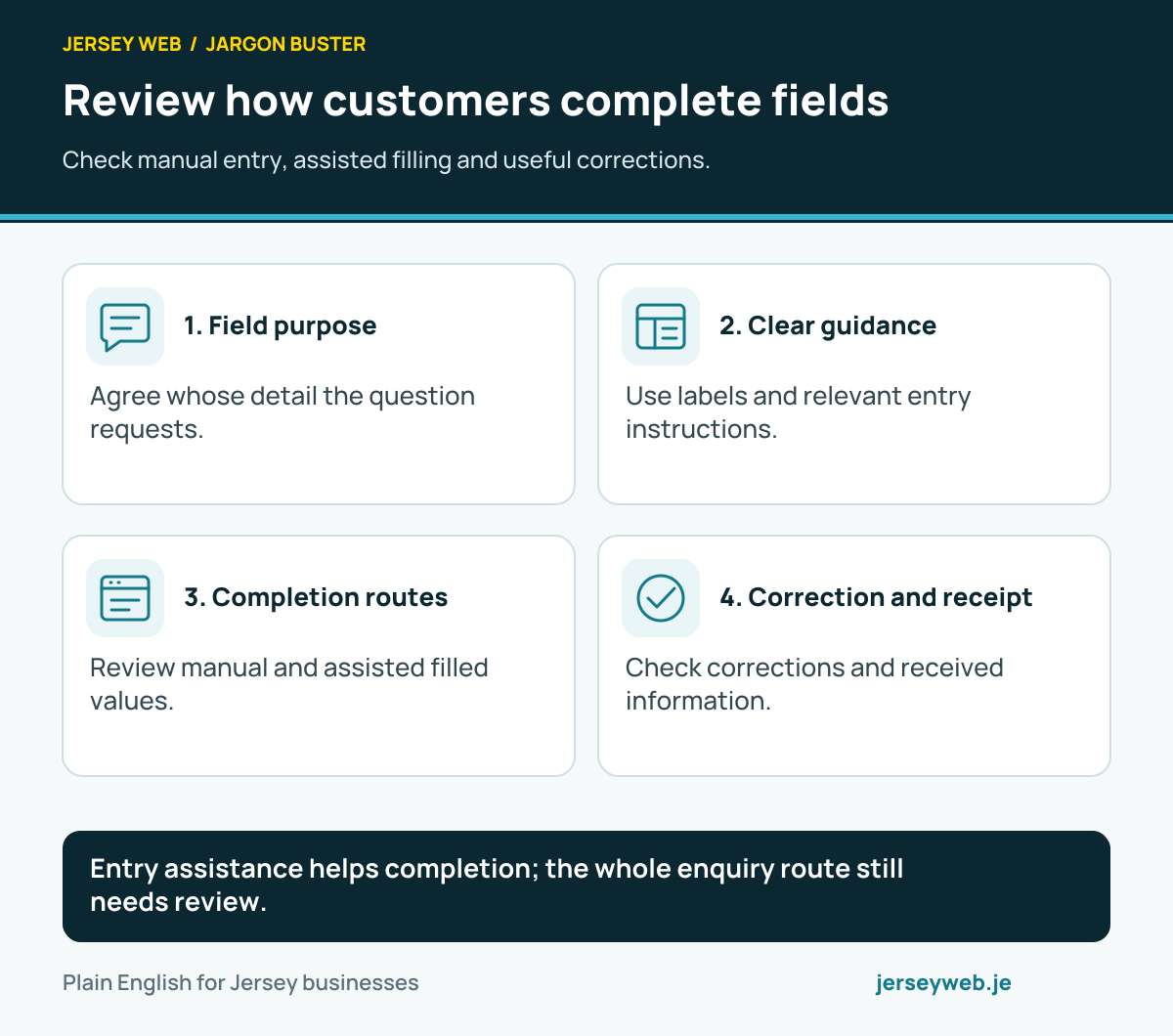
Entry assistance helps completion; the whole enquiry route still needs review.
Read the diagram in text
- Field purpose. Agree whose detail the question requests.
- Clear guidance. Use labels and relevant entry instructions.
- Completion routes. Review manual and assisted filled values.
- Correction and receipt. Check corrections and received information.
Read the definitions: Autocomplete · HTML input · Input mode · Form label · Required field · Constraint validation
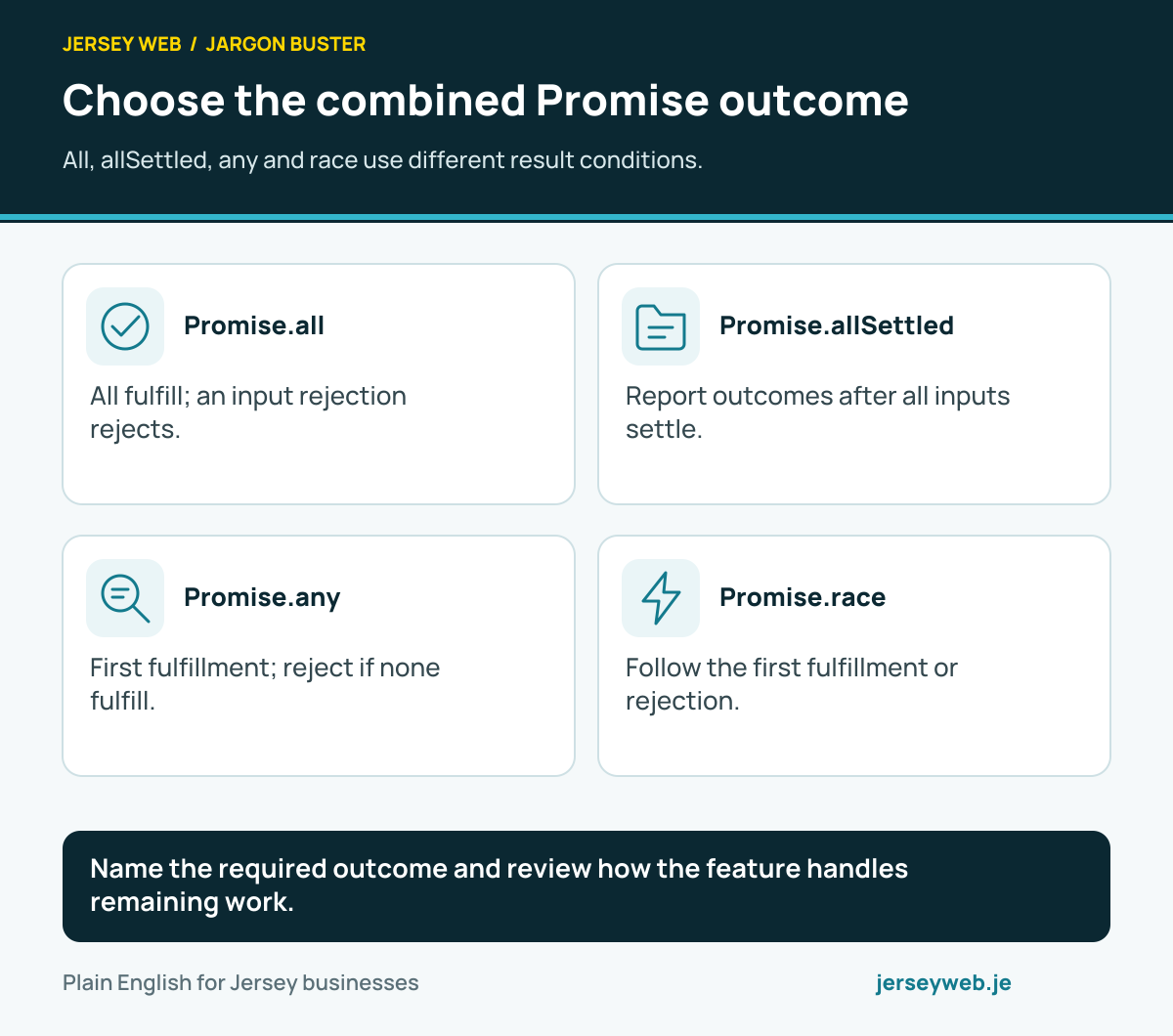
Choose the combined Promise outcome
All, allSettled, any and race use different result conditions.
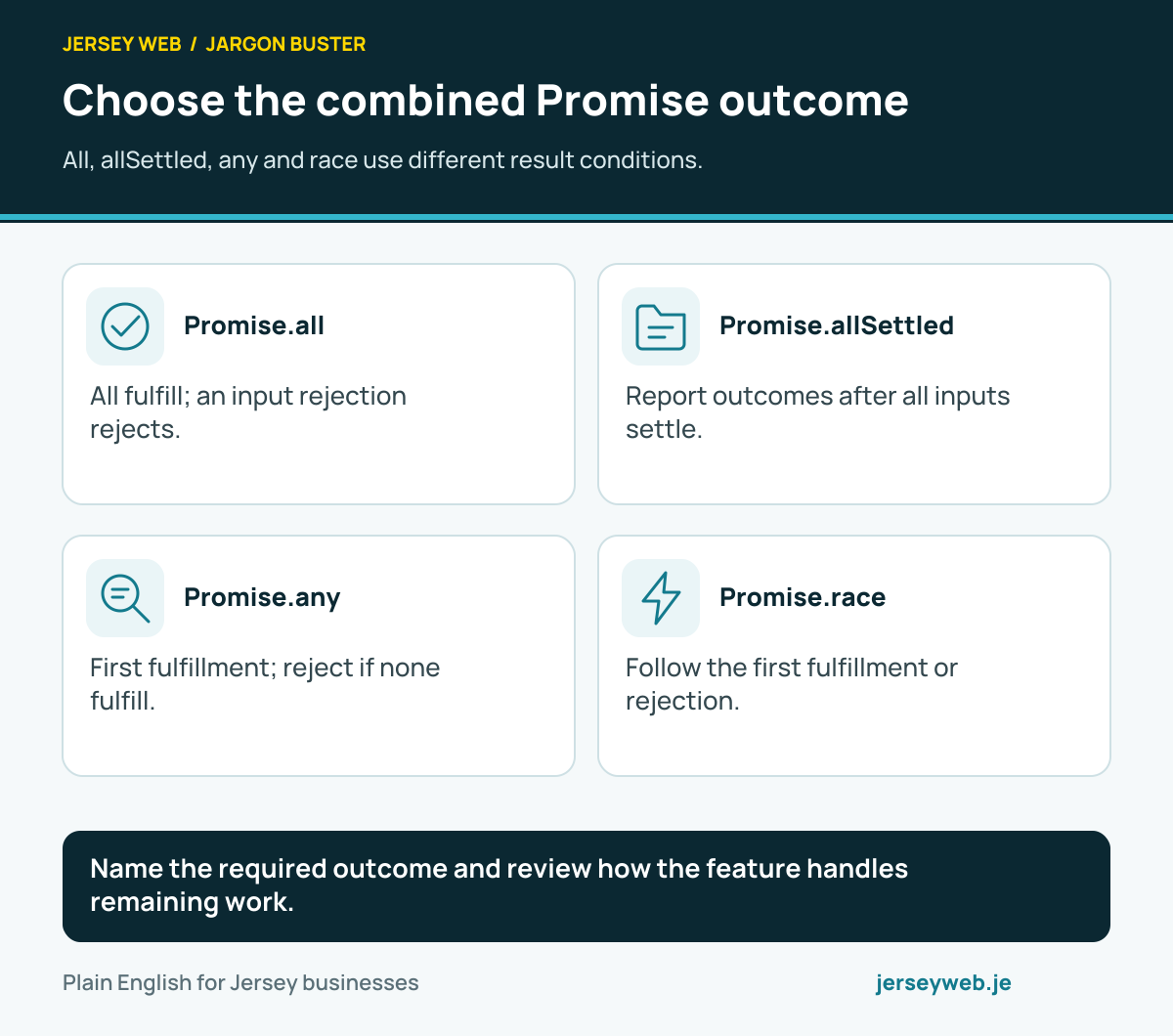
Name the required outcome and review how the feature handles remaining work.
Read the diagram in text
- Promise.all. All fulfill; an input rejection rejects.
- Promise.allSettled. Report outcomes after all inputs settle.
- Promise.any. First fulfillment; reject if none fulfill.
- Promise.race. Follow the first fulfillment or rejection.
Read the definitions: Promise · Promise all · Promise all settled · Promise any · Promise race · Async/await
Check what the Fetch response means
A fulfilled fetch is separate from a successful business task.
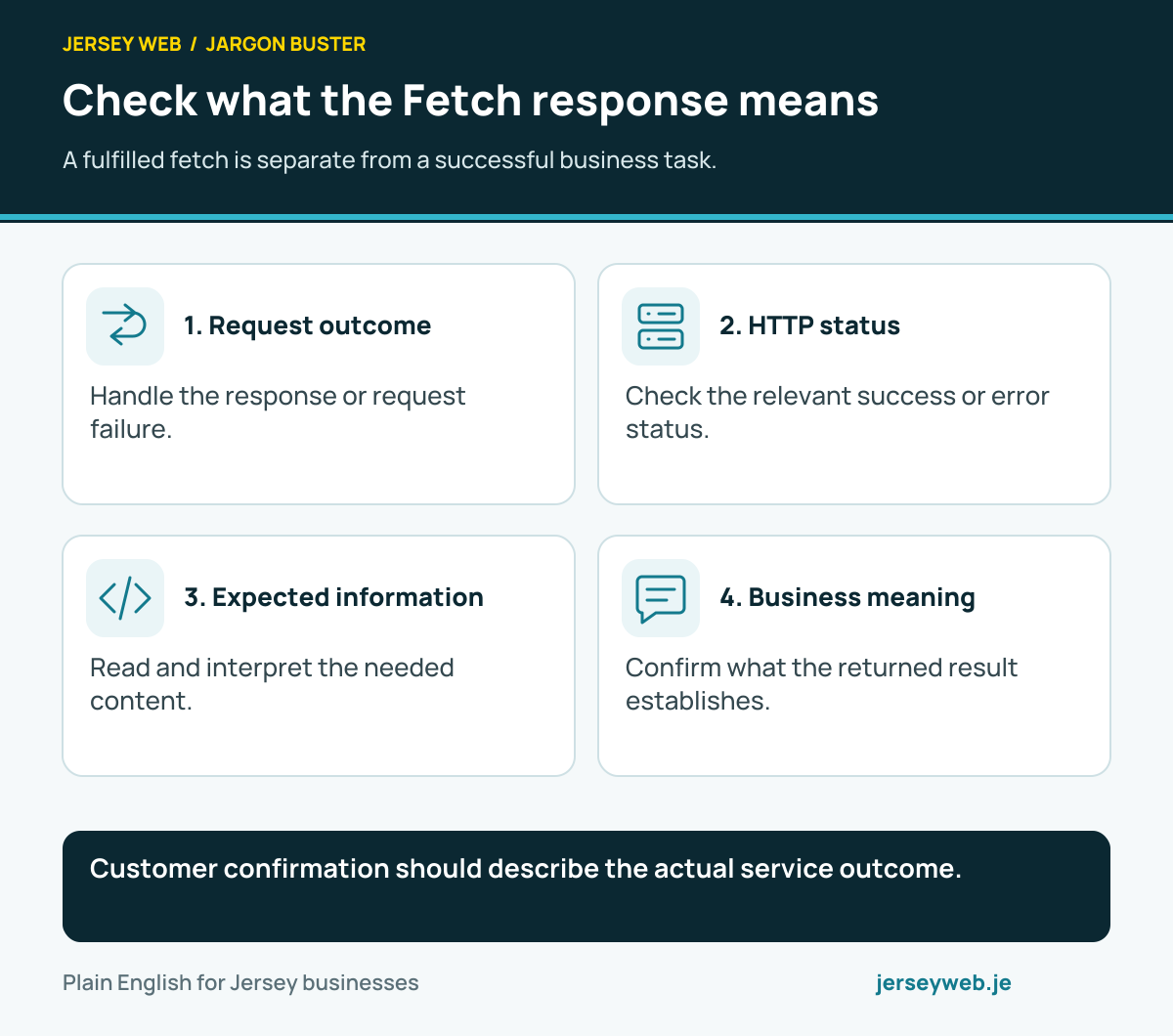
Customer confirmation should describe the actual service outcome.
Read the diagram in text
- Request outcome. Handle the response or request failure.
- HTTP status. Check the relevant success or error status.
- Expected information. Read and interpret the needed content.
- Business meaning. Confirm what the returned result establishes.
Read the definitions: Fetch API · Fetch response OK · Fetch response JSON · Promise · HTTP response
State what request cancellation does
Review the operation, its signal and the receiving system’s state.
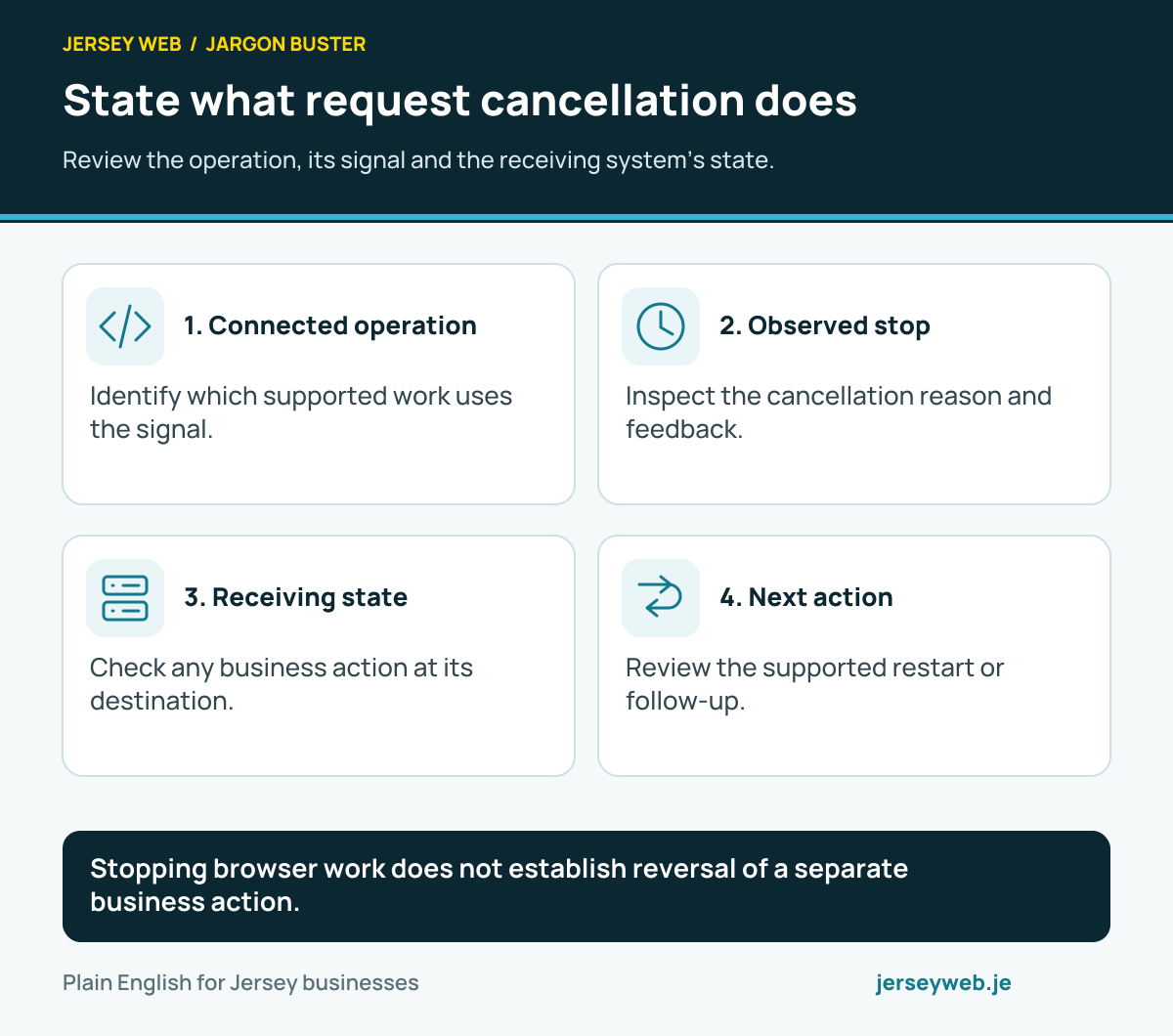
Stopping browser work does not establish reversal of a separate business action.
Read the diagram in text
- Connected operation. Identify which supported work uses the signal.
- Observed stop. Inspect the cancellation reason and feedback.
- Receiving state. Check any business action at its destination.
- Next action. Review the supported restart or follow-up.
Read the definitions: AbortController · AbortSignal · Abort reason · Fetch API · Abort signal timeout
Identify what the browser observes
Intersection, size and document changes describe different conditions.
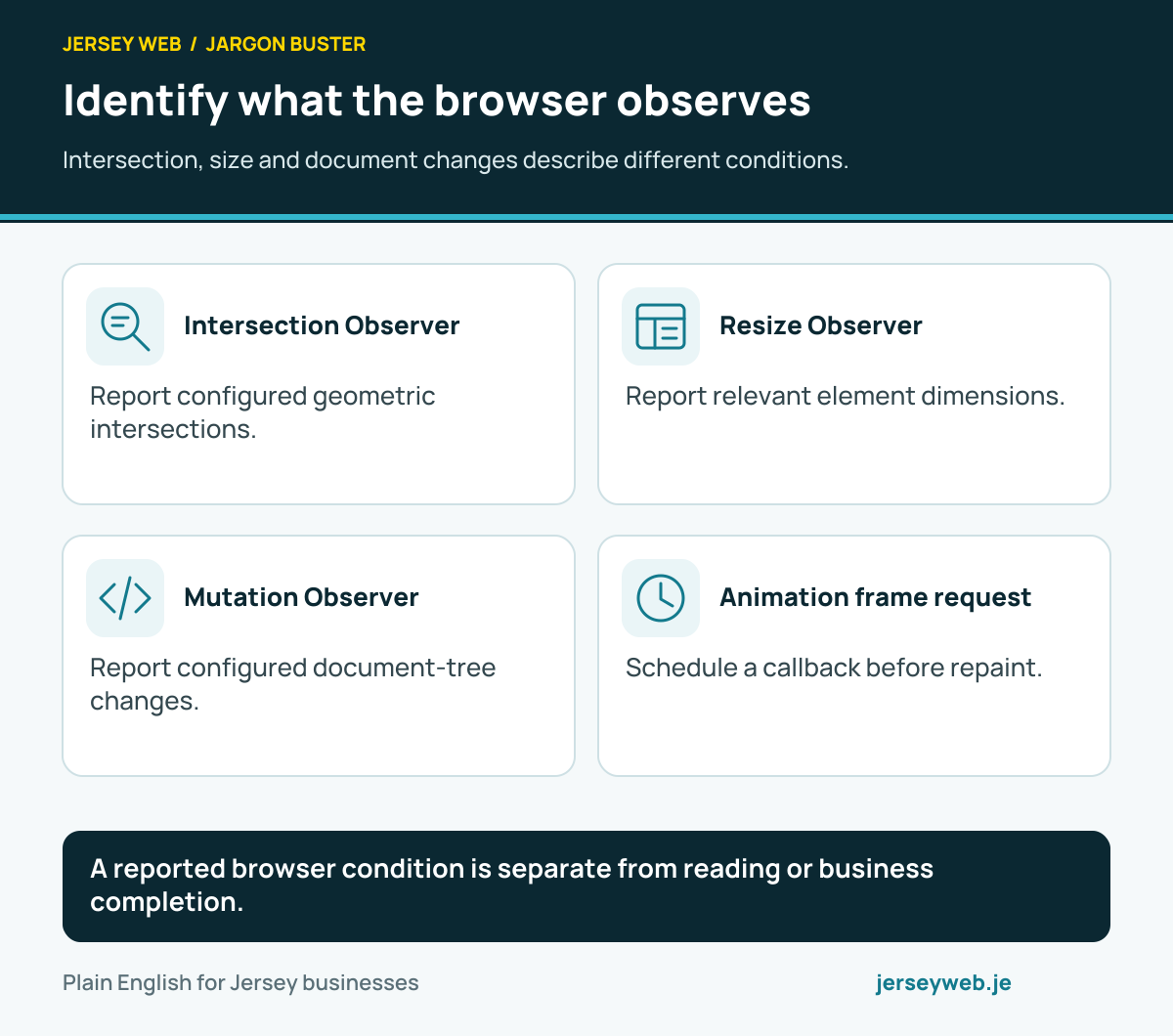
A reported browser condition is separate from reading or business completion.
Read the diagram in text
- Intersection Observer. Report configured geometric intersections.
- Resize Observer. Report relevant element dimensions.
- Mutation Observer. Report configured document-tree changes.
- Animation frame request. Schedule a callback before repaint.
Read the definitions: Intersection Observer · Resize Observer · Mutation Observer · Request animation frame · DOM
Review what happens after the trigger
Connect a detected condition with understandable content and actions.
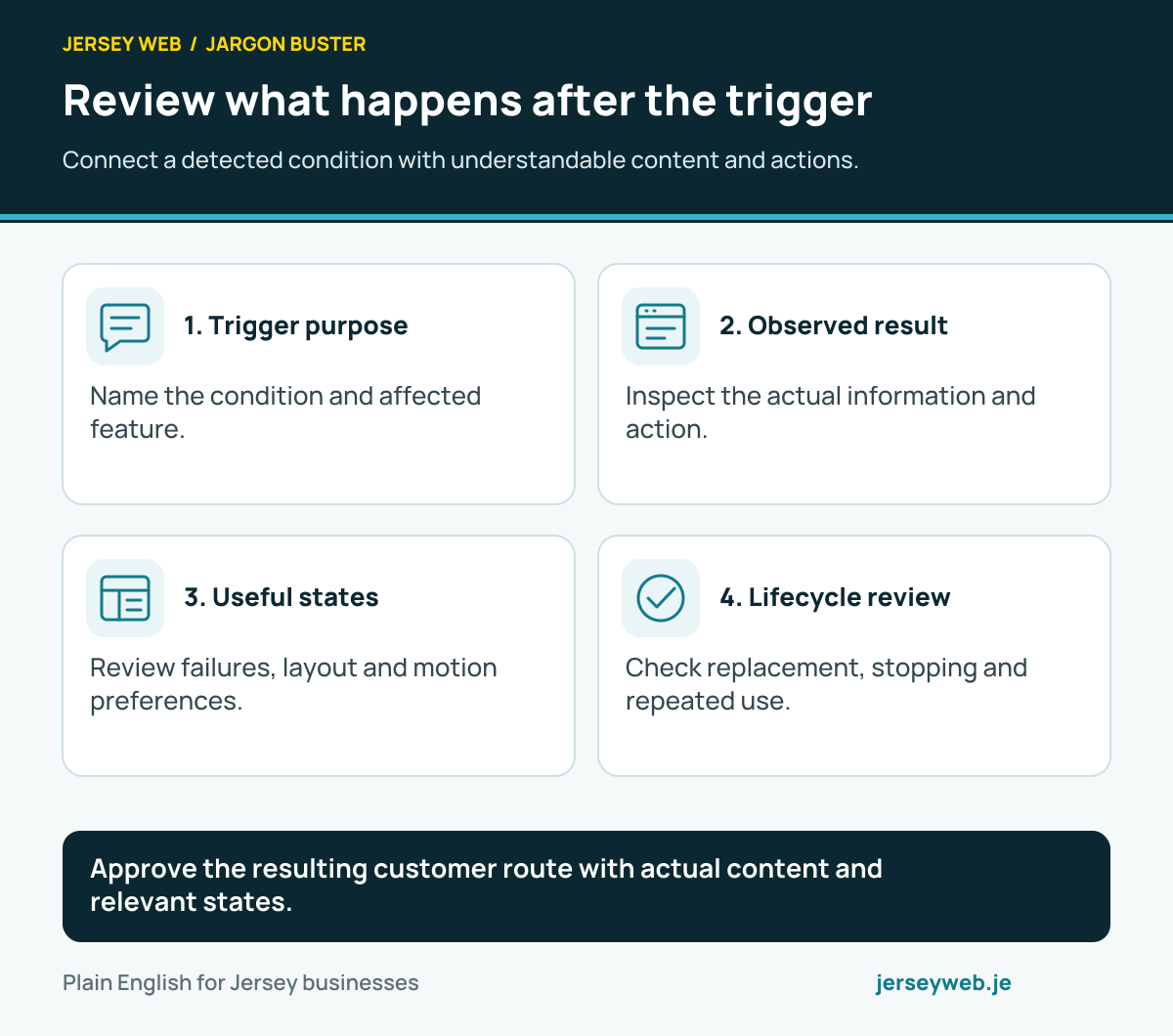
Approve the resulting customer route with actual content and relevant states.
Read the diagram in text
- Trigger purpose. Name the condition and affected feature.
- Observed result. Inspect the actual information and action.
- Useful states. Review failures, layout and motion preferences.
- Lifecycle review. Check replacement, stopping and repeated use.
Read the definitions: Intersection Observer · Resize Observer · Mutation Observer · Request animation frame · Reduced motion
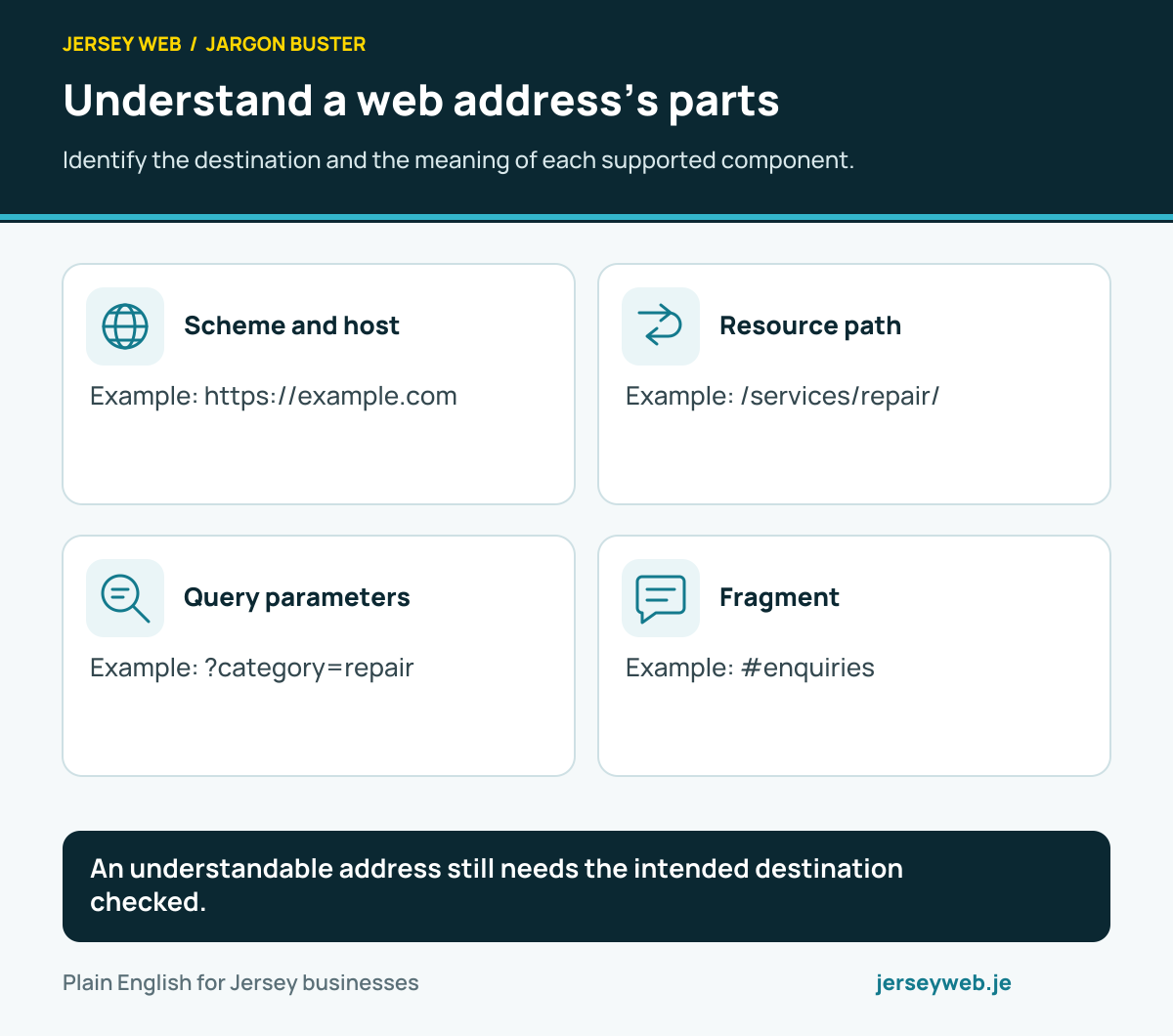
Understand a web address’s parts
Identify the destination and the meaning of each supported component.
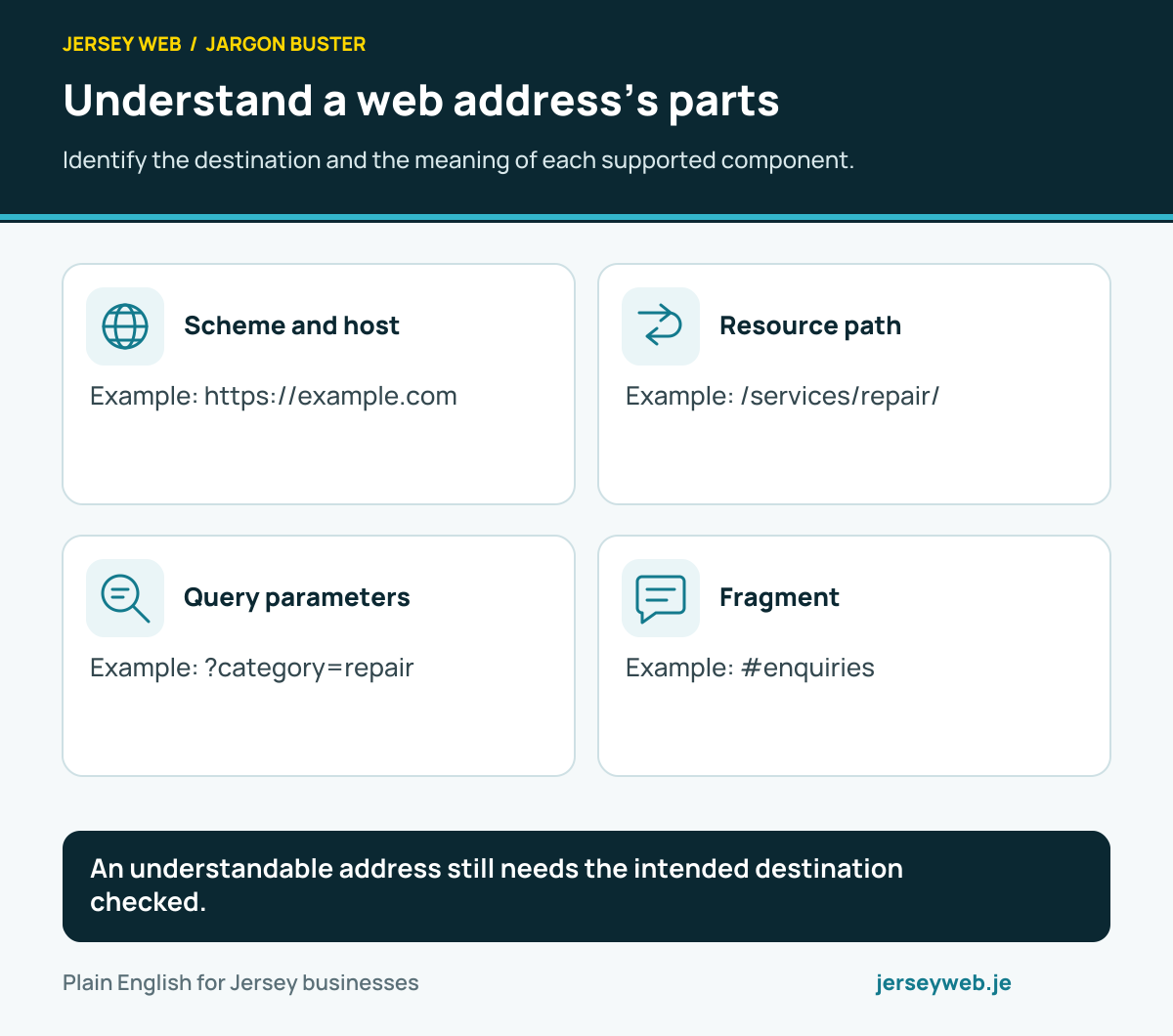
An understandable address still needs the intended destination checked.
Read the diagram in text
- Scheme and host. Example: https://example.com
- Resource path. Example: /services/repair/
- Query parameters. Example: ?category=repair
- Fragment. Example: #enquiries
Read the definitions: URL · Domain name · URL pathname · Query string · URL fragment · URLSearchParams
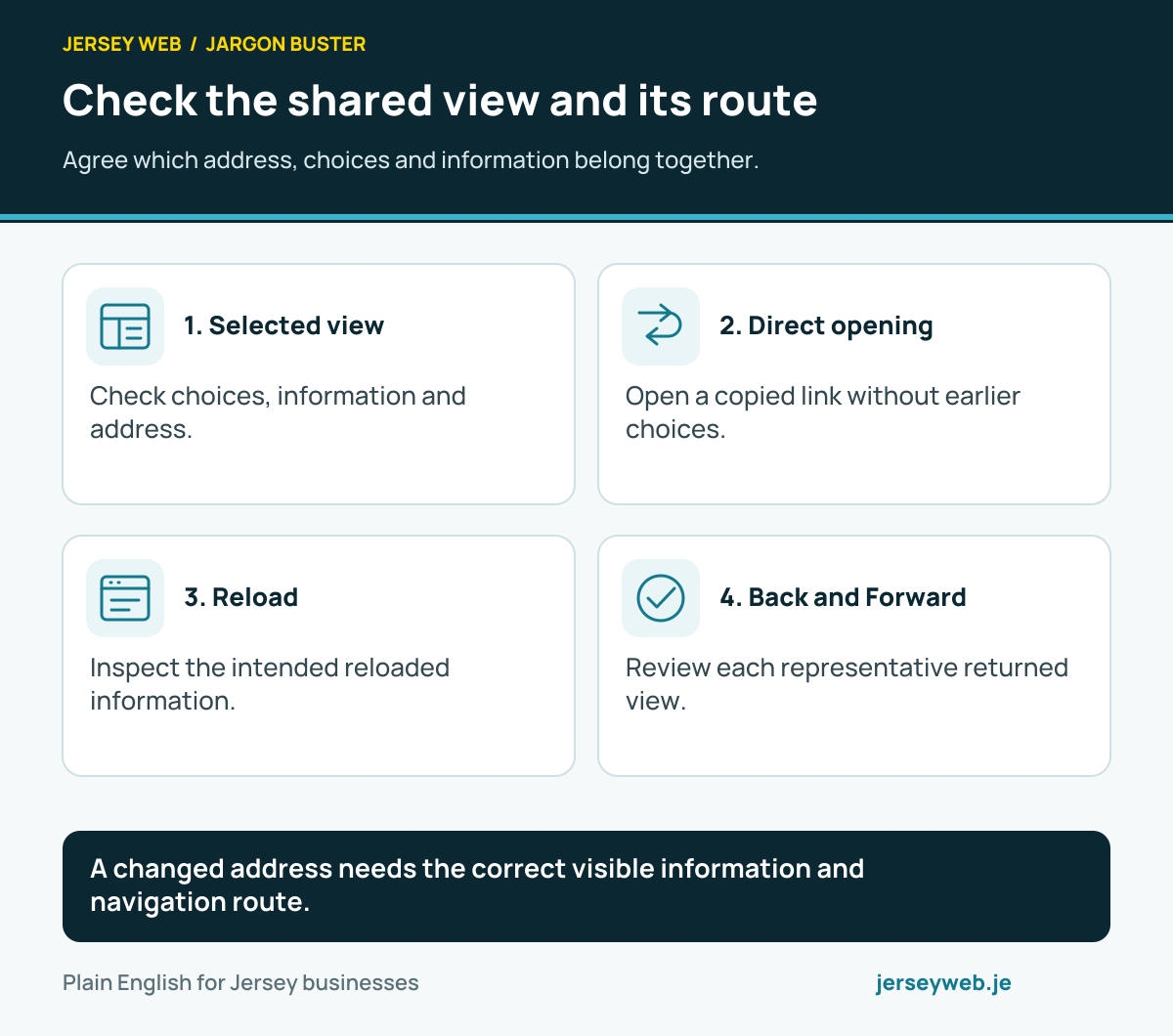
Check the shared view and its route
Agree which address, choices and information belong together.
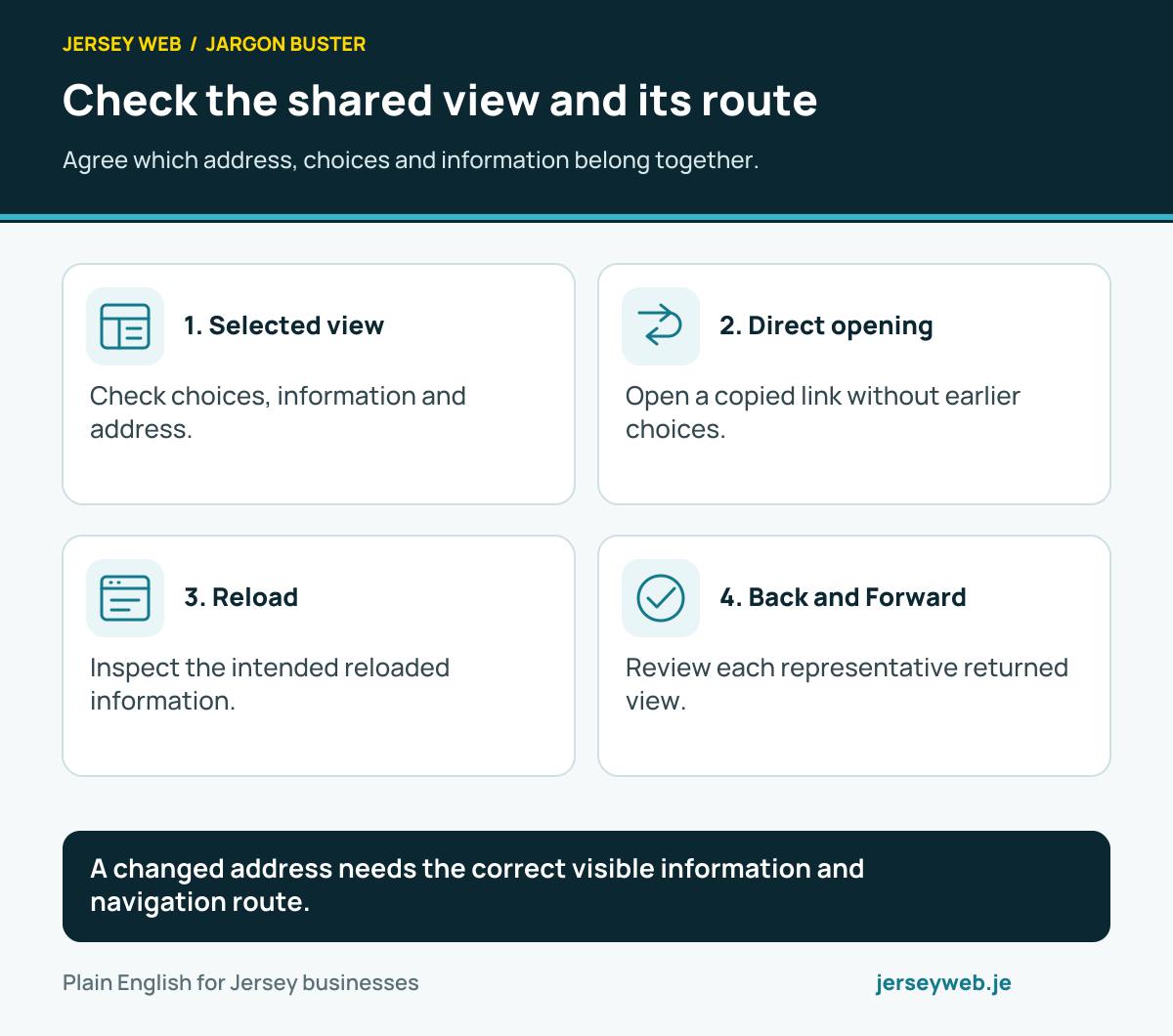
A changed address needs the correct visible information and navigation route.
Read the diagram in text
- Selected view. Check choices, information and address.
- Direct opening. Open a copied link without earlier choices.
- Reload. Inspect the intended reloaded information.
- Back and Forward. Review each representative returned view.
Read the definitions: History API · URLSearchParams · URL · History push state · History replace state · Popstate event
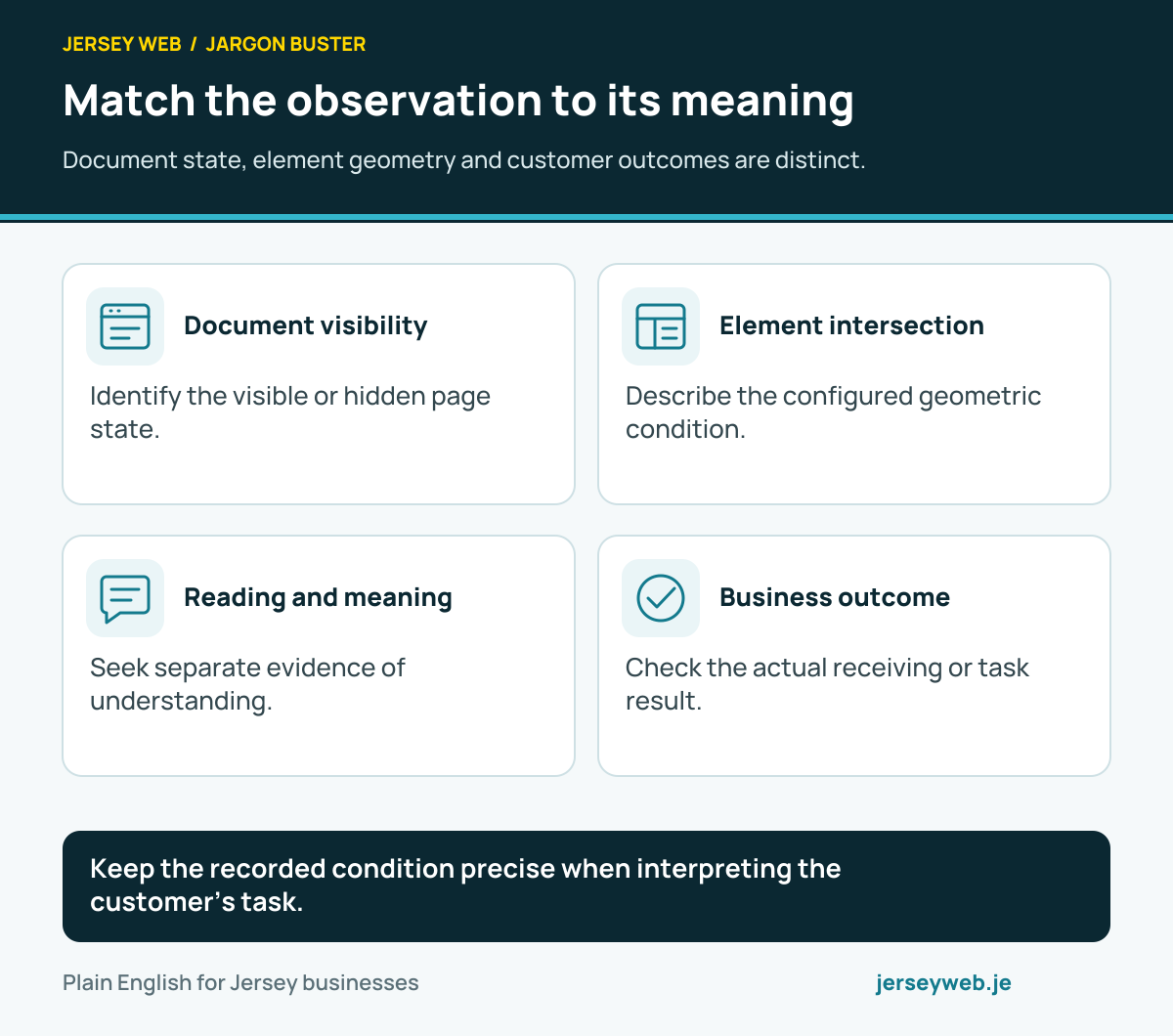
Match the observation to its meaning
Document state, element geometry and customer outcomes are distinct.
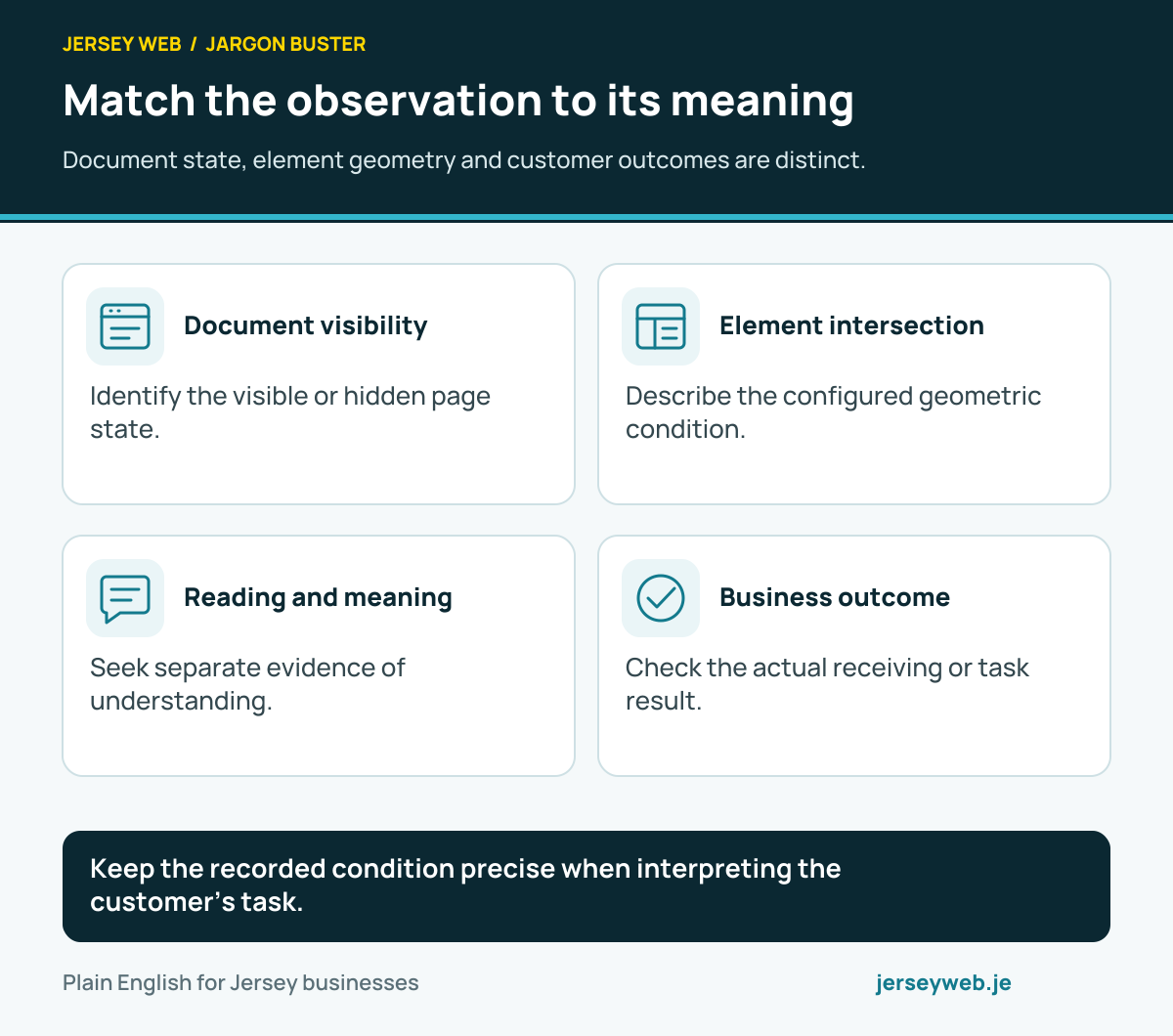
Keep the recorded condition precise when interpreting the customer’s task.
Read the diagram in text
- Document visibility. Identify the visible or hidden page state.
- Element intersection. Describe the configured geometric condition.
- Reading and meaning. Seek separate evidence of understanding.
- Business outcome. Check the actual receiving or task result.
Read the definitions: Page Visibility API · Document visibility state · Intersection Observer · Intersection ratio · Conversion tracking
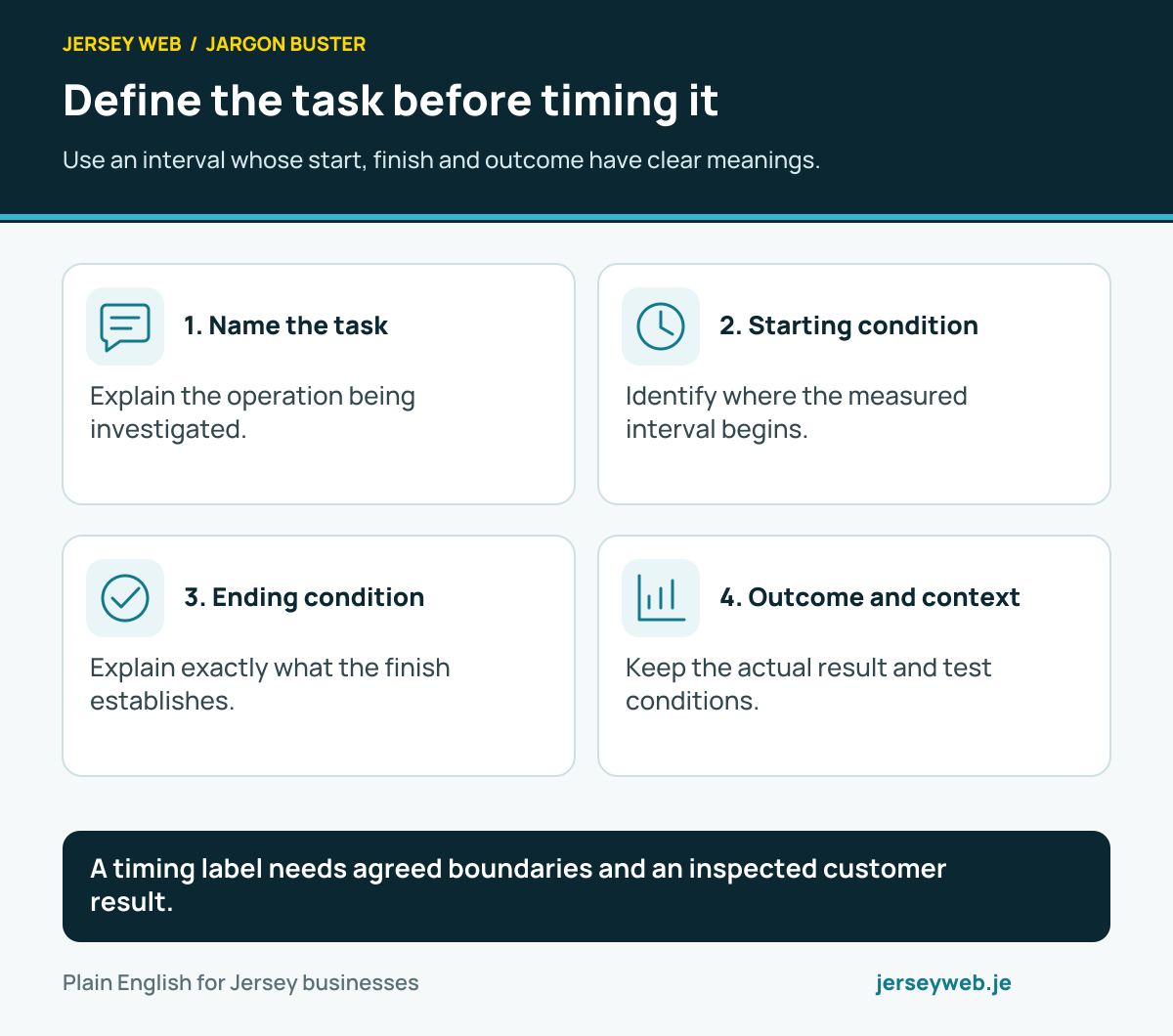
Define the task before timing it
Use an interval whose start, finish and outcome have clear meanings.
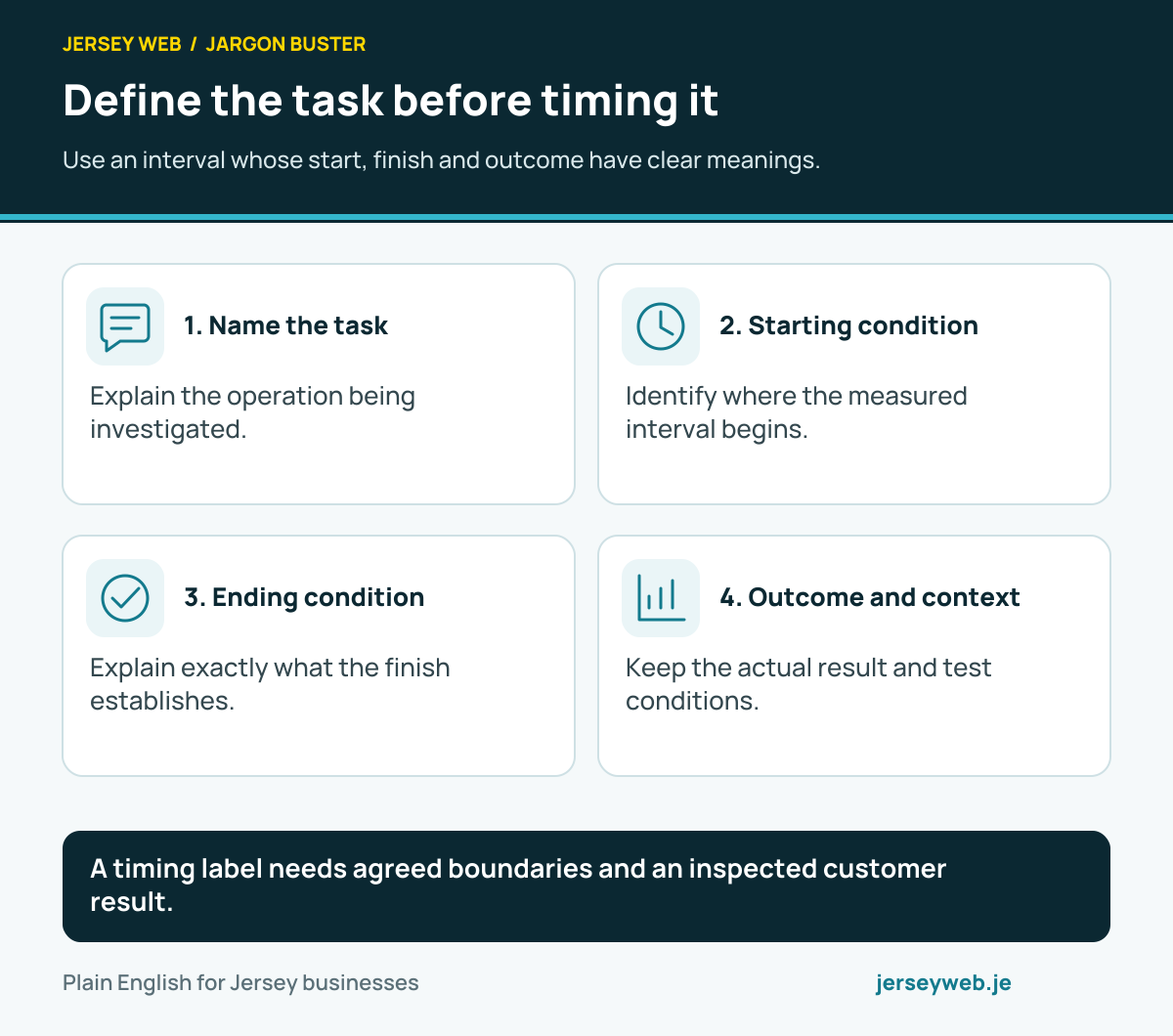
A timing label needs agreed boundaries and an inspected customer result.
Read the diagram in text
- Name the task. Explain the operation being investigated.
- Starting condition. Identify where the measured interval begins.
- Ending condition. Explain exactly what the finish establishes.
- Outcome and context. Keep the actual result and test conditions.
Read the definitions: User Timing API · Performance API · Performance mark · Performance measure · Performance Observer
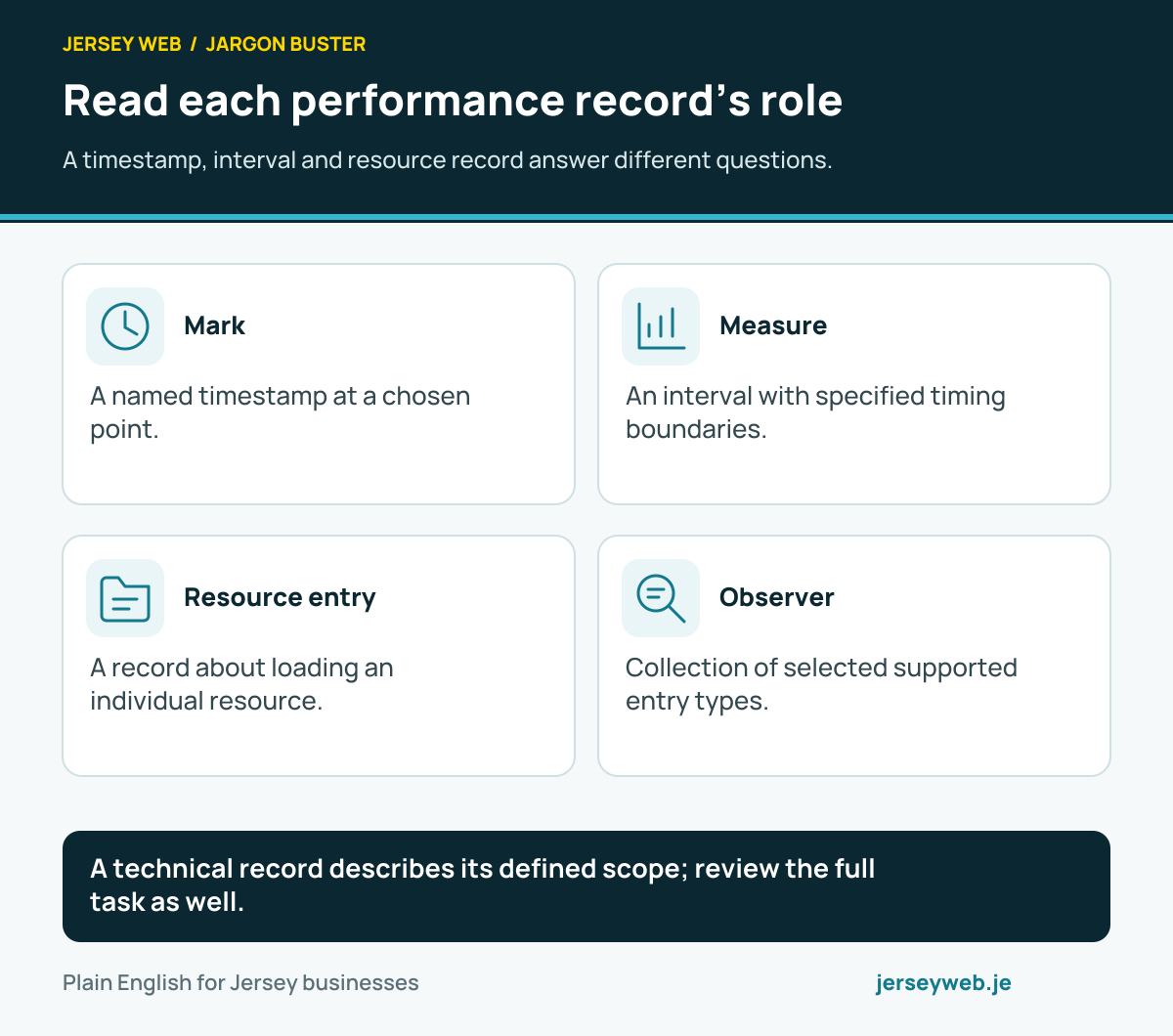
Read each performance record’s role
A timestamp, interval and resource record answer different questions.
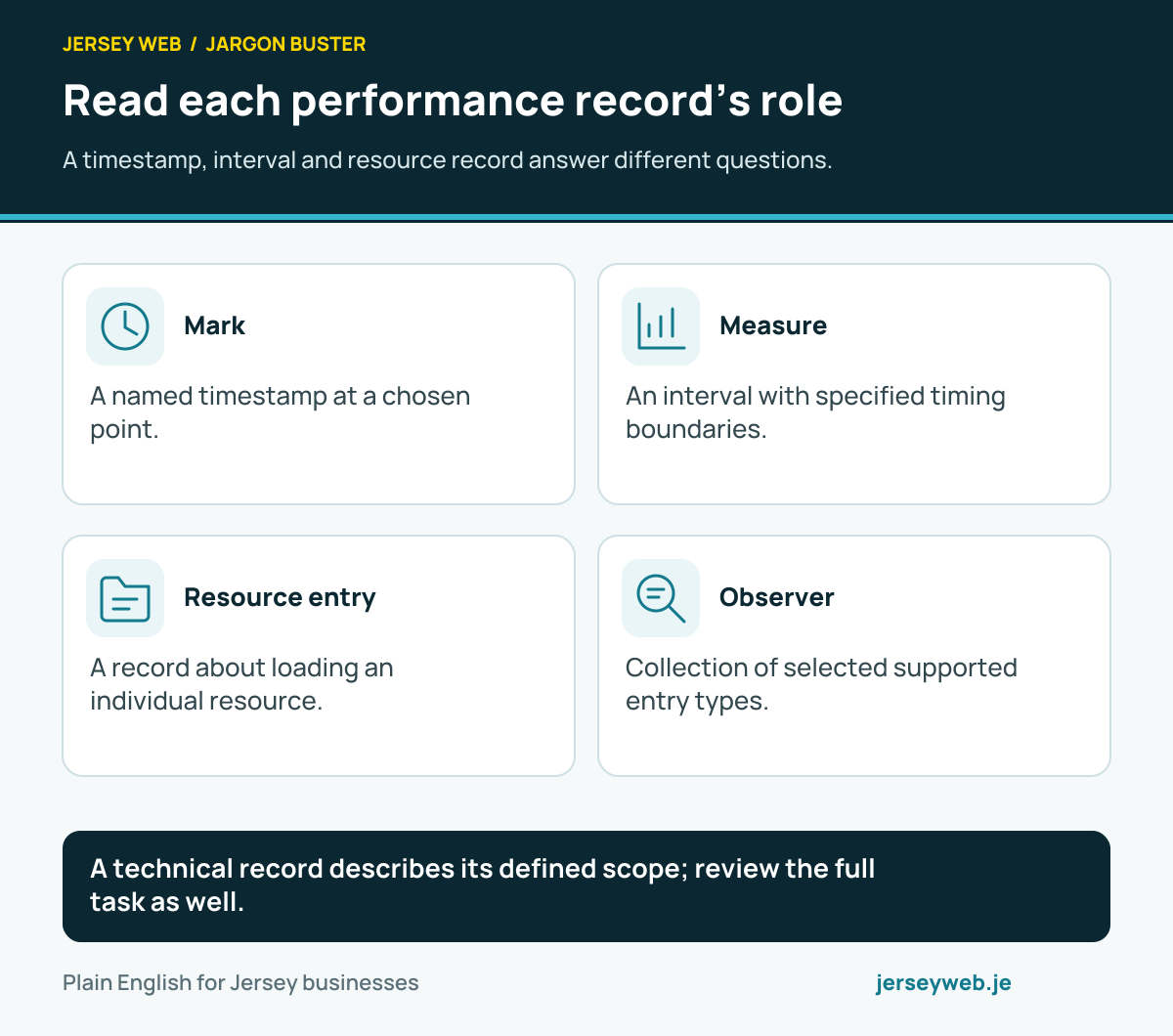
A technical record describes its defined scope; review the full task as well.
Read the diagram in text
- Mark. A named timestamp at a chosen point.
- Measure. An interval with specified timing boundaries.
- Resource entry. A record about loading an individual resource.
- Observer. Collection of selected supported entry types.
Read the definitions: Performance API · Performance entry · Performance mark · Performance measure · Resource Timing API · Performance Observer
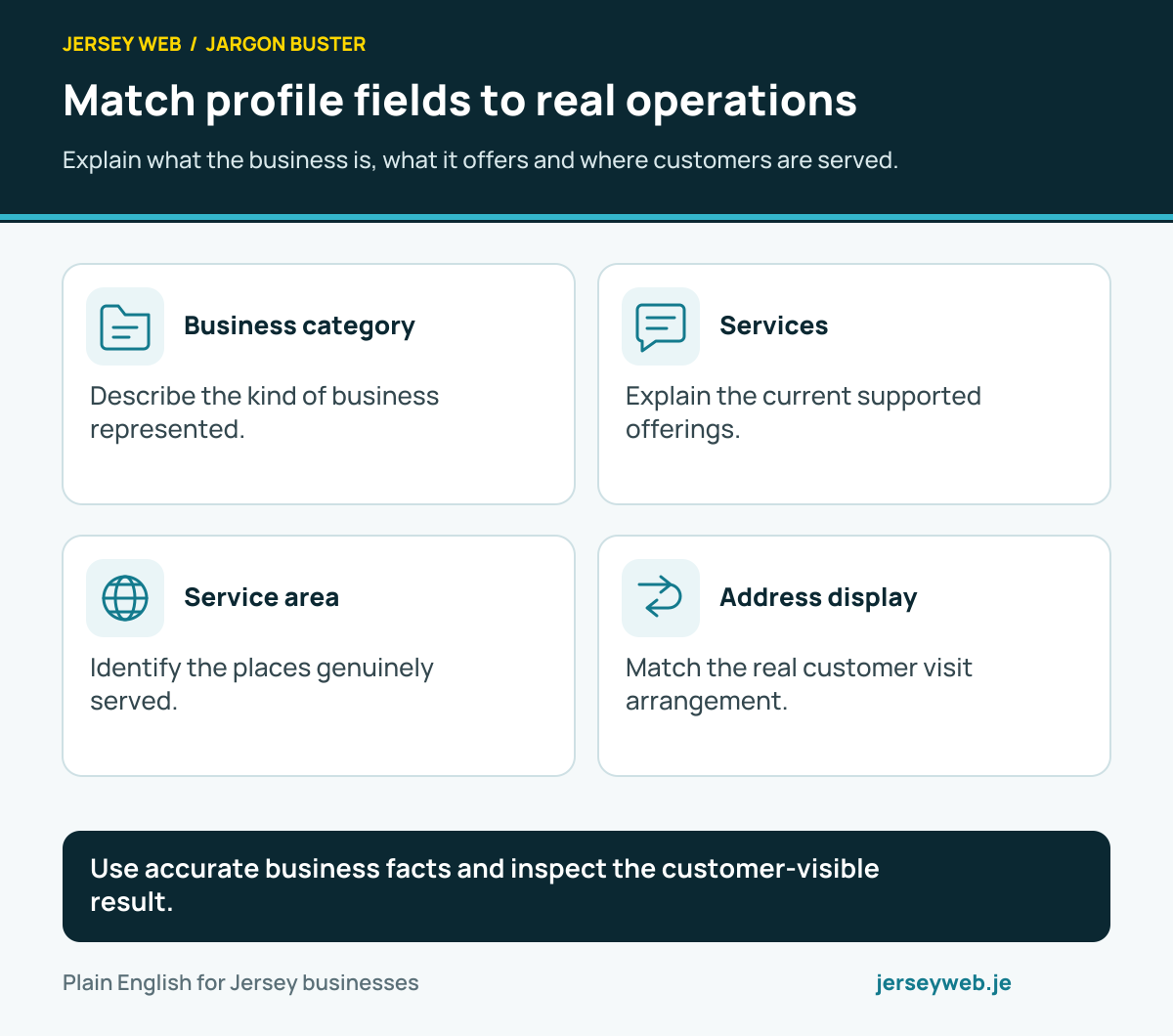
Match profile fields to real operations
Explain what the business is, what it offers and where customers are served.
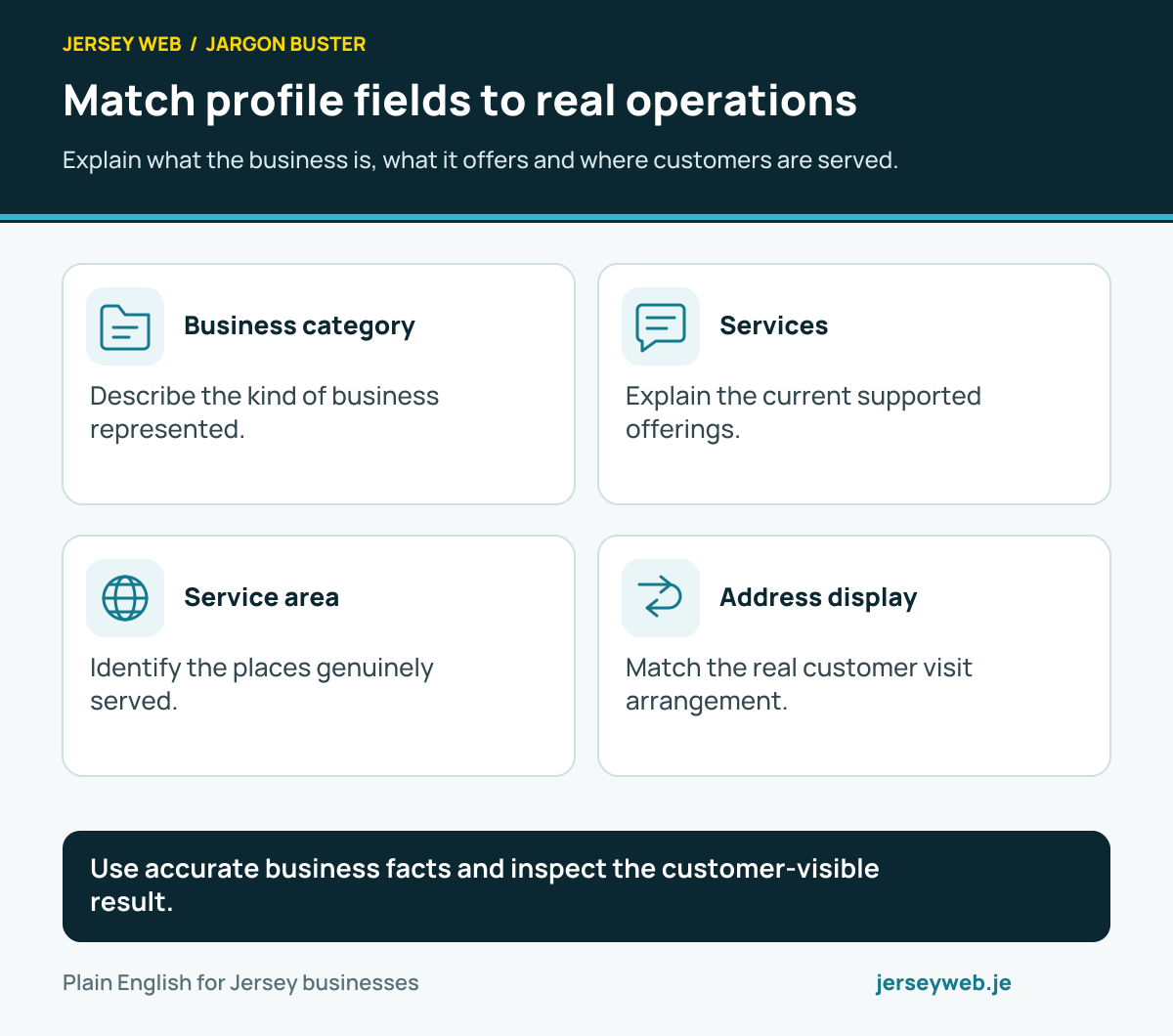
Use accurate business facts and inspect the customer-visible result.
Read the diagram in text
- Business category. Describe the kind of business represented.
- Services. Explain the current supported offerings.
- Service area. Identify the places genuinely served.
- Address display. Match the real customer visit arrangement.
Read the definitions: Google Business Profile category · Service-area business · Google Business Profile · Business Profile services · Business service area · Hybrid business
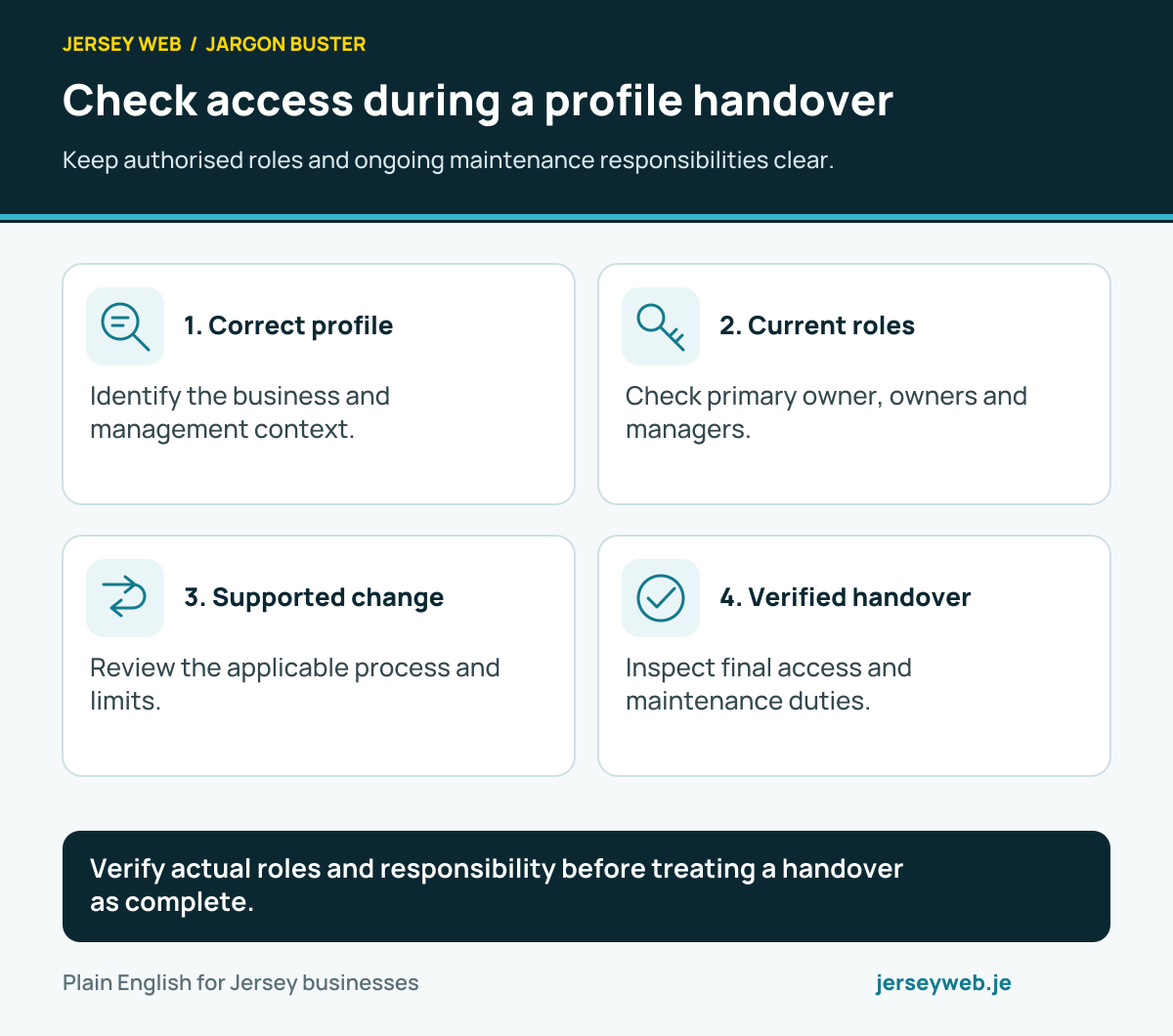
Check access during a profile handover
Keep authorised roles and ongoing maintenance responsibilities clear.
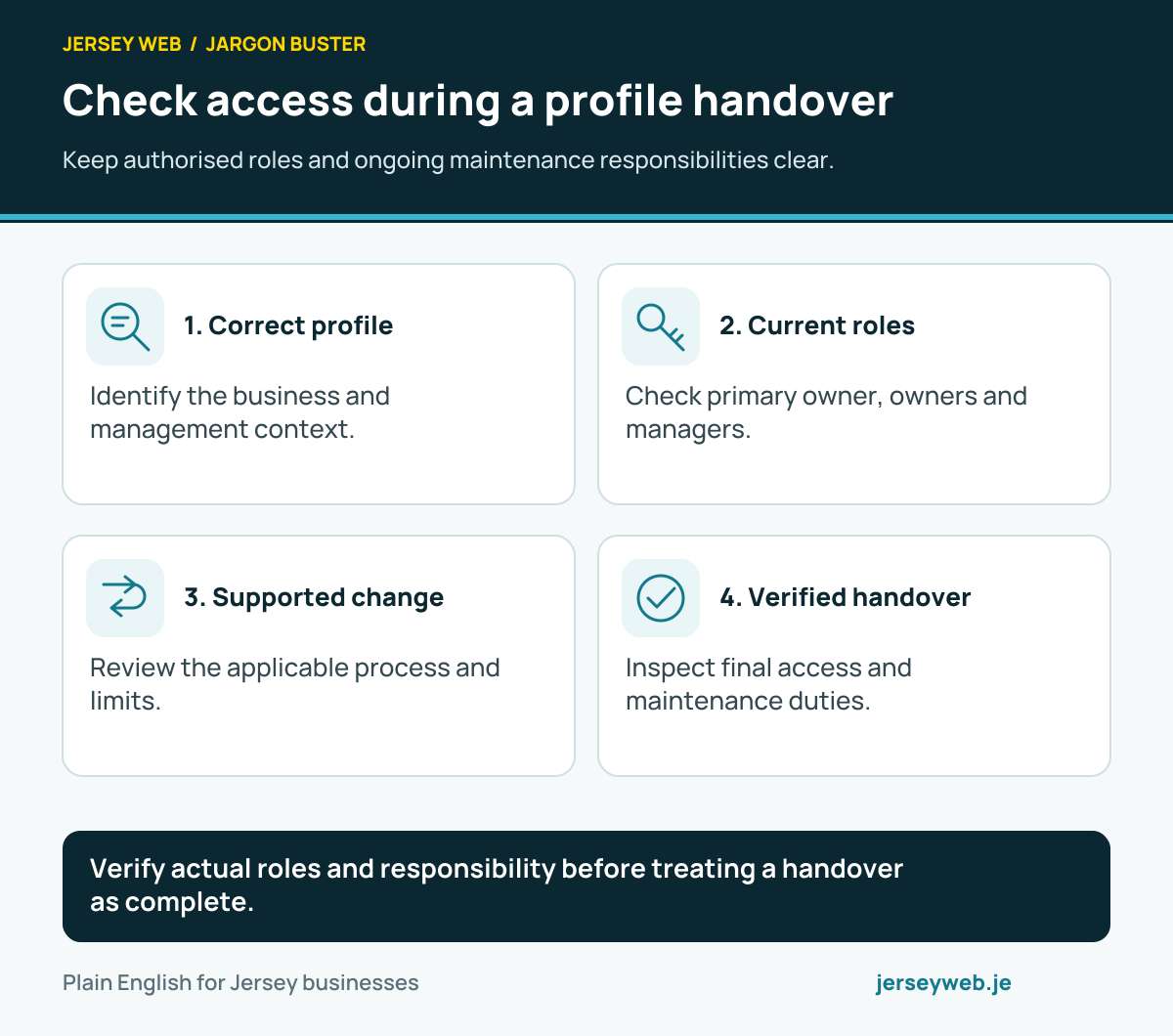
Verify actual roles and responsibility before treating a handover as complete.
Read the diagram in text
- Correct profile. Identify the business and management context.
- Current roles. Check primary owner, owners and managers.
- Supported change. Review the applicable process and limits.
- Verified handover. Inspect final access and maintenance duties.
Read the definitions: Business Profile ownership · Business Profile primary owner · Business Profile manager · Google Business Profile
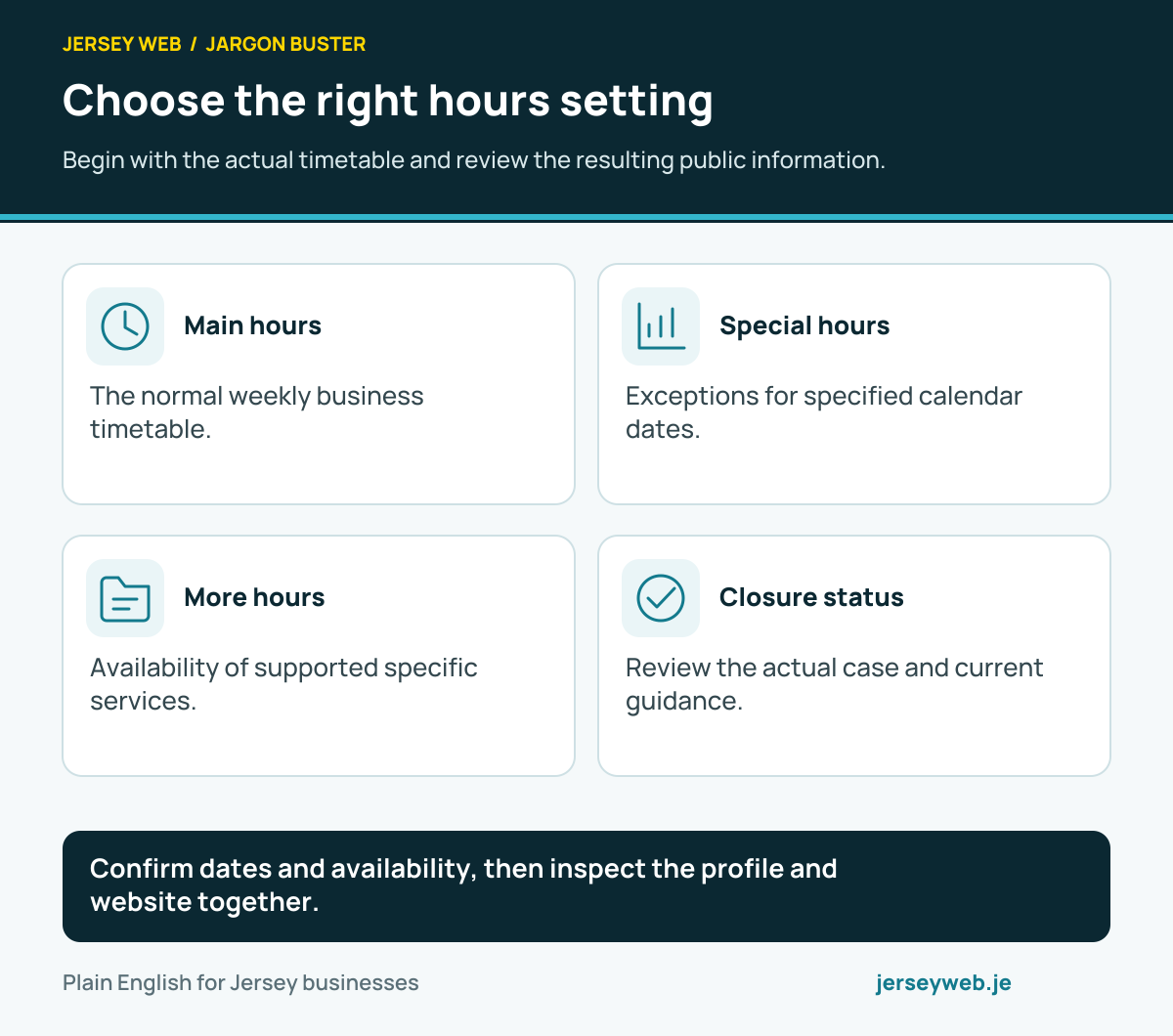
Choose the right hours setting
Begin with the actual timetable and review the resulting public information.
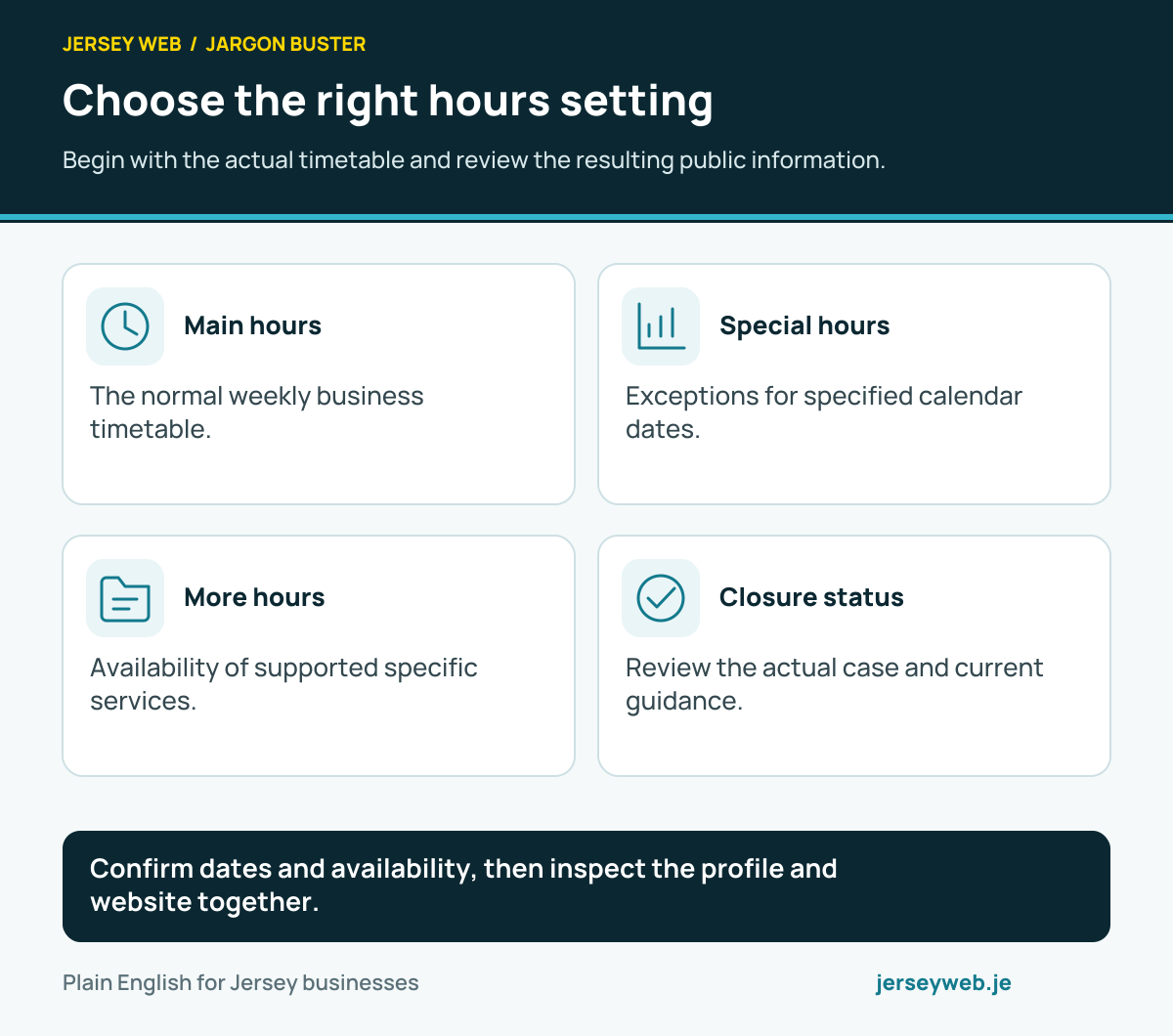
Confirm dates and availability, then inspect the profile and website together.
Read the diagram in text
- Main hours. The normal weekly business timetable.
- Special hours. Exceptions for specified calendar dates.
- More hours. Availability of supported specific services.
- Closure status. Review the actual case and current guidance.
Read the definitions: Special opening hours · Business main hours · Business More hours · Business temporarily closed · Google Business Profile
Understand the report before acting
Keep the business question and relevant reporting conditions together.
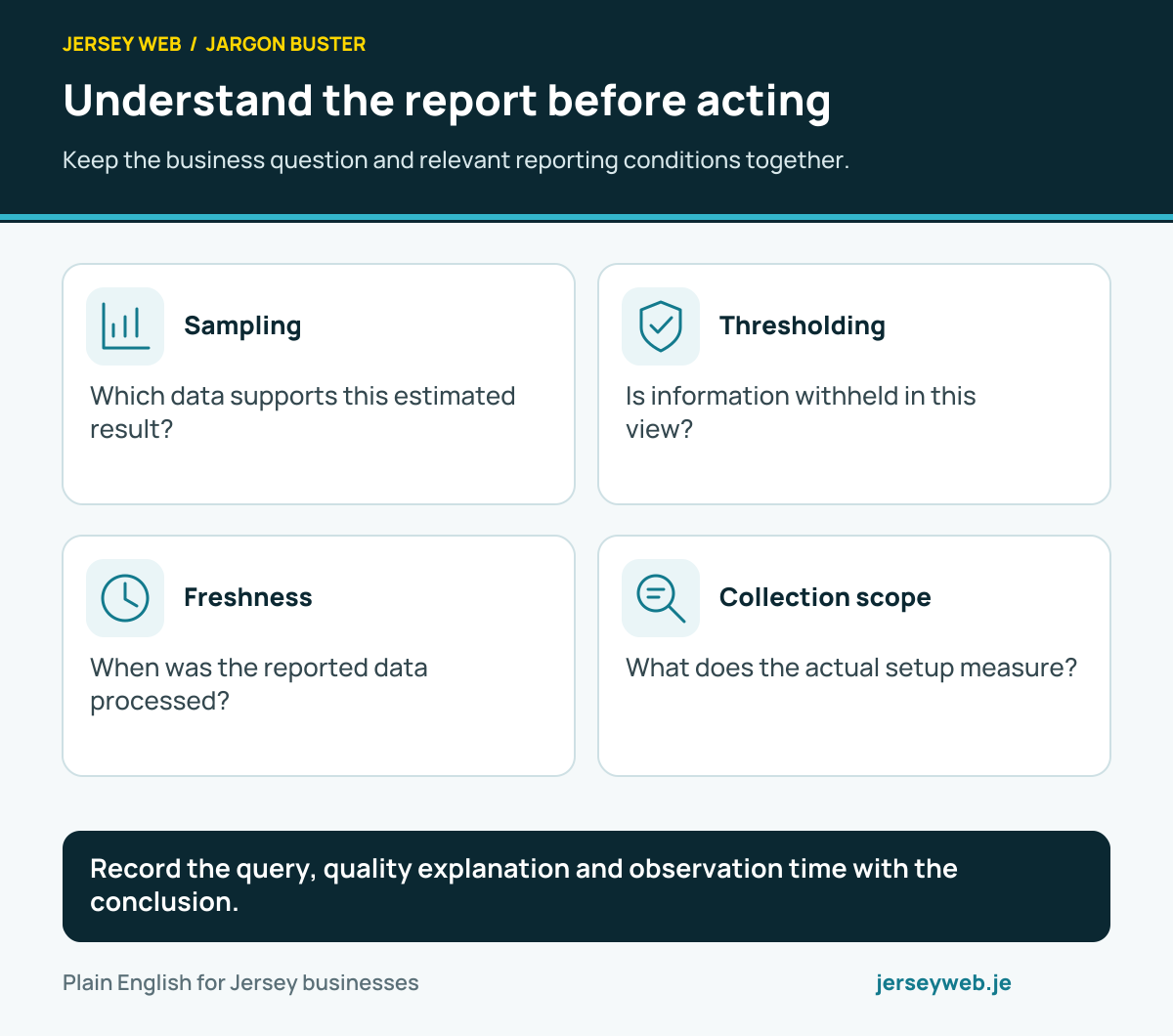
Record the query, quality explanation and observation time with the conclusion.
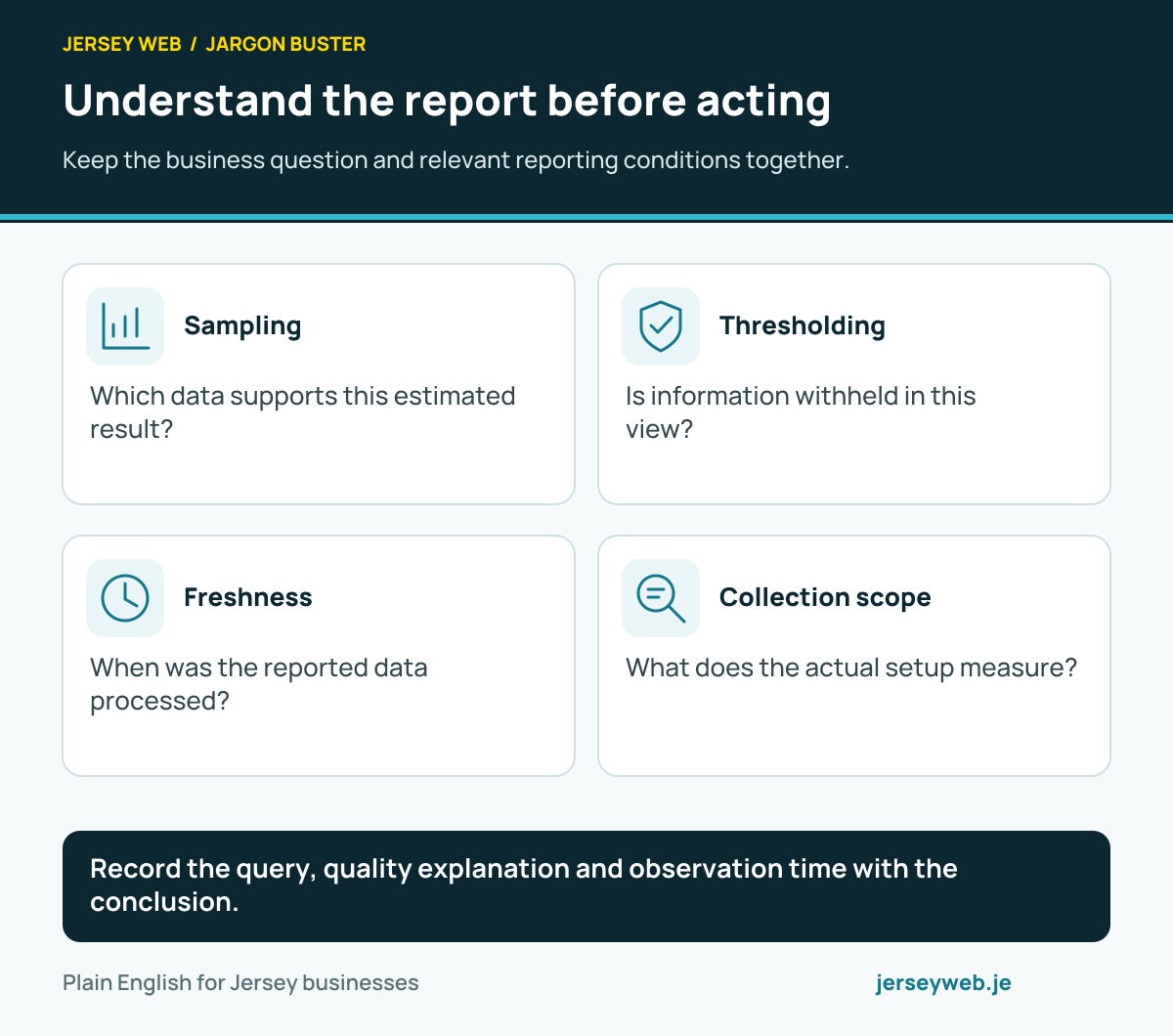
Read the diagram in text
- Sampling. Which data supports this estimated result?
- Thresholding. Is information withheld in this view?
- Freshness. When was the reported data processed?
- Collection scope. What does the actual setup measure?
Read the definitions: Data sampling · Data thresholding · Data freshness · Analytics data quality indicator · Google Analytics
Review retention against the purpose
Check the property, reporting surface and available history before promising analysis.
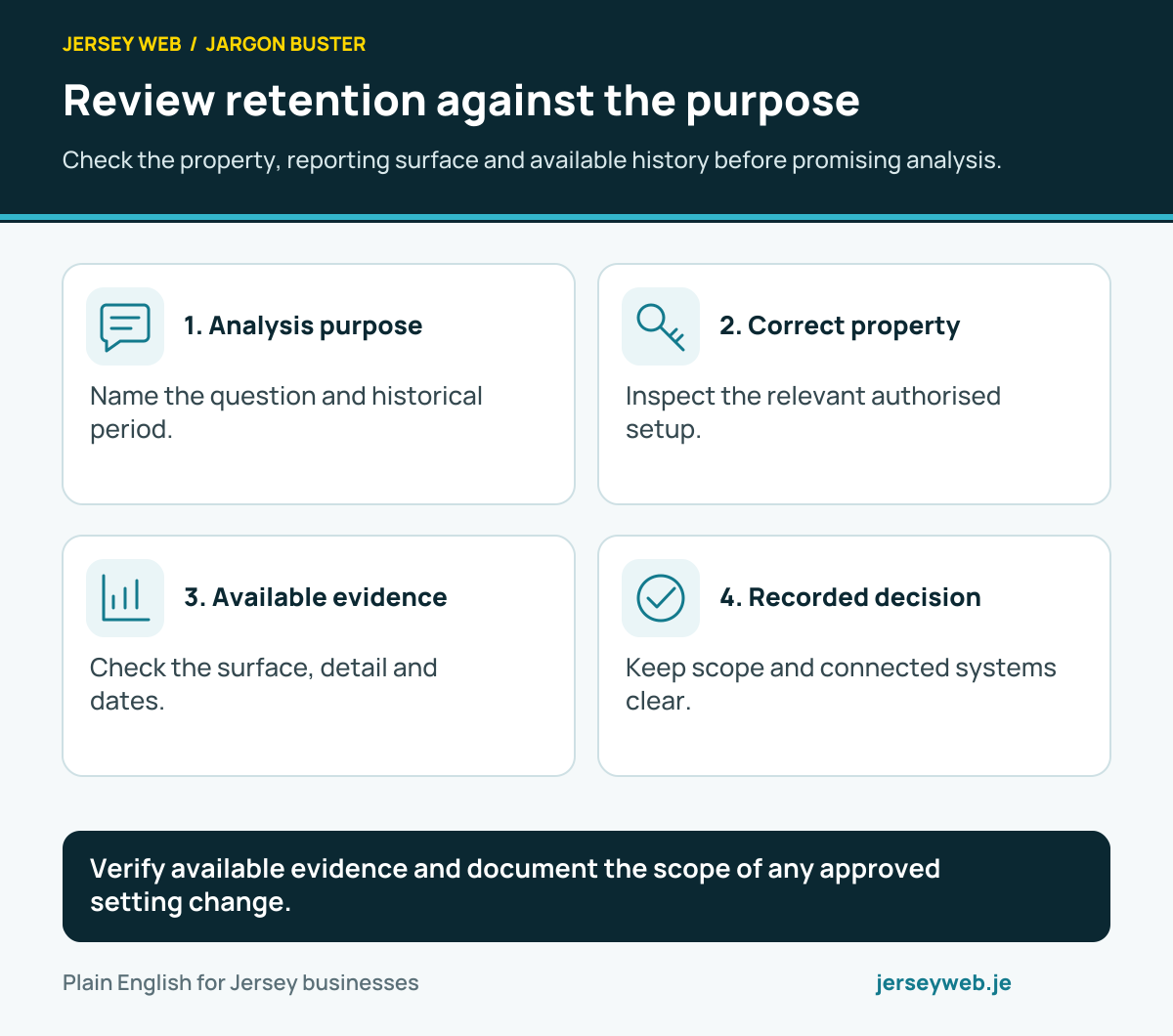
Verify available evidence and document the scope of any approved setting change.
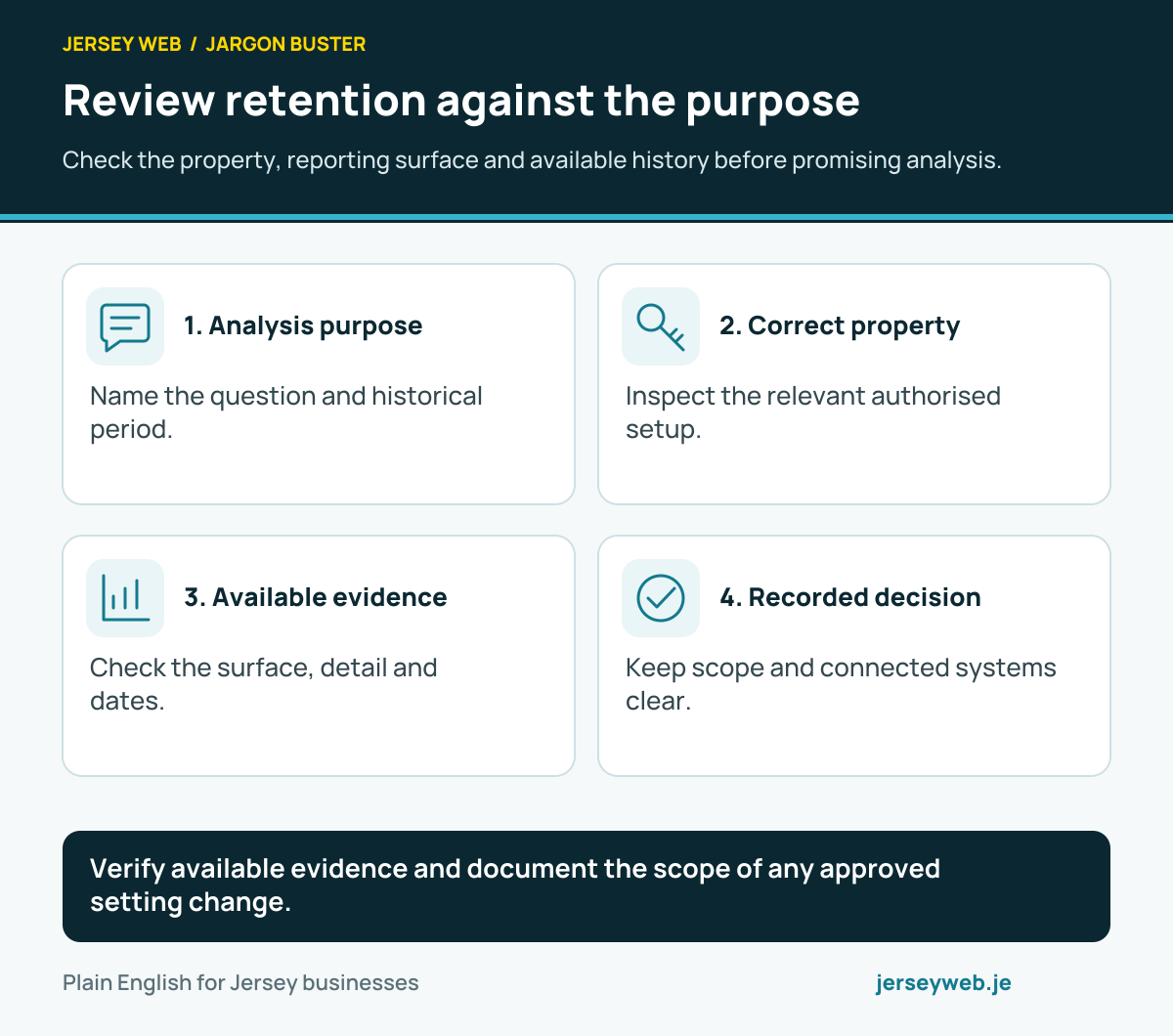
Read the diagram in text
- Analysis purpose. Name the question and historical period.
- Correct property. Inspect the relevant authorised setup.
- Available evidence. Check the surface, detail and dates.
- Recorded decision. Keep scope and connected systems clear.
Read the definitions: Google Analytics retention · Data retention · Analytics property · Funnel exploration
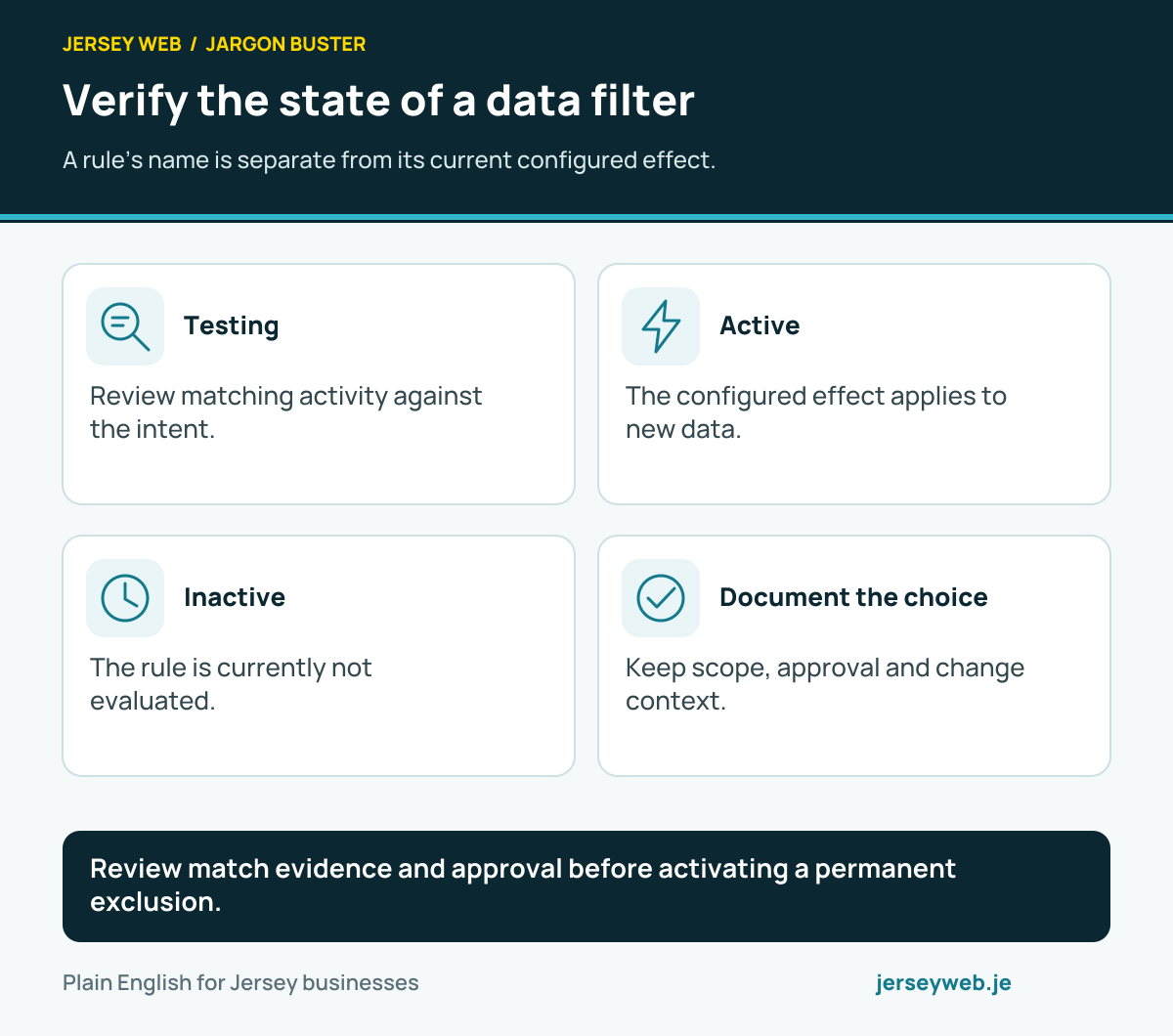
Verify the state of a data filter
A rule’s name is separate from its current configured effect.
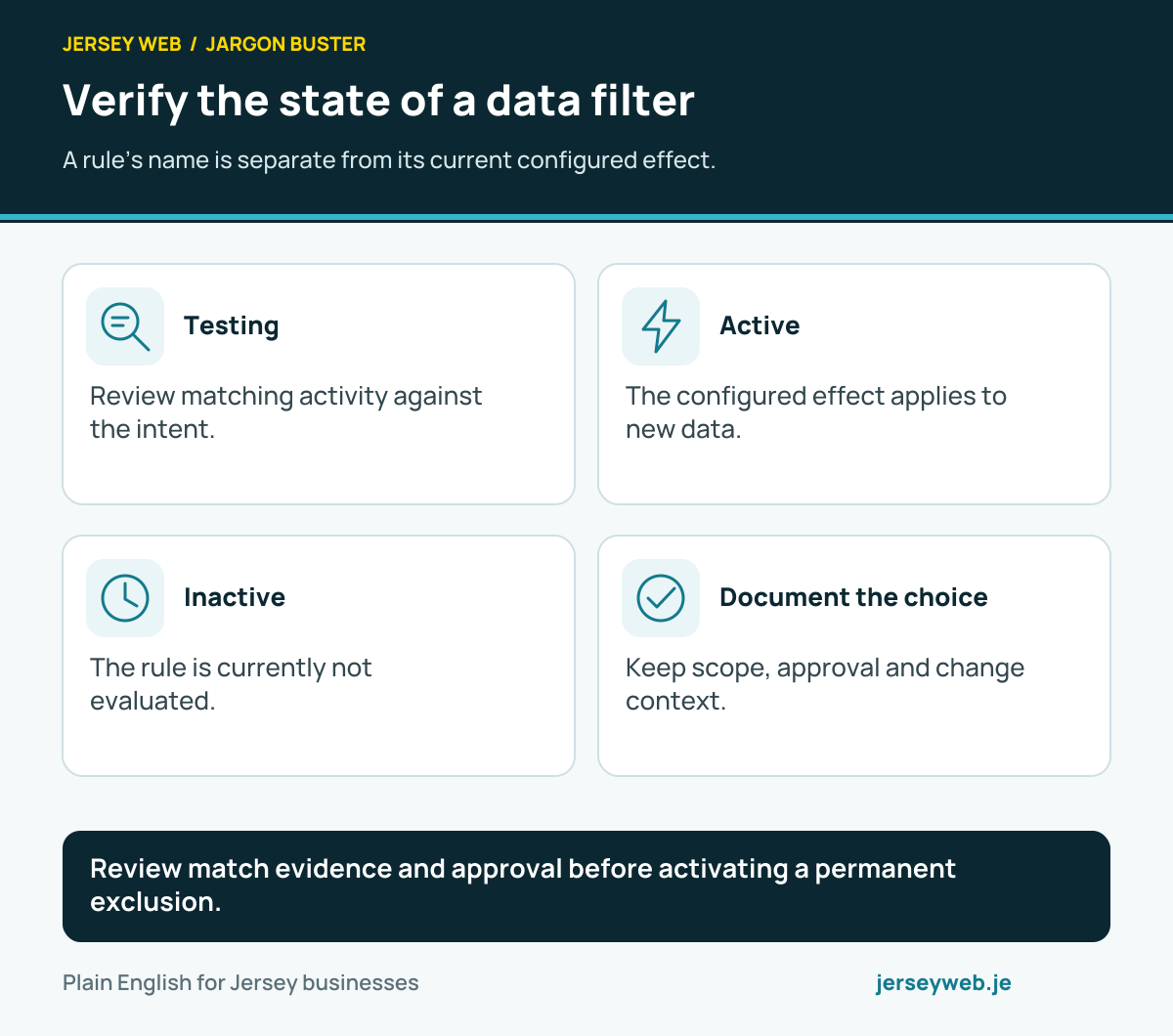
Review match evidence and approval before activating a permanent exclusion.
Read the diagram in text
- Testing. Review matching activity against the intent.
- Active. The configured effect applies to new data.
- Inactive. The rule is currently not evaluated.
- Document the choice. Keep scope, approval and change context.
Read the definitions: Analytics data filter · Analytics filter testing · Analytics filter active · Analytics filter inactive · Analytics internal traffic · Analytics developer traffic
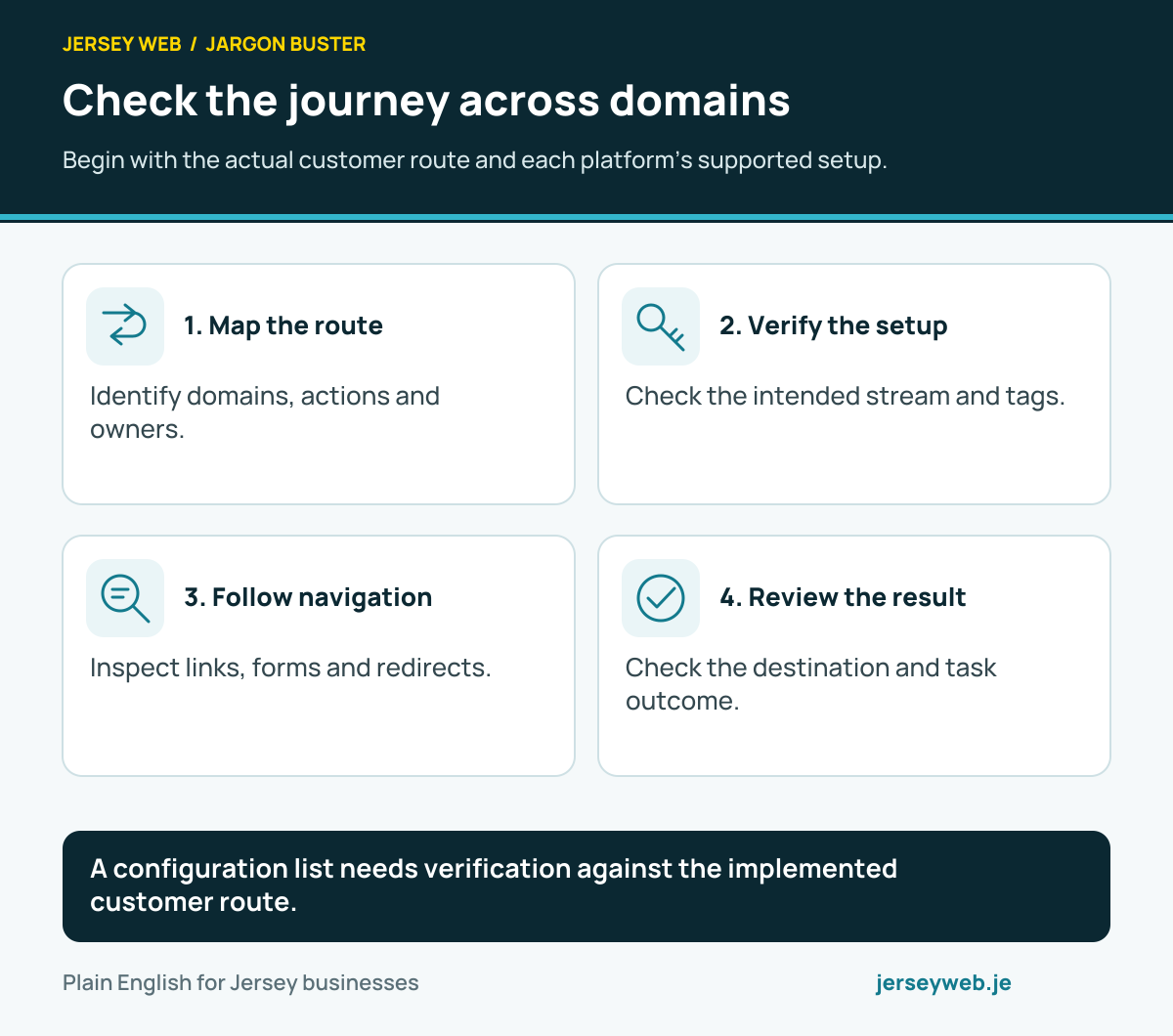
Check the journey across domains
Begin with the actual customer route and each platform’s supported setup.
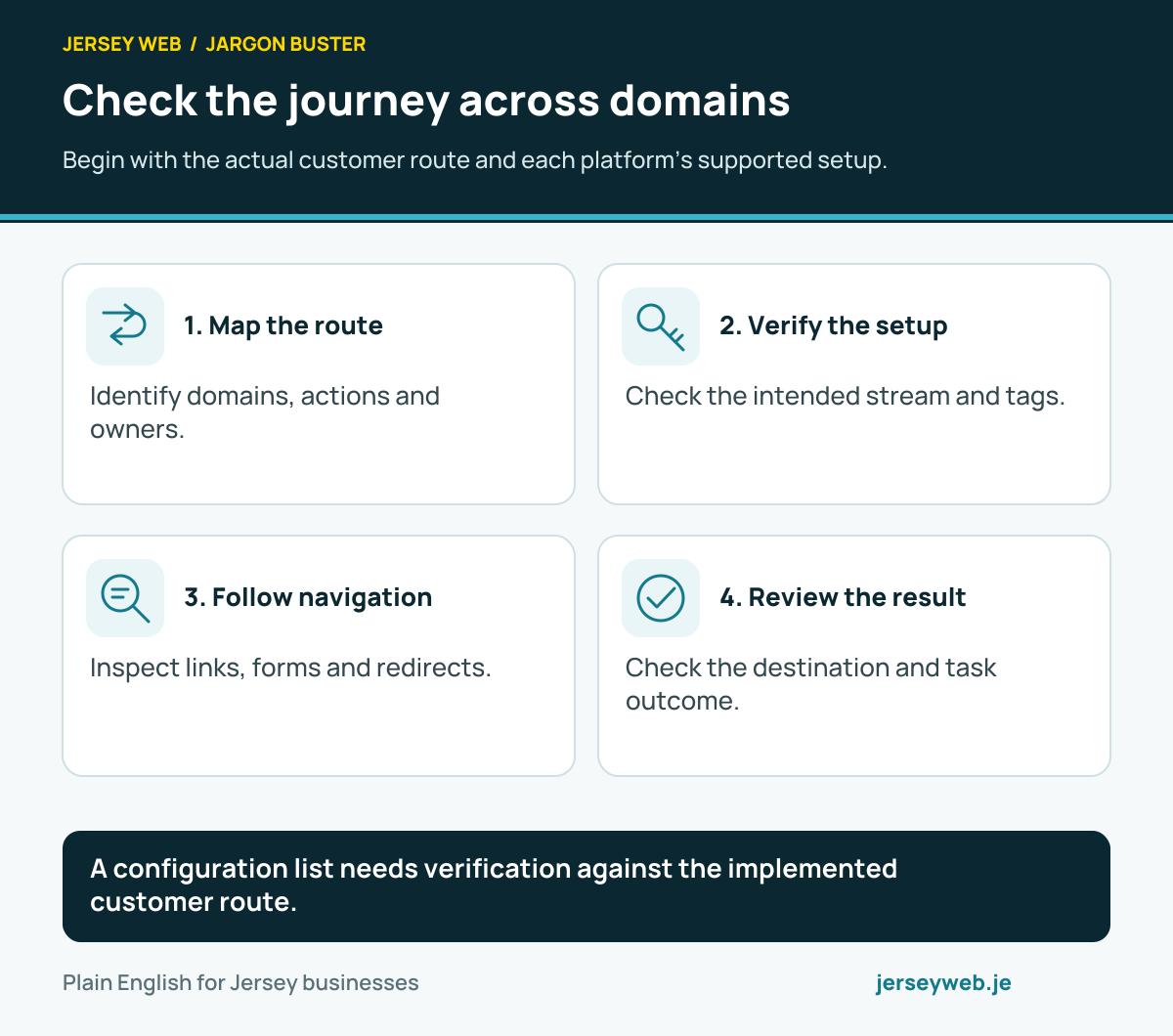
A configuration list needs verification against the implemented customer route.
Read the diagram in text
- Map the route. Identify domains, actions and owners.
- Verify the setup. Check the intended stream and tags.
- Follow navigation. Inspect links, forms and redirects.
- Review the result. Check the destination and task outcome.
Read the definitions: Cross domain measurement · Analytics linker parameter · Unwanted referrals · Analytics outbound click
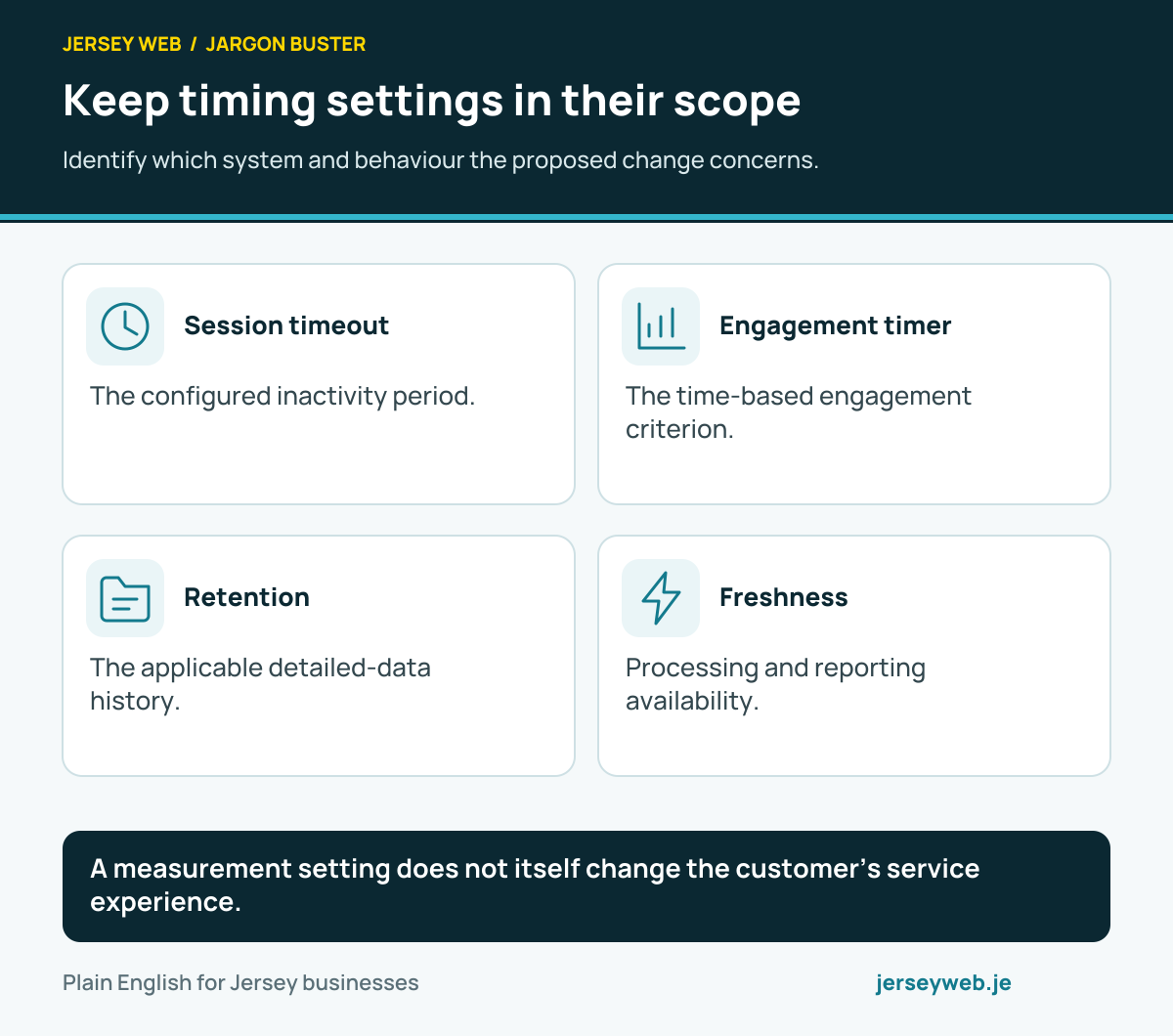
Keep timing settings in their scope
Identify which system and behaviour the proposed change concerns.
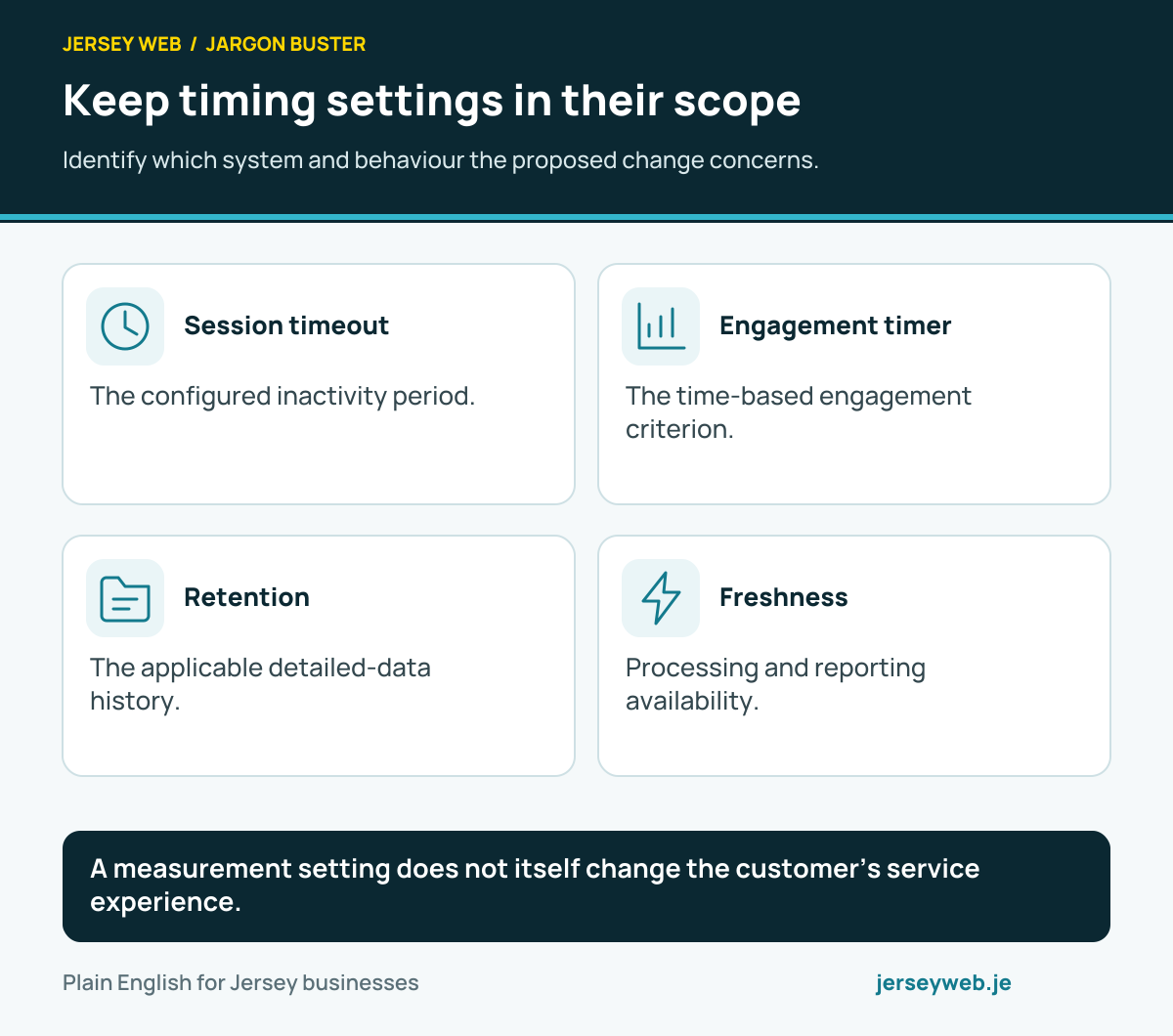
A measurement setting does not itself change the customer’s service experience.
Read the diagram in text
- Session timeout. The configured inactivity period.
- Engagement timer. The time-based engagement criterion.
- Retention. The applicable detailed-data history.
- Freshness. Processing and reporting availability.
Read the definitions: Analytics session timeout · Engaged session timer · Google Analytics retention · Data freshness
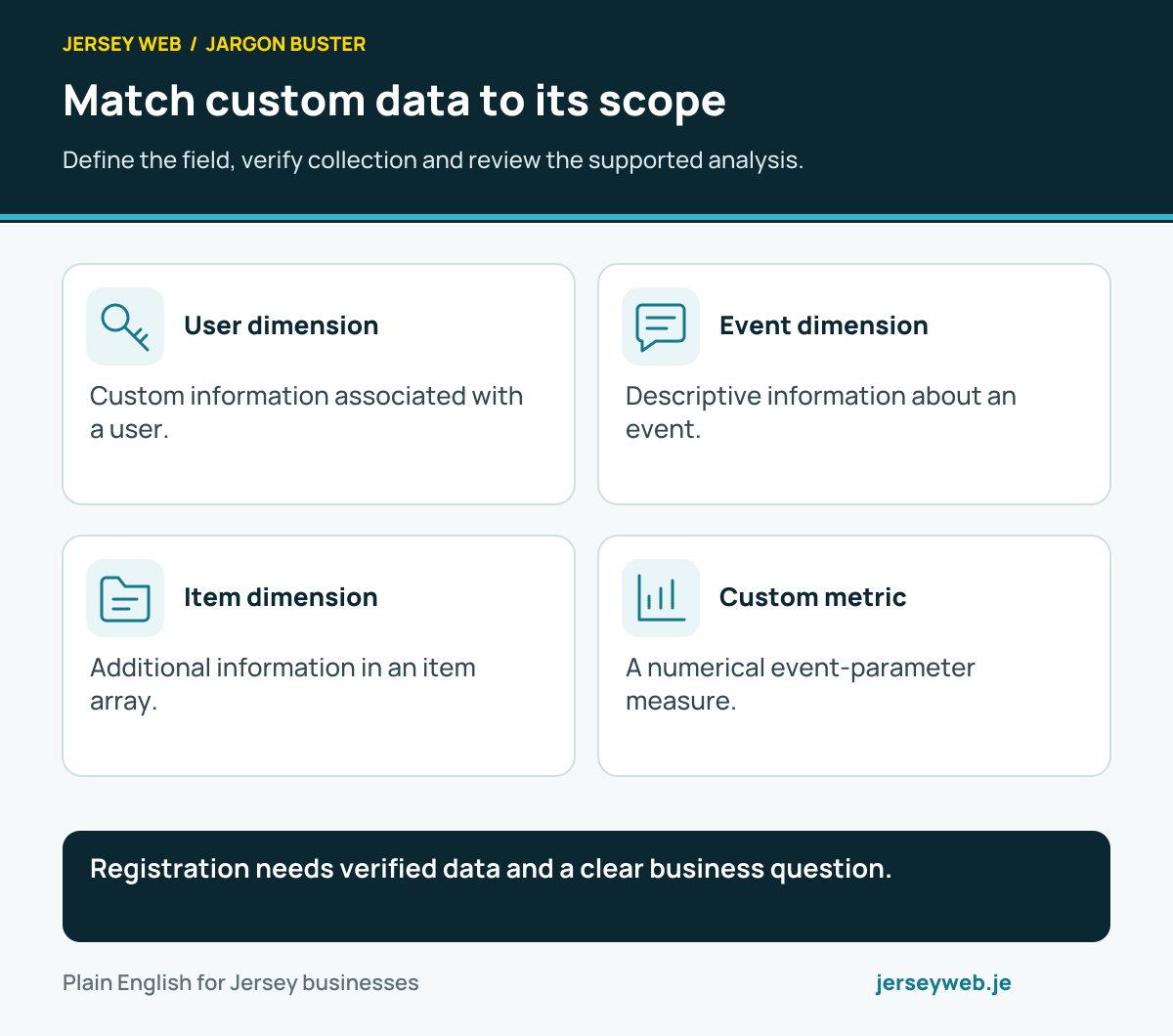
Match custom data to its scope
Define the field, verify collection and review the supported analysis.
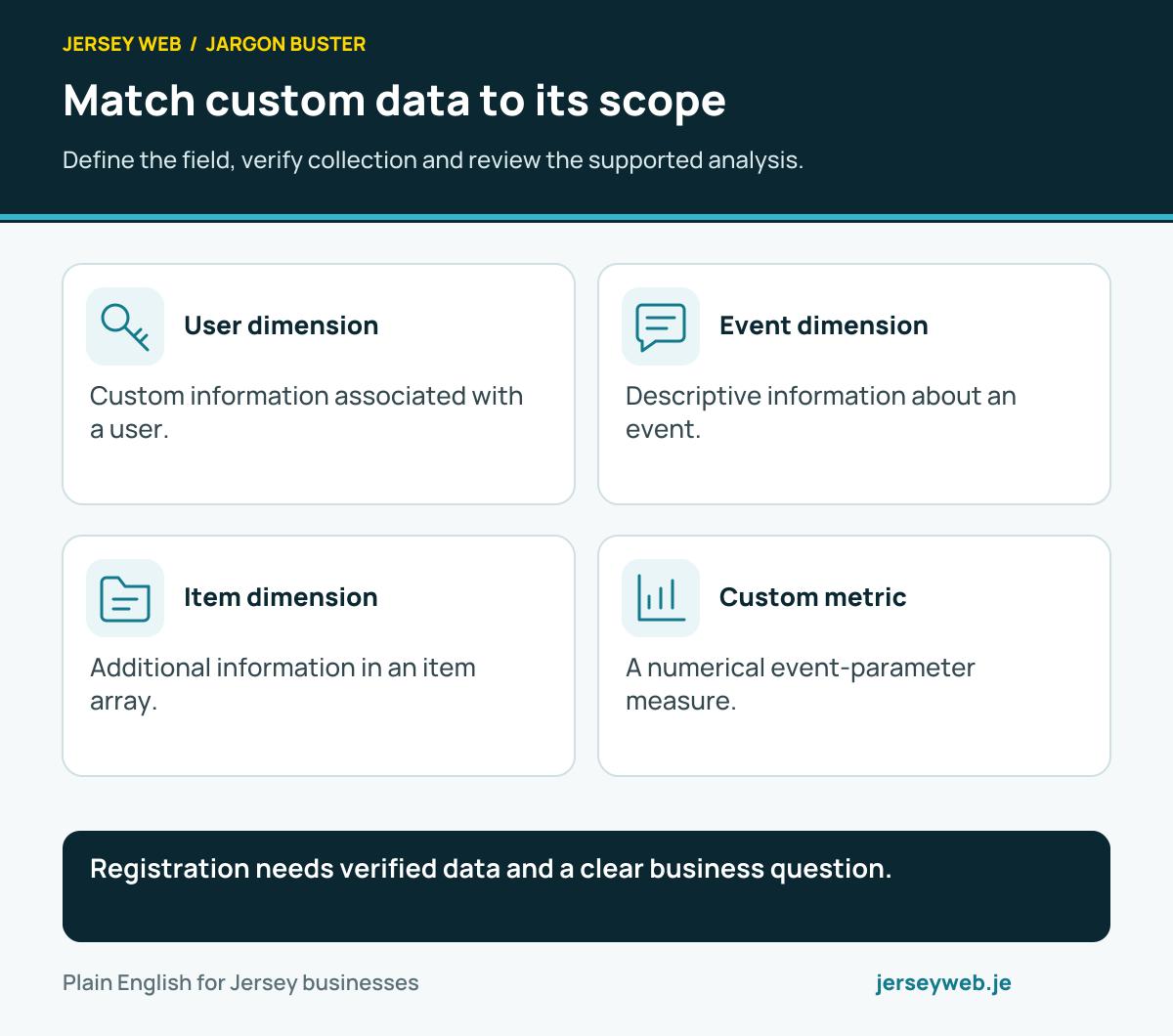
Registration needs verified data and a clear business question.
Read the diagram in text
- User dimension. Custom information associated with a user.
- Event dimension. Descriptive information about an event.
- Item dimension. Additional information in an item array.
- Custom metric. A numerical event-parameter measure.
Read the definitions: Custom dimension · User scoped custom dimension · Event scoped custom dimension · Item scoped custom dimension · Custom metric · Event parameter · User property
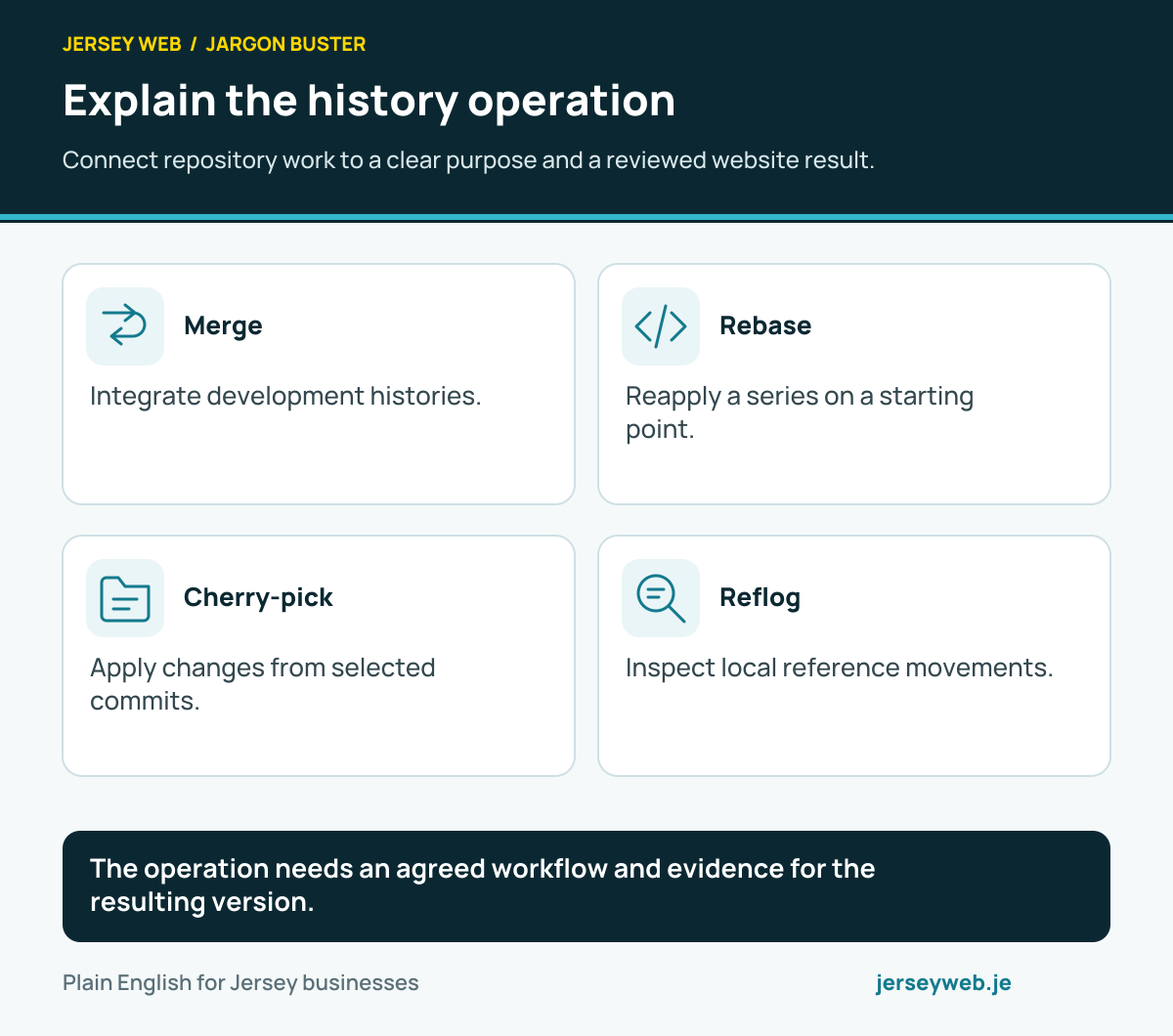
Explain the history operation
Connect repository work to a clear purpose and a reviewed website result.
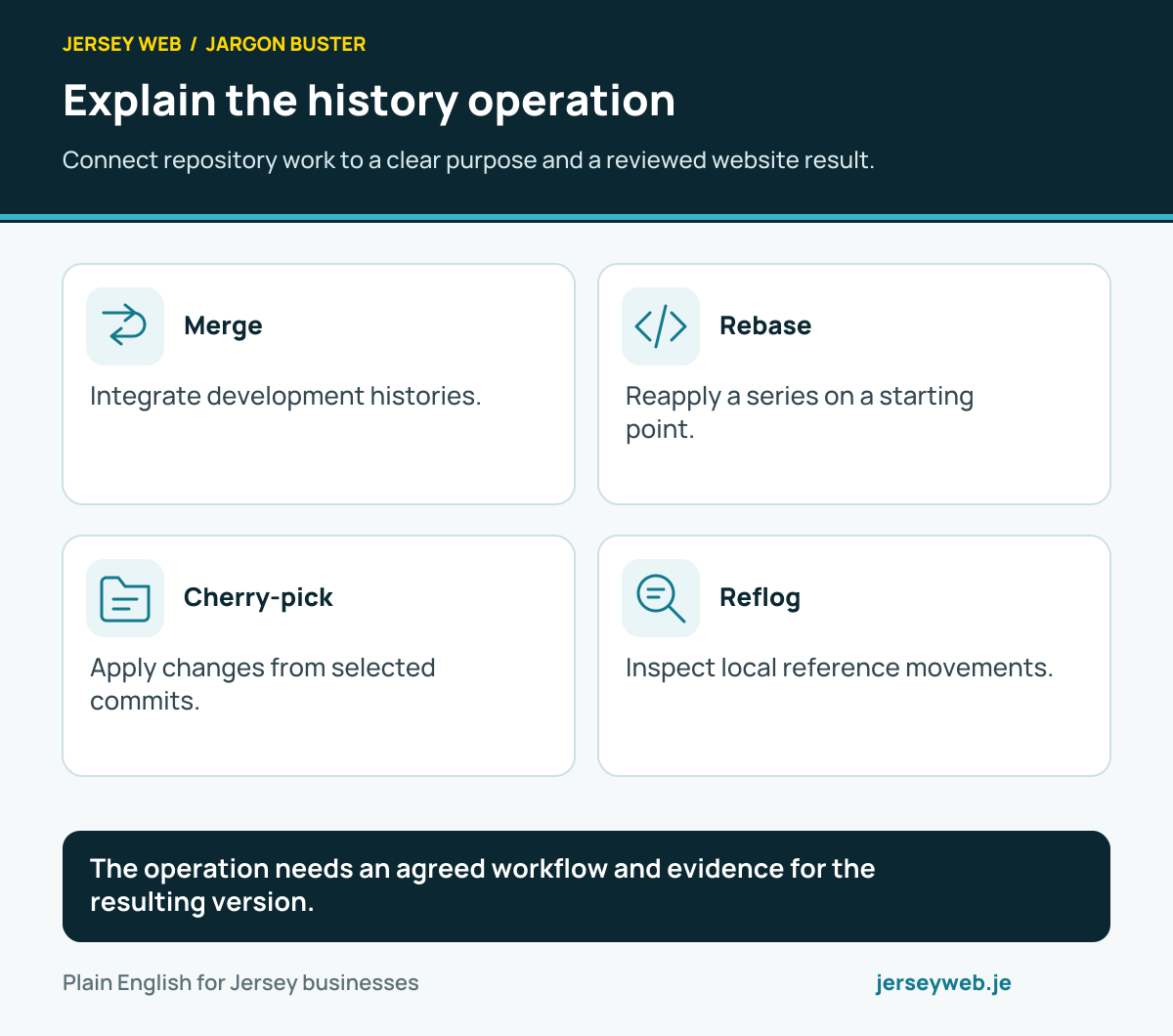
The operation needs an agreed workflow and evidence for the resulting version.
Read the diagram in text
- Merge. Integrate development histories.
- Rebase. Reapply a series on a starting point.
- Cherry-pick. Apply changes from selected commits.
- Reflog. Inspect local reference movements.
Read the definitions: Git merge · Git rebase · Git cherry pick · Git reflog · Git
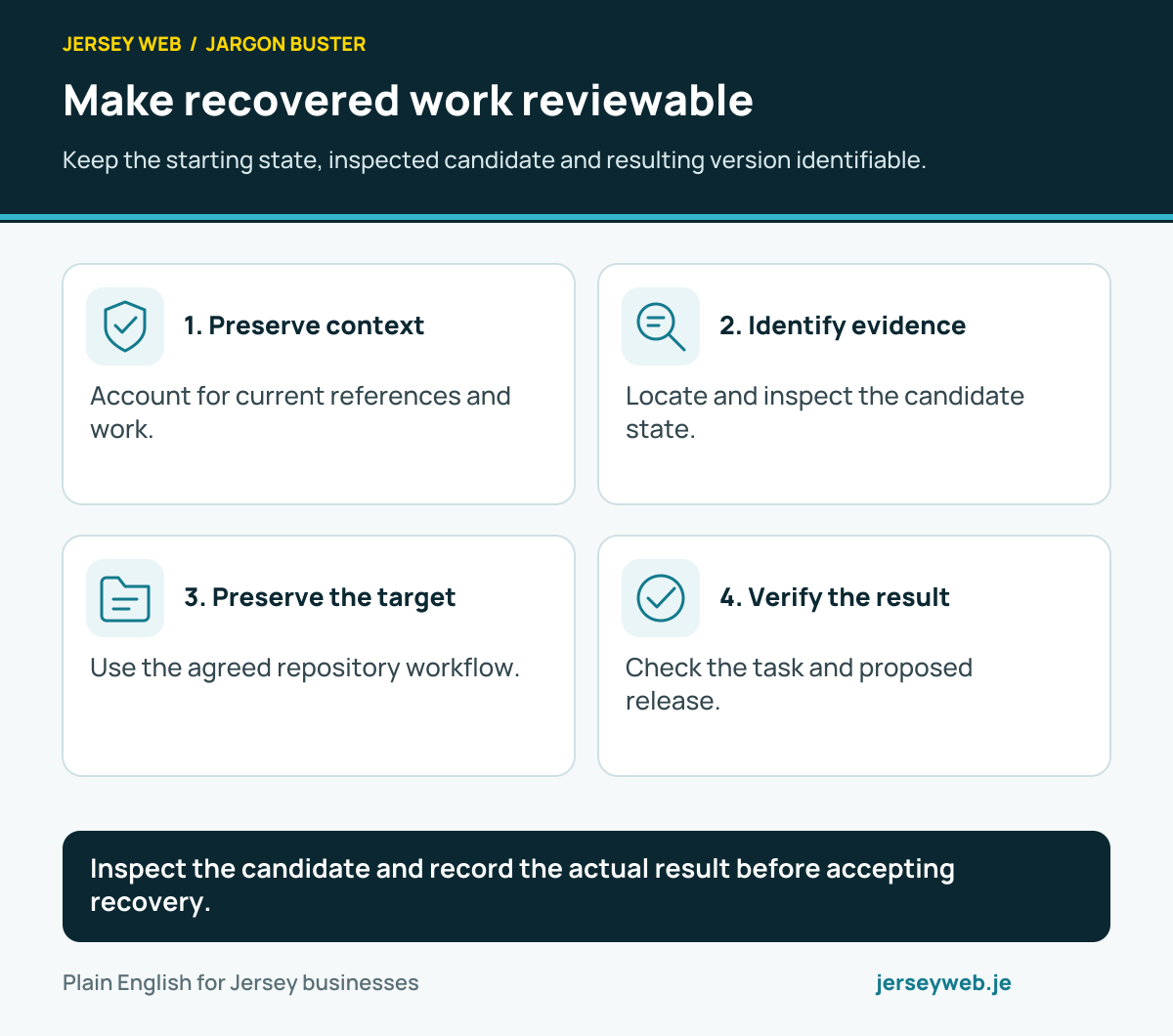
Make recovered work reviewable
Keep the starting state, inspected candidate and resulting version identifiable.
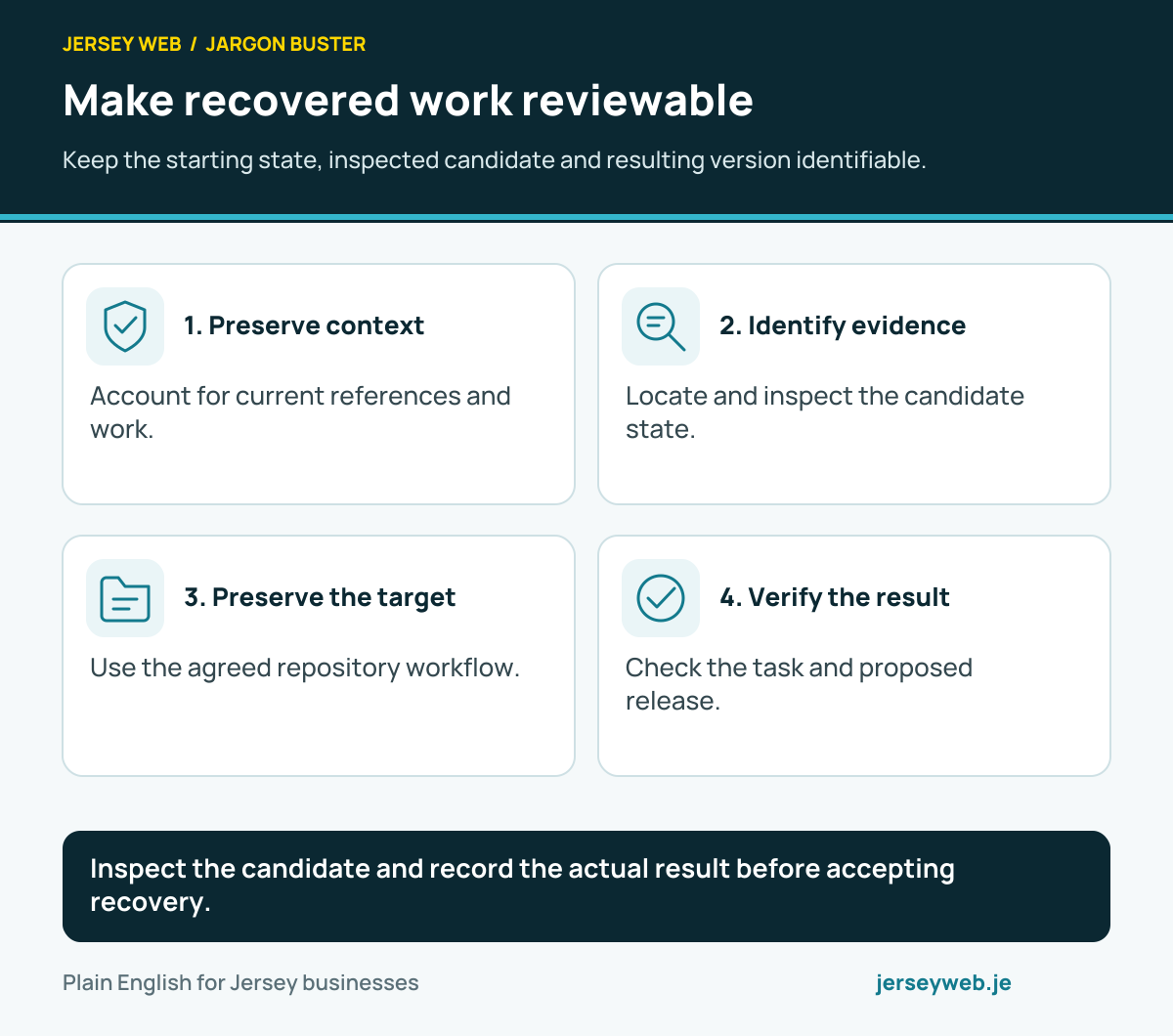
Inspect the candidate and record the actual result before accepting recovery.
Read the diagram in text
- Preserve context. Account for current references and work.
- Identify evidence. Locate and inspect the candidate state.
- Preserve the target. Use the agreed repository workflow.
- Verify the result. Check the task and proposed release.
Read the definitions: Git reflog · Git ref · Git object ID · Git detached HEAD · Backups
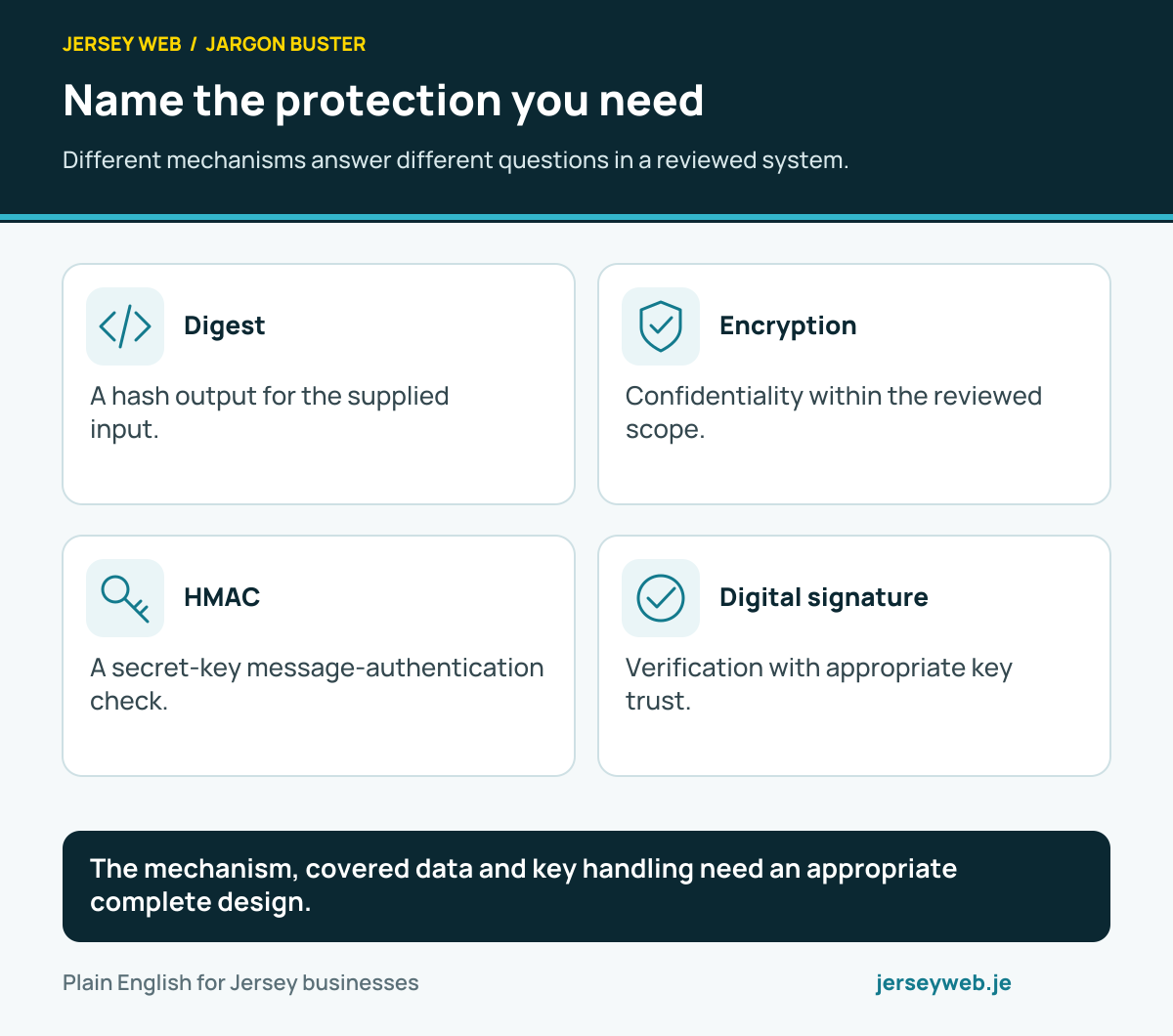
Name the protection you need
Different mechanisms answer different questions in a reviewed system.
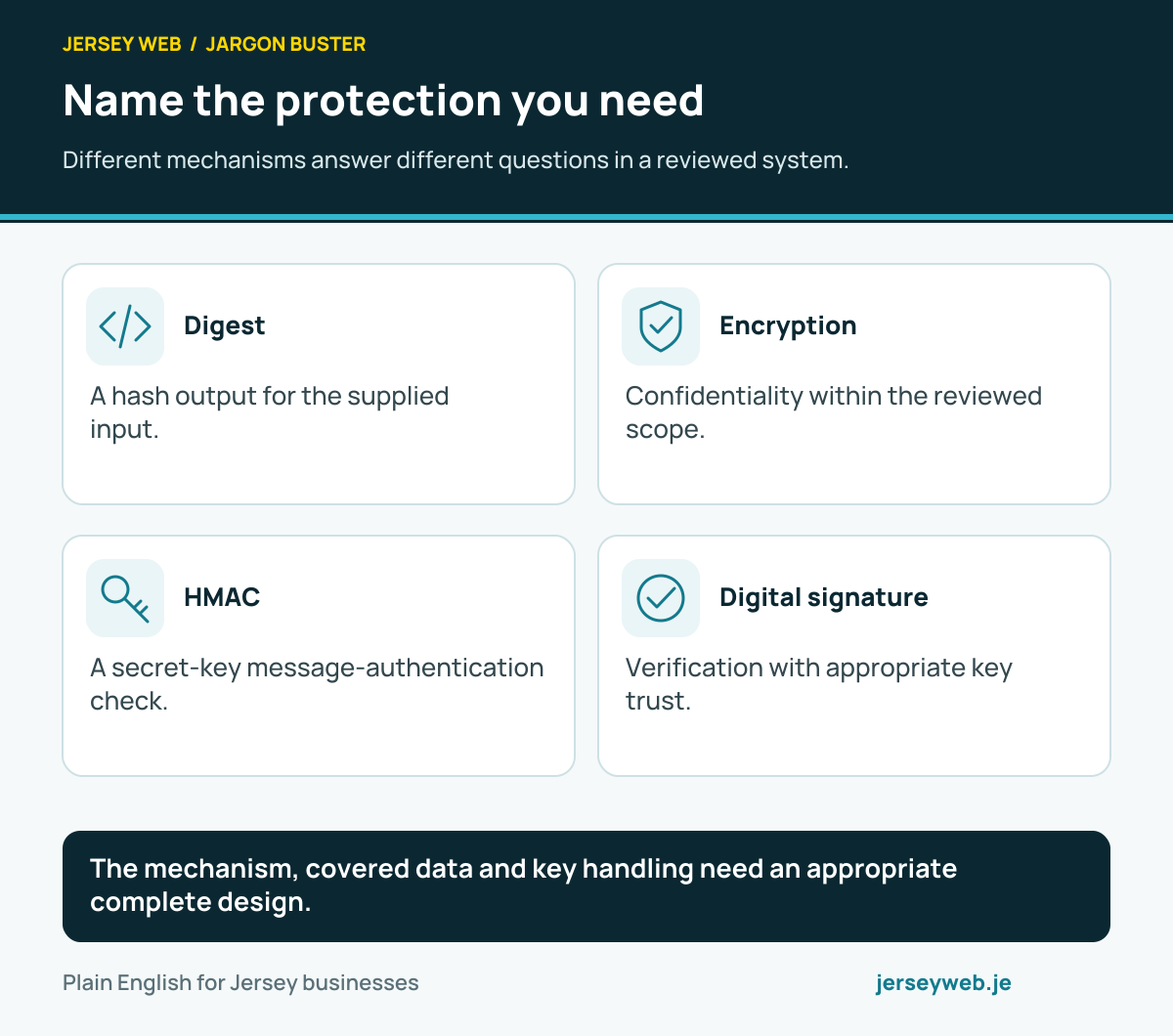
The mechanism, covered data and key handling need an appropriate complete design.
Read the diagram in text
- Digest. A hash output for the supplied input.
- Encryption. Confidentiality within the reviewed scope.
- HMAC. A secret-key message-authentication check.
- Digital signature. Verification with appropriate key trust.
Read the definitions: Web Crypto API · Hashing · Encryption · HMAC · Digital signature · Crypto digest
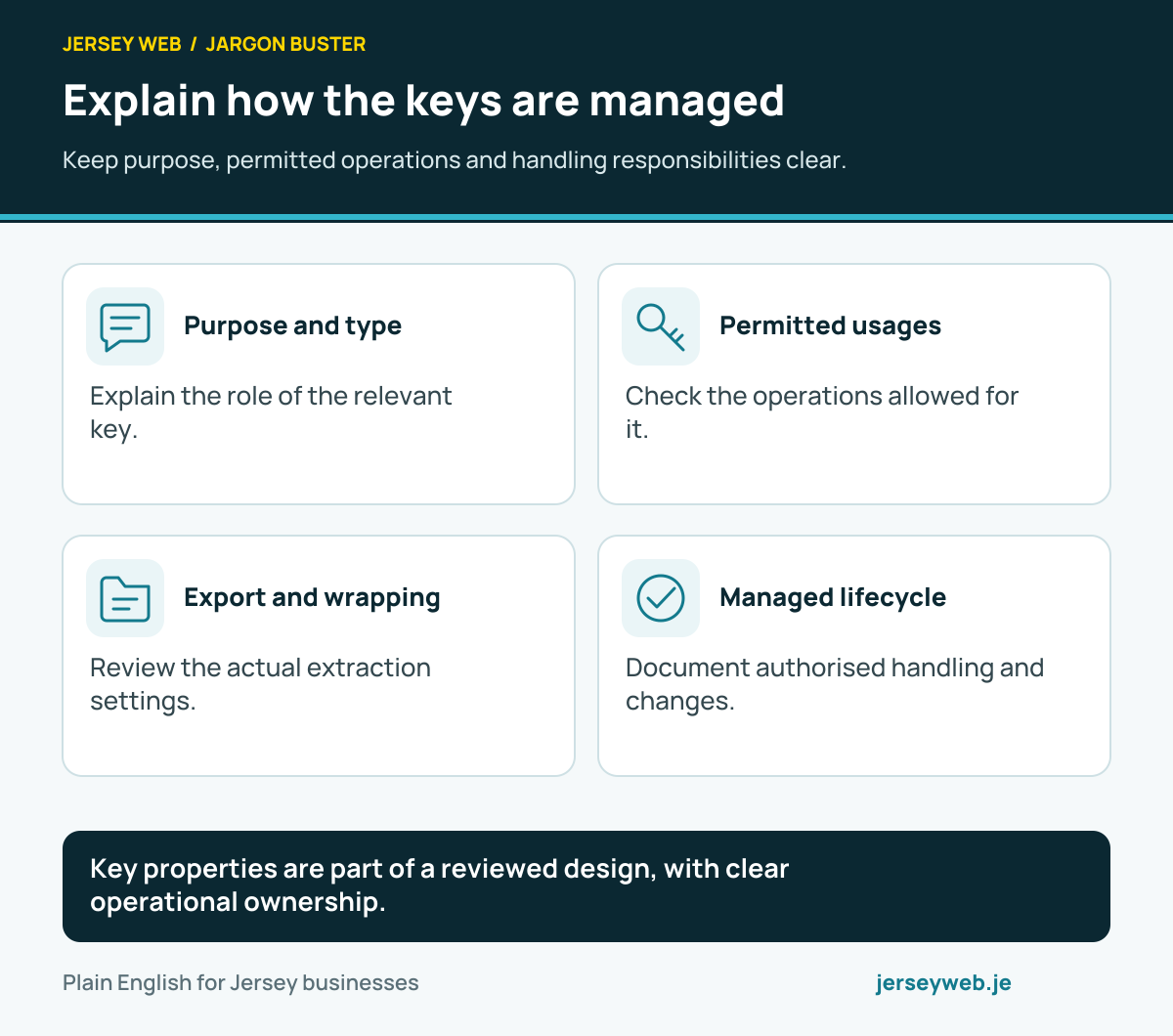
Explain how the keys are managed
Keep purpose, permitted operations and handling responsibilities clear.
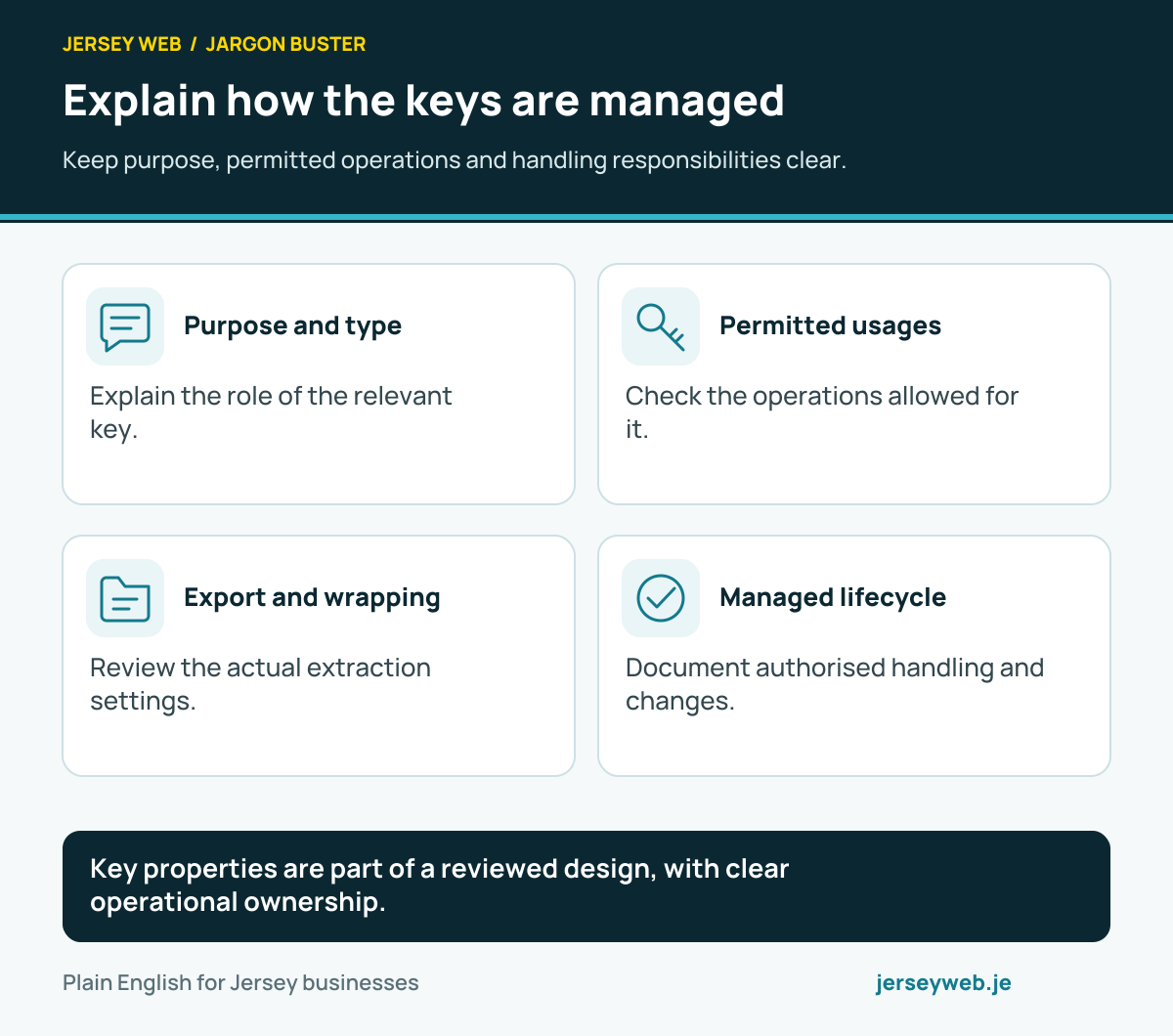
Key properties are part of a reviewed design, with clear operational ownership.
Read the diagram in text
- Purpose and type. Explain the role of the relevant key.
- Permitted usages. Check the operations allowed for it.
- Export and wrapping. Review the actual extraction settings.
- Managed lifecycle. Document authorised handling and changes.
Read the definitions: Crypto key · Crypto key usages · Crypto key extractable · Crypto export key · Crypto wrap key · Web Crypto API
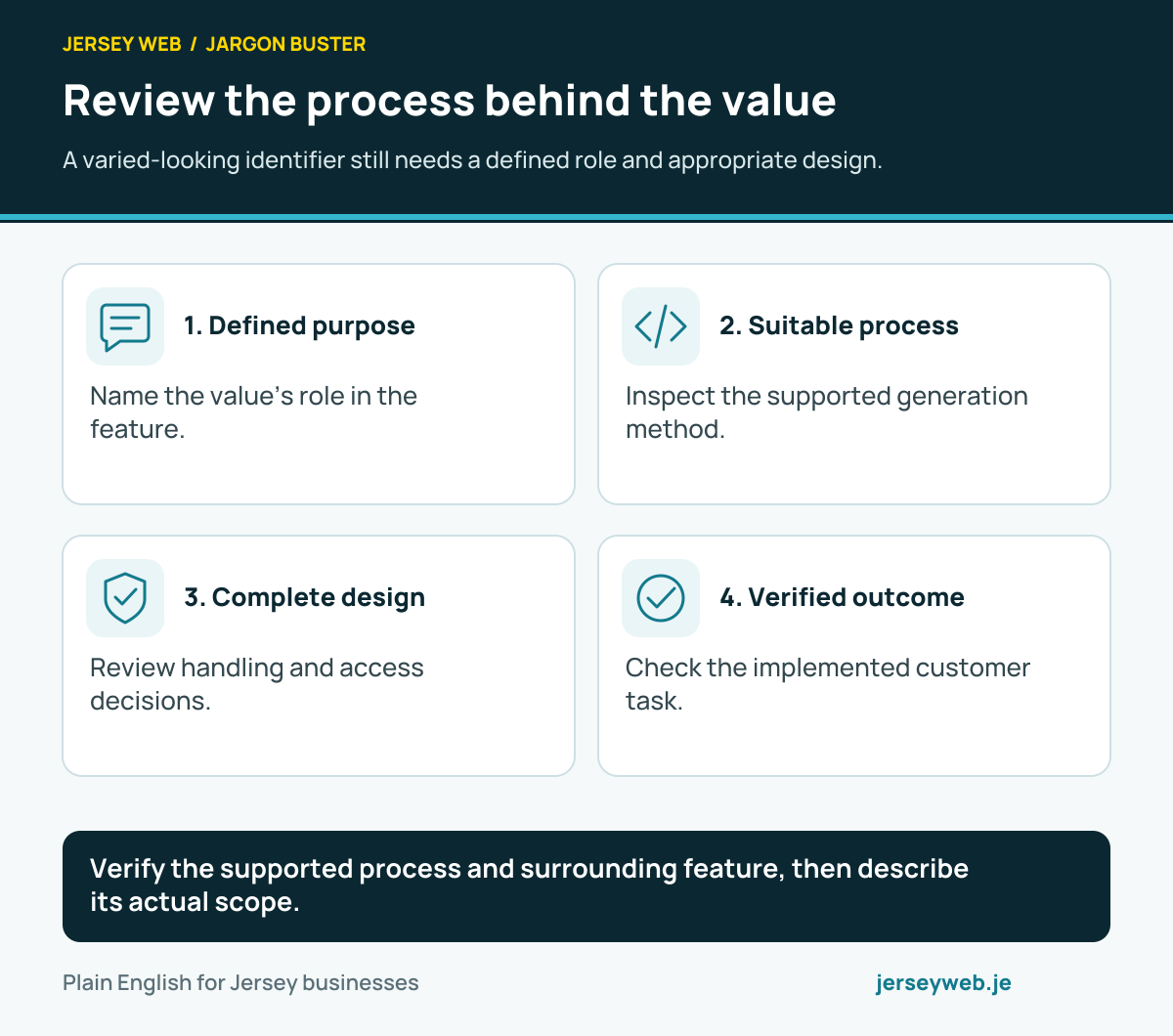
Review the process behind the value
A varied-looking identifier still needs a defined role and appropriate design.
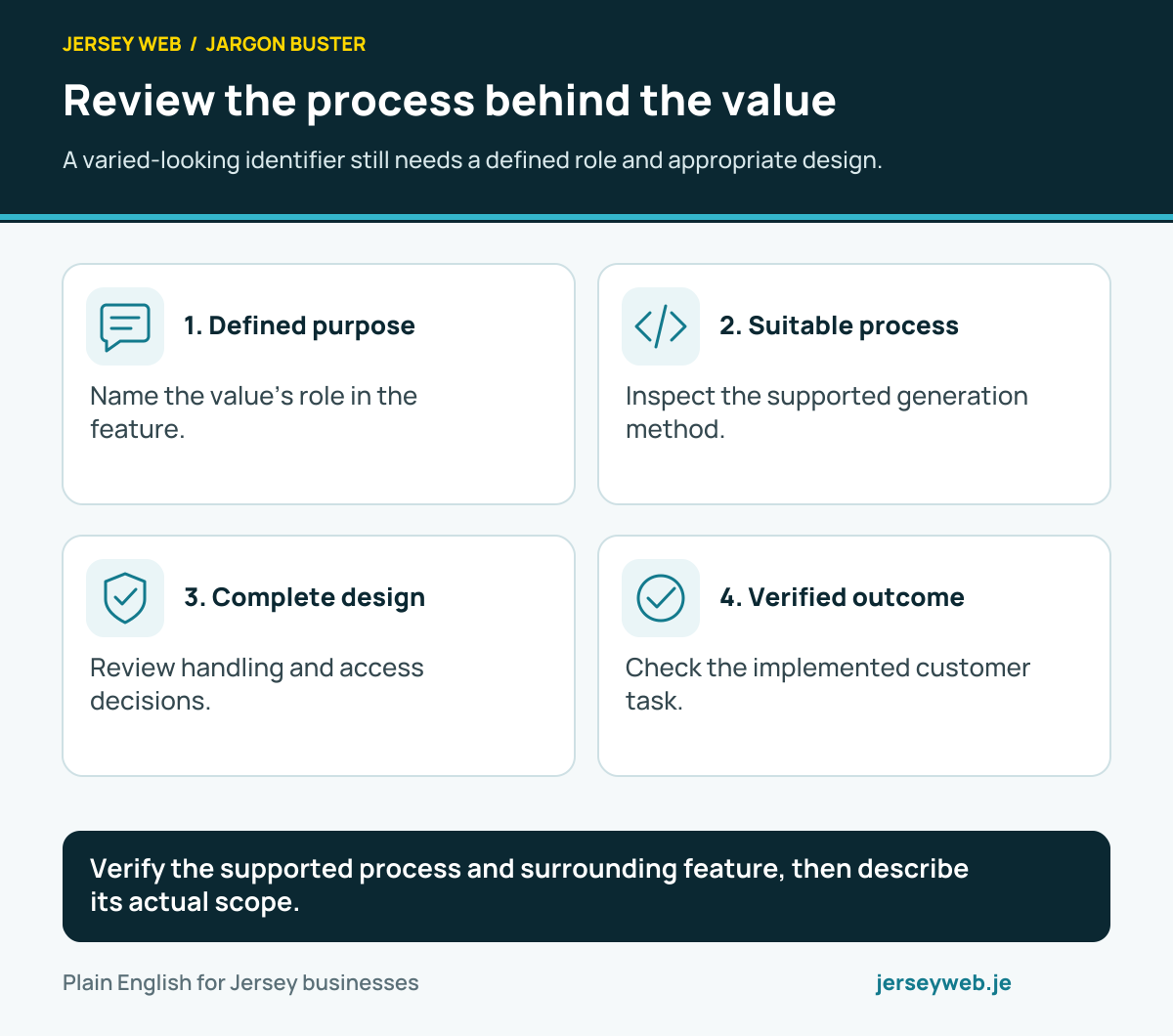
Verify the supported process and surrounding feature, then describe its actual scope.
Read the diagram in text
- Defined purpose. Name the value’s role in the feature.
- Suitable process. Inspect the supported generation method.
- Complete design. Review handling and access decisions.
- Verified outcome. Check the implemented customer task.
Read the definitions: Cryptographic randomness · Crypto random UUID · Crypto generate key · Web Crypto API
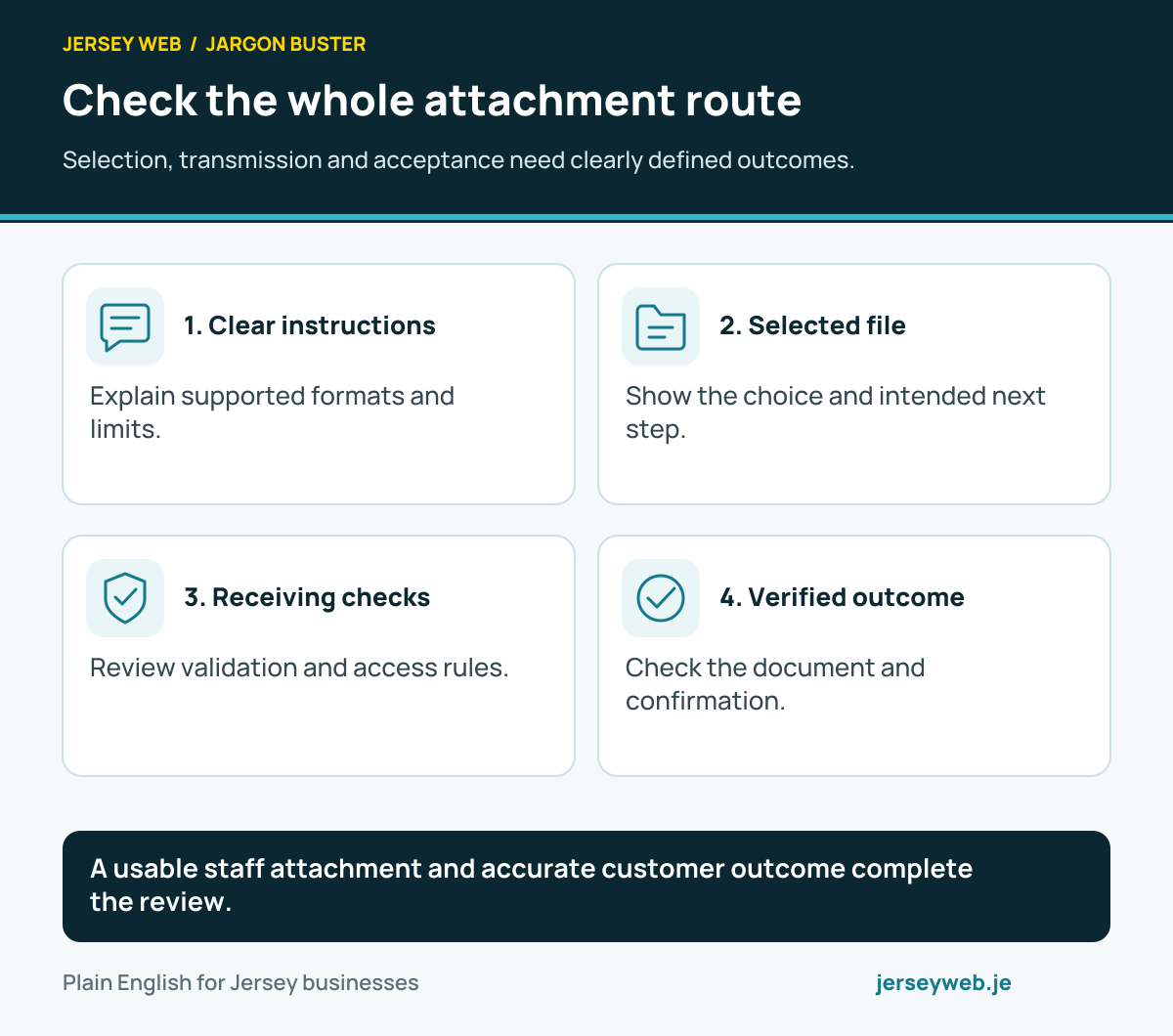
Check the whole attachment route
Selection, transmission and acceptance need clearly defined outcomes.
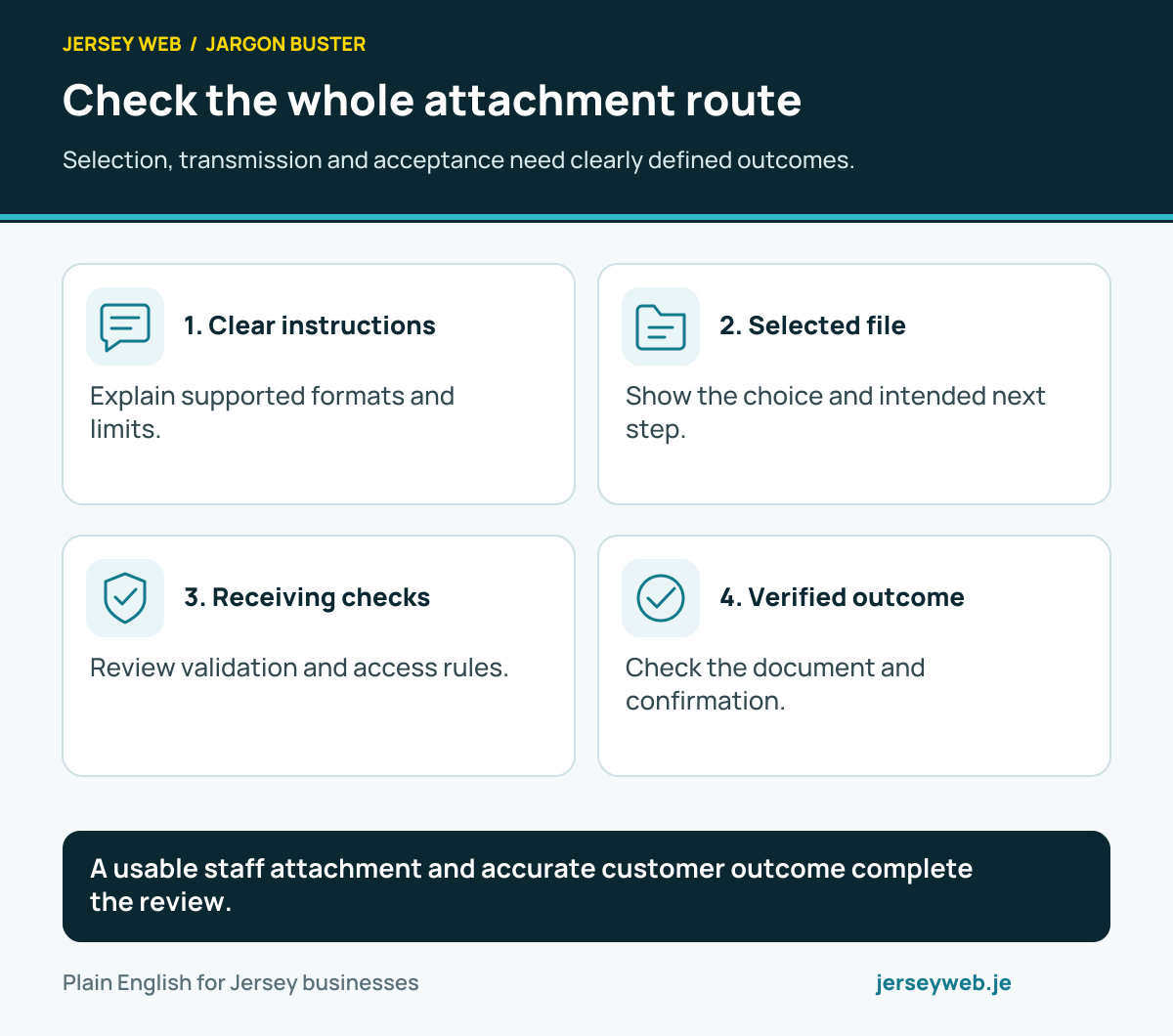
A usable staff attachment and accurate customer outcome complete the review.
Read the diagram in text
- Clear instructions. Explain supported formats and limits.
- Selected file. Show the choice and intended next step.
- Receiving checks. Review validation and access rules.
- Verified outcome. Check the document and confirmation.
Read the definitions: File upload · File input accept · FileList · FormData · Input validation
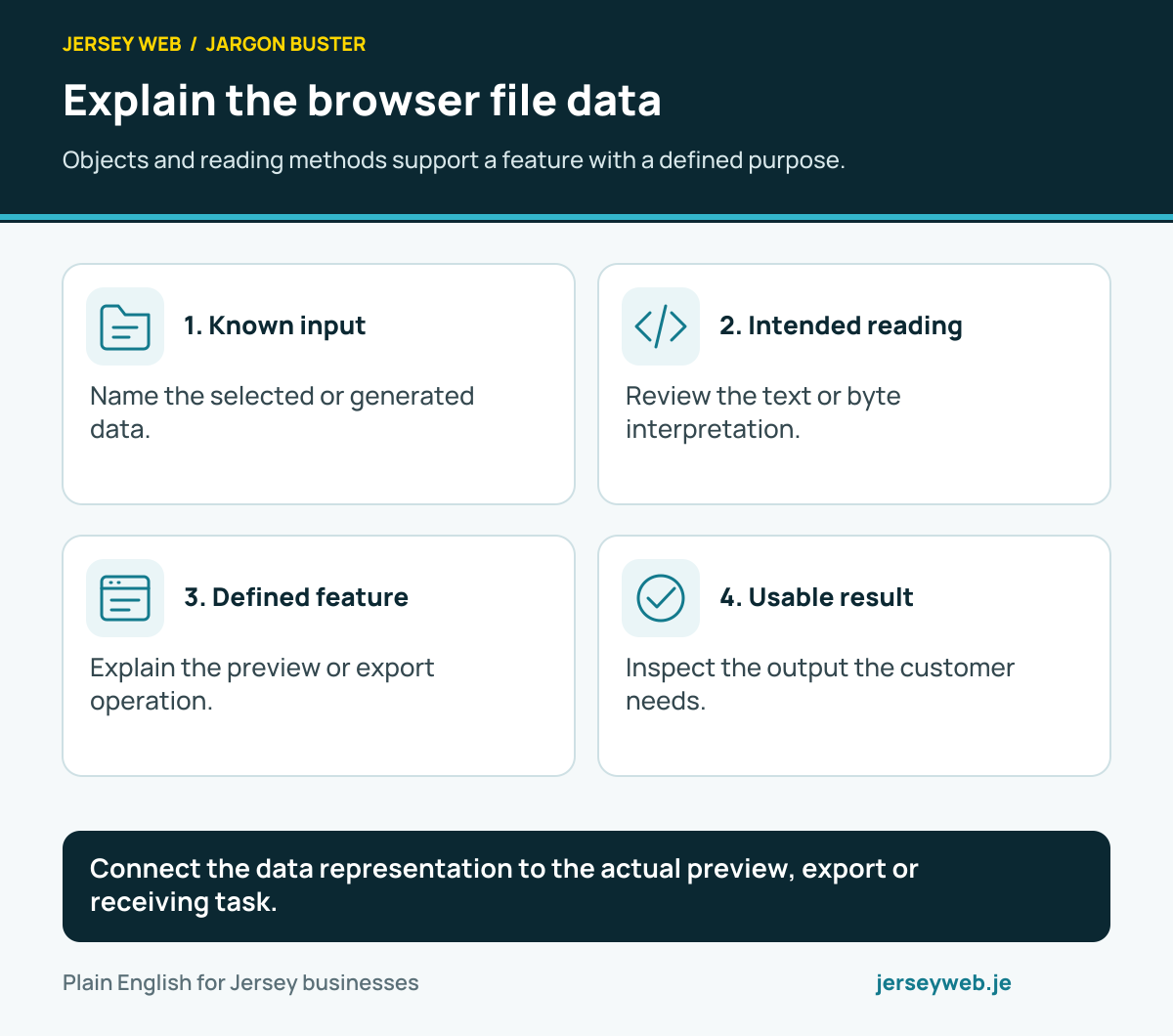
Explain the browser file data
Objects and reading methods support a feature with a defined purpose.
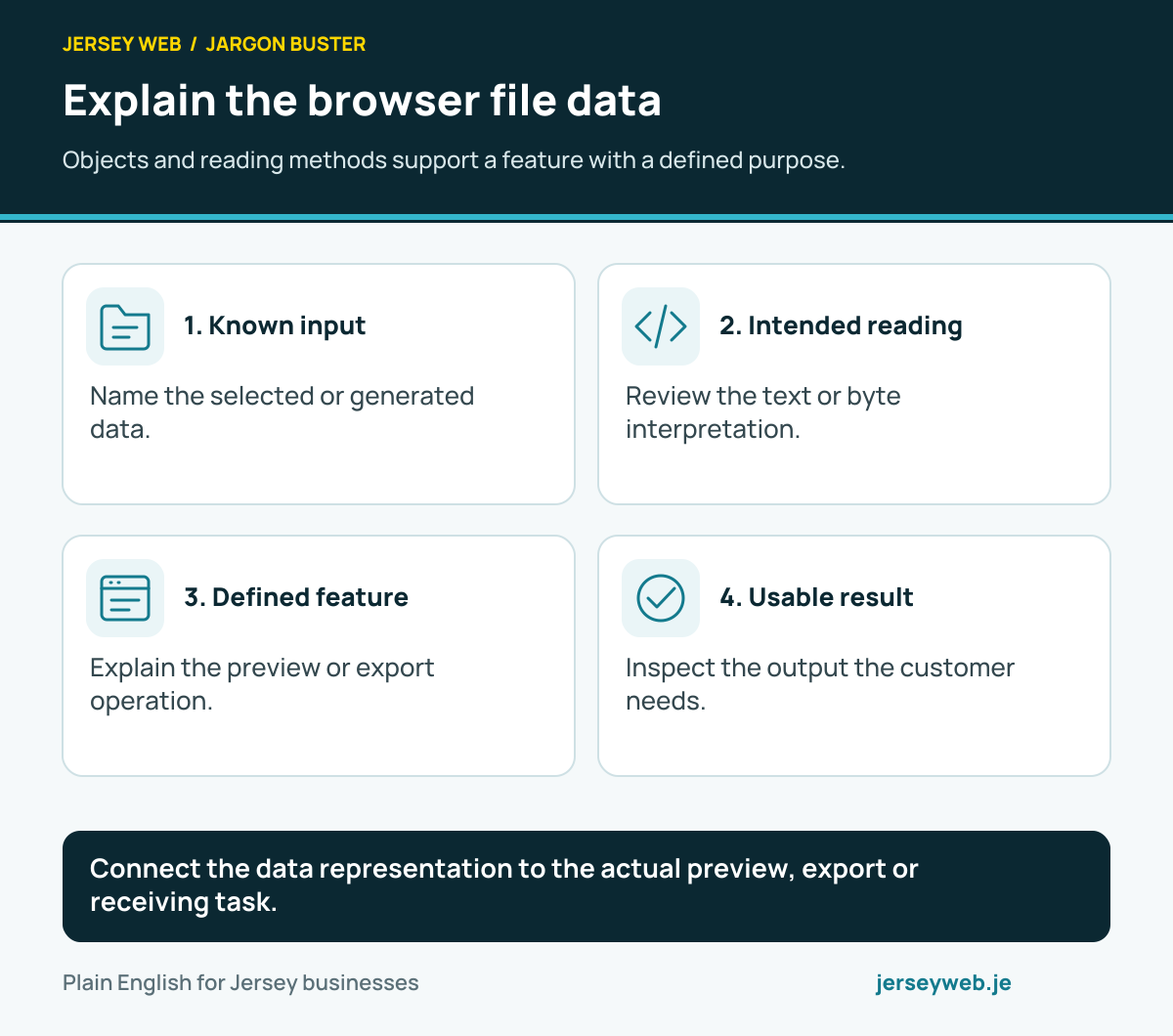
Connect the data representation to the actual preview, export or receiving task.
Read the diagram in text
- Known input. Name the selected or generated data.
- Intended reading. Review the text or byte interpretation.
- Defined feature. Explain the preview or export operation.
- Usable result. Inspect the output the customer needs.
Read the definitions: Blob · File object · Blob text · Blob array buffer · Blob slice · Object URL
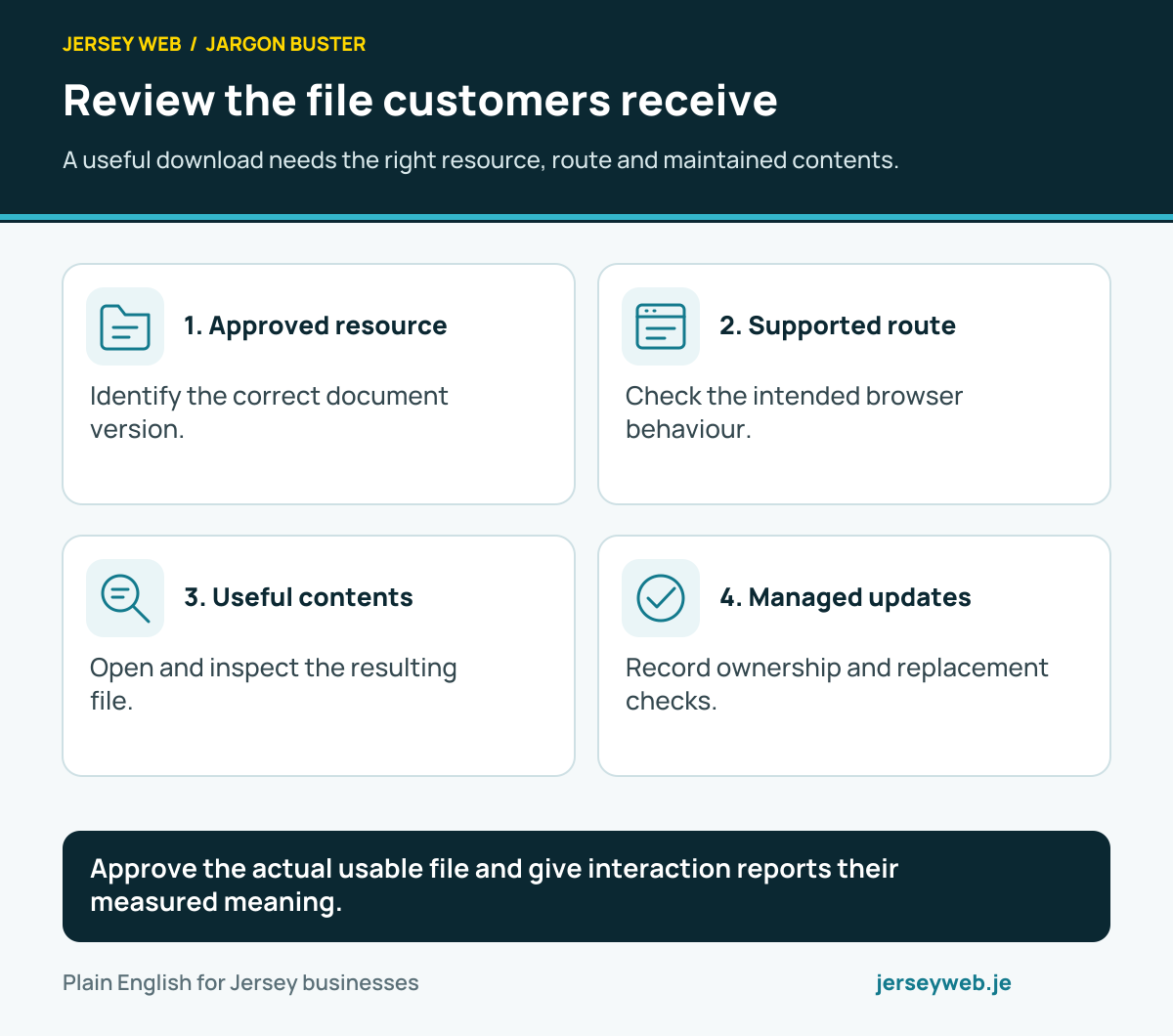
Review the file customers receive
A useful download needs the right resource, route and maintained contents.
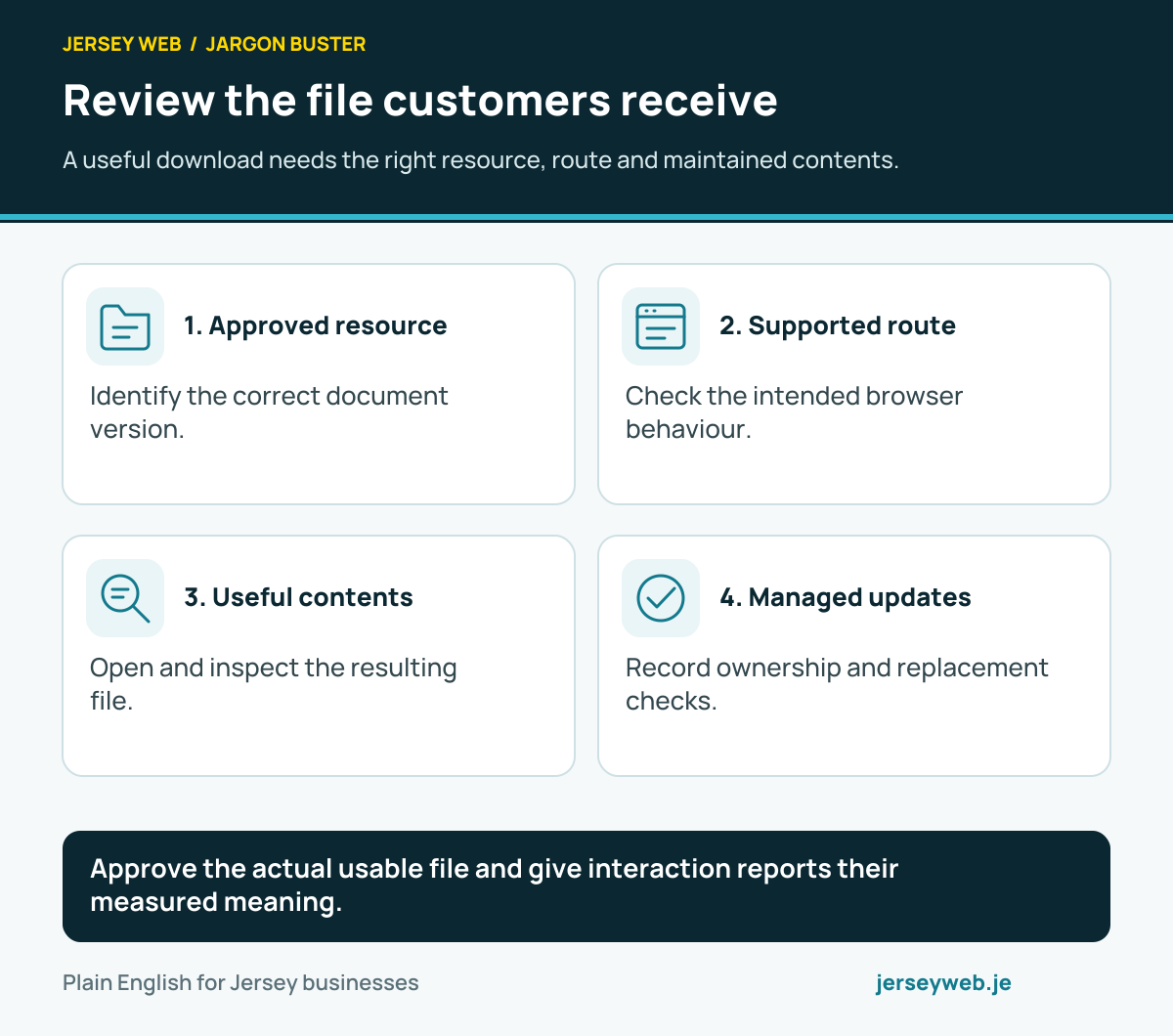
Approve the actual usable file and give interaction reports their measured meaning.
Read the diagram in text
- Approved resource. Identify the correct document version.
- Supported route. Check the intended browser behaviour.
- Useful contents. Open and inspect the resulting file.
- Managed updates. Record ownership and replacement checks.
Read the definitions: File download · Object URL · Create object URL · Revoke object URL · Content-Disposition header
Understand the interaction’s event flow
Review the actual event properties and relevant listener registrations.
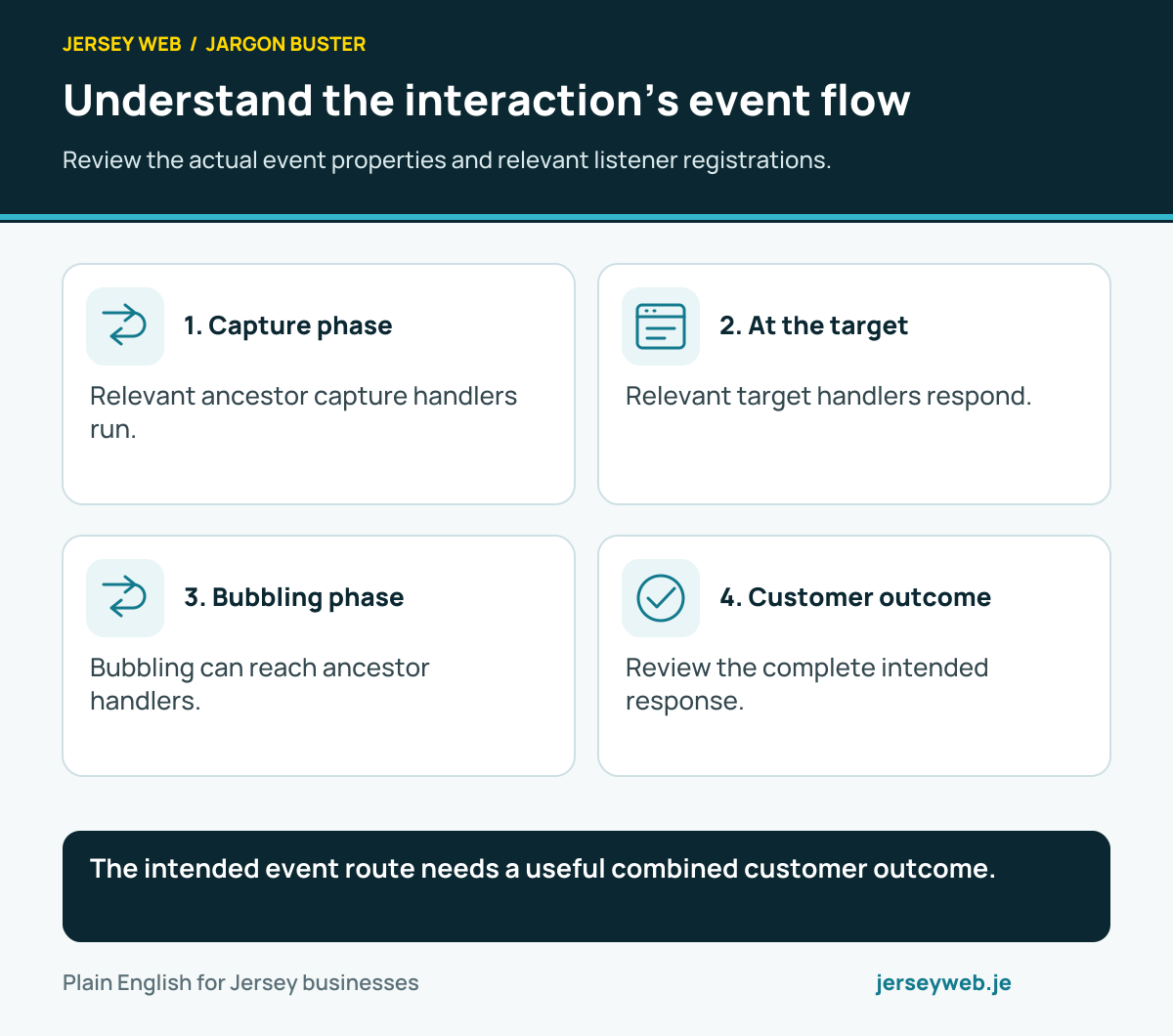
The intended event route needs a useful combined customer outcome.
Read the diagram in text
- Capture phase. Relevant ancestor capture handlers run.
- At the target. Relevant target handlers respond.
- Bubbling phase. Bubbling can reach ancestor handlers.
- Customer outcome. Review the complete intended response.
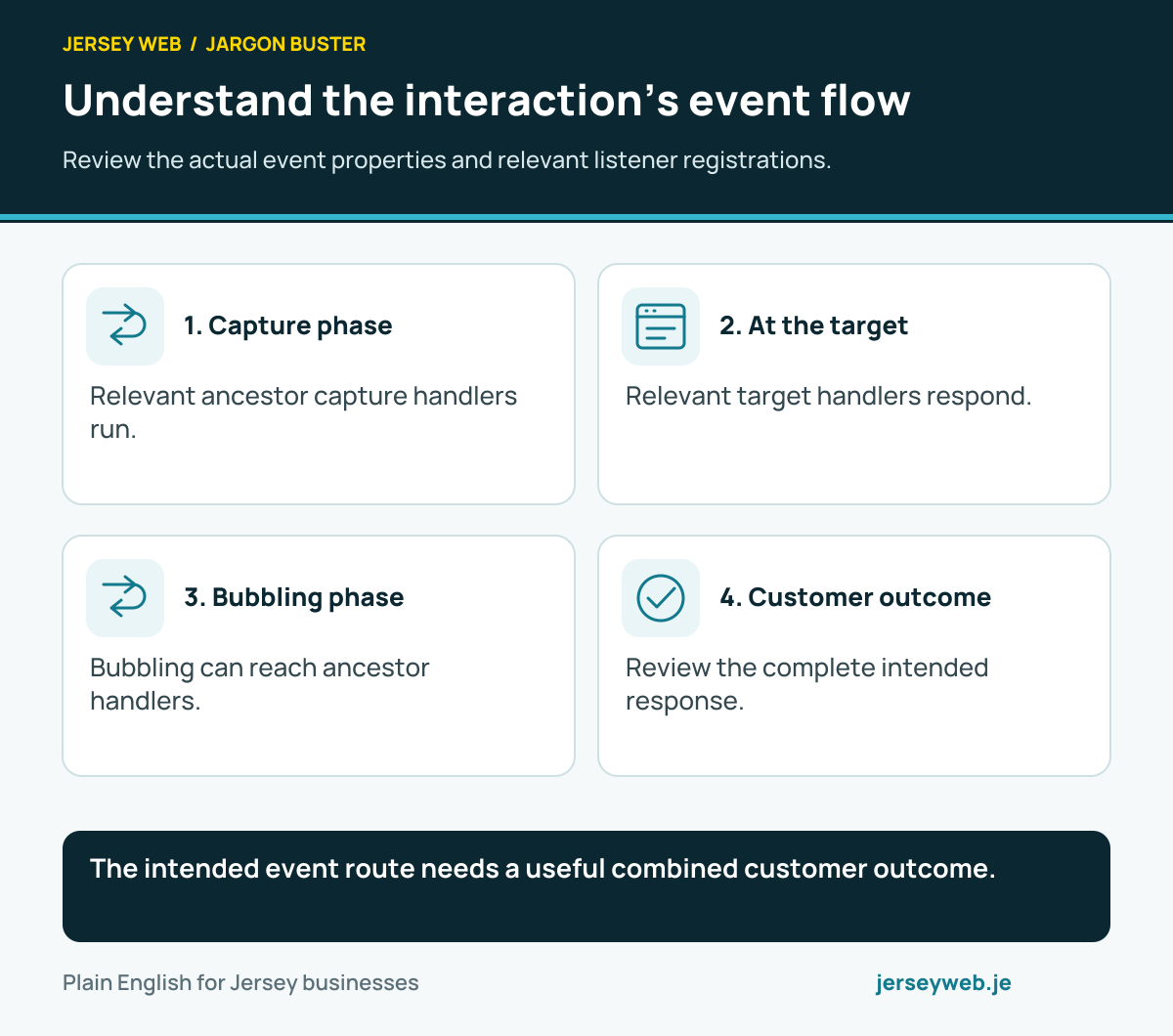
Read the definitions: Event bubbling · Event capture · Event phase · Event delegation · Event bubbles
Know which behaviour is changed
Default-action cancellation and propagation control have different scopes.
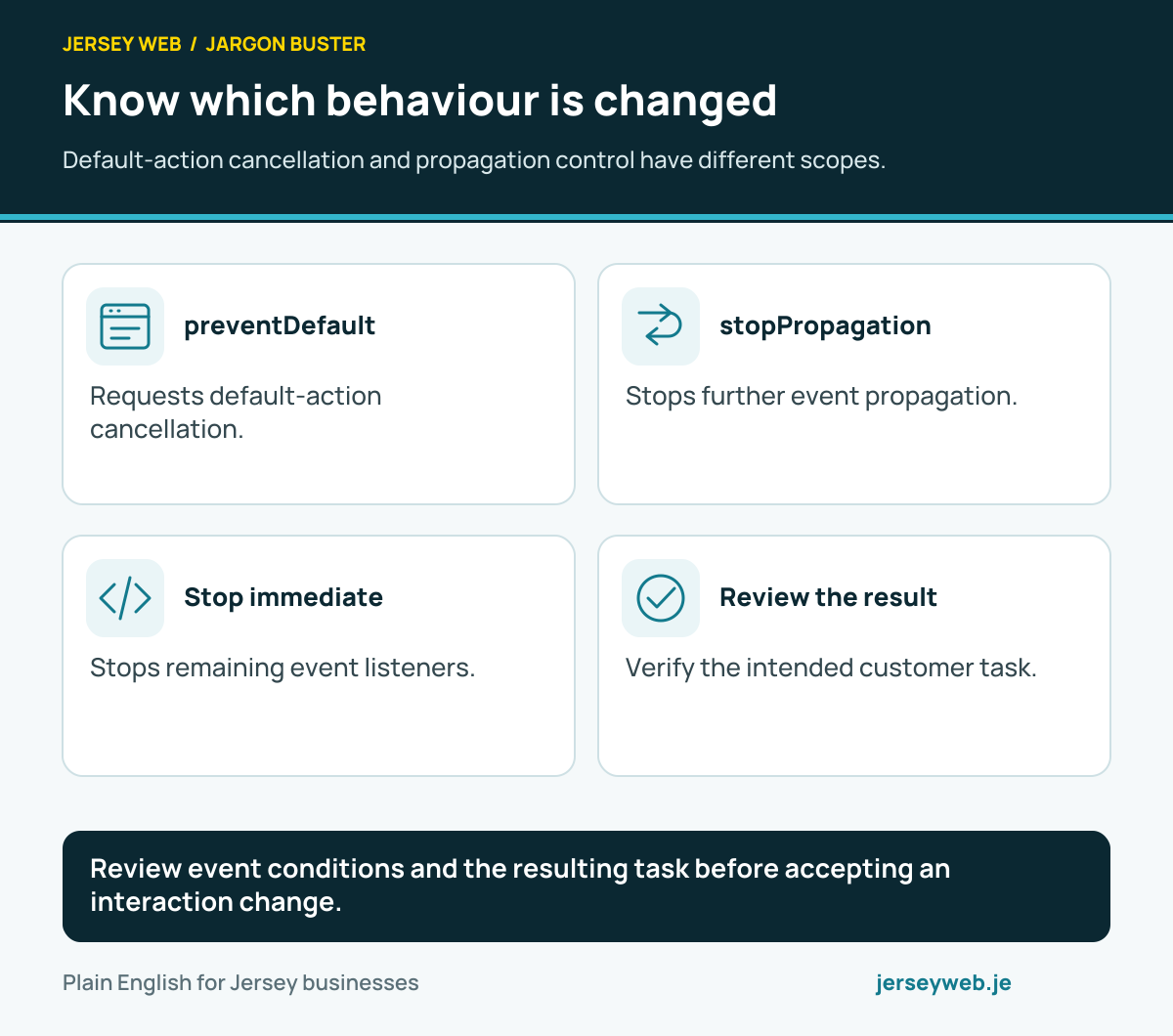
Review event conditions and the resulting task before accepting an interaction change.
Read the diagram in text
- preventDefault. Requests default-action cancellation.
- stopPropagation. Stops further event propagation.
- Stop immediate. Stops remaining event listeners.
- Review the result. Verify the intended customer task.
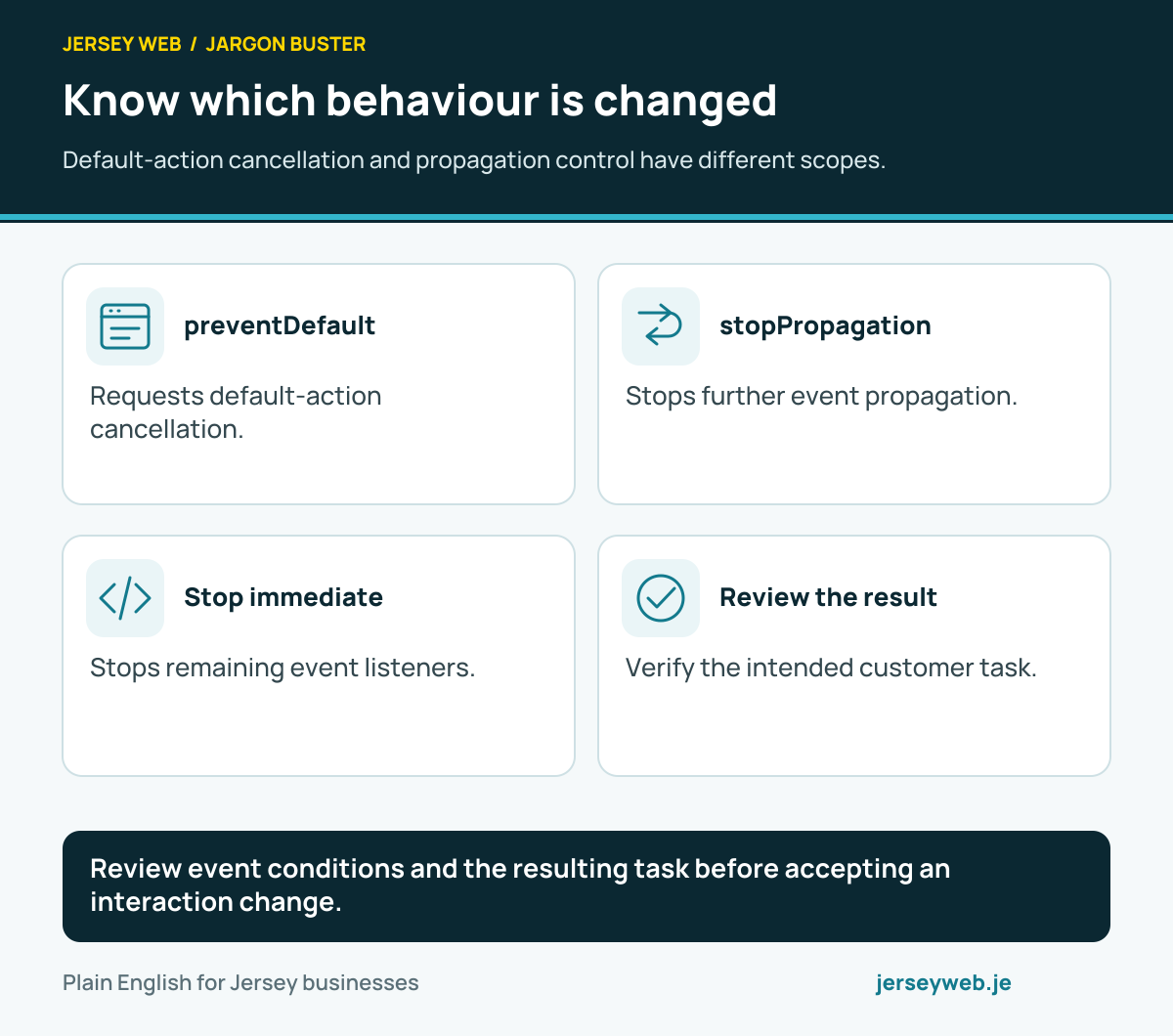
Read the definitions: Prevent default · Stop propagation · Stop immediate propagation · Event cancelable · Passive event listener
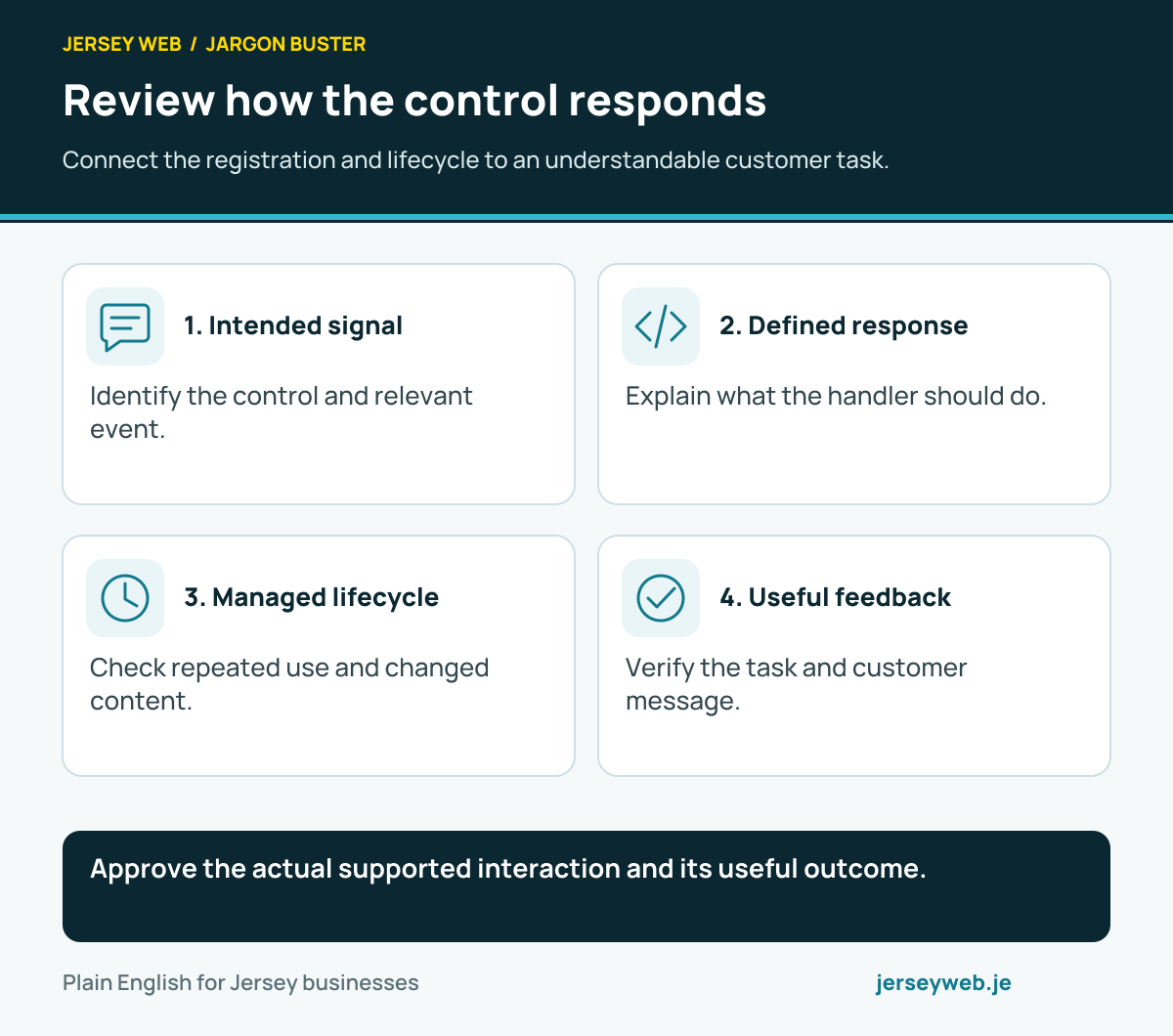
Review how the control responds
Connect the registration and lifecycle to an understandable customer task.
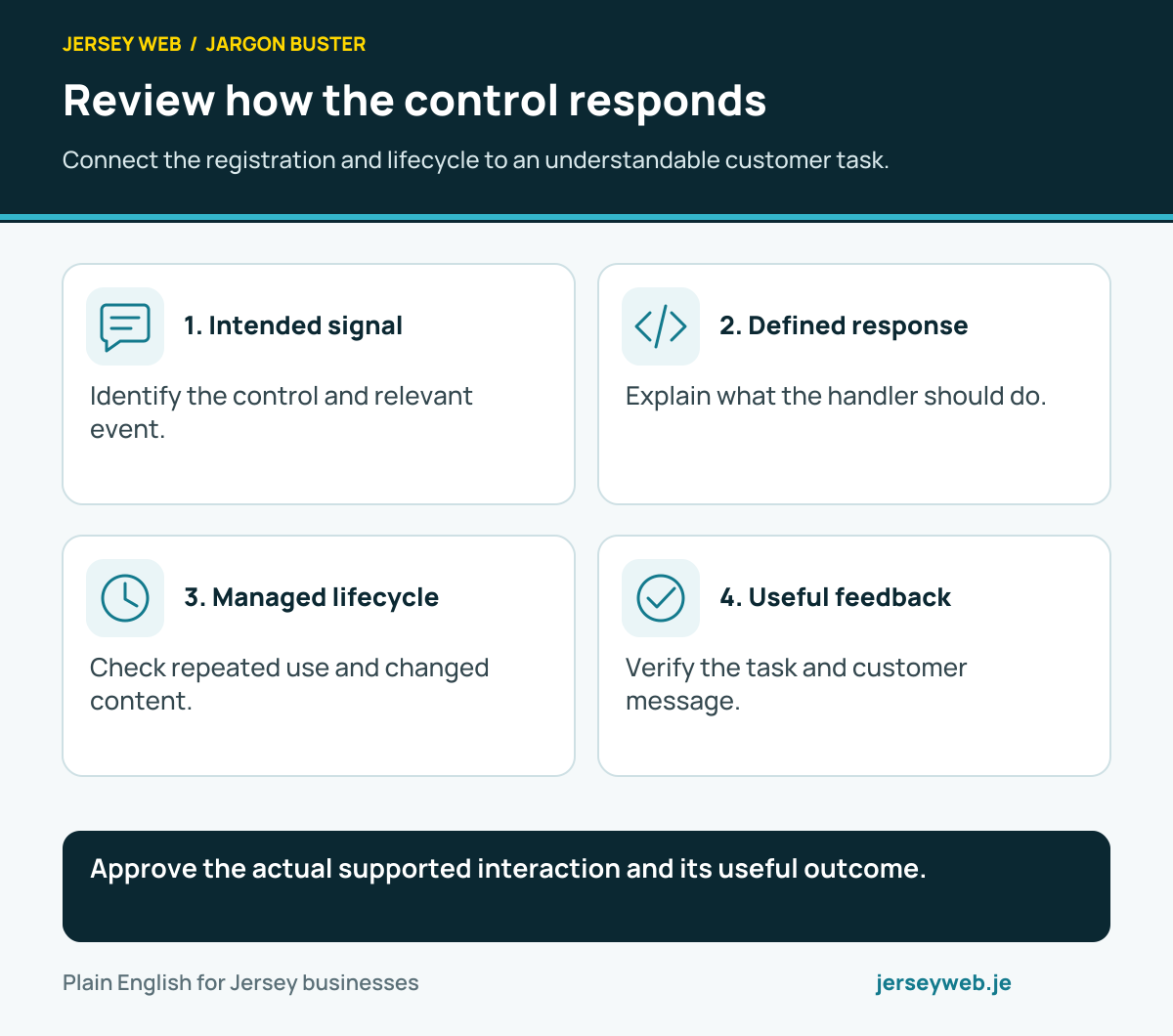
Approve the actual supported interaction and its useful outcome.
Read the diagram in text
- Intended signal. Identify the control and relevant event.
- Defined response. Explain what the handler should do.
- Managed lifecycle. Check repeated use and changed content.
- Useful feedback. Verify the task and customer message.
Read the definitions: Event listener · Remove event listener · Listener once · Event delegation · Input event · Change event
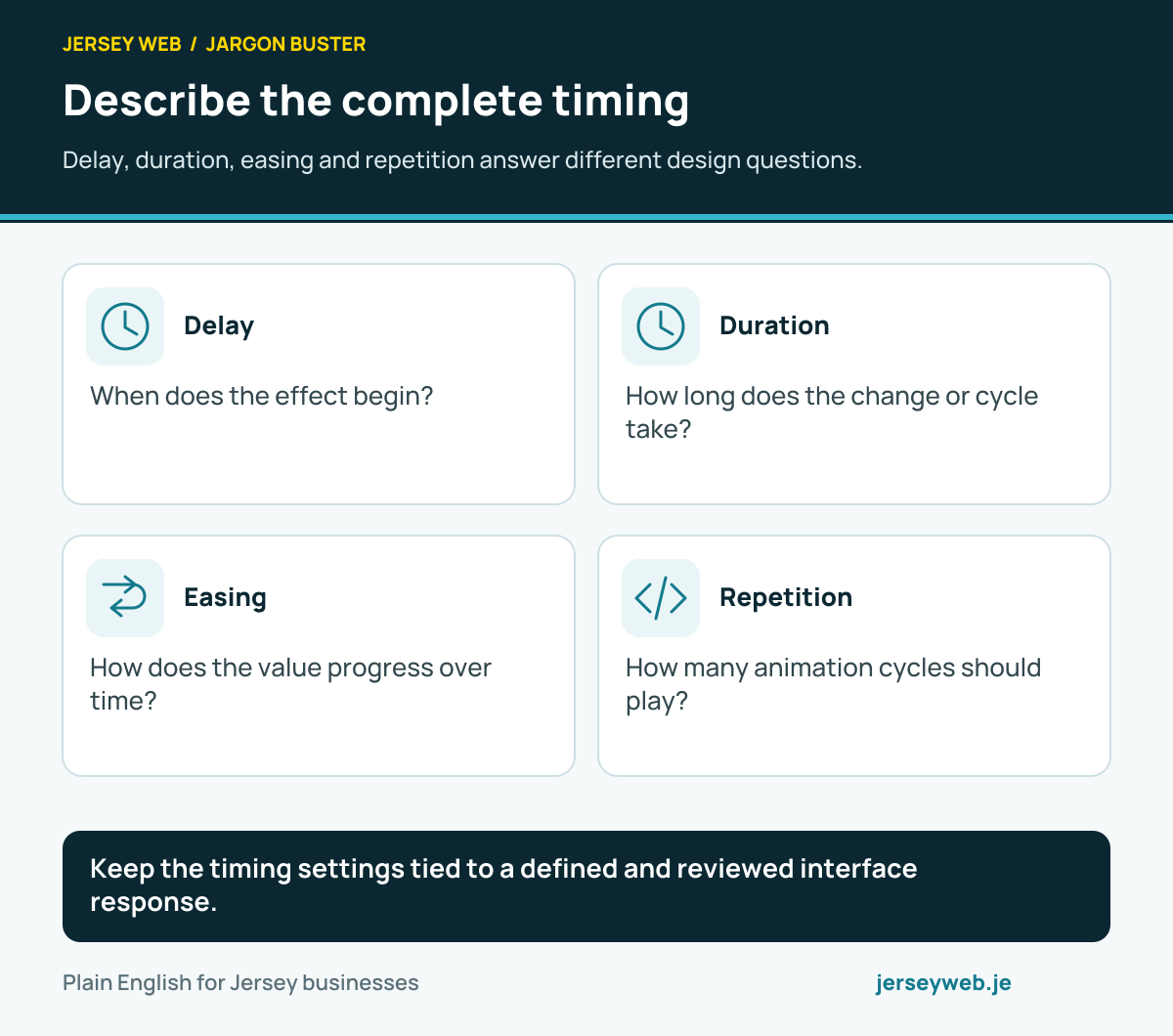
Describe the complete timing
Delay, duration, easing and repetition answer different design questions.
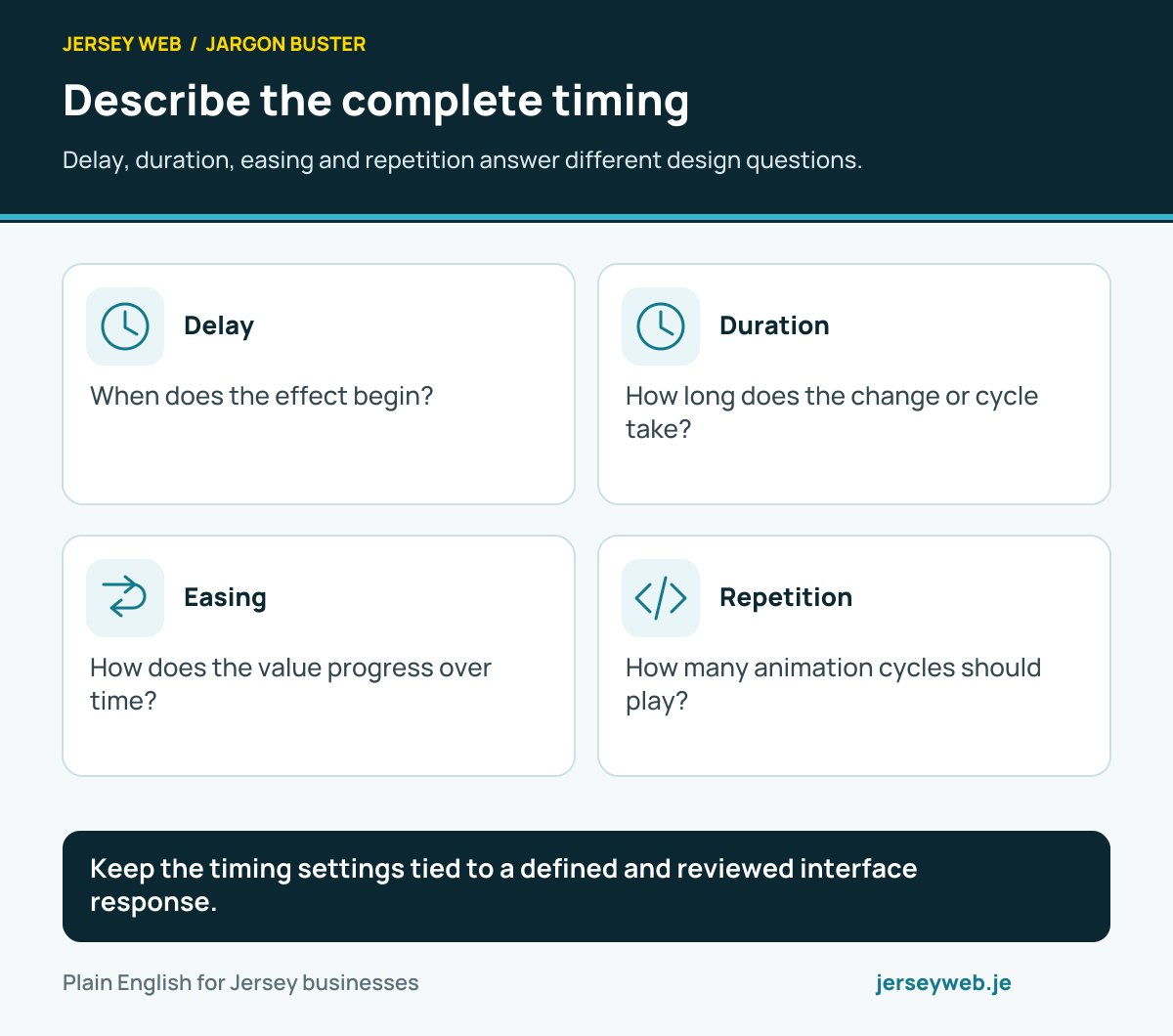
Keep the timing settings tied to a defined and reviewed interface response.
Read the diagram in text
- Delay. When does the effect begin?
- Duration. How long does the change or cycle take?
- Easing. How does the value progress over time?
- Repetition. How many animation cycles should play?
Read the definitions: CSS transition · CSS animation · Easing · Transition delay · Animation duration · Animation iteration count
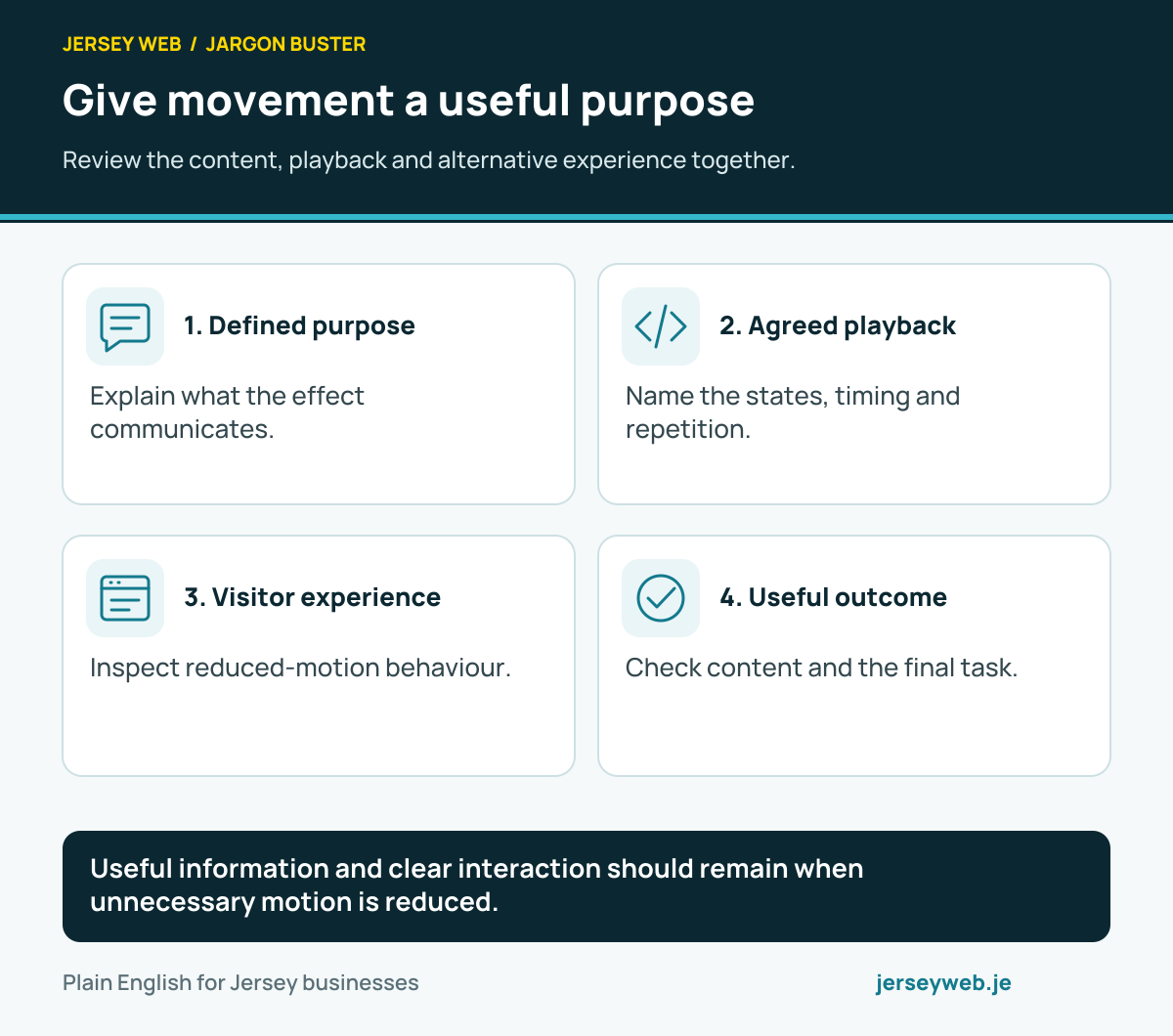
Give movement a useful purpose
Review the content, playback and alternative experience together.
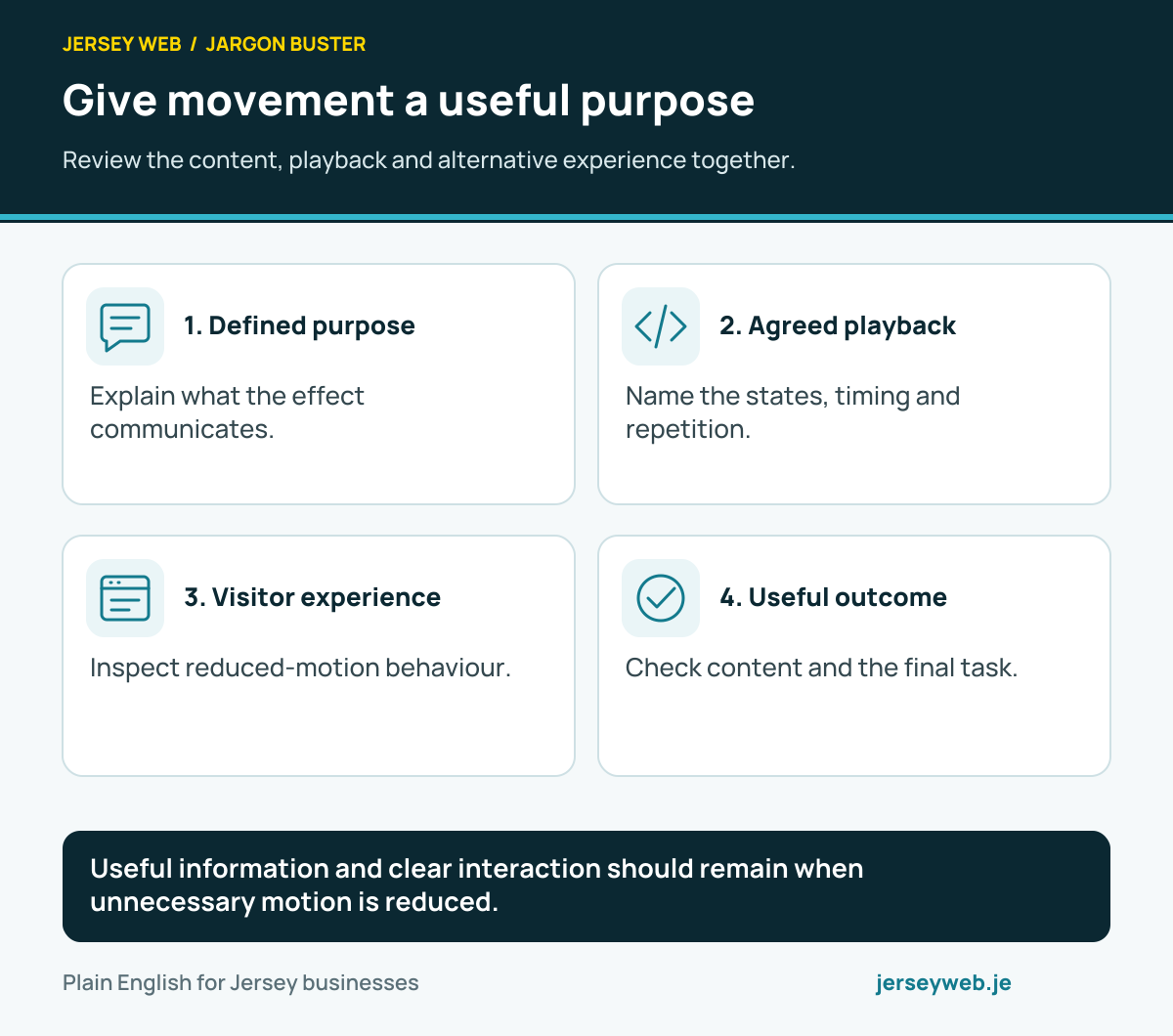
Useful information and clear interaction should remain when unnecessary motion is reduced.
Read the diagram in text
- Defined purpose. Explain what the effect communicates.
- Agreed playback. Name the states, timing and repetition.
- Visitor experience. Inspect reduced-motion behaviour.
- Useful outcome. Check content and the final task.
Read the definitions: CSS animation · Web Animations API · CSS keyframes · Animation play state · Reduced motion
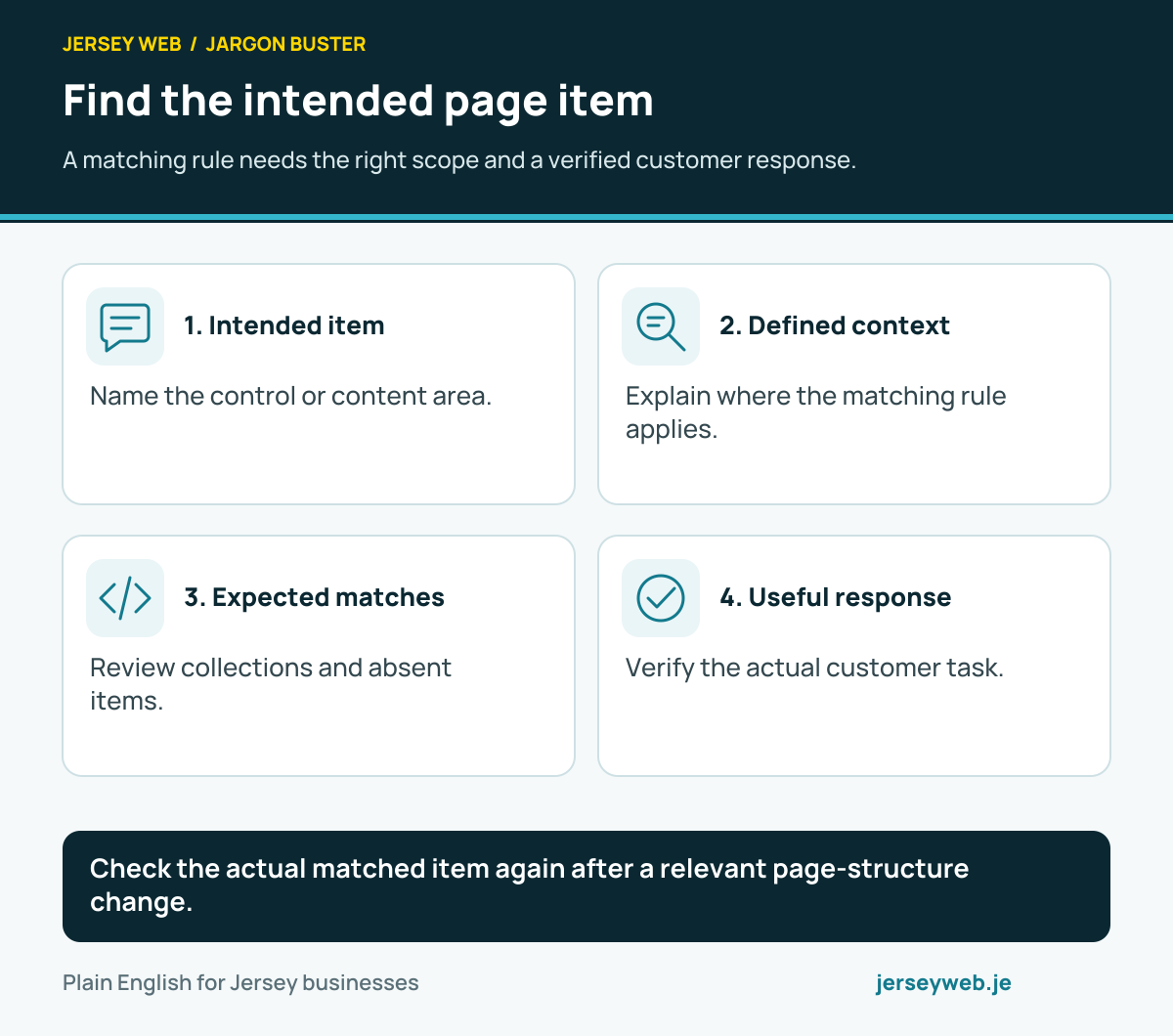
Find the intended page item
A matching rule needs the right scope and a verified customer response.
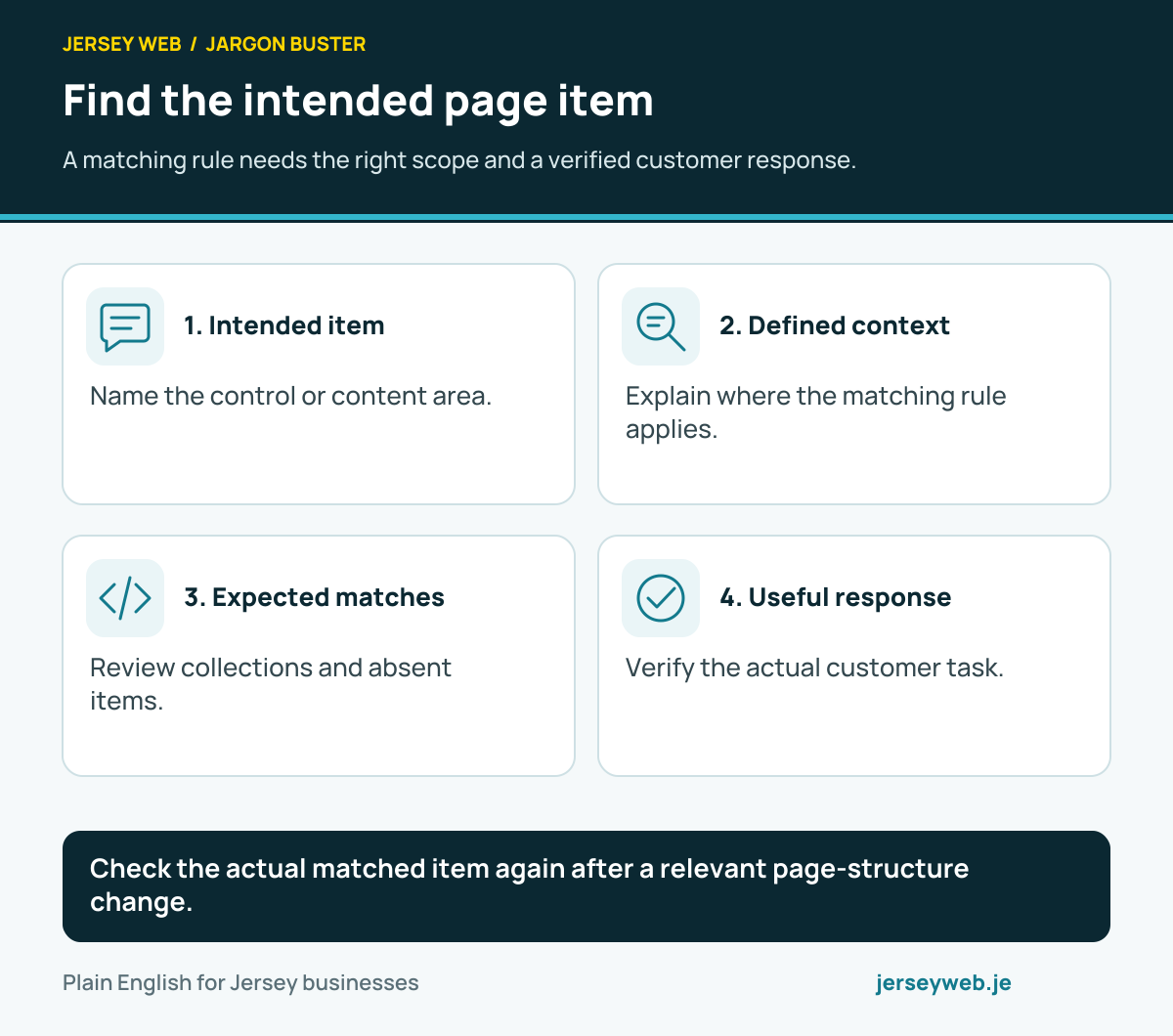
Check the actual matched item again after a relevant page-structure change.
Read the diagram in text
- Intended item. Name the control or content area.
- Defined context. Explain where the matching rule applies.
- Expected matches. Review collections and absent items.
- Useful response. Verify the actual customer task.
Read the definitions: Query selector · Query selector all · NodeList · HTMLCollection · Element closest · Element matches
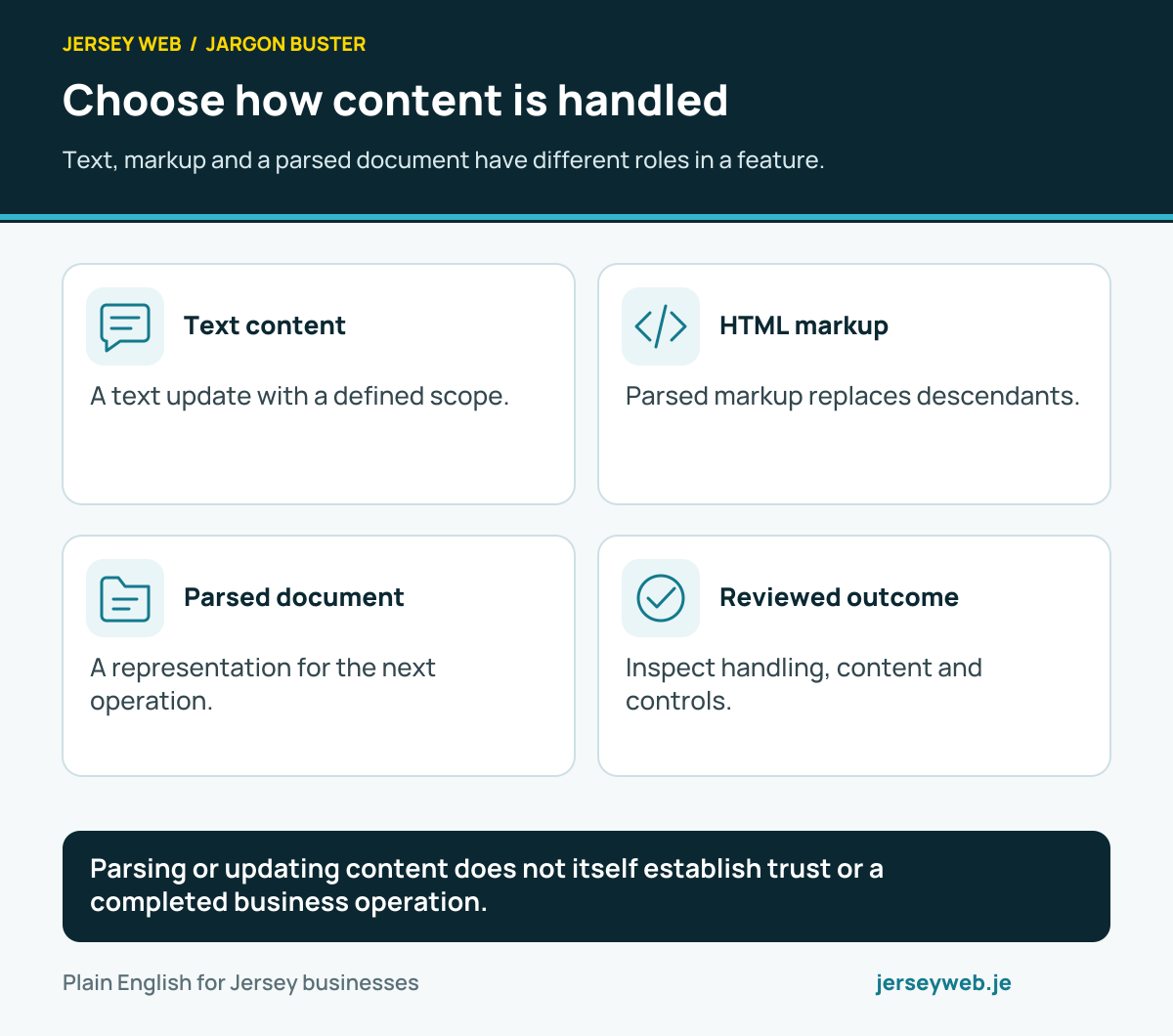
Choose how content is handled
Text, markup and a parsed document have different roles in a feature.
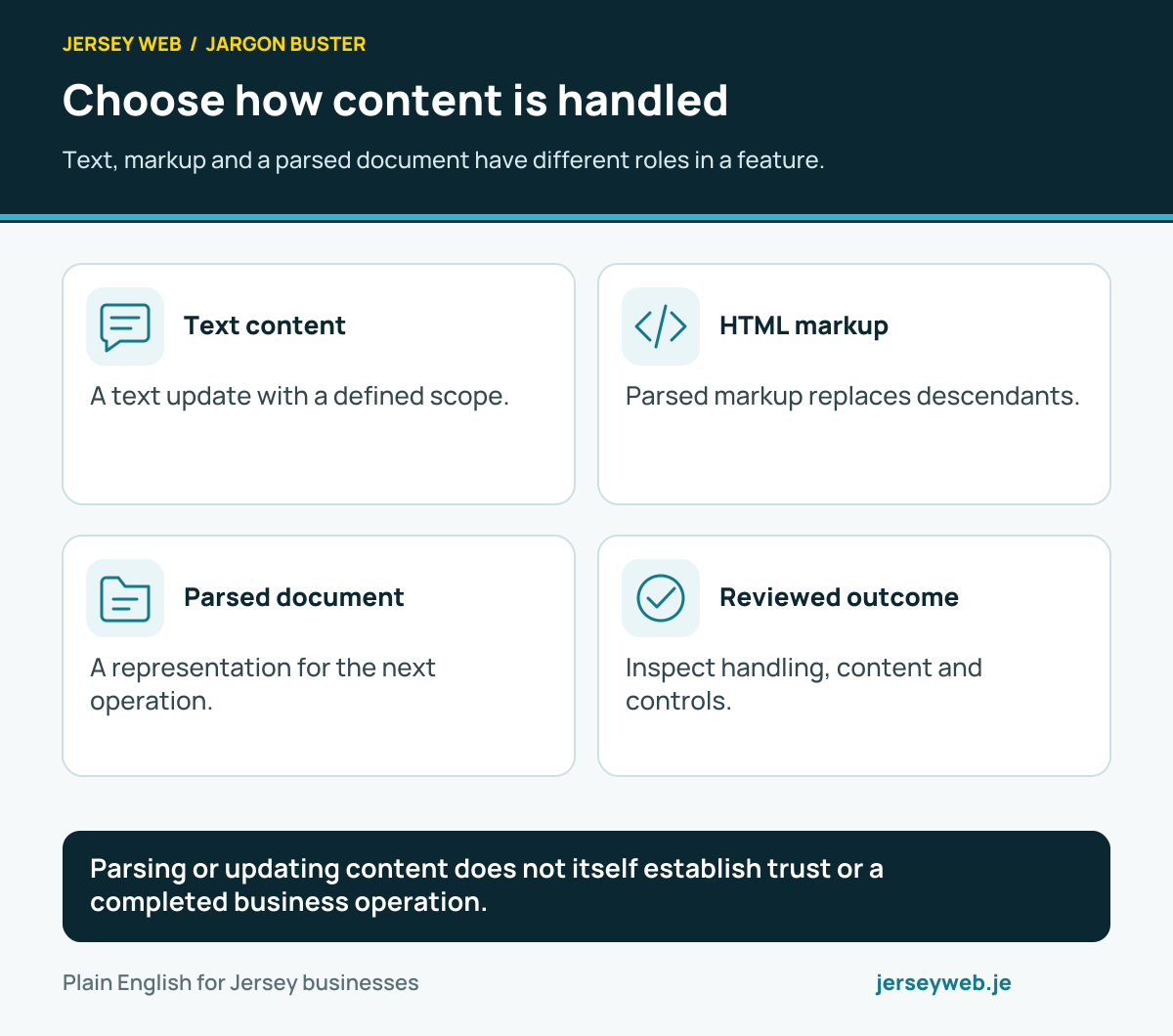
Parsing or updating content does not itself establish trust or a completed business operation.
Read the diagram in text
- Text content. A text update with a defined scope.
- HTML markup. Parsed markup replaces descendants.
- Parsed document. A representation for the next operation.
- Reviewed outcome. Inspect handling, content and controls.
Read the definitions: textContent · innerHTML · DOMParser · DOM parse from string · innerText
Choose the right data collection
Explain what an entry represents before choosing how the feature stores it.
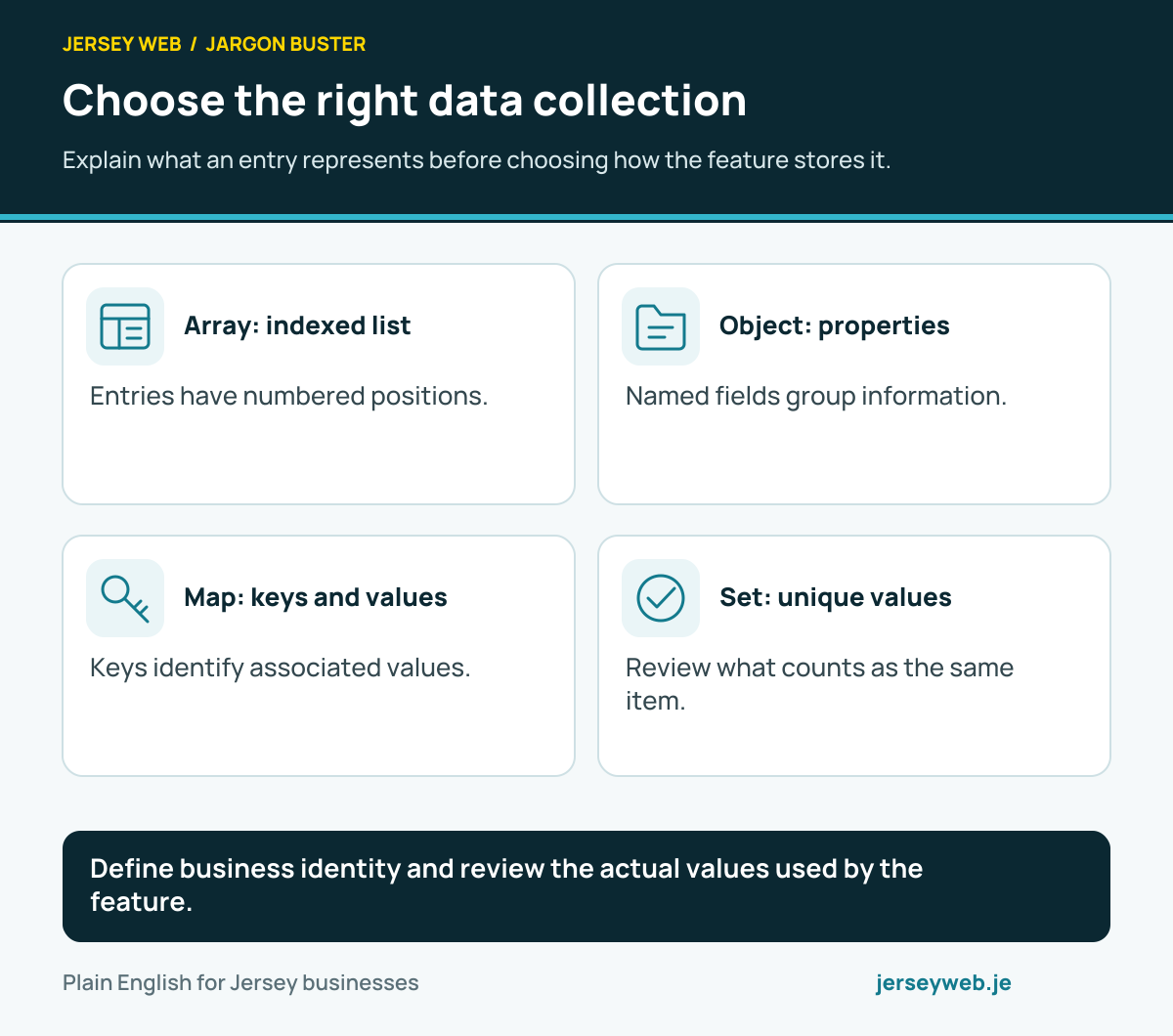
Define business identity and review the actual values used by the feature.
Read the diagram in text
- Array: indexed list. Entries have numbered positions.
- Object: properties. Named fields group information.
- Map: keys and values. Keys identify associated values.
- Set: unique values. Review what counts as the same item.
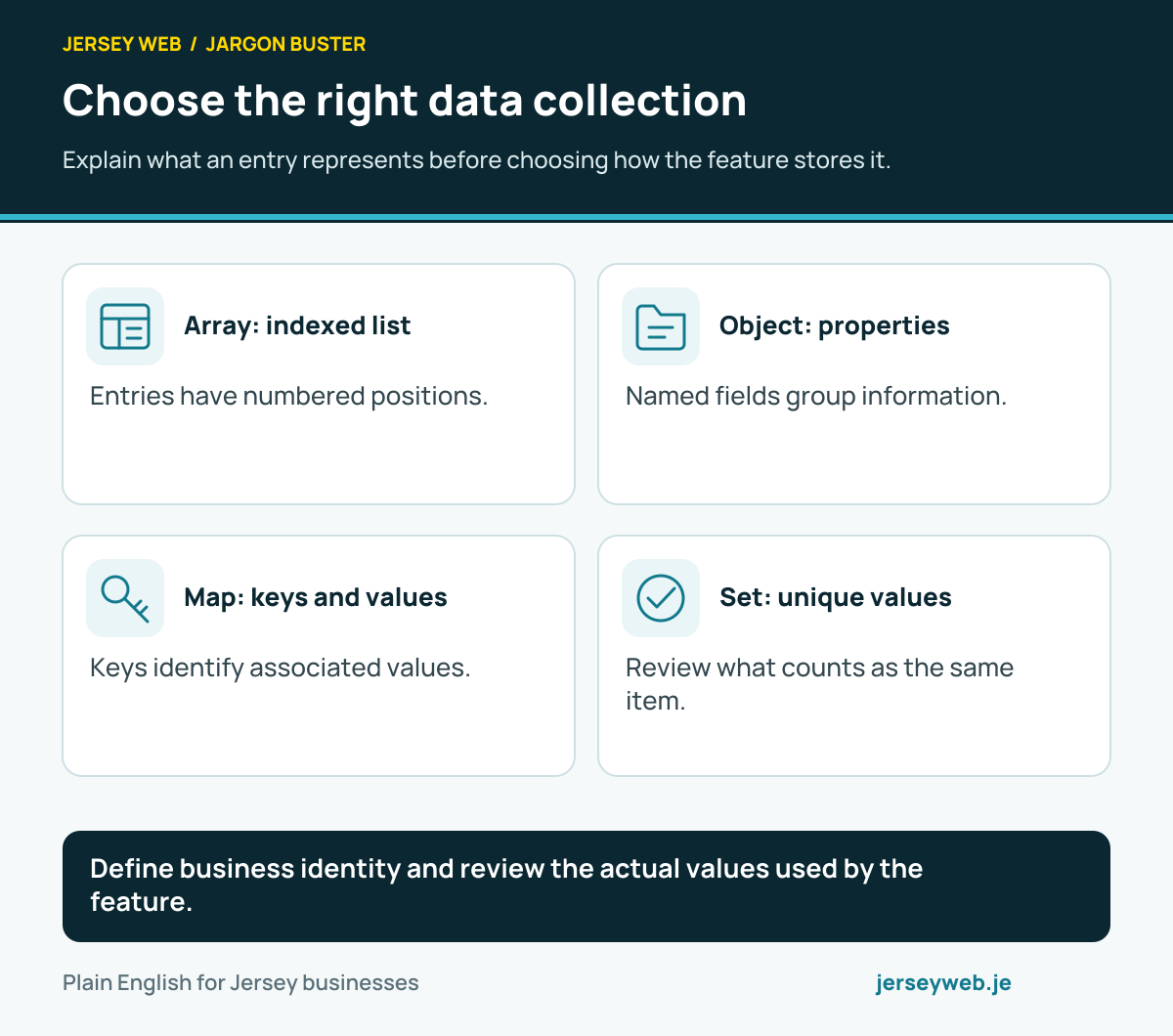
Read the definitions: Array · Object · JavaScript Map · JavaScript Set
Know what a list operation does
Transforming, selecting, finding and combining have different outputs.
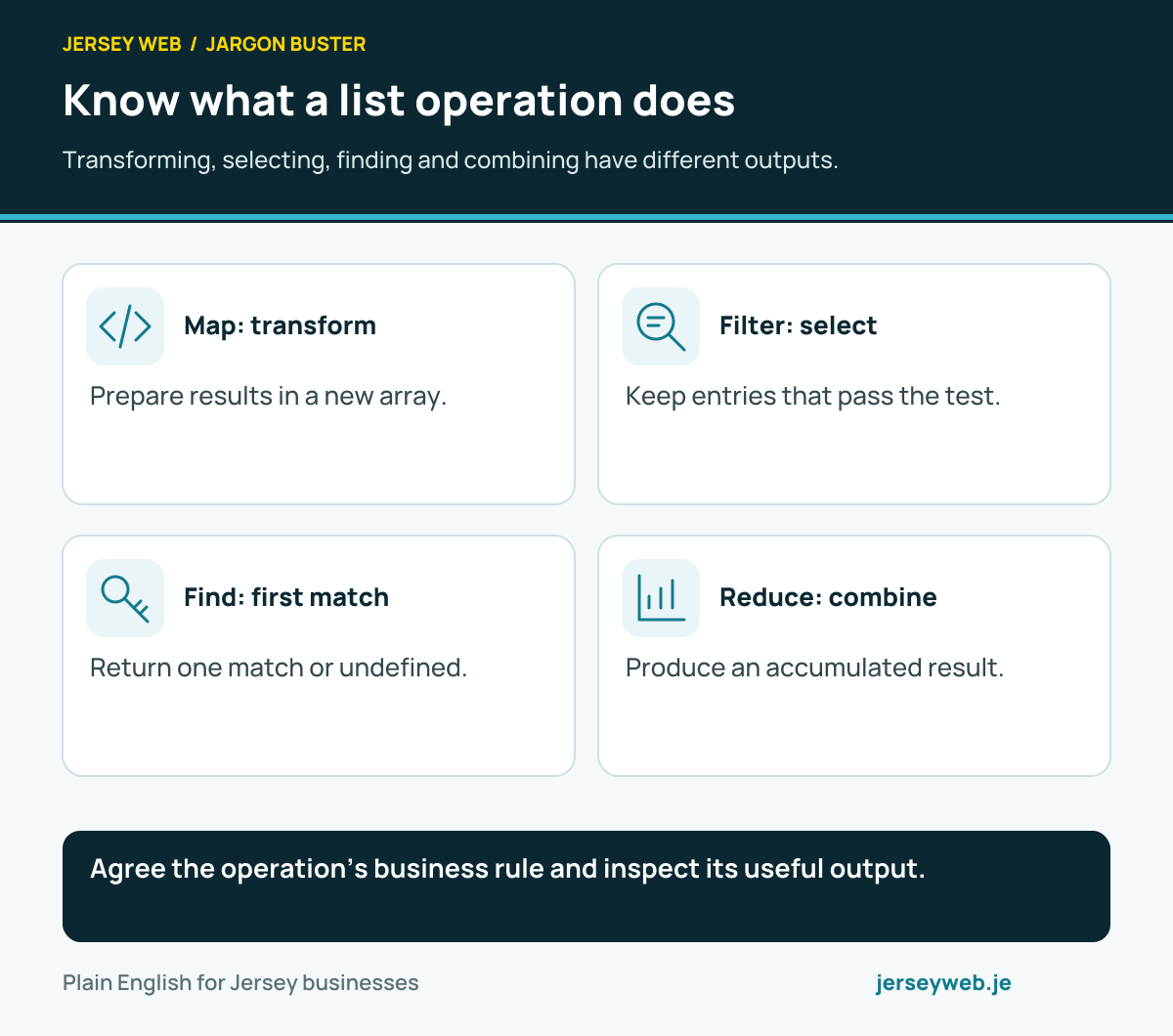
Agree the operation’s business rule and inspect its useful output.
Read the diagram in text
- Map: transform. Prepare results in a new array.
- Filter: select. Keep entries that pass the test.
- Find: first match. Return one match or undefined.
- Reduce: combine. Produce an accumulated result.
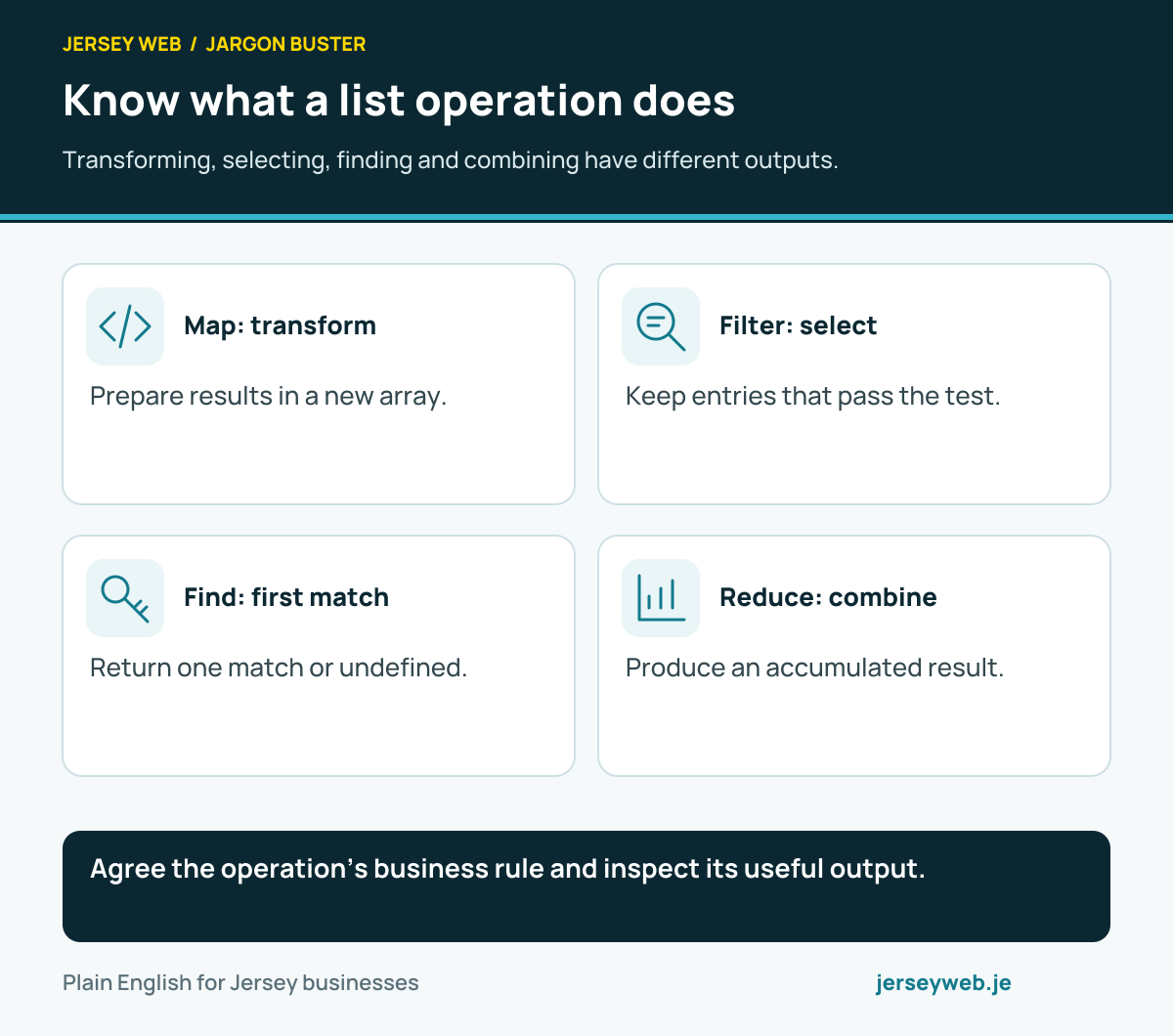
Read the definitions: Array · Array map · Array filter · Array find · Array reduce
Review what changes with a copy
A new reference, a deep clone and a frozen object have different effects.
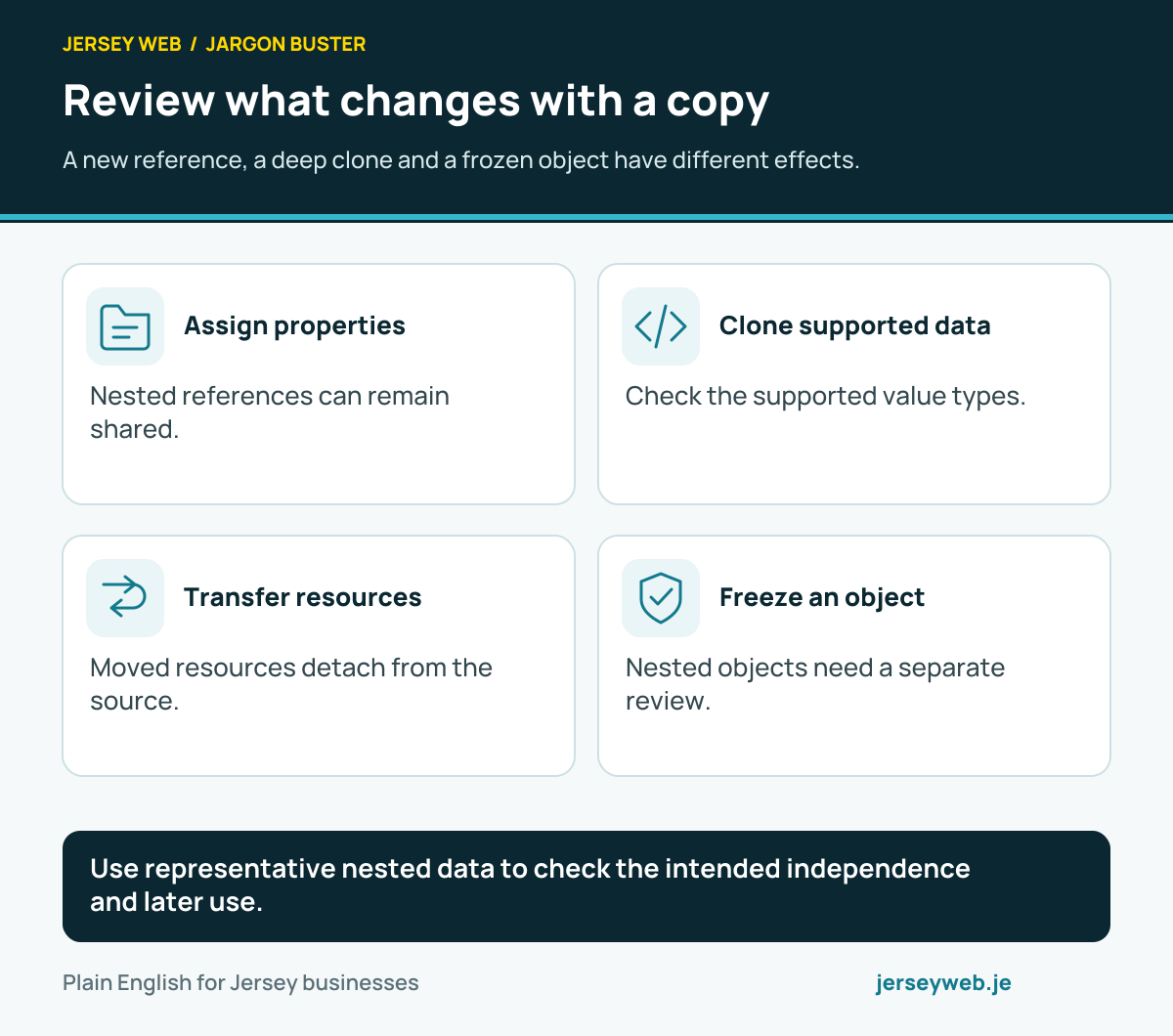
Use representative nested data to check the intended independence and later use.
Read the diagram in text
- Assign properties. Nested references can remain shared.
- Clone supported data. Check the supported value types.
- Transfer resources. Moved resources detach from the source.
- Freeze an object. Nested objects need a separate review.
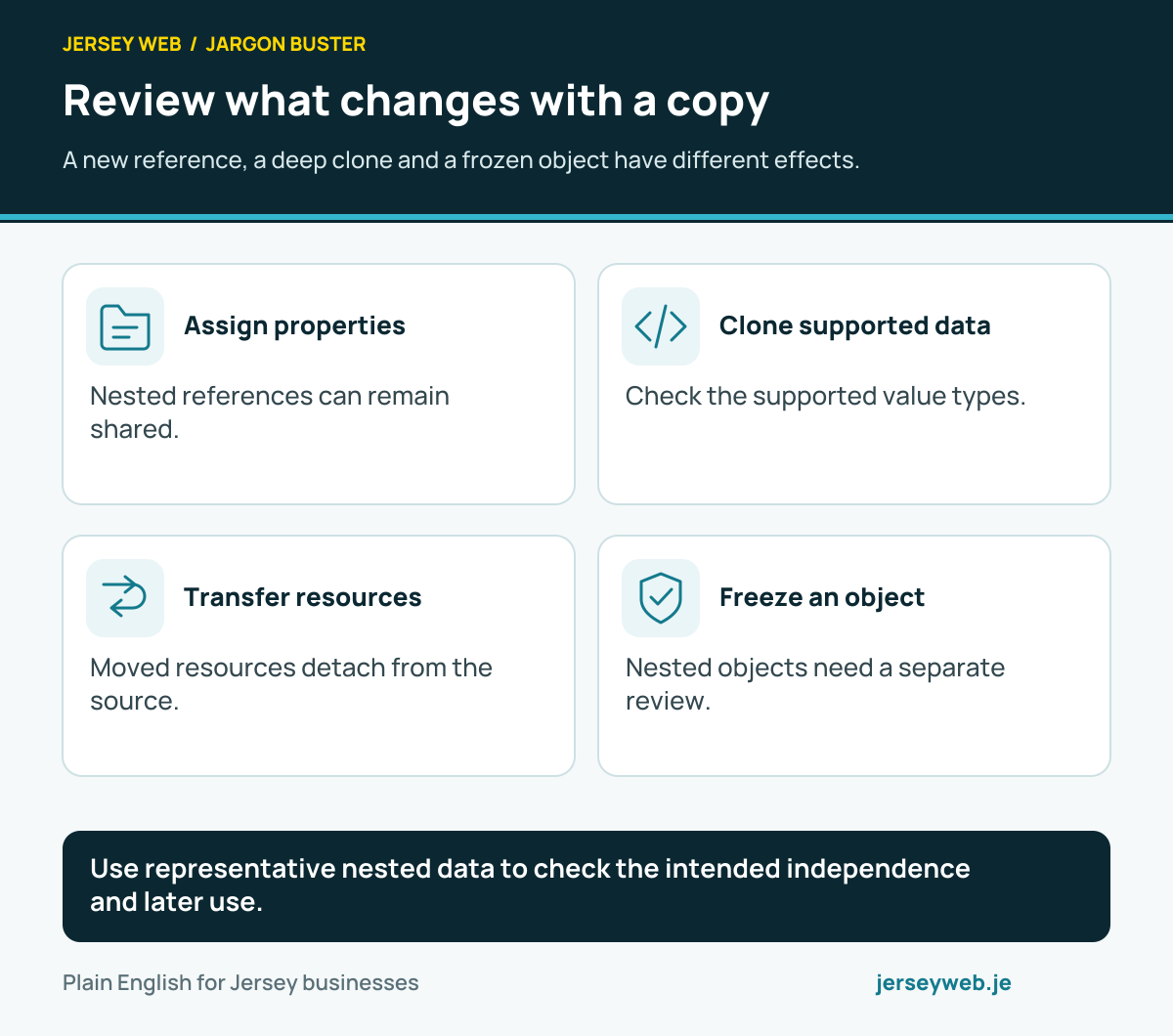
Read the definitions: Object · Object assign · Object freeze · Structured clone · Array slice
Check information at each stage
Browser feedback and receiving checks have distinct roles in the customer task.
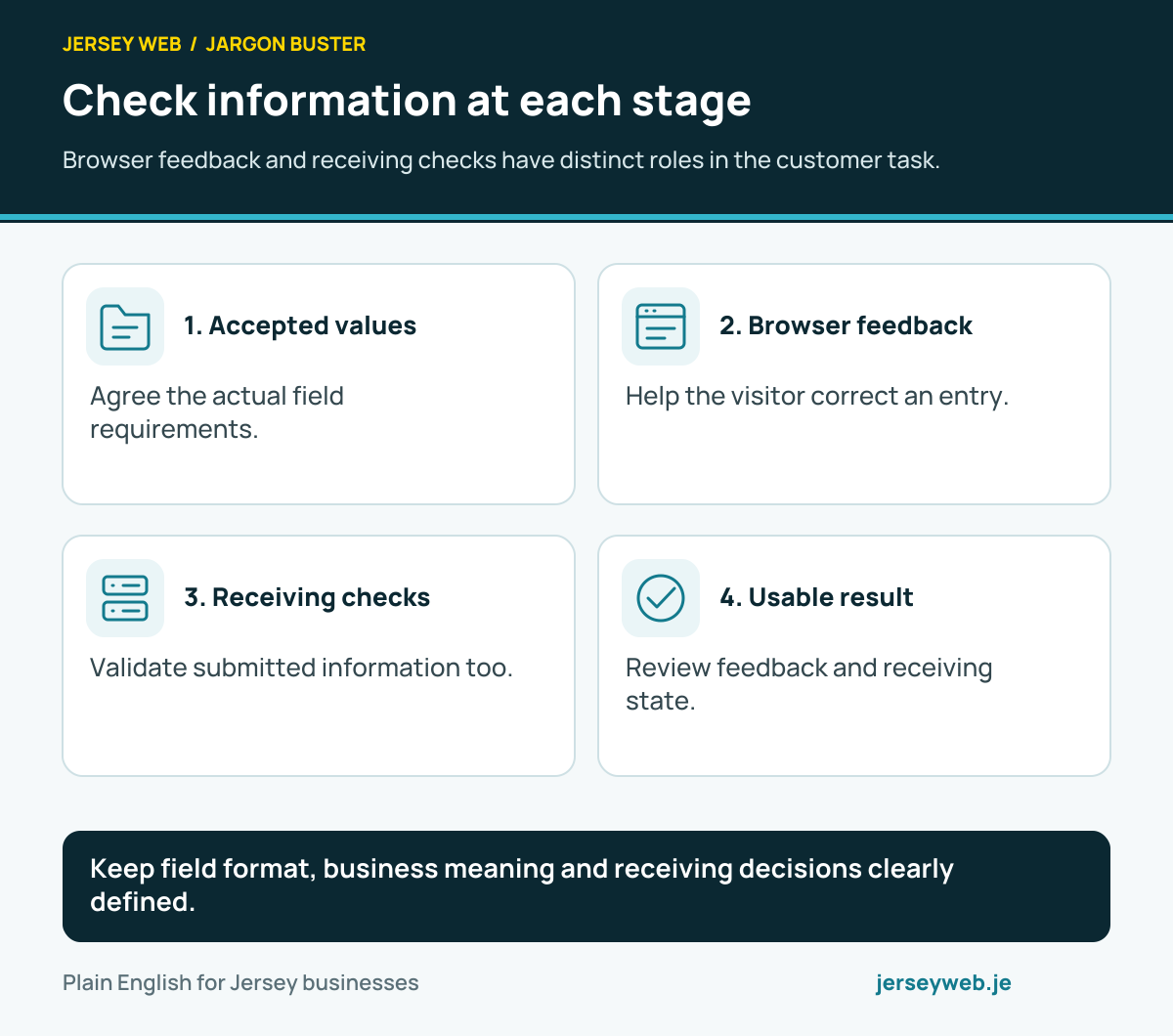
Keep field format, business meaning and receiving decisions clearly defined.
Read the diagram in text
- Accepted values. Agree the actual field requirements.
- Browser feedback. Help the visitor correct an entry.
- Receiving checks. Validate submitted information too.
- Usable result. Review feedback and receiving state.
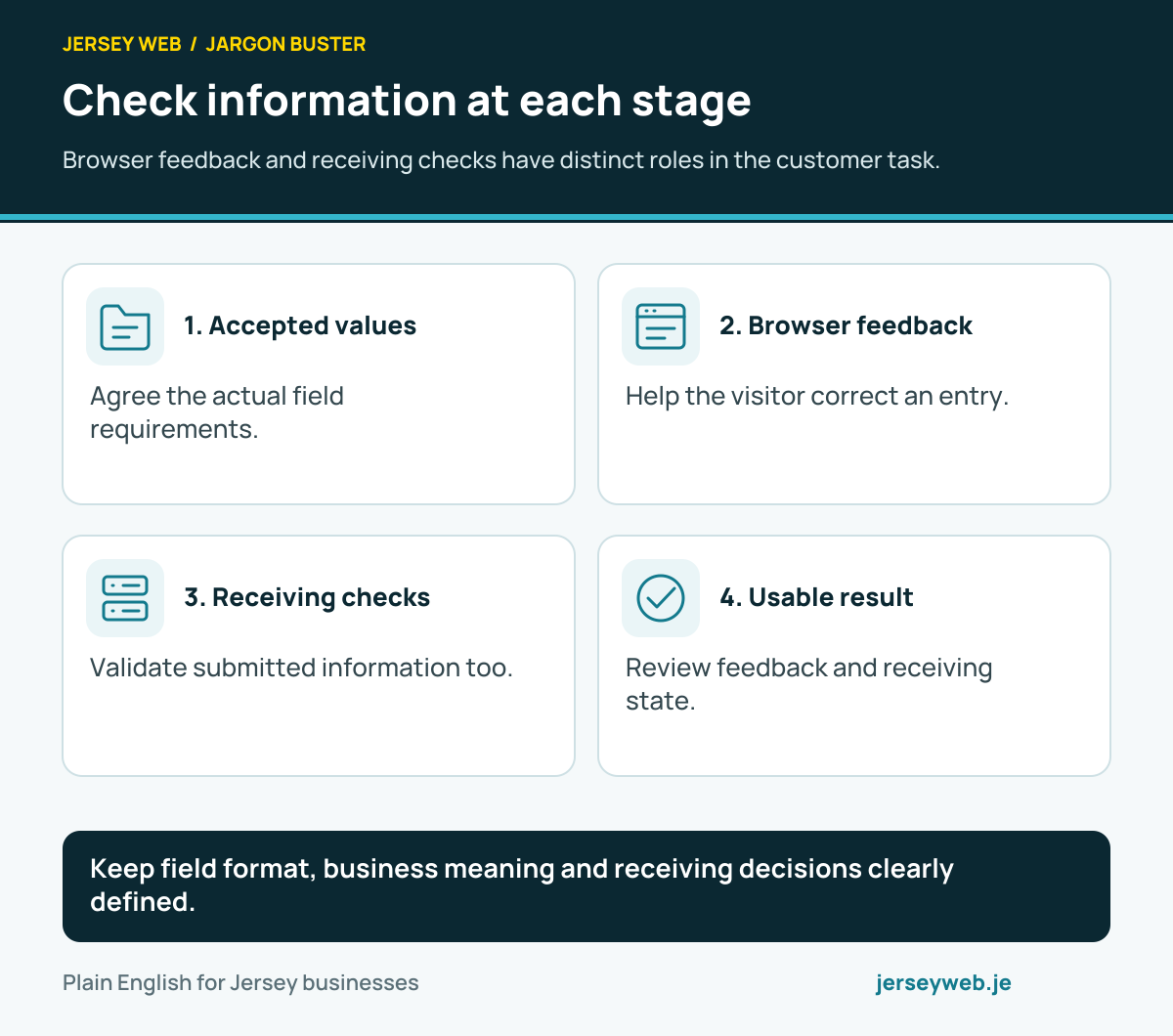
Read the definitions: Input validation · Client-side validation · Server-side validation · Syntax validation · Semantic validation
Make form corrections usable
Review the feedback, target control and next attempt as one customer task.
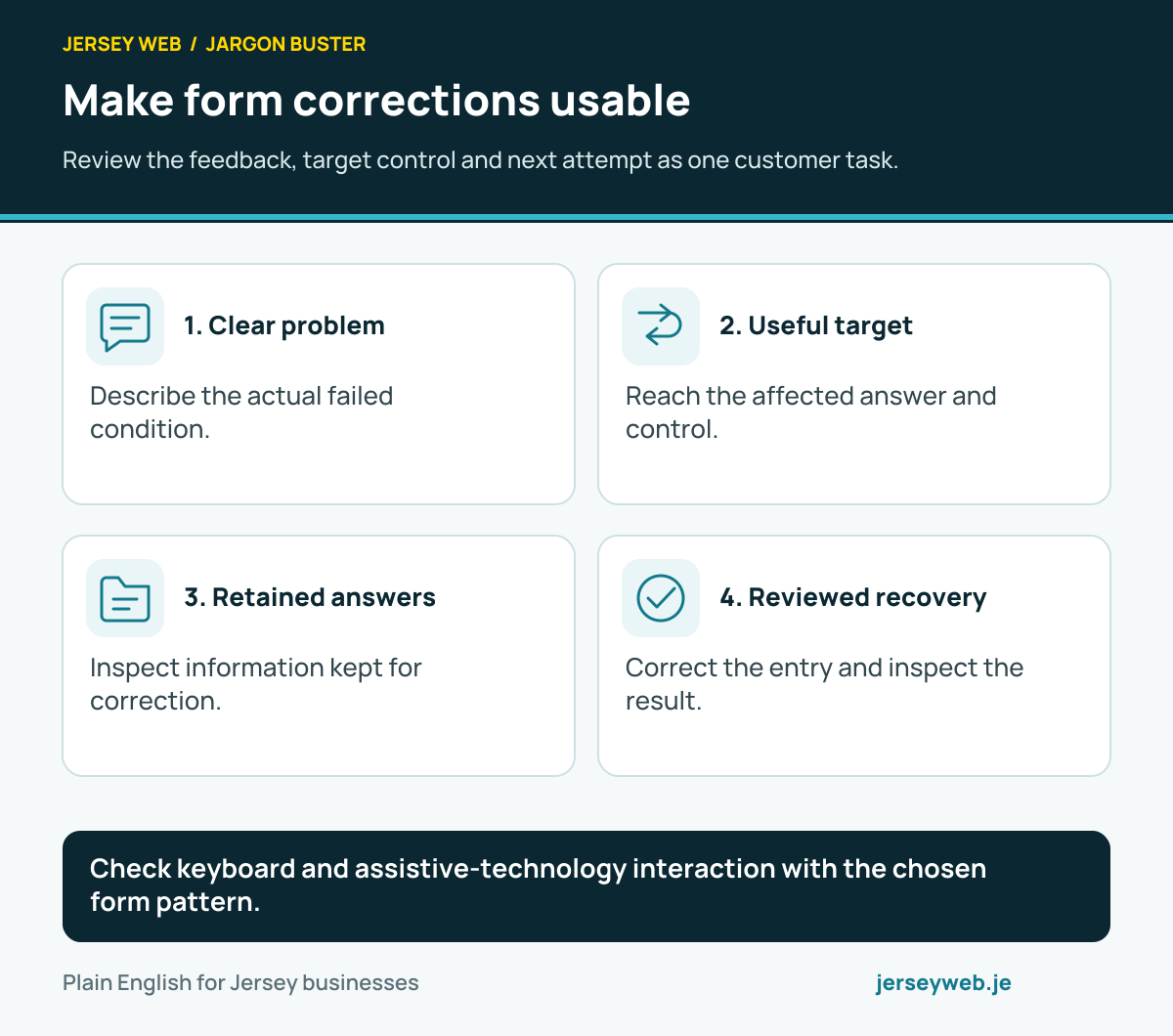
Check keyboard and assistive-technology interaction with the chosen form pattern.
Read the diagram in text
- Clear problem. Describe the actual failed condition.
- Useful target. Reach the affected answer and control.
- Retained answers. Inspect information kept for correction.
- Reviewed recovery. Correct the entry and inspect the result.
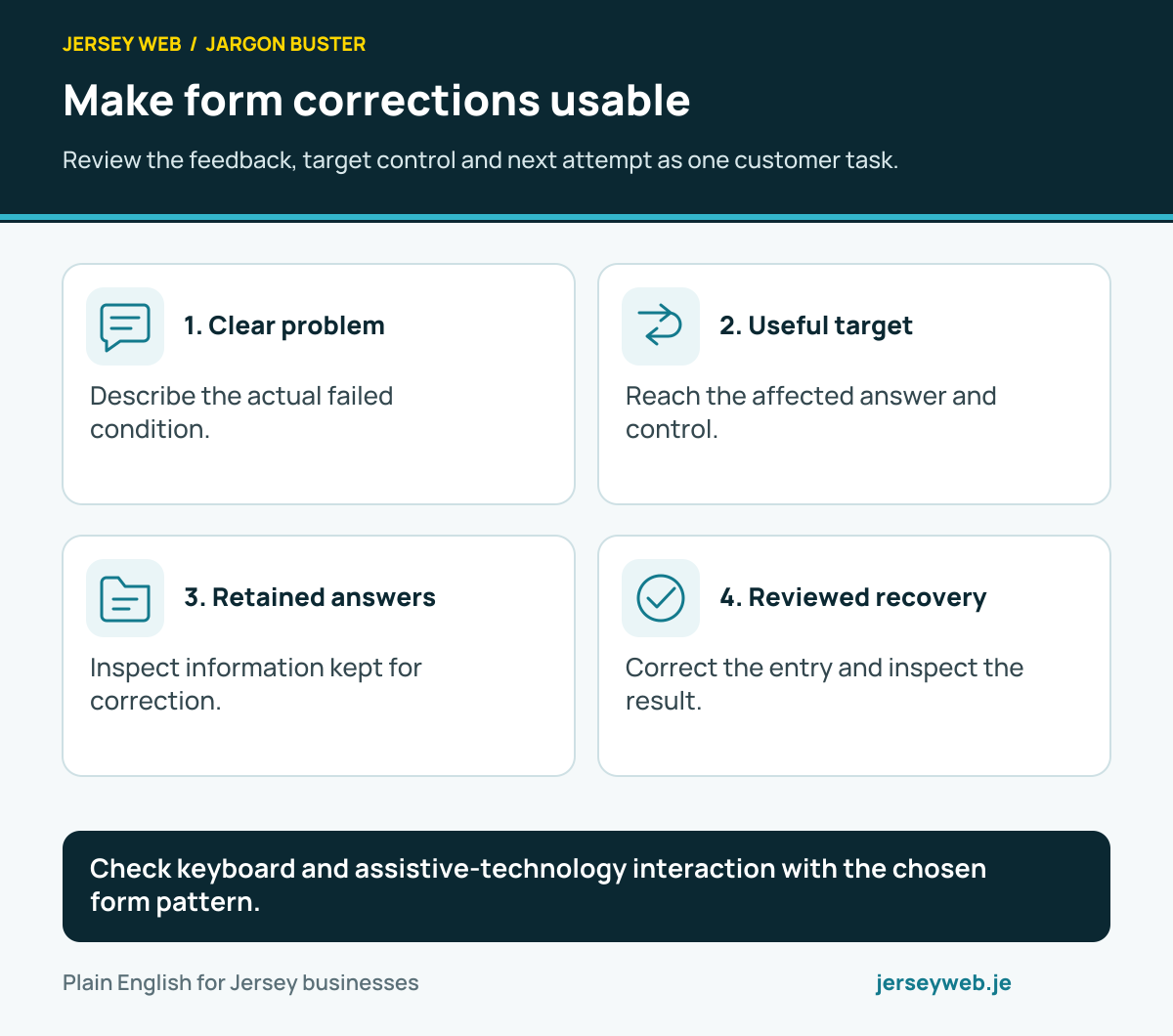
Read the definitions: Error message · Error summary · Error identification · Error suggestion · Required field
Keep processed text meaningful
A text operation needs an explicit purpose and a reviewed receiving result.
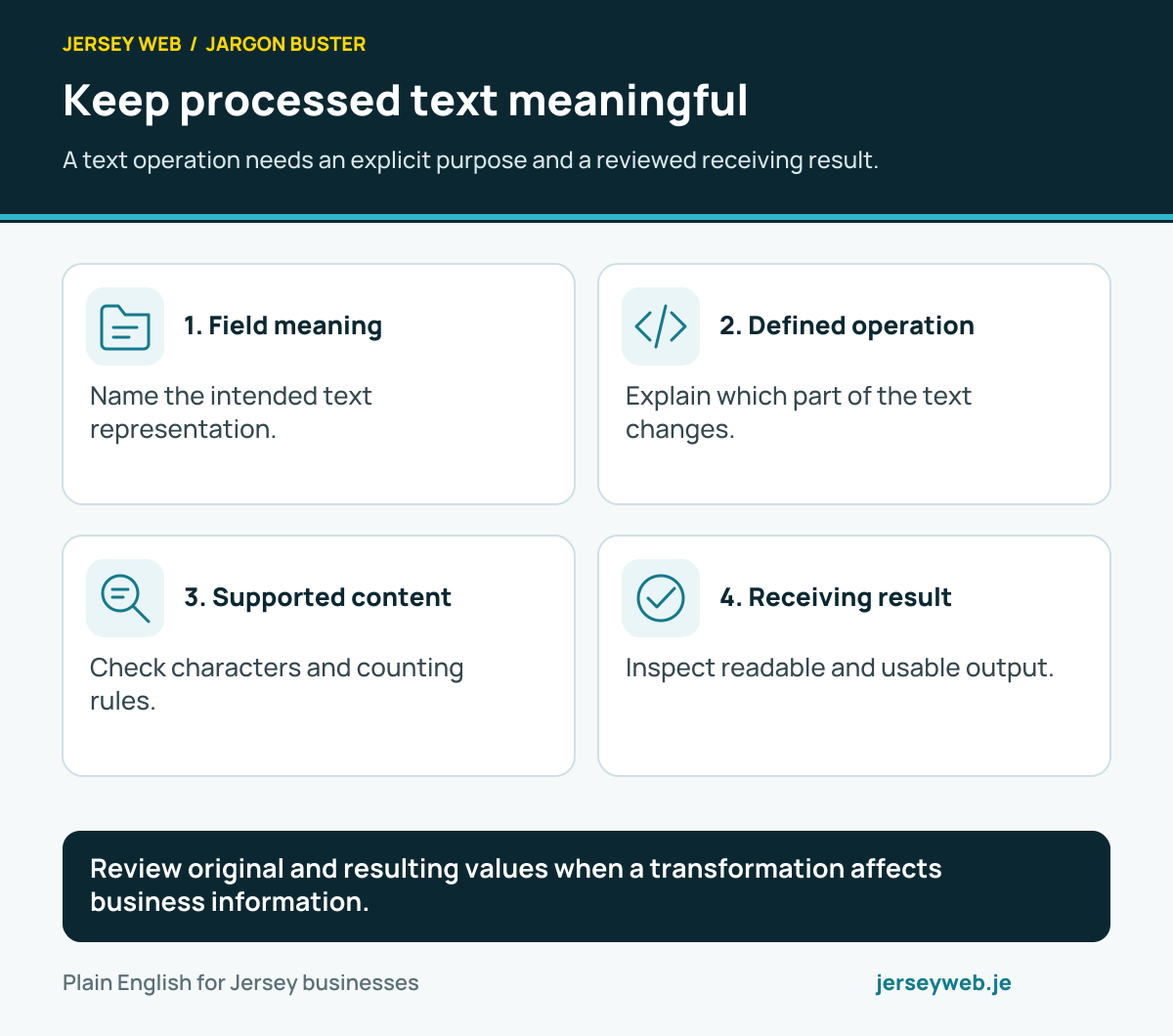
Review original and resulting values when a transformation affects business information.
Read the diagram in text
- Field meaning. Name the intended text representation.
- Defined operation. Explain which part of the text changes.
- Supported content. Check characters and counting rules.
- Receiving result. Inspect readable and usable output.
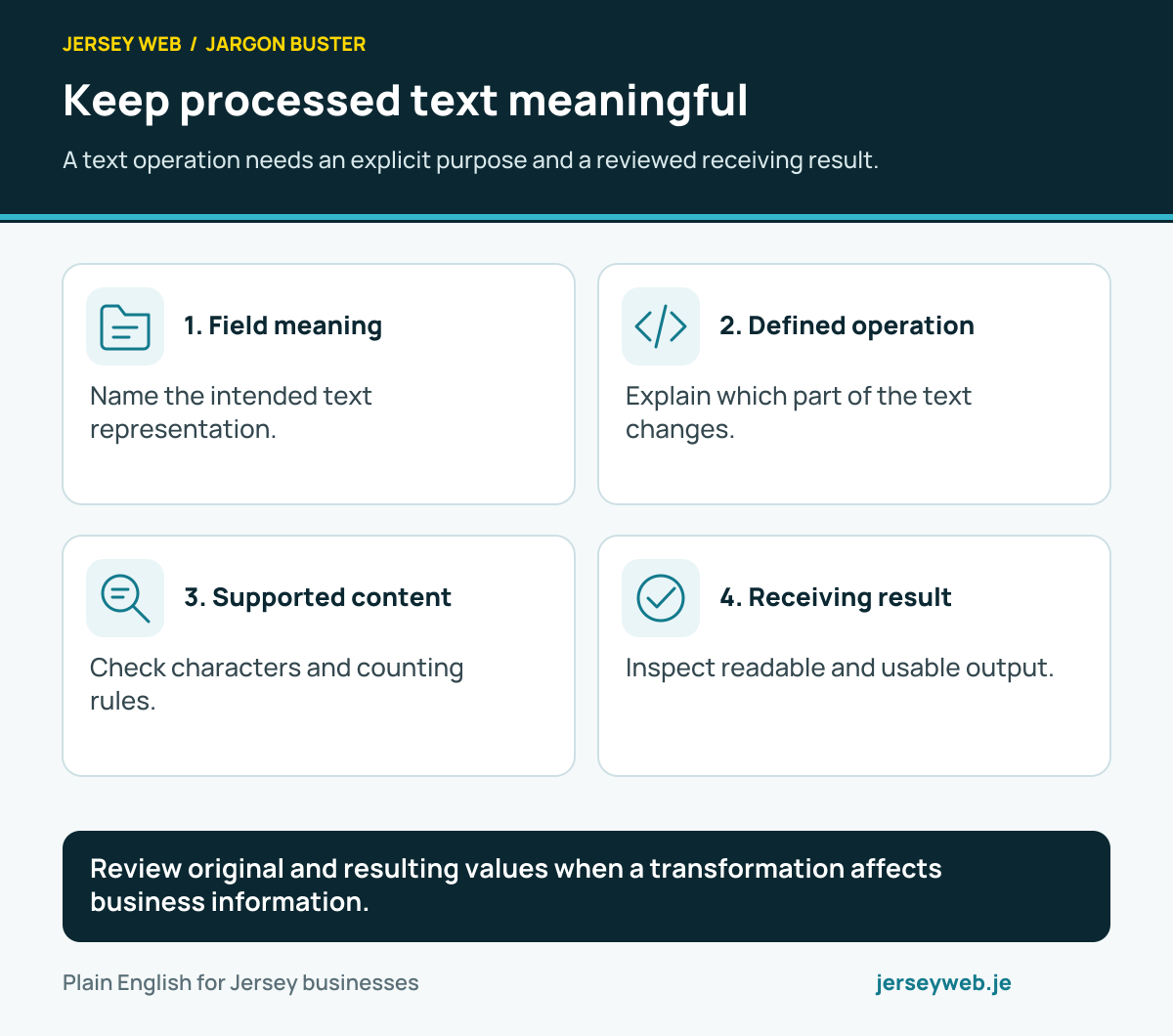
Read the definitions: String · String trim · String replace · String replace all · String length
Separate JSON conversion stages
Text, application values and receiving completion have distinct roles.
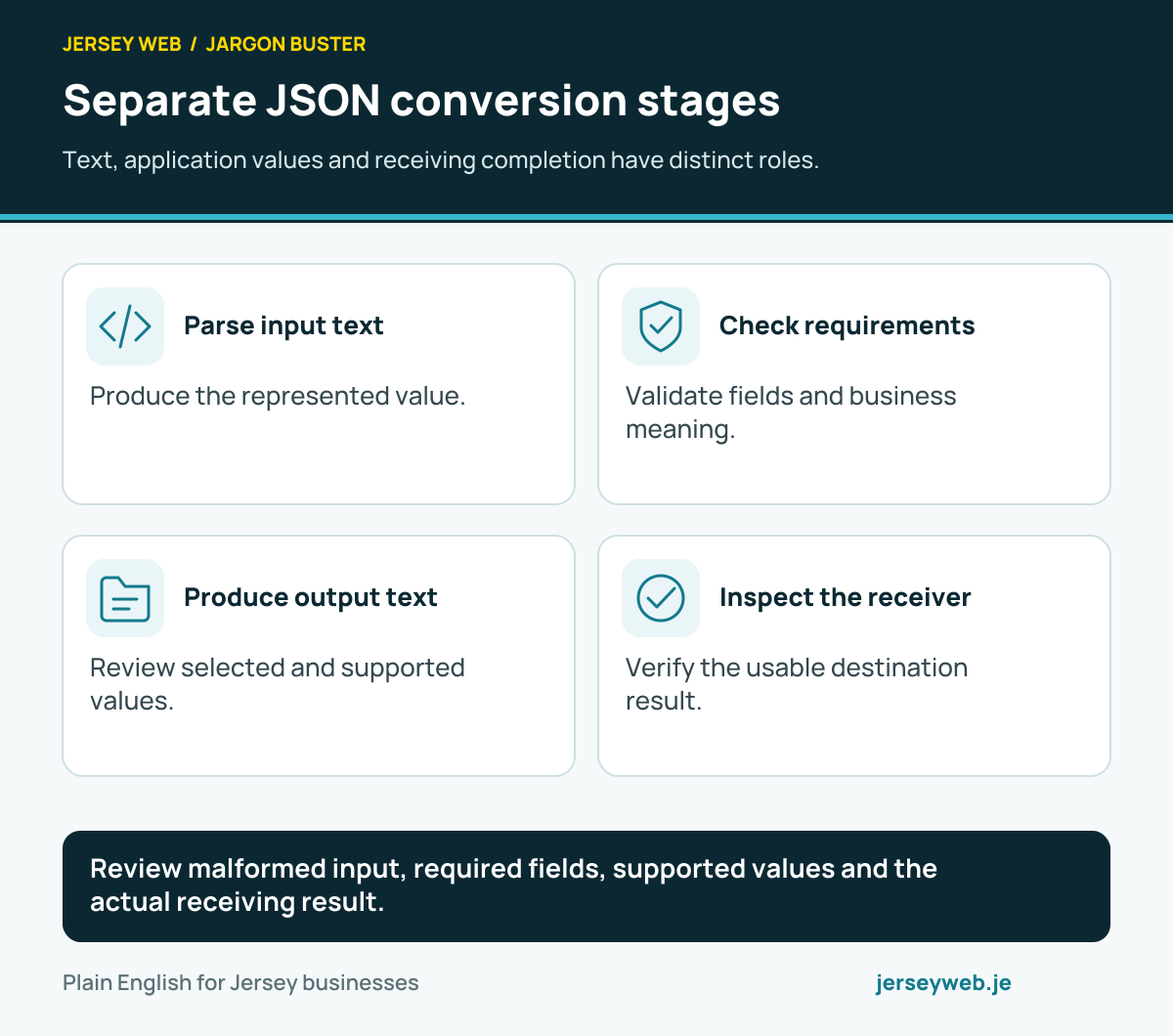
Review malformed input, required fields, supported values and the actual receiving result.
Read the diagram in text
- Parse input text. Produce the represented value.
- Check requirements. Validate fields and business meaning.
- Produce output text. Review selected and supported values.
- Inspect the receiver. Verify the usable destination result.
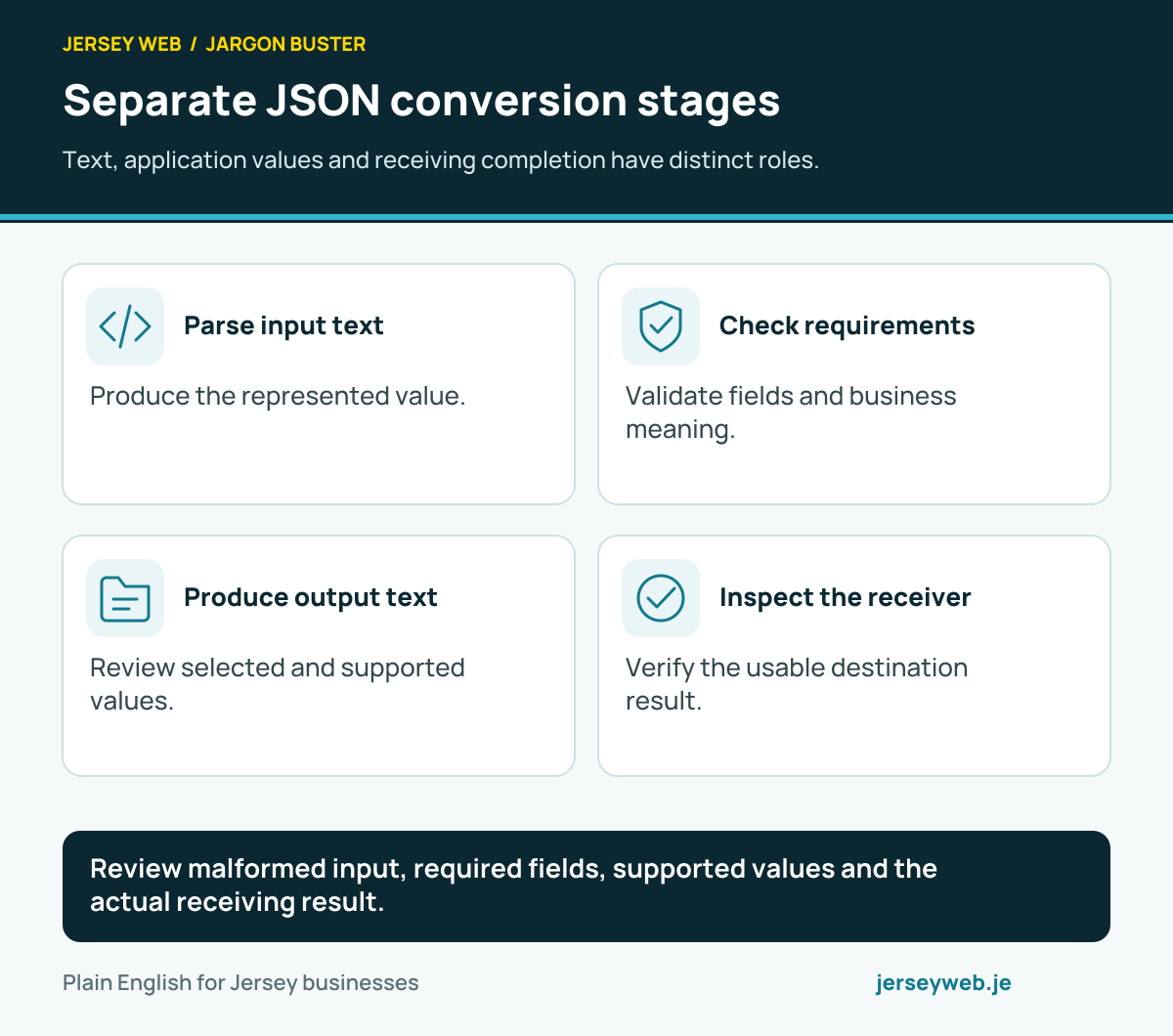
Read the definitions: JSON · JSON parse · JSON stringify · Input validation · API schema
Review the meaning of a number
Representation, accepted ranges and display rules each need a clear purpose.
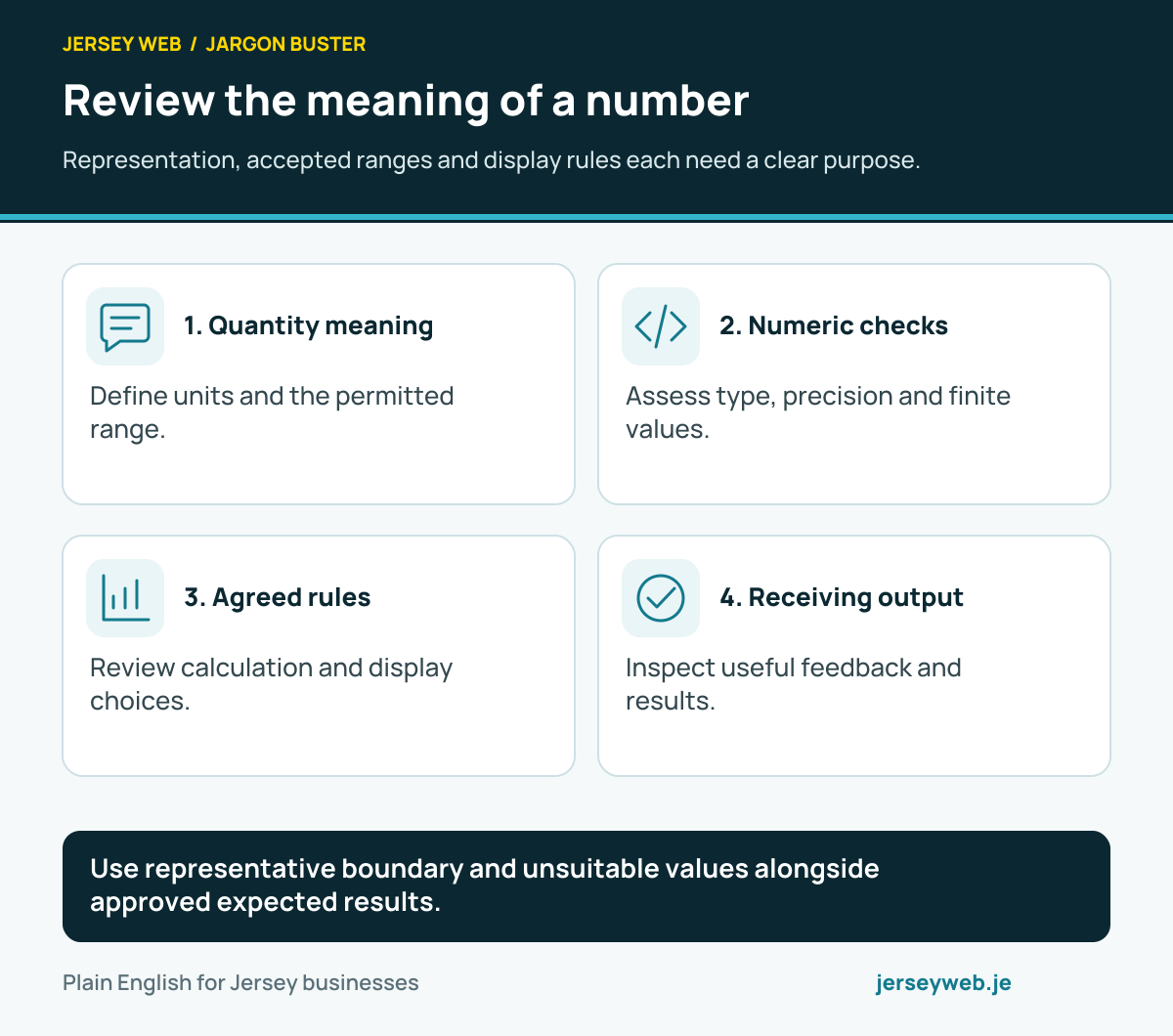
Use representative boundary and unsuitable values alongside approved expected results.
Read the diagram in text
- Quantity meaning. Define units and the permitted range.
- Numeric checks. Assess type, precision and finite values.
- Agreed rules. Review calculation and display choices.
- Receiving output. Inspect useful feedback and results.
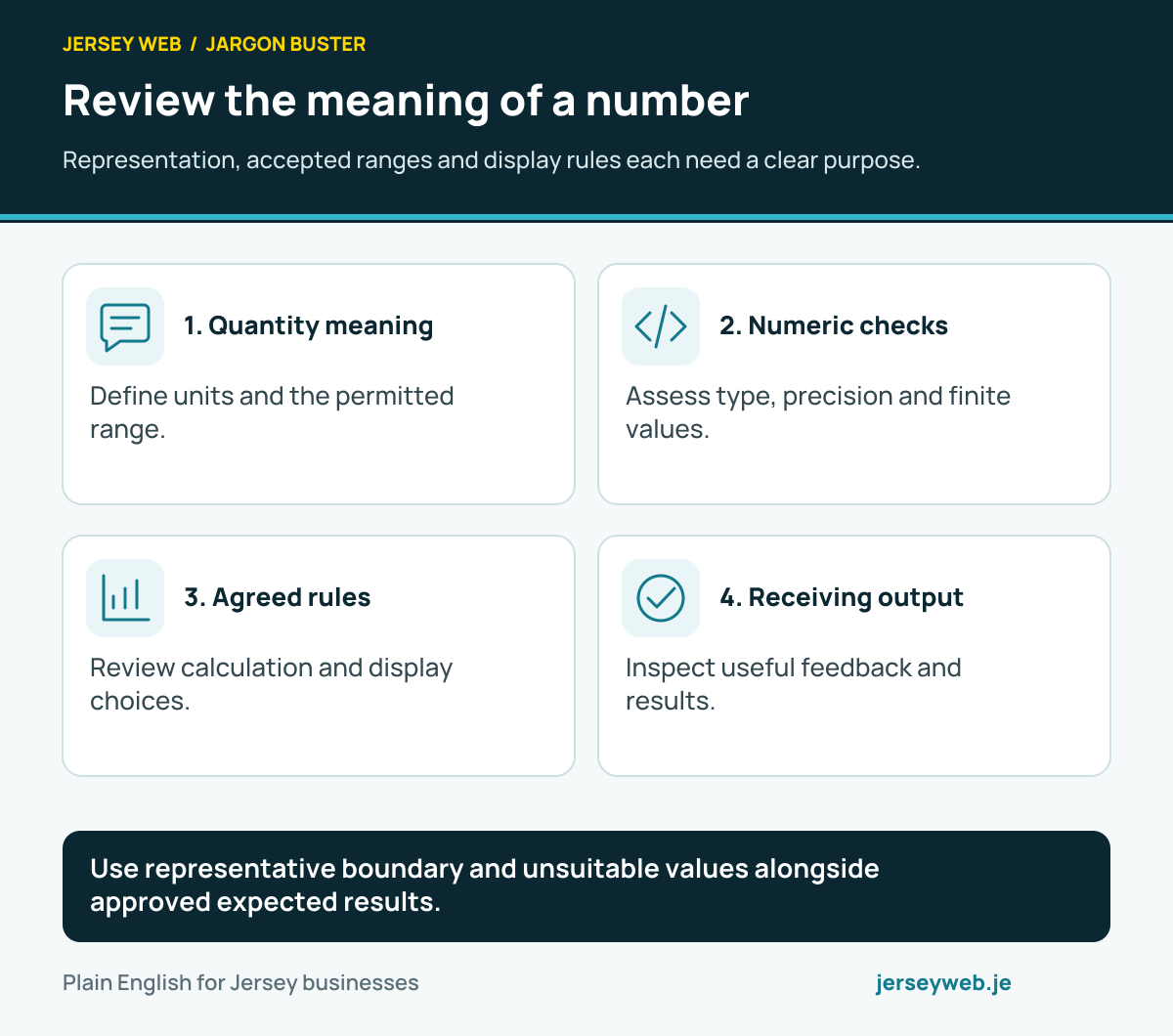
Read the definitions: Integer · Floating-point number · NaN · Number is integer · Number is finite · Number to fixed
Give true and false clear meanings
A flag supports only the condition that its implementation actually checks.
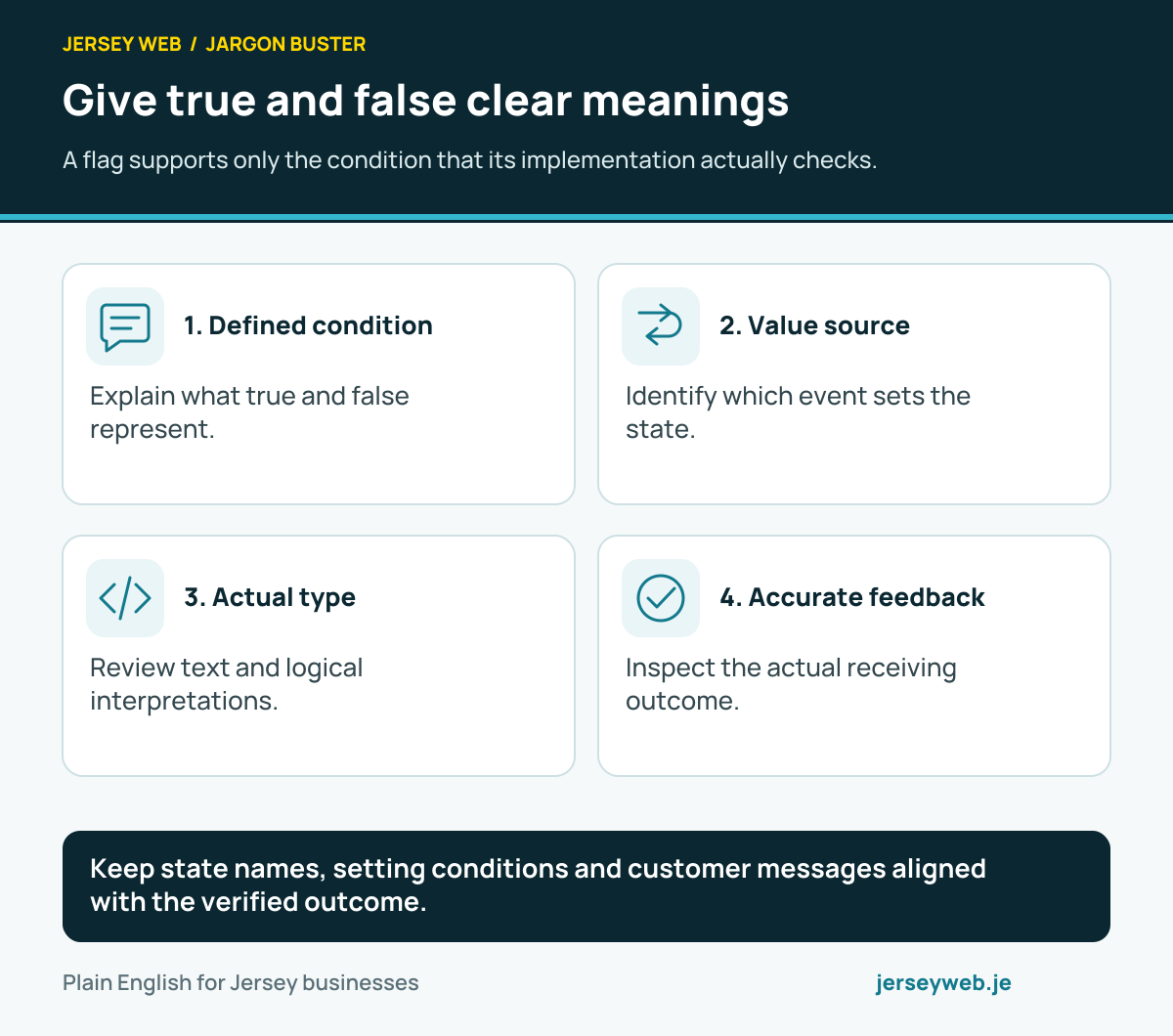
Keep state names, setting conditions and customer messages aligned with the verified outcome.
Read the diagram in text
- Defined condition. Explain what true and false represent.
- Value source. Identify which event sets the state.
- Actual type. Review text and logical interpretations.
- Accurate feedback. Inspect the actual receiving outcome.
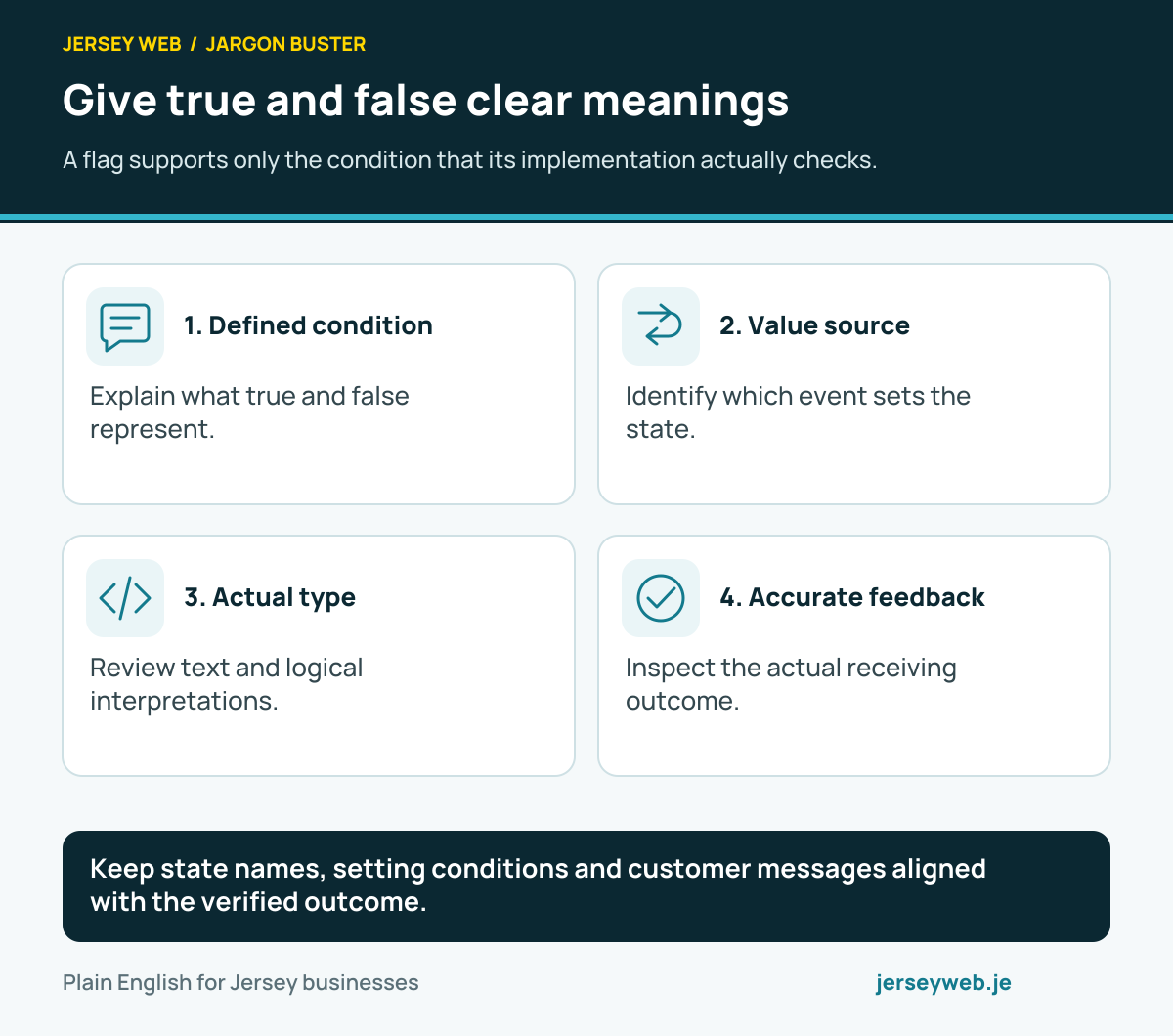
Read the definitions: Boolean · Truthy · Falsy · Input validation · Array some · Array every
Agree the exchanged data contract
A recognised format still needs the right fields and a reviewed receiving outcome.
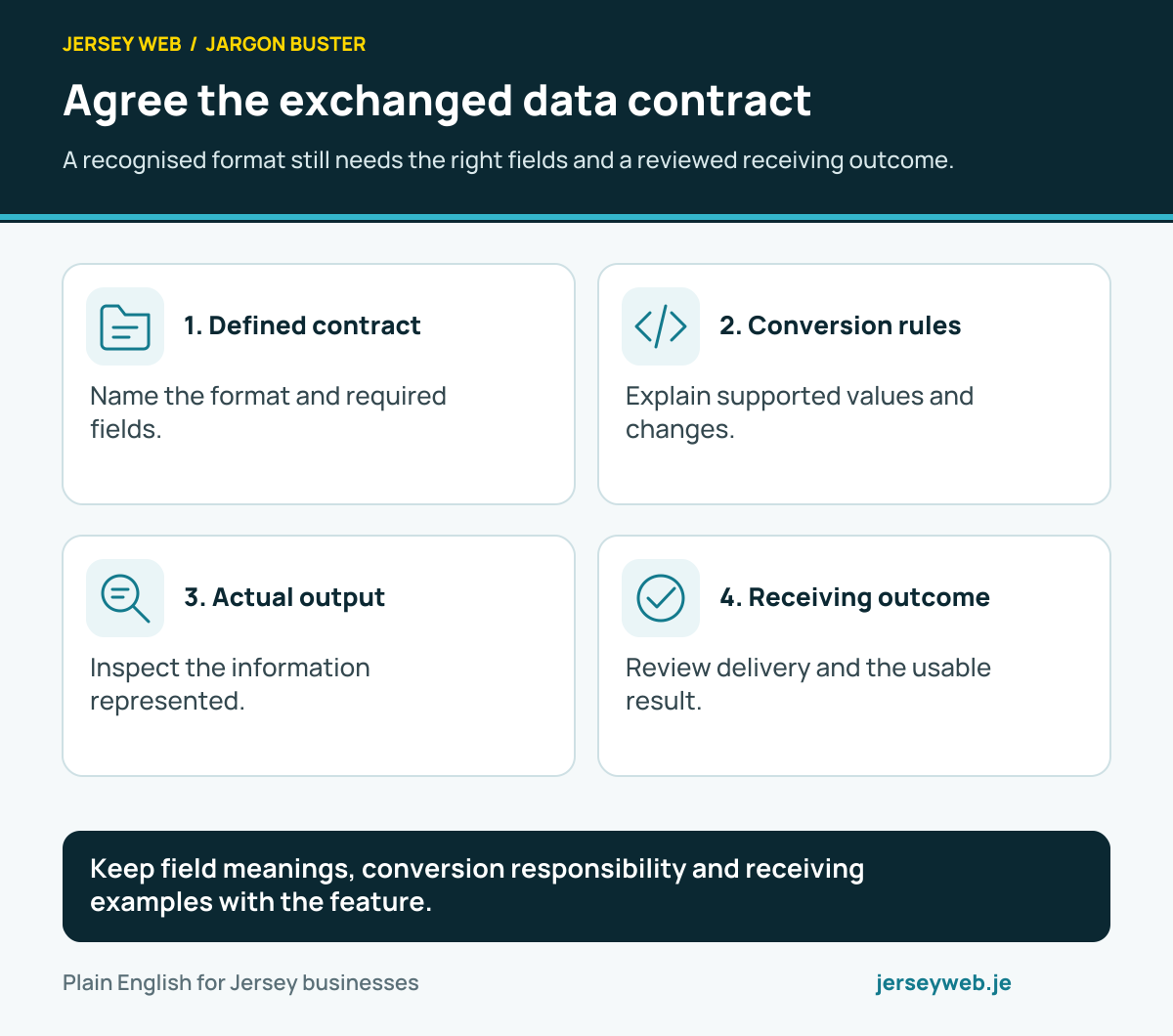
Keep field meanings, conversion responsibility and receiving examples with the feature.
Read the diagram in text
- Defined contract. Name the format and required fields.
- Conversion rules. Explain supported values and changes.
- Actual output. Inspect the information represented.
- Receiving outcome. Review delivery and the usable result.
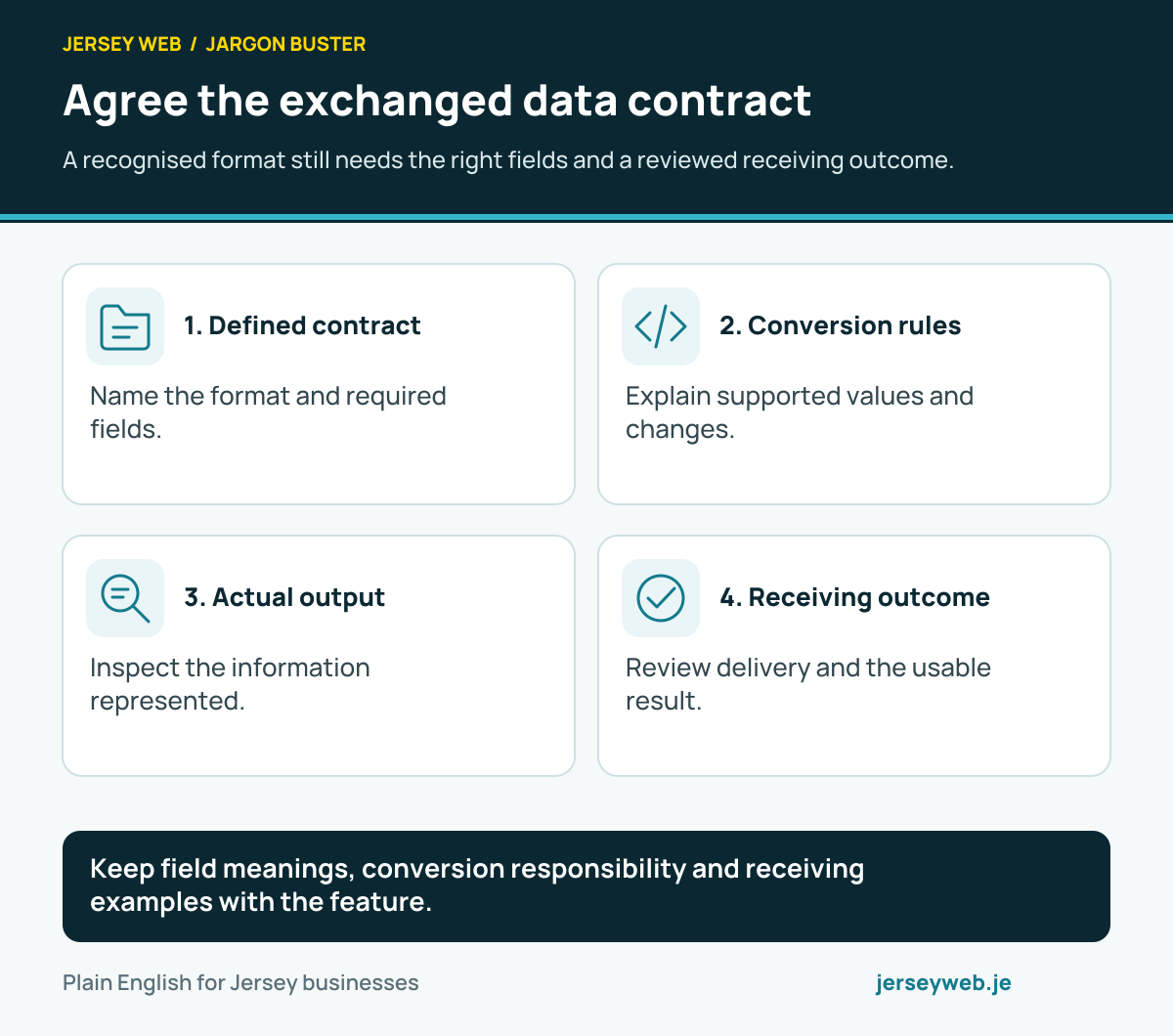
Read the definitions: Serialization · JSON stringify · JSON parse · API schema · Input validation
Preserve meaning when types change
Similar-looking values can have different roles in a website operation.
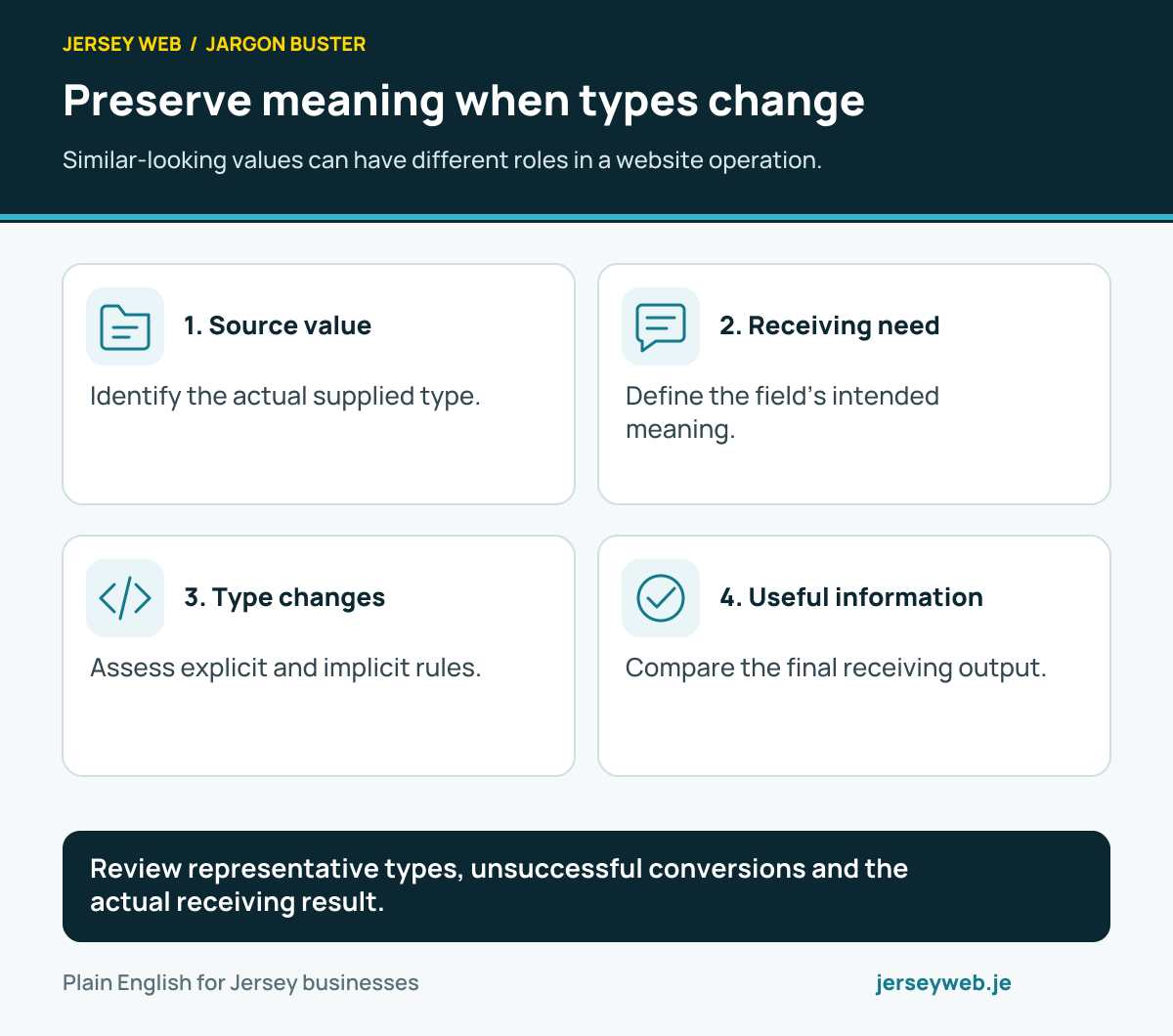
Review representative types, unsuccessful conversions and the actual receiving result.
Read the diagram in text
- Source value. Identify the actual supplied type.
- Receiving need. Define the field’s intended meaning.
- Type changes. Assess explicit and implicit rules.
- Useful information. Compare the final receiving output.
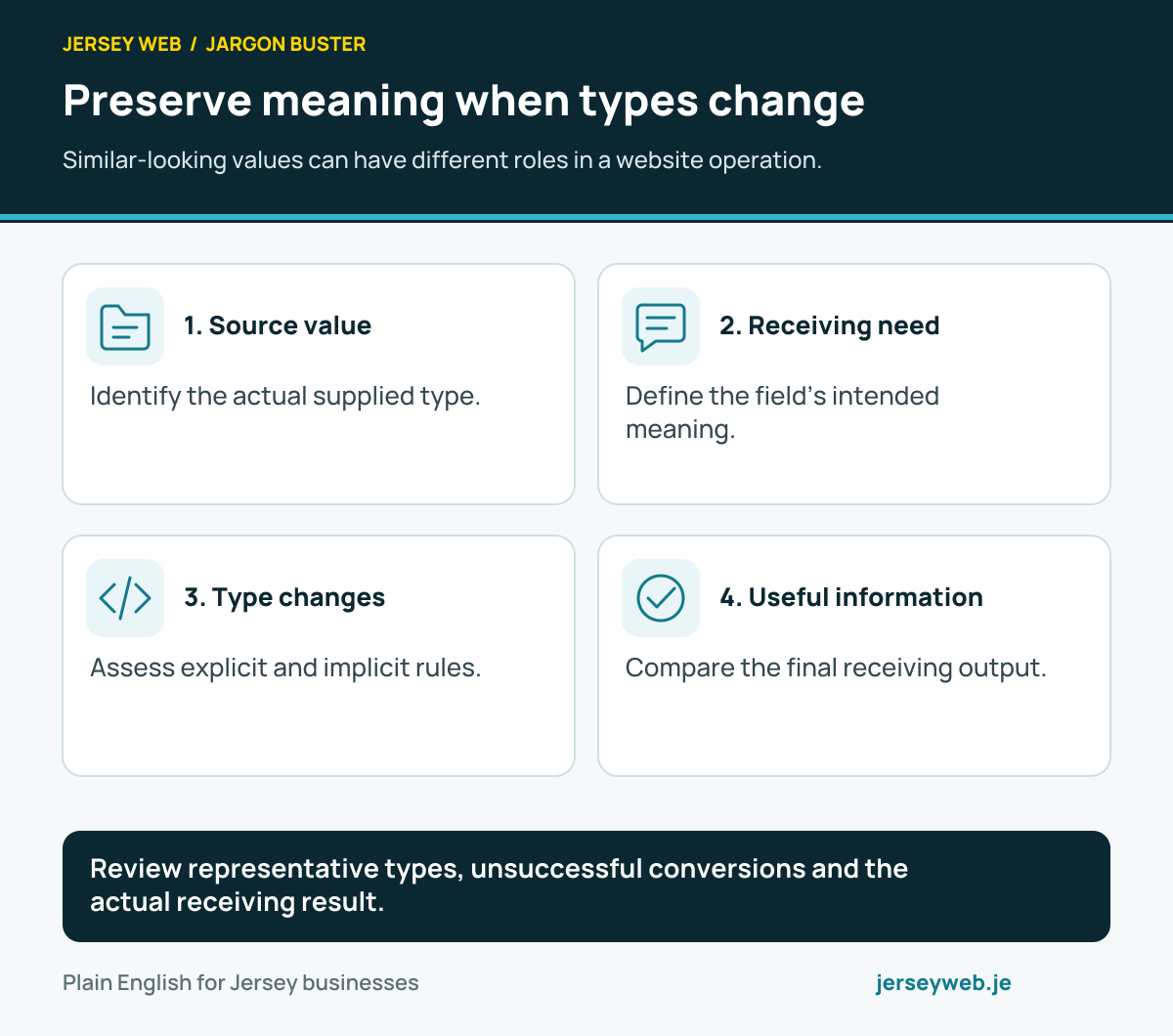
Read the definitions: Type conversion · Type coercion · String · Integer · Boolean
Keep booking dates unambiguous
Review the intended appointment, stored value and customer-facing time together.
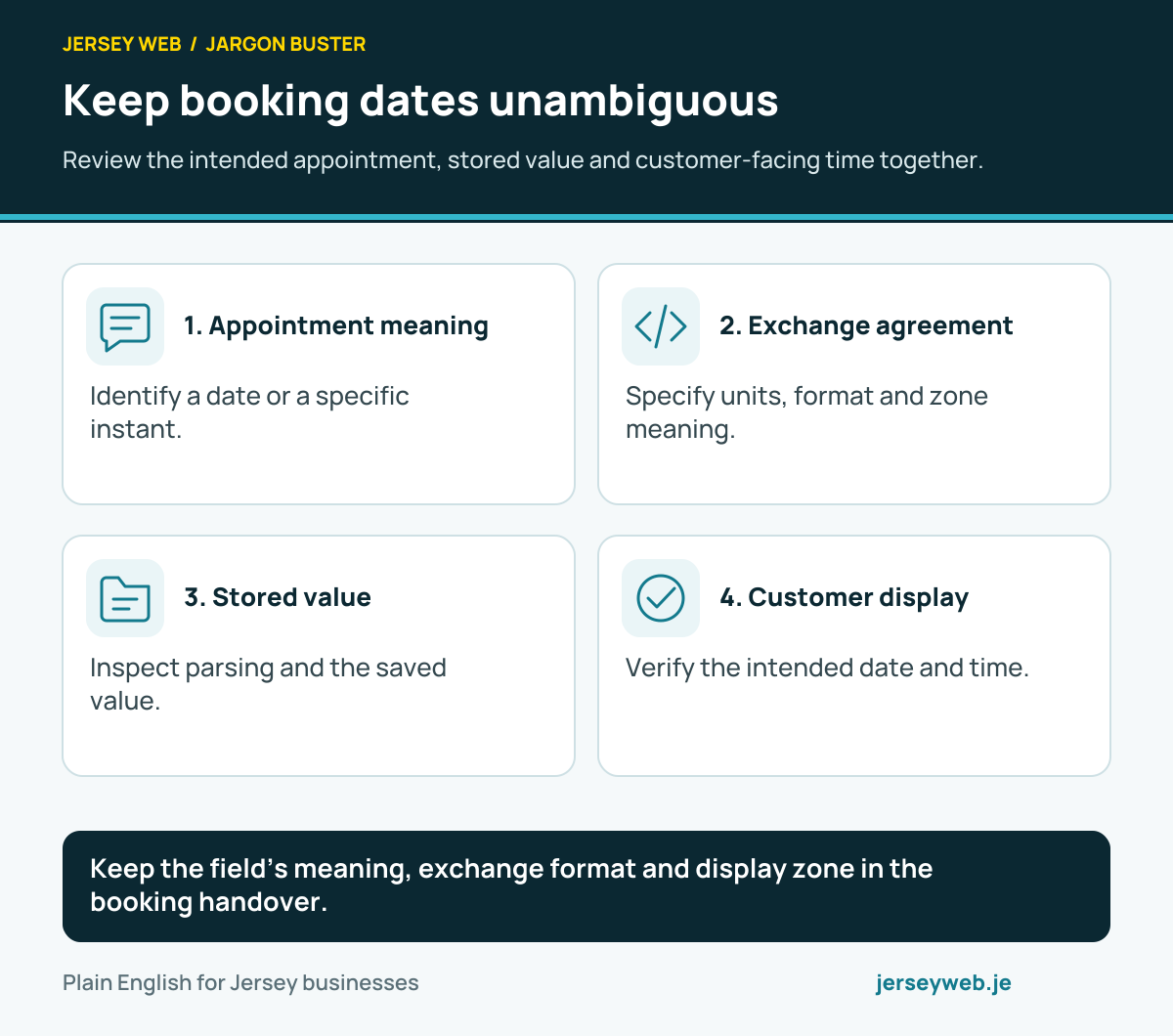
Keep the field’s meaning, exchange format and display zone in the booking handover.
Read the diagram in text
- Appointment meaning. Identify a date or a specific instant.
- Exchange agreement. Specify units, format and zone meaning.
- Stored value. Inspect parsing and the saved value.
- Customer display. Verify the intended date and time.
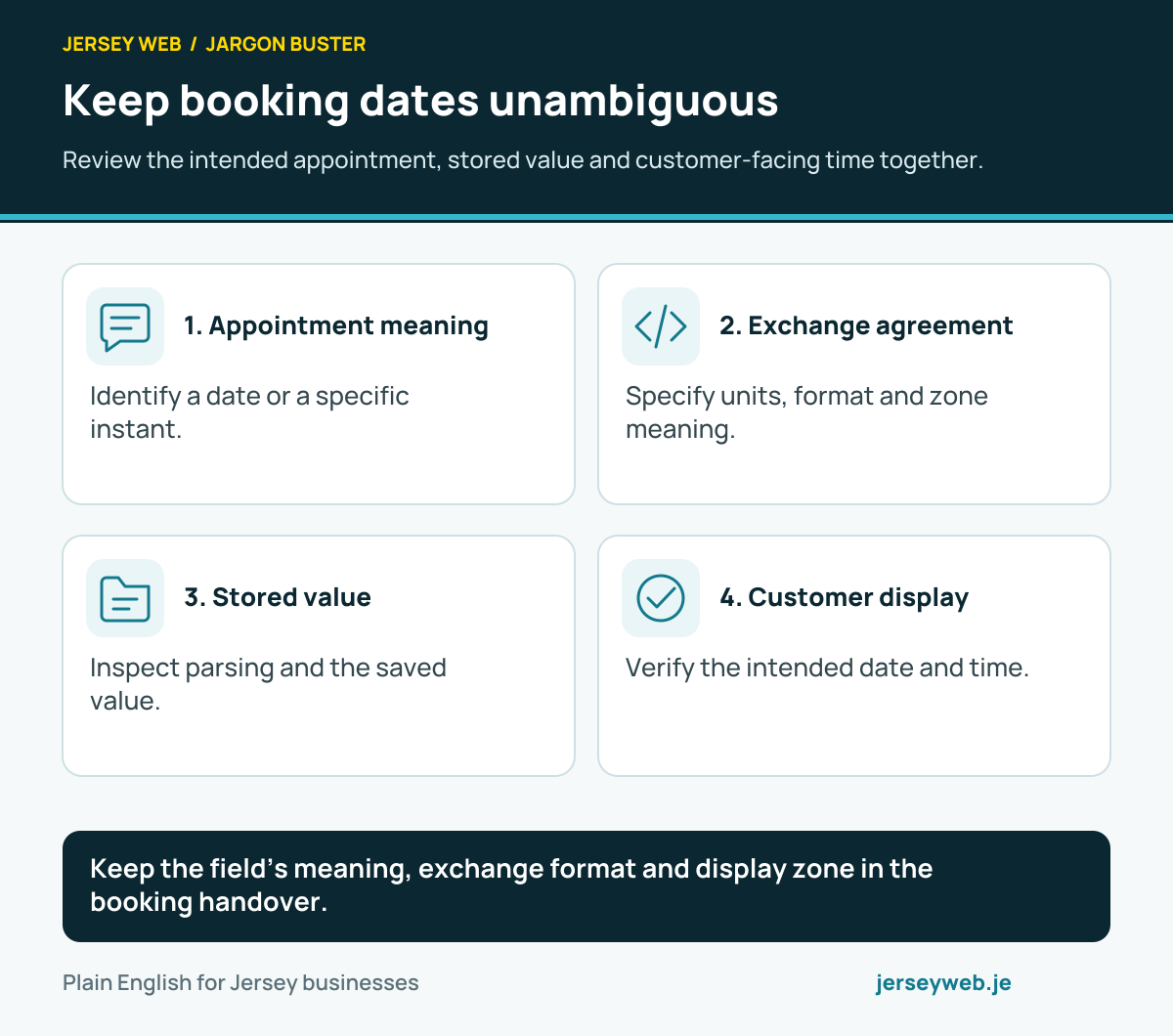
Read the definitions: Time zone · Unix timestamp · Date parse · Date to ISO string · Date get time-zone offset