Watch a related explainer

In plain English
A conversion rate describes how often a defined group completes a chosen action. Think of customers entering a shop: you might count how many buy, while another person counts how many request advice. Those are different outcomes. The rate is only understandable when you know what was counted, which group was measured and the period involved.
For a website, the action might be a completed purchase, a valid enquiry or a booking. The denominator could be sessions, users or eligible advertising interactions, depending on the report. Google Ads explains its conversion-rate calculation in its own reporting context. Do not assume another analytics report uses the same definition.
For an illustrative calculation, ten completed enquiries from two hundred measured eligible visits would be five percent if those are the defined numerator and denominator. That is an example, not a benchmark for a Jersey business. The commercial value depends on whether the enquiries are relevant and whether the business can serve them.
Why it matters for a Jersey business
An island firm may receive a modest volume of relevant traffic. A high-looking percentage from a handful of visits can be unstable, while a busy page may attract people with the wrong location or need. Looking only at the percentage can hide both problems. Report the counts and the quality of the outcomes alongside the rate.
Customer routes also differ. A trades visitor may telephone; a shop customer may buy; a professional-service enquiry may take several visits and an email conversation. A system that records only form submissions misses some valuable actions. Choose practical measurements and explain what remains outside the tracking.
A Jersey example
Imagine a hypothetical St Lawrence gardener receiving many taps on a “request a quote” button but few completed enquiries. A report counting the tap as the conversion makes the page look successful. Testing reveals that the form is awkward to complete on a phone and its confirmation is unclear.
The business distinguishes opening the form from submitting it successfully. It improves the questions and confirmation, then reviews the counts over a suitable period. That creates a more useful comparison than declaring success because a button click appeared in an analytics chart.
What to do
Define the outcome before making changes. Write down exactly what counts as an enquiry, purchase or booking, and identify the reporting denominator. Record the date range and filters. If two suppliers present different percentages, compare the definitions first rather than assuming one is mistaken or better.
Test the conversion tracking. Submit a representative form, follow a failed submission and check whether refreshes or repeated clicks are counted twice. Confirm that a completed purchase is linked to the actual outcome rather than just the opening of a checkout page. Respect privacy choices and avoid sending personal information into analytics event labels.
Inspect the customer task in ordinary use. Is the offer understandable? Does the call to action describe what happens? Are essential fields proportionate, and can a person correct an error? Can the business respond through the promised route? A small practical obstacle may matter more than changing the button colour.
Compare consistent periods and meaningful segments where sample sizes allow it. Changes in audience, season, campaigns or availability can affect the rate without any design change. Keep a dated record of interventions and avoid claiming causation from one extra enquiry. Track relevant enquiry quality or order value separately so a percentage is not mistaken for business profit.
Common myths
“Every tracked event is a sale.” The system records what was configured; the business still needs an honest outcome definition.
“A higher percentage is always better.” The audience, counts and value of the action matter too.
“One good day proves a redesign worked.” Small samples and other changes can create large temporary movements.
Our take
Jersey Web’s view is that conversion reporting should help improve a real customer route. Define the action, verify the measurement and show the counts beside the percentage. A working enquiry form and clear follow-up process are more useful than an impressive rate based on the wrong event.
See it in a diagram
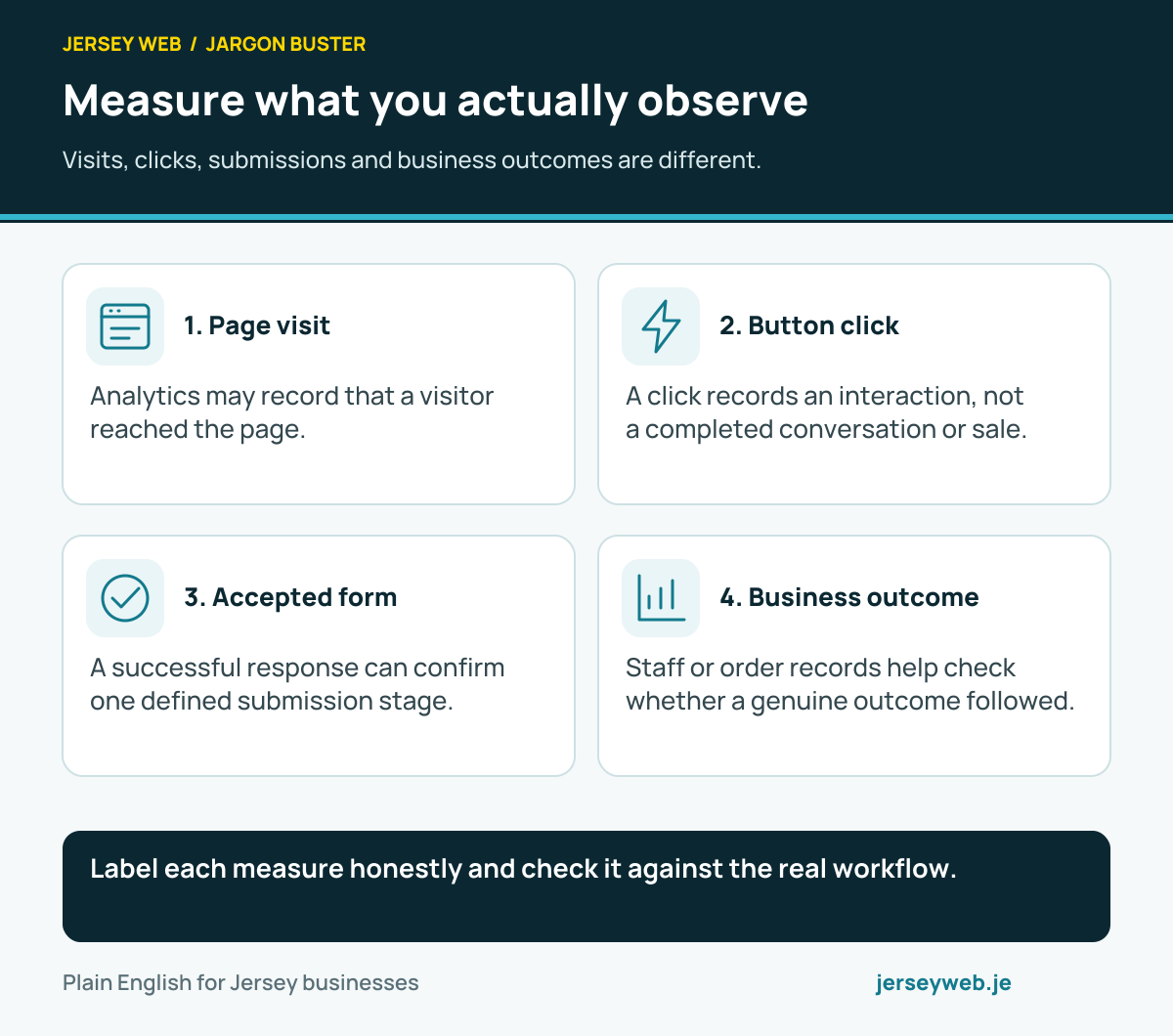
Label each measure honestly and check it against the real workflow.
Read the diagram in text
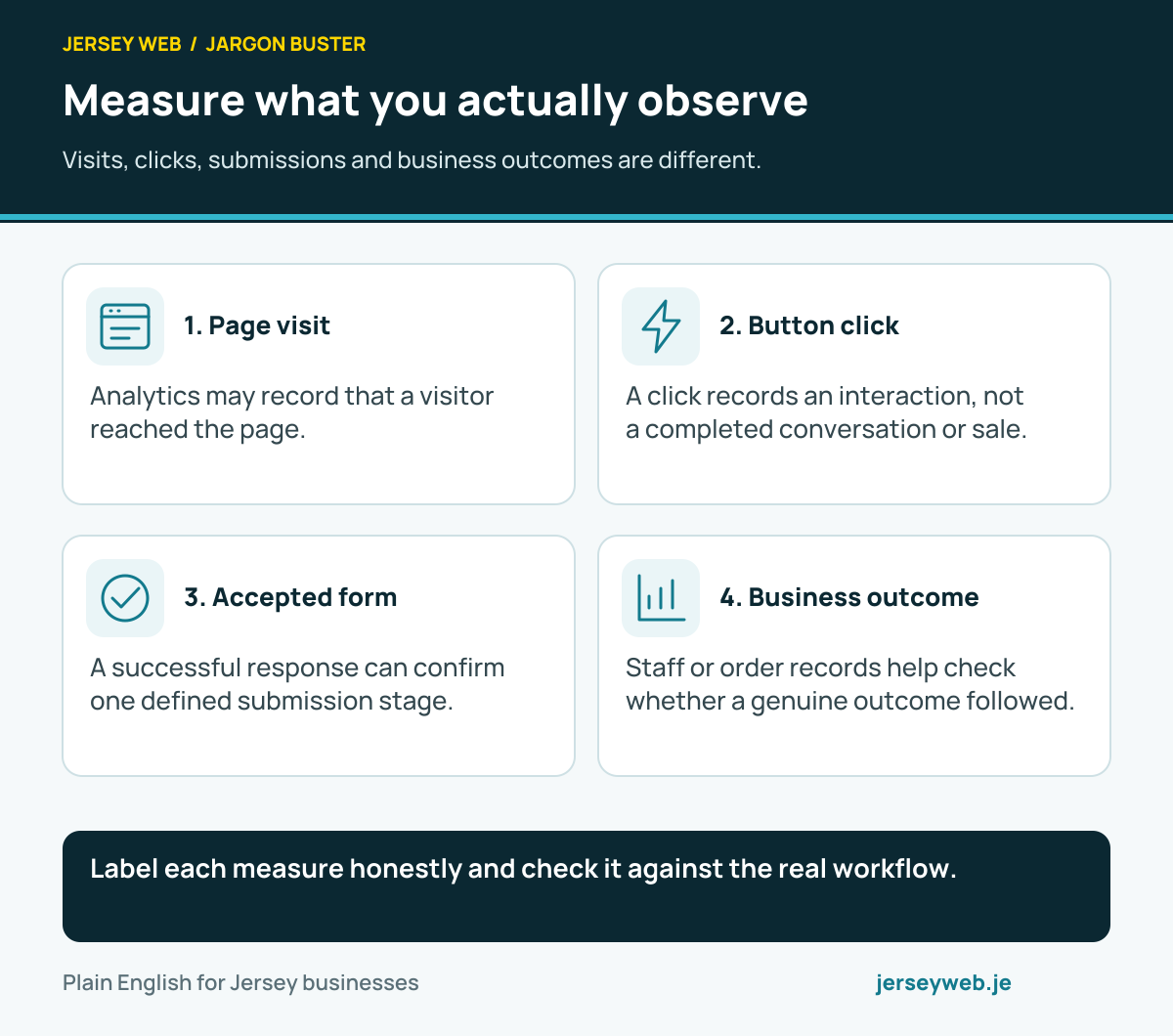
- Page visit. Analytics may record that a visitor reached the page.
- Button click. A click records an interaction, not a completed conversation or sale.
- Accepted form. A successful response can confirm one defined submission stage.
- Business outcome. Staff or order records help check whether a genuine outcome followed.
Related terms
Learn more
Common questions
- How do I calculate a conversion rate?
- Divide the number of defined conversions by the relevant denominator, then multiply by 100. State whether that denominator is users, sessions, ad interactions or another measure. Different reports can use different definitions.
- What counts as a conversion?
- It is an action selected for measurement, such as a completed purchase or valid enquiry. A button click can be tracked too, but it should not be reported as a completed sale or successful form submission.
- What is a good conversion rate?
- There is no universal figure for every business and task. Traffic source, customer need, price, device and measurement definitions affect the result. Compare meaningful consistent periods and business outcomes rather than an unexplained benchmark.
- Can a small sample be misleading?
- Yes. A few visits or enquiries can make a percentage move sharply. Check tracking and sample size, then allow enough evidence before attributing a change to a new button, design or headline.
Written by Jersey Web. Last reviewed 3 October 2026. Back to the Jargon Buster.