Watch a related explainer
In plain English
Google Analytics collects information from a website or app and turns it into reports. For a website, Google says the usual setup places measurement code on pages. That code can record interactions and information such as a page visited, device type and traffic source. The reports group the information so an owner can see patterns instead of inspect one visit at a time.
Think of it as a shop counter tally with more detail: it can help you see which entrance brought people in and whether they reached the desk. It does not tell you why every person left or guarantee that every visitor was counted. The reports depend on how the measurement was installed, what events were configured and which data is available. Google’s explanation also notes that configuration choices affect the information available later.
Google Analytics 4, often shortened to GA4, records interactions as events. A page view is one event; a completed enquiry or purchase can be another if it is measured correctly. A useful report starts with a business question, then checks whether the right event answers it.
Why it matters to a Jersey business
A small business might want to know whether visitors use its service pages, whether a guide brings useful enquiries, or whether people abandon a booking route on mobile. Analytics can help spot where to investigate. It cannot substitute for asking customers how they found you, checking whether enquiries are suitable or testing the site yourself.
Jersey businesses also need to treat measurement as a data protection decision. The Data Protection (Jersey) Law 2018 governs personal data processing. Jersey’s regulator, the Jersey Office of the Information Commissioner, explains that online identifiers can be personal data and that consent, where relied on, must be a genuine choice. Review the exact tracking setup, privacy notice and consent controls before adding the tag. The legal guide below covers the wider website duties.
A Jersey example
Imagine a St Clement trades business with a page for emergency call-outs and a separate page for planned maintenance. Its owner wants to know which page leads to a useful enquiry. Recording only visits would show interest but not the outcome. Measuring successful form submissions on each page, and checking the received messages, gives a clearer picture. The team could then improve the page that brings visits but few suitable enquiries.
This is a hypothetical example. It assumes the business has chosen a lawful measurement setup and that the event fires only when a form has genuinely succeeded. A click on a submit button is not the same as a delivered enquiry if the form fails validation or the message never arrives.
What to do
Define two or three questions before installing anything. Which pages matter? What counts as a meaningful action? Who will review the report, and how often? Create the Analytics property and web data stream using Google’s setup instructions, then test the measurement code and important events. Keep a record of changes so a sudden shift in numbers can be explained.
Keep reporting modest. Compare similar periods, note any campaigns or site changes, and look at real enquiries alongside the dashboard. A rise in traffic is welcome only if it helps the business objective. Do not send names, email addresses or free-text form contents into event fields without understanding the consequences. Review privacy information and visitor choice whenever you add a new tracking feature.
Common myths
The dashboard shows every person who visited. Measurement can be limited by setup and visitor choices. Use the figures as evidence of patterns, not a headcount.
More events automatically mean better insight. A short list of reliable actions is more useful than a large list of events nobody understands.
Analytics and Search Console are interchangeable. One reports measured site activity; the other helps explain Google Search visibility. They complement one another.
Our take
Jersey Web’s view is to decide what a useful enquiry or sale looks like before building a report around it. Clear goals make the numbers easier to interpret. Privacy choices and reliable event testing are part of that setup, not afterthoughts.
See it in a diagram
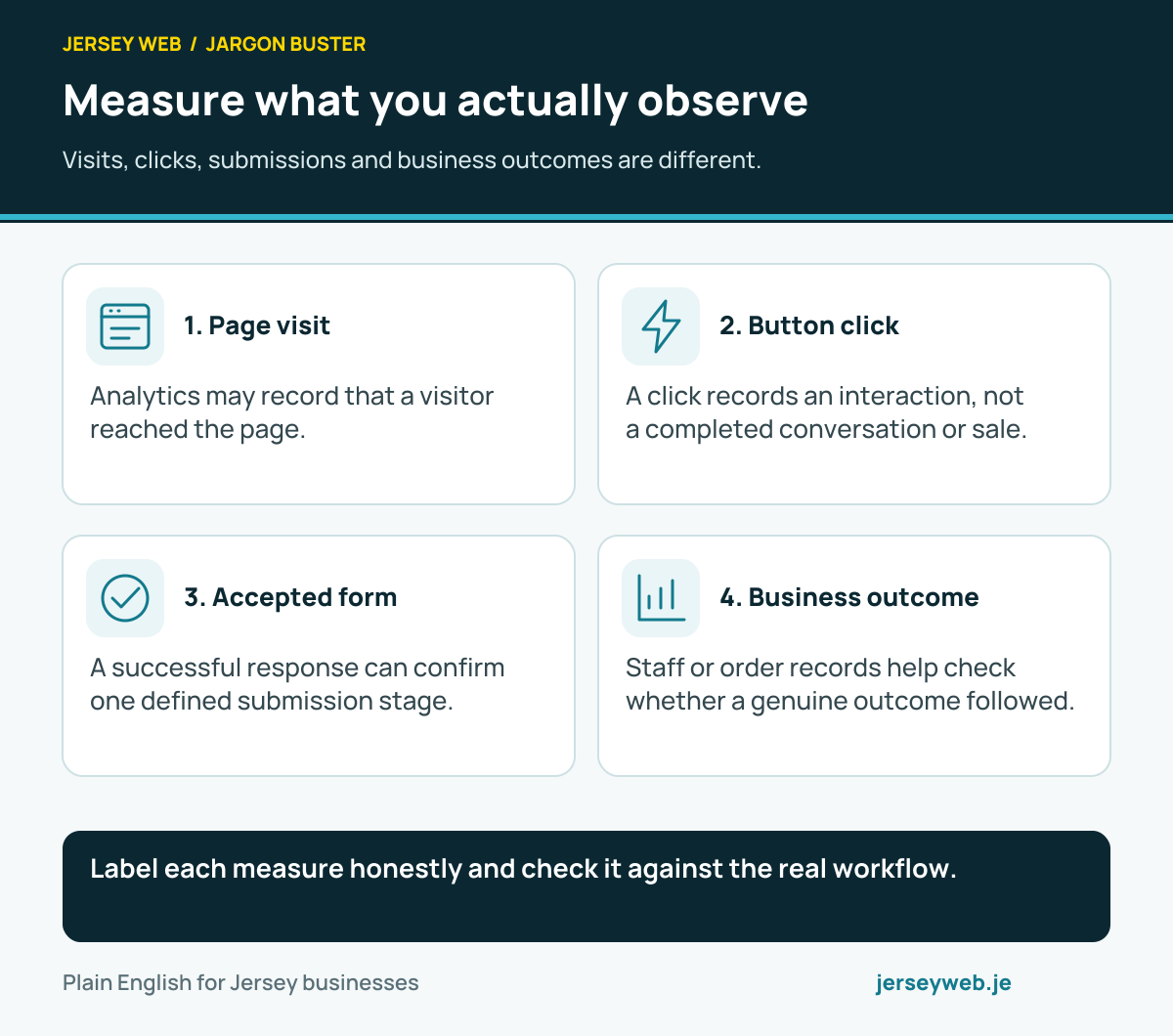
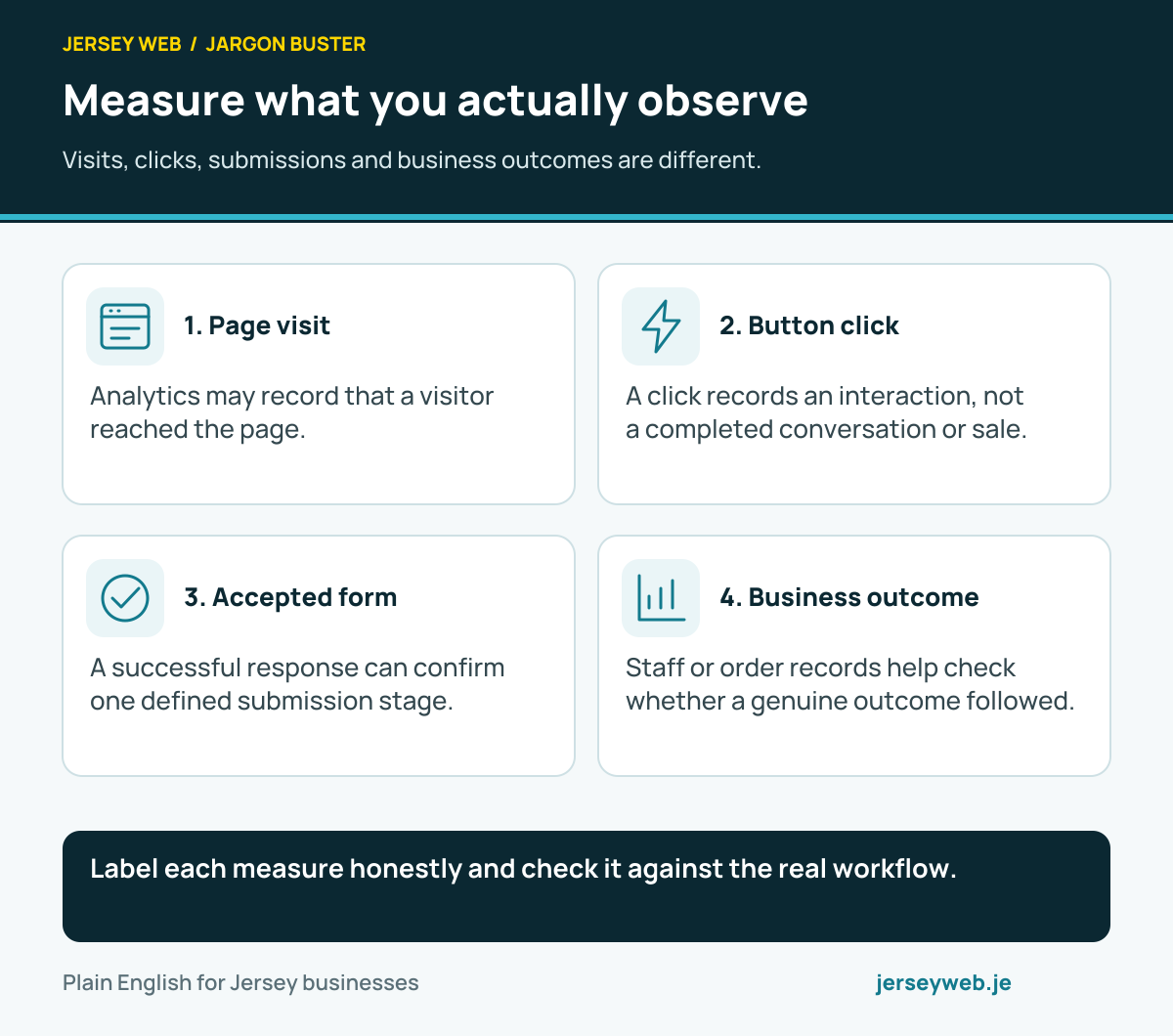
Label each measure honestly and check it against the real workflow.
Read the diagram in text
- Page visit. Analytics may record that a visitor reached the page.
- Button click. A click records an interaction, not a completed conversation or sale.
- Accepted form. A successful response can confirm one defined submission stage.
- Business outcome. Staff or order records help check whether a genuine outcome followed.
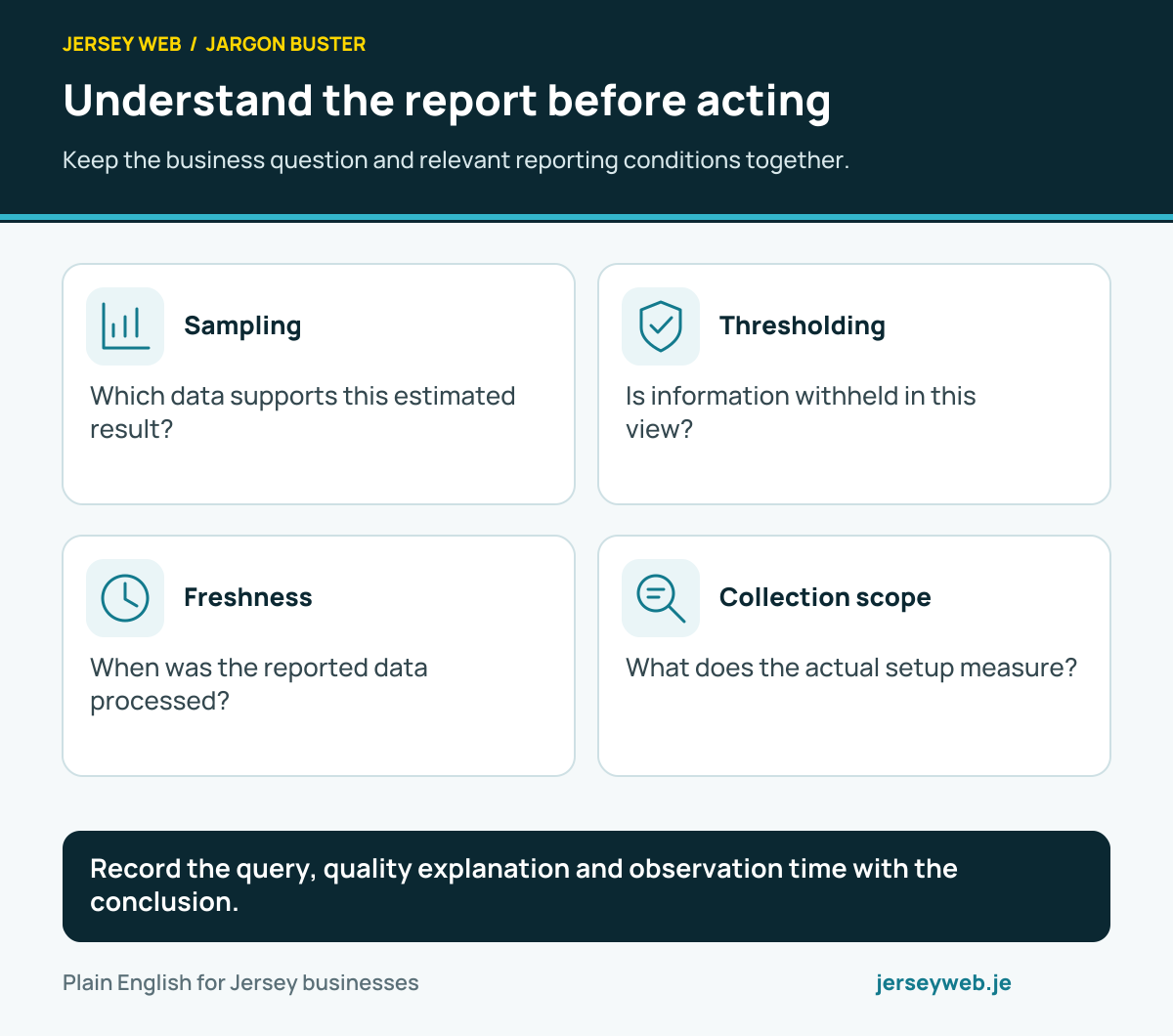
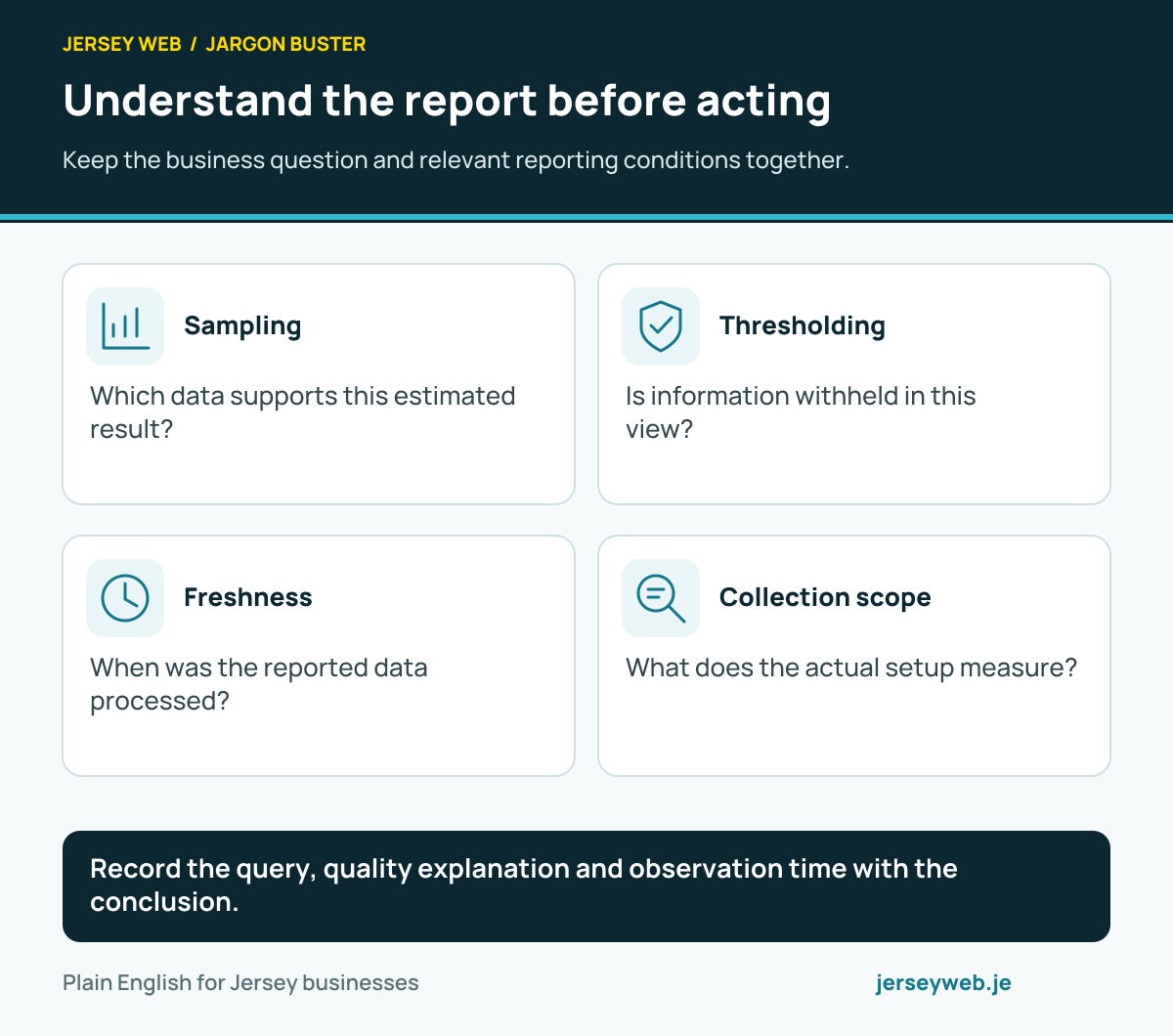
Record the query, quality explanation and observation time with the conclusion.
Read the diagram in text
- Sampling. Which data supports this estimated result?
- Thresholding. Is information withheld in this view?
- Freshness. When was the reported data processed?
- Collection scope. What does the actual setup measure?
Related terms
Learn more
Common questions
- Is Google Analytics the same as Google Search Console?
- No. Analytics reports activity on a site or app that has its measurement code. Search Console reports how a verified site appears and performs in Google Search. They answer different questions.
- Does Google Analytics show every visitor?
- No. Its reports depend on the measurement code running and the data it can collect under your setup and visitors' choices. Treat the figures as a measurement system, not a complete list of people.
- What should a small business measure first?
- Start with the actions that matter to the business, such as a sent enquiry, booking or completed purchase. Confirm those events work before relying on the report.
- Do I need to consider privacy before adding Google Analytics?
- Yes. Review what data the setup collects, explain it in your privacy information and check the applicable Jersey data protection requirements and consent choices before the tag runs.
Written by Jersey Web. Last reviewed 5 October 2026. Back to the Jargon Buster.