In plain English
Special opening hours describe an exception for particular dates on a Google Business Profile. Google’s special-hours guide explains using them for occasions such as holidays and events without changing the regular weekly schedule. The owner needs to approve the actual customer availability for each affected date.
Separate a temporary exception from a new normal timetable. A business opening later on one event day has a different requirement from permanently changing its Saturday hours. Record which situation applies before editing the profile, then review the website and other customer information that mention the same availability.
Why it matters for a Jersey business
Customers may check a profile before travelling, calling or arranging a service. An ordinary weekly timetable can be misleading on a date with different availability. Keep the exceptions planned and assigned to someone who can confirm the operational information, rather than rely on an old holiday note remaining accurate next year.
Different services may also have different hours. A business can be open while a particular supported service is unavailable. Explain those arrangements in useful customer language and choose the relevant profile setting. The published information should help someone identify the service they need and the next action available during the stated period.
A realistic Jersey example
Imagine a Jersey shop planning a shorter trading day for a local event. This is a hypothetical example. The owner confirms the date and times with staff, records the approved exception and asks an authorised helper to prepare the profile change. The normal weekly schedule is checked separately.
The team reviews the customer-visible profile and the website’s opening information after saving. Any conflicting message is corrected through its appropriate maintenance route. The owner keeps the approved schedule and a review record so staff answering enquiries use the same information as customers checking the shop’s online presence.
Practical checks for special hours
Confirm exact dates. Keep the calendar date, opening and closing times and any all-day closure with the approved operating plan. Review each date rather than assume a holiday name establishes the same timetable every year. The information should be understandable to the staff responsible for providing the service as well as the person editing the profile.
Check the normal schedule. Google’s main-hours guide describes regular hours and separate special or service-specific settings. Review the normal timetable first so the exception has a clear basis. A permanent change should receive its own review instead of being maintained through a growing list of temporary dates.
Distinguish service-specific availability. Google’s More hours guide describes hours for supported services and notes that regular hours must first be set for them to display. Explain the actual service arrangement and review the available options. Avoid using a date exception to conceal an ongoing difference between the main business and a particular service.
Review closure duration carefully. The current special-hours guide describes closures of up to six consecutive days, while Google’s closure guide says seven days or less can use special hours. Those statements differ for exactly seven days. Check current guidance and support for that boundary rather than present an unqualified rule as settled.
Check overnight or split periods. If the business has a break or an opening period extending across dates, ask the helper to explain how the actual entries represent it. Review each affected date in the resulting customer information. Keep the operating plan clear enough to identify an omitted period or an accidental overlap before customers rely on it.
Inspect the public information. Open the relevant profile and review the affected dates after the supported edit process. Compare the displayed information with the approved schedule. Keep any unresolved review status or incorrect display on the task so the business does not treat an account-side save as proof of the final customer message.
Update the website’s relevant wording. Check the contact page, visit information and any current announcement that describes the affected availability. Keep dated exceptions recognisable as dated information. A customer should not have to decide which of several inconsistent schedules is correct before travelling or attempting to use the business’s service.
Assign the next review. Keep responsibility for checking future exceptions and regular changes explicit. Save the approved dates and results in the handover, then review when the operating plan changes. Staff should have a practical source of current information instead of depending on someone remembering where last year’s hours were edited.
Common myths and mistakes
Special hours and More hours have different purposes. Another mistake is updating the profile while leaving a contradictory website notice. A short exception also needs its exact dates checked; copying an old entry without reviewing the current operating plan can publish the wrong availability even when the editing process succeeds.
Our take
Start from approved customer availability, choose the appropriate supported setting and inspect the actual public result. Keep the normal schedule, dated exceptions and service-specific hours understandable together. Clear ownership of the review helps the business maintain information customers can use before deciding when to visit or contact it.
See it in a diagram
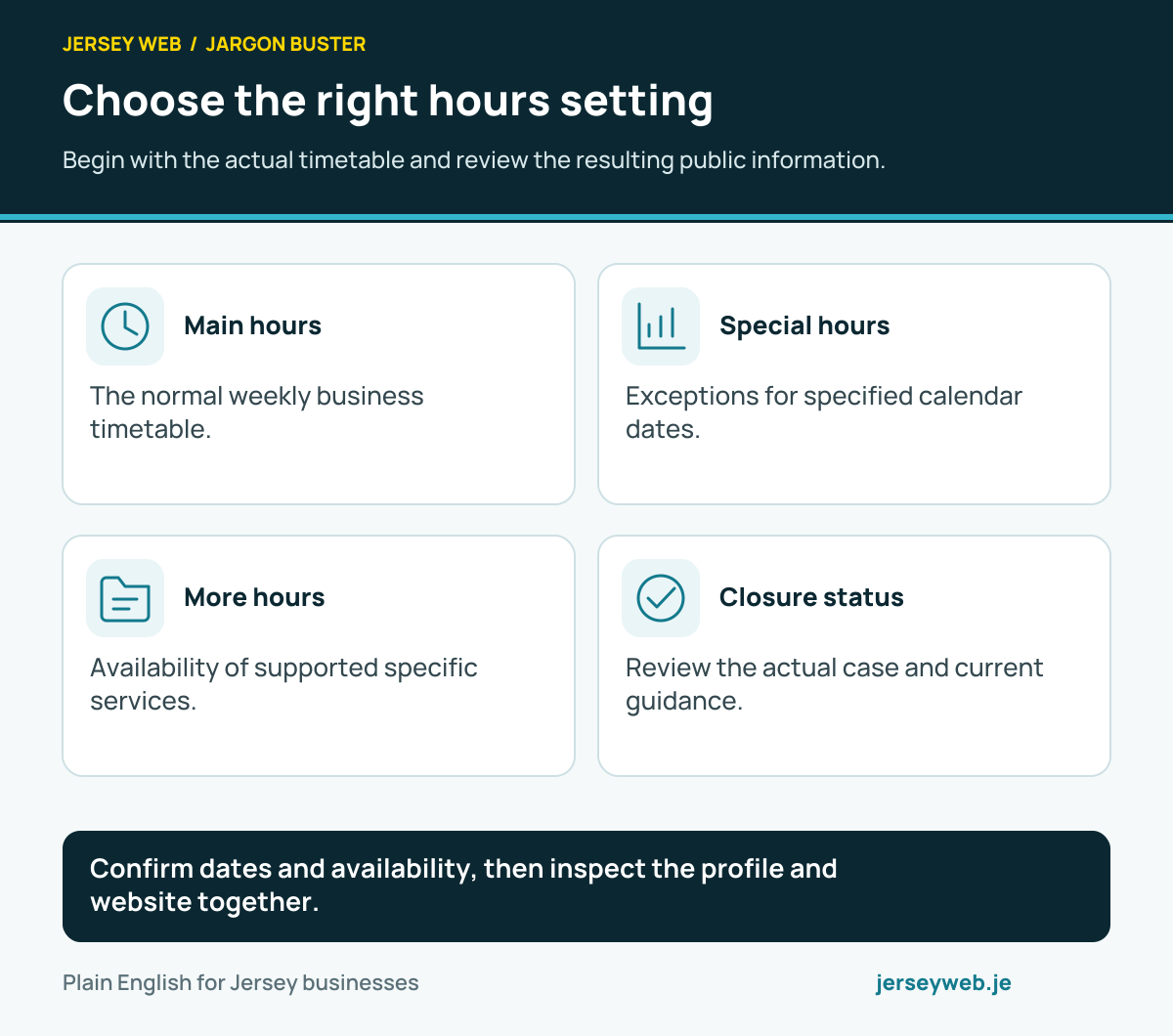
Confirm dates and availability, then inspect the profile and website together.
Read the diagram in text
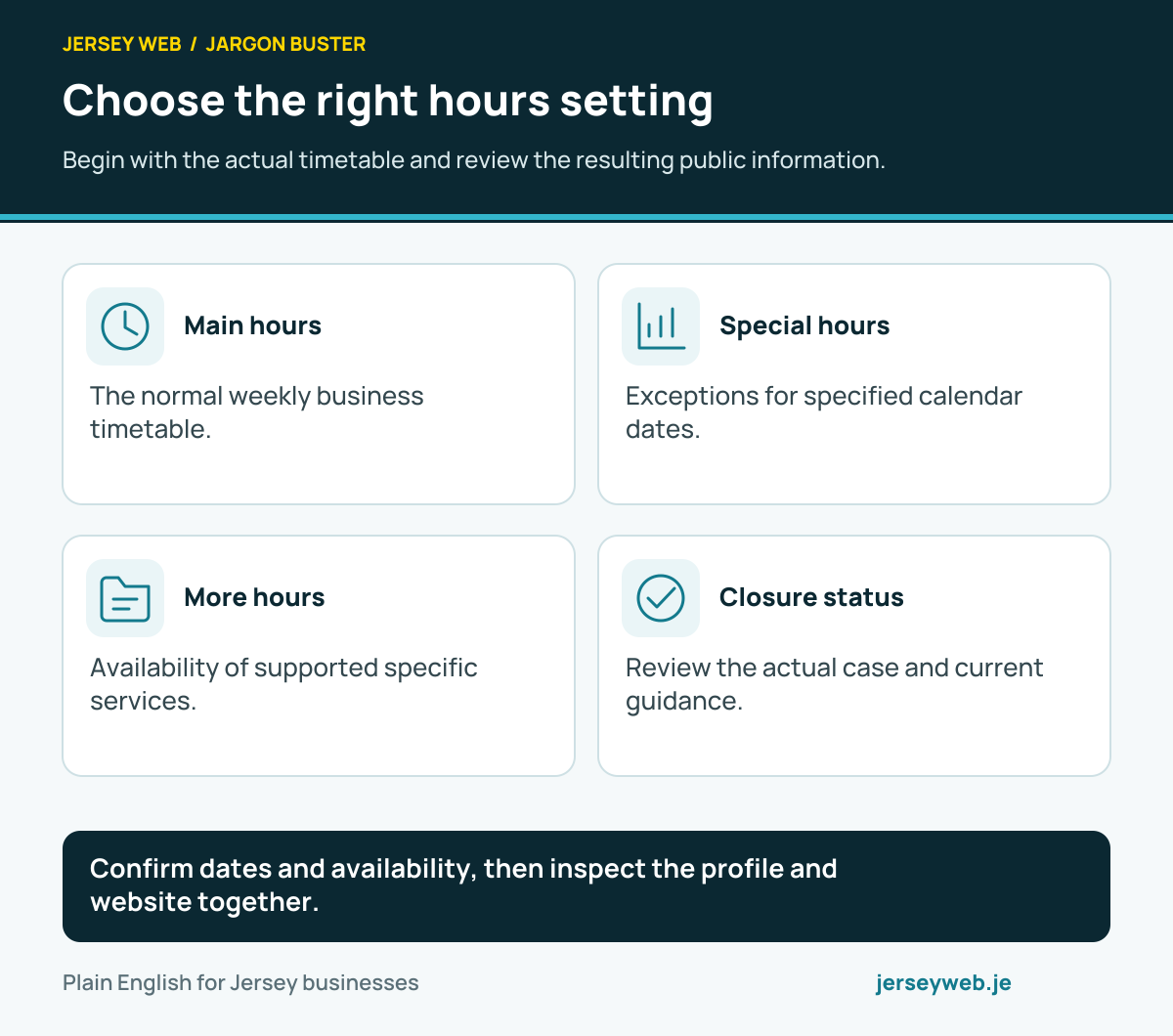
- Main hours. The normal weekly business timetable.
- Special hours. Exceptions for specified calendar dates.
- More hours. Availability of supported specific services.
- Closure status. Review the actual case and current guidance.
Related terms
Learn more
Common questions
- Will special hours replace the normal weekly schedule permanently?
- They describe the selected dates. Review the normal schedule separately when regular operations change.
- Are More hours the same setting?
- No. More hours describe supported services with different availability, while special hours describe particular dates.
- What about a closure lasting exactly seven days?
- Google’s current special-hours guide and closure guide differ at this boundary. Check the linked guidance and seek support for the exact case before choosing a status.
- Is saving the edit enough?
- Inspect the actual public profile and relevant website information, then keep any pending or incorrect result with the maintenance task.
Written by Jersey Web. Last reviewed 4 October 2026. Back to the Jargon Buster.