Watch a related explainer
In plain English
A Google Business Profile is the information card for a business that can appear on Google Search and Maps. Think of it as a public directory entry you can help keep current. It may show your business name, hours, telephone number, website, photos, reviews and the type of service you provide. Customers can use it to check whether you are open or to start an enquiry without first visiting your website.
The profile is free to manage. That does not mean every business can have one. Google’s eligibility rules generally require in-person customer contact during stated hours. A shop people visit can qualify. A trades business that goes to customers can also qualify as a service-area business. A business that operates only online generally cannot create a profile simply by choosing a map pin.
People also call it a Google business page or a Google business listing, and it was called Google My Business until Google renamed it Google Business Profile in 2021. These names all mean the same thing.
A profile is not the same as a website. The listing gives quick facts on a platform Google controls; a website gives you space to explain services, show work, answer questions and manage your own contact journey. Both can point customers towards a decision. This page explains the profile itself, while our Google Maps video shows the setup steps.
Why it matters to a Jersey business
Someone searching in St Helier may see map listings before ordinary web results. Accurate hours, a working phone number and a clear category help that person decide whom to call. A Jersey business with a profile should check it when opening hours change for a bank holiday, a seasonal schedule or a move. A stale listing can send a customer to a closed door.
Google says local results are mainly shaped by relevance, distance and prominence. It does not offer a paid way to request a higher local ranking. Filling in useful information is sensible because it helps Google match the business to relevant searches and helps customers understand it, not because completing a field guarantees a position.
For a business that works from home and visits customers, privacy and accuracy meet. Google’s service-area guidance says to remove the address from public view if customers are not served there. A plumber covering Jersey should not turn a home into a fictional shopfront just to appear on Maps.
A Jersey example
Imagine a hypothetical mobile dog groomer based in St Clement. Appointments take place at customers’ homes; there is no public salon. If the business meets Google’s eligibility rules, its owner can create a service-area profile, describe the areas served, add the real telephone number and link the website. The home address need not be displayed to customers. A person searching for grooming near St Clement can then check availability and contact details.
If the groomer later opens a staffed salon where customers attend, the profile details should be updated to reflect the new arrangement. The listing should describe the business as it operates now, not as it operated when first claimed.
What to do
Check eligibility before setting anything up. Search Google for the business name in case a profile already exists, then claim or create the correct listing with an account the business controls. Use the real-world business name, choose the most accurate category, add a contact number and website if you have one, then complete verification when Google requests it. Avoid duplicate listings for one location.
After verification, check hours, photos and service information. Give a trusted helper manager access if they maintain the listing for you, but keep ownership with the business. Look at the listing periodically as customers can suggest changes and Google may obtain details from other sources. Our guide for Jersey businesses without a shopfront explains the wider visibility choices.
Common myths
“Google charges a fee to keep my listing live.” Google says it will never ask you to pay to keep a profile. Be cautious about a caller who claims otherwise.
“Any online business can put itself on the map.” Google generally excludes online-only businesses from Business Profiles.
“A consultant needs to own my profile to manage it.” A business can retain ownership and assign manager access.
Our take
Jersey Web’s view is to treat the profile as a business record that needs an owner and regular attention. The best first checks are eligibility, accurate contact details and who controls access. Those basics are more useful than chasing a supposed map ranking shortcut.
If your profile once linked to a free website from Google, the Jargon Buster explains what business.site was, and our business.site closure page sets out what to do now that it has closed.
See it in a diagram
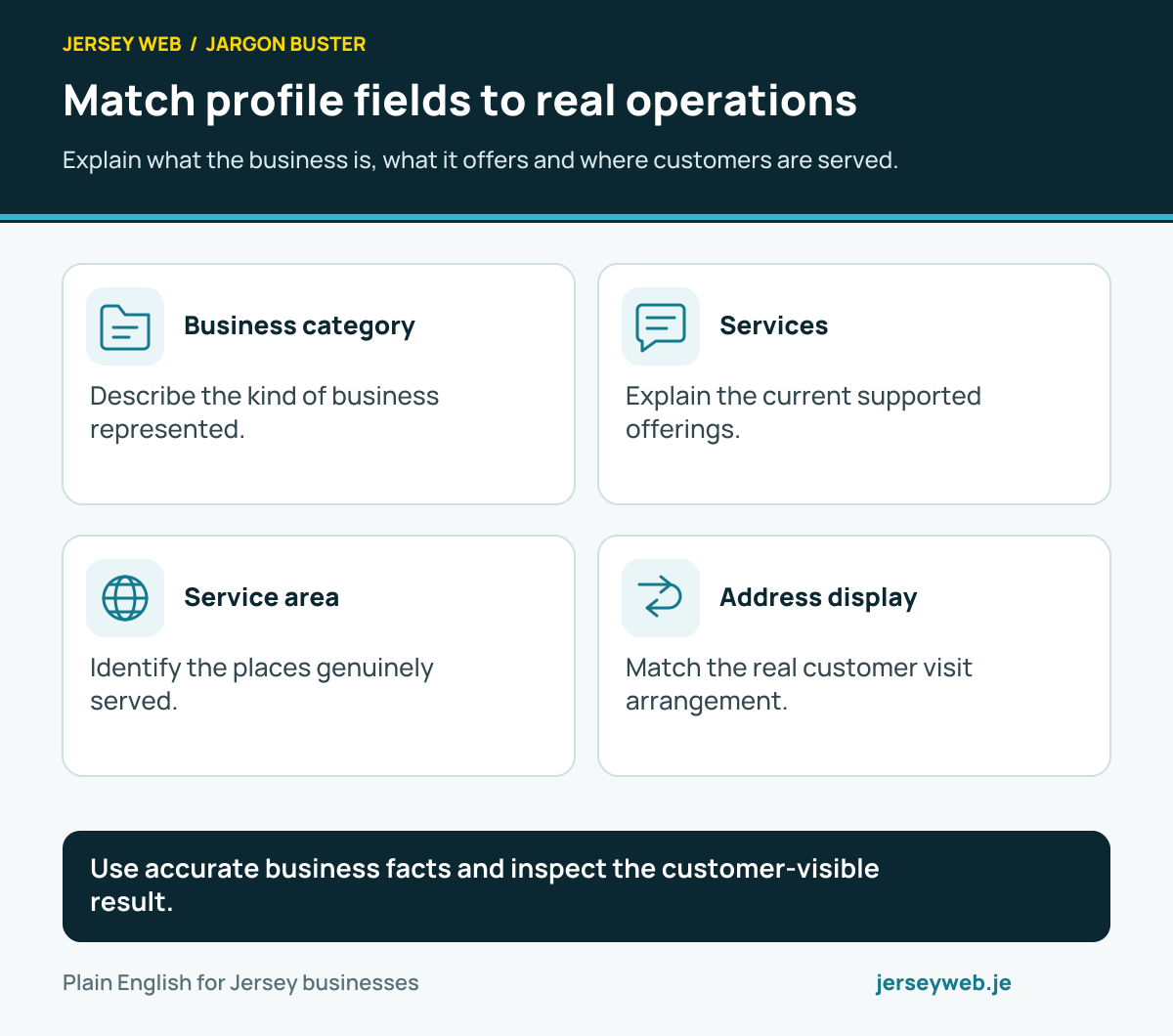
Use accurate business facts and inspect the customer-visible result.
Read the diagram in text
- Business category. Describe the kind of business represented.
- Services. Explain the current supported offerings.
- Service area. Identify the places genuinely served.
- Address display. Match the real customer visit arrangement.
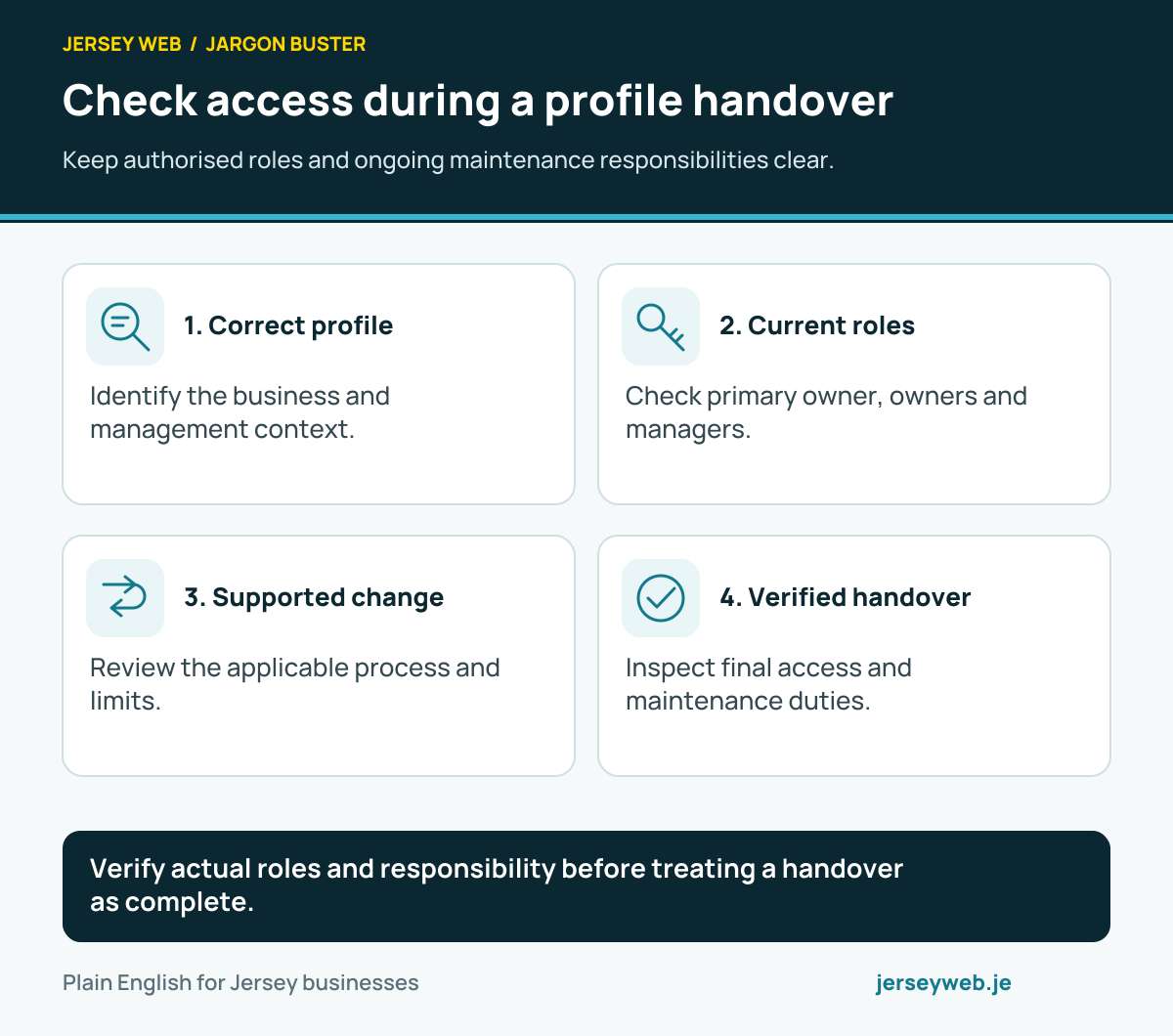
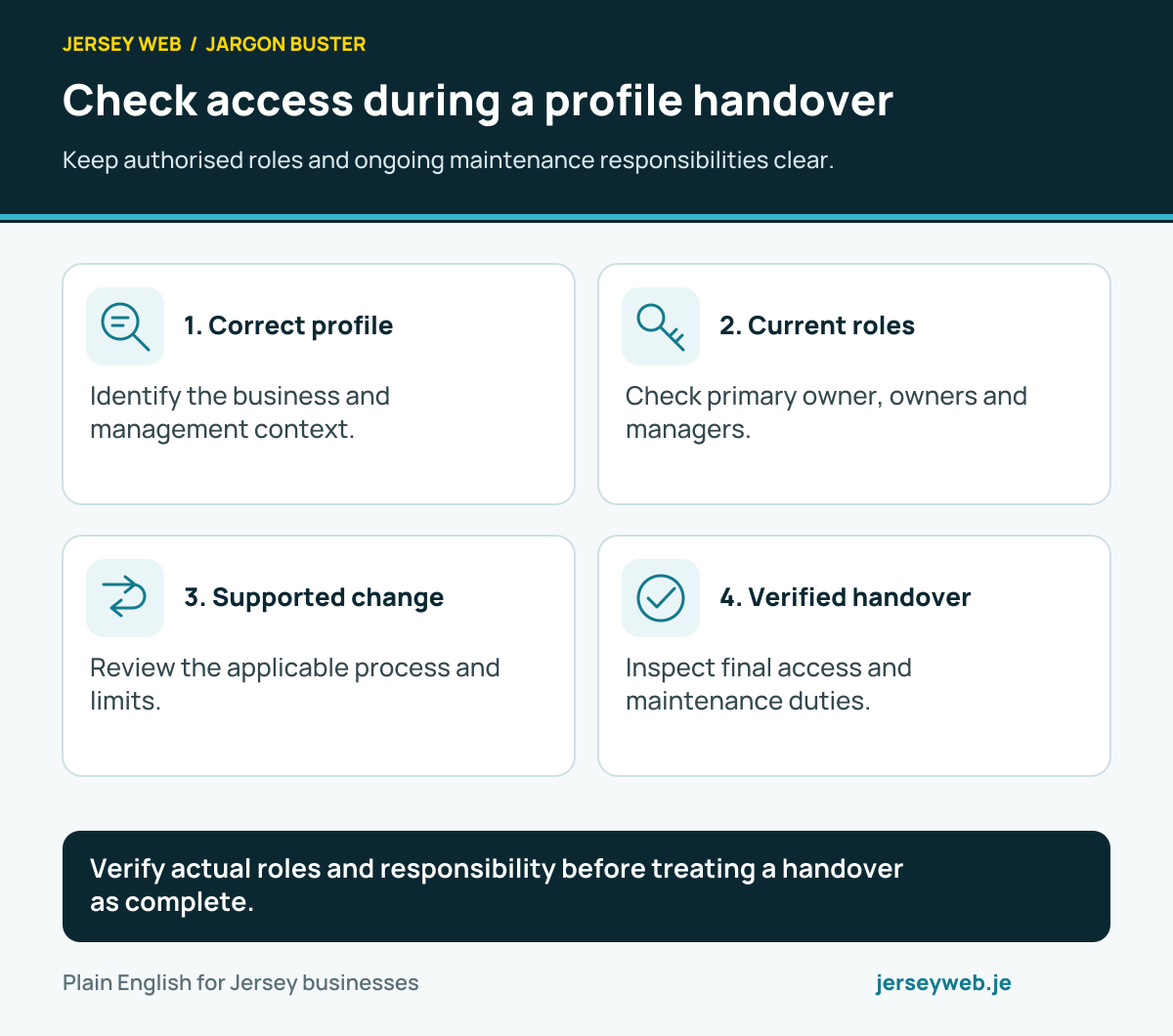
Verify actual roles and responsibility before treating a handover as complete.
Read the diagram in text
- Correct profile. Identify the business and management context.
- Current roles. Check primary owner, owners and managers.
- Supported change. Review the applicable process and limits.
- Verified handover. Inspect final access and maintenance duties.
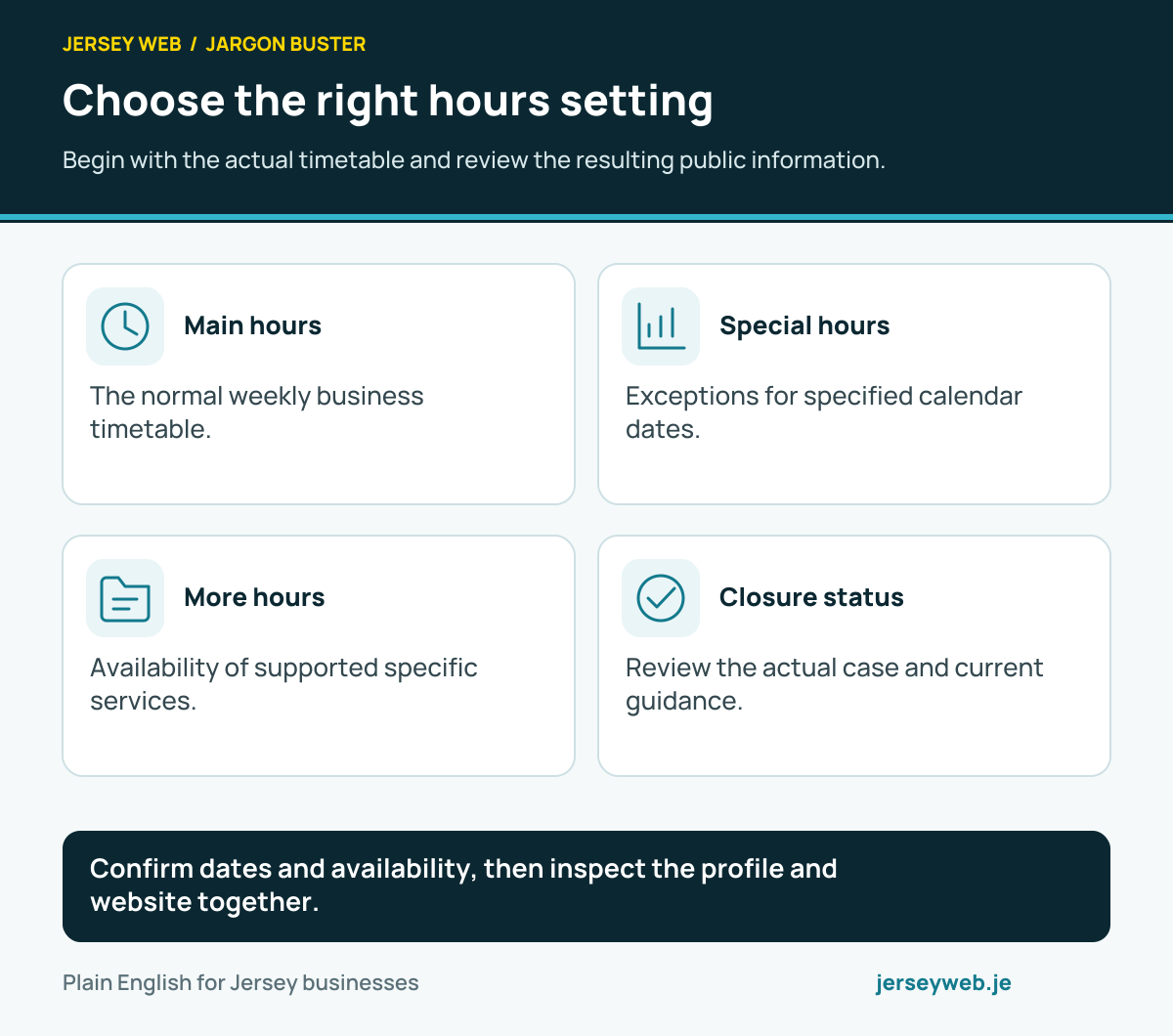
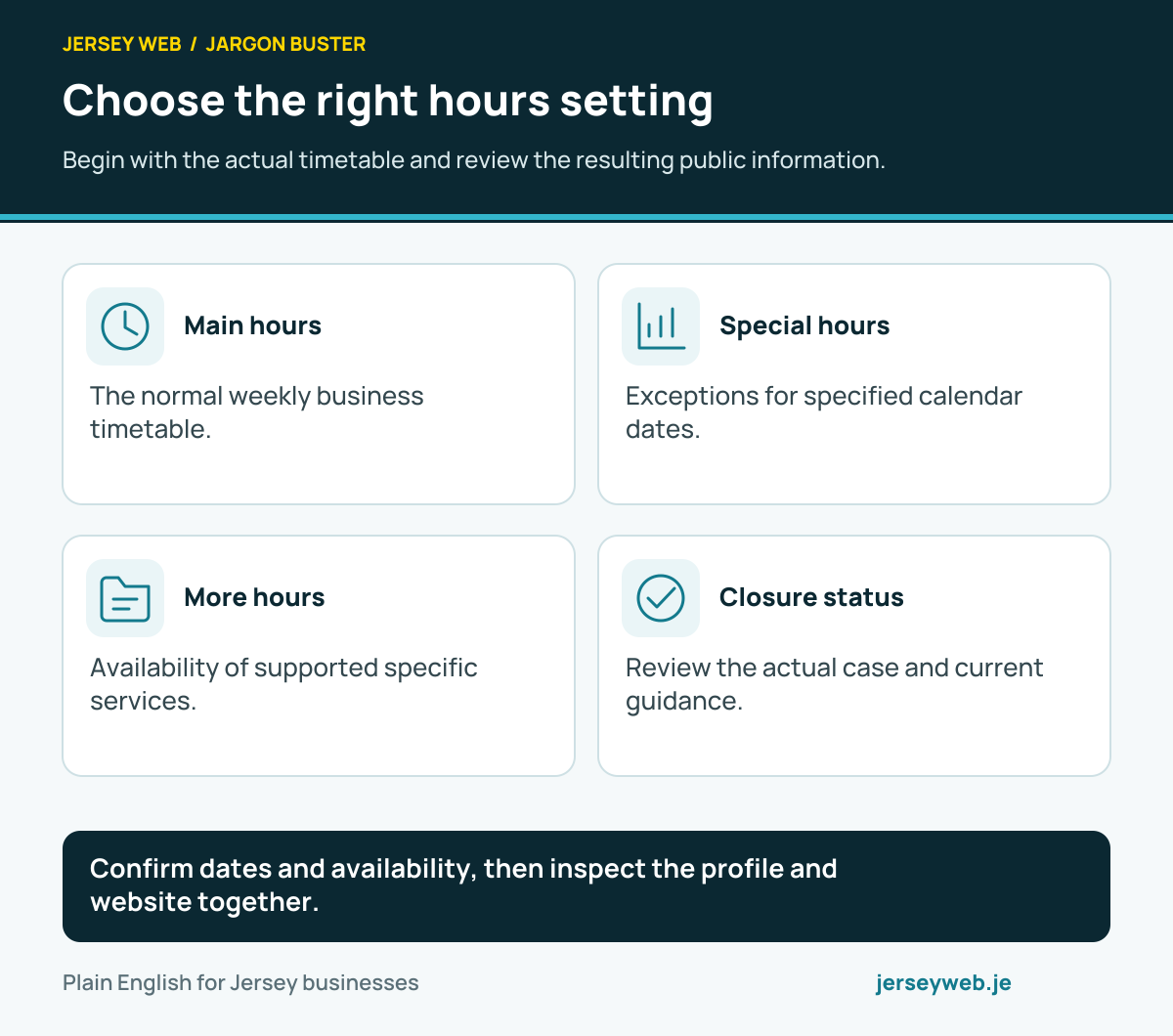
Confirm dates and availability, then inspect the profile and website together.
Read the diagram in text
- Main hours. The normal weekly business timetable.
- Special hours. Exceptions for specified calendar dates.
- More hours. Availability of supported specific services.
- Closure status. Review the actual case and current guidance.
Related terms
Learn more
Common questions
- Is a Google Business Profile free?
- Yes. Google says creating and managing a Business Profile is free and it will not ask you to pay to keep your profile. A third party may charge for its help, but that is separate from Google's listing.
- Can a home-based Jersey business have a profile?
- It may qualify if it meets customers in person, such as visiting them to provide a service. If customers do not visit the home address, Google says to hide that address and set a service area instead. Online-only businesses are generally ineligible.
- Do I need a website to create a profile?
- No. A website is not required to claim an eligible profile. It does give customers more detail about your services and an independent contact route that you control.
- Can my marketing agency own my profile?
- The business owner should retain control and can grant an authorised helper manager access. Google's guidelines say only owners or authorised representatives may verify and manage business information.
Written by Jersey Web. Last reviewed 5 October 2026. Back to the Jargon Buster.