Google’s business.site websites have closed: what to do now
Google switched off its free business.site websites in March 2024, and since 10 June 2024 an old business.site address shows a “page not found” error. Your Google Business Profile still works. These six steps get you back online with a website you own. Checked 13 October 2026.
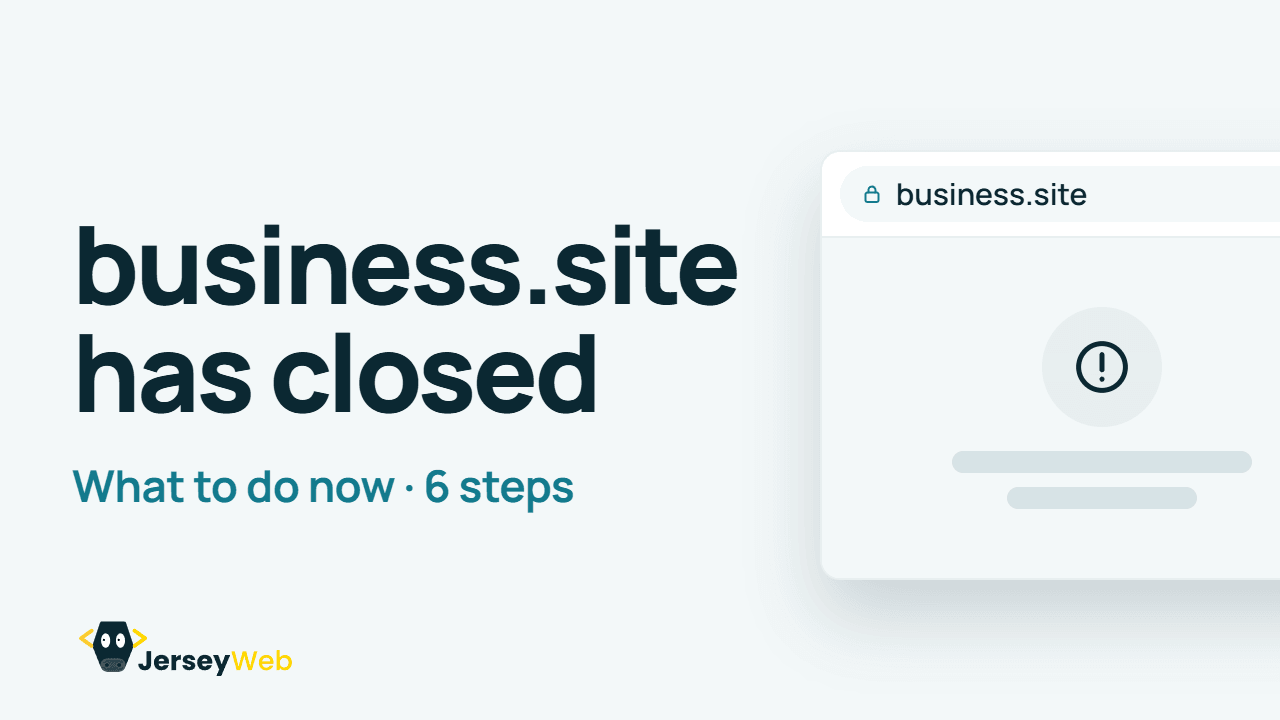
1:48 · No narration: the video shows each step as text on screen, and every step is written out below, with buttons that jump the video to it.
Prefer YouTube? Watch this video on our YouTube channel (opens in a new tab).
The 6 steps in the video
The video opens with a question: did your business have a free website from Google? Those business.site websites have closed. Google switched them off in 2024.
-
Step 1: Check your Google profile
Your Business Profile still works. Only the free website has gone.
Google said the closure wouldn’t affect Business Profiles, so your listing, reviews and photos are all still there. Sign in at business.google.com and check your hours, phone number and photos while you’re in.
-
Step 2: Remove the old link
Delete the business.site address, so customers don’t land on an error page.
Google cleared business.site addresses from profiles in March 2024, so your website field may already be empty. Check it anyway, then hunt down the old address everywhere else: social pages, directories, email signatures, printed cards and van signs. Each one now leads to a “page not found” error.
-
Step 3: Get your own domain name
An address you own, like yourbusiness.je, stays with you whoever builds your site.
Register it in your own name, or your company’s, so a closed service or a change of designer can never take it away. A .je costs £49 a year direct from the registry, and registrars set their own prices. Our guide Do you need a .je domain, or will .co.uk do? helps you choose.
-
Step 4: Build a proper website
Start with what you do, where you work and how to get in touch.
The replacement doesn’t need to be big. One page that says what you do, where you work and how to reach you covers what a business.site page did, and you can add to it later.
Free builders are an option too. Our guide to free website builders against a website from £100 compares what each costs over three years.
-
Step 5: Use your new address everywhere
Your Google profile, social pages, email signature and invoices.
Put the new address on your Business Profile first, then everywhere the old one appeared. Google’s guidelines (opens in a new tab) ask that the website on your profile is your own, not a link that forwards people to some other page.
-
Step 6: Check it on your phone
Lots of customers will find you on a mobile, so test it there first.
Open the new site from your Google profile on your own phone. Tap the phone number, read the opening hours and send yourself a message through the contact form. Our video on mobile-friendly websites has six quick checks.
What happened to business.site
Google used to let businesses make a simple free website from their Business Profile, at an address ending in business.site. Google switched those websites off in March 2024. Until 10 June 2024 an old business.site address sent visitors on to the business’s Google profile. Since then it shows a “page not found” error.
Only the websites closed. Business Profiles, the listings on Google Maps and in search, carry on as before.
business.site isn’t Google Sites
People mix the two up. Google Sites (opens in a new tab) (sites.google.com) is a separate website builder that Google still runs, and it can use your own domain. If your website was made there, it hasn’t closed.
Common questions
Why does my business.site website show an error?
Google switched off its free business.site websites in March 2024. Until 10 June 2024 an old address sent visitors on to the business’s Google profile, and since then it shows a “page not found” error.
Has my Google Business Profile closed too?
No. Only the websites closed. Your listing on Google Maps and in search, with its reviews and photos, carries on as before.
Is Google Sites closing as well?
No. Google Sites (sites.google.com) is a separate website builder that Google still runs, and it can use your own domain. Only websites with a business.site address closed.
What should replace a business.site website?
A website on a domain you own, such as yourbusiness.je. One page that says what you do, where you work and how to reach you covers what a business.site page did, and you can add to it later.
How much does a .je domain cost?
£49 a year direct from the Channel Isles registry, and registrars set their own prices, so check the renewal charge too. Register it in your own name or your company’s, so a closed service or a change of designer can never take it away.
Where do I need to replace the old business.site address?
Your Google Business Profile first, then your social pages, directory listings, email signatures, printed cards and van signs. Every copy of the old address now leads to an error page.
Go further
More video tips
All 205 videos →
How to get more Google reviews for your business
Six honest habits that bring in more Google reviews, and how to reply to them.
Why your website needs to work on mobile: 6 quick checks
Six quick checks to make sure your website works for customers on their phones.