Watch a related explainer

In plain English
A contact form is a set of website fields that lets a visitor submit an enquiry. It may send information to a mailbox, CRM or another receiving service. The visible interface and the delivery process have different jobs, so a tidy form layout is only one part of a working arrangement.
The browser can help a person enter information correctly. The application then needs to handle the submission appropriately and communicate the result accurately. A click on Send does not by itself establish that a receiving system accepted the information or that somebody in the business will respond.
The W3C’s forms tutorial explains accessible labels, instructions and feedback. MDN’s input-validation guidance distinguishes useful browser checks from the validation needed by the receiving system. These concerns work alongside the business’s actual enquiry process.
Why it matters for a Jersey business
A Jersey service business may rely on a form for quote requests. If the message goes to an unused mailbox or a broken integration, the visitor can believe the request was sent while the staff never see it. The useful review checks both sides of that journey.
The form also collects information from a person. Request fields that suit the enquiry and provide appropriate privacy information. The JOIC’s notice checklist helps review how the organisation explains its handling. Technical delivery does not decide the appropriate collection purpose for the owner.
A realistic Jersey example
Imagine a Jersey decorator receiving requests for estimates. This is a hypothetical example. The form asks for necessary contact and job information with clear labels. A successful submission produces an accurate confirmation and reaches the team member responsible for the first response.
Staff test an incomplete request and a temporary delivery problem using fictional information. The website gives useful feedback and a practical alternative contact route where appropriate. The team also verifies that the enquiry arrives once and that the responsible person can follow it up.
What to check in the whole journey
Choose necessary fields. Define what staff need to understand and respond to the request. Avoid collecting additional information merely because the form builder makes it easy to add another field. Explain required fields and any useful format guidance before the visitor encounters an error.
Review labels and controls. Check keyboard operation, focus visibility and the relationship between labels and fields. A placeholder that disappears during typing is not a complete substitute for a persistent label. Test the form on a phone with realistic field lengths and understandable instructions.
Check validation and protection. Browser checks can improve feedback, while the receiving application still needs appropriate checks. Review the actual submission route, abuse controls and permissions with the developer. A decorative challenge or a front-end rule does not establish that the whole receiving process is protected.
Verify the destination. Identify the mailbox, service or CRM receiving the request and who maintains its connection. Test a supported successful submission and confirm the record at the destination. If mail is involved, investigate delivery and filtering rather than assuming that a generated message reached the relevant inbox.
Review outcome messages. A success message should describe what the system has actually established. Errors should explain a useful next step without exposing internal secrets. Avoid claiming that a person will reply within a fixed period unless the business can operate that commitment.
Test interruption and repeat handling. Check the intended behaviour if the request fails, the page refreshes or the visitor tries again. The exact design depends on the system, but the business should understand how it avoids lost requests or confusing duplicate records.
Assign follow-up ownership. Record who responds, how absence is covered and how information is managed after the enquiry. Include the form in relevant release checks and verify it again when receiving accounts or integrations change. An organised workflow gives the website a dependable operational destination.
Common myths
A Send button proves delivery. The receiving system needs checking.
More fields produce better enquiries. Necessary and understandable information is the useful starting point.
Browser validation protects the whole application. Receiving-system checks still matter.
Our take
Jersey Web’s view is to test the form as an enquiry journey. Clear collection, appropriate validation, accurate feedback and a responsible receiver belong together. Verify those stages with suitable fictional information and keep the connection understandable for the business owner.
See it in a diagram
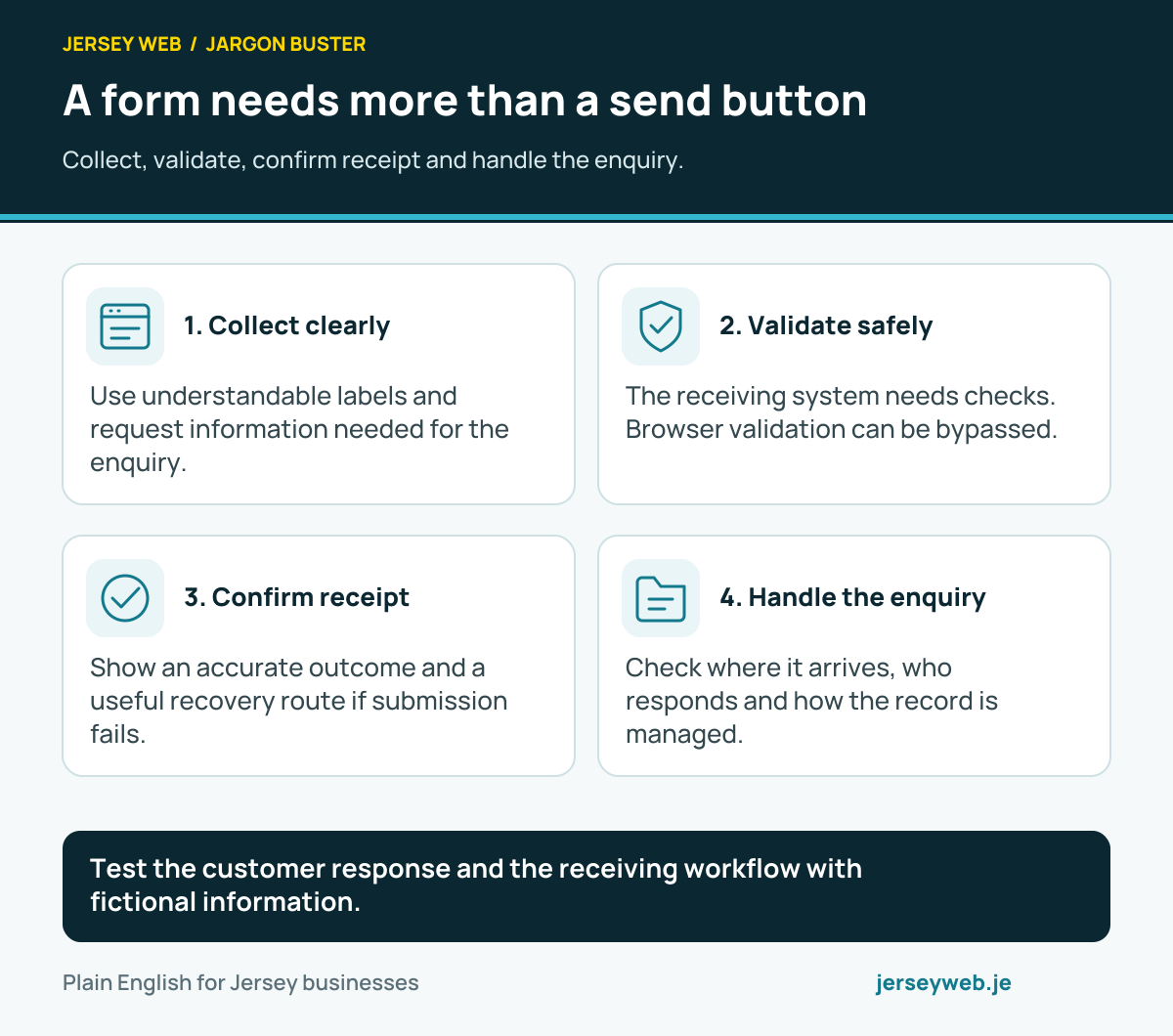
Test the customer response and the receiving workflow with fictional information.
Read the diagram in text
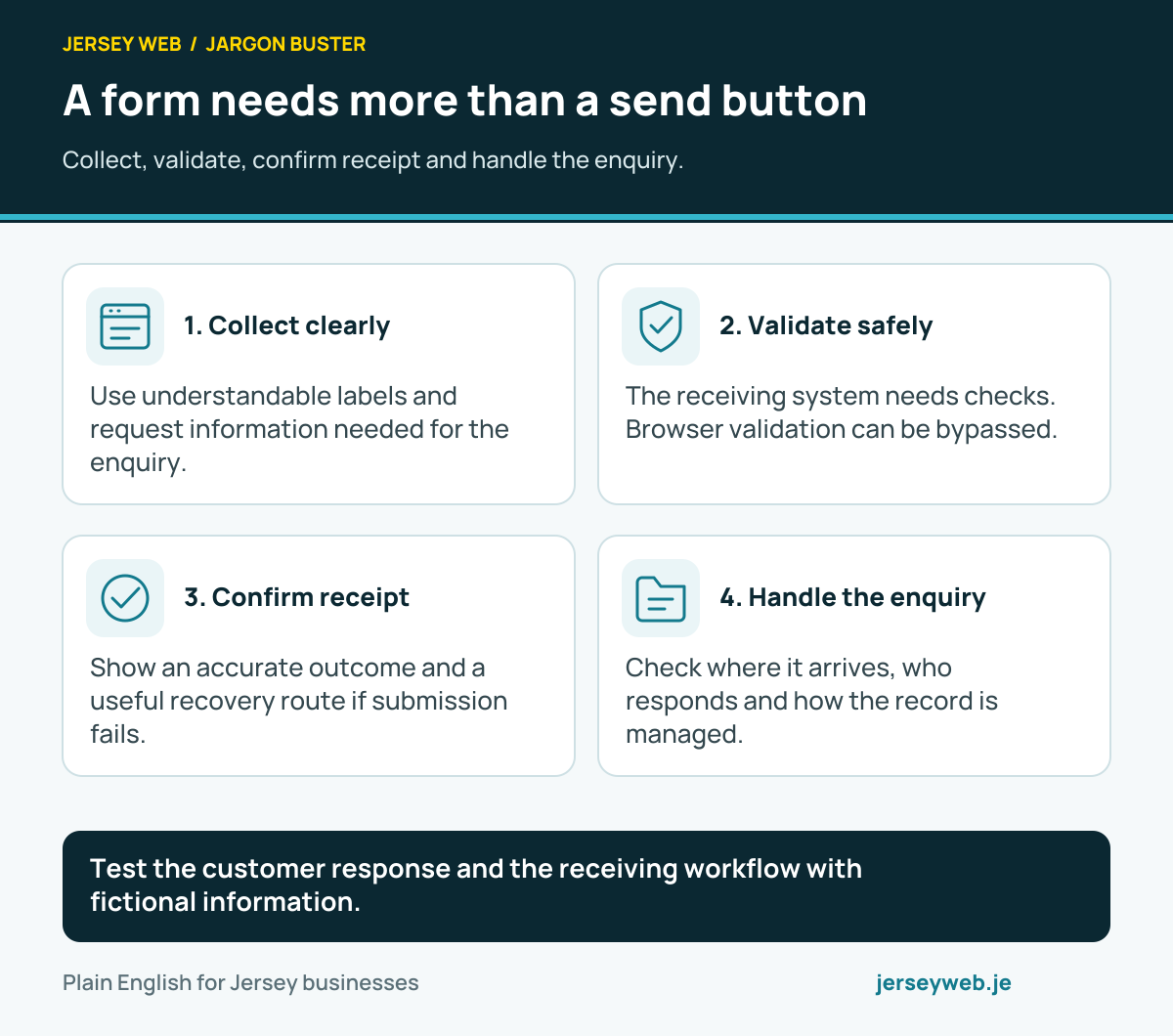
- Collect clearly. Use understandable labels and request information needed for the enquiry.
- Validate safely. The receiving system needs checks. Browser validation can be bypassed.
- Confirm receipt. Show an accurate outcome and a useful recovery route if submission fails.
- Handle the enquiry. Check where it arrives, who responds and how the record is managed.
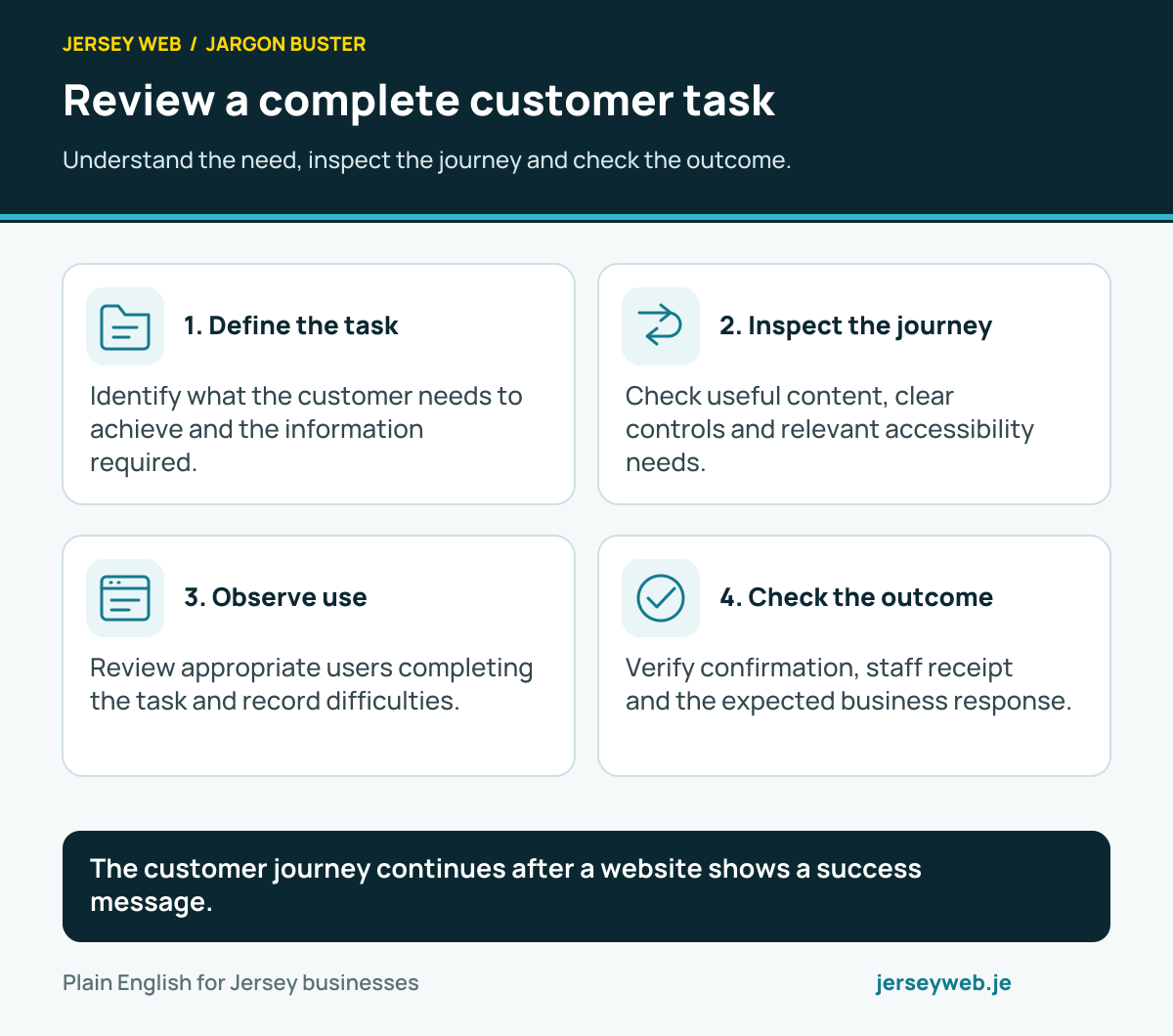
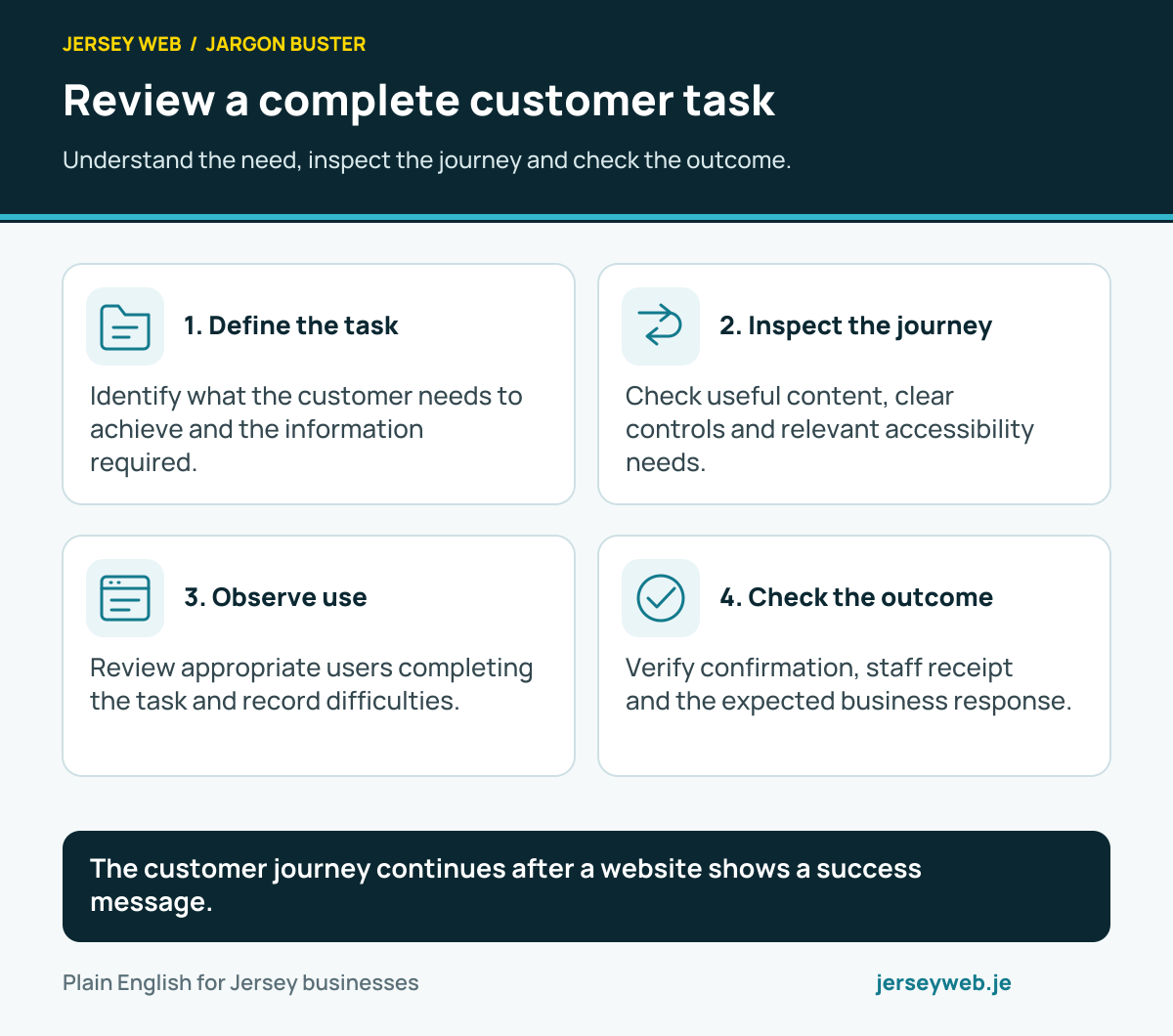
The customer journey continues after a website shows a success message.
Read the diagram in text
- Define the task. Identify what the customer needs to achieve and the information required.
- Inspect the journey. Check useful content, clear controls and relevant accessibility needs.
- Observe use. Review appropriate users completing the task and record difficulties.
- Check the outcome. Verify confirmation, staff receipt and the expected business response.
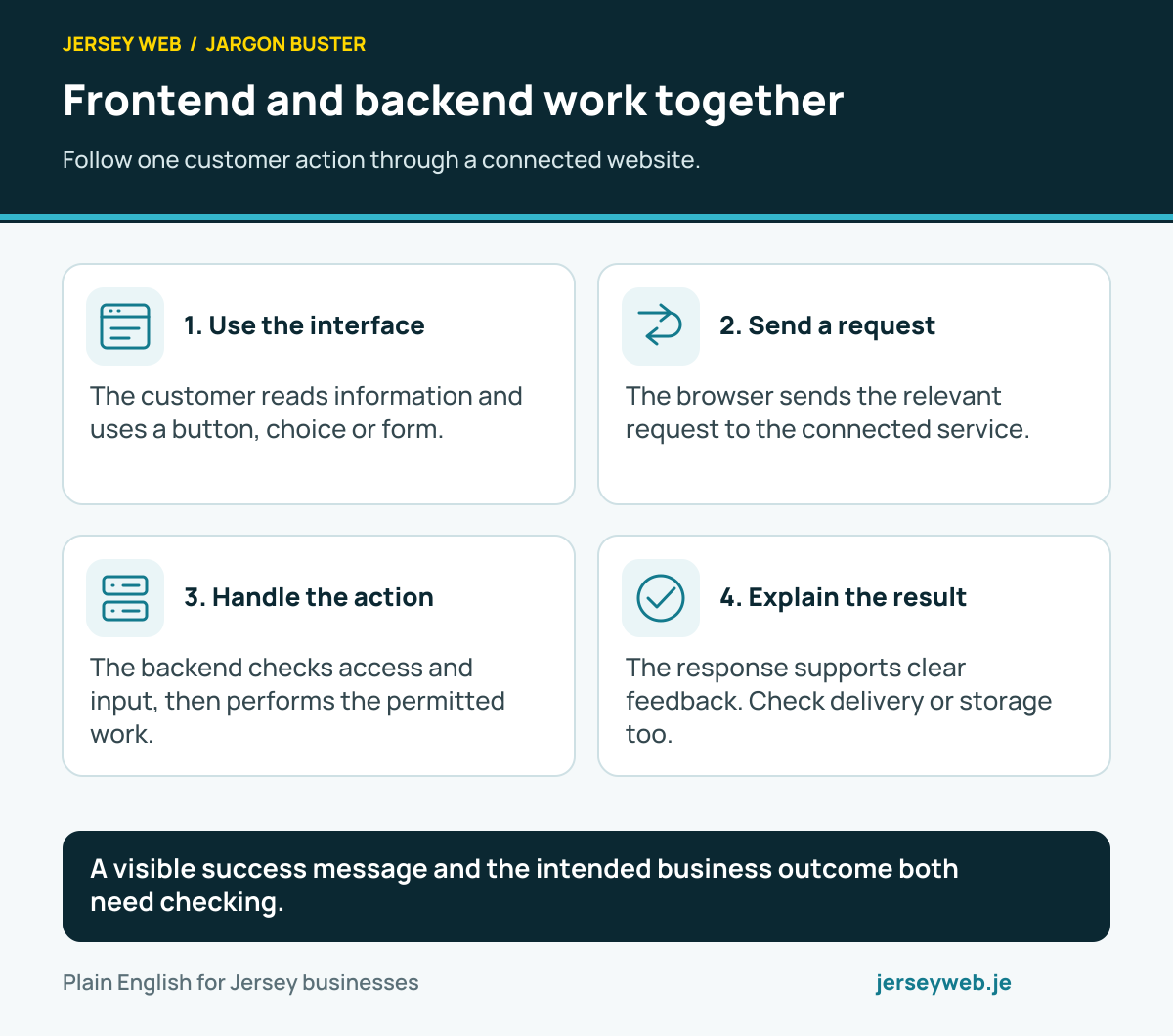
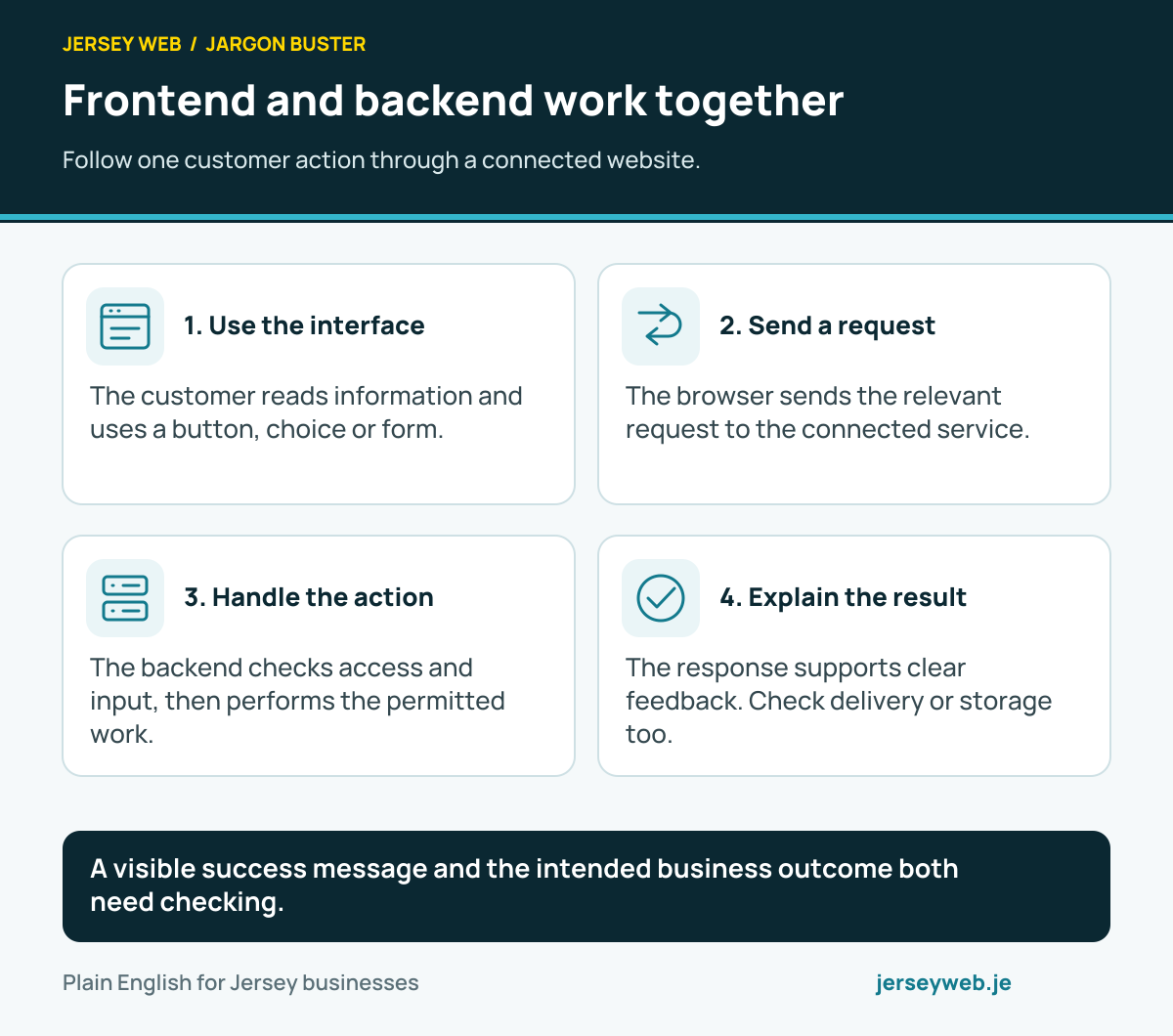
A visible success message and the intended business outcome both need checking.
Read the diagram in text
- Use the interface. The customer reads information and uses a button, choice or form.
- Send a request. The browser sends the relevant request to the connected service.
- Handle the action. The backend checks access and input, then performs the permitted work.
- Explain the result. The response supports clear feedback. Check delivery or storage too.
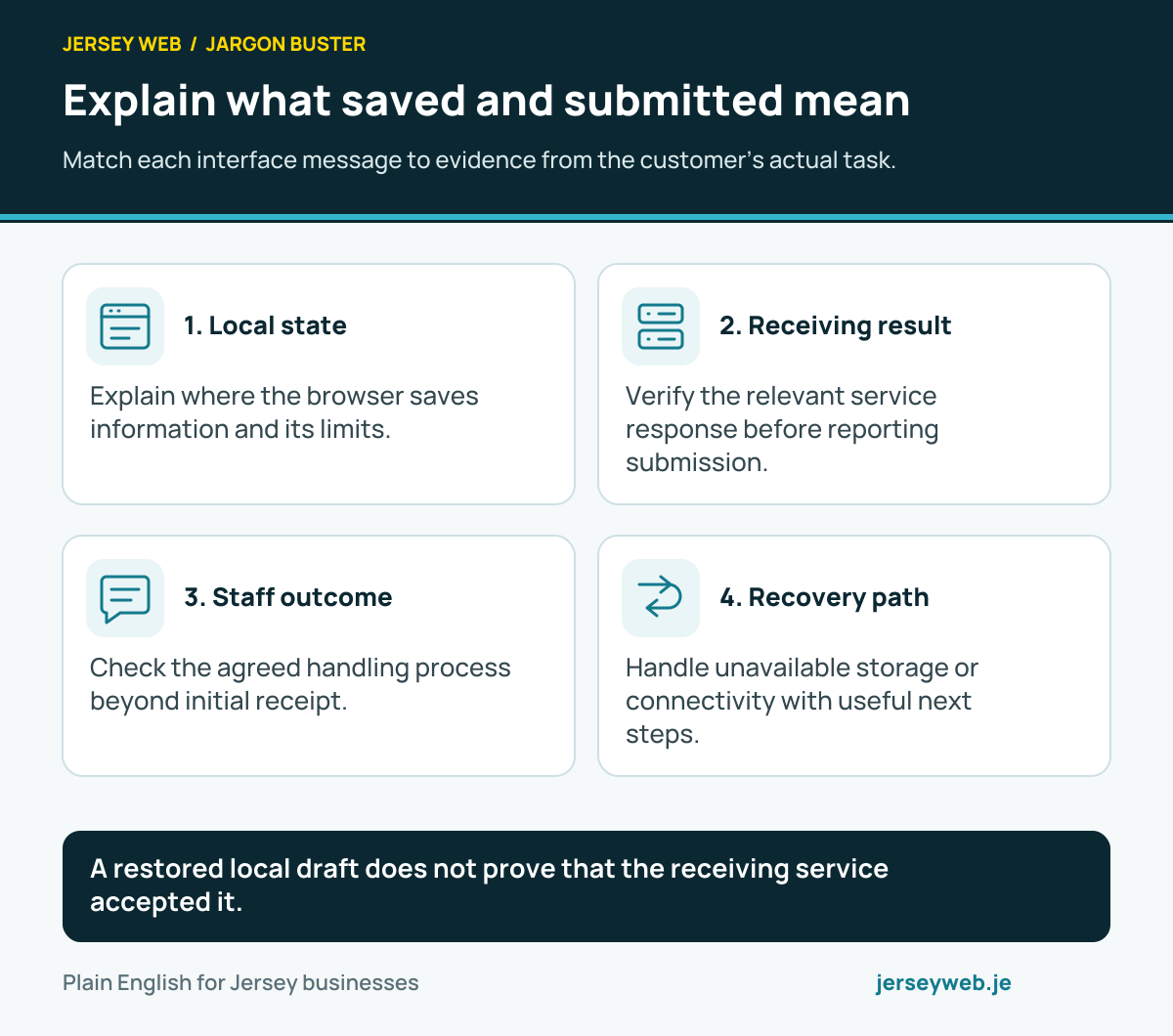
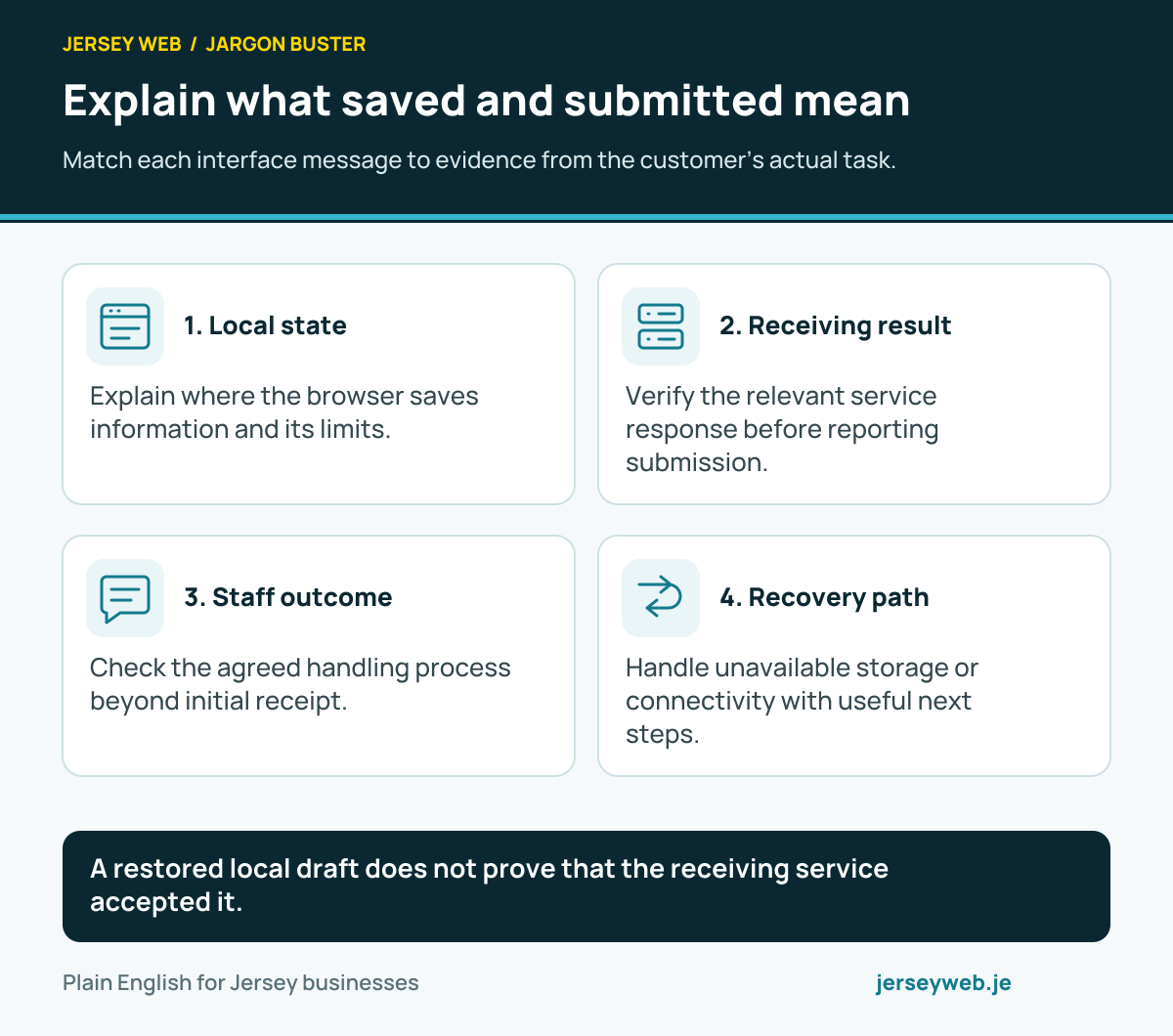
A restored local draft does not prove that the receiving service accepted it.
Read the diagram in text
- Local state. Explain where the browser saves information and its limits.
- Receiving result. Verify the relevant service response before reporting submission.
- Staff outcome. Check the agreed handling process beyond initial receipt.
- Recovery path. Handle unavailable storage or connectivity with useful next steps.
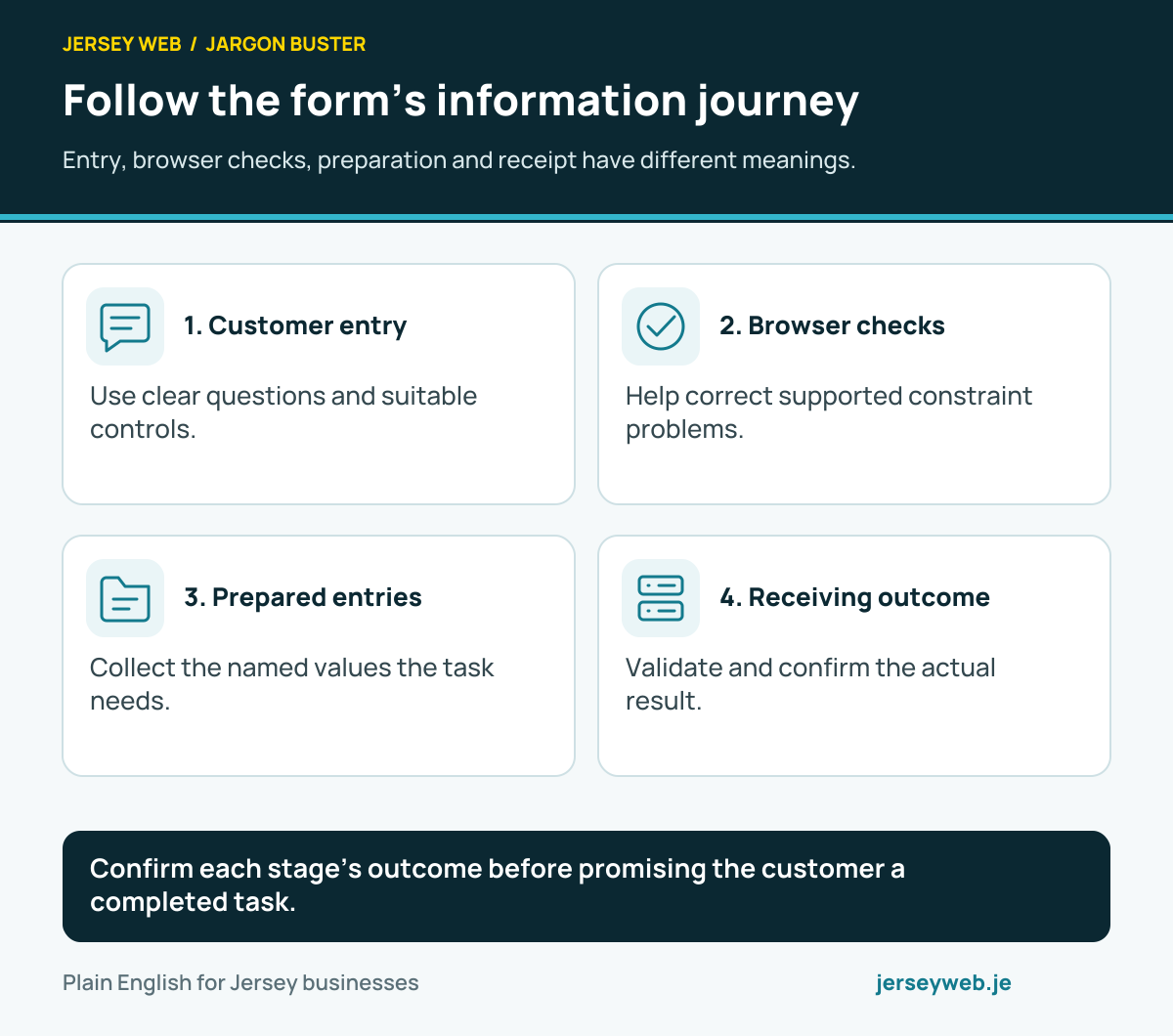
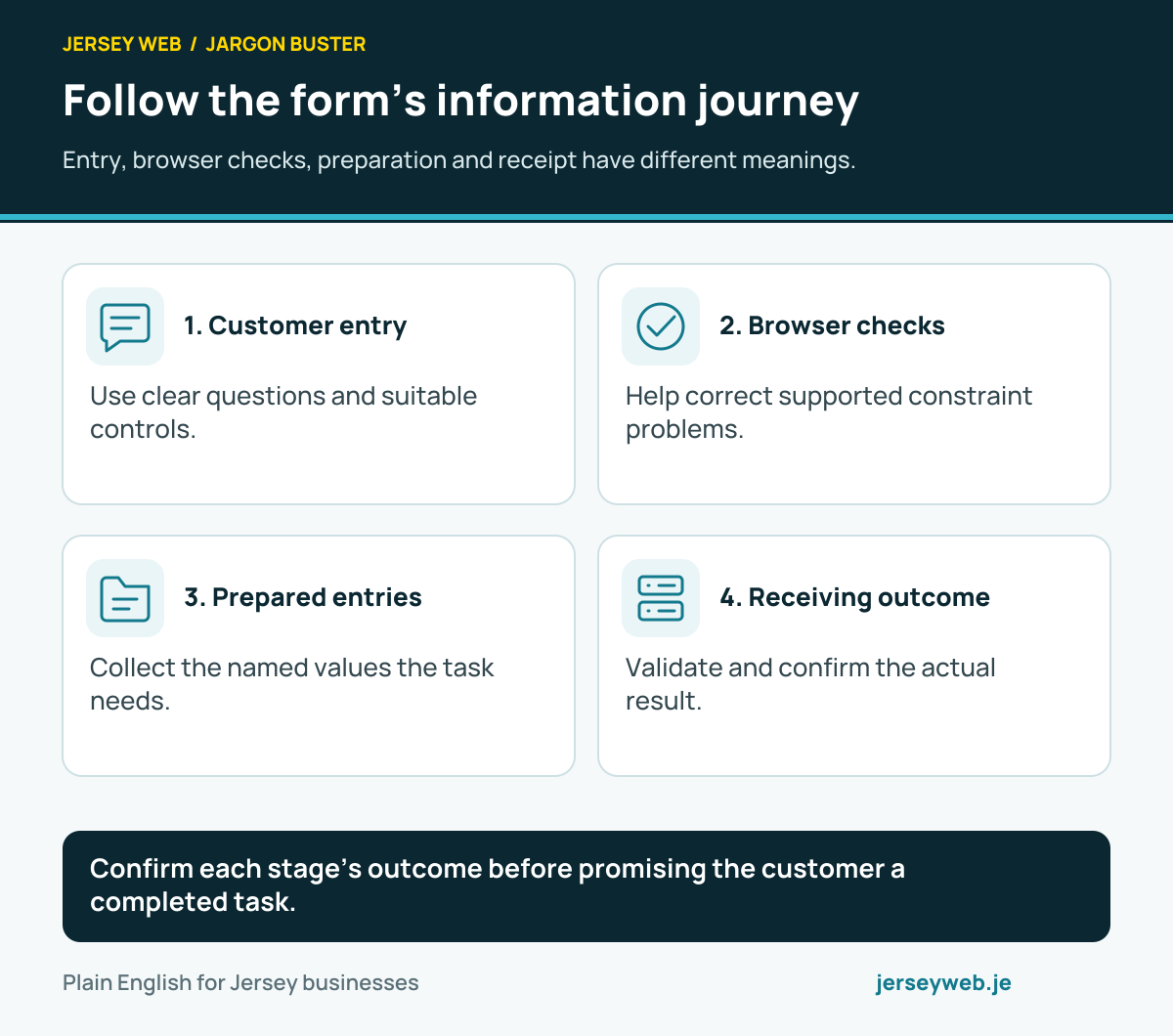
Confirm each stage’s outcome before promising the customer a completed task.
Read the diagram in text
- Customer entry. Use clear questions and suitable controls.
- Browser checks. Help correct supported constraint problems.
- Prepared entries. Collect the named values the task needs.
- Receiving outcome. Validate and confirm the actual result.
Related terms
Learn more
Common questions
- Does clicking Send prove the business received an enquiry?
- No. The application needs an appropriate receiving process and accurate outcome message. Check the destination and the customer response together.
- Should every field be compulsory?
- Request what is necessary for the enquiry and explain required fields. Unnecessary questions make the form harder to complete and add information-handling work.
- Is browser validation enough?
- No. Browser checks can help visitors correct mistakes, but they can be bypassed. The receiving system needs appropriate validation and other security controls.
- How should a form be tested?
- Use suitable fictional information and test successful submission, useful errors and delivery to the intended receiving system. Include phone and keyboard journeys and the staff follow-up process.
Written by Jersey Web. Last reviewed 5 October 2026. Back to the Jargon Buster.