Watch a related explainer
In plain English
A Business Profile category tells Google and potential customers what kind of business a profile represents. Google’s category guide says to select a suitable primary category from the available list and use appropriate additional categories. You cannot create a custom category simply because a particular phrase sounds attractive.
Start with a description of what the business actually is. The category should help someone recognise that business, while detailed services and customer information need their own accurate explanations. Keep the choice connected to real operations rather than selecting labels because another company uses them or because they contain a desired search phrase.
Why it matters for a Jersey business
A Jersey business may provide several related services, making it tempting to treat every offering as a separate business type. Review the main operation first. The owner should be able to explain why the primary category describes the business and why any additional category is also an accurate representation of what it does.
The category is part of the customer’s first impression. Someone finding the profile should receive a description that agrees with the website and the service they can actually obtain. Keep the profile and website wording useful together, especially after a change in the business’s main offering, trading model or available services.
A realistic Jersey example
Imagine a Jersey repair business reviewing its profile after changing the services it offers. This is a hypothetical example. The owner writes a short description of the main business and lists the current customer-facing services. An authorised helper checks the available categories and explains the proposed primary choice.
The owner approves only choices that accurately describe the operation. Detailed offerings are reviewed in the appropriate services information rather than turned into an indiscriminate list of categories. After saving, the team checks the actual profile status and public information, then records the choices and reasons in the maintenance handover.
Practical checks for categories
Describe the main business. Use ordinary language to explain its core operation before reviewing the list. Keep that description with the proposed category. If a label would give customers a misleading expectation about what the business provides, reconsider it even when the wording appears relevant to an attractive search.
Use the available choices. Review the options actually offered in the profile at the time of the change. Select an accurate specific option where available, or a suitable broader option when necessary. Save the selected wording with the review so the business can identify the actual category instead of remembering only a rough description.
Limit additional categories to useful representation. Ask what each additional choice tells customers about the same business. Keep detailed service descriptions separate. A short, explained set is easier to maintain and review when the offering changes than a long list whose connection to the core operation is unclear.
Distinguish categories from keywords. Google’s editing guide says categories should not be used solely as keywords or to describe nearby businesses. Review the actual operation behind every choice. A service offered by an independent neighbouring business does not become part of this profile because the businesses share a location or customers.
Check the services information. Review the profile’s supported service fields and the linked website pages. Explain what is available, any important limits and the next customer step. A category may identify the business type, but the visitor still needs useful detail before deciding whether the offering meets their particular requirement.
Review the saved status. Google’s edit-status guide describes accepted, pending and not-approved changes. Check the actual status after saving and inspect the public representation. Keep any unresolved review or verification requirement with the task rather than assume that clicking Save established the final customer view.
Keep the decision record. Note who approved the representation, which choices were selected and why they fit the operation. Review those notes when the business changes. A later helper can then maintain the profile’s meaning without guessing whether an old category reflects a current service or an abandoned experiment.
Assess visibility honestly. Google says categories affect local ranking, but that does not establish a guaranteed position for this business. Keep any visibility review tied to actual observations and a stated period. Judge the category first for accuracy and avoid presenting a change as proven growth before relevant evidence exists.
Common myths and mistakes
More categories do not automatically make a profile more accurate. Another mistake is copying a competitor’s choices without checking the business behind them. A category is a description of the represented operation, and a detailed service list serves a different purpose. Review the saved state as well as the proposed label.
Our take
Choose categories that the owner can explain through the business’s real activities. Keep the primary choice clear, additional choices relevant and service detail useful. Record the decision and review the actual profile after changes so customers receive a consistent representation rather than an unexplained collection of search phrases.
See it in a diagram
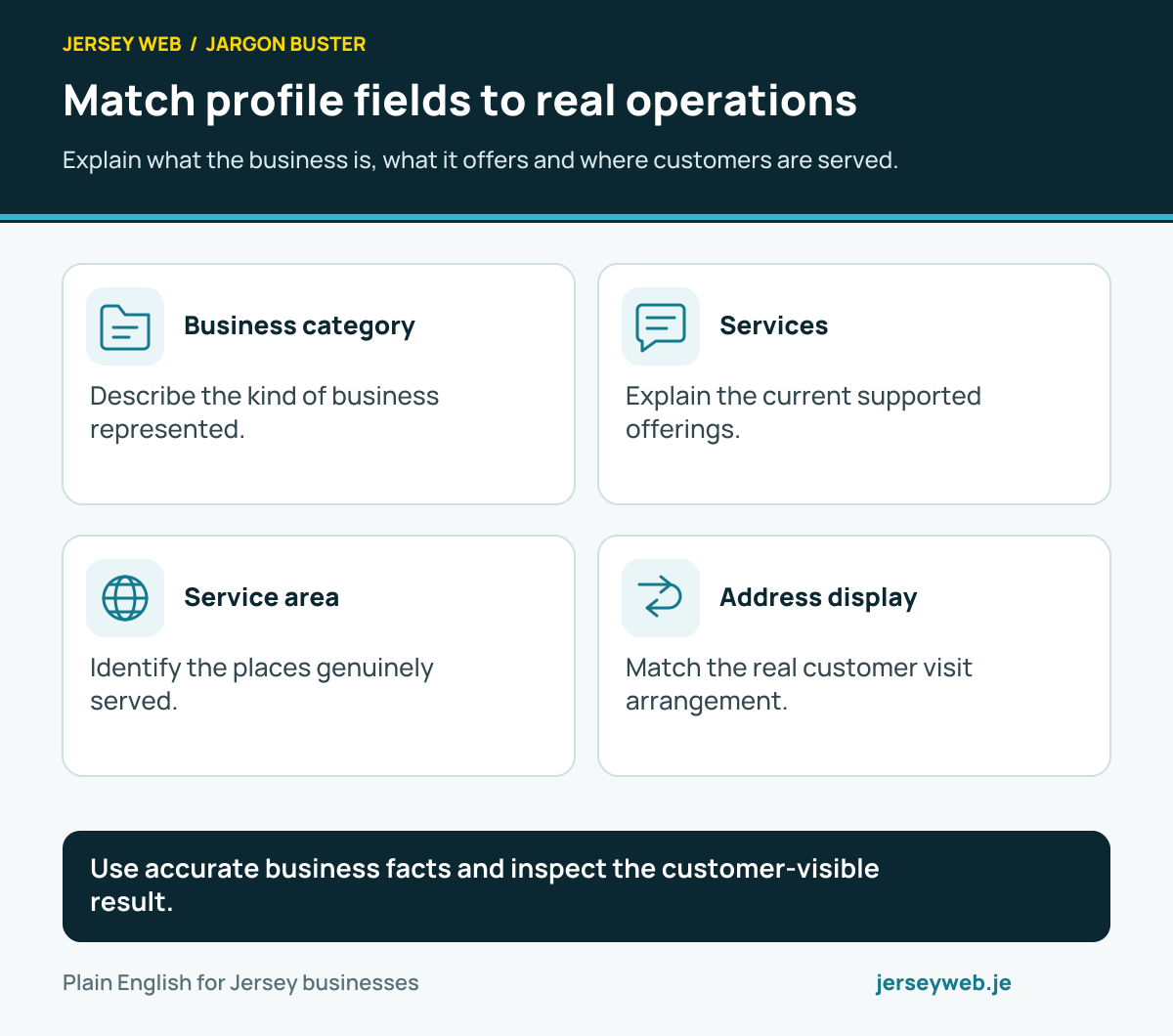
Use accurate business facts and inspect the customer-visible result.
Read the diagram in text
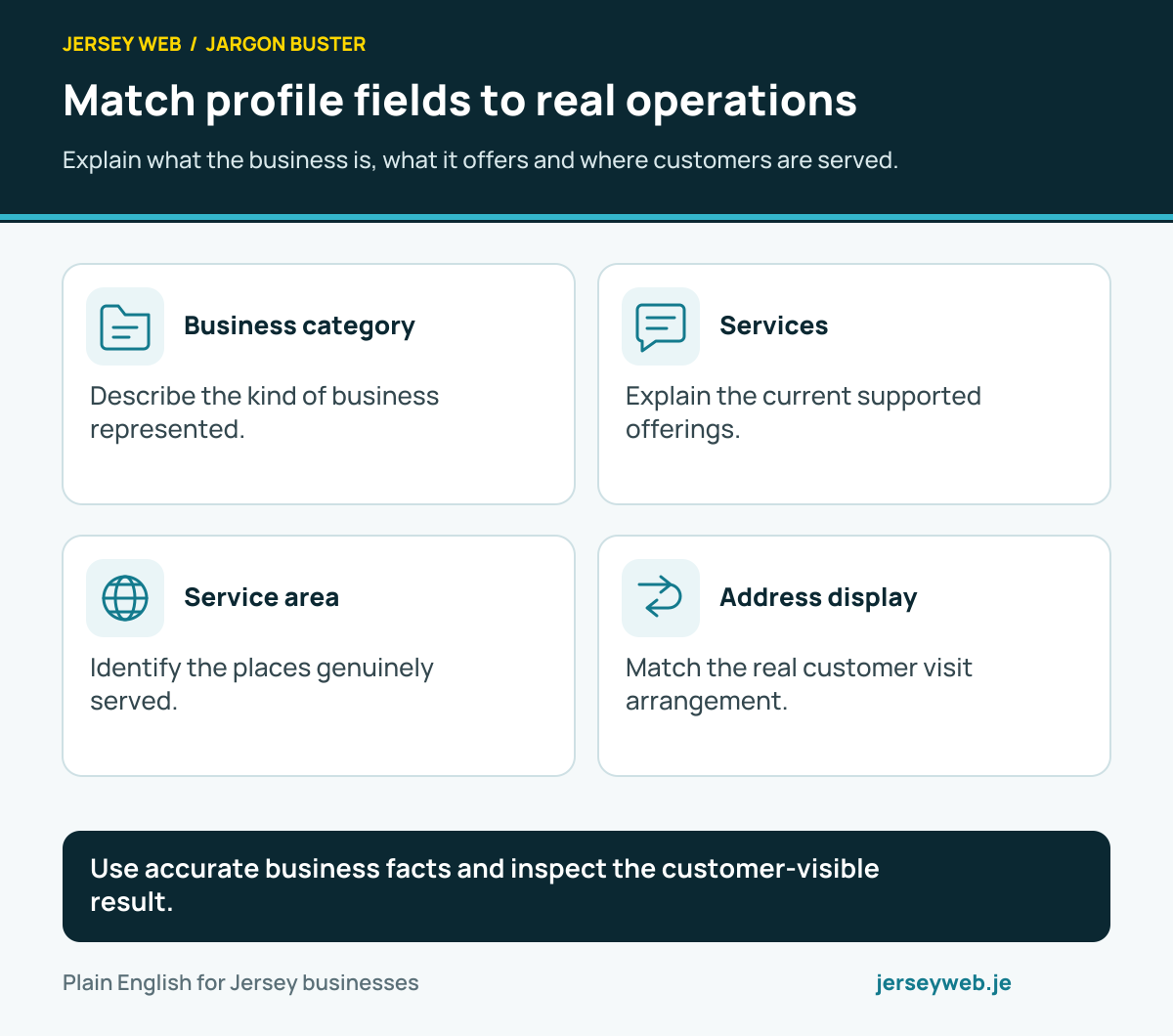
- Business category. Describe the kind of business represented.
- Services. Explain the current supported offerings.
- Service area. Identify the places genuinely served.
- Address display. Match the real customer visit arrangement.
Related terms
Learn more
Common questions
- Can I invent a new category?
- Google says to choose from its supplied list. If a precise option is unavailable, choose an appropriate broader category.
- Should every service become another category?
- No. Use categories to describe the business and keep detailed offerings in the relevant supported services fields.
- Does changing a category guarantee a better local position?
- No. An accurate category is part of the profile’s representation, and local ranking depends on more than that choice.
- Can a category change require verification again?
- Google says category additions or edits may trigger another verification request. Review the actual profile status after a change.
Written by Jersey Web. Last reviewed 4 October 2026. Back to the Jargon Buster.