How to get your Jersey business on Google Maps
It’s free, and most of it takes an afternoon. The video shows the eight steps in under two minutes, and the notes under it add what to watch for in Jersey.
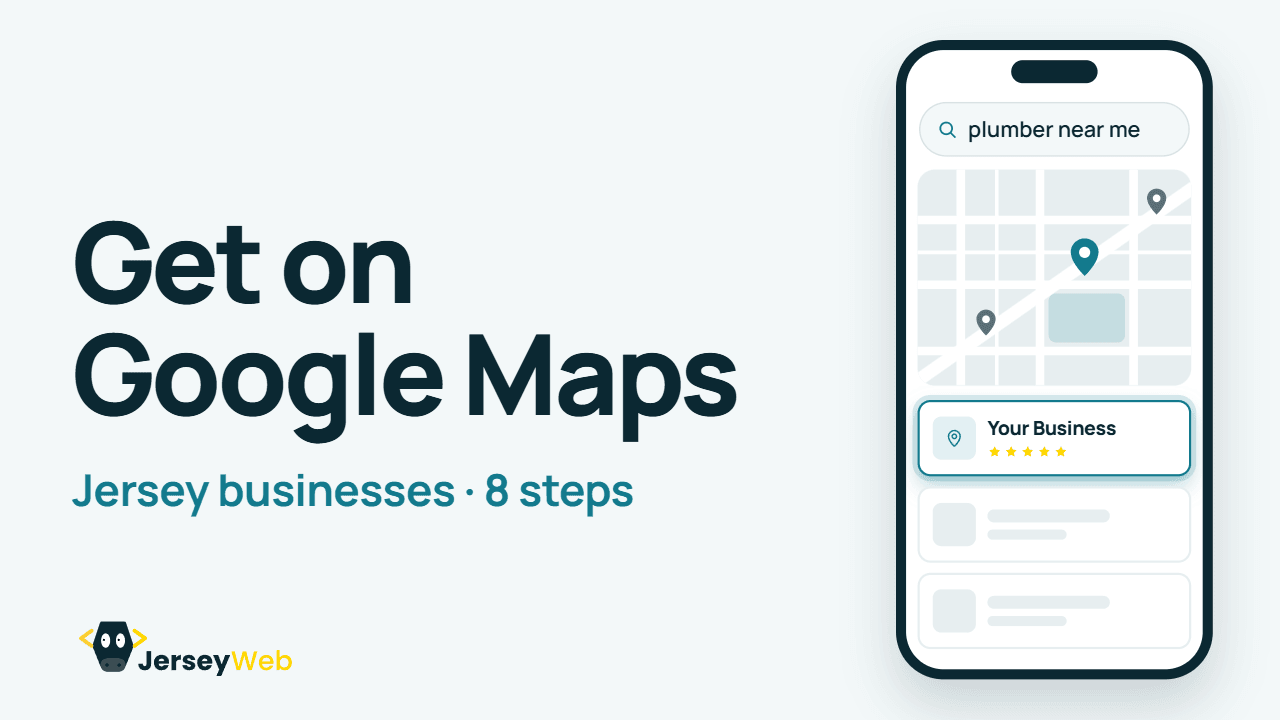
1:57 · No narration: the video shows each step as text on screen, and every step is written out below, with buttons that jump the video to it.
Prefer YouTube? Watch this video on our YouTube channel (opens in a new tab).
The 8 steps in the video
The video opens with someone in Jersey searching for “plumber near me”. The businesses on the map get a big share of the calls, and these steps put yours there.
-
Step 1: Go to google.com/business
Sign in with an account your business controls, not one your web designer owns.
That address takes you to Google Business Profile. Adding your business costs nothing, and Google says it will never ask you to pay to keep your profile (opens in a new tab), so treat any call asking for money to “verify” or “maintain” your listing as a scam.
Use a Google account tied to an email address the business owns. If someone sets the profile up for you, make sure you are the primary owner and give them manager access.
-
Step 2: Use your real business name
No extra keywords. Google can suspend listings that add them.
Write the name as it appears on your sign, van and invoices. Google’s guidelines (opens in a new tab) ask for the name you use in the real world and warn that adding extra words can get a profile suspended. “Smith Plumbing” is fine. “Smith Plumbing St Helier Emergency Plumber 24/7” isn’t.
-
Step 3: Choose your main category
Be specific: “Plumber”, not “Contractor”.
Google uses your categories to match you to searches, so pick the closest match for the main one. Google’s own example is “Nail salon” rather than “Salon”. You can add up to nine more for other work you do, though Google asks for as few as you need.
-
Step 4: Address or service area
Do customers come to you? Never use a fake address or a mailbox.
If customers visit you at a shop, salon or office, show your address. If you go to them, as most trades do, hide the address and list the areas you cover instead. Google allows up to 20 service areas (opens in a new tab), within about two hours’ drive of your base, which covers all of Jersey with room to spare.
A PO box, a mailbox at someone else’s address or a virtual office doesn’t qualify. Our guide to getting found on Google without a shopfront goes through the service-area set-up in more detail.
-
Step 5: Add your phone number and website
Use exactly the same details everywhere you’re listed online.
Give a number you answer yourself; Google prefers a local number to a call centre line. Link your own website if you have one. If you don’t, the profile still works, and a website can come next.
Then check your name, number and address match on your website and in every directory you’re in. Our guide to where to list your Jersey business online covers the main ones.
-
Step 6: Verify it’s yours
Google will ask for proof, often a short video. Follow its steps.
Google picks the method, and you can’t change it. The options include a phone call or text, email, a live video call, a recorded video and a postcard. If you’re offered video, Google recommends taking it (opens in a new tab): show where you are, your sign or branded equipment, and something only the business can show, like unlocking the door or opening the till.
Google says its checks can take up to five working days. A postcard usually arrives within 14 days, and its code runs out after 30.
-
Step 7: Fill in everything
Opening hours, photos of real jobs, the services you offer.
Add your hours, your services, photos of real work and a description of up to 750 characters, with no links or offers in it. Google says complete, accurate profiles are easier to match to the right searches, and they give customers more reason to pick you.
Set special hours for Jersey’s bank holidays, which don’t all match the UK’s. Liberation Day on 9 May is the obvious one, and gov.je lists every date (opens in a new tab).
-
Step 8: Ask for reviews
Reply to every one. Never pay or offer a discount for a review.
Ask happy customers straight after the job, with a direct link. Our video on getting more Google reviews shows where to find your link and what Google doesn’t allow.
Good to know in Jersey
- Your address. Google’s address data treats Jersey as its own place rather than part of the UK, with JE postcodes. Before you submit, check the address on the form reads the way your post arrives.
- Your service areas. Type the parishes or towns you cover and choose from Google’s suggestions. You can’t set a radius around your base.
- Edits from other people. Anyone can suggest a change to your profile. You get four days to accept or reject it (opens in a new tab), after which Google may publish it, so check your profile every week or two.
Common questions
Does it cost anything to put my business on Google Maps?
No. A Google Business Profile is free, and Google says it will never ask you to pay to keep your profile. Treat any call asking for money to “verify” or “maintain” your listing as a scam.
Can I get on Google Maps without a shop or office?
Yes. If you visit your customers, as most trades do, hide your address and list the areas you cover instead. Google allows up to 20 service areas, which covers every parish in Jersey.
Can I use a PO box or a virtual office as my address?
No. A PO box, a mailbox at someone else’s address or a virtual office doesn’t qualify. Show your real premises if customers come to you, or hide the address and set service areas if you go to them.
How long does Google take to verify a business?
Google says its checks can take up to five working days. If it sends a postcard, that usually arrives within 14 days, and the code on it runs out after 30.
Can I add words like “St Helier” or “24/7” to my business name on Google?
No. Google asks for the name you use in the real world, as on your sign, van and invoices, and can suspend profiles that add extra words. Put your areas and services in your categories, service areas and description instead.
Why has my Google profile changed when I didn’t edit it?
Anyone can suggest a change to your profile. You get four days to accept or reject it, after which Google may publish it, so check your profile every week or two.
Go further
More video tips
All 205 videos →
Google’s business.site websites have closed: what to do now
Had a free website from Google? Six steps to replace your business.site address with your own.
How to get more Google reviews for your business
Six honest habits that bring in more Google reviews, and how to reply to them.