In plain English
Website monitoring observes chosen signals to help identify changes or problems. A check might request a page and examine its response, while another watches relevant error information. The useful meaning of a healthy result depends on what was checked and the conditions defined by the maintainer.
Google’s Site Reliability Engineering book discusses monitoring, symptoms and actionable alerts in systems the authors operate. Cloudflare’s health-check documentation provides a provider-specific example of checking an endpoint’s status. These sources illustrate approaches; a small business needs coverage suited to its actual website and support arrangement.
Monitoring is different from a promise that faults cannot occur. It supplies evidence and can draw attention to a defined problem. The business still needs a responsible person to investigate and an appropriate process for restoring the intended customer service.
Why it matters for a Jersey business
A local business may depend on a website for enquiries, booking information or customer contact details. Detecting an unavailable route can help the maintainer investigate before staff hear several separate complaints. The chosen checks should reflect the parts of the website that matter to the business.
A homepage can work while an external booking connection fails. A form can display while its receiving process is unavailable. Coverage should therefore be described plainly, so that the owner understands which requests and signals are observed and which wider business outcomes still need another check.
A realistic Jersey example
Imagine a Jersey activity provider reviewing monitoring during handover. This is a hypothetical example. It identifies the public information page and supported booking connection as different dependencies. The maintainer explains which availability checks are configured and how faults in the booking integration are reported.
The owner records who receives relevant alerts and who contacts the supplier. The team checks the agreed notification path using a suitable controlled method. This establishes response responsibility without claiming that every customer transaction is continuously tested or that all failures can be prevented.
What to agree before relying on monitoring
Define the important journey. List the pages, connections and outcomes the business depends on. Prioritise meaningful customer tasks and the staff processes receiving them. A coverage note should explain what is monitored in relation to those tasks rather than list a collection of tool names without their purpose.
Describe each check. Record its target, condition and what a successful result establishes. A request returning a success code does not necessarily demonstrate that its content is correct or that a booking can complete. Keep the scope precise so that an alert or healthy indicator can be interpreted appropriately.
Choose useful signals. Availability, relevant response behaviour and application errors can contribute different information. Review the real system and the question being investigated. Avoid turning every available metric into a headline simply because the tool exposes it; the owner needs a small set of signals with understandable meaning.
Agree actionable alerts. State which condition needs attention, who receives it and the expected response route under the actual support arrangement. Do not invent a round-the-clock service if it is not included. Check escalation and contact details so that an alert reaches someone able to assess the relevant system.
Keep diagnostics appropriate. Error records can help connect an alert to a cause. OWASP’s logging guidance addresses useful event recording and protection of log information. Avoid including credentials or unnecessary customer details in notifications that are widely visible or routinely forwarded.
Test the notification path. Use supported, controlled methods to verify the relevant check and alert delivery. Do not create unnecessary disruption to a public service merely to demonstrate that an alarm exists. Review how the responsible person distinguishes a confirmed problem from a transient or inaccurate signal.
Review coverage after changes. A new widget, hosting move or revised form workflow can introduce a dependency outside the old checks. Update the monitoring note as part of the release handover. Keep maintenance, recovery and supplier contacts aligned so that detection leads to an appropriate investigation and response.
Common myths
A healthy homepage proves every journey works. Check the coverage of each signal.
An alert resolves the incident. Investigation and response need an owner.
Monitoring replaces recovery planning. Detection and restoration serve different purposes.
Our take
Jersey Web’s view is to monitor the important service paths and explain the limits of each check. Keep alerts actionable and responsibility clear. The owner should know what a healthy result establishes, what triggers attention and who investigates the actual customer problem.
See it in a diagram
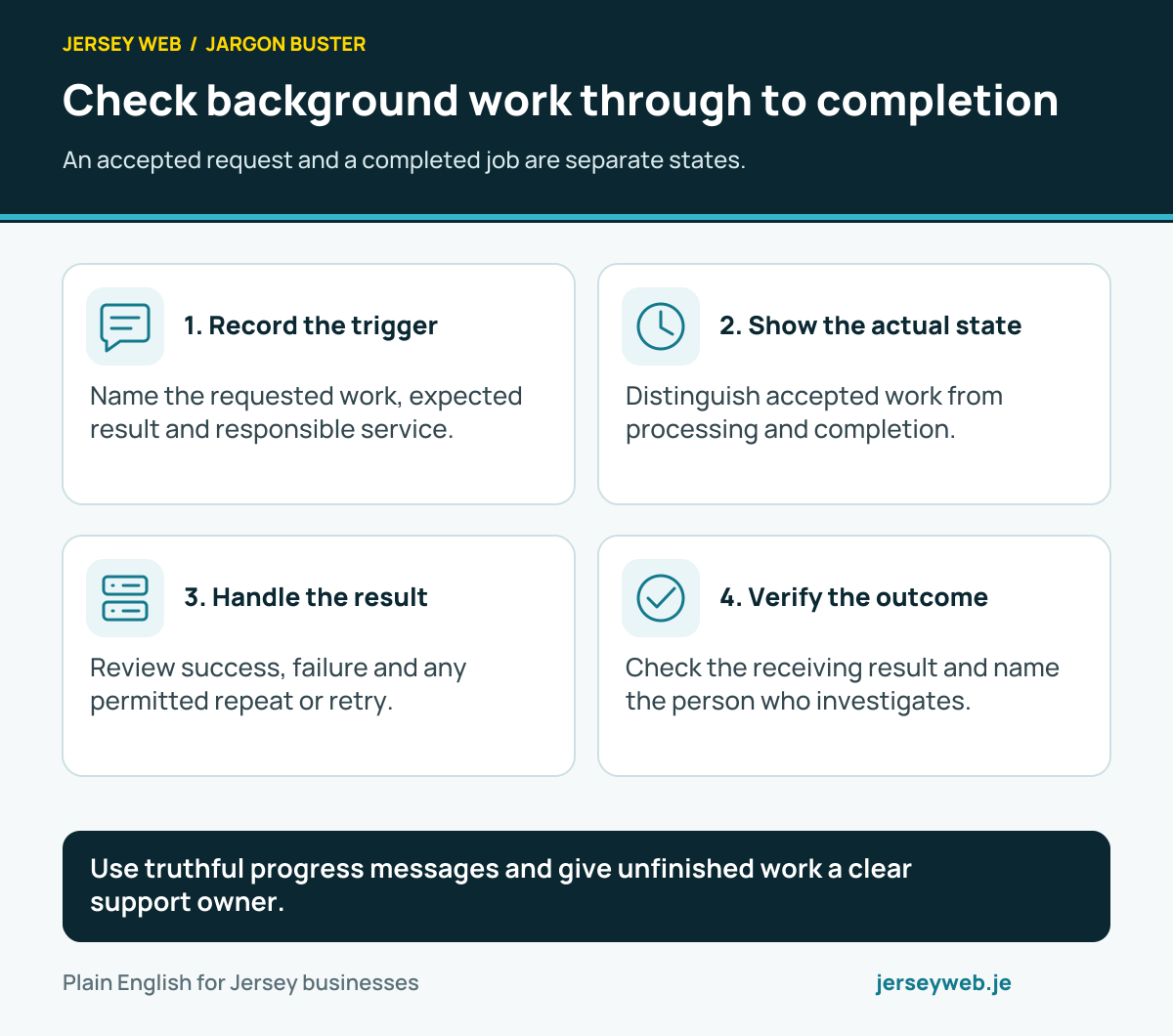
Use truthful progress messages and give unfinished work a clear support owner.
Read the diagram in text
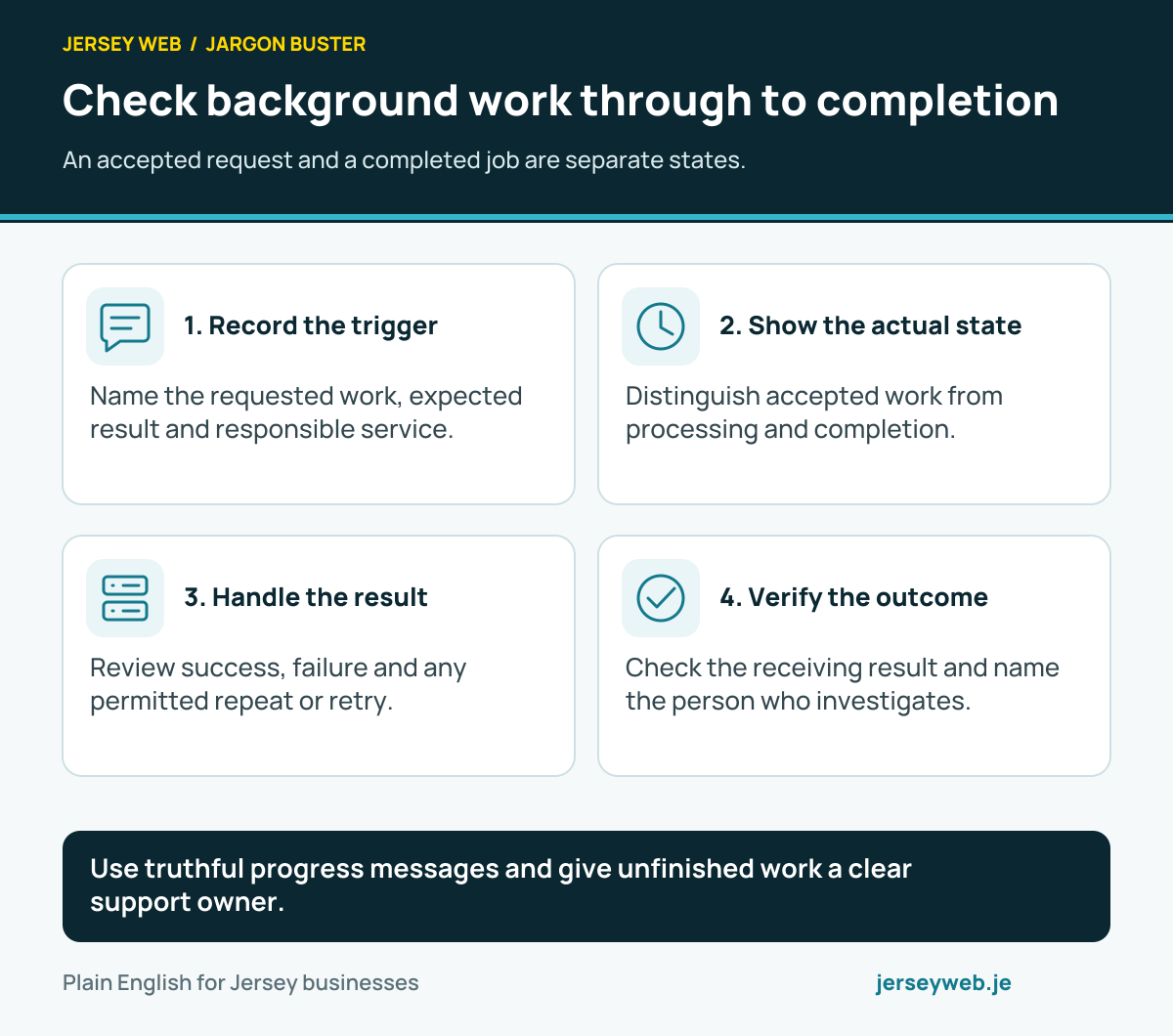
- Record the trigger. Name the requested work, expected result and responsible service.
- Show the actual state. Distinguish accepted work from processing and completion.
- Handle the result. Review success, failure and any permitted repeat or retry.
- Verify the outcome. Check the receiving result and name the person who investigates.
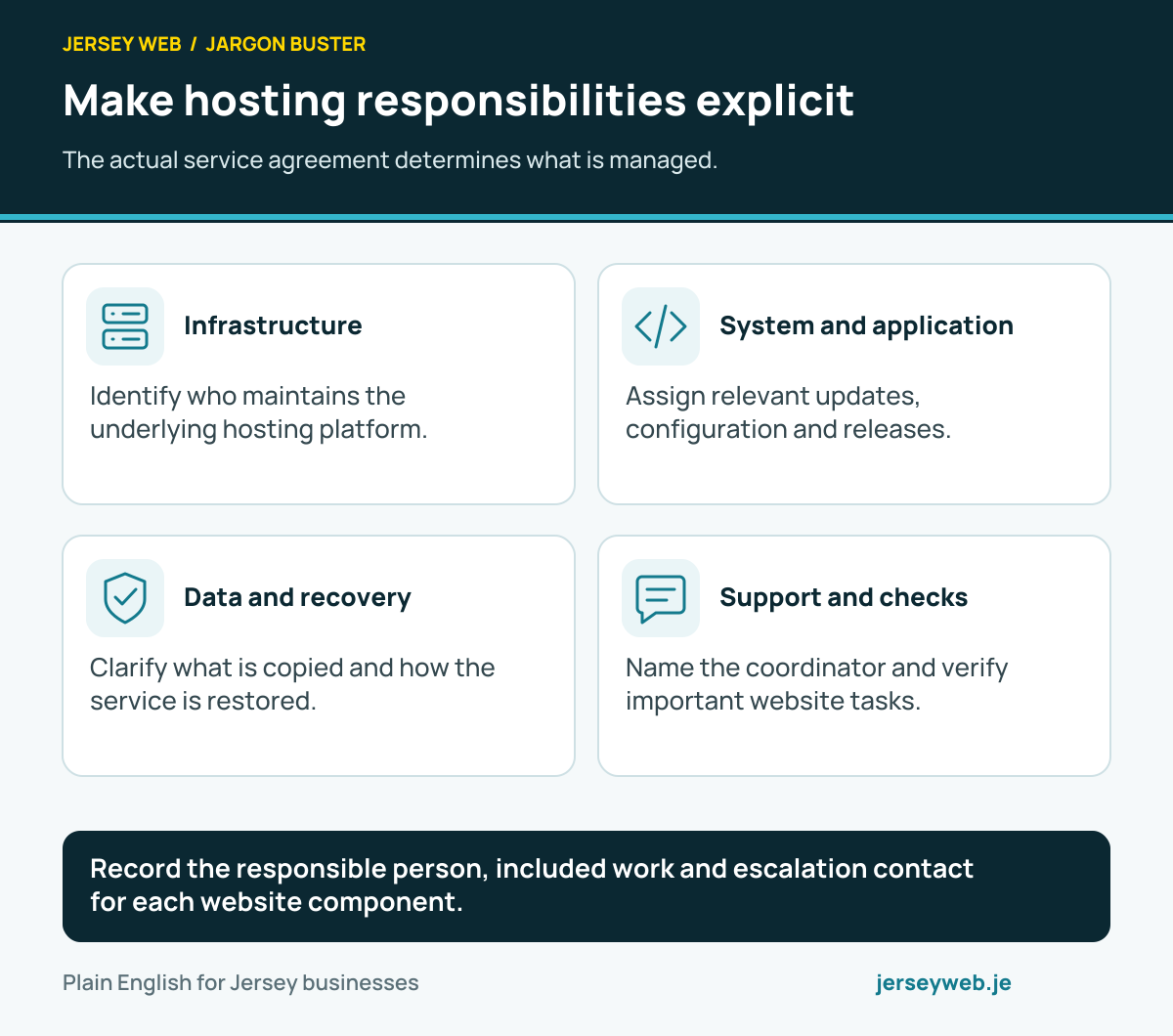
Record the responsible person, included work and escalation contact for each website component.
Read the diagram in text
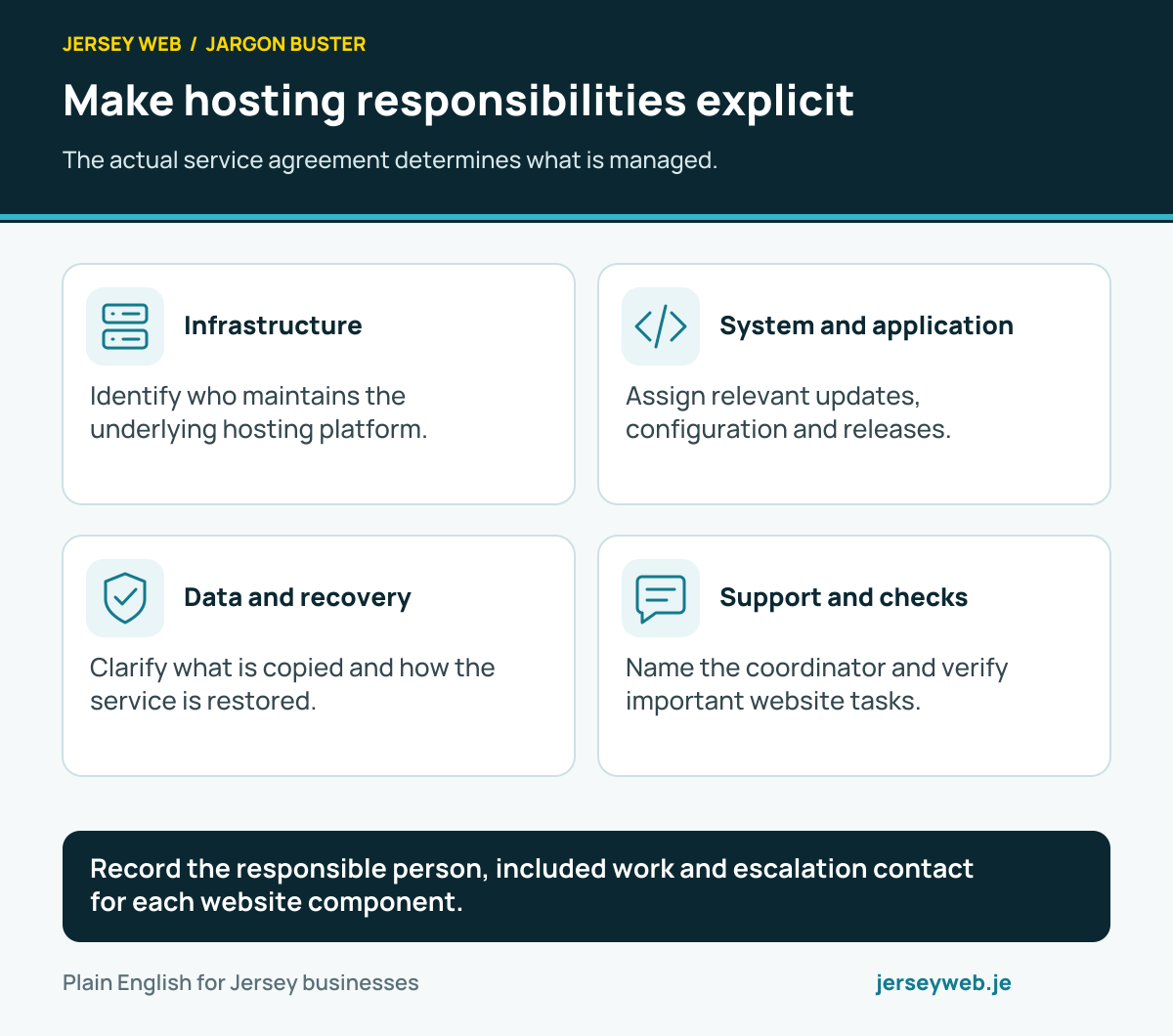
- Infrastructure. Identify who maintains the underlying hosting platform.
- System and application. Assign relevant updates, configuration and releases.
- Data and recovery. Clarify what is copied and how the service is restored.
- Support and checks. Name the coordinator and verify important website tasks.
Related terms
Learn more
Common questions
- Does a homepage check prove every feature works?
- No. It tests the configured request and condition. A booking widget, form processor or email notification may fail separately, so define appropriate coverage for important workflows.
- Is monitoring the same as backups?
- No. Monitoring observes signals and can help detect problems. Backups and recovery arrangements support restoring information or service after an incident.
- Does receiving an alert fix the problem?
- No. Someone needs to assess it and follow an appropriate response process. Agree responsibility and relevant support arrangements in the handover.
- Should every unusual signal trigger an urgent alert?
- No. Choose alerts that call for a useful action and review their accuracy. Excessive irrelevant alerts can make the real problem harder to identify.
Written by Jersey Web. Last reviewed 5 October 2026. Back to the Jargon Buster.