Watch a related explainer

In plain English
JavaScript expresses instructions and logic. On a webpage it can respond when someone chooses a category, calculate a result, fetch information or change what is displayed. The browser runs the instructions within its supported environment. JavaScript can also run outside the browser, so the language is broader than the interactive effects people see on a website.
HTML describes the page’s structure and CSS controls presentation. JavaScript can add behaviour to that foundation. A search filter, for example, can read the visitor’s query and hide entries that do not match. A form might use a script to explain a missing field before submission, while the receiving service still needs to validate the submitted information.
MDN’s introduction to JavaScript explains its role alongside HTML and CSS. The script is part of a working system: it must be delivered, run successfully and handle the conditions encountered by the visitor. An effect that works on the developer’s machine is the beginning of verification, rather than proof that the complete customer journey is reliable.
Why it matters for a Jersey business
A Jersey business might rely on scripts for booking, checkout, maps or an enquiry form. It helps to know which features are supplied by your own site and which depend on an external provider. A third-party change, slow connection or blocked resource can affect a feature without any visible edit to the website’s content.
Behaviour should support the task. A quick filter can make a large glossary easier to use. A decorative animation that delays access to the telephone number can do the opposite. On mobile devices, responsiveness matters while the customer is tapping and typing, as well as during the first appearance of the page.
A realistic Jersey example
Imagine a Jersey service directory with topic filters. This is an illustrative example. Its complete list is delivered as ordinary page content. A script adds instant filtering and updates a visible result count. Visitors can still read the entries if the enhancement has not loaded, and the controls have clear labels and keyboard behaviour.
This is different from a page that initially contains almost nothing and depends on several remote scripts before any useful information appears. Either architecture can be implemented deliberately, but the business should understand the dependencies and the visitor’s experience when one of them fails.
What to check before launch
List the features that require scripts. Identify payments, booking, consent controls and customer contact routes before decorative effects. Test those features on a phone, with a keyboard and with a slower connection. Include error conditions: a remote service that rejects a request, a result with no matches or a form that cannot be submitted.
Ask about progressive enhancement, where a useful basic experience is improved by additional capabilities. It is an approach to choosing dependencies, not a requirement that every complex application work without scripting. Decide which information or actions should remain available if the enhancement cannot run.
Review third-party scripts. Web.dev’s guidance explains their performance implications. A widget can introduce more work than its small visual footprint suggests. Keep an inventory of the provider, purpose and account owner, and remove abandoned scripts through a controlled change rather than letting them accumulate indefinitely.
Check how updates are tested. Releasing new JavaScript can affect many pages that share a component. A useful deployment process verifies the business journeys after the release and provides a recovery route if an error appears. Staff should know how to report a problem with the page URL, action attempted and visible message.
Common myths
More JavaScript means a better website. The useful measure is whether behaviour helps people complete the task.
Browser validation makes a form secure. The receiving system must validate and protect information too.
A script loading successfully proves the feature works. Data, permissions and the user’s actions still need checking.
Our take
Jersey Web’s view is to make every important scripted feature explainable. The owner should know what it does, which service it depends on and how failures appear to customers. That makes an interactive website easier to operate and maintain.
See it in a diagram
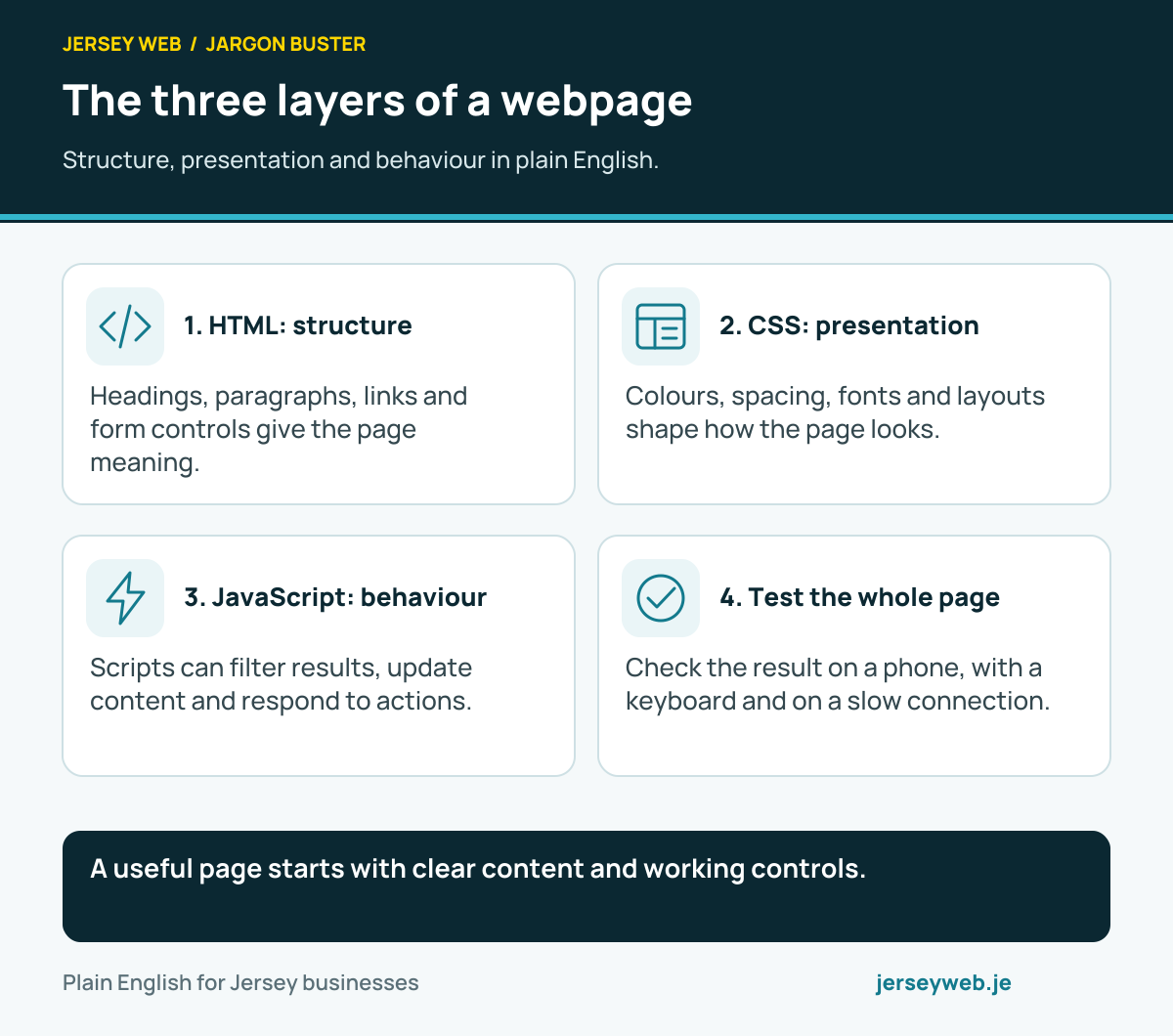
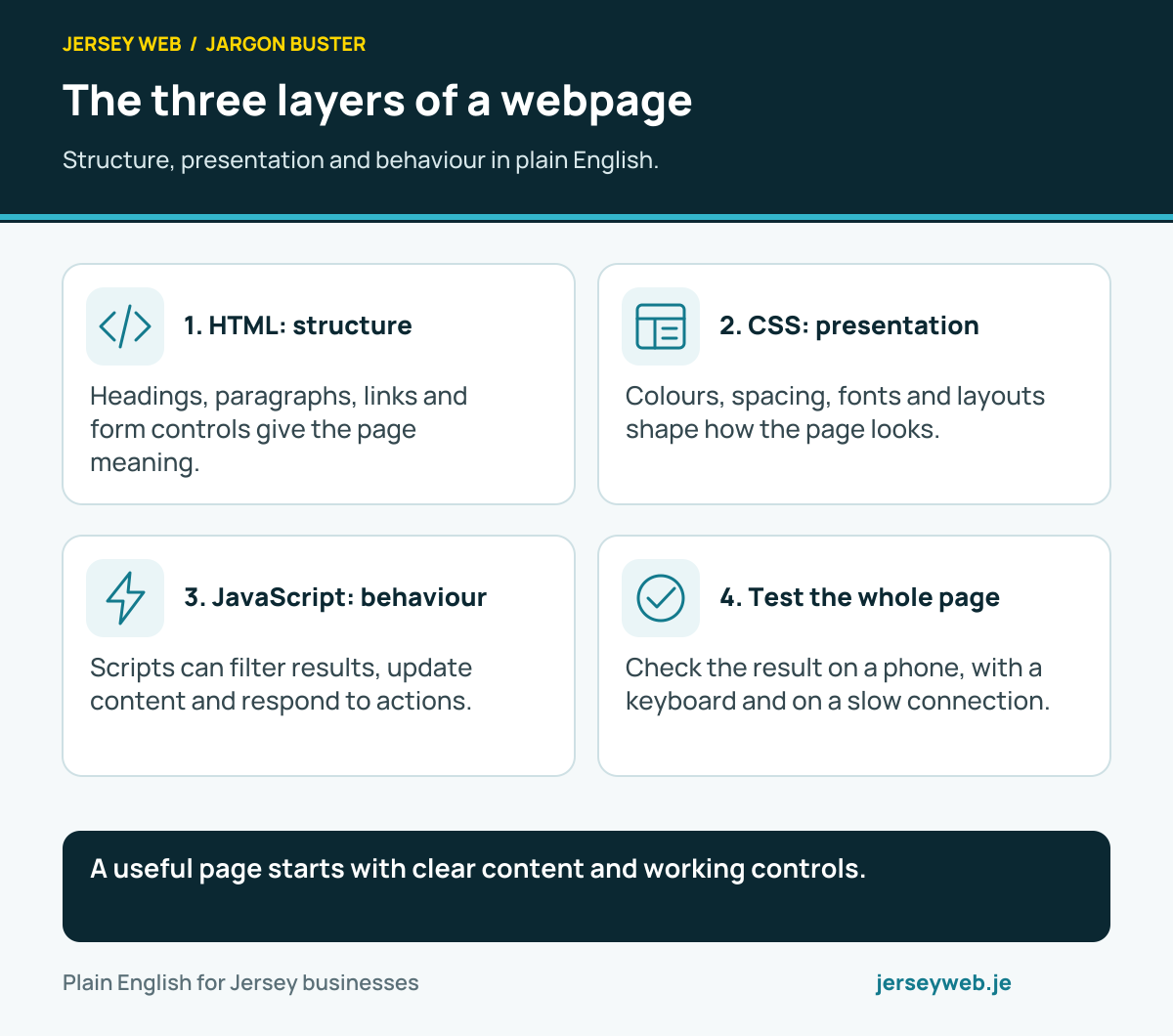
A useful page starts with clear content and working controls.
Read the diagram in text
- HTML: structure. Headings, paragraphs, links and form controls give the page meaning.
- CSS: presentation. Colours, spacing, fonts and layouts shape how the page looks.
- JavaScript: behaviour. Scripts can filter results, update content and respond to actions.
- Test the whole page. Check the result on a phone, with a keyboard and on a slow connection.
Related terms
Learn more
Common questions
- Is JavaScript the same as Java?
- No. They are different programming languages. Similar names do not mean the code, runtime or required skills are interchangeable.
- Does every website need JavaScript?
- A simple information page can work without client-side JavaScript. Other features, such as interactive filters or some booking interfaces, may use it. Choose behaviour according to the customer task.
- Why can a script make a site slow?
- Downloading, parsing and running scripts takes resources. Large bundles, third-party dependencies and expensive work can affect page loading or responsiveness. Measure the actual page rather than judging by the number of files alone.
- Can JavaScript run outside a browser?
- Yes. JavaScript also runs in other environments, including server runtimes. Browser and server code have different available features and security responsibilities.
Written by Jersey Web. Last reviewed 5 October 2026. Back to the Jargon Buster.