Watch a related explainer
In plain English
CSS stands for Cascading Style Sheets. It tells a browser how to present the content described by HTML. It can set a font, arrange a group of cards, add spacing between sections or change the layout when the available screen width changes. A site usually uses shared rules so that similar content looks consistent across its pages.
Think of HTML as the document’s structure and CSS as its presentation instructions. A heading remains a heading when its colour changes. A link remains a link when its underline is styled differently. This separation helps a website maintain a consistent design while the owner edits the actual business information.
The word “cascading” refers to how applicable style rules are resolved. Several rules may affect an element, and the browser follows defined priorities to determine the final presentation. MDN’s CSS documentation covers these mechanisms. Owners rarely need to memorise them, but a consistent styling system is easier to maintain than many one-off overrides.
Why it matters for a Jersey business
A Jersey business website needs to be usable in different contexts: a customer standing outside a shop, someone comparing suppliers on a laptop, or a visitor increasing text size. CSS helps the layout adjust to those situations. The goal is to keep important information and controls available, rather than simply shrink a desktop screenshot onto a small screen.
Brand consistency is useful too. Repeated colours, typography and spacing help the site feel coherent as service pages, guides and new glossary entries are added. That consistency should support readability. A brand colour might work well as a decorative accent while needing a different shade when used for small text against a pale background.
A realistic Jersey example
Imagine a Jersey café with opening times, a menu and a table enquiry form. This is a hypothetical example. On a wide screen, the menu and practical information can sit alongside each other. On a phone, they appear in a sensible reading order with comfortable text and clear controls.
When the owner adds a seasonal menu, the page reuses the existing heading and spacing rules. They do not need to manually reproduce a particular font size in every section. The design stays recognisable while the content changes, and a keyboard user can still see which link or control currently has focus.
What to check in a design review
Test the layout at narrow and wide widths, with real wording and images. Long service names, prices and contact details often expose problems that short placeholder copy hides. MDN’s responsive design guidance explains the techniques used to adjust presentation to available space.
Review text contrast and readability. The W3C’s contrast guidance provides a defined way to assess text against its background. Do not rely on whether the designer’s monitor looks bright enough. Check links, disabled controls and text placed over photographs as well as ordinary paragraphs.
Increase text size and check that content can reflow. Important wording should not disappear behind fixed boxes or require unnecessary sideways scrolling. Complex tables may need their own handling, but the ordinary page should remain understandable. A visual effect that makes the main task harder deserves a simpler treatment.
Ask where shared styles are controlled. Colours, spacing and common components can be managed centrally so that future changes are predictable. Keep exceptional styles documented. When adding new pages, reuse the established rules before introducing a slightly different version of an existing element.
Common myths
CSS is just decoration. Layout, readability and visible control states affect whether people can complete tasks.
A phone preview proves the site is responsive. Check different content, text sizes and interactions rather than one screenshot.
Every brand colour must work for every purpose. The use and background determine whether a colour is readable.
Our take
Jersey Web’s view is to judge styling through practical tasks and real content. A consistent CSS system should let the business add information without redesigning each page, and should keep that information clear when customers use different screens or settings.
See it in a diagram
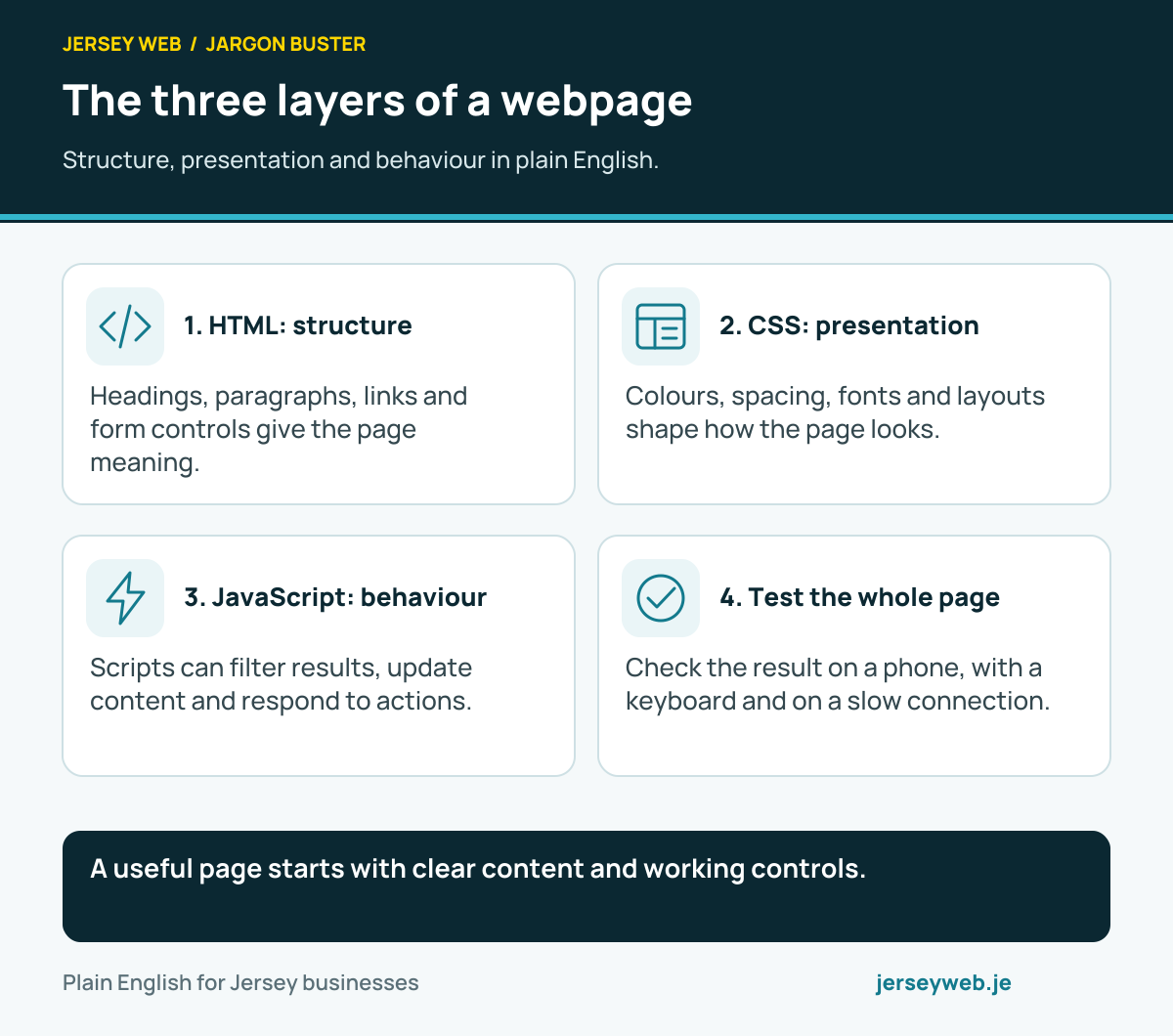
A useful page starts with clear content and working controls.
Read the diagram in text
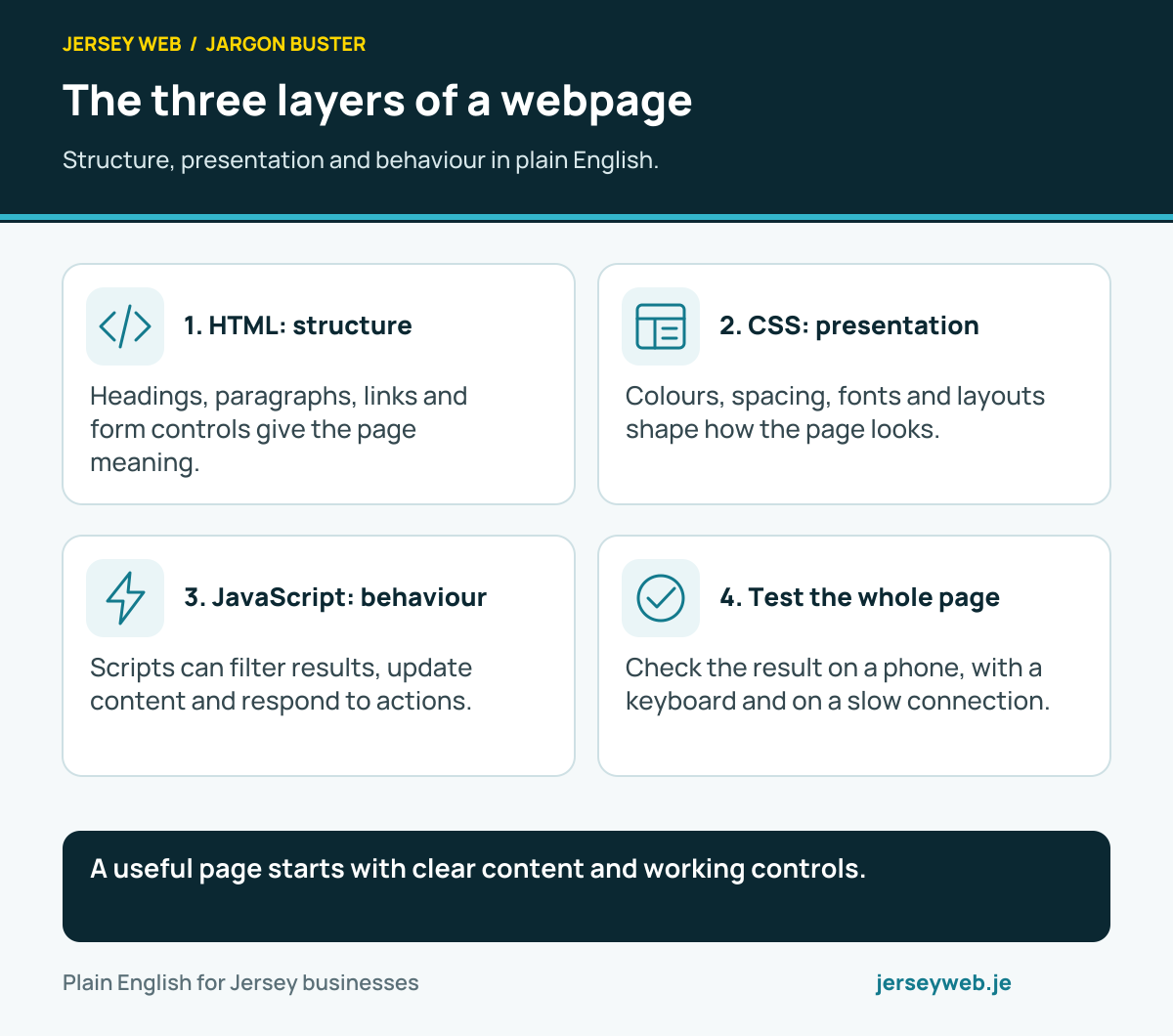
- HTML: structure. Headings, paragraphs, links and form controls give the page meaning.
- CSS: presentation. Colours, spacing, fonts and layouts shape how the page looks.
- JavaScript: behaviour. Scripts can filter results, update content and respond to actions.
- Test the whole page. Check the result on a phone, with a keyboard and on a slow connection.
Related terms
Learn more
Common questions
- Is CSS the same as HTML?
- No. HTML describes document structure and content. CSS controls presentation, including layout, typography and colour. They are commonly used together.
- Does CSS make a site mobile-friendly?
- CSS provides important tools for responsive layouts, but the whole experience needs checking. Content, image sizing, controls and scripts can still create problems on a phone.
- Can I change one colour everywhere?
- A well-organised site can centralise shared colours and styles. The result depends on how it was built, so ask whether theme settings or shared design variables control the elements you want to change.
- Can a design be attractive but difficult to read?
- Yes. Low contrast, small text, crowded layouts and hidden focus indicators can make a page difficult to use even when it looks tidy in a screenshot. Test the visitor’s actual task.
Written by Jersey Web. Last reviewed 3 October 2026. Back to the Jargon Buster.