In plain English
A URL is an address for a resource. A slug commonly means the readable identifier used for a page in that address’s path. For example, a content system may let an editor choose a service name that becomes part of the public page URL. Different systems apply the term and construct paths differently.
MDN’s explanation of URLs distinguishes the components of a complete address. The slug does not normally mean the scheme, domain or query string. Parent paths can also be generated from a category or section, so the editor should check the complete resulting URL.
Google’s URL-structure guidance discusses understandable addresses and crawl considerations. A useful name communicates the page’s subject without needing a string of repeated keywords. Once people and other pages use an address, its stability becomes part of maintaining a reliable website.
Why it matters for a Jersey business
Page addresses appear in messages, brochures, bookmarks and links from other websites. A change can affect people who use those references long after an editor updates the navigation. The owner should understand which addresses are already in circulation before approving a rename that seems cosmetic in the content-management screen.
A clear slug can make a copied address easier to recognise. It should remain suitable for the page’s ongoing purpose. Avoid building a date or temporary campaign detail into a permanent service address without a reason. The right naming choice depends on how the business intends to maintain and share that content.
A realistic Jersey example
Imagine a Jersey business refreshing the wording of an established service page. This is a hypothetical example. The new title describes the same service more clearly, but the existing URL appears in printed material and customer emails. The team considers whether the address needs to change at all.
If the page permanently moves, the developer maps the old URL to the relevant new page and verifies the redirect. The editor updates internal links and reviews the sitemap and canonical metadata. The example shows maintaining access during a change rather than claiming that a new slug will produce a particular search position.
How to choose or change a slug
Identify the page’s lasting subject. Choose wording that describes what visitors will find and follows the site’s naming conventions. Review the full path, because a parent section can already supply some context. Keep the name useful for a person reading or sharing it instead of repeating the same location and service phrase unnecessarily.
Check the system’s actual handling. A content editor may generate a slug automatically, limit certain characters or create a redirect when it changes. Those behaviours vary. Ask the maintainer what happens on this website and verify the output. Do not assume that a convention observed in one platform is a universal URL rule.
Separate title edits from address changes. A page can receive clearer copy while retaining its established URL if its purpose remains suitable. Consider the practical reason for changing the address and any existing references that depend on it. Avoid renaming URLs repeatedly as part of routine wording adjustments without a maintenance plan.
Map permanent moves deliberately. If a change is justified, record the old and new addresses and the appropriate redirect behaviour. Google’s redirect guidance explains permanent and temporary moves. The destination should be relevant to the original page rather than an unrelated page chosen simply to avoid an error response.
Update the surrounding website. Review internal links, canonical URLs, sitemap entries and other applicable references. These should point directly to the intended current address. Ask the developer to check whether older redirects introduce unnecessary chains after repeated moves, and resolve the relevant mapping where the change affects it.
Verify both addresses. Open the new URL and check its content, response and metadata. Request the old address and confirm its actual destination and redirect response where one is intended. An editor’s success message does not establish that a hosting rule or application route behaves correctly for visitors using the previous link.
Record the decision. Keep the naming convention and any important redirect mapping understandable for the next maintainer. Tell relevant staff which address to use in future materials. Maintaining a stable, clear URL is an ongoing content responsibility, particularly when a business shares links through channels the website cannot update automatically.
Common myths
Changing the title requires a new address. Review them as separate decisions.
A longer keyword-filled slug guarantees search benefits. Use clear, relevant wording.
Saving a new slug proves the old link works. Verify the actual redirect.
Our take
Jersey Web favours understandable, stable addresses. Choose a useful slug, keep it while the page’s purpose remains appropriate and plan a move carefully when change is justified. Verify old and new URLs together so existing visitors and references continue to reach relevant information.
See it in a diagram
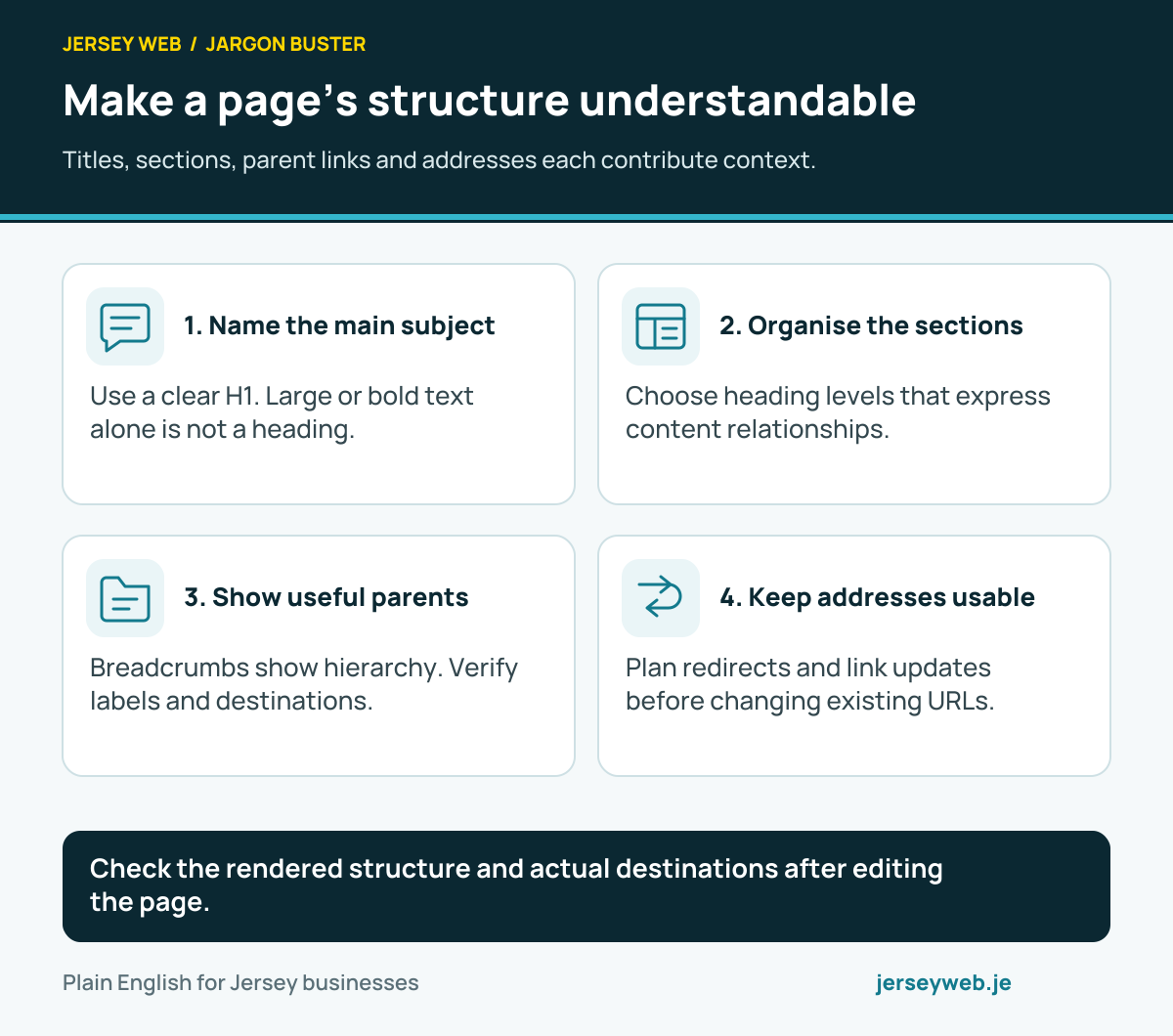
Check the rendered structure and actual destinations after editing the page.
Read the diagram in text
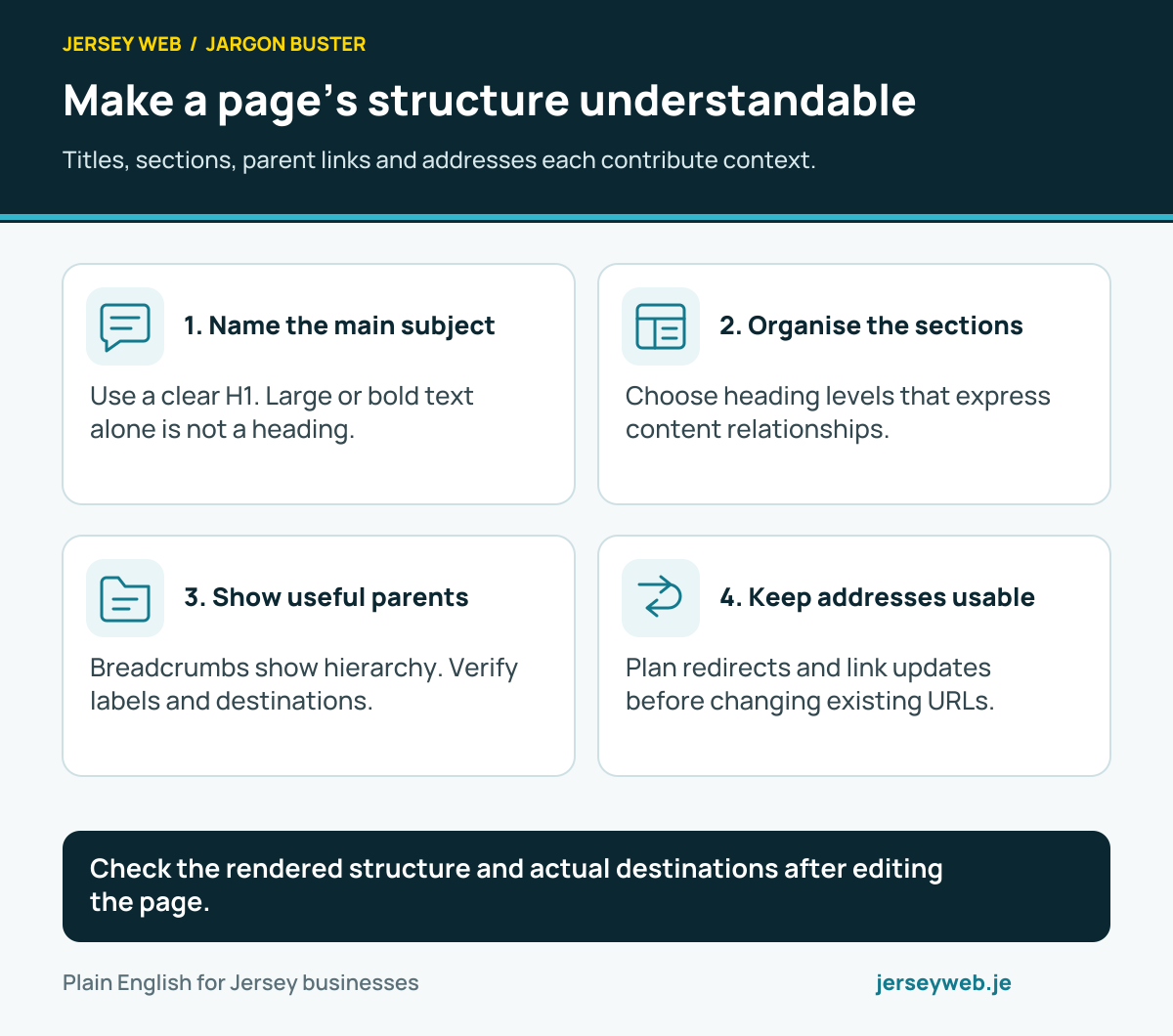
- Name the main subject. Use a clear H1. Large or bold text alone is not a heading.
- Organise the sections. Choose heading levels that express content relationships.
- Show useful parents. Breadcrumbs show hierarchy. Verify labels and destinations.
- Keep addresses usable. Plan redirects and link updates before changing existing URLs.
Related terms
Learn more
Common questions
- Is a URL slug the whole website address?
- Usually it means a readable page identifier within the path. The complete URL can also contain a scheme, domain, other path segments, query parameters and a fragment. Check the terminology used by the site’s editor.
- Will changing a slug automatically improve ranking?
- No. A clear address can help people understand it, but renaming a page is not a guaranteed search improvement. Review the practical benefit and the impact on existing links before changing it.
- Does changing the page title have to change its slug?
- No. The title and address can be maintained separately, depending on the system. Keeping a stable URL may be appropriate when the page continues to serve the same purpose.
- What should happen to an old address after a permanent move?
- Plan the appropriate redirect to the relevant new destination and update affected links and metadata. Verify the actual response and destination rather than assume changing an editor field created the required redirect.
Written by Jersey Web. Last reviewed 3 October 2026. Back to the Jargon Buster.