Watch a related explainer
In plain English
A URL is an address for a resource. MDN’s glossary explains that the resource may be a web page, image or video. In a business discussion, ask which exact destination a link should reach and what the visitor should find there. The visible link wording and its underlying address serve related but different roles.
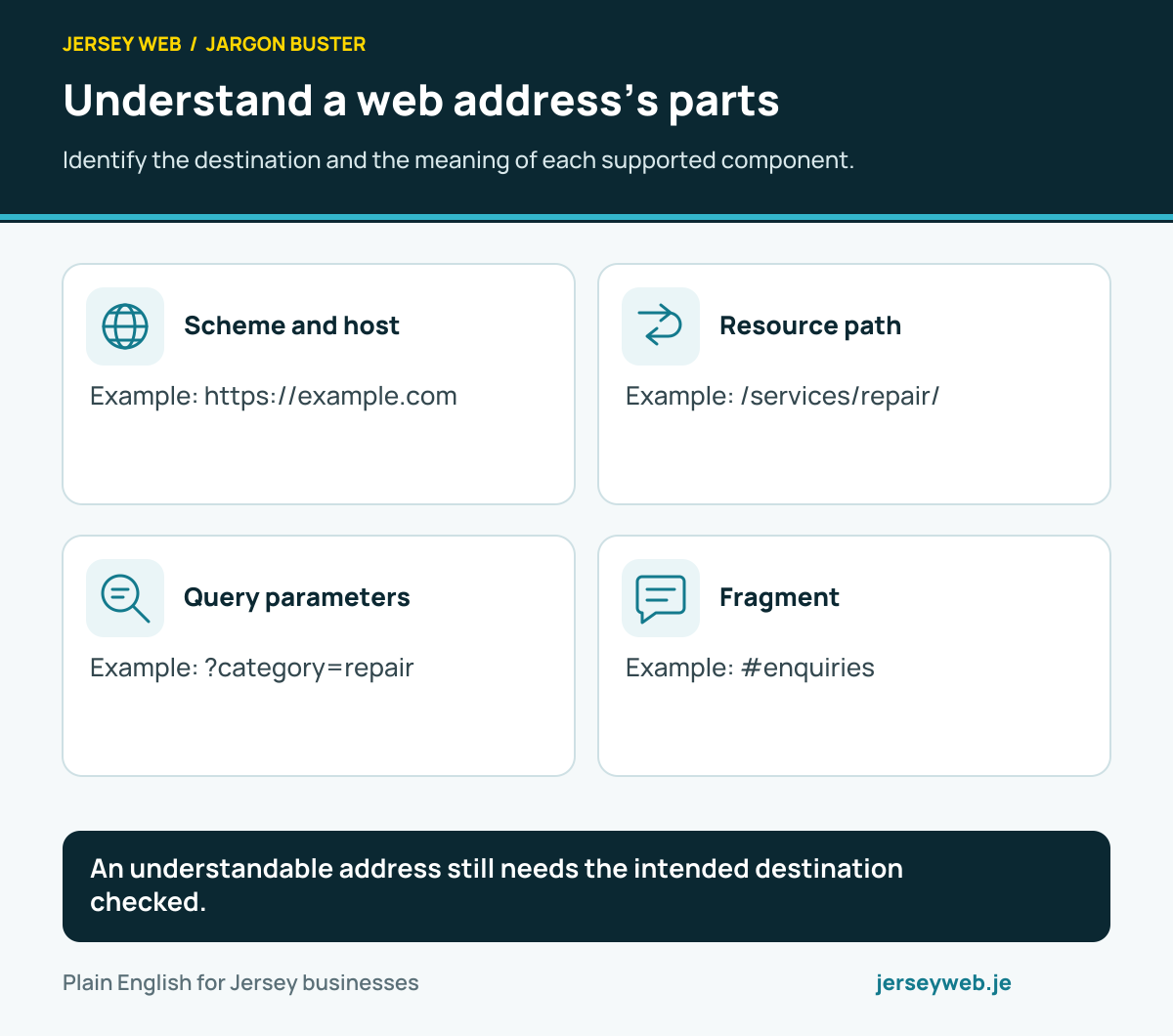
A domain name is one part of a web address. MDN’s structure guide describes components such as the scheme, path, parameters and fragment. These parts help identify and interpret the destination, while the owner needs to review the actual page or resource rather than infer its correctness from the address alone.
Why it matters for a Jersey business
Links appear in navigation, messages, printed material and other customer routes. Agree which address the business intends to share for a particular purpose. Keep a small record of important destinations and the places staff use them. This makes a later change easier to review because the team can identify relevant links instead of guess where an old address might still appear.
The complete customer view matters too. A link might open a page with a particular filter or jump to a useful section. Specify that intended result. If the destination changes, customers should still receive understandable information and an appropriate next action. Treat link maintenance as part of keeping the business’s published information usable.
A realistic Jersey example
Imagine a Jersey service business printing a link to an explanation of one service. This is a hypothetical example. The owner approves the page’s purpose, wording and enquiry route, then records the address used in the printed material. The team opens that address directly and checks the actual information the customer receives.
Later, the business proposes reorganising its service pages. Before changing the published address, the owner identifies the printed link and other known uses. The maintainer explains the intended transition and demonstrates its destination. Approval concerns a usable route to the relevant information rather than only a new address looking tidier in the content editor.
Practical checks for URLs
Name the resource. Establish whether the address should reach a page, image, document or another supported resource. Keep the customer purpose explicit. A link labelled as a service explanation should be reviewed against that explanation and its next step, rather than accepted simply because the browser loads something at the destination.
Review address components. Ask the maintainer to explain the significant parts of the actual link. The path can describe the destination route, while parameters may have application-specific meanings. Keep those meanings with the feature specification so staff do not remove a necessary component or add an unsupported filter by guessing from another website’s link.
Open the shared address directly. Check the destination through the route customers will actually use, including relevant access requirements. A page reached after several in-site choices may rely on state absent from a copied link. If the business intends to share a particular view, agree and demonstrate the behaviour of that address without assuming the earlier choices are present.
Inspect generated links. MDN’s URL interface reference describes parsing and modifying address components in code. Where a feature generates addresses, ask the maintainer to review the actual representation and destination. A successfully constructed object is separate from verification that the link points to approved information.
Manage changes deliberately. Identify important existing uses before renaming a route or moving a resource. Agree how the transition should behave and review its actual result. Keep responsibility for maintaining the published address clear, especially where the business has material outside the website that cannot be updated through its page editor.
Review the visible promise. Check that the link text accurately explains the destination and does not imply a business action occurs merely by opening a page. Follow the enquiry or other next step separately. The customer should understand what they have reached and which further action is available.
Save a useful link record. Keep important addresses, their intended resource and the representative checks with the maintenance handover. After a content or routing change, review affected destinations. This gives staff a practical way to keep shared information usable without needing to memorise every technical component of a URL.
Common myths and mistakes
A domain is separate from the complete web address. Another mistake is treating syntactic validity as proof that the intended resource exists or contains the right information. Parameters and fragments also need their actual application meaning reviewed, particularly where the business intends to share a specific view.
Approve the destination as well as the address.
Our take
Use understandable addresses for clearly specified resources and maintain the important customer routes that depend on them. Open shared links directly, inspect their information and save a record of significant uses. This gives the business a practical link-maintenance process beyond choosing a name for the final part of a URL.
See it in a diagram
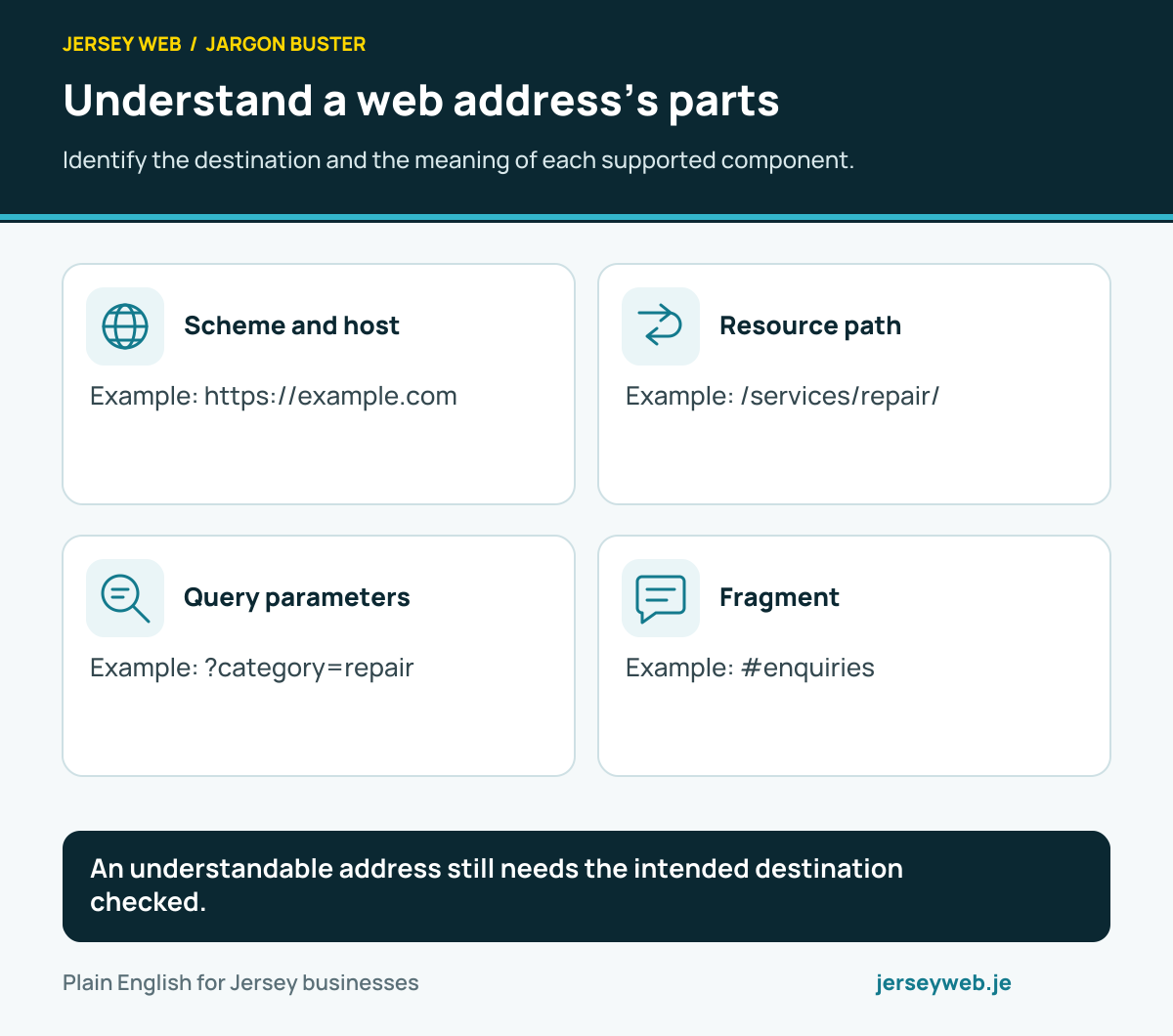
An understandable address still needs the intended destination checked.
Read the diagram in text
- Scheme and host. Example: https://example.com
- Resource path. Example: /services/repair/
- Query parameters. Example: ?category=repair
- Fragment. Example: #enquiries
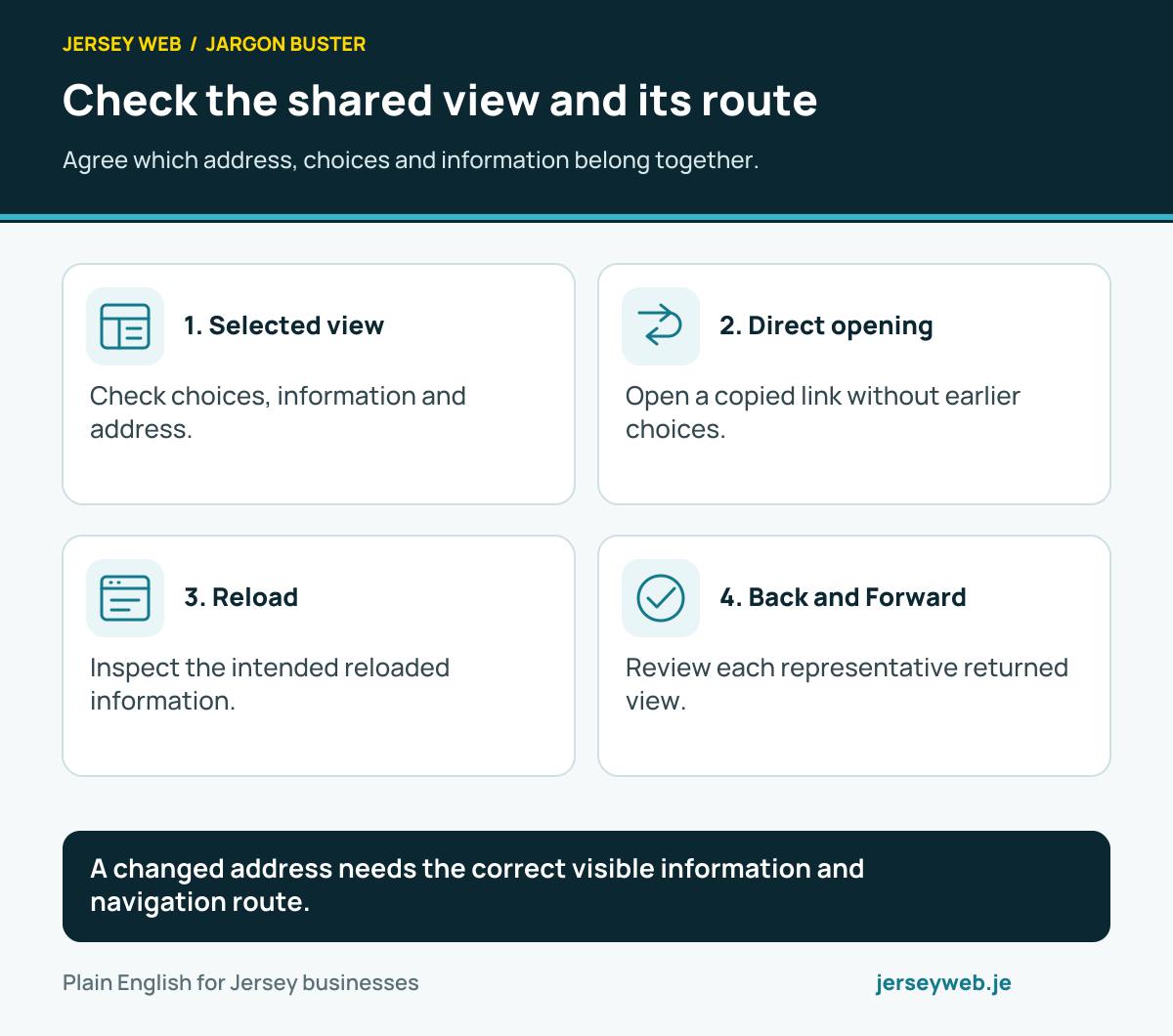
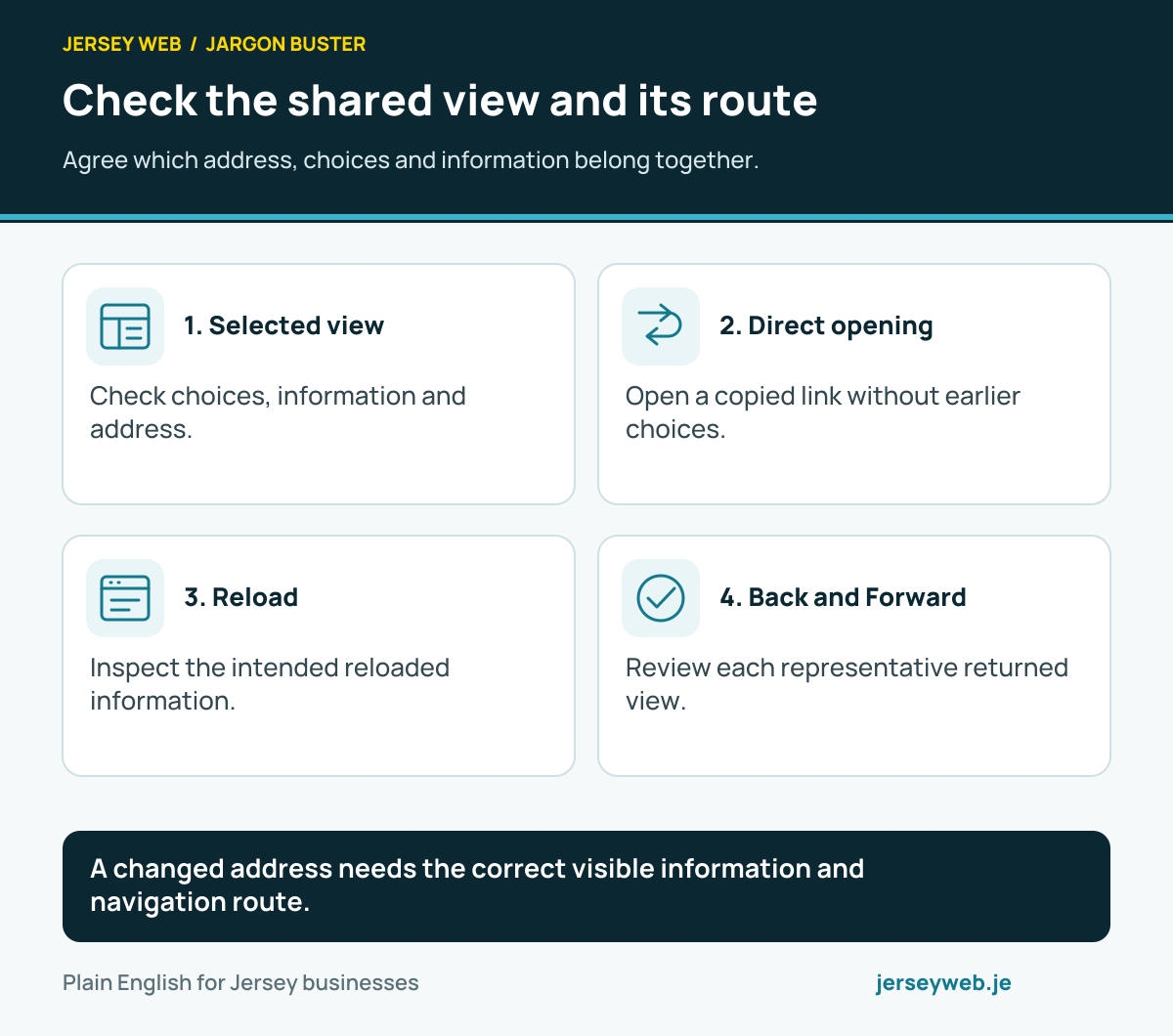
A changed address needs the correct visible information and navigation route.
Read the diagram in text
- Selected view. Check choices, information and address.
- Direct opening. Open a copied link without earlier choices.
- Reload. Inspect the intended reloaded information.
- Back and Forward. Review each representative returned view.
Related terms
Learn more
- ServiceLocal business website design in Jersey →
- GuideWhat to get ready before your website is built: a checklist →
- VideoParts of a Website URL Explained: Scheme, Host, Path, Query and Fragment →
- VideoURL Percent Encoding Explained: Why Website Addresses Can Contain %20 →
- VideoNetwork Ports Explained: The Number After a Website Hostname →
- VideoLocalhost Explained: Why a Website Preview May Only Work on Your Computer →
Common questions
- Is a domain name the whole URL?
- No. A web address can also include its scheme, path and other components.
- Does a valid-looking address prove the destination exists?
- No. Open and review the actual resource and expected customer route.
- Can query parameters affect the view?
- The application defines their meaning. Review the supported result rather than assume every parameter is recognised.
- Should changing a page address be treated as a content edit only?
- Review existing links and the intended transition with the maintainer before changing a published address.
Written by Jersey Web. Last reviewed 4 October 2026. Back to the Jargon Buster.