In plain English
A service-area business goes to its customers or delivers directly to them, without serving customers at its business address. Google’s service-area guide distinguishes this from a hybrid business, which also serves customers at its own address. The distinction concerns how the operation actually meets customers.
For example, a business that visits a customer to perform a service has a different arrival route from a shop inviting customers through its door. The profile and website should explain the real arrangement. Start with that customer journey before deciding which address, coverage and contact information should be presented.
Why it matters for a Jersey business
A business based at an address customers do not visit needs clear public information about how to obtain its service. Explain whether staff visit, deliver or arrange another supported customer interaction. Keep the contact route useful so someone can establish availability without assuming a visit to the business’s base is appropriate.
Coverage needs to reflect what the business can actually provide. A customer should understand whether their location is served and whether further confirmation is needed for the particular task. Agree the website wording with the owner and operations team rather than expanding the stated area simply to make the profile appear more ambitious.
A realistic Jersey example
Imagine a Jersey maintenance business whose staff travel to customers, while customers do not attend its administrative base. This is a hypothetical example. The owner records the areas actually served and the enquiry process for checking a particular job. An authorised helper reviews the profile’s business type and address display.
The website explains the visiting service and gives a practical contact route. The team checks the public profile and linked page together to confirm that they describe the same arrangement. When the business later changes its coverage, the owner updates the operating record and reviews both customer information routes.
Practical checks for service-area businesses
Identify how customers are served. Write down whether staff visit or deliver, whether customers can attend the business address, and what arrangement applies in practice. Keep the chosen profile representation connected to those facts. A different trading model needs a fresh review rather than assuming an old profile type continues to fit.
Review address display. Google’s address guide explains hiding an address when customers are not served there. Ask the authorised maintainer to check the actual public result as well as the editing settings. Keep the customer’s arrival route clear so the profile does not encourage an inappropriate visit to a private or administrative base.
List genuine coverage. Define the places the business currently serves and the relevant limitations. Review those choices against real operations. The owner should be able to explain how the coverage works for the service being offered, including any need for confirmation, instead of treating the area field as a collection of attractive place names.
Use the supported area format. Google’s service-area guide describes places such as cities and postal codes rather than a radius. Have the helper review the actual available selections. Keep the selected places with the handover so changes can be checked against the intended coverage instead of guessing how an earlier configuration was represented.
Keep the website consistent. Explain the service arrangement on the relevant website page and provide an understandable next action. Google’s profile-editing guide describes accurate service-area information. Review the business’s own page alongside the profile, especially where a customer needs more detail than the area field provides.
Distinguish a hybrid operation. If customers are served at the address and the business also visits or delivers, review the appropriate hybrid requirements. Keep that distinction explicit before changing address display. The decision should reflect the real customer arrangement and the current provider guidance, with the owner approving its public meaning.
Avoid duplicate area profiles. Google’s service-area guide says one profile covers the whole area a service-area business serves. Keep the represented business clear and review an existing profile before creating another. Additional coverage information should describe the genuine operation without treating each served place as a separate business location.
Save and check changes. Record the approved area, representation and responsible person. After a change, inspect the profile and website information customers can find. Keep any unresolved status with the maintenance task. The completed review should establish useful customer information rather than merely record that someone edited an account field.
Common myths and mistakes
A service area is separate from a guaranteed search position across that area. A business visiting customers is also different from an online-only operation. Another mistake is showing an address as a customer destination when the actual business arrangement does not support visits there.
Our take
Represent the way the business actually serves people. Keep coverage accurate, address display appropriate and the enquiry route useful. Review the public profile with the website after changes so a prospective customer can understand the arrangement before deciding how to contact or visit the business.
See it in a diagram
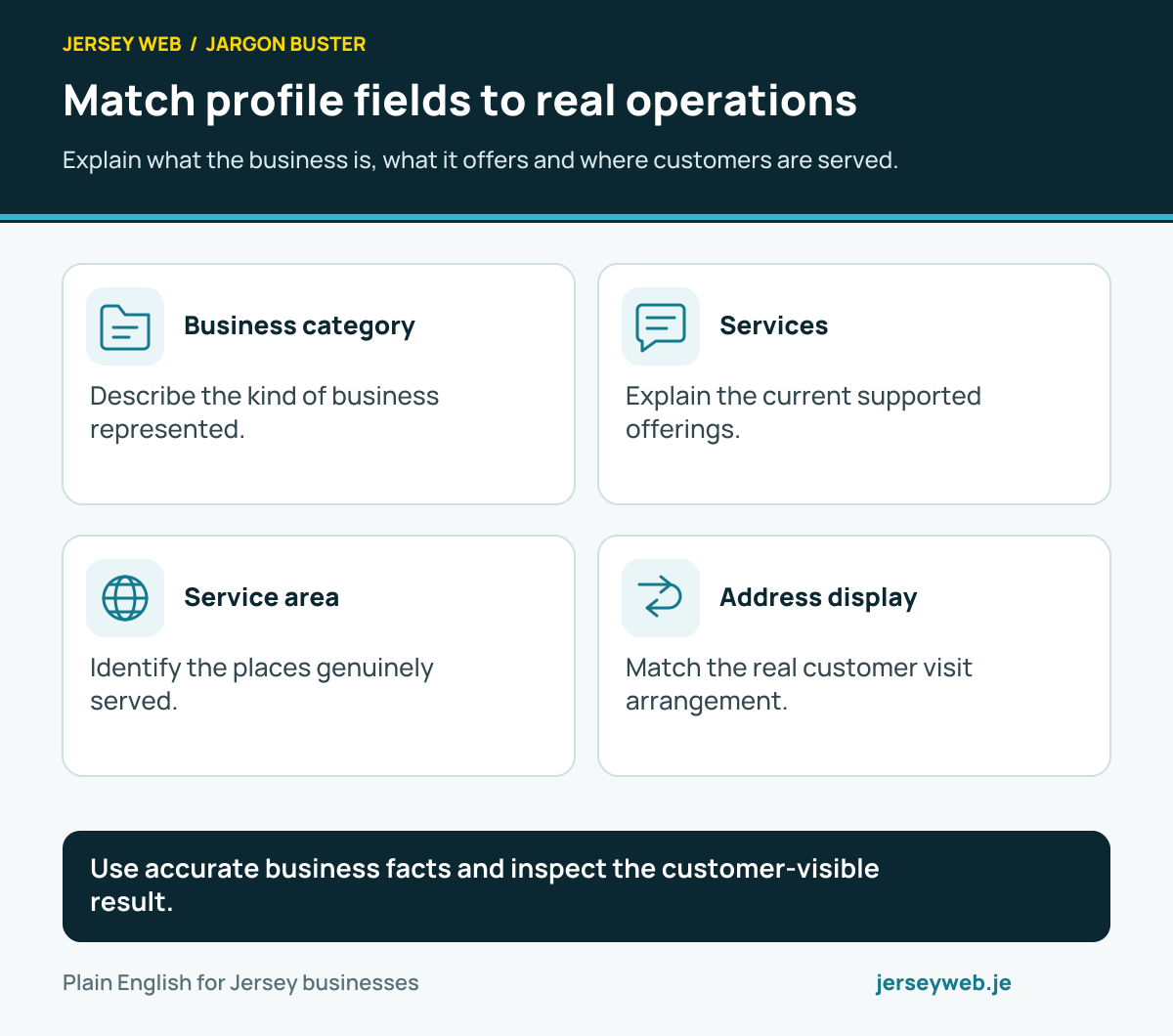
Use accurate business facts and inspect the customer-visible result.
Read the diagram in text
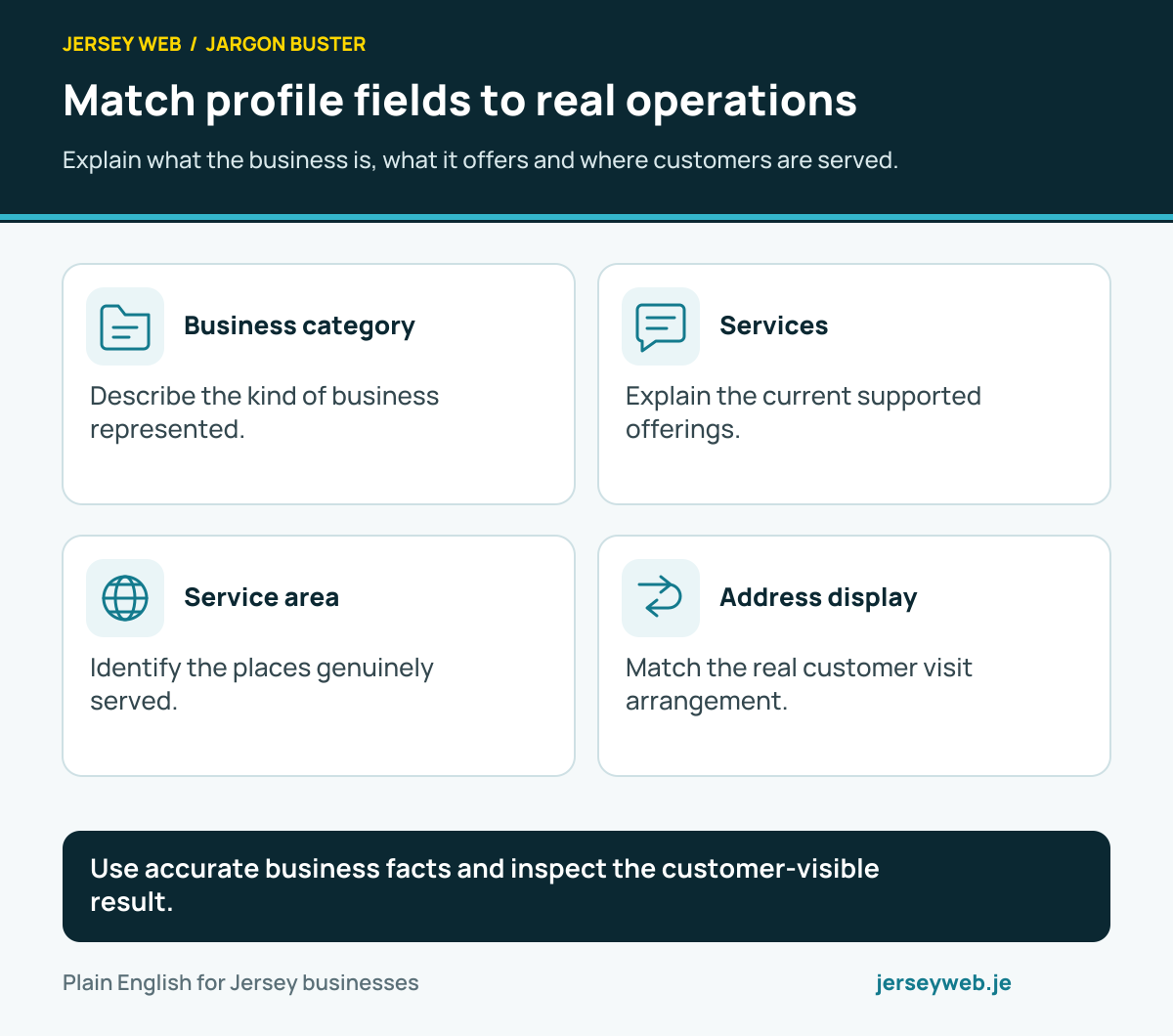
- Business category. Describe the kind of business represented.
- Services. Explain the current supported offerings.
- Service area. Identify the places genuinely served.
- Address display. Match the real customer visit arrangement.
Related terms
Learn more
Common questions
- Is a service-area business the same as an online-only business?
- No. It visits or delivers to customers. Online-only operation is a different situation and eligibility needs its own review.
- Should a home address be shown if customers do not visit?
- Google’s service-area guidance says to remove the address from the public profile when customers are not served there.
- Can I create a profile for every area served?
- Google says a service-area business can only have one profile for the whole area it serves.
- What if customers visit and the business also delivers?
- That can be a hybrid business. Review the actual operation and Google’s current requirements before choosing its representation.
Written by Jersey Web. Last reviewed 4 October 2026. Back to the Jargon Buster.