Watch a related explainer
In plain English
Keyboard navigation is using a keyboard interface to move around and operate content. It includes reaching links and controls, activating them and handling the changes they produce. People can rely on keyboard interaction for different reasons, including how their assistive technology or input equipment works.
W3C’s keyboard guidance explains keyboard-operable functionality and relevant exceptions. The practical point for a business website is to review the action a visitor needs to perform. Being able to reach a booking control does not help if the next step requires a mouse-only interaction.
Focus indicates which element receives relevant keyboard interaction. Sequential focus movement should make sense, and its location should remain perceivable. Interactive patterns can also use keys within a component. W3C’s keyboard-interface guidance discusses these conventions and the responsibilities of custom interface implementations.
Why it matters for a Jersey business
An enquiry, purchase or booking journey includes more than the opening page. A visitor might need to select an option, correct a field or close an overlay before continuing. Review those stages together so a working header menu is not mistaken for evidence that the complete customer route can be operated.
Third-party components belong in the review too. A date selector or embedded booking tool can introduce behaviour the main template does not control. Ask the supplier what has been checked and how any barrier is resolved. Record the actual task and affected component so the issue reaches the person able to fix it.
A realistic Jersey example
Imagine a Jersey venue providing an online booking enquiry. This is a hypothetical example. The page contains a menu, a date control and a confirmation dialog. A keyboard review follows the entire enquiry task, including opening the menu, choosing a date, editing details and leaving the dialog.
The team notices that closing the dialog returns focus to an unrelated part of the page. It records the reproduction steps and expected continuation point for the developer. After the change, the reviewer repeats the affected route. This example describes a review process rather than claiming a real customer outcome or complete conformance.
How to review a keyboard journey
Choose a meaningful task. Name what the visitor needs to accomplish and which pages or components are involved. Use the actual customer route, including relevant embedded tools. A short task description helps the reviewer distinguish useful completion from simply cycling through a list of controls without attempting their actions.
Locate and follow focus. Move forwards and backwards through the relevant interface using the keyboard. Check that the position is visible and the order remains understandable. Layout changes, sticky overlays and newly displayed messages can affect the experience. Record the point at which movement becomes confusing or an important control is unavailable.
Operate the controls. Activate links and buttons, select options and enter required information. Review pattern-specific behaviour for components such as tabs or menus. Prefer established native behaviour where suitable. Adding a tabindex attribute to a visual element does not by itself implement the keyboard handling or semantics of a complete control.
Check entering and leaving components. Review dialogs, embedded widgets and other interactions that change where focus is directed. W3C’s no-keyboard-trap guidance explains that people must have an appropriate way to leave. Intentional focus containment in a modal still needs an understandable exit or completion route.
Exercise relevant error states. Submit suitable incomplete information and check that feedback is findable and useful. Correct the problem and continue. The keyboard route should remain operable after messages appear; a successful happy-path demonstration alone can miss a barrier introduced only when a customer needs to recover from an error.
Verify the intended outcome. Confirm that the task reaches the appropriate result and that the customer’s message describes that state accurately. A form may accept an enquiry without completing a booking. Review navigation and operation alongside truthful feedback, keeping any simulated or untested receiving steps explicit in the record.
Give the maintainer actionable evidence. Record the page, component, environment, steps and observed barrier. Name the owner of the correction and repeat the affected route afterwards. Include keyboard review when changing shared components, because a menu or dialog update can affect customer tasks across several pages.
Common myths
Receiving focus proves a control works. Operate it and follow the result.
Every pattern uses Tab for every internal move. Review the relevant conventions.
A modal must never contain focus. Suitable containment still needs a usable way out.
Our take
Jersey Web reviews keyboard operation as a customer journey. Follow focus, operate controls, recover from relevant errors and verify the result. That gives the owner useful evidence about an actual task while keeping the scope and remaining accessibility work understandable.
See it in a diagram
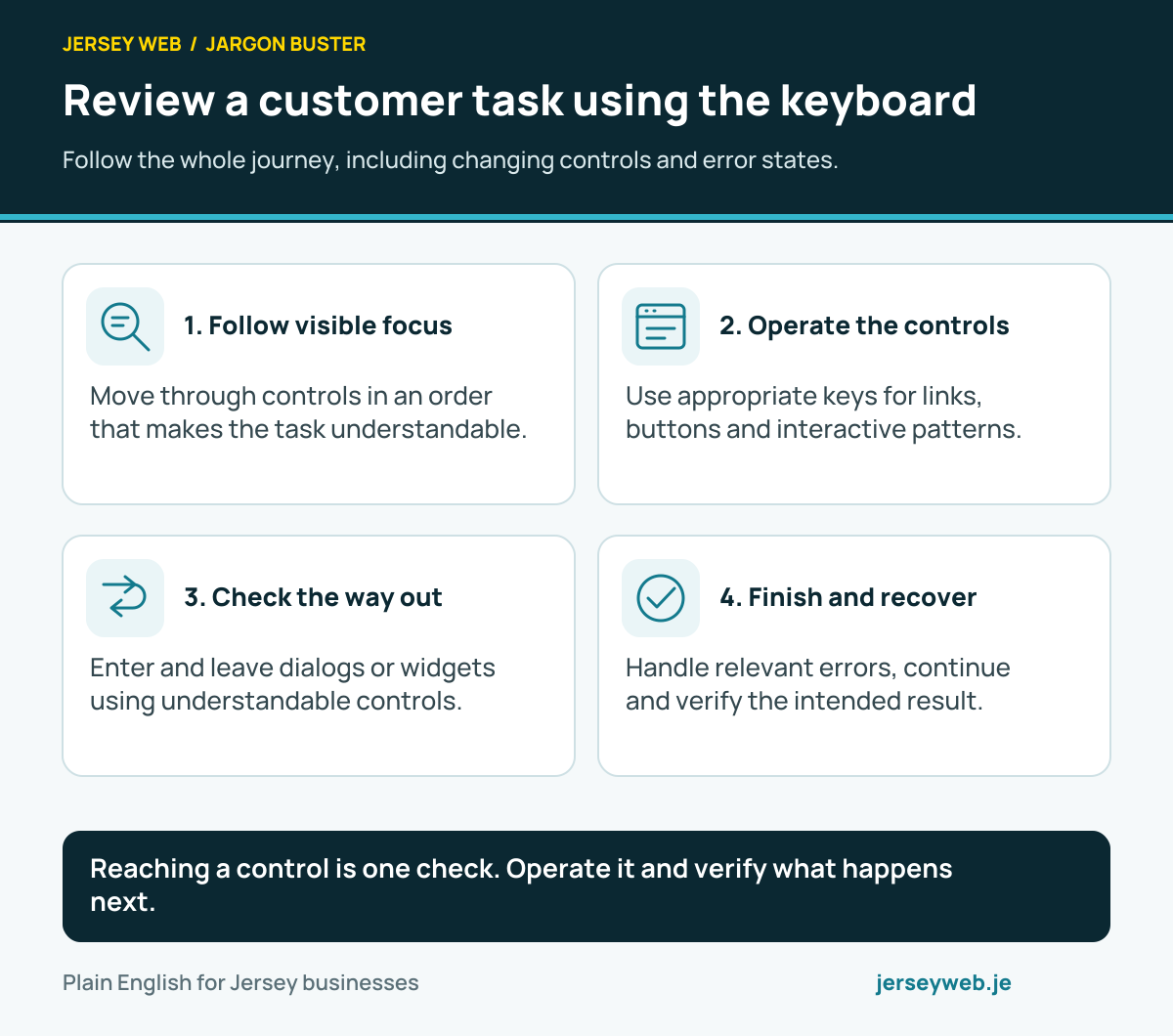
Reaching a control is one check. Operate it and verify what happens next.
Read the diagram in text
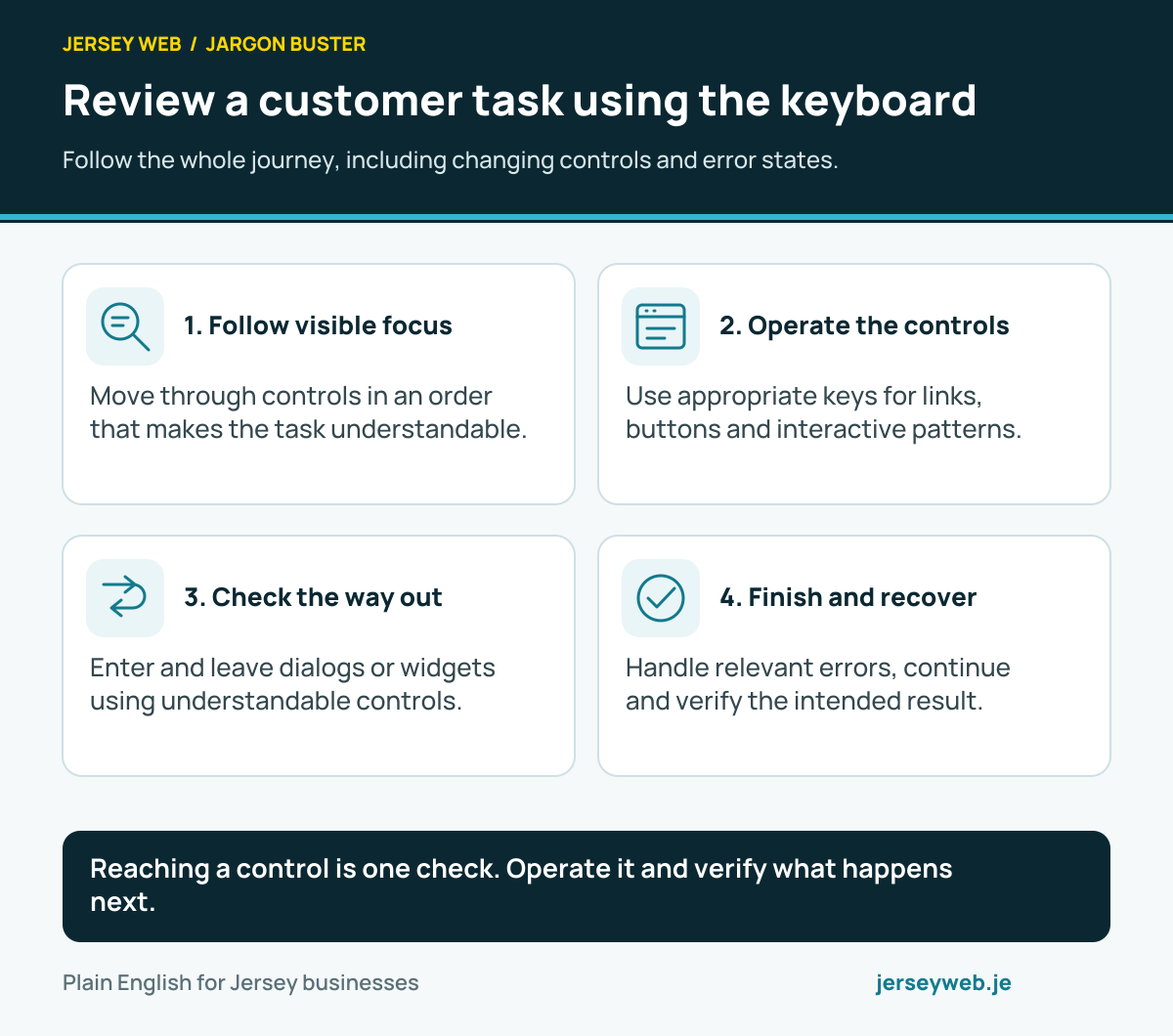
- Follow visible focus. Move through controls in an order that makes the task understandable.
- Operate the controls. Use appropriate keys for links, buttons and interactive patterns.
- Check the way out. Enter and leave dialogs or widgets using understandable controls.
- Finish and recover. Handle relevant errors, continue and verify the intended result.
Related terms
Learn more
Common questions
- Is pressing Tab enough to test keyboard use?
- It is a useful part of the review, but it does not establish that every task works. Operate the controls, inspect relevant component key behaviour, handle errors and complete the journey without using a pointer.
- Should every component use the same keys?
- No. Native controls and established interface patterns have different conventions. Review the relevant pattern and platform behaviour rather than invent one universal key sequence for links, tabs, menus and dialogs.
- Can a modal keep focus inside it?
- While a modal is open, containing focus can be appropriate. The person still needs an understandable keyboard route to complete or dismiss it, with suitable focus handling afterwards.
- Does a visible focus indicator prove keyboard accessibility?
- No. It helps show where interaction is directed, but the control still needs usable behaviour, understandable order and task completion. Review those aspects together.
Written by Jersey Web. Last reviewed 3 October 2026. Back to the Jargon Buster.