Watch a related explainer
In plain English
A password manager keeps credentials in a protected store and helps you use them when signing in. It can generate strong passwords, organise accounts and reduce the need to remember a different password for every service. Some products are more broadly described as credential managers because they can also handle passkeys.
The benefit is not simply having a list. Using a different password for each service reduces the effect of a password being exposed elsewhere. The NCSC’s password-manager guidance explains why this helps. The manager’s own access and recovery methods are especially important because it protects routes into other accounts.
Features vary. A browser’s built-in manager, a personal vault and a business team product can have different sharing, administration and recovery arrangements. Choose the configuration according to the actual account responsibilities. A useful demonstration should include adding a credential, using it and removing a staff member’s access, rather than showing only a tidy interface.
Why it matters for a Jersey business
A Jersey owner may hold credentials for the domain, hosting, email, booking platform and accounts software. These accounts affect different parts of the business, and losing control of one can complicate access to others. Keeping an organised inventory helps identify which accounts need stronger protection and a planned recovery route.
Team access matters too. A contractor editing a website should receive the permissions required for that task, not necessarily the owner’s entire credential collection. When work ends or staff leave, the business needs to know how access is removed. A product’s sharing feature should be assessed alongside the provider accounts it protects.
A realistic Jersey example
Imagine a Jersey service company reviewing its website and email administration. This is a hypothetical example. It identifies the business-owned accounts and records their recovery contacts. Staff have suitable individual access to shared resources through the chosen credential-management arrangement, while critical administration remains restricted.
The owner checks the supported recovery process and a second authorised access route where appropriate. They also review passkeys on services that offer them. The result is a clearer account inventory and access process, rather than one person storing every business login in an undocumented personal note.
What to check before choosing a manager
List the accounts and users first. Which credentials are personal, which belong to the business and which tasks need shared access? Confirm that the product supports the required roles. Avoid moving everything into a new tool before understanding how account ownership and recovery will work.
Protect the manager’s access with its supported controls. Review the provider’s guidance for strong sign-in, two-step verification or passkeys. The NCSC recommends passkeys where services support them, while strong unique passwords and two-step verification remain relevant elsewhere. Keep fallback access suitably protected too.
Understand recovery and export. What happens if a device is lost, an owner is unavailable or the product is replaced? A supported recovery route should be documented securely. Exported credentials are sensitive material, so plan how any export is protected and removed when it is no longer needed.
Review permissions periodically. Remove departed users, check supplier access and confirm the recovery mailbox or number is current. Keep the accounts themselves organised: a vault entry for an old administrator login does not mean that login should still exist. Coordinate changes through the normal support process so that the business retains control while reducing unnecessary access.
Common myths
A manager makes every password risk disappear. Device protection, recovery and account permissions still matter.
Shared passwords are always equivalent to individual access. They can make responsibility and access removal less clear.
A vault is useful even if nobody can recover it. Recovery planning is part of the arrangement, not an afterthought.
Our take
Jersey Web’s view is to combine credential storage with an account ownership record. A useful manager helps the business use suitable credentials, grant the right access and recover safely. The best choice is one the responsible people can explain and maintain.
See it in a diagram
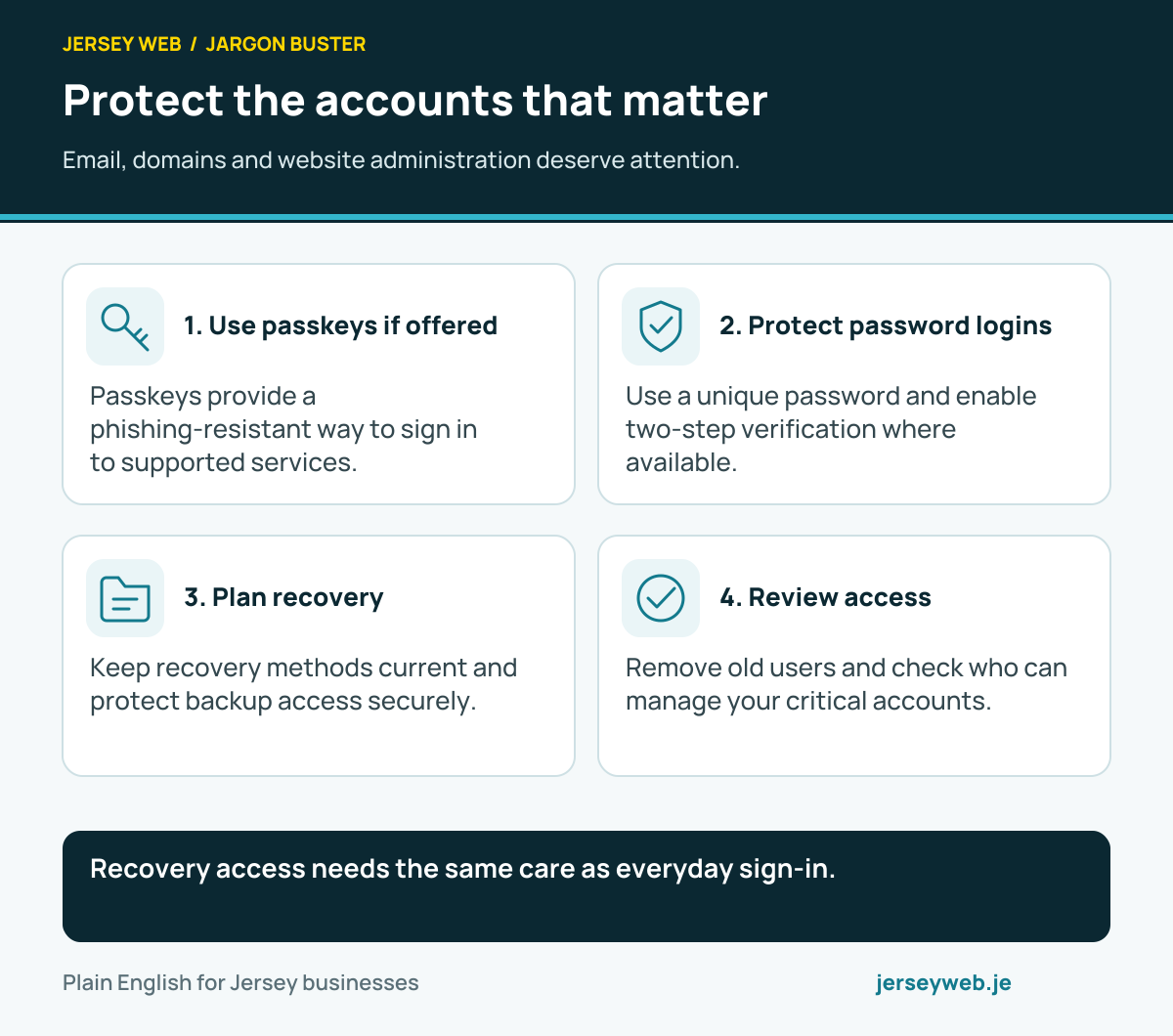
Recovery access needs the same care as everyday sign-in.
Read the diagram in text
- Use passkeys if offered. Passkeys provide a phishing-resistant way to sign in to supported services.
- Protect password logins. Use a unique password and enable two-step verification where available.
- Plan recovery. Keep recovery methods current and protect backup access securely.
- Review access. Remove old users and check who can manage your critical accounts.
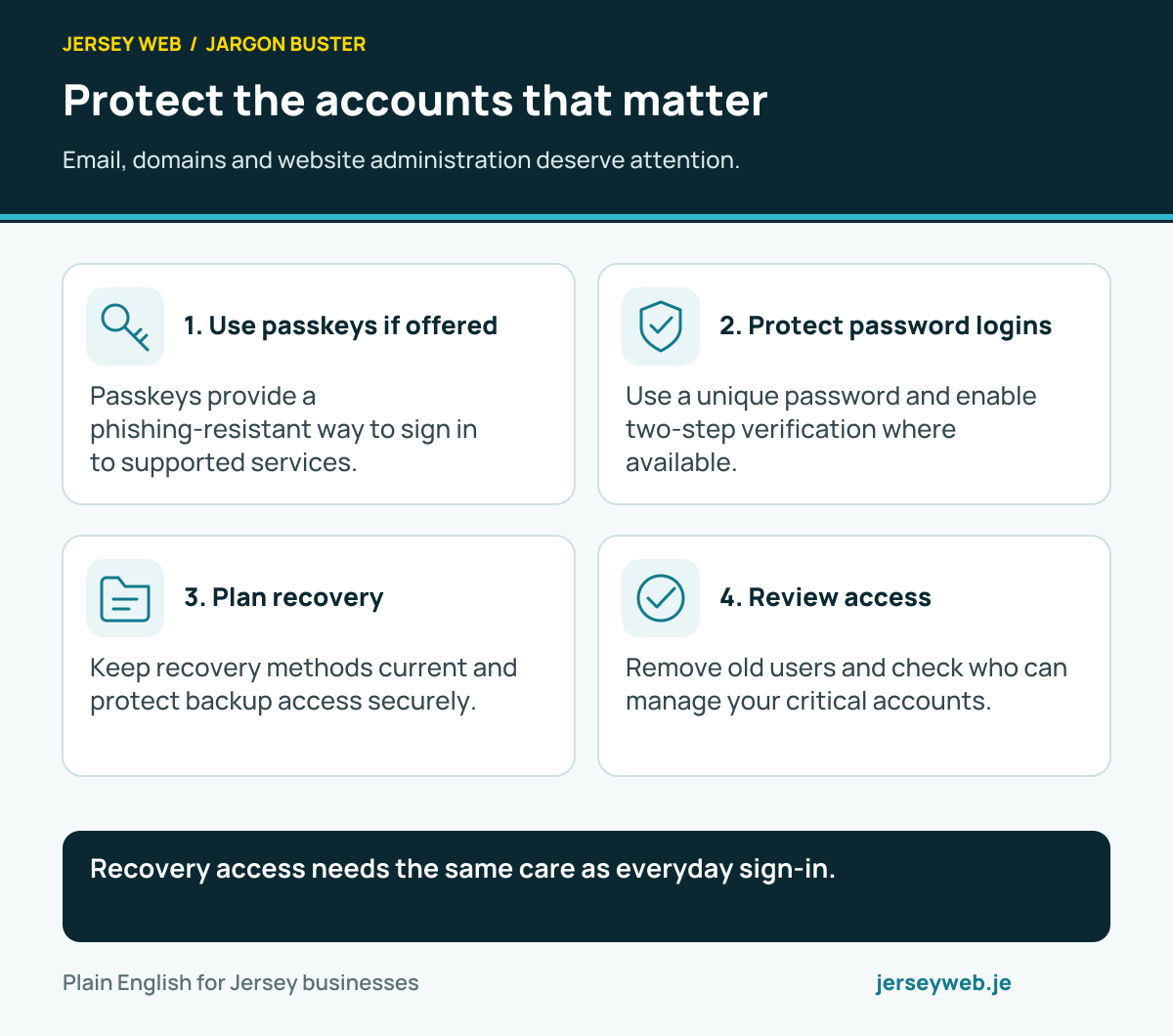
Diagram sources
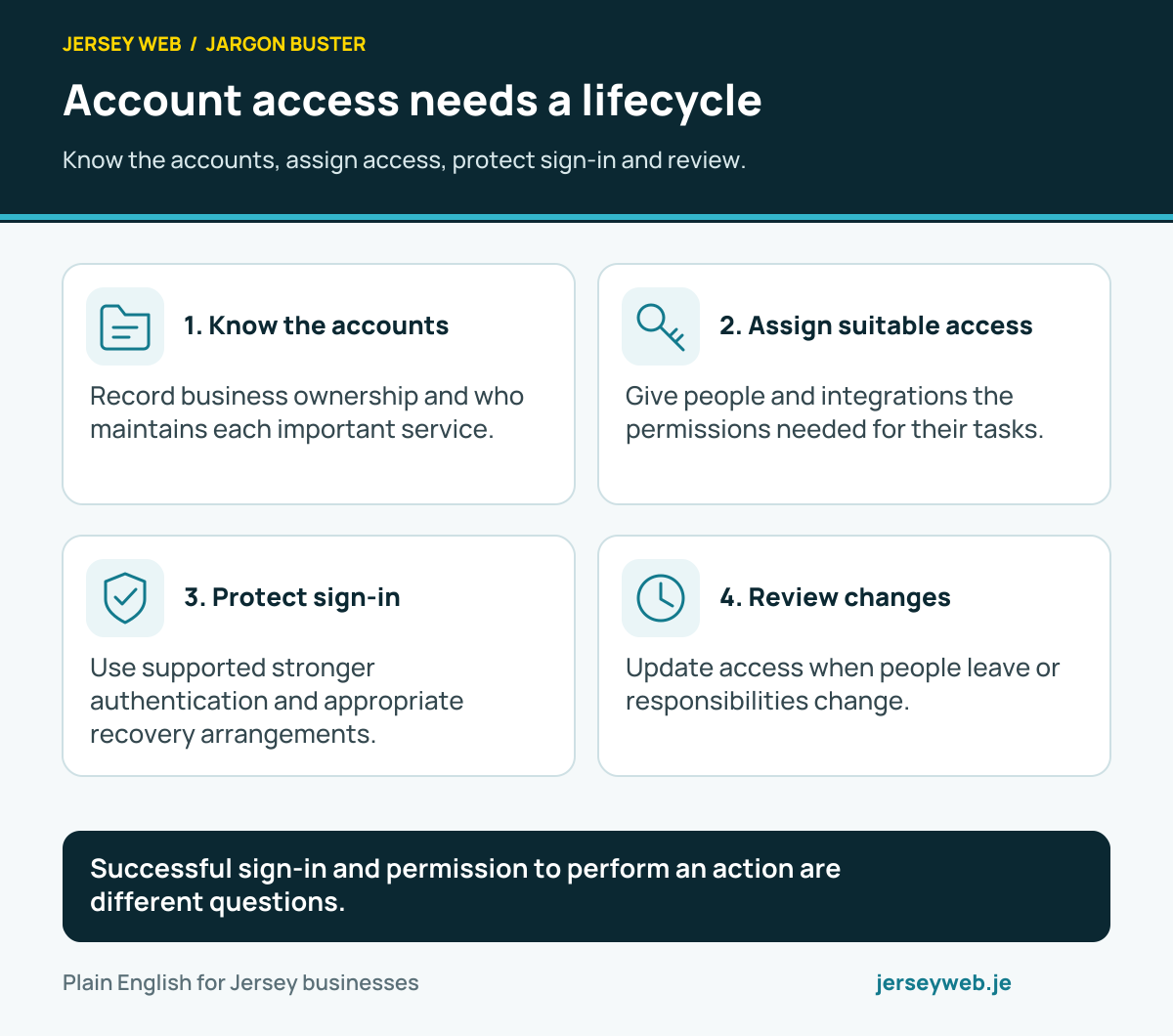
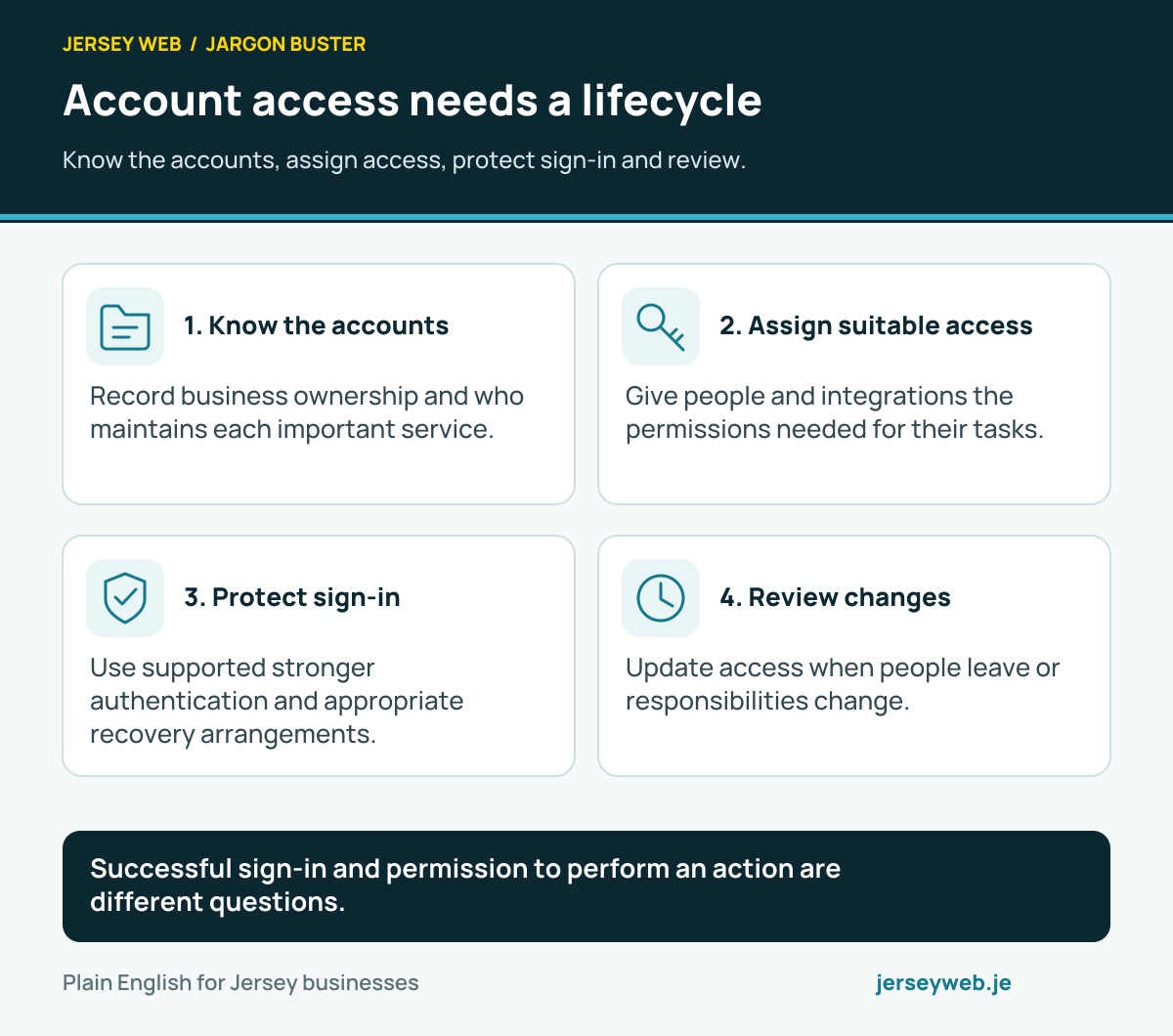
Successful sign-in and permission to perform an action are different questions.
Read the diagram in text
- Know the accounts. Record business ownership and who maintains each important service.
- Assign suitable access. Give people and integrations the permissions needed for their tasks.
- Protect sign-in. Use supported stronger authentication and appropriate recovery arrangements.
- Review changes. Update access when people leave or responsibilities change.
Related terms
Learn more
Common questions
- Does a password manager mean I use the same password everywhere?
- No. Its useful role includes helping you keep different strong passwords for different accounts. The vault has its own protection, which also needs care.
- Can a password manager store passkeys?
- Some credential managers support passkeys as well as passwords. Check the specific product, device support and recovery process rather than assuming every manager has the same capabilities.
- Should everyone share one vault login?
- Use the product’s supported team accounts and permissions where appropriate. Shared administration credentials can make ownership, access removal and investigation harder.
- What happens if the owner cannot access the vault?
- Recovery depends on the product and configuration. Check supported recovery or emergency arrangements in advance and protect that route according to its importance.
Written by Jersey Web. Last reviewed 3 October 2026. Back to the Jargon Buster.