Watch a related explainer
In plain English
Two-factor authentication, often called 2FA, checks evidence from two different factor categories when a person signs in. Common categories include something the person knows, something they possess and something they are. The exact combination depends on the service and its supported sign-in methods.
A password plus a supported device-based confirmation is a familiar example. Two passwords do not provide two different categories simply because there are two questions. Multi-factor authentication, or MFA, is the broader term. Providers may use wording such as two-step verification, so the actual configuration matters more than the label alone.
The NCSC’s guidance on setting up two-step verification provides a practical starting point for protecting accounts. OWASP’s multi-factor authentication guidance explains factor categories and implementation considerations. Methods differ in their security properties and their recovery arrangements.
Why it matters for a Jersey business
Website administration, domain accounts, email and hosting can control important business functions. Additional verification can make an exposed password less useful to an attacker, depending on the configured method and attack. The business should understand which important accounts are protected and which people can change their sign-in settings.
This protection needs an operational plan. A staff member can lose a device or change their phone. Recovery arrangements should keep the business able to regain legitimate access without leaving sensitive recovery material widely available. Treat the recovery process as part of the account’s protection rather than an afterthought.
A realistic Jersey example
Imagine a Jersey retailer reviewing its website, domain and business email accounts. This is a hypothetical example. The owner records the supported additional verification methods for each account, enables an appropriate option and checks that authorised staff can complete the sign-in process.
The business also documents protected recovery arrangements and the steps for a lost device or departing employee. It uses named accounts where the service supports them, with permissions suited to each person’s responsibilities. The review covers actual access and recovery instead of relying on a single statement that security has been switched on.
How to review important account protection
Create an account inventory. Include the domain registrar, hosting, website administration, email and relevant connected services. Name the business owner of each account and record who can change its protection. A forgotten account can control a useful part of the website even if staff rarely sign in to it.
Check supported methods. Read the provider’s current instructions and choose an appropriate method from its available options. Some services support security keys, authenticator applications or other mechanisms. Their availability and behaviour vary, so avoid copying another provider’s instructions or assuming every service uses the same process.
Understand phishing resistance. A second step does not make every sign-in method equally resistant to a misleading site or fraudulent request. Some codes can be captured or relayed, and unexpected approval prompts should be investigated. Follow relevant security guidance and the actual provider’s supported methods for the account.
Protect recovery access. Store backup codes or other recovery material through an agreed secure arrangement where the provider supports them. Keep ownership clear and avoid placing secrets in an ordinary shared document. Check how an authorised person recovers access and which information the provider requires.
Review staff access. Use appropriate individual accounts and roles where available. Shared access can complicate accountability, device changes and removal when someone leaves. The business should know how to remove a person’s access and how that change affects devices, active sessions and connected tools.
Test before handover. Verify normal sign-in with suitable accounts and review the supported recovery procedure. Confirm that staff understand an unexpected prompt and whom to contact. Tests should establish practical readiness without deliberately locking the business out or exposing credentials in screenshots or reports.
Maintain the record. Revisit access when staff, devices, suppliers or account arrangements change. Update the inventory and remove access that is no longer needed. OWASP’s authentication guidance treats sign-in protection as part of a wider account lifecycle, including recovery and sensitive account changes.
Common myths
Any two questions provide two factors. The evidence needs to come from different factor categories.
Every extra step has the same phishing resistance. Supported methods differ.
Recovery can be planned after a device is lost. Protected recovery arrangements should be established beforehand.
Our take
Jersey Web’s view is to review important accounts, choose suitable supported methods and make recovery ownership clear. Record what is actually enabled and check it during handover. The business needs protection that staff understand and can maintain as people and devices change.
See it in a diagram
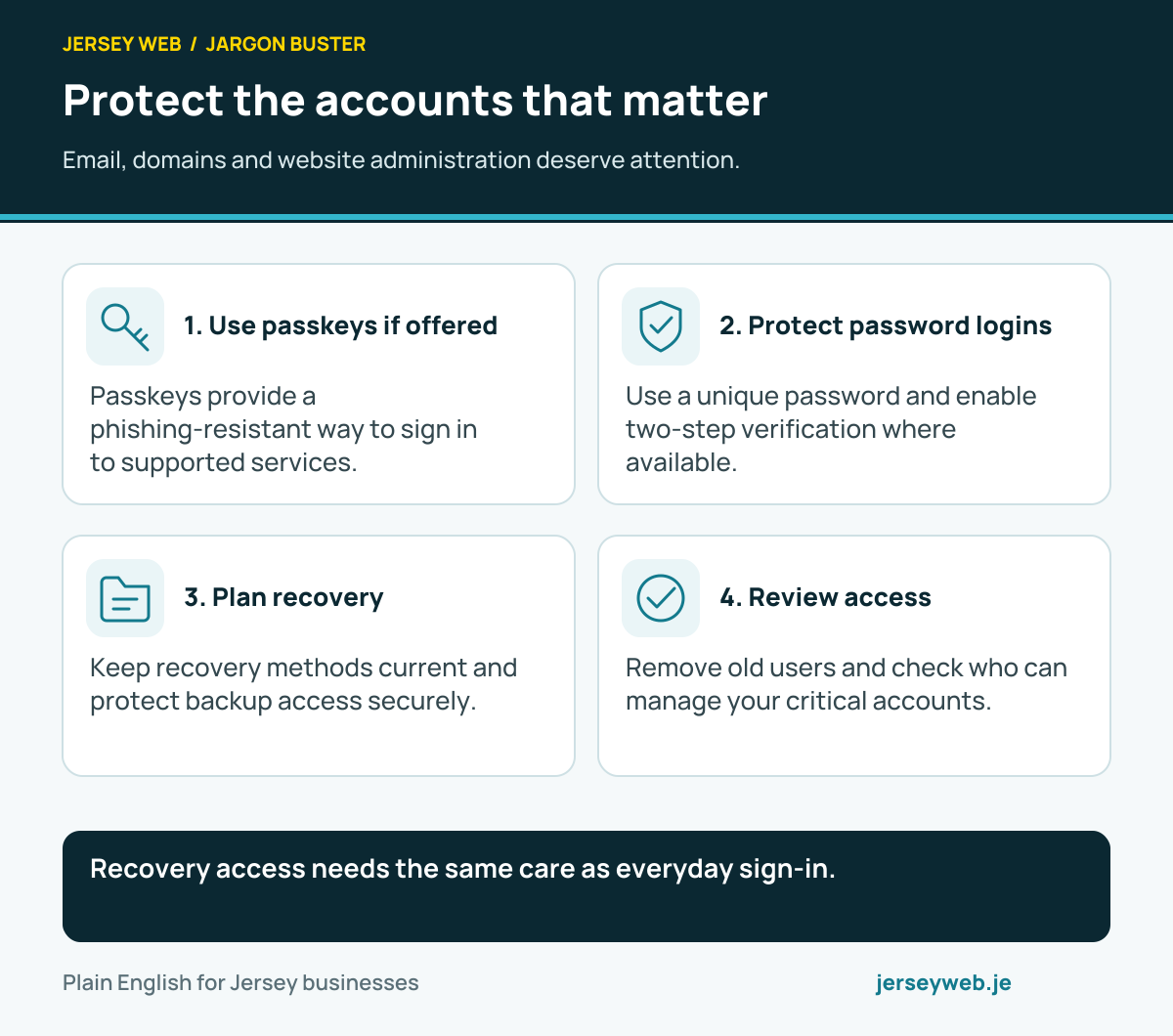
Recovery access needs the same care as everyday sign-in.
Read the diagram in text
- Use passkeys if offered. Passkeys provide a phishing-resistant way to sign in to supported services.
- Protect password logins. Use a unique password and enable two-step verification where available.
- Plan recovery. Keep recovery methods current and protect backup access securely.
- Review access. Remove old users and check who can manage your critical accounts.
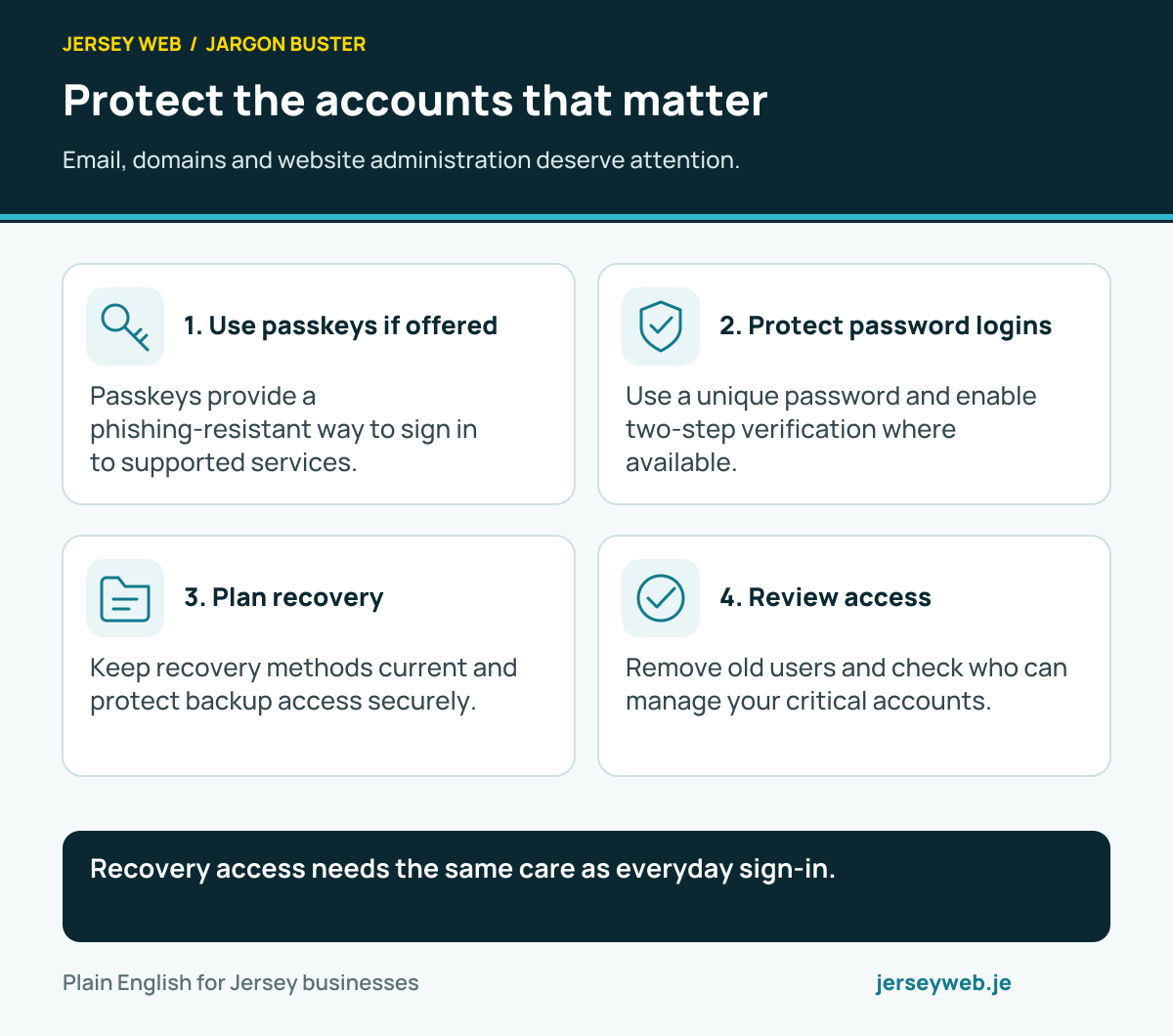
Diagram sources
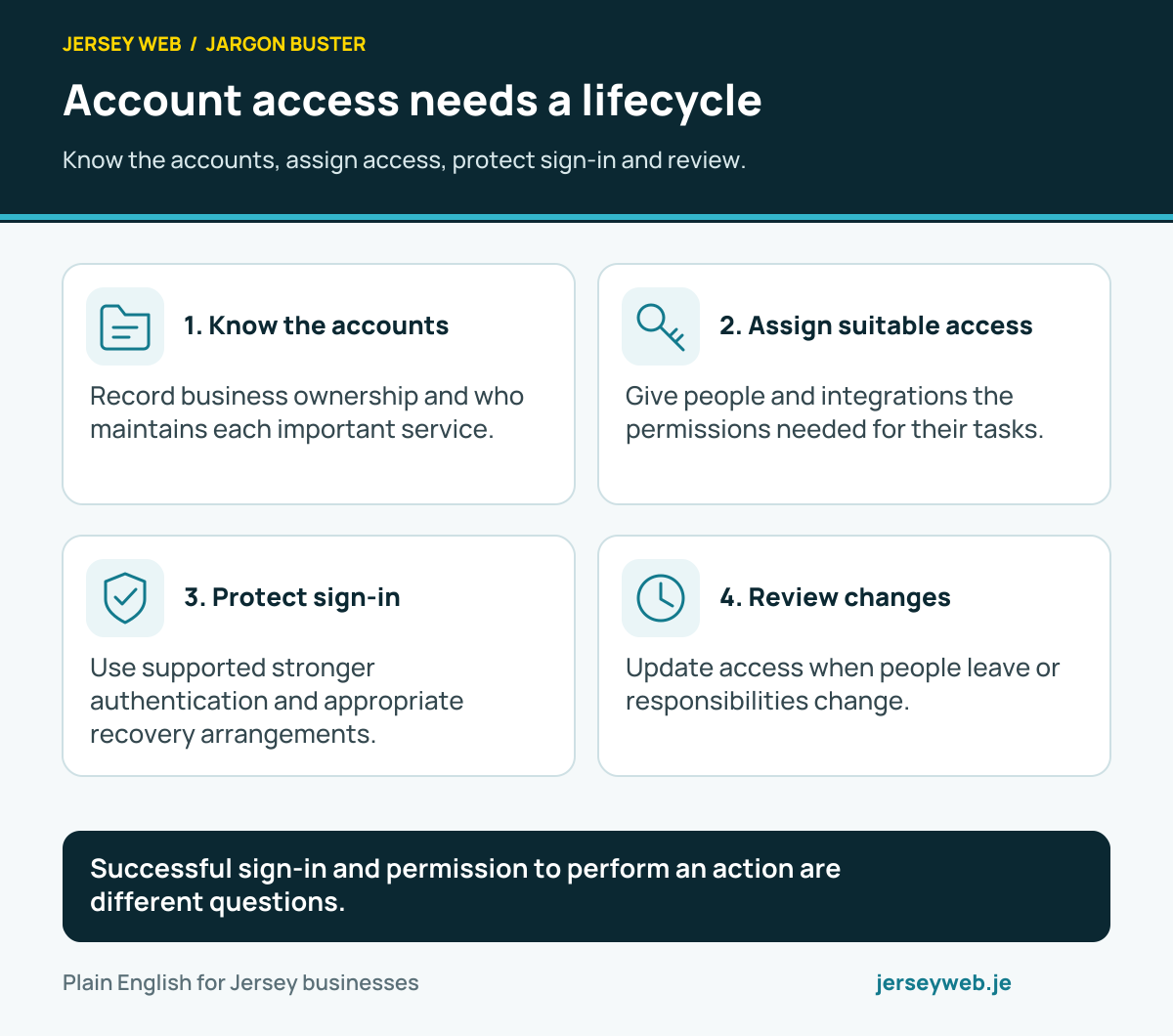
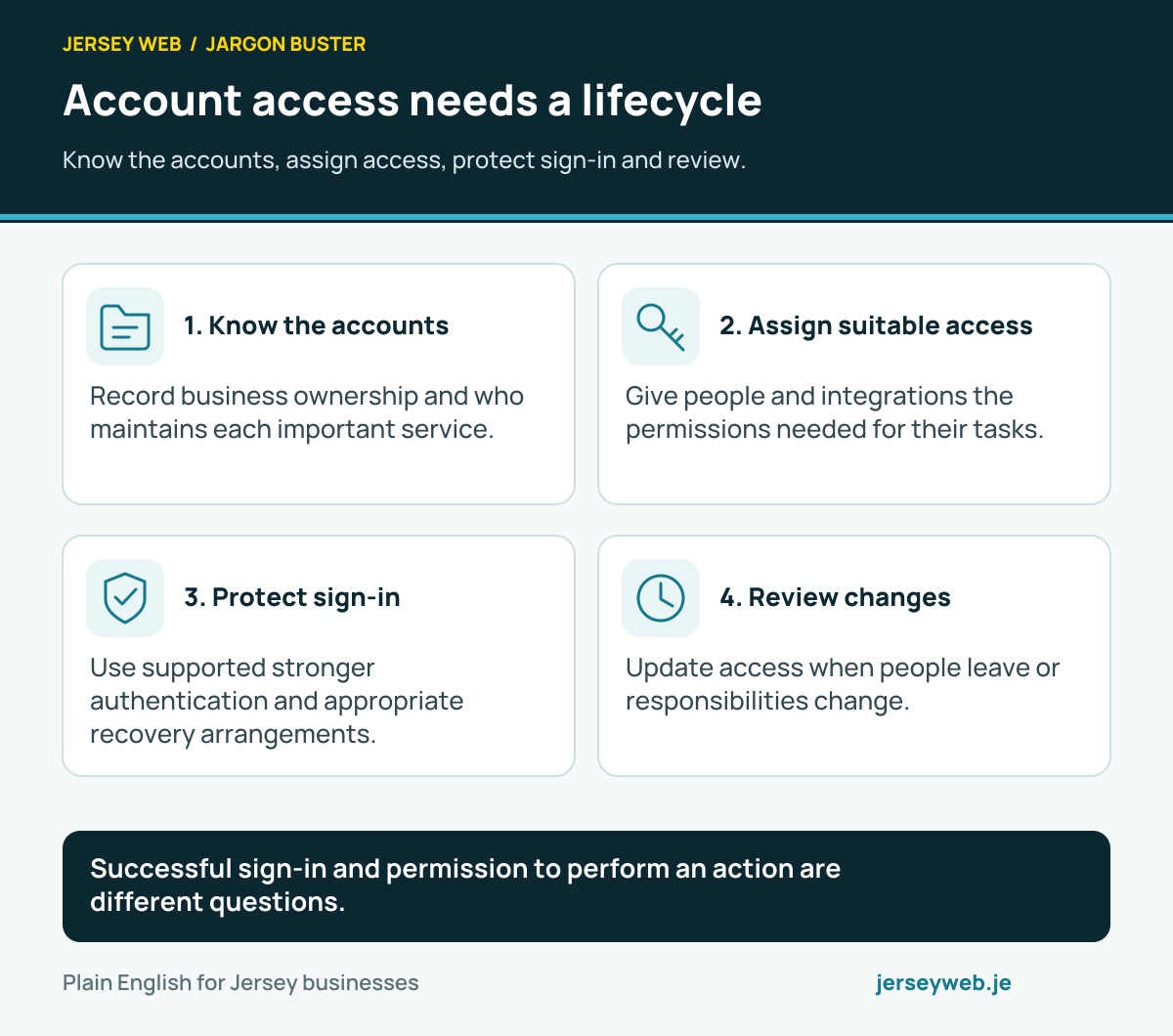
Successful sign-in and permission to perform an action are different questions.
Read the diagram in text
- Know the accounts. Record business ownership and who maintains each important service.
- Assign suitable access. Give people and integrations the permissions needed for their tasks.
- Protect sign-in. Use supported stronger authentication and appropriate recovery arrangements.
- Review changes. Update access when people leave or responsibilities change.
Related terms
Learn more
Common questions
- Are 2FA and MFA identical terms?
- Two-factor authentication uses two different factor types. Multi-factor authentication is the broader term. Providers also use wording such as two-step verification, so check the actual method rather than relying only on the label.
- Do two passwords count as two factors?
- Two secrets of the same type do not supply two different factor categories. A supported additional factor may involve possession of a device or another distinct type of evidence.
- Does every second factor resist phishing equally?
- No. Methods differ, and some codes or approval prompts can be misused through phishing. Review the provider’s supported methods and appropriate current security guidance.
- What happens if the sign-in device is lost?
- Use the provider’s supported recovery process. Record protected recovery arrangements in advance, and review or remove the lost device’s access where supported.
Written by Jersey Web. Last reviewed 3 October 2026. Back to the Jargon Buster.