In plain English
Phishing uses a false claim of trust to steer someone into a harmful action. A message might pretend to come from an email provider, a supplier, a customer or a colleague. It may ask the recipient to sign in, change payment details, open a document or approve a request. The attack works by making the requested action seem legitimate or urgent.
Phishing is not limited to email. It can use text messages, social messaging, phone calls, fake websites or a QR code that leads to a deceptive page. A message can include correct names and familiar design. The NCSC’s advice on spotting scams explains common pressure tactics and checking through an independent route.
The important question is what the message asks you to do and whether the request can be verified safely. A polished layout, an apparently familiar sender name or an encrypted connection is insufficient proof. Looking at the request in its business context is more useful than searching only for spelling mistakes.
Why it matters for a Jersey business
A small Jersey business may have one person handling email, website administration and supplier invoices. Those responsibilities create several attractive routes for an attacker. A message claiming that the business domain is about to expire could send the owner to a false payment or sign-in page. A fake supplier request could target a routine payment process.
Write a simple rule for unusual changes: staff verify them through a known contact route before acting. That route should come from an existing record or the organisation’s genuine website, rather than from the suspicious message. A process that is easy to follow under pressure is more useful than a policy that staff only encounter after an incident.
A realistic Jersey example
Imagine a Jersey retailer receiving an urgent notice that its email account will close unless it signs in immediately. This is a hypothetical example. The owner pauses and opens the provider using the usual saved address. There is no corresponding account notice, so the message is reported through the business’s normal support process.
The retailer also has a separate rule for changed supplier payment details: telephone verification using the number already in its supplier record. The rule applies even when the message appears to come from a familiar name. This reduces reliance on a rushed judgement about the message’s appearance.
What to do in the business process
Identify important accounts and financial or customer commitments that should trigger verification. Keep account administration, payment approvals and staff access organised. Staff should know where to report an unexpected message and should not be discouraged from raising uncertainty. A quick report is easier to handle than an unnoticed action.
Use suitable account protection. The NCSC recommends passkeys where supported; where they are unavailable, strong unique passwords and two-step verification remain important. These controls address different risks, and the recovery process deserves attention too. A weak recovery route can undo careful everyday sign-in protection.
Limit access according to the task. Someone editing opening times does not necessarily need to manage every administrator account. Review old users and supplier access when roles change. Keep devices and important software updated through the normal support process so that awareness is supported by practical technical controls.
Agree an incident route before it is needed. If someone has entered credentials or acted on a suspicious request, involve the responsible provider or support contact promptly and describe what happened. Follow the provider’s supported account-recovery and containment procedures. Preserve relevant information safely and avoid broadcasting sensitive account details in an informal group chat.
Common myths
Only poorly written messages are dangerous. Attacks can be polished and tailored to the business.
A familiar sender name proves who sent the request. Display names and compromised accounts can both mislead.
One training session solves phishing. Clear processes, account controls and a reporting culture need ongoing attention.
Our take
Jersey Web’s view is to make verification routine for important changes. A business does not need to inspect every message like a technical investigator. It needs an understandable pause, a trusted way to check and a clear support route when something has gone wrong.
See it in a diagram
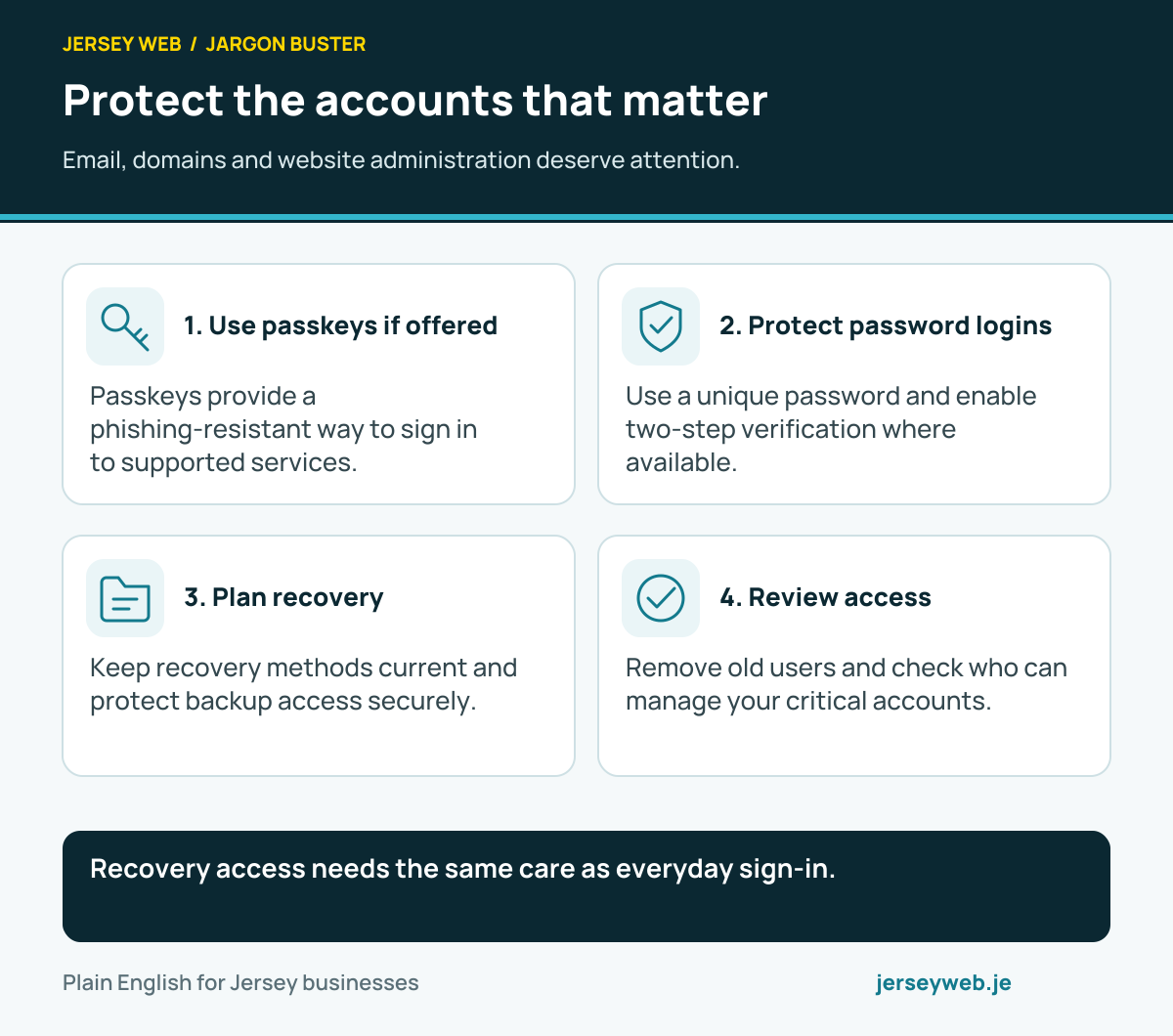
Recovery access needs the same care as everyday sign-in.
Read the diagram in text
- Use passkeys if offered. Passkeys provide a phishing-resistant way to sign in to supported services.
- Protect password logins. Use a unique password and enable two-step verification where available.
- Plan recovery. Keep recovery methods current and protect backup access securely.
- Review access. Remove old users and check who can manage your critical accounts.
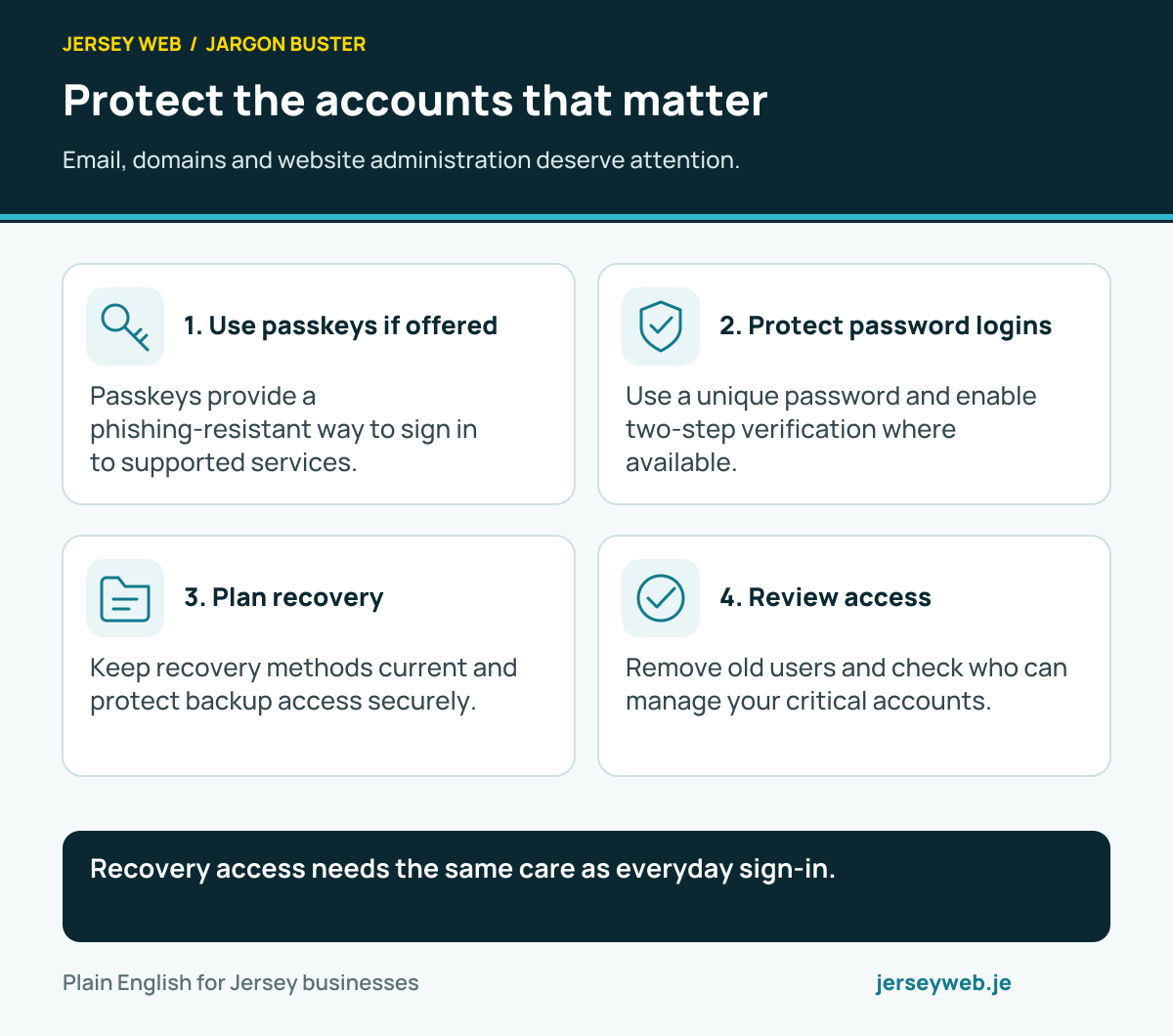
Diagram sources
Related terms
Learn more
Common questions
- Can a phishing message use correct spelling and branding?
- Yes. A message can look polished, use familiar branding and still be deceptive. Do not treat grammar or a professional layout as proof of authenticity.
- Does HTTPS prove a website is genuine?
- No. HTTPS protects a connection to a domain; it does not prove that the domain belongs to the organisation you intended to contact or that the content is trustworthy.
- What should I do with an unexpected urgent request?
- Pause and verify the request through a contact route you already trust. Avoid relying on the link, phone number or reply address supplied by the suspicious message itself.
- Do account controls replace staff awareness?
- No. Use multiple layers: supported account protection, sensible permissions, an independent verification process and a clear way for staff to report suspicious activity.
Written by Jersey Web. Last reviewed 3 October 2026. Back to the Jargon Buster.