In plain English
VPN means virtual private network. A business can use a configured VPN connection to provide remote access between devices or networks over another network. NCSC’s organisational VPN guidance explains encrypted connectivity for devices in separate locations and the importance of the traffic routed through it.
The connection has endpoints, a supported protocol and routing rules. Those choices define what the VPN actually carries. A tunnel can protect relevant communication in transit, while the receiving devices and applications still need appropriate maintenance and access controls.
There are also several parts to administration. Microsoft’s Windows VPN guide identifies connection type, routing, authentication and related configuration decisions. It is a platform example, so the business should document the actual arrangement used by its own administrator.
Why it matters for a Jersey business
Staff may need to use an internal application away from the office, or an authorised supplier may need an agreed remote support route. The owner needs to understand which resources are reachable and who maintains that access. A familiar VPN label should lead to a clear service description.
The distinction also matters during a supplier change. The network access arrangement may be separate from application accounts. Record both responsibilities so removing one kind of access is not assumed to update every other permission automatically.
A realistic Jersey example
Imagine a Jersey consultancy allowing authorised staff to reach a supported internal application remotely through its managed VPN arrangement. This is a hypothetical example. The network administrator configures the relevant connection and the application administrator maintains the intended staff permissions.
The team checks access using permitted accounts and the agreed environment. It records the support contact and what staff see if the connection is unavailable. A successful VPN connection is kept separate from proof that a particular user may read every application record or that the staff workflow completes correctly.
Practical checks for remote access
Identify the business purpose. Record which resources the arrangement is intended to reach and which people need that access. A specific support or staff task gives the administrator a basis for configuring the service. It also gives the business a clear way to review whether the access remains appropriate later.
Review routing. Microsoft’s routing guidance distinguishes arrangements carrying selected traffic through the VPN from those intended to carry broader traffic. The actual routes and configuration matter. Ask the administrator to explain which traffic is covered rather than assume the connection protects everything the device does.
Review identity and permissions. Confirm the supported sign-in arrangement and how user access is administered. Then review the application’s permissions separately. A network path and an application role answer different questions, so both need to reflect the business’s intended access requirements.
Identify the maintained endpoints. Ask who configures and updates the relevant client and service components. The owner should know which supplier handles a connection problem and which person handles an application issue after connectivity is established. Keep a coordinator visible when several suppliers contribute.
Describe interruption behaviour. Record how staff recognise that the VPN is unavailable and what happens to the required application access. A managed connection can still encounter errors. Provide the supported help route and avoid suggesting that staff disable controls as an improvised workaround.
Review lifecycle changes. Establish how access is added, changed and removed through the supported process. When a staff member or supplier no longer needs a route, the administrator should review the relevant accounts and configuration. The business should retain ownership of that process rather than depend on undocumented access held by a former maintainer.
Check the task appropriately. Use authorised accounts and permitted data to review the expected access and operation. Confirm the application outcome, not only the connection indicator. Record the configuration context and any limitation so the handover accurately describes what the review established.
Common myths and mistakes
A VPN is not a universal anonymity guarantee. A signed-in website or application can still recognise the user, and the service’s configuration determines the actual network scope. Keep claims tied to the implemented arrangement.
It is also a mistake to treat encrypted transport as complete application security. Device maintenance, permissions and application behaviour still matter. A practical handover should connect the VPN’s role to those surrounding responsibilities.
Our take
Explain a business VPN through the resources and people it serves. Record routing, access and maintenance, then verify the intended staff task. That gives the owner a clearer understanding of remote connectivity and its supported scope.
See it in a diagram
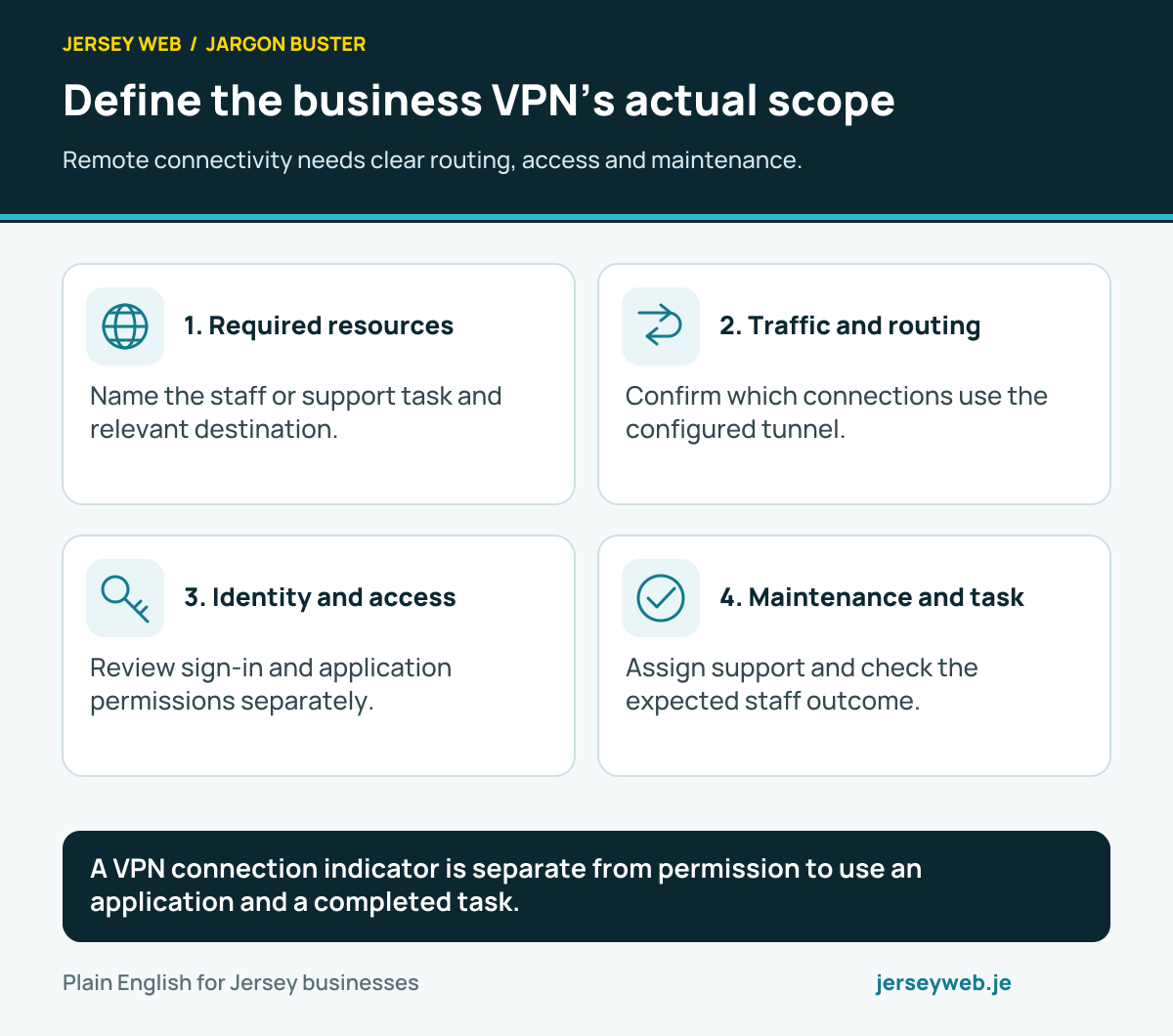
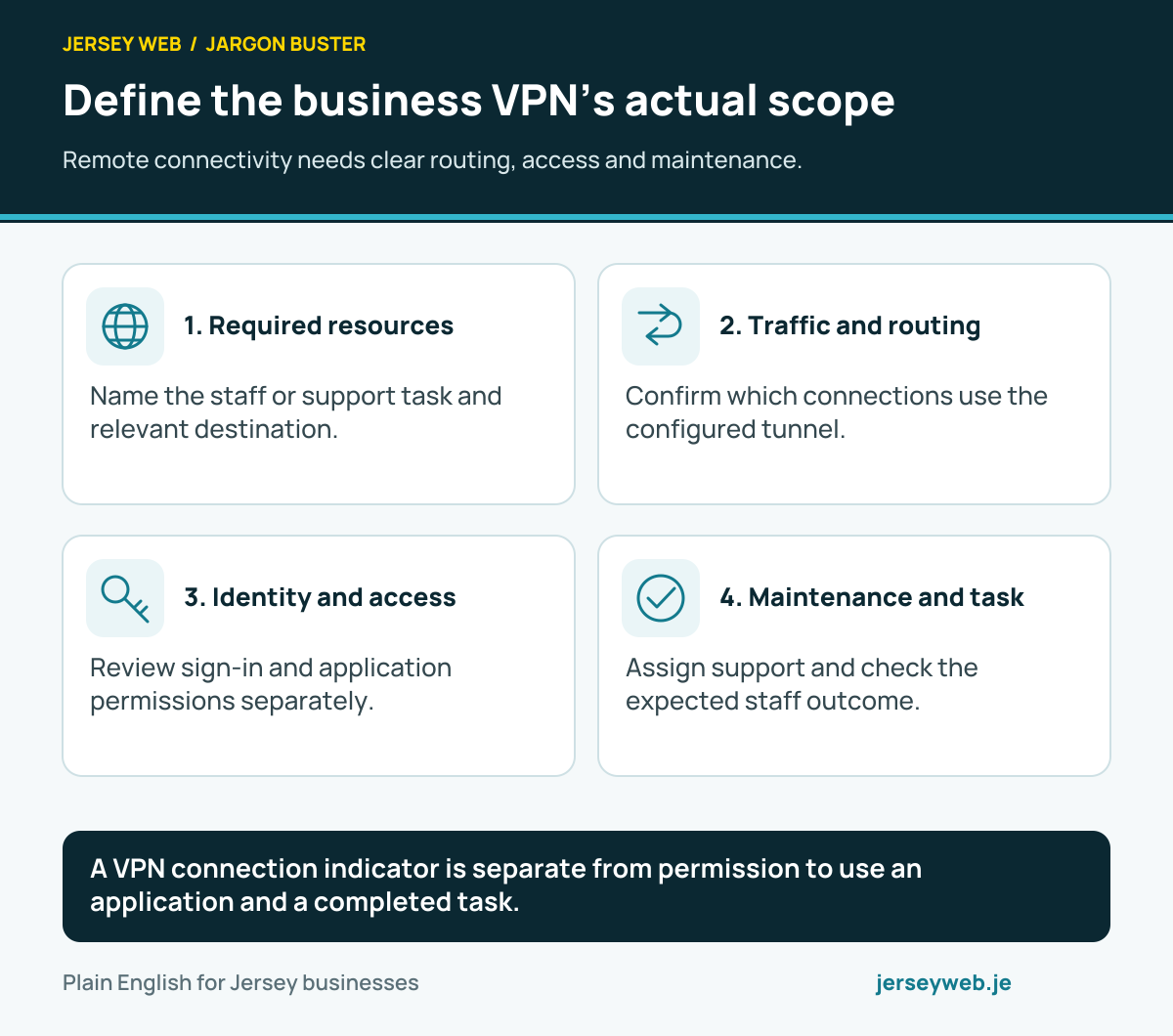
A VPN connection indicator is separate from permission to use an application and a completed task.
Read the diagram in text
- Required resources. Name the staff or support task and relevant destination.
- Traffic and routing. Confirm which connections use the configured tunnel.
- Identity and access. Review sign-in and application permissions separately.
- Maintenance and task. Assign support and check the expected staff outcome.
Related terms
Learn more
Common questions
- Does a VPN protect all traffic automatically?
- Its routing and configuration determine which traffic uses it. Review the actual arrangement rather than assume every connection travels through the tunnel.
- Does a business VPN make a person anonymous?
- No universal anonymity promise follows from the label. Websites and applications can still identify signed-in users or use other relevant information.
- Does connecting to a VPN grant access to every application?
- It should not be assumed to. Network connectivity and application permissions are separate parts of the access arrangement.
- Who maintains a business VPN?
- The actual agreement should identify the administrator responsible for configuration, updates, user access and support. Record how staff request help and how access changes are handled.
Written by Jersey Web. Last reviewed 3 October 2026. Back to the Jargon Buster.