Watch a related explainer
In plain English
A breadcrumb trail is a compact set of navigation items showing where a page belongs in a website. A service page might sit under a Services section, which sits under Home. The trail gives the visitor that context and commonly offers links back to the parent sections.
The W3C breadcrumb pattern describes accessible navigation treatment, including a labelled navigation landmark and identification of the current page where appropriate. A breadcrumb should communicate useful relationships rather than become a decorative row of labels whose destinations do not match the content.
This hierarchy is different from the visitor’s browsing history. Someone can arrive directly from search and still see a meaningful trail. They might never have visited the parent section. The breadcrumb answers where this content belongs, while the browser’s back action relates to the route the visitor actually took.
Why it matters for a Jersey business
Visitors often enter a site through an individual service, product or guide. They may need to understand the wider offering or find related information. A clear parent section can help them do that without returning to the home page and starting their search through the navigation again.
Breadcrumbs are most useful when the website has a meaningful structure. If the proposed parent page does not explain the section or provide relevant routes onward, a trail alone will not resolve that weakness. The business should review page relationships and navigation together, especially in a growing catalogue or resource library.
A realistic Jersey example
Imagine a Jersey retailer with a catalogue arranged into product groups. This is a hypothetical example. A visitor follows a search result directly to one product and wants to compare other options in the same group. The breadcrumb offers a route to that group without assuming the visitor started at the shop’s home page.
The team checks that the parent link opens a useful product listing and that the current product’s name is understandable. It also reviews how the trail behaves with long names on a small screen. The review concerns a useful navigation route rather than a claim that adding breadcrumbs guarantees more orders.
How to review a breadcrumb trail
Confirm the hierarchy. Identify the parent sections that genuinely help explain the current page. Avoid choosing a relationship only because a URL contains a particular segment. The navigation structure and content should agree on where the page belongs, including any deliberately different paths through a large catalogue.
Use recognisable labels. Name the sections in language visitors can understand and keep labels consistent with the linked pages. Shorten a long label only if its meaning remains clear. A trail should provide orientation without requiring someone to decode an internal content code or a supplier’s naming convention.
Check every parent destination. Follow the links and verify that they open the intended pages. Review removed, renamed or reorganised sections after a site update. A breadcrumb pointing to an empty listing or broken route can make the site’s structure harder to understand instead of giving the visitor a useful next step.
Identify the navigation appropriately. Ask the developer to review its accessible label and current-page treatment using the actual component. Visual separators should support the presentation without supplying the only explanation of the relationships. Include keyboard and relevant assistive-technology behaviour in the wider navigation review.
Review smaller screens and long titles. The trail should remain readable and its links usable when available space changes. Decide how wrapping or truncation works and whether important context remains visible. Test representative content, including unusually long service or product names, rather than only a short demonstration page.
Keep structured data aligned. Google’s breadcrumb documentation describes markup for breadcrumb information. Review the applicable requirements and actual page trail. A correct format does not excuse invented destinations or establish that a search engine will display the feature for a particular result.
Revisit trails after content changes. When a section moves or a page changes purpose, update the navigation and corresponding metadata together. Inspect representative pages from the affected group. A shared template can spread one change widely, so the maintainer should understand where the relationship is generated and how editors maintain it.
Common myths
Breadcrumbs reproduce browsing history. Typical trails show site hierarchy.
Every URL segment is a useful navigation level. Review the actual content structure.
Markup guarantees a search appearance. Keep it accurate without promising display.
Our take
Jersey Web adds breadcrumb navigation where it helps visitors understand a page and reach useful parent sections. Agree the hierarchy, check the links and keep the accessible presentation and structured data aligned. A short trail works best when the surrounding website structure already makes sense.
See it in a diagram
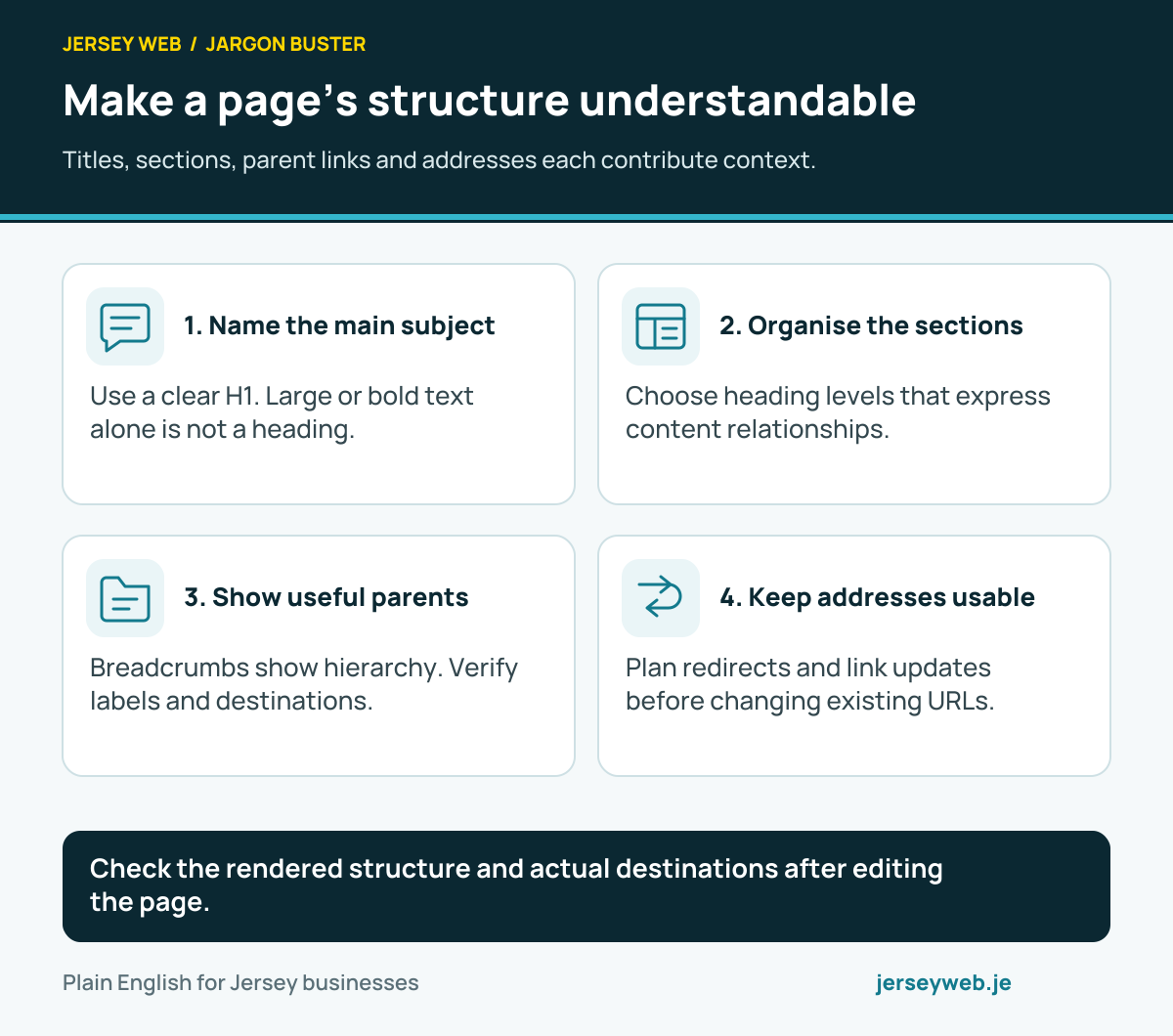
Check the rendered structure and actual destinations after editing the page.
Read the diagram in text
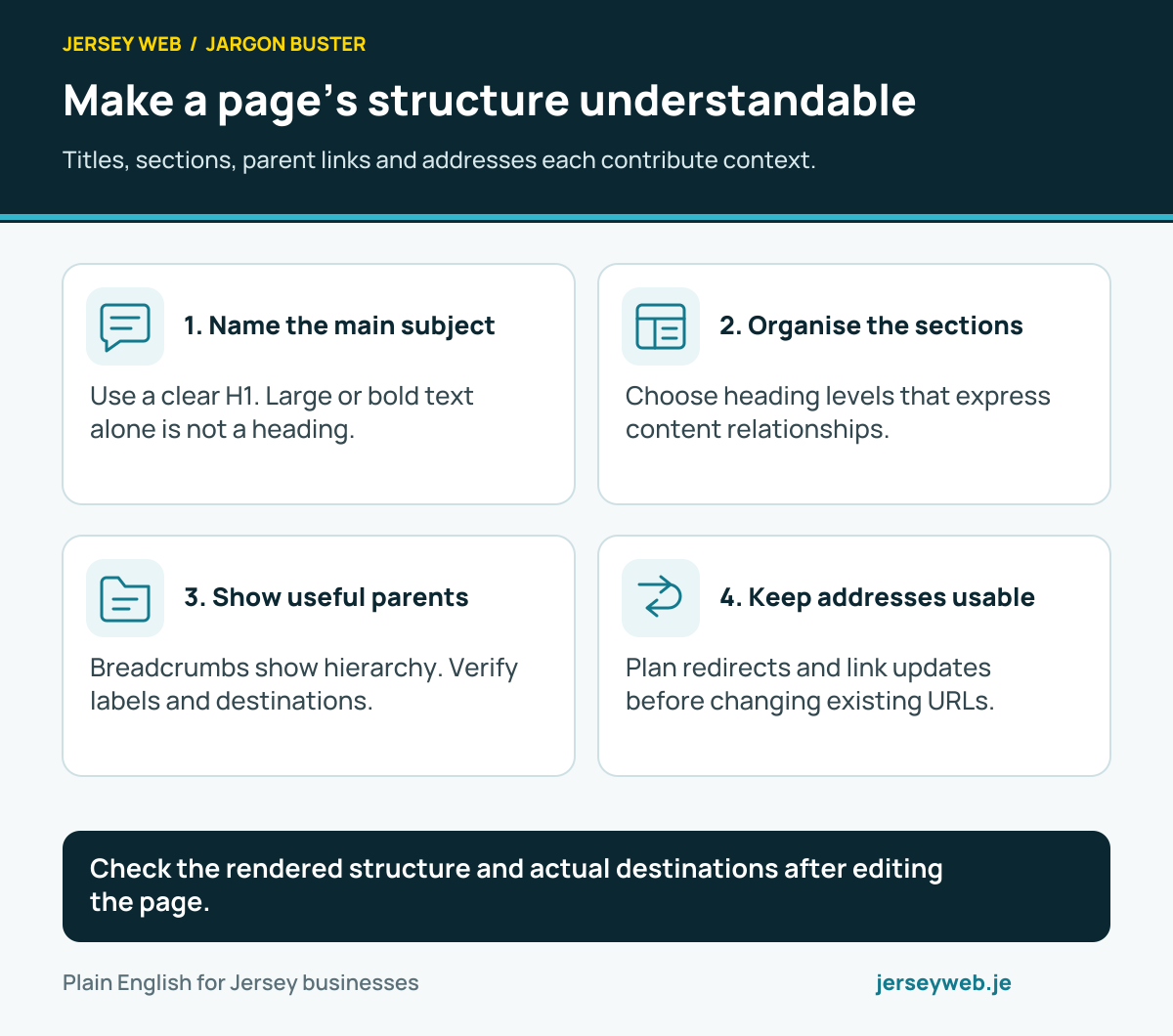
- Name the main subject. Use a clear H1. Large or bold text alone is not a heading.
- Organise the sections. Choose heading levels that express content relationships.
- Show useful parents. Breadcrumbs show hierarchy. Verify labels and destinations.
- Keep addresses usable. Plan redirects and link updates before changing existing URLs.
Related terms
Learn more
Common questions
- Are breadcrumbs a record of every page I visited?
- A typical breadcrumb trail expresses a page’s position in the site’s structure. It is distinct from a browser’s back history, which records the route a particular visitor took.
- Does every small website need breadcrumbs?
- Consider whether they help visitors understand and move through the structure. A shallow website may gain little from an extra trail. A catalogue or resource library with meaningful parent sections can make better use of one.
- Will breadcrumb structured data guarantee a search result feature?
- No. Correct, eligible markup helps describe the trail, but Google decides how results appear. Keep the underlying navigation useful and the markup accurate.
- Should the current page be linked in its own trail?
- The current item should be understandable and identified appropriately. Review the actual component and accessible current-page treatment. A link back to the page is not necessary simply to make every item look alike.
Written by Jersey Web. Last reviewed 3 October 2026. Back to the Jargon Buster.