Watch a related explainer
In plain English
A staging site gives the team somewhere to inspect a proposed website change before customers see it. It is separate from the live environment, even when it looks almost identical. A developer can check an update, the owner can review wording and both can identify problems before deciding to release the work.
Staging is part of a process, rather than a guarantee created by copying a website. The copy may have different settings, accounts, data or network access. Those differences can be useful for safety, but they also mean the team must understand which behaviours the test can realistically verify. Learn WordPress’s explanation of development environments distinguishes local, staging and live environments.
An everyday analogy is a rehearsal using a separate practice area. It helps participants check what they intend to do, but the rehearsal needs the right conditions and should not accidentally affect the real operation. A staging form that sends a message to an actual customer is no longer isolated in the way the team may assume.
Why it matters for a Jersey business
A Jersey business can use staging to review a new service page, payment process or platform update while keeping the current website available. The owner can see real wording and layout before approval, rather than trying to predict the result from a description. This is particularly useful when shared templates affect many pages at once.
The test environment also creates responsibilities. It might contain copied documents, account settings or customer records. Keep access and data appropriate to the testing purpose. A site being absent from search results does not make it private: Google’s noindex guidance concerns indexing, not an access-control system.
A realistic Jersey example
Imagine a Jersey appointment business reviewing a redesigned enquiry form. This is a hypothetical example. The staging form uses fictional names and sends notifications to a dedicated test address. The owner checks labels, confirmation wording, keyboard access and the staff notification before the changes are approved.
The supplier then deploys the agreed version and checks the actual live receiving address and form result. This final check matters because staging and production deliberately use different settings. The process verifies the proposed experience and then verifies that the released site is connected correctly.
What to agree before testing
Define the scope. Which changes are under review, which version is being shown and what counts as approval? Record the pages and important journeys to check. Keep a concise list of known differences from production so that reviewers do not mistake a test limitation for the intended customer experience.
Isolate integrations. Payment services should use their supported testing arrangements, such as those described in Stripe’s testing documentation. Email, booking and stock connections need similar attention. Do not assume that cloning a site automatically switches every external service into a safe test mode.
Use suitable information. Test representative content and edge cases without unnecessarily copying personal data. Protect the environment with appropriate access controls, manage staff accounts and remove obsolete test copies. A forgotten staging site can create maintenance and privacy problems even when the live website is being cared for.
Plan the release. Identify which files, settings or data changes will move to production and whether a backup or rollback step is required. Test the deployed version’s important routes afterward. Avoid replacing a live database casually when recent orders or bookings need to be preserved.
Common myths
A noindex setting makes staging private. It is a search instruction, not a substitute for access protection.
A clone automatically disables real transactions. External services and notification settings need explicit review.
Staging removes the need for live verification. Production settings and the deployment itself can introduce differences.
Our take
Jersey Web’s view is to make staging a clear review step with safe integrations and a defined release decision. It works best when the owner knows what is representative, what is deliberately different and which checks will be repeated on the actual live website.
See it in a diagram
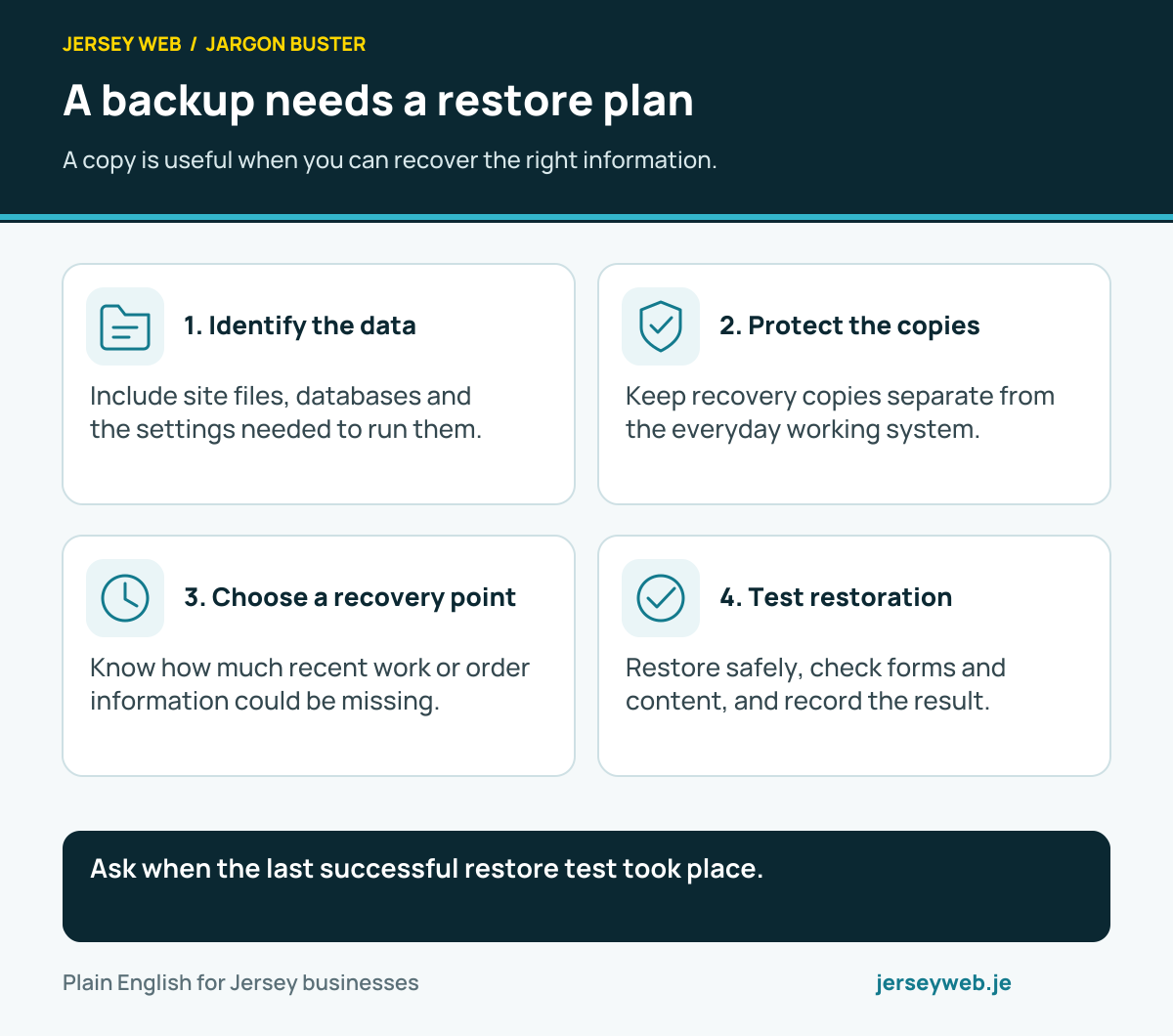
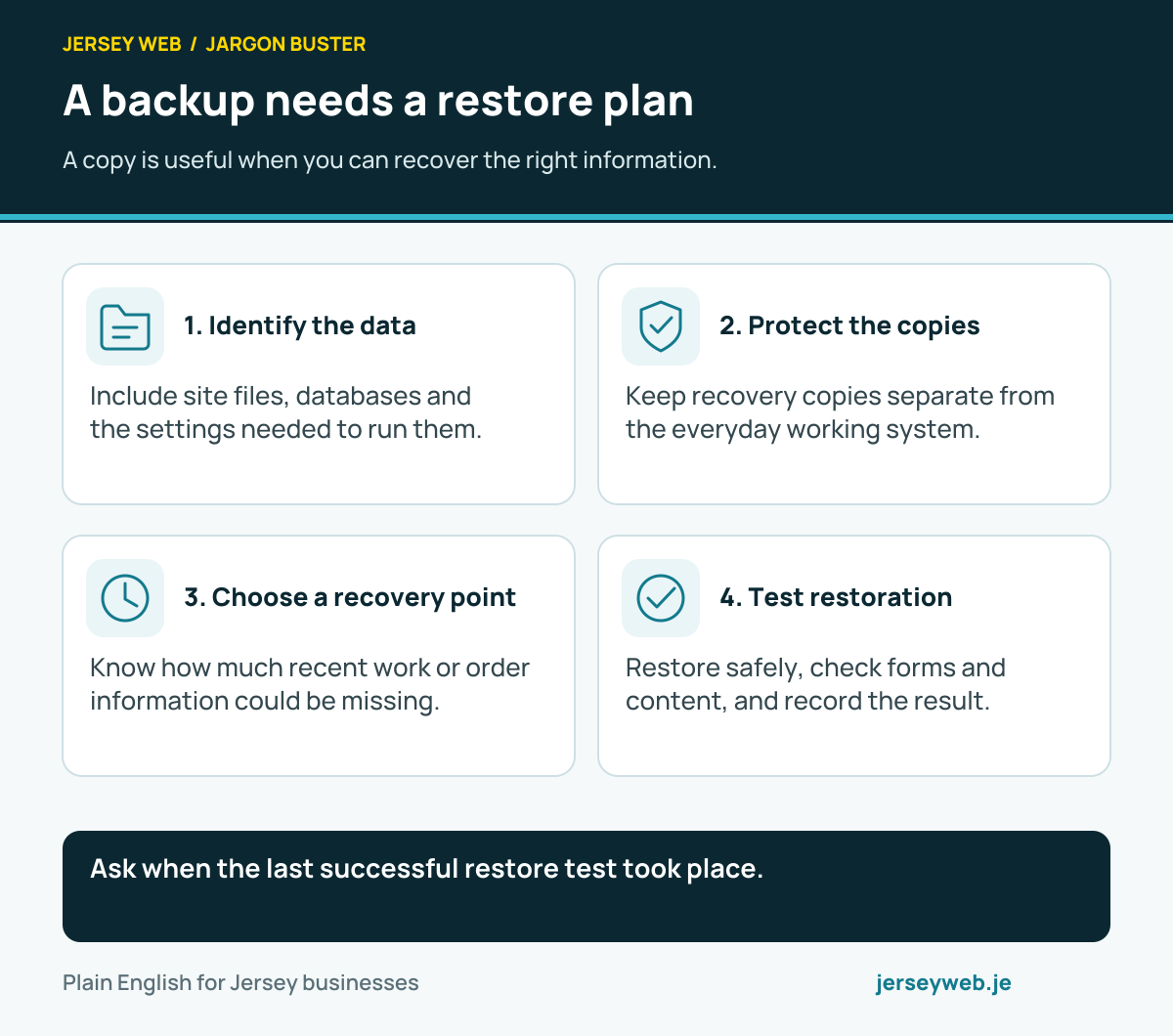
Ask when the last successful restore test took place.
Read the diagram in text
- Identify the data. Include site files, databases and the settings needed to run them.
- Protect the copies. Keep recovery copies separate from the everyday working system.
- Choose a recovery point. Know how much recent work or order information could be missing.
- Test restoration. Restore safely, check forms and content, and record the result.
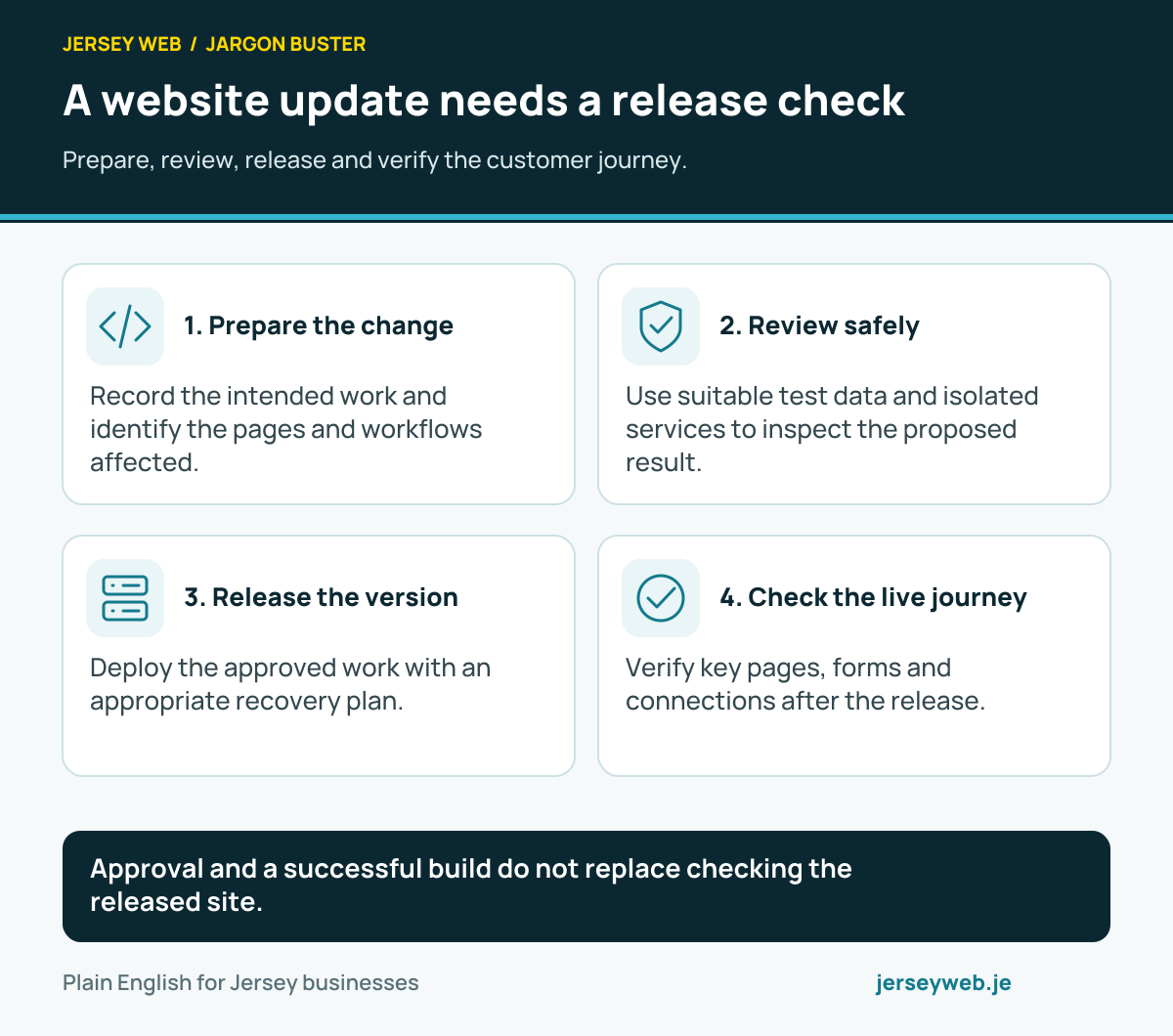
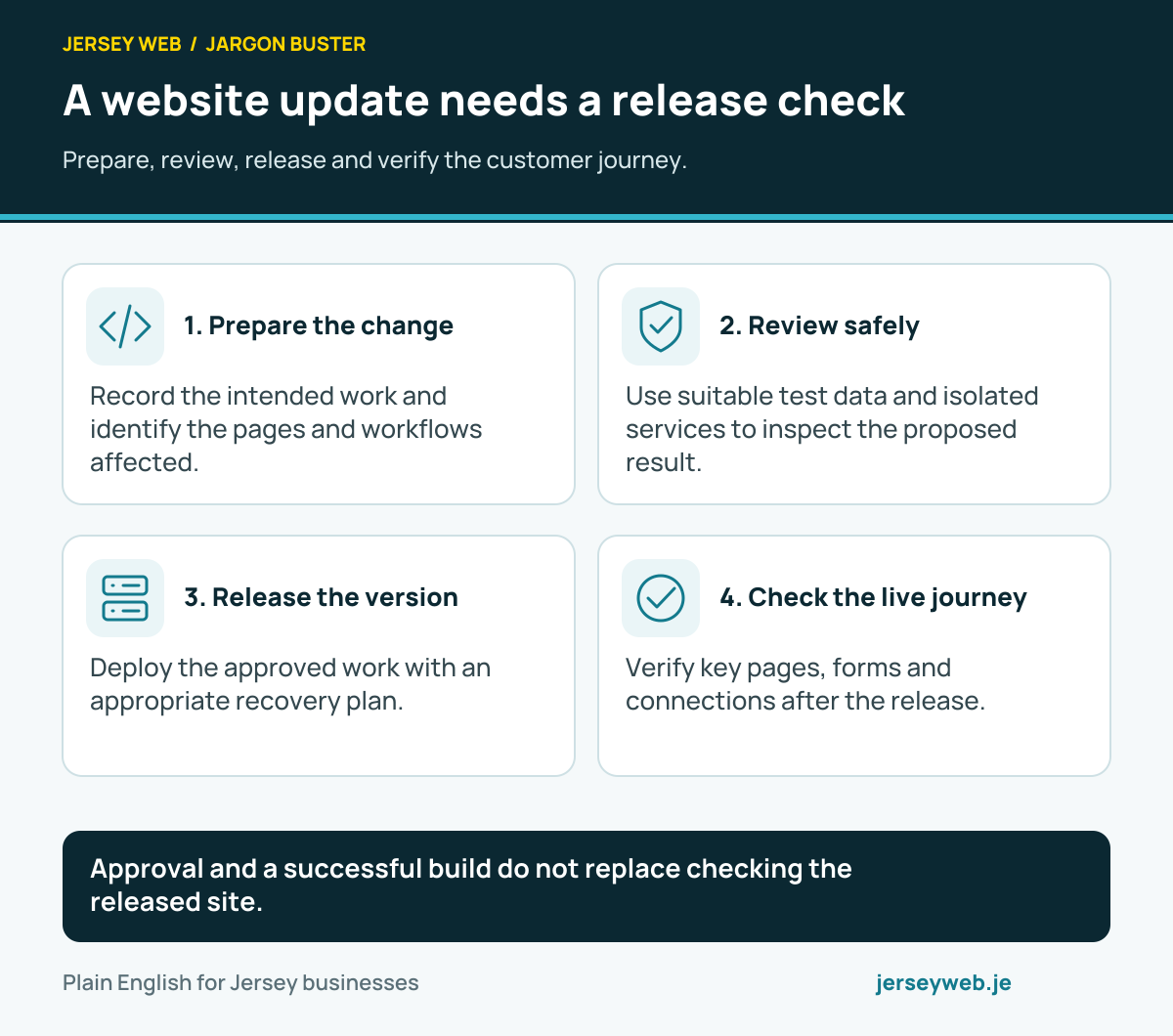
Approval and a successful build do not replace checking the released site.
Read the diagram in text
- Prepare the change. Record the intended work and identify the pages and workflows affected.
- Review safely. Use suitable test data and isolated services to inspect the proposed result.
- Release the version. Deploy the approved work with an appropriate recovery plan.
- Check the live journey. Verify key pages, forms and connections after the release.
Related terms
Learn more
Common questions
- Is a staging site public?
- That depends on its configuration. A test site should have access controls appropriate to its content. Asking search engines not to index it is different from preventing people from accessing it.
- Can I use live customer records for testing?
- Prefer suitable test or anonymised information where possible, and handle any necessary personal data under the business’s actual responsibilities. A staging copy should not casually expose customer information.
- Does passing staging prove the live site will work?
- No. The live environment can have different settings and dependencies. Verify the release and important customer journeys after deployment as well.
- Can staging send real emails or take payments?
- It can if connected carelessly to live services. Use supported test modes and deliberate integration settings, and check that test actions will not create real customer messages, charges or orders.
Written by Jersey Web. Last reviewed 3 October 2026. Back to the Jargon Buster.