What Is a Staging Website? Testing Changes Before Launch
Where can you test a big website change? A staging site provides a separate place to check it.
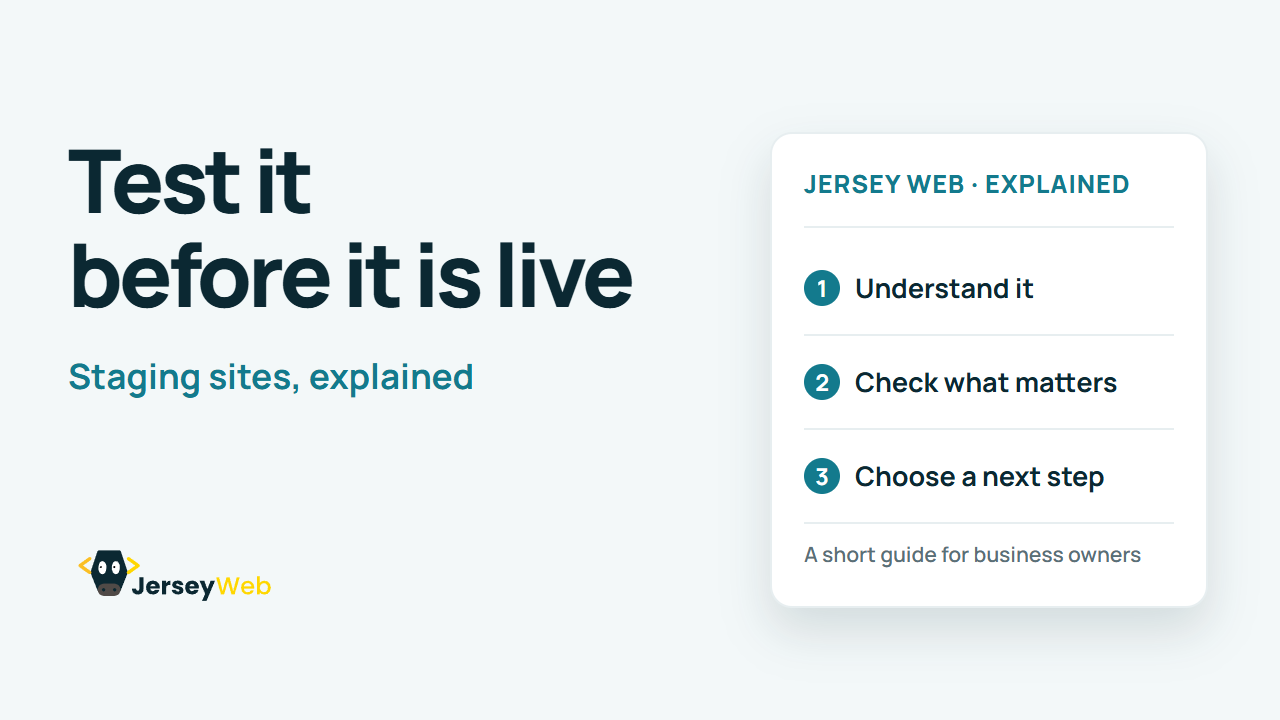
1:47 · No narration: the video shows each step as text on screen, and every step is written out below, with buttons that jump the video to it.
Prefer YouTube? Watch this video on our YouTube channel (opens in a new tab).
The six points in the video
This is a silent video. The headings, explanations and labels below reproduce the information on screen.
-
Step 1: Use a separate test copy
Staging lets you review changes away from the live site.
On-screen labels: Test environment; Live environment; Separate changes.
-
Step 2: Control access and indexing
Protect sensitive test content and review search settings.
On-screen labels: Restricted access; Indexing decision; Safe test information.
-
Step 3: Prevent real-world test actions
Check payment, email and integration settings before testing.
On-screen labels: Sandbox payments; Test email routes; Integration settings.
-
Step 4: Test real customer journeys
Review forms, navigation and key layouts on different devices.
On-screen labels: Phone layout; Contact form; Important pages.
-
Step 6: Recheck after release
The live environment needs its own final checks.
On-screen labels: Working journeys; Correct visibility; Fresh live backup.
A practical check for your business
Agree what the test environment is for, who can use it and how it differs from the live service. Use safe test content and check important features before a release. A successful staging check still needs a final check of the intended live deployment.
Sources and further detail
Common questions
Where can you test a big website change?
A staging site provides a separate place to check it. Test the change, then plan the release.
Go further
More video tips
All 205 videos →
Website Handover Checklist: Accounts, Access and Maintenance
6 things to collect at handover.
UTM Links Explained: Understand Where Campaign Visits Come From
Campaign labels, explained.