Watch a related explainer
In plain English
Usability testing looks at what happens when people try to use a service for a purpose. The team sets a realistic task and observes the person’s route through it. Useful findings include an unclear choice, missing information or a step where the person cannot recover after an error.
GOV.UK’s moderated-testing guidance explains observing participants completing tasks and planning neutral instructions. Moderated means a facilitator is present. Other research methods answer different questions. The practical business review below is an editorial example, not a requirement to adopt a government research programme.
Testing gives the website team evidence about the tasks and people included in the study. It does not automatically describe the whole customer population or prove that every journey works. Keep that scope visible when discussing changes, especially when the team has observed only one device or one type of enquiry.
Why it matters for a Jersey business
Owners and staff already know their own terminology and procedures. A customer may encounter those words for the first time. Watching an appropriate participant attempt an enquiry can reveal where the website assumes knowledge that the business considers obvious. The observation helps the team locate a specific problem.
Research can also help avoid an unfocused redesign. If the practical difficulty concerns choosing a service, changing a photograph may leave the same obstacle in place. A useful finding connects the observed difficulty, the proposed change and the next review. This lets the owner understand what the work is intended to improve.
A realistic Jersey example
Imagine a Jersey activity provider reviewing how visitors enquire about a private group session. This is a hypothetical example. Participants are asked to find an appropriate option and work out how to request availability. The task describes the desired outcome without naming the menu item that the designer expects them to use.
An observer records where people hesitate and what information they seek. The team learns that a group-size requirement is hard to find. It adds the relevant explanation near the enquiry step and reviews that task again. No conversion increase or statistically representative conclusion is assumed from this illustrative exercise.
How to prepare a useful review
State the research question. The activity provider might ask whether prospective organisers can understand the group requirements before enquiring. Keep the question narrow enough for the planned session. If the business also wants to understand demand for a new activity, choose appropriate research for that separate question.
Select suitable participation. Consider who actually uses the service and which relevant situations the study should explore. Local customers and visitors may arrive with different knowledge. Record the recruitment approach and the needs represented, so staff do not treat a convenient selection of colleagues as evidence about every customer.
Prepare believable tasks. Give participants enough context to understand the goal while avoiding instructions that reveal the expected route. Ask them to find a suitable group option rather than telling them to click a particular button. Try the setup beforehand to catch missing materials or an accidental clue in the wording.
Make participation arrangements clear. Explain the purpose, what will be recorded and how observations will be handled. Provide an appropriate environment and suitable sample details when a live customer record is unnecessary. Check who will take notes and who will facilitate so the session does not depend on one person remembering everything afterwards.
Observe before explaining. If someone pauses, note the page, context and action rather than immediately telling them the answer. Follow up with neutral questions where clarification is needed. Distinguish what the participant actually did from the team’s interpretation of why it happened; both can be useful, but they are different evidence.
Include relevant access needs. W3C explains the relationship between accessibility, usability and inclusion. For this business example, consider whether the study covers customers who use keyboards or assistive technology. Record the conditions observed and combine findings with appropriate accessibility checks on the implementation.
Turn findings into decisions. Keep a short record of the difficulty, supporting observations, suggested change and responsible person. Review the task after a change and verify that the business process still works. A clearer enquiry page is useful only if the receiving staff can handle the request as the page describes.
Common myths
Positive comments prove task success. Compare opinions with observed actions.
A test has to wait for a finished site. A suitable prototype can explore a proposed journey.
One round settles every question. Coverage and unresolved issues still need recording.
Our take
Jersey Web’s view is to choose an important task and collect observations that the team can act on. Keep instructions neutral, record the study’s limits and review the changed journey. This makes usability testing a practical part of maintaining a customer service rather than a one-off opinion exercise.
See it in a diagram
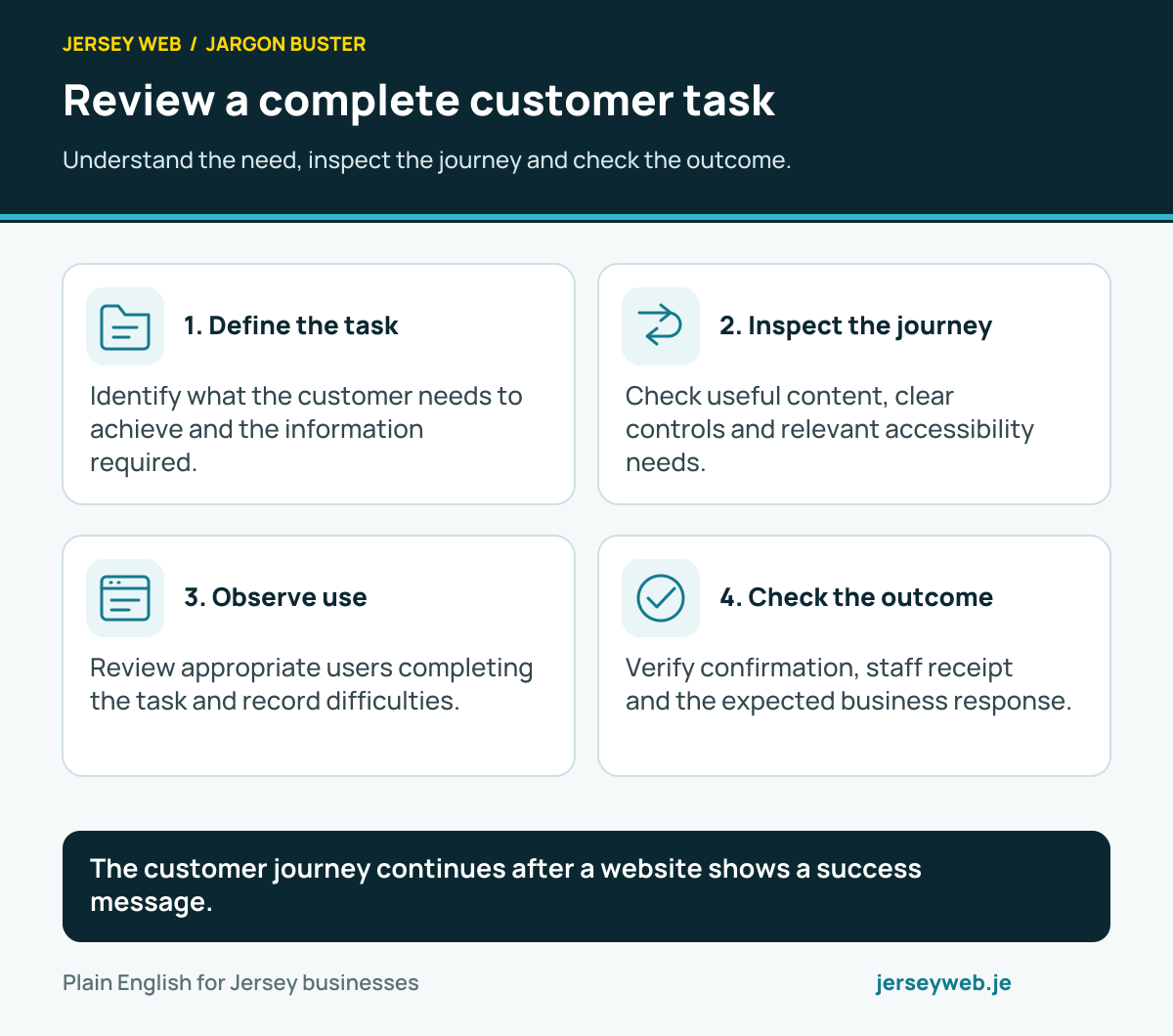
The customer journey continues after a website shows a success message.
Read the diagram in text
- Define the task. Identify what the customer needs to achieve and the information required.
- Inspect the journey. Check useful content, clear controls and relevant accessibility needs.
- Observe use. Review appropriate users completing the task and record difficulties.
- Check the outcome. Verify confirmation, staff receipt and the expected business response.
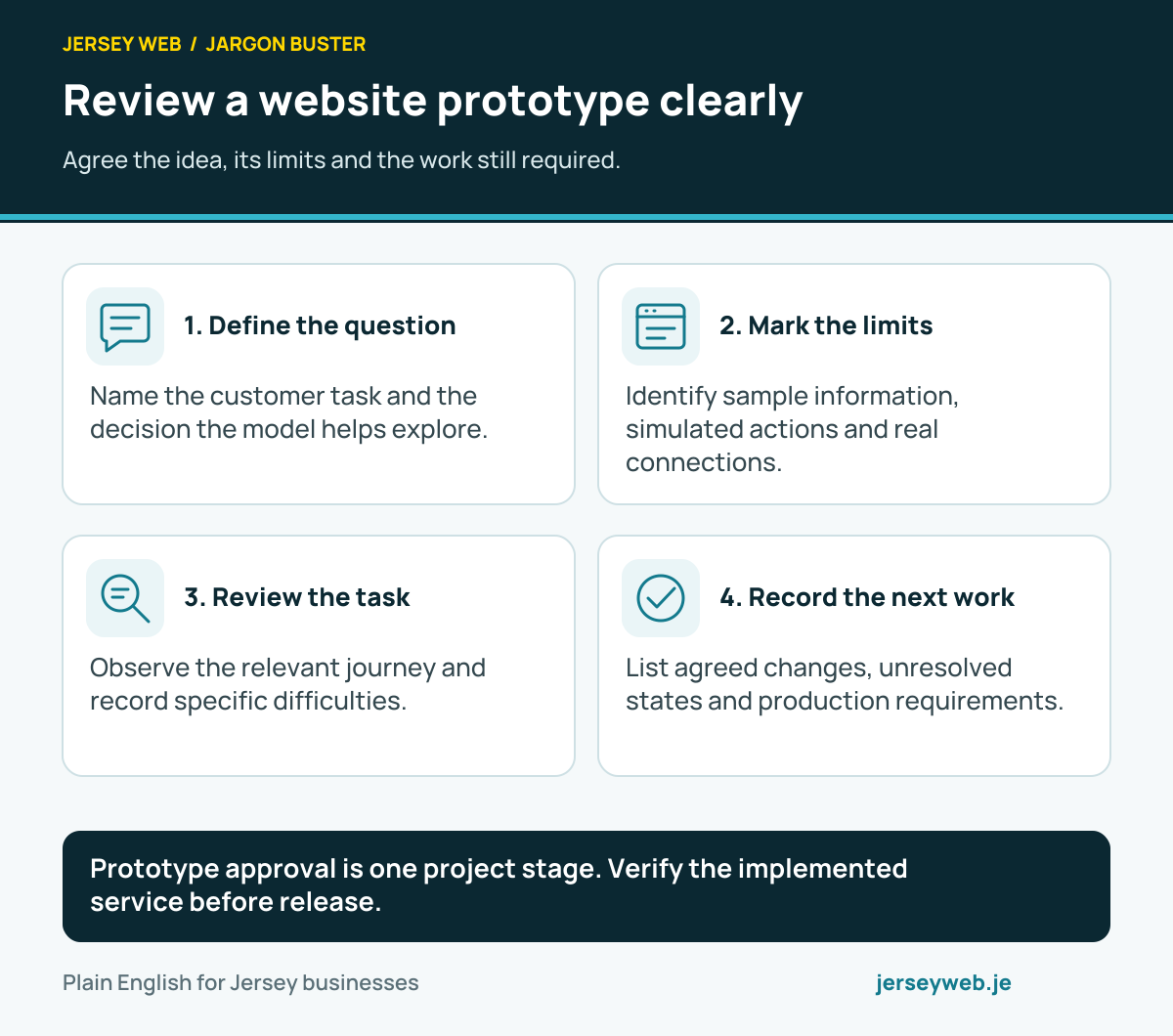
Prototype approval is one project stage. Verify the implemented service before release.
Read the diagram in text
- Define the question. Name the customer task and the decision the model helps explore.
- Mark the limits. Identify sample information, simulated actions and real connections.
- Review the task. Observe the relevant journey and record specific difficulties.
- Record the next work. List agreed changes, unresolved states and production requirements.
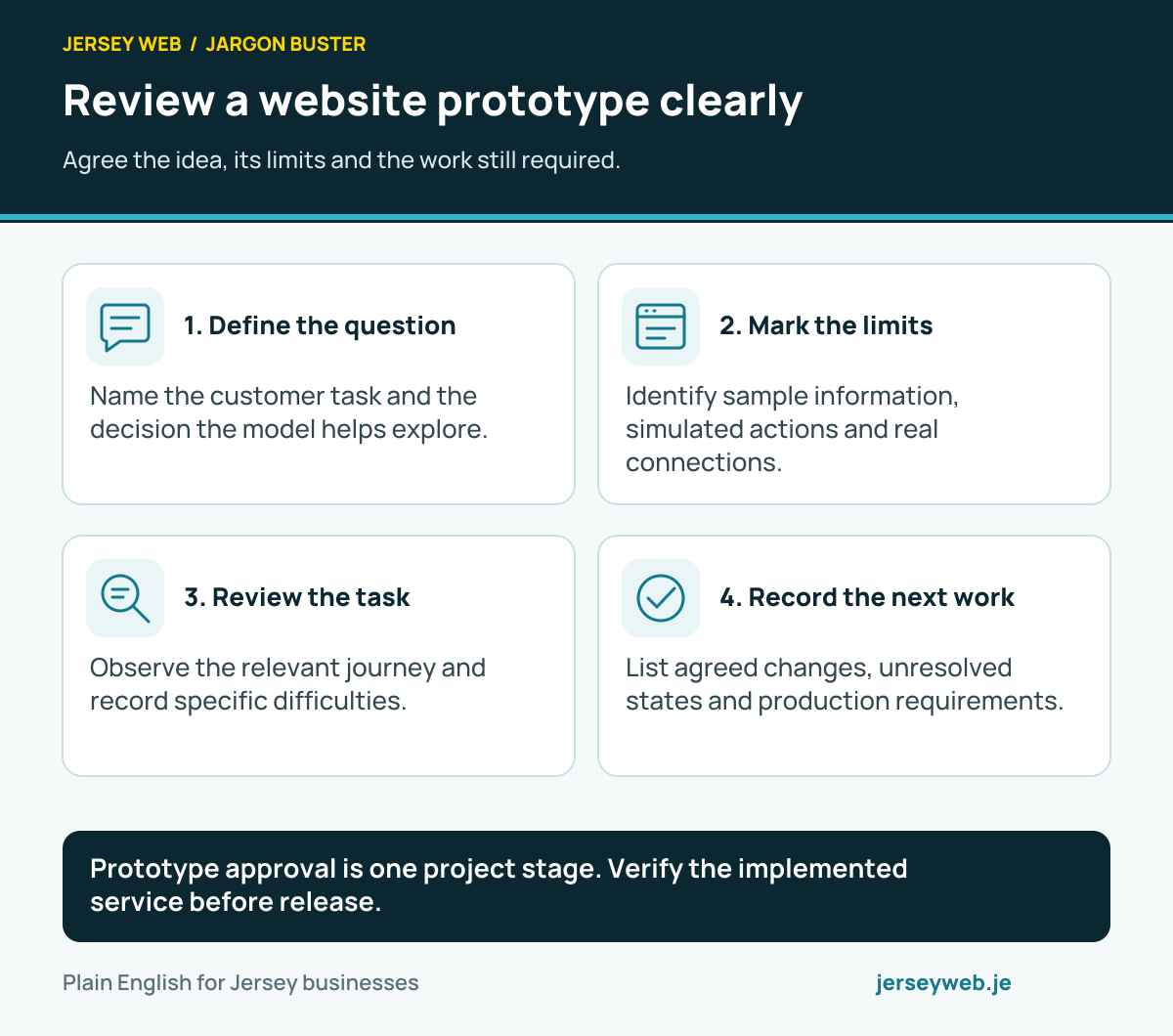
Diagram sources
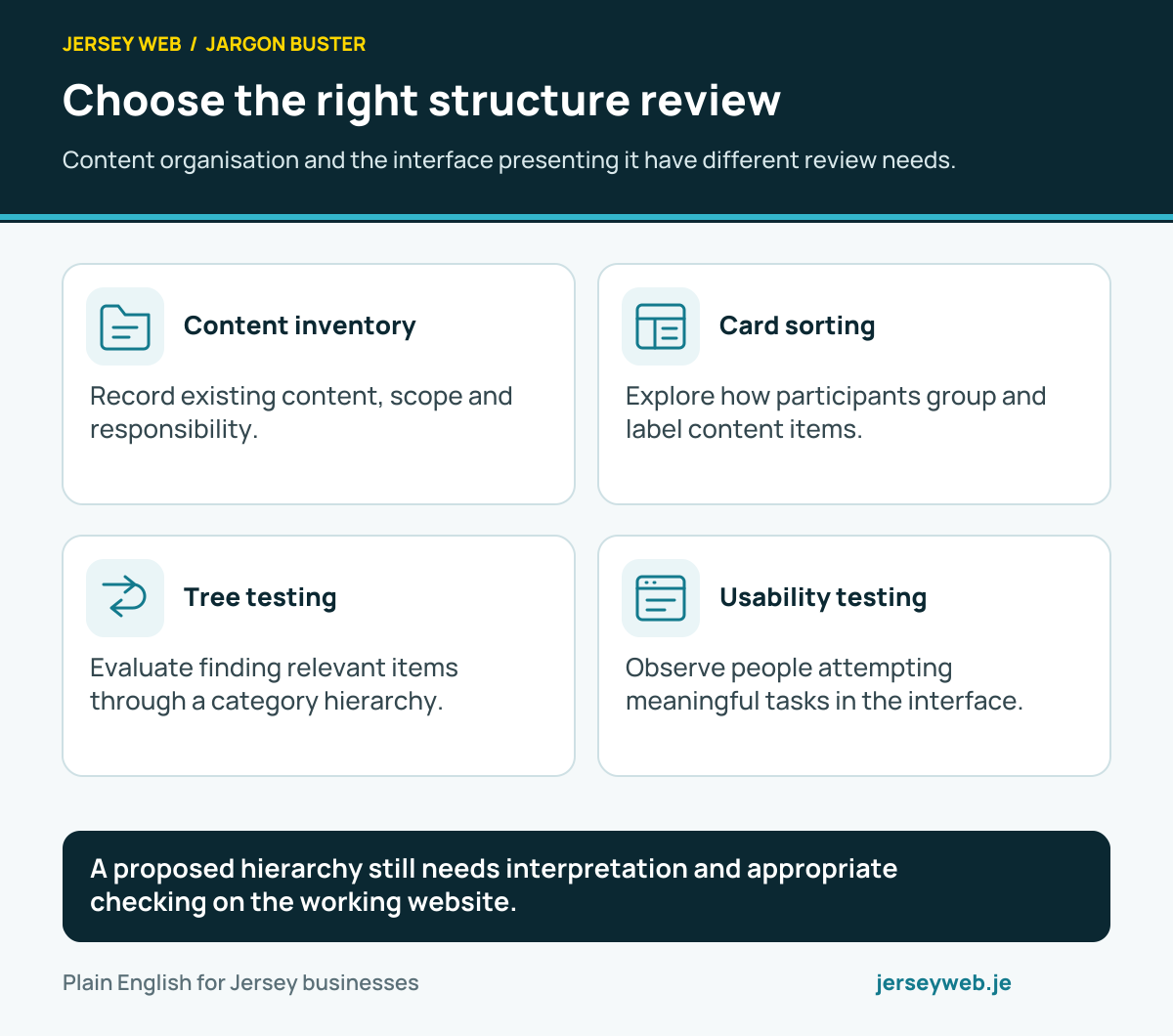
A proposed hierarchy still needs interpretation and appropriate checking on the working website.
Read the diagram in text
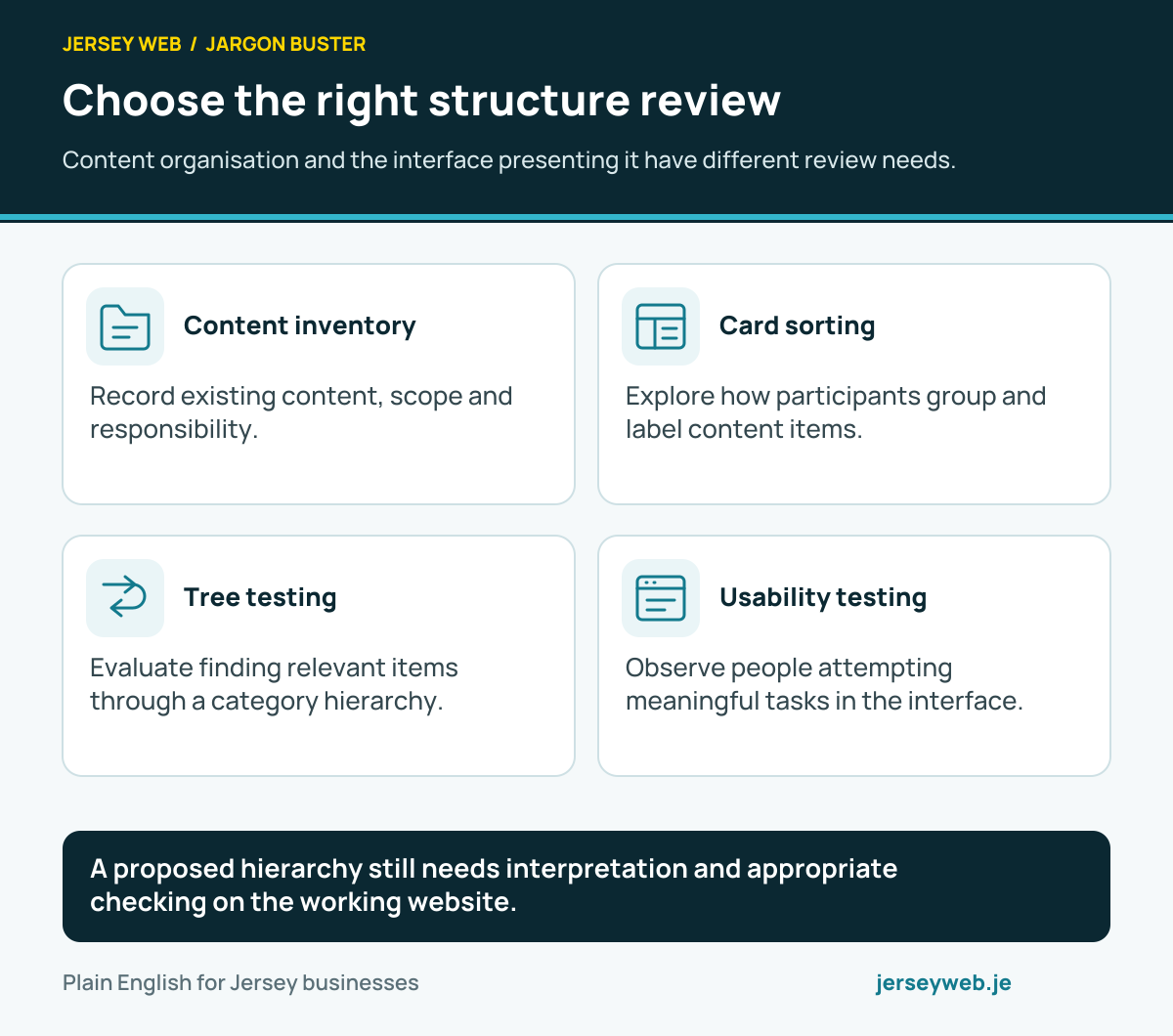
- Content inventory. Record existing content, scope and responsibility.
- Card sorting. Explore how participants group and label content items.
- Tree testing. Evaluate finding relevant items through a category hierarchy.
- Usability testing. Observe people attempting meaningful tasks in the interface.
Related terms
Learn more
Common questions
- Is asking people whether they like a page usability testing?
- A preference question can gather an opinion, but it does not show whether someone can complete a task. Observe the relevant action and use follow-up questions to understand what happened.
- Can a prototype be tested?
- Yes. A prototype can explore a task before production development. Record simulated features and limitations so observations are interpreted against what the prototype actually supports.
- Does a small study prove the website works for everyone?
- No. Findings depend on the participants, tasks and circumstances. Use observations to identify specific issues and recognise the needs or conditions that the study did not cover.
- Should accessibility be included?
- Yes. Include relevant access needs and appropriate participants. Usability testing contributes evidence, while a broader accessibility review also checks technical and content barriers.
Written by Jersey Web. Last reviewed 3 October 2026. Back to the Jargon Buster.