Watch a related explainer

In plain English
An A record associates a name in DNS with an IPv4 address. Cloudflare’s introduction explains this address lookup role. The record does not hold page text, images or a website design. It helps a client find the relevant address, after which the service at that destination still needs to work.
RFC 1035 defines the A record in the DNS specification. Other record types carry different information. An AAAA record is used for IPv6 addresses, while a CNAME identifies an alias target. An HTTP redirect belongs to the web response rather than to an A record.
For a business owner, the practical question is which name is being changed and why. The main domain and a named subdomain can have different arrangements. Ask the provider for instructions tied to the actual hostname instead of copying a value from a previous project.
Why it matters for a Jersey business
A hosting move often includes changes to records used by the website. The business should know who owns the live DNS account and who is responsible for the destination service. A record edit and a complete working website are different parts of the change, so include both in the planned checks.
The distinction matters when investigating a failure. If the domain resolves to the intended address, the team still needs to consider the service and the expected customer journey. If it resolves differently, record the actual name and result before making another change. Keep the observations understandable for both the business and the provider.
A realistic Jersey example
Imagine a Jersey restaurant moving its public website to a new hosting arrangement. This is a hypothetical example. The provider supplies instructions for the main domain and its www hostname. The maintainer reviews the current records, records the intended changes and confirms that the destination is ready.
After the change, the team checks name resolution and then opens the public information and booking journey under the agreed review process. It also checks the existing email service where the change scope requires it. It does not delete unrelated DNS records simply to make the list shorter, or treat one successful lookup as proof that every customer function works.
Practical checks before changing an A record
Confirm the exact name. Read the provider’s instructions carefully and establish whether the change applies to the main domain, www or another subdomain. Record the existing value and intended replacement. The name shown in a DNS dashboard can depend on how that provider presents the zone.
Confirm the address source. Use the destination provided for the service you are configuring. Do not infer the correct record from the address displayed by an unrelated lookup or from a website using a different hosting arrangement. Ask the responsible provider when the proposed value and live configuration do not match.
Review related record types. Google Cloud’s records overview distinguishes supported DNS records and their purposes. Where an AAAA or alias arrangement is present, ask the maintainer how it fits the plan. Changing one record should be understood in the context of the hostname’s whole configuration.
Record caching expectations. Ask the provider which existing TTL values matter to the transition and how results will be reviewed. Avoid promising an exact universal completion time. Keep the scheduled change time, expected result and support contact together so different observations can be interpreted sensibly.
Check the destination service. Confirm that the hosting arrangement is prepared for the intended name and that its website connection is maintained. Review the pages and functions customers need. A DNS address is useful for reaching a destination, but the business outcome depends on what the destination actually serves.
Keep recovery instructions. Record who can reverse an authorised edit and which previous information is needed. Do not remove the old account or service before the agreed transition checks are complete. The exact retention and recovery plan should come from the actual provider arrangement.
Common myths and mistakes
An A record is not a page redirect and does not transfer website files. It also does not automatically configure email delivery, certificate issuance or staff permissions. Those tasks have their own settings and responsible services.
A further mistake is changing the main domain and assuming every subdomain follows. Review the names listed in the project scope and verify their actual configuration rather than relying on a broad label such as domain update.
Our take
Keep an A record change precise: the exact name, supplied IPv4 destination, reason, owner and verification. Check the website journey after the technical change and retain a useful record for the next maintainer.
See it in a diagram
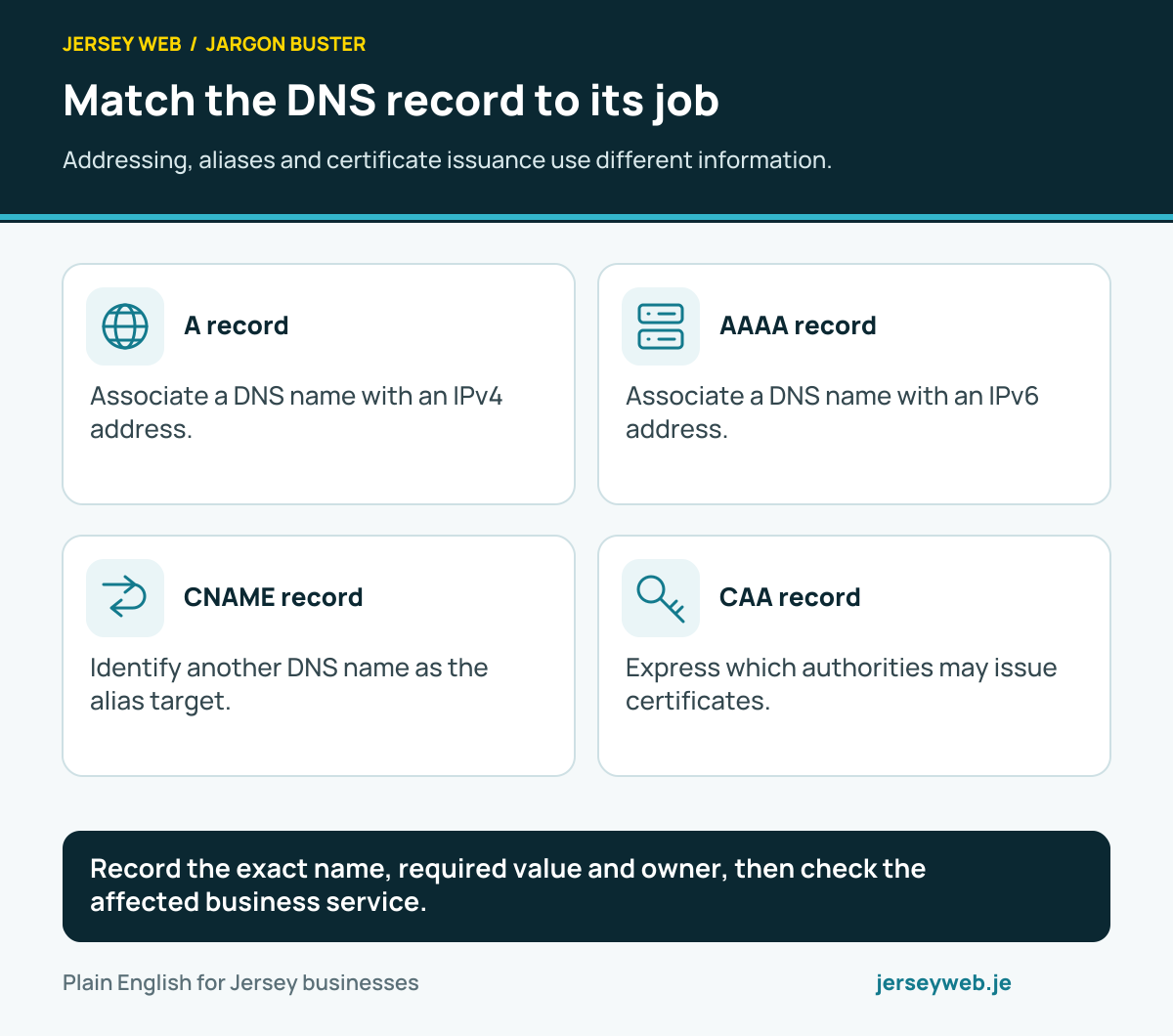
Record the exact name, required value and owner, then check the affected business service.
Read the diagram in text
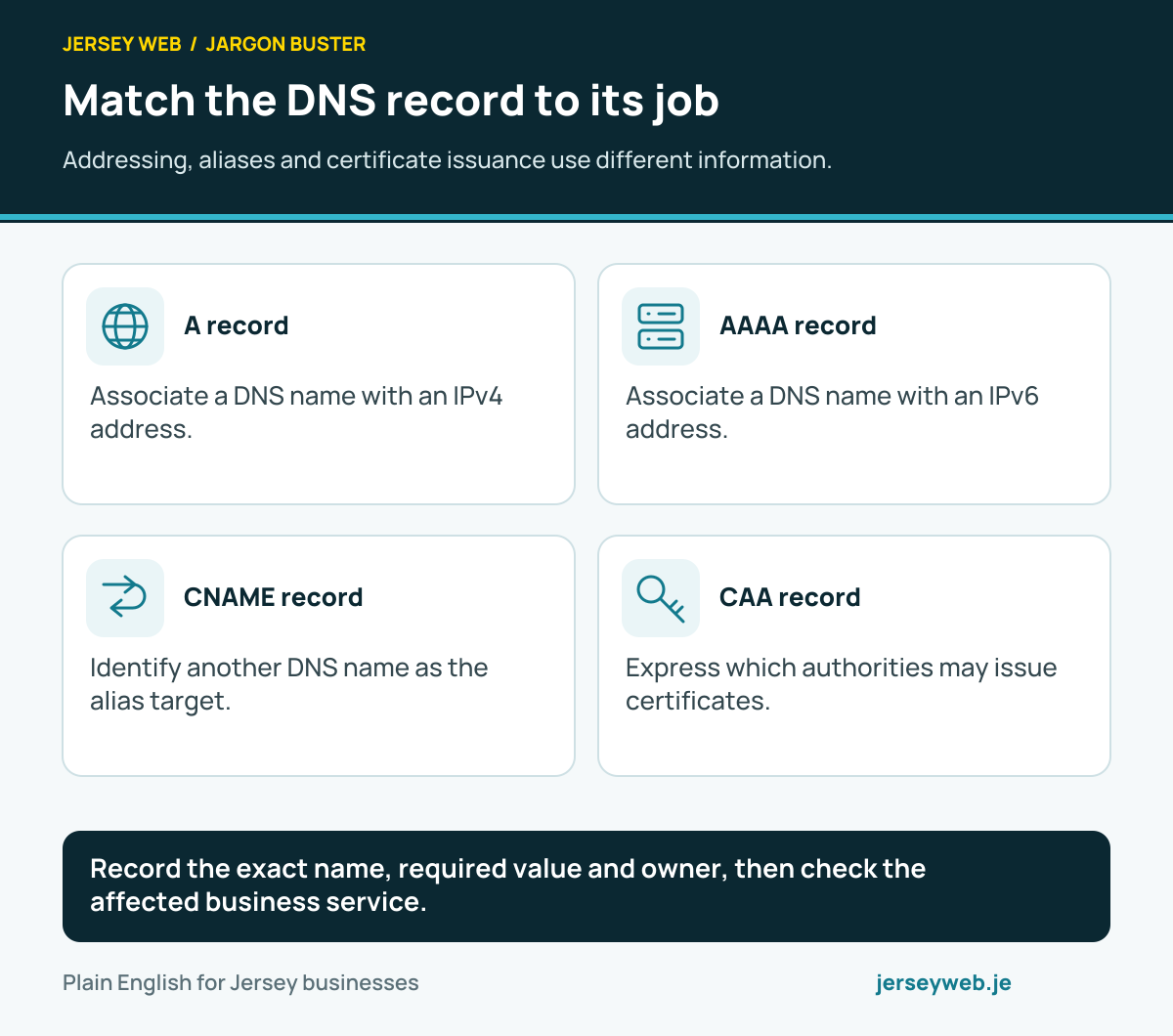
- A record. Associate a DNS name with an IPv4 address.
- AAAA record. Associate a DNS name with an IPv6 address.
- CNAME record. Identify another DNS name as the alias target.
- CAA record. Express which authorities may issue certificates.
Related terms
Learn more
Common questions
- What goes in an A record?
- An A record associates its DNS name with an IPv4 address. Use the destination supplied for the actual service and configuration.
- Is an A record the same as an AAAA record?
- No. A records hold IPv4 addresses. AAAA records hold IPv6 addresses. Review both where they are present in the setup.
- Is an A record a website redirect?
- No. An A record maps a DNS name to an address. A browser redirect is an HTTP response that directs the browser to another URL.
- Can changing an A record fix every email issue?
- No. Email can depend on other DNS records and provider configuration. Review the affected service rather than assume that a website address record covers everything.
Written by Jersey Web. Last reviewed 3 October 2026. Back to the Jargon Buster.