In plain English
Video captions provide text aligned with the video’s audio. W3C WAI’s caption guidance explains that captions convey speech and other sound information needed to understand the content. They help people access the meaning when they cannot hear the soundtrack.
The owner’s task is to approve the caption experience for the finished edit. A file arriving in the asset folder is only one part of that work. The right words must appear with the right video at useful times, and visitors need an understandable way to access them.
Why it matters for a Jersey business
A spoken product explanation can contain the exact detail a customer needs to make sense of a demonstration. Review names, instructions and qualifications carefully. If a sentence says something should not be done, the caption review should make sure that meaning survives rather than treating a roughly similar line as acceptable.
Plan responsibility before filming or commissioning an edit. Identify who will prepare the captions, who knows the business terminology and who will review the website player. The owner can then request a complete deliverable instead of discovering an unassigned caption task just before publication.
A realistic Jersey example
Imagine a Jersey outdoor-equipment shop publishing a tent-assembly demonstration. This is a hypothetical example. The owner supplies the editor with the correct product names and reviews the caption text against the finished soundtrack. Staff flag an incorrectly recognised fastening name and a sentence whose timing makes the instruction difficult to follow.
The maintainer then connects the corrected file to the approved video. A reviewer turns captions on in the intended player and follows the important assembly section. The approval record names both media and caption versions so a later video replacement does not silently reuse an out-of-date companion file.
Practical checks for video captions
Use the final edit as the reference. Match the caption review to the actual recording selected for publication. Confirm the opening, corrections and ending. Keep the version relationship explicit, especially when the editor has shortened a draft after the first caption file was produced.
Check meaning before polishing appearance. Review business names, numbers and instructions with the person who understands the subject. Note the exact line and time of any correction. W3C WAI’s guidance explains why automatic captions need accuracy checks; use automation as preparation for review rather than proof of a completed deliverable.
Include the relevant sound information. Ask the caption editor to identify what a visitor needs to understand beyond the spoken words. Review the business’s particular clip rather than add generic sound labels without a purpose. Keep the explanation tied to the event or speaker that makes the demonstration understandable.
Review timing on playback. Follow a representative section at ordinary viewing pace and after moving to another point in the video. Record lines that appear against the wrong action or are difficult to follow. Ask the editor to correct the actual caption version and repeat the affected check after the update.
Identify the supplied track. MDN’s HTML track reference describes associating timed text with audio or video. Ask the maintainer to verify the selected file and its intended role. A track attached to another draft cannot be assumed to describe the current edit correctly.
Check the player controls. W3C WAI’s player guidance identifies keyboard operation, visible focus and clear control labels among relevant considerations. Review how a visitor selects the captions and returns to playback. Record the actual environments checked instead of making a universal claim from one successful interaction.
Maintain the published pair. Keep the approved video, caption file and review record together in the handover. When the business changes a product or corrects a statement, include captions in the update task. An apparently minor media edit can still leave the old text describing different information.
Common myths and mistakes
An automatic file is not an accuracy certificate. Review the supplied text against the finished content and correct errors before approval. Also avoid assuming that a transcript gives the same timed viewing experience as captions.
A second mistake is checking only that a caption control exists. Use it, follow the important section and check the current file relationship. Technical presence and useful, accurate content need separate observations.
Our take
Commission captions as part of the video, with an owner, review reference and maintenance process. Verify meaning, timing and the actual player experience. That makes future edits manageable and helps visitors receive the intended information without relying on the soundtrack.
See it in a diagram
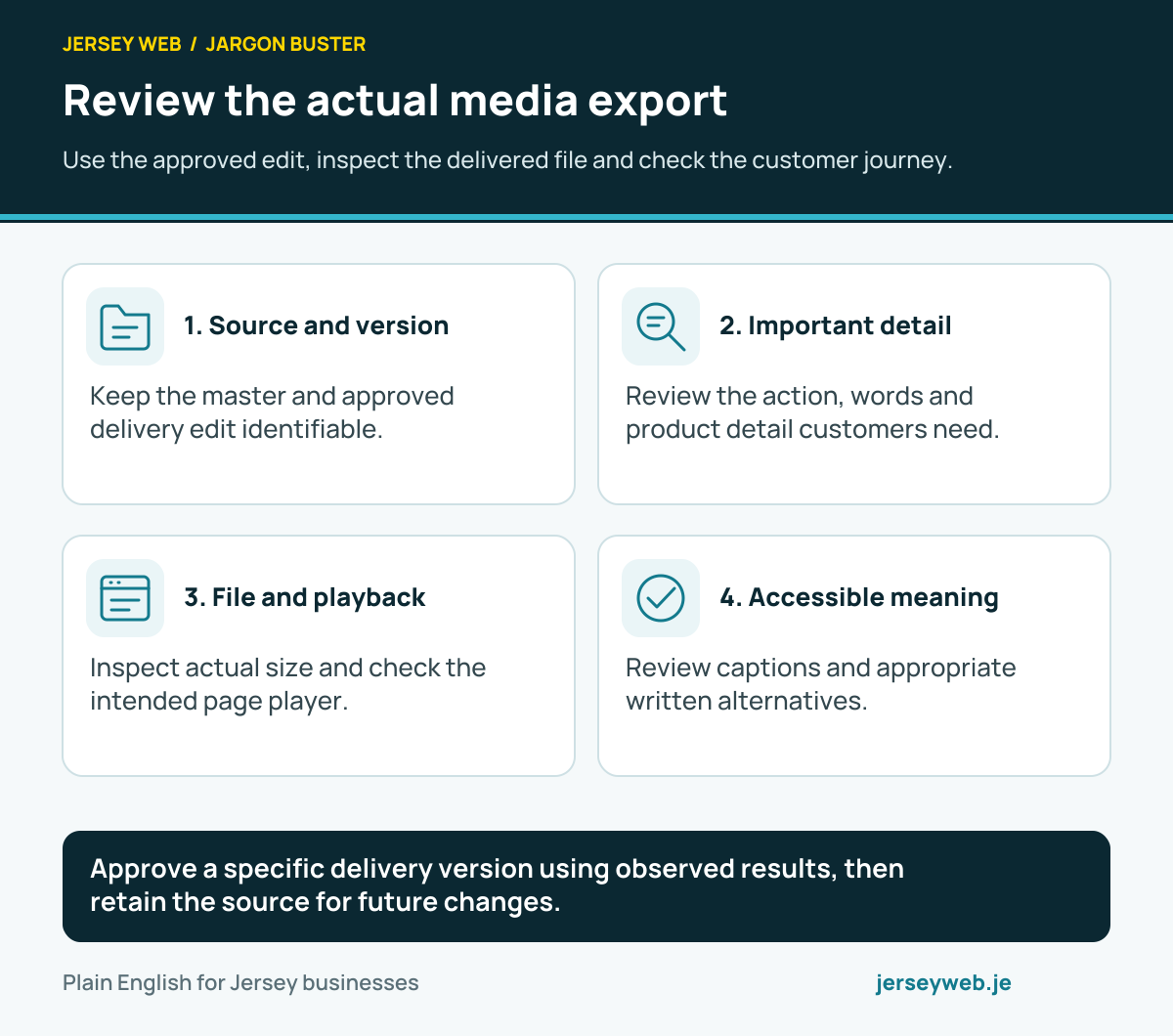
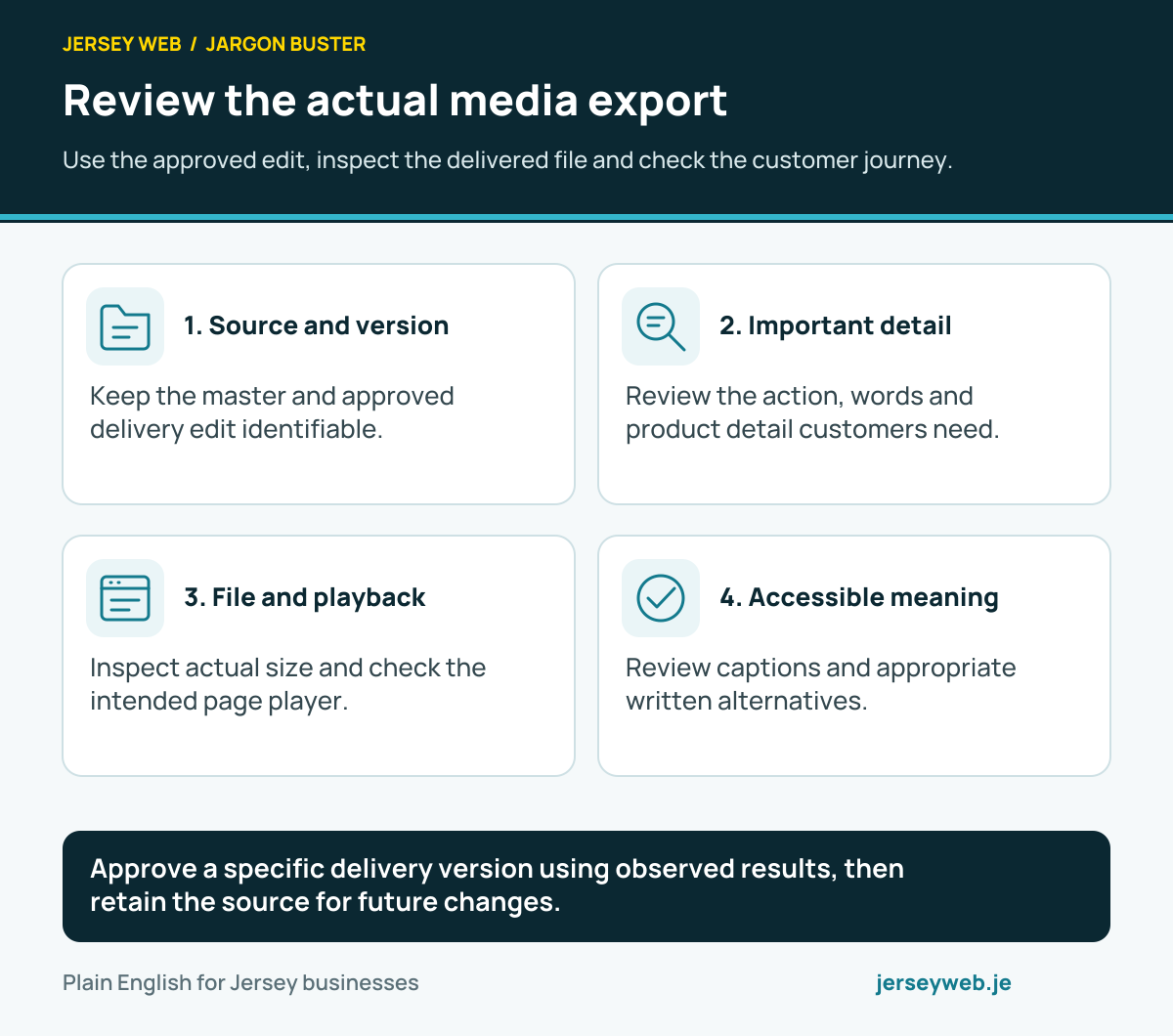
Approve a specific delivery version using observed results, then retain the source for future changes.
Read the diagram in text
- Source and version. Keep the master and approved delivery edit identifiable.
- Important detail. Review the action, words and product detail customers need.
- File and playback. Inspect actual size and check the intended page player.
- Accessible meaning. Review captions and appropriate written alternatives.
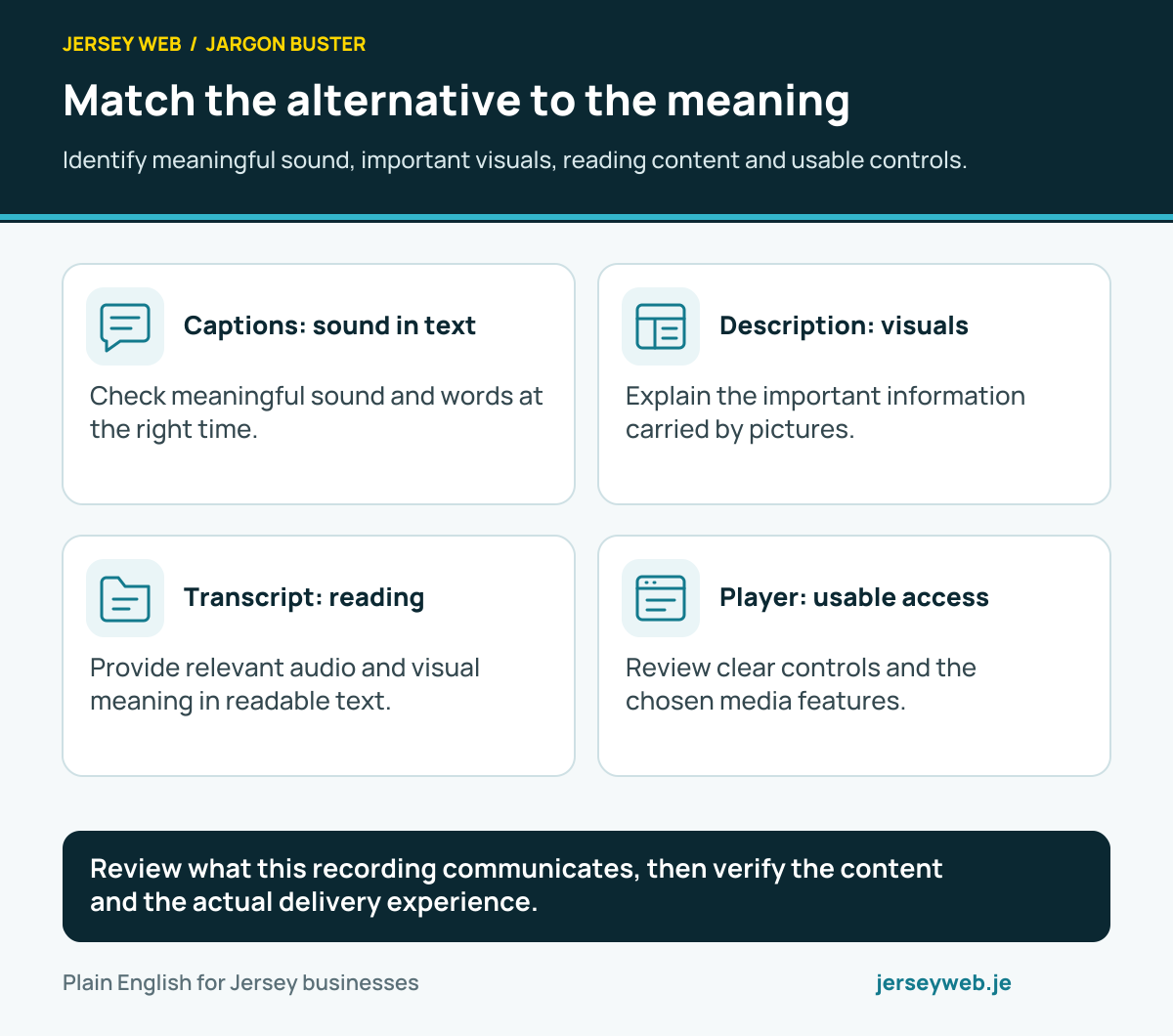
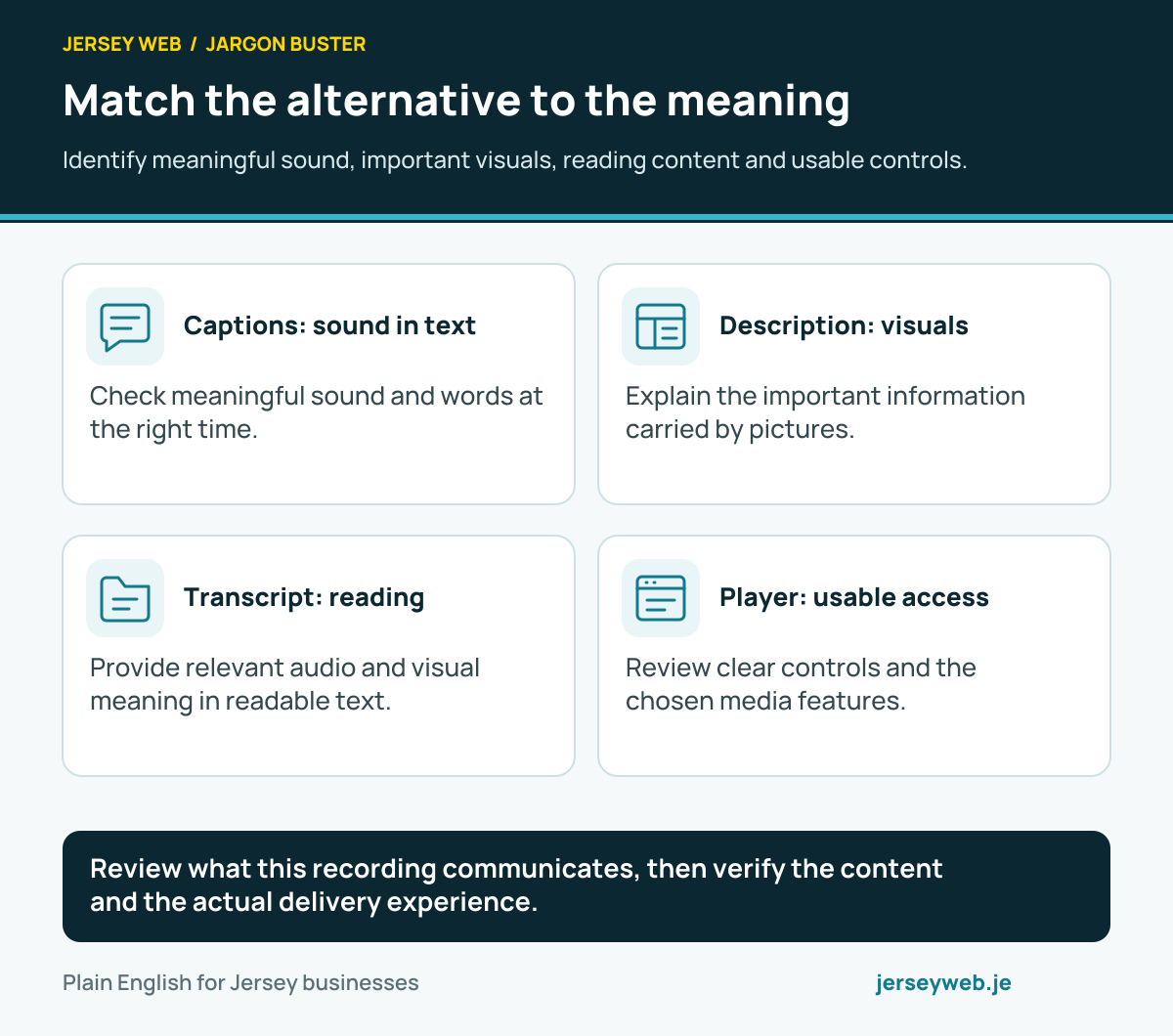
Review what this recording communicates, then verify the content and the actual delivery experience.
Read the diagram in text
- Captions: sound in text. Check meaningful sound and words at the right time.
- Description: visuals. Explain the important information carried by pictures.
- Transcript: reading. Provide relevant audio and visual meaning in readable text.
- Player: usable access. Review clear controls and the chosen media features.
Related terms
Learn more
Common questions
- Are captions just the words people say?
- They should also communicate meaningful audio information needed to understand the content, such as speaker identity or a relevant sound.
- Can automatic captions be published without review?
- Check their accuracy against the finished recording. W3C WAI explains that automatic output generally needs correction and must be confirmed accurate.
- Is a transcript the same as captions?
- No. Captions are synchronised with playback. A transcript gives a separate reading experience and may also describe relevant visuals.
- Does providing a caption file prove that visitors can use it?
- No. Verify the track associated with the approved video and review its actual selection, timing and appearance in the intended player.
Written by Jersey Web. Last reviewed 4 October 2026. Back to the Jargon Buster.