Website Backups: 6 Checks Before You Need a Restore
Could you restore your website? A backup needs a working recovery plan. This short video explains six points, with written steps and practical notes below.
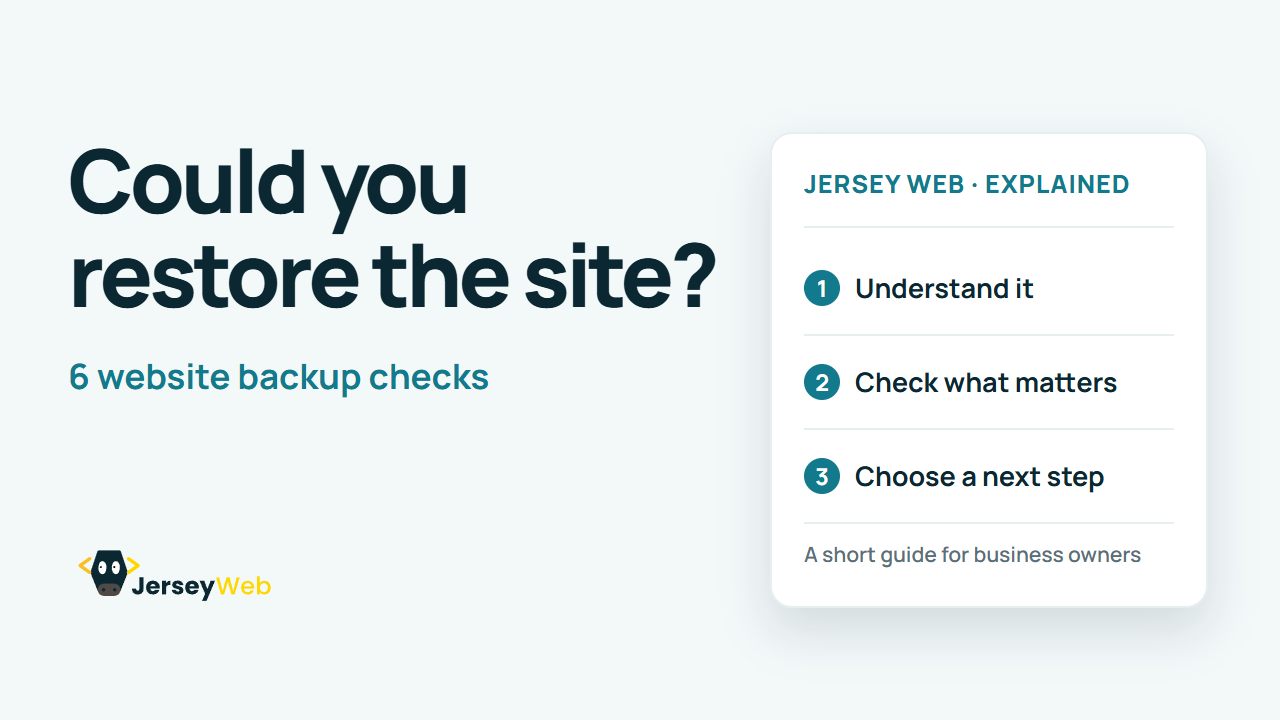
1:47 · No narration: the video shows each step as text on screen, and every step is written out below, with buttons that jump the video to it.
Prefer YouTube? Watch this video on our YouTube channel (opens in a new tab).
The six points in the video
The video is silent. These are its on-screen headings, explanations and labels, followed by supporting notes.
-
Step 1: Know what is included
Identify the files and data needed to recover.
On-screen labels: Website files; Stored content; Essential records.
Check the website files, database or stored content, and any other records needed for recovery. An exported page may leave out features or data.
-
Step 2: Agree the backup timing
Choose a schedule that fits how often things change.
On-screen labels: Update frequency; Backup schedule; Acceptable data loss.
Choose backup timing according to how much the site changes and how much recent information the business could afford to lose.
-
Step 3: Keep a separate copy
Avoid relying on one service or one device.
On-screen labels: Independent copy; Safe location; Protected access.
A copy dependent on the same account or device may be affected by the same incident. Agree where a separate copy is kept and how access is protected.
-
Step 4: Know who can restore
Keep the recovery contact and access details available.
On-screen labels: Named contact; Recovery access; Written steps.
Know who can carry out a restore and how to reach them. Recovery should remain possible when the usual administrator is unavailable.
-
Step 5: Test a safe recovery
Check a restore away from the live website.
On-screen labels: Test environment; Recovered content; Working features.
Restore into a safe test location so you can inspect recovered content and features without replacing the live site.
-
Step 6: Record what happened
Keep results and improve the recovery plan.
On-screen labels: Restore date; Problems found; Next review.
Save the test date and findings. Repeat the exercise when important systems or suppliers change, and at an agreed review interval.
A practical check for your business
Ask the supplier to demonstrate a restore in a separate test environment. Record what was recovered, what did not work, how long it took and who is responsible for fixing the gaps. A backup label alone does not demonstrate a working recovery.
Sources and further detail
Common questions
Is a successful backup enough?
A backup needs to be recoverable. Test a restore safely and check that the recovered content and important features work.
Go further
More video tips
All 205 videos →
Two-Factor Authentication: 6 Steps for Business Accounts
Protect your business accounts.
How to Test a Website Contact Form: 6 Practical Checks
Follow the whole enquiry.