404 Errors and Broken Links: 6 Practical Website Checks
What happens when a visitor reaches a missing page? A useful recovery route can stop a dead end.
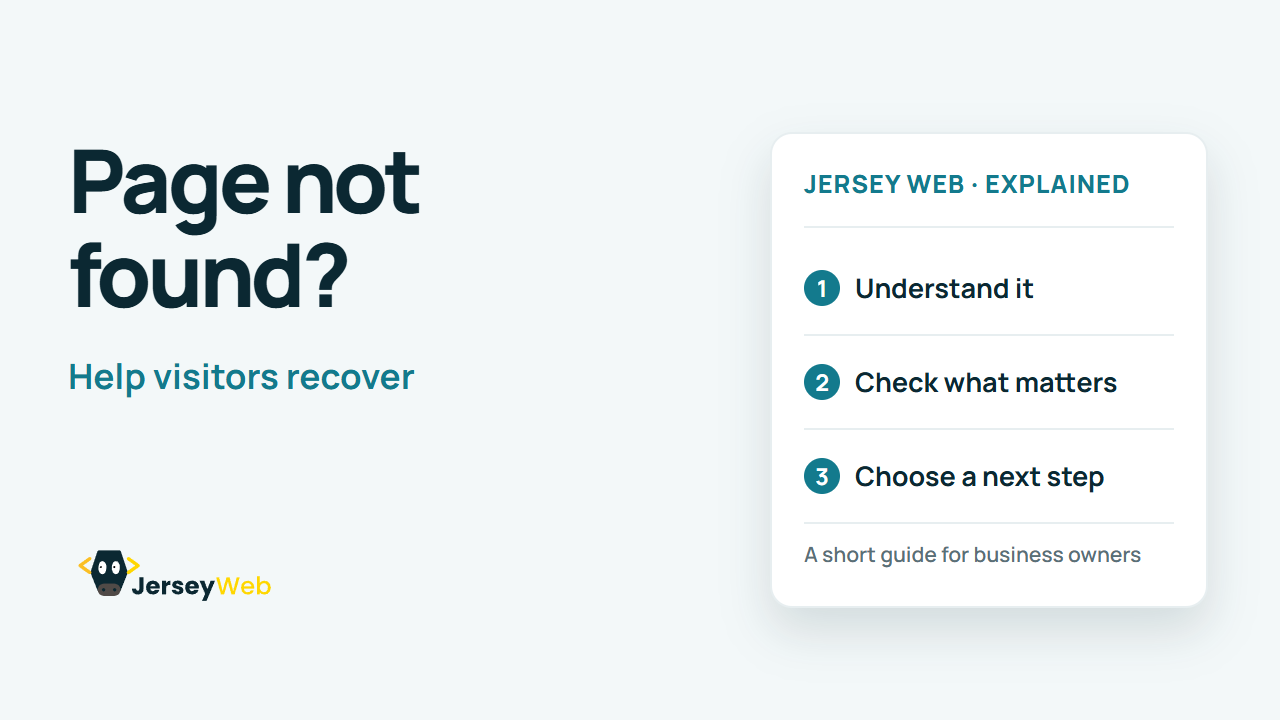
1:47 · No narration: the video shows each step as text on screen, and every step is written out below, with buttons that jump the video to it.
Prefer YouTube? Watch this video on our YouTube channel (opens in a new tab).
The six points in the video
This is a silent video. The headings, explanations and labels below reproduce the information on screen.
-
Step 1: Understand the response
A 404 means the server could not find that resource.
On-screen labels: Requested address; Resource not found; HTTP response.
-
Step 2: Check the link first
A typing mistake or old address may be the cause.
On-screen labels: Spelling; Old bookmarks; Changed page address.
-
Step 3: Fix links you control
Update menus and page links to the correct destination.
On-screen labels: Navigation menu; Page content; Correct URL.
-
Step 4: Redirect relevant replacements
A moved page may need a redirect to its proper successor.
On-screen labels: Old useful address; Matching replacement; Relevant redirect.
-
Step 5: Keep the missing-page screen useful
Explain the problem and offer a few clear routes.
On-screen labels: Plain explanation; Main navigation; Helpful contact option.
-
Step 6: Return the right status
A page saying missing should not pretend everything is OK.
On-screen labels: Real 404 response; Useful page design; Test the result.
A practical check for your business
Record the broken URL and how the visitor reached it. Fix links you control and choose an appropriate destination where a replacement exists. Keep a helpful missing-page response for addresses that no longer have a suitable page.
Sources and further detail
Common questions
What happens when a visitor reaches a missing page?
A useful recovery route can stop a dead end. Fix the route and check the destination.
Go further
More video tips
All 205 videos →
What Is a Staging Website? Testing Changes Before Launch
Staging sites, explained.
Website Handover Checklist: Accounts, Access and Maintenance
6 things to collect at handover.