Restaurant Website Checklist: Help Guests Choose, Find and Book You
Can a new guest plan a visit from your restaurant website? Check the information they need before they call, travel or book.
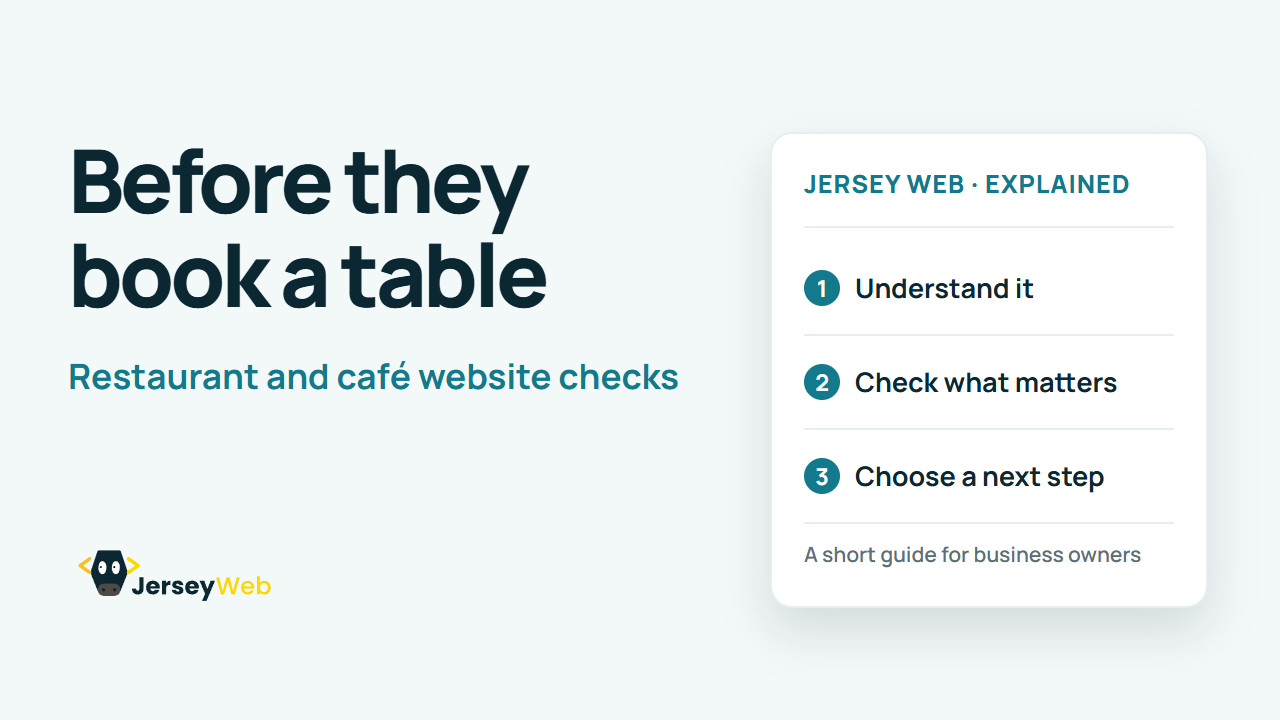
1:47 · No narration: the video shows each step as text on screen, and every step is written out below, with buttons that jump the video to it.
Prefer YouTube? Watch this video on our YouTube channel (opens in a new tab).
The six points in the video
This is a silent video. The headings, explanations and labels below reproduce the information on screen.
-
Step 1: Make the menu easy to read
Check that guests can find and read the current menu on a phone.
On-screen labels: Current dishes; Readable prices; Small-screen menu.
-
Step 2: Check the opening times
Show the times relevant to visiting, including any different kitchen hours.
On-screen labels: Opening hours; Kitchen hours; Special-date changes.
-
Step 3: Explain how booking works
Make the booking route and any confirmation step understandable.
On-screen labels: Booking route; Expected confirmation; Useful contact option.
-
Step 4: Help guests find the venue
Check the address, map destination and practical arrival information.
On-screen labels: Correct address; Map destination; Arrival details.
-
Step 5: Give useful visit details
Explain practical details guests commonly ask about before coming.
On-screen labels: Accessibility information; Group enquiries; Relevant visitor questions.
-
Step 6: Test the complete journey
Find the menu, plan a visit and try the intended booking route.
On-screen labels: Phone test; Real opening details; Working next step.
A practical check for your business
Ask someone unfamiliar with the restaurant to find a current menu, choose a visit time and start a booking on their phone. Record any missing information and check the final confirmation as well as the first click.
Sources and further detail
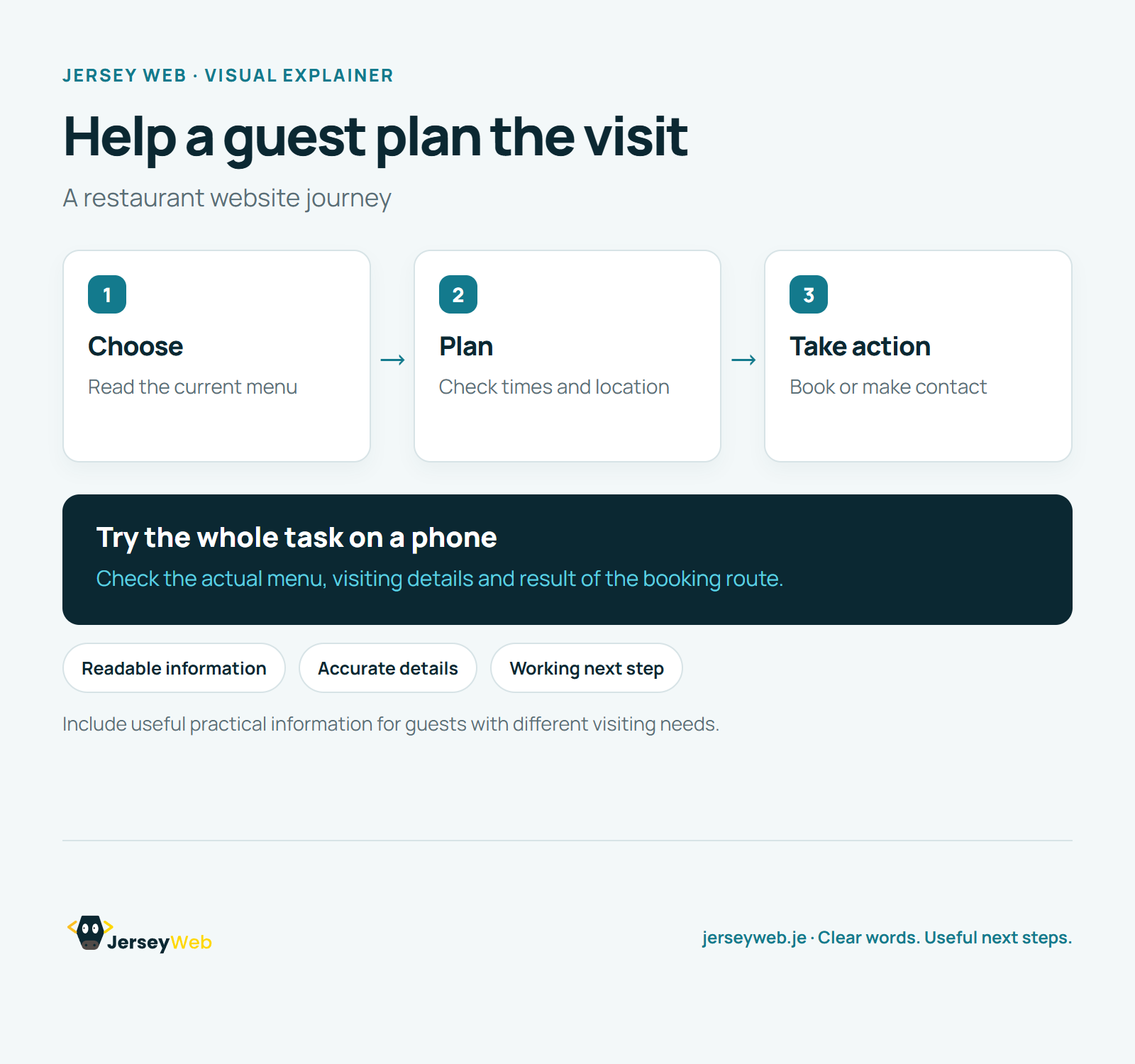
See it in a diagram
Read the diagram as text
- Choose: Read the current menu
- Plan: Check times and location
- Take action: Book or make contact
Try the whole task on a phone. Check the actual menu, visiting details and result of the booking route.
Include useful practical information for guests with different visiting needs.
Diagram by Jersey Web. Open full size · Source and further detail (opens in a new tab)
Common questions
Can a new guest plan a visit from your restaurant website?
Check the information they need before they call, travel or book. Try the whole visit-planning task on a phone.
Go further
More video tips
All 205 videos →
Charity and Club Website Checklist: Help People Join In and Find Support
Charity and club website checks.
Landing Pages Explained: Six Checks for a Focused Business Offer
Landing pages, explained.