CORS Explained: Browser Rules for Reading Responses from Another Origin
Why can a browser report a CORS error for an API request? CORS headers help determine whether a page can access a cross-origin response.
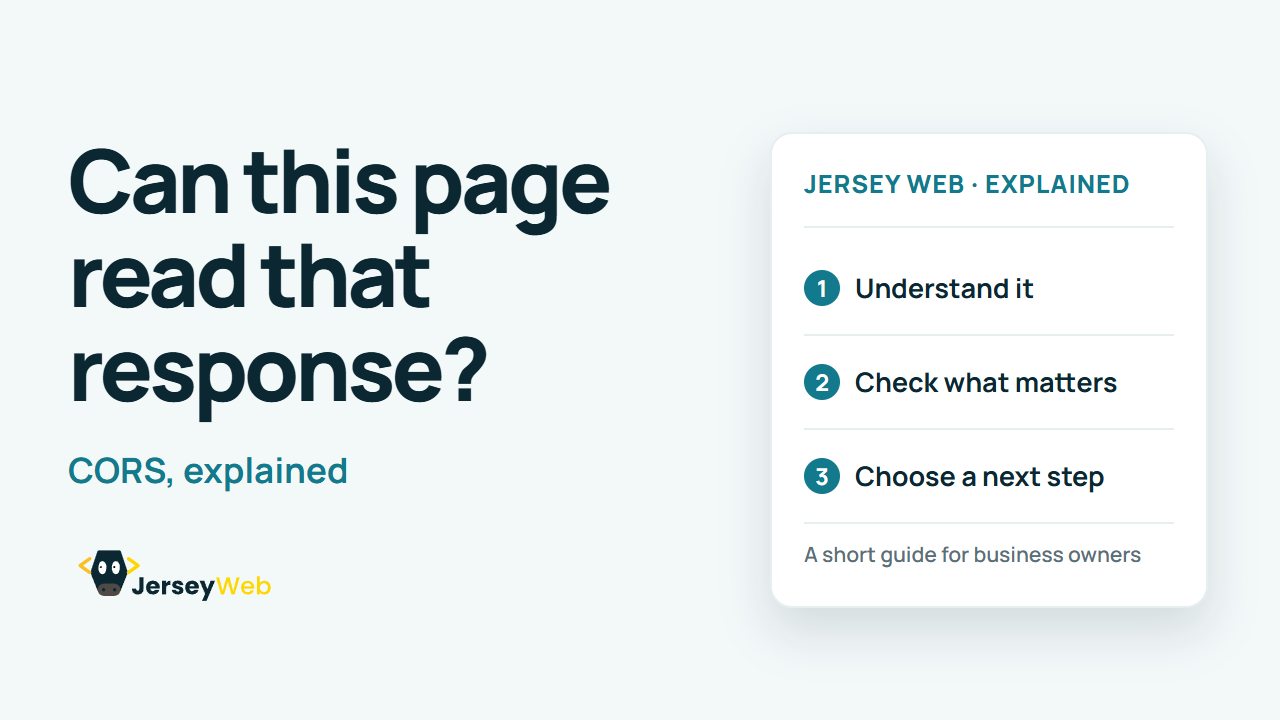
1:47 · No narration: the video shows each step as text on screen, and every step is written out below, with buttons that jump the video to it.
Prefer YouTube? Watch this video on our YouTube channel (opens in a new tab).
The six points in the video
This is a silent video. The headings, explanations and labels below reproduce the information on screen.
-
Step 1: Identify the page origin
The scheme, host and port determine an origin.
On-screen labels: Scheme; Host; Port.
-
Step 2: Compare the destination
A different origin can require cross-origin access permission.
On-screen labels: Page origin; Resource origin; Cross-origin request.
-
Step 3: The browser checks access
Browser rules restrict scripts reading responses across origins.
On-screen labels: Frontend script; Browser enforcement; Response access.
-
Step 4: The server supplies headers
The resource server indicates which origins may access its response.
On-screen labels: Response headers; Allowed origin; Relevant resource.
-
Step 5: Some requests are preflighted
The browser may first ask whether the intended method and headers are allowed.
On-screen labels: Preflight request; Intended method; Intended headers.
-
Step 6: Diagnose the exact exchange
Review the error, origin and server configuration with the developer.
On-screen labels: Browser error; Actual response; Intended access policy.
A practical check for your business
Check the actual browser origin and the API provider's permitted access configuration. CORS controls browser access to responses; it should not replace the server's authentication and permission checks.
Sources and further detail
Common questions
Why can a browser report a CORS error for an API request?
CORS headers help determine whether a page can access a cross-origin response. Investigate the actual origin and response rather than disabling browser protections.
Go further
More video tips
All 205 videos →
URL Percent Encoding Explained: Why Website Addresses Can Contain %20
URL encoding, explained.
Restaurant Website Checklist: Help Guests Choose, Find and Book You
Restaurant and café website checks.