File Archives Explained: Packaging, Compression and the Files Inside
What does an archive contain? An archive groups files into a package; compression and encryption depend on its format and settings.
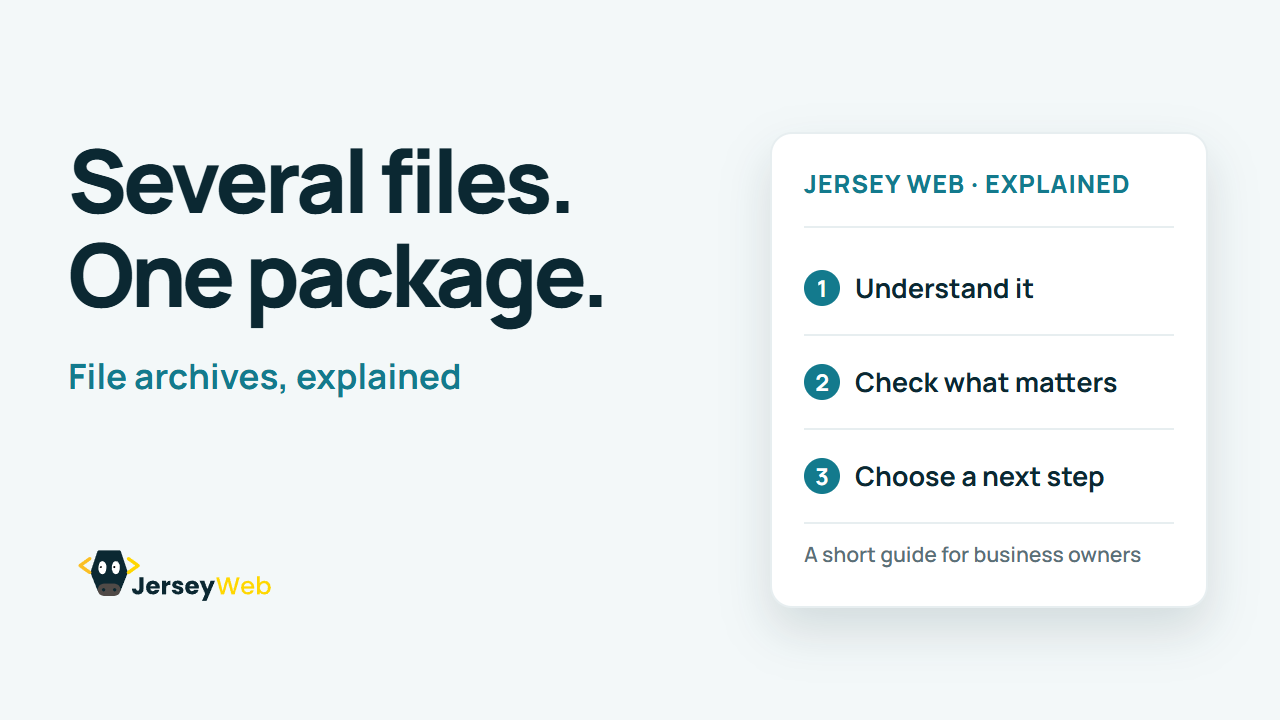
1:47 · No narration: the video shows each step as text on screen, and every step is written out below, with buttons that jump the video to it.
Prefer YouTube? Watch this video on our YouTube channel (opens in a new tab).
The six points in the video
This is a silent video. The headings, explanations and labels below reproduce the information on screen.
-
Step 1: Identify the intended files
Decide which documents and folders belong in the package.
On-screen labels: Required files; Useful folders; Clear scope.
-
Step 2: Choose a supported format
The recipient needs software that can read the archive format.
On-screen labels: Archive format; Recipient software; Working extraction.
-
Step 3: Check compression settings
A compressed archive can reduce size, depending on the content and method.
On-screen labels: Selected method; Original size; Resulting size.
-
Step 4: Review protection separately
Encryption is a specific setting or feature that needs checking.
On-screen labels: Protection setting; Access method; Recipient instructions.
-
Step 5: Inspect the packaged contents
Open the archive and review the names and folder structure.
On-screen labels: Correct files; Expected folders; Readable names.
-
Step 6: Test the extracted result
Try the files after extraction in a suitable location.
On-screen labels: Successful extraction; Files open; Complete package.
A practical check for your business
Review the extracted files as well as the archive itself. Confirm the recipient can use the format and keep encryption decisions and access instructions explicit.
Sources and further detail
Common questions
What does an archive contain?
An archive groups files into a package; compression and encryption depend on its format and settings. Open the archive and check the files the recipient actually receives.
Go further
More video tips
All 205 videos →
Character Encoding Explained: Why Text Can Display Incorrectly
Character encoding, explained.
Unicode Explained: A Shared Character Set for Names, Languages and Symbols
Unicode, explained.