What Is a Package Manager? Installing and Tracking Website Dependencies
What does a developer use to install a project dependency? A package manager helps retrieve and manage the required software packages.
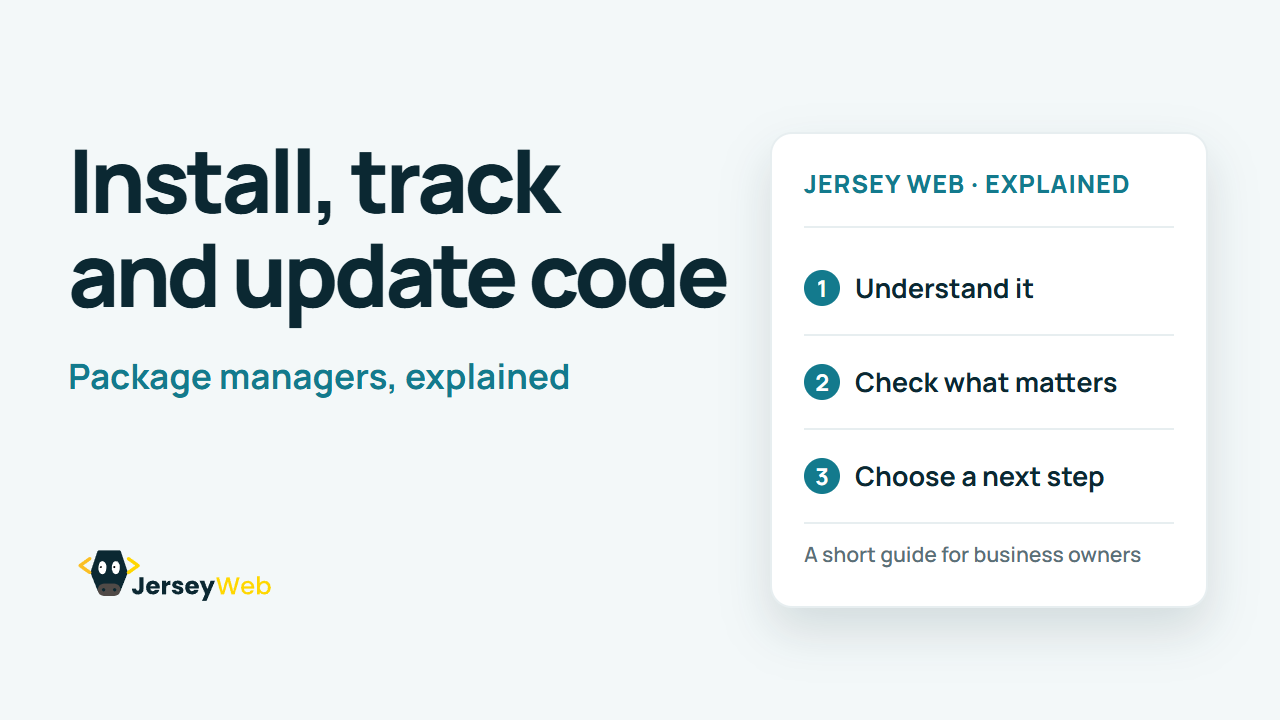
1:47 · No narration: the video shows each step as text on screen, and every step is written out below, with buttons that jump the video to it.
Prefer YouTube? Watch this video on our YouTube channel (opens in a new tab).
The six points in the video
This is a silent video. The headings, explanations and labels below reproduce the information on screen.
-
Step 1: Start with the package list
The project declares the packages it needs.
On-screen labels: Required packages; Project declaration; Version requirements.
-
Step 2: A manager installs the packages
It retrieves suitable package versions for the project.
On-screen labels: Package source; Installed files; Resolved versions.
-
Step 3: A registry stores packages
The manager can retrieve packages from a configured registry.
On-screen labels: Package registry; Package metadata; Configured source.
-
Step 4: A lockfile records the resolution
Where used, it records the dependency tree for repeatable installs.
On-screen labels: Resolved versions; Dependency tree; Repeatable installation.
-
Step 5: Updates can change behaviour
Review the proposed update and test the resulting project.
On-screen labels: Release notes; Compatibility; Working build.
-
Step 6: Document the expected tool
Include the package manager and setup steps in the handover.
On-screen labels: Expected manager; Setup instructions; Maintainer guidance.
A practical check for your business
Keep the project's installation instructions and lockfile with the maintained sources. Use the intended tooling when restoring the project and verify the resulting build before release.
Sources and further detail
Common questions
What does a developer use to install a project dependency?
A package manager helps retrieve and manage the required software packages. Keep the installation process with the project handover.
Go further
More video tips
All 205 videos →
Semantic Versioning Explained: Major, Minor and Patch Releases
Read the software version.
Crawling vs Indexing: How a Page Can Reach Google Search Results
The stages of Google Search.