Fitness Website Checklist: Help New Visitors Choose a Class or Trainer
Can someone new work out where to start? A fitness website should explain the options, practical details and booking route.
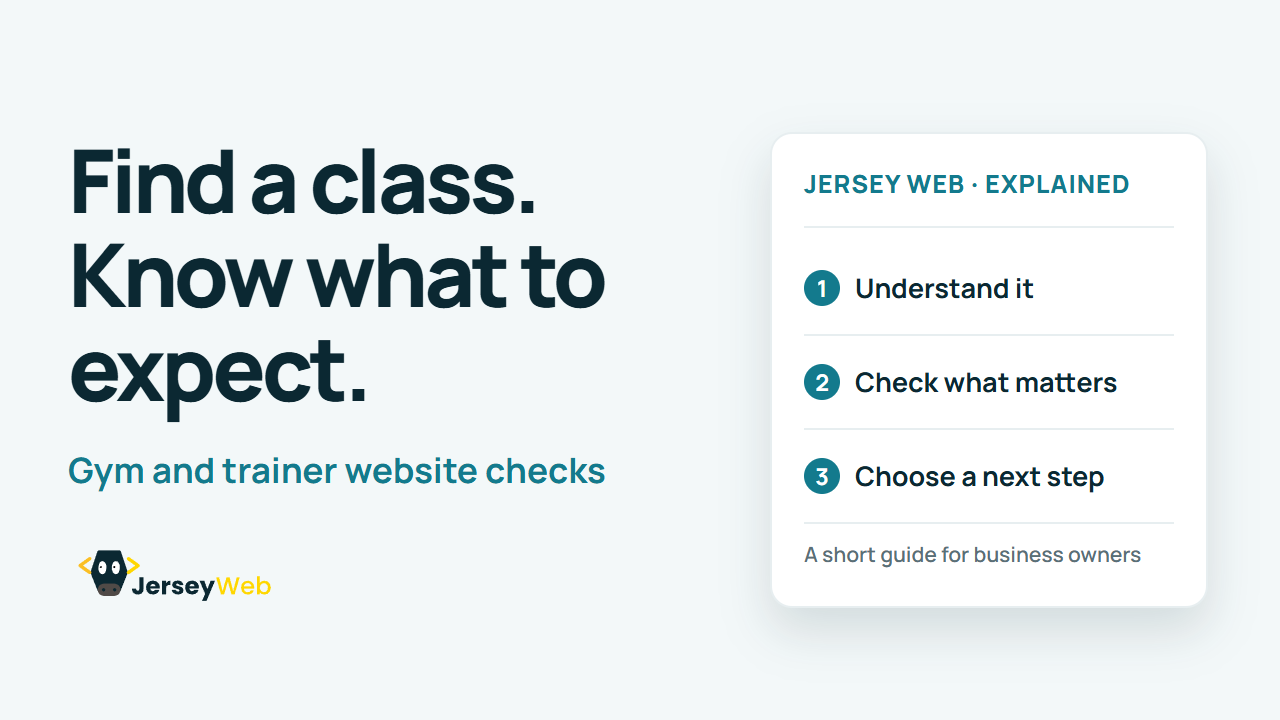
1:47 · No narration: the video shows each step as text on screen, and every step is written out below, with buttons that jump the video to it.
Prefer YouTube? Watch this video on our YouTube channel (opens in a new tab).
The six points in the video
This is a silent video. The headings, explanations and labels below reproduce the information on screen.
-
Step 1: Explain the available options
Help people distinguish classes, memberships and personal training.
On-screen labels: Class options; Membership choices; Training services.
-
Step 2: Make the timetable clear
Show the relevant time, location and booking information together.
On-screen labels: Current timetable; Correct location; Booking route.
-
Step 3: Set useful expectations
Explain what a new visitor should bring and how the first visit works.
On-screen labels: First-visit information; What to bring; Arrival instructions.
-
Step 4: Describe the costs clearly
Check that the price relates to the option and conditions being described.
On-screen labels: Relevant price; What is included; Important conditions.
-
Step 5: Provide a question route
Make it easy to ask about suitability or practical arrangements.
On-screen labels: Contact route; Relevant question; Helpful response.
-
Step 6: Check booking and confirmation
Try the intended action and review the information received afterwards.
On-screen labels: Working booking; Correct class details; Clear next step.
A practical check for your business
Use the site as a first-time visitor choosing a class or trainer. Review the practical questions, booking route and information received after the intended action.
Sources and further detail
Common questions
Can someone new work out where to start?
A fitness website should explain the options, practical details and booking route. Test the journey as someone who has never visited before.
Go further
More video tips
All 205 videos →
Holiday Let Website Checklist: Help Guests Plan and Enquire About a Stay
Holiday let website checks.
Website Brand Refresh Checklist: Keep the Details Consistent After a Redesign
Brand refresh website checks.