Website FAQ Content: 6 Ways to Give Customers Better Answers
Does your FAQ answer real customer questions? Useful answers can remove friction before an enquiry.
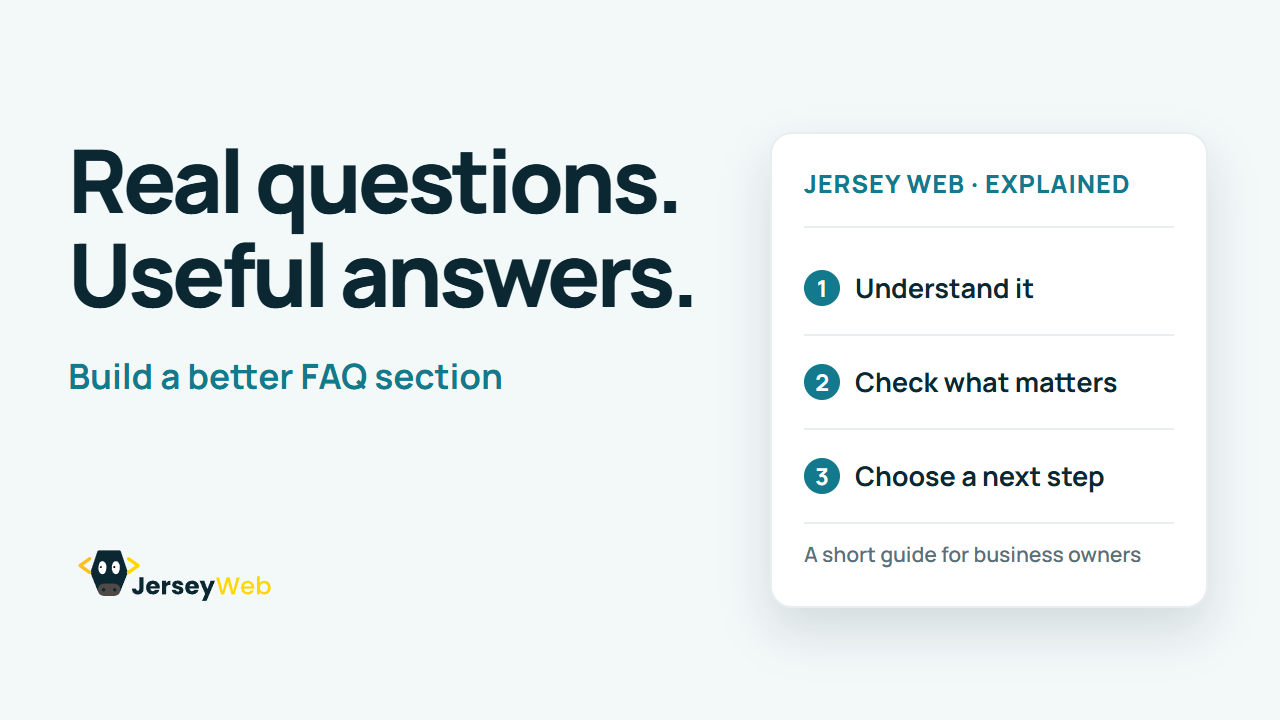
1:47 · No narration: the video shows each step as text on screen, and every step is written out below, with buttons that jump the video to it.
Prefer YouTube? Watch this video on our YouTube channel (opens in a new tab).
The six points in the video
This is a silent video. The headings, explanations and labels below reproduce the information on screen.
-
Step 1: Collect real questions
Start with enquiries your team answers repeatedly.
On-screen labels: Customer emails; Sales conversations; Support questions.
-
Step 2: Answer the question early
Put a clear, direct response before extra explanation.
On-screen labels: Short main answer; Useful detail; Clear next step.
-
Step 3: Use specific information
Explain what applies to your actual service and process.
On-screen labels: What is included; How it works; Relevant limits.
-
Step 4: Make answers easy to scan
Use clear headings and a sensible question order.
On-screen labels: Descriptive headings; Related questions; Readable answers.
-
Step 5: Link to the fuller detail
A helpful answer can point to the right service or guide.
On-screen labels: Relevant destination; Descriptive link; Working next step.
-
Step 6: Review facts and expectations
Useful answers do not guarantee special search displays.
On-screen labels: Current details; Named review owner; No rich-result promise.
A practical check for your business
Collect questions from actual enquiries and place the answers where they help the visitor decide or act. Keep the answers accurate and maintain them when the business changes. An FAQ section is useful content without any promise of a particular search feature.
Sources and further detail
Common questions
Does your FAQ answer real customer questions?
Useful answers can remove friction before an enquiry. Keep the answers specific, honest and current.
Go further
More video tips
All 205 videos →
Domain Renewal Checklist: Keep Your Business Address in Your Control
Protect your business address.
Password Managers Explained: Stronger Passwords for Business Accounts
Give each account its own.