Website Subdomains Explained: Names Such as Shop, Blog and WWW
What does shop mean at the start of a website hostname? It can be a subdomain: a name within a larger domain hierarchy.
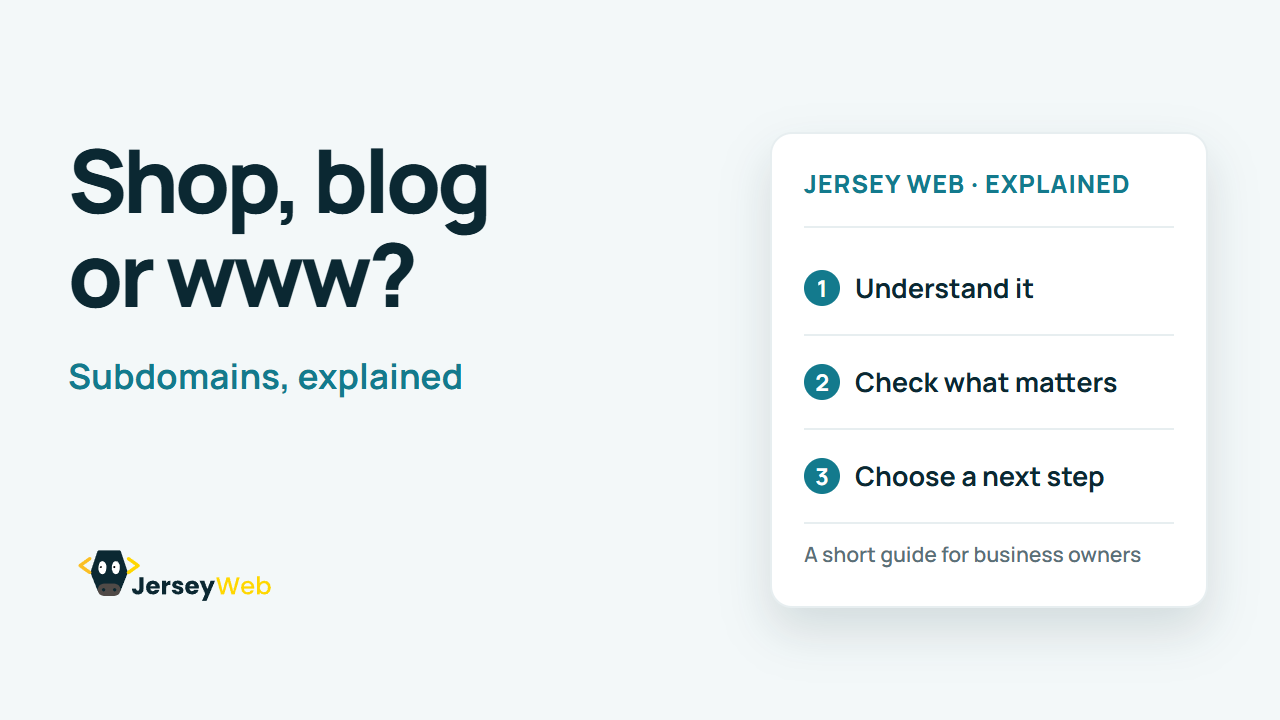
1:47 · No narration: the video shows each step as text on screen, and every step is written out below, with buttons that jump the video to it.
Prefer YouTube? Watch this video on our YouTube channel (opens in a new tab).
The six points in the video
This is a silent video. The headings, explanations and labels below reproduce the information on screen.
-
Step 1: Start with the domain name
A domain name has a hierarchy of parts separated by dots.
On-screen labels: Domain hierarchy; Name components; Dot separators.
-
Step 2: A subdomain adds a name
Shop and blog are common labels used for different services.
On-screen labels: Shop service; Blog service; Other chosen label.
-
Step 3: WWW is a common example
It is often used for a website, but it is not a compulsory label.
On-screen labels: WWW hostname; Chosen website address; Consistent destination.
-
Step 4: DNS connects the destination
The subdomain needs suitable records for the service it uses.
On-screen labels: Hostname; Suitable DNS record; Service destination.
-
Step 5: The service needs setup too
The host must recognise the name and serve the intended content.
On-screen labels: Host configuration; Correct website; HTTPS setup.
-
Step 6: Test the complete address
Check the result and any intended redirects from other versions.
On-screen labels: Working hostname; Expected content; Consistent main address.
A practical check for your business
Record the purpose and responsible host for each subdomain. Check its DNS, security and maintenance arrangements as part of the business's wider website inventory.
Sources and further detail
Common questions
What does shop mean at the start of a website hostname?
It can be a subdomain: a name within a larger domain hierarchy. Check the name, destination and website configuration together.
Go further
More video tips
All 205 videos →
DNS Nameservers Explained: Who Holds the Authoritative Records?
Nameservers, explained.
DNS A and AAAA Records Explained: IPv4 and IPv6 Website Addresses
Connect a name to an IP address.