JPEG, PNG, WebP or AVIF? Choosing Website Image Formats
Which image format should your website use? The right choice depends on the picture.
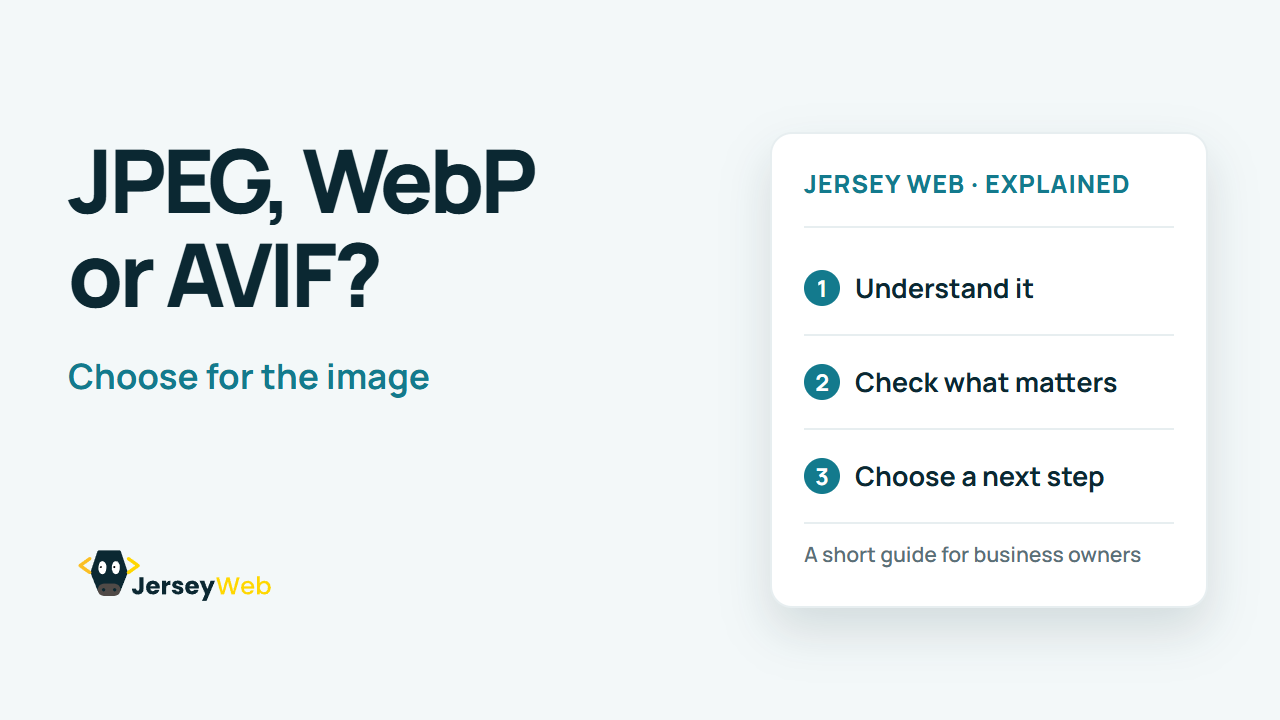
1:47 · No narration: the video shows each step as text on screen, and every step is written out below, with buttons that jump the video to it.
Prefer YouTube? Watch this video on our YouTube channel (opens in a new tab).
The six points in the video
This is a silent video. The headings, explanations and labels below reproduce the information on screen.
-
Step 1: Start with the job
A photo and a simple logo have different needs.
On-screen labels: Photograph; Logo or icon; Screenshot.
-
Step 2: Try modern photo formats
WebP and AVIF can reduce photo download sizes.
On-screen labels: Compare WebP; Compare AVIF; Check the detail.
-
Step 3: Know where PNG helps
Lossless detail and transparency can matter for graphics.
On-screen labels: Sharp edges; Transparent areas; Lossless option.
-
Step 4: Use vectors for simple artwork
SVG can keep logos and icons sharp at different sizes.
On-screen labels: Scalable shapes; Crisp icons; Suitable artwork.
-
Step 5: Compare quality and bytes
Look for blur, damaged text and unnecessary file size.
On-screen labels: Readable detail; Acceptable quality; Smaller download.
-
Step 6: Check real browser delivery
Keep suitable fallbacks where your audience needs them.
On-screen labels: Browser support; Fallback image; Actual page test.
A practical check for your business
Try suitable image formats on a representative photograph and a graphic. Compare the visible result, file size and browser behaviour at the dimensions the page actually needs. Retain an editable original so a later crop or export does not depend on an already compressed copy.
Sources and further detail
Common questions
Which image format should your website use?
The right choice depends on the picture. Compare the result before uploading.
Go further
More video tips
All 205 videos →
Responsive Images Explained: Better Photos on Small Screens
Send a suitable image size.
What Is Lazy Loading? Faster Starts Without Missing Images
Lazy loading, explained.