Website Content Audit: Decide What to Keep, Improve or Remove
Which website pages are still doing a useful job? A content audit helps you evaluate the material you already have.
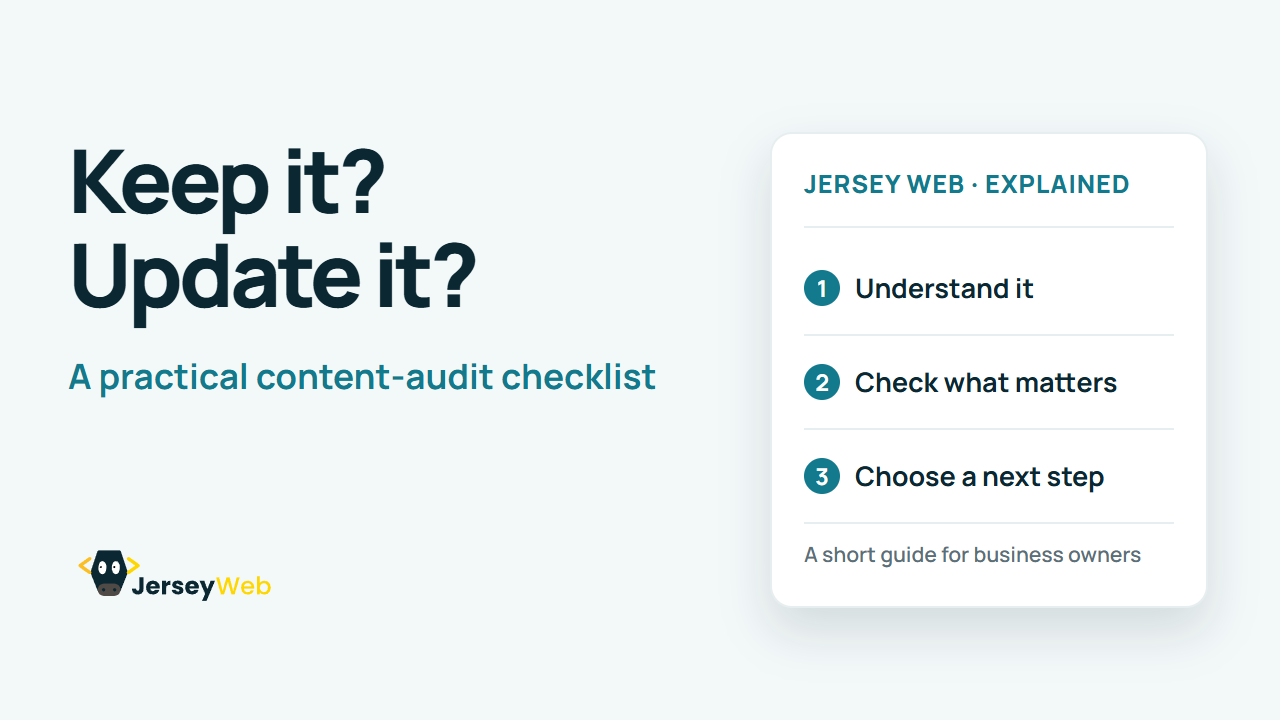
1:47 · No narration: the video shows each step as text on screen, and every step is written out below, with buttons that jump the video to it.
Prefer YouTube? Watch this video on our YouTube channel (opens in a new tab).
The six points in the video
This is a silent video. The headings, explanations and labels below reproduce the information on screen.
-
Step 1: Set the review scope
Choose the website areas and visitor tasks that matter most now.
On-screen labels: Priority section; Important tasks; Manageable scope.
-
Step 2: List the existing material
Record the pages, documents and other content in the chosen scope.
On-screen labels: Page address; Content format; Responsible owner.
-
Step 3: Check usefulness and accuracy
Ask whether each item still answers a real visitor need.
On-screen labels: Relevant purpose; Current information; Clear explanation.
-
Step 4: Look for gaps and overlap
Find missing answers, repeated material and confusing contradictions.
On-screen labels: Missing information; Repeated content; Conflicting advice.
-
Step 5: Record a clear decision
Choose what needs to stay, change, merge or be removed.
On-screen labels: Keep or improve; Merge or remove; Reason for the decision.
-
Step 6: Assign the follow-up work
Give actions an owner and arrange the next review.
On-screen labels: Named owner; Agreed action; Review date.
A practical check for your business
Record what each important page is for, who maintains it and whether its information is current. Review actual usefulness before choosing to keep, improve, combine or retire content.
Sources and further detail
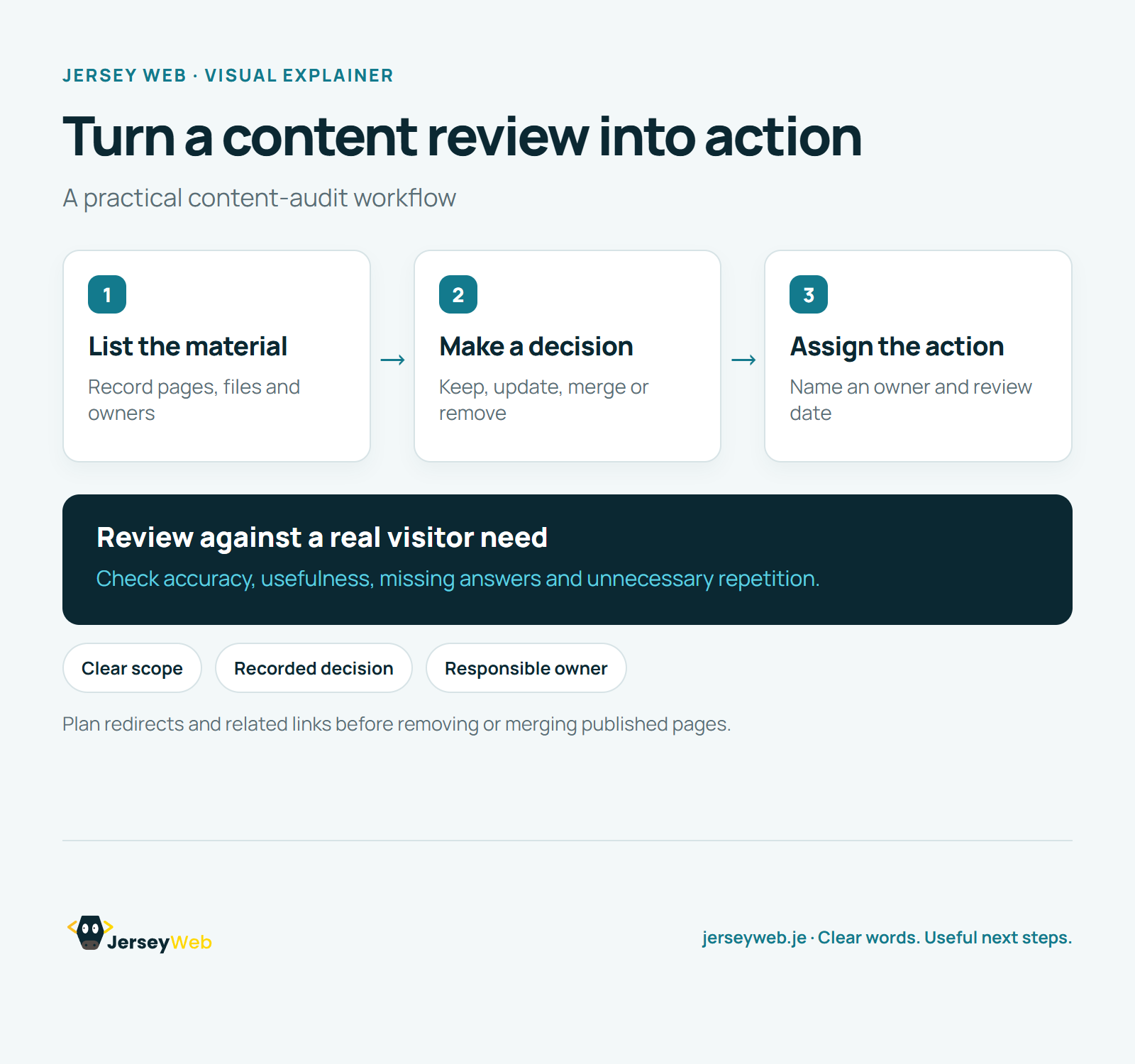
See it in a diagram
Read the diagram as text
- List the material: Record pages, files and owners
- Make a decision: Keep, update, merge or remove
- Assign the action: Name an owner and review date
Review against a real visitor need. Check accuracy, usefulness, missing answers and unnecessary repetition.
Plan redirects and related links before removing or merging published pages.
Diagram by Jersey Web. Open full size · Source and further detail (opens in a new tab)
Common questions
Which website pages are still doing a useful job?
A content audit helps you evaluate the material you already have. Assign the agreed changes and keep the review process going.
Go further
More video tips
All 205 videos →
UI and UX Explained: How the Interface Fits into the Customer Experience
UI and UX, explained.
User Stories Explained: Connect Website Work to a Real User Goal
User stories, explained.