Meta Descriptions Explained: Writing a Useful Search Summary
Who writes the text under a search result? Your meta description can help, but Google chooses the snippet.
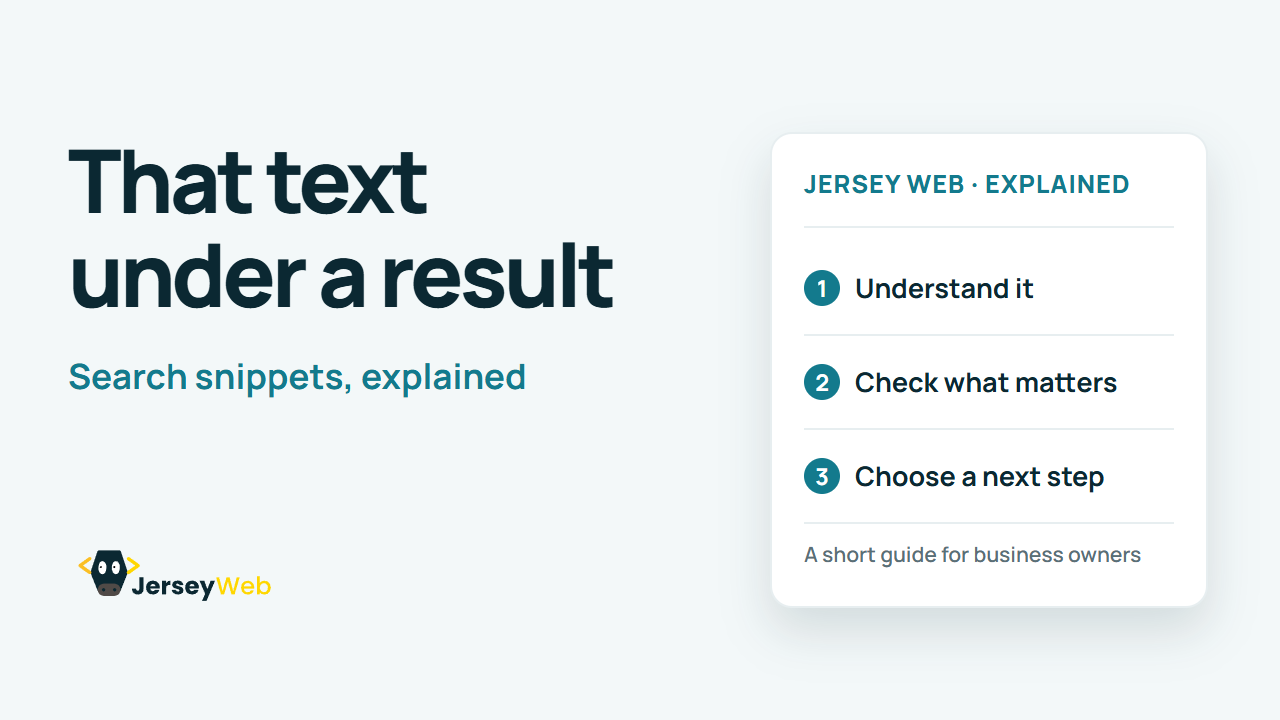
1:47 · No narration: the video shows each step as text on screen, and every step is written out below, with buttons that jump the video to it.
Prefer YouTube? Watch this video on our YouTube channel (opens in a new tab).
The six points in the video
This is a silent video. The headings, explanations and labels below reproduce the information on screen.
-
Step 1: Summarise this page
Explain the specific content a visitor can expect.
On-screen labels: Page topic; Useful detail; Accurate summary.
-
Step 2: Use a different description
Avoid the same generic text on every service page.
On-screen labels: Specific service; Relevant audience; Distinct summary.
-
Step 3: Write for a real reader
Use a useful sentence rather than a list of search terms.
On-screen labels: Natural language; Clear benefit; Relevant information.
-
Step 4: Keep important detail early
Search snippets may be shortened to fit the display.
On-screen labels: Main detail first; Concise wording; Device width varies.
-
Step 5: Expect different snippets
Google may choose page text that better matches a search.
On-screen labels: Search query; Page content; Automatic selection.
-
Step 6: Review when the page changes
Update old offers, services and other misleading details.
On-screen labels: Current service; Accurate details; Matching page content.
A practical check for your business
Describe the actual page and the reason a visitor might choose it. Avoid reusing a generic sales line across unrelated pages. A written meta description is not a guarantee that a search engine will use that text for every search.
Sources and further detail
Common questions
Who writes the text under a search result?
Your meta description can help, but Google chooses the snippet. Make the summary match the destination.
Go further
More video tips
All 205 videos →
Canonical URLs Explained: Choosing the Main Version of a Page
Canonical links, explained.
Robots.txt Explained: Crawling Rules and Common Mistakes
Crawling rules, explained.