Markdown Explained: Headings, Lists and Links in Plain Text
How can plain text become headings and links? Markdown uses readable text notation that a compatible renderer turns into structured content.
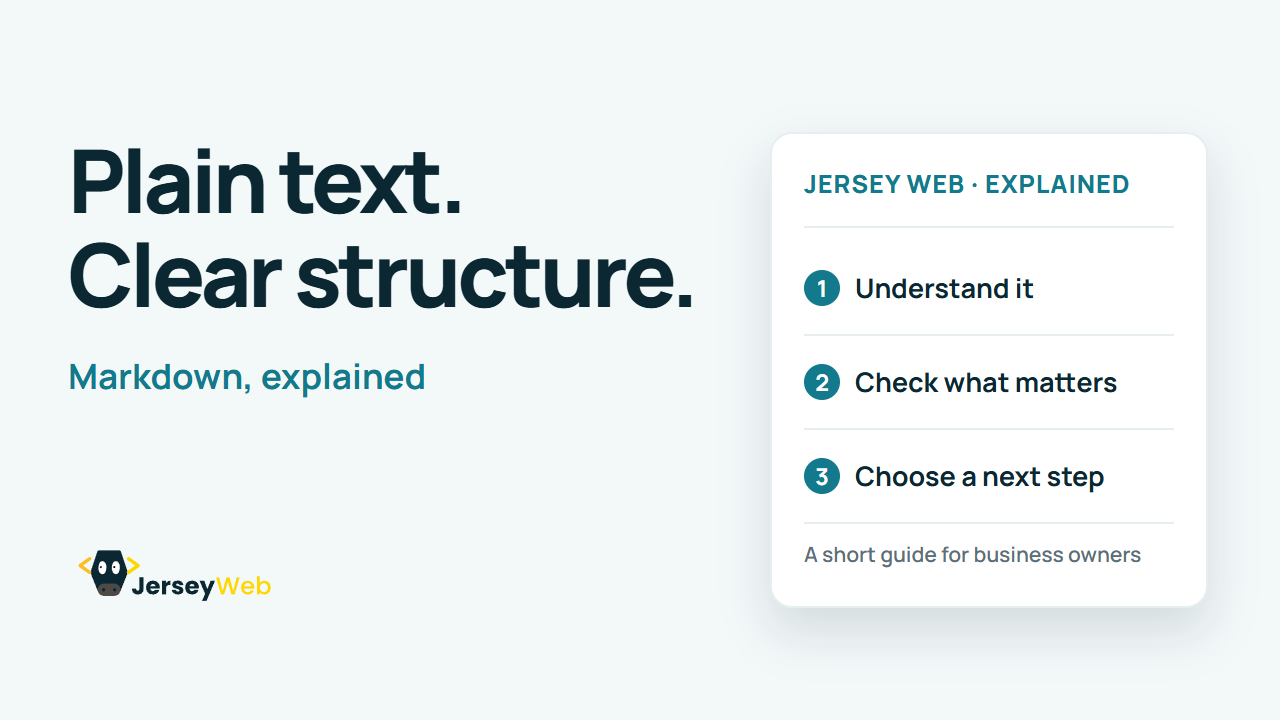
1:47 · No narration: the video shows each step as text on screen, and every step is written out below, with buttons that jump the video to it.
Prefer YouTube? Watch this video on our YouTube channel (opens in a new tab).
The six points in the video
This is a silent video. The headings, explanations and labels below reproduce the information on screen.
-
Step 1: Start with readable text
Write the content in a plain text file or Markdown editor.
On-screen labels: Plain text; Readable source; Editable content.
-
Step 2: Give headings a structure
Use the supported heading notation to organise the document.
On-screen labels: Main heading; Section headings; Clear order.
-
Step 3: Keep lists consistent
Use syntax supported by the renderer for related items and steps.
On-screen labels: Related points; Numbered steps; Consistent spacing.
-
Step 4: Check the link destination
Review both the visible label and the address it opens.
On-screen labels: Useful label; Correct address; Working destination.
-
Step 5: Know the supported flavour
Renderers can support different extensions such as tables.
On-screen labels: Actual renderer; Supported features; Extension differences.
-
Step 6: Preview before publishing
Review the displayed headings, lists, links and spacing.
On-screen labels: Rendered content; Clear structure; Working links.
A practical check for your business
Preview the content in the actual publishing system. Check headings, list nesting, links and any extensions the renderer supports before relying on the final presentation.
Sources and further detail
Common questions
How can plain text become headings and links?
Markdown uses readable text notation that a compatible renderer turns into structured content. Preview important content in the actual system that publishes it.
Go further
More video tips
All 205 videos →
MIME Types Explained: How a Website Identifies the Content It Sends
MIME types, explained.
File Archives Explained: Packaging, Compression and the Files Inside
File archives, explained.