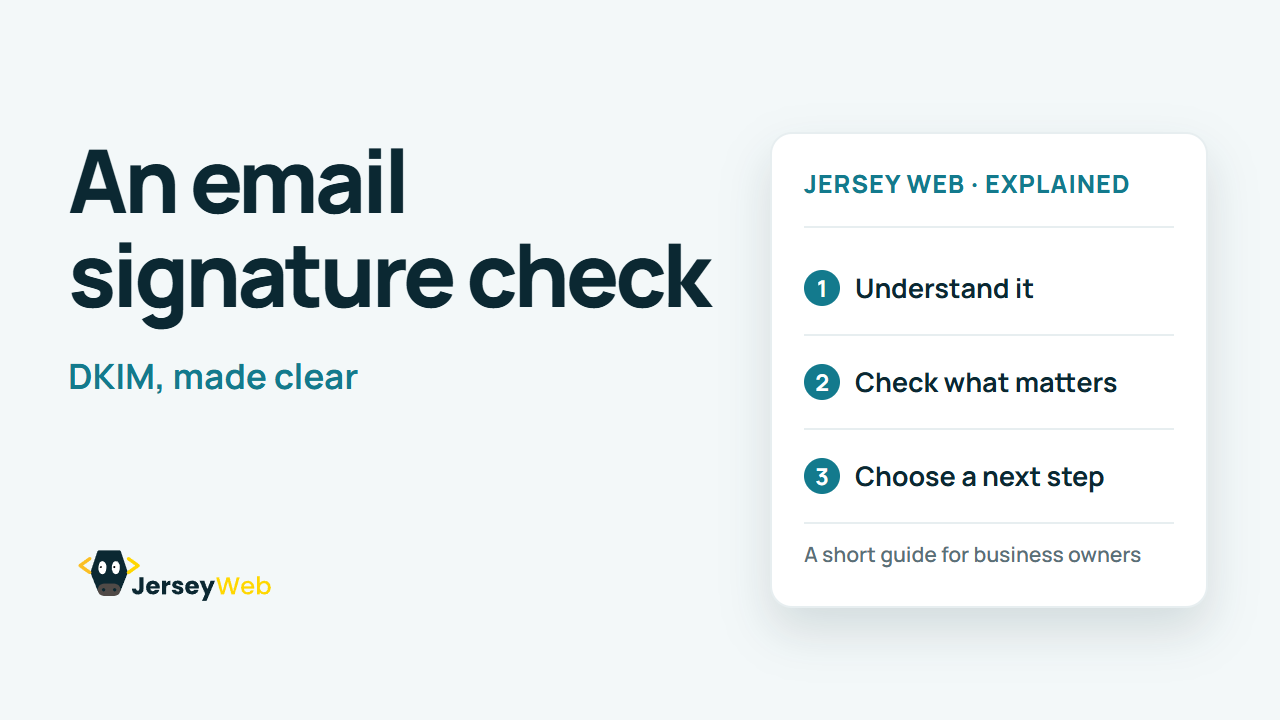
DKIM Explained: The Digital Signature Behind Business Email
What does a DKIM signature do for business email? It lets a receiver verify a signing domain and signed message data.
1:47 · No narration: the video shows each step as text on screen, and every step is written out below, with buttons that jump the video to it.
Prefer YouTube? Watch this video on our YouTube channel (opens in a new tab).
The six points in the video
This is a silent video. The headings, explanations and labels below reproduce the information on screen.
-
Step 1: DKIM uses a digital signature
DomainKeys Identified Mail is the full name.
On-screen labels: Signing domain; Digital signature; Email authentication.
-
Step 2: The sender keeps a private key
The sending service uses it to sign outgoing email.
On-screen labels: Private signing key; Sending service; Protected configuration.
-
Step 3: DNS publishes the public key
Receiving servers use the public key to check the signature.
On-screen labels: Public verification key; DNS record; Receiver check.
-
Step 4: A selector finds the right key
The message identifies which published signing key to use.
On-screen labels: Signing domain; Selector value; Matching DNS key.
-
Step 5: Check each sending service
A website mail service may need its own authentication setup.
On-screen labels: Mailbox provider; Form-mail provider; Separate setup checks.
-
Step 6: Keep the limits in mind
A valid signature alone does not prove a message is safe or wanted.
On-screen labels: Authentication signal; Related SPF and DMARC; Still assess the message.
A practical check for your business
Check which sending service signs the message and which domain its signature uses. Review a real message's authentication results with the email provider after changing the relevant DNS settings.
Sources and further detail
Common questions
What does a DKIM signature do for business email?
It lets a receiver verify a signing domain and signed message data. Verify the actual messages your services send.
Go further
More video tips
All 205 videos →
DMARC Explained: Email Alignment, Reports and Domain Policy
DMARC, explained.
Why Did My Business Email Bounce? 6 Useful Checks
Make sense of delivery failures.