Skip Links Explained: Help Keyboard Users Reach the Main Content
Must someone tab through the same menu on every page? A skip link can provide a route past repeated navigation.
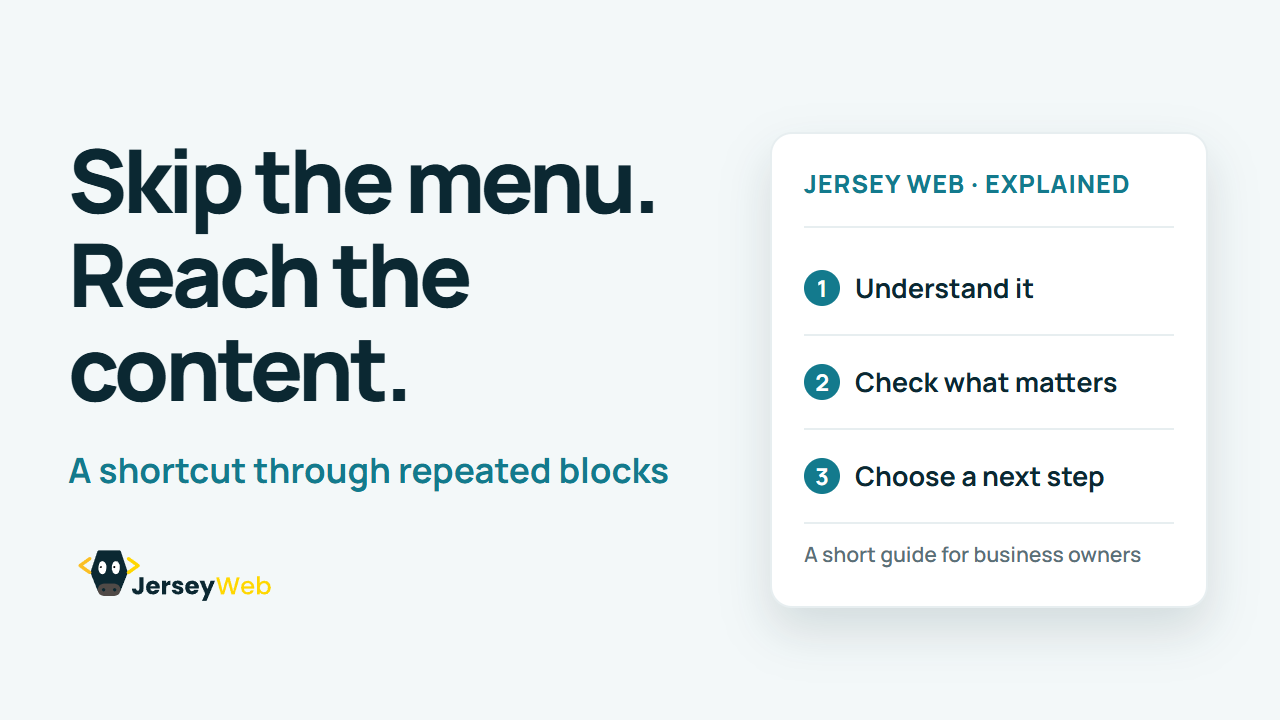
1:47 · No narration: the video shows each step as text on screen, and every step is written out below, with buttons that jump the video to it.
Prefer YouTube? Watch this video on our YouTube channel (opens in a new tab).
The six points in the video
This is a silent video. The headings, explanations and labels below reproduce the information on screen.
-
Step 1: Identify the repeated block
Long repeated navigation can slow access to the main task.
On-screen labels: Repeated menu; Page header; Main content.
-
Step 2: Provide an early shortcut
A skip link can be reached near the start of keyboard navigation.
On-screen labels: Early keyboard position; Skip-link control; Content destination.
-
Step 3: Use a clear link label
Describe the destination, such as Skip to main content.
On-screen labels: Clear wording; Known destination; Useful shortcut.
-
Step 4: Make focus visible
If the link is normally hidden, it must become visible when focused.
On-screen labels: Focused link; Visible shortcut; Readable presentation.
-
Step 5: Move to the right destination
Activation should position the visitor at the intended content.
On-screen labels: Correct target; Useful focus behaviour; Next meaningful action.
-
Step 6: Retest across page templates
Check the actual shortcut on different pages and layouts.
On-screen labels: Keyboard test; Correct content target; Different templates.
A practical check for your business
Try reaching the main content from the start of the page using a keyboard. The skip link needs a useful destination and visible focus when it becomes available.
Sources and further detail
Common questions
Must someone tab through the same menu on every page?
A skip link can provide a route past repeated navigation. Test where the shortcut sends keyboard focus.
Go further
More video tips
All 205 videos →
Website Touch Targets: Size and Spacing Checks for Easier Tapping
Check the actual target area.
Descriptive Website Link Text: Help Visitors Choose the Right Destination
Give the link a useful purpose.