Descriptive Website Link Text: Help Visitors Choose the Right Destination
Would someone understand the destination from the link wording? Useful link text makes the next step easier to identify.
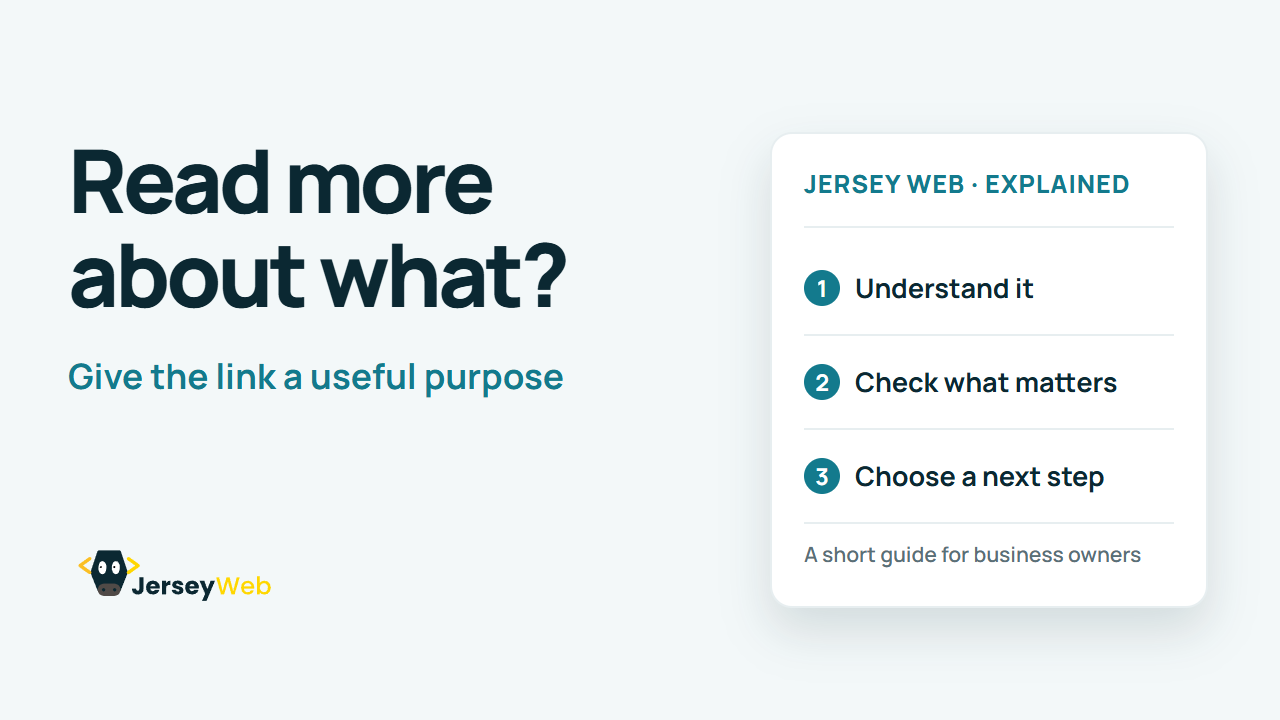
1:47 · No narration: the video shows each step as text on screen, and every step is written out below, with buttons that jump the video to it.
Prefer YouTube? Watch this video on our YouTube channel (opens in a new tab).
The six points in the video
This is a silent video. The headings, explanations and labels below reproduce the information on screen.
-
Step 1: Name the destination or task
Tell the visitor what the linked resource will help them do.
On-screen labels: Clear destination; Useful action; Relevant wording.
-
Step 2: Avoid vague repeated labels
Several identical Read more links can be hard to distinguish.
On-screen labels: Repeated labels; Specific subject; Distinguishable destinations.
-
Step 3: Use the surrounding context
The purpose can be supported by programmatically associated context.
On-screen labels: Related sentence; List context; Meaningful association.
-
Step 4: Match the destination content
The opened page should fulfil the expectation created by the label.
On-screen labels: Accurate label; Expected resource; Useful result.
-
Step 5: Describe downloads clearly
A helpful label can identify the document and its format.
On-screen labels: Document name; File format; Expected download.
-
Step 6: Review the page as a set
Check whether visitors can distinguish the available next steps.
On-screen labels: Important links; Distinct purposes; Keyboard and reader review.
A practical check for your business
Read a link label alongside its surrounding information and destination. Replace wording that gives too little context with a useful description of what the visitor can expect.
Sources and further detail
Common questions
Would someone understand the destination from the link wording?
Useful link text makes the next step easier to identify. Make the destination clear before someone follows the link.
Go further
More video tips
All 205 videos →
Website Accordions Explained: Expandable Sections That Visitors Can Use
Accordions, explained.
Website Tabs Explained: Switching Between Related Content Panels
Tabbed interfaces, explained.