Modal Dialogs Explained: Focus, Closing and Returning to the Page
What makes a dialog modal? It holds interaction inside the dialog while the background is unavailable.
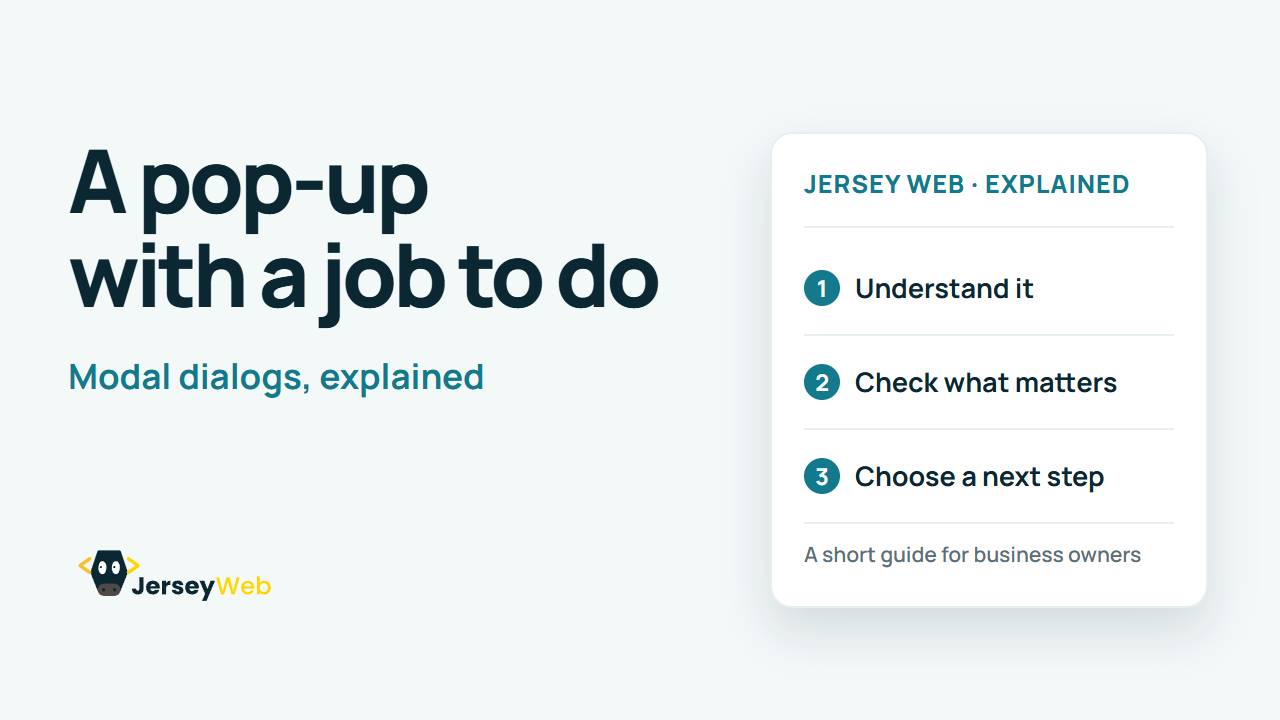
1:47 · No narration: the video shows each step as text on screen, and every step is written out below, with buttons that jump the video to it.
Prefer YouTube? Watch this video on our YouTube channel (opens in a new tab).
The six points in the video
This is a silent video. The headings, explanations and labels below reproduce the information on screen.
-
Step 1: Give the dialog a clear purpose
Use it for a defined task that justifies interrupting the page.
On-screen labels: Specific task; Clear heading; Relevant content.
-
Step 2: Move focus inside on opening
The initial position should suit the dialog content and task.
On-screen labels: Initial focus; Suitable control or content; Readable opening.
-
Step 3: Keep keyboard focus contained
Tab navigation should remain within the active modal dialog.
On-screen labels: Active modal; Contained tab sequence; Unavailable background.
-
Step 4: Provide a visible way to close
A suitable close or cancel control should be easy to find.
On-screen labels: Visible close control; Clear cancel action; Keyboard dismissal.
-
Step 5: Return focus logically
After closing, focus normally returns to the opener or an appropriate next step.
On-screen labels: Original opener; Logical next step; Continued task.
-
Step 6: Test the whole dialog journey
Check the keyboard, assistive technology and small-screen presentation.
On-screen labels: Open and use; Close and return; Real device layout.
A practical check for your business
Open the dialog during a real task and test closing it. Review focus, the background interaction and the place the visitor returns to when the dialog finishes.
Sources and further detail
Common questions
What makes a dialog modal?
It holds interaction inside the dialog while the background is unavailable. Test opening, completing, closing and returning focus.
Go further
More video tips
All 205 videos →
Website Tooltips Explained: Helpful Hints Without Hidden Instructions
Tooltips and hover content.
Website Pagination Explained: Help Visitors and Crawlers Reach More Pages
Pagination, explained.